Vaultiq -- personal, zero-knowledge password manager. Primarily used in browser and mobile, with desktop support planned.
See the code

A zero-knowledge, self-hosted password manager for Firefox, Chrome and Android.



Vaultiq encrypts everything on your device before it goes anywhere. The server you run stores ciphertext and cannot read it. Item names, URLs, usernames, notes and counts are all encrypted, not just the passwords.
[!WARNING] There is no account recovery. Your master password is stored nowhere and cannot be reset by anyone, including whoever runs your server. Lose it and the vault is gone. This is deliberate, and it is the cost of the design.
[!NOTE] Vaultiq has not been independently audited. The cryptography uses vetted RustCrypto primitives and is pinned by known-answer tests, but no third party has reviewed the code. Read SECURITY.md for what it does and does not defend against before trusting it with anything.
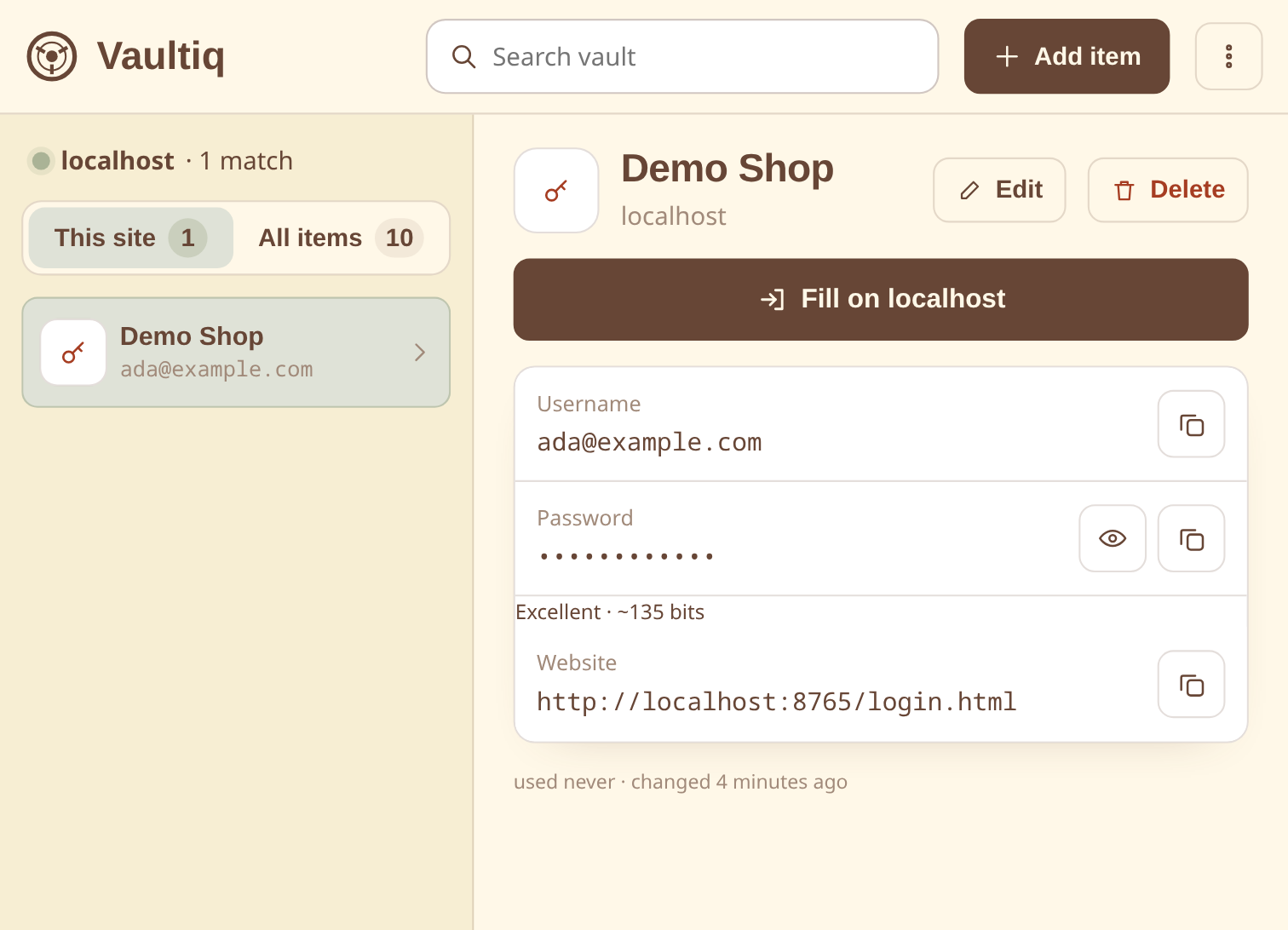 Fill the current site in one click | 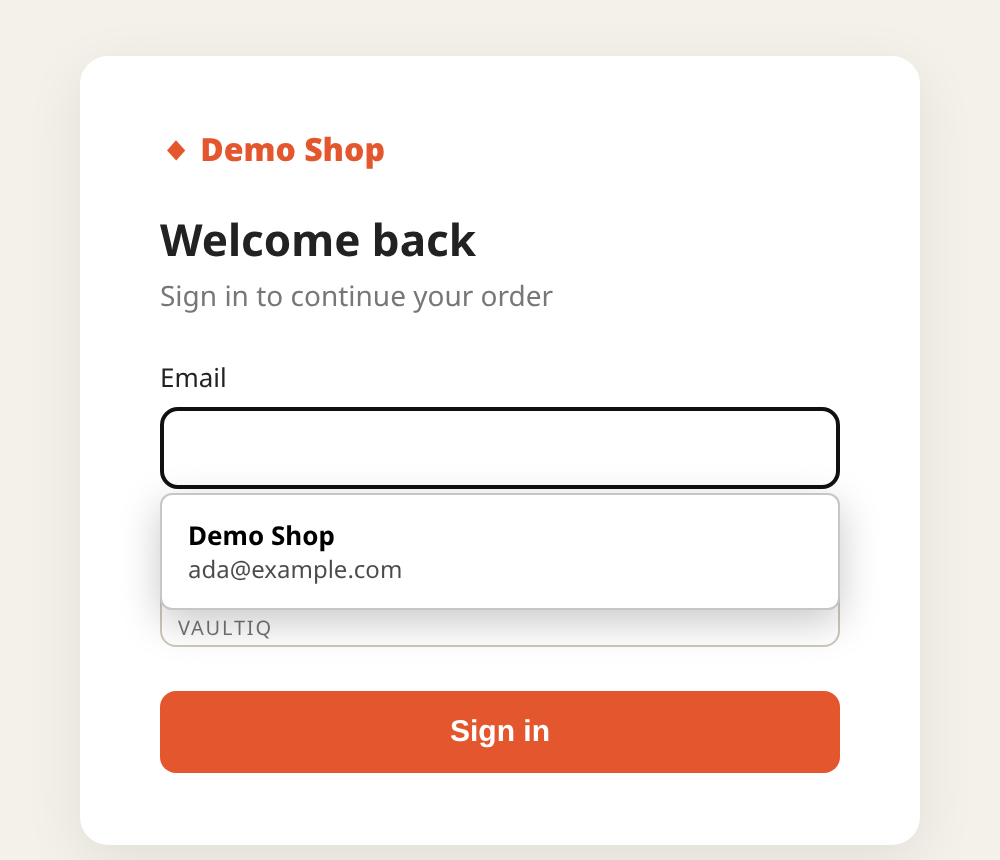 Autofill right in the login form |
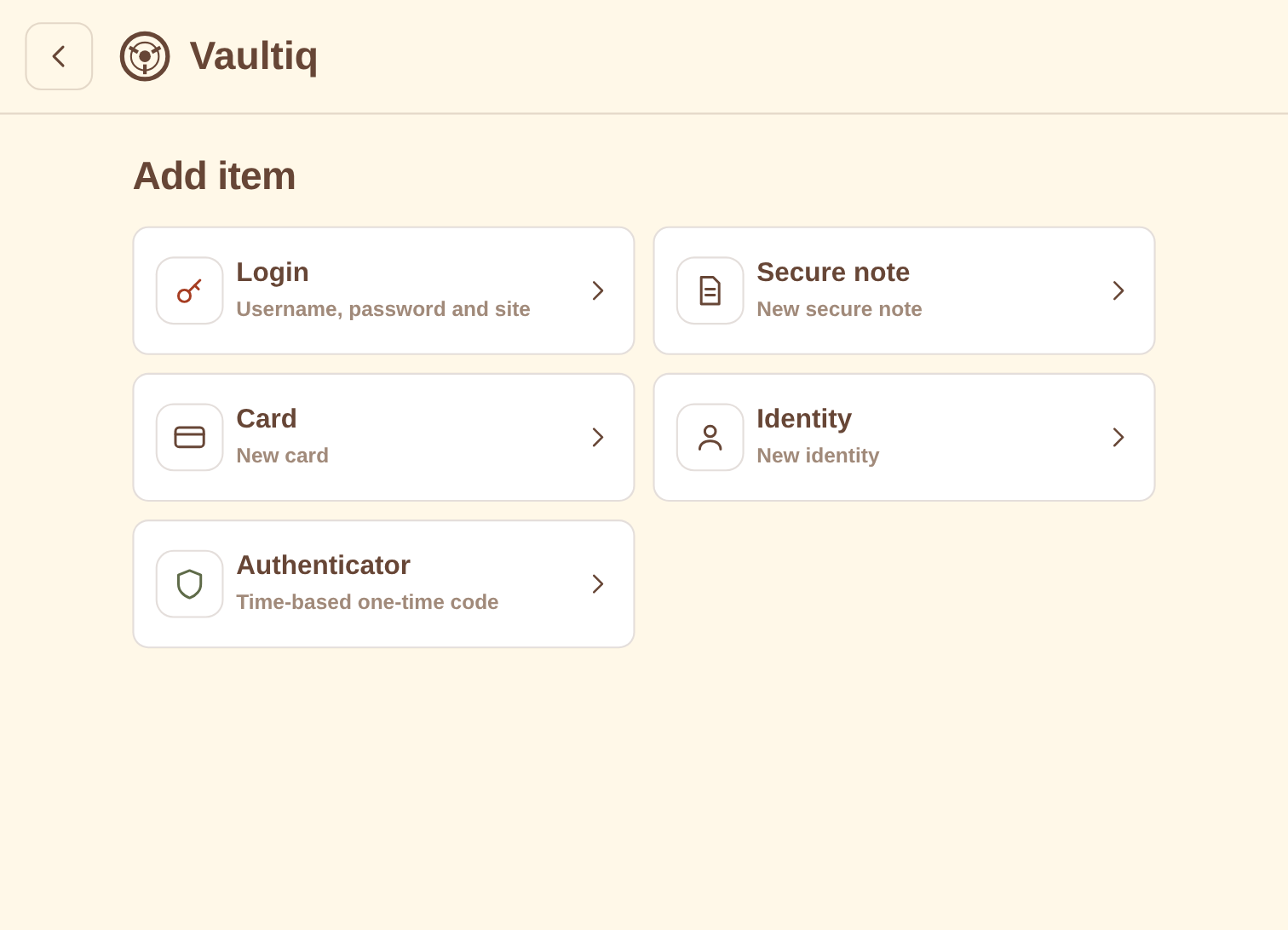 Five item types | 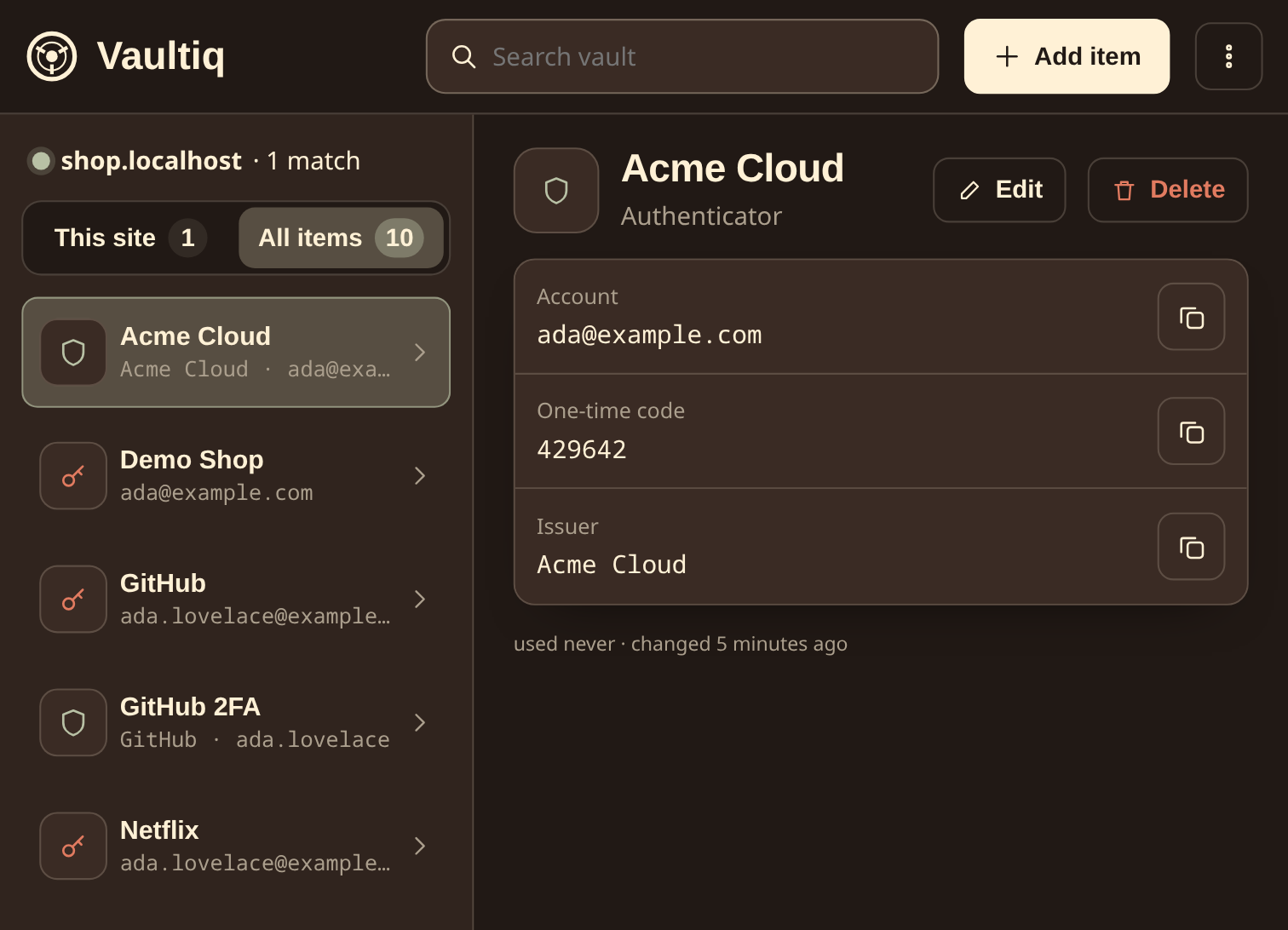 Dark mode, with built-in authenticator codes |
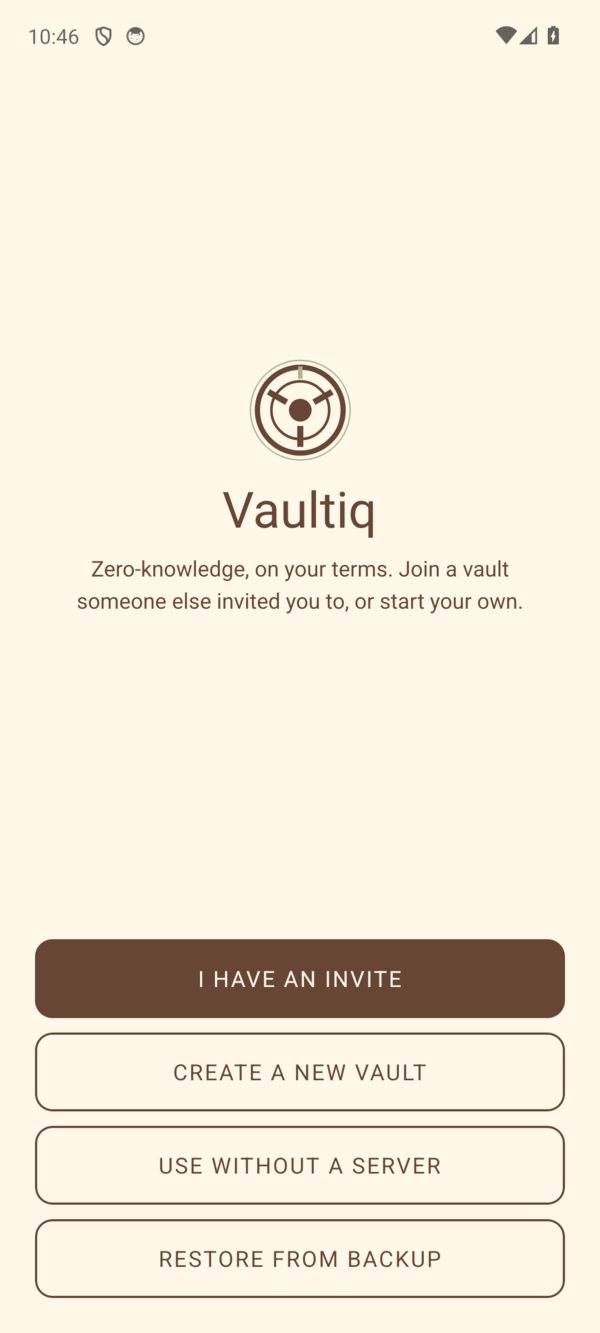 Join, create, go local-only, or restore | 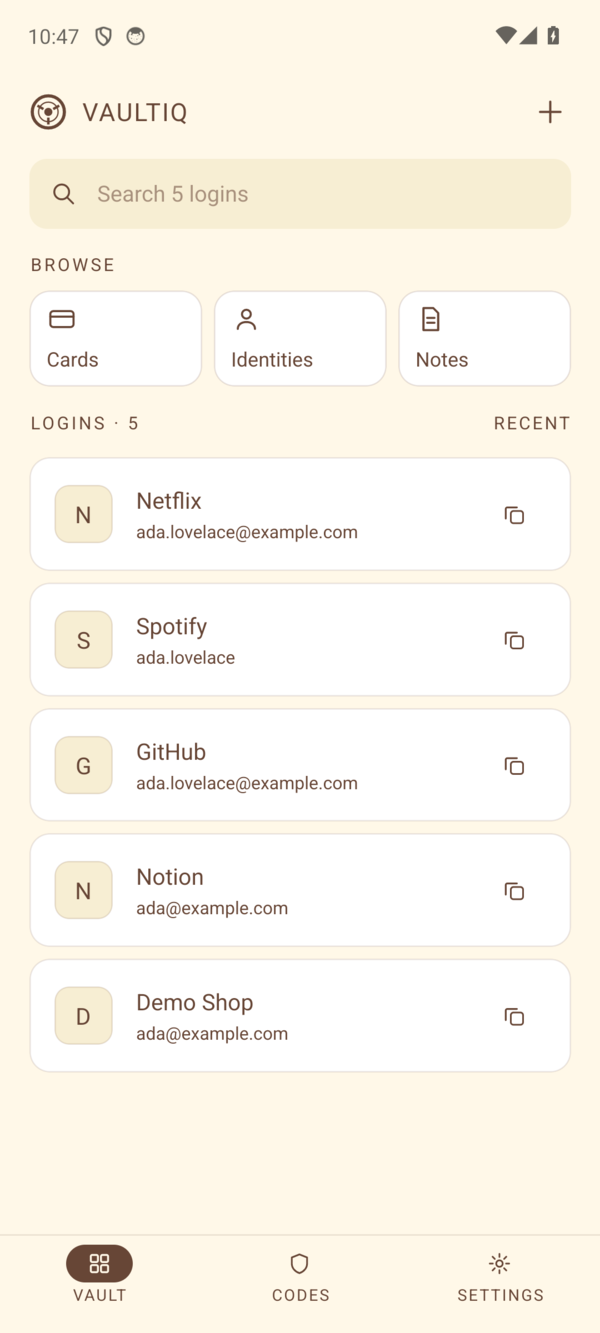 Vault home | 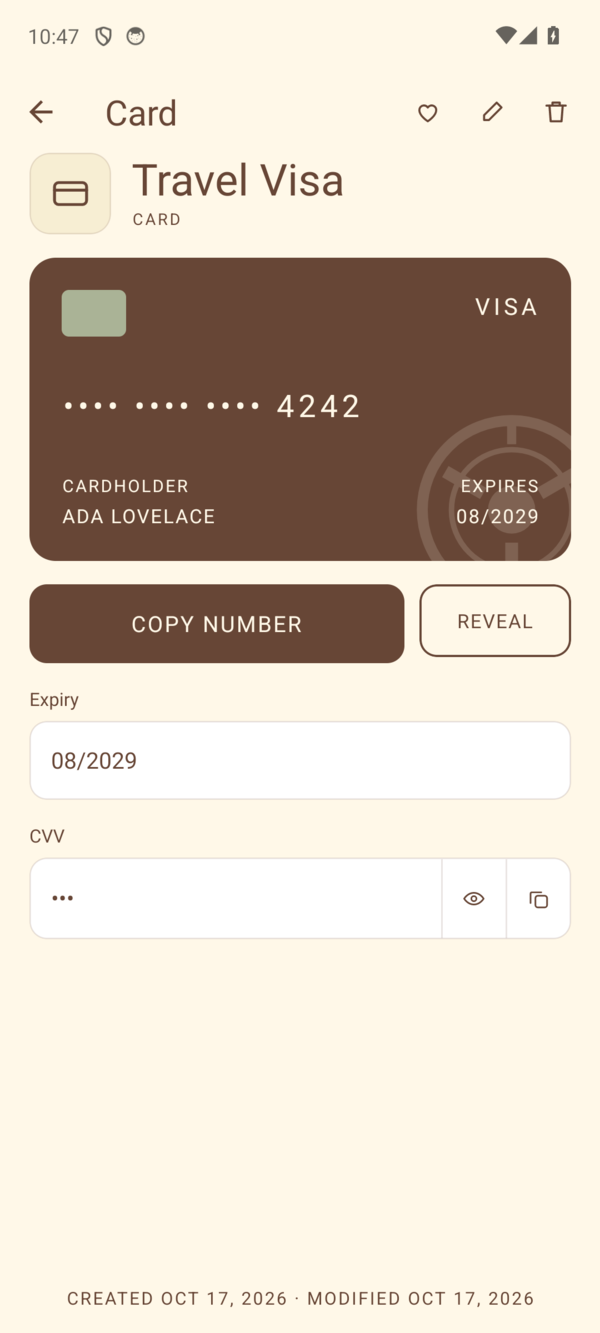 Cards |
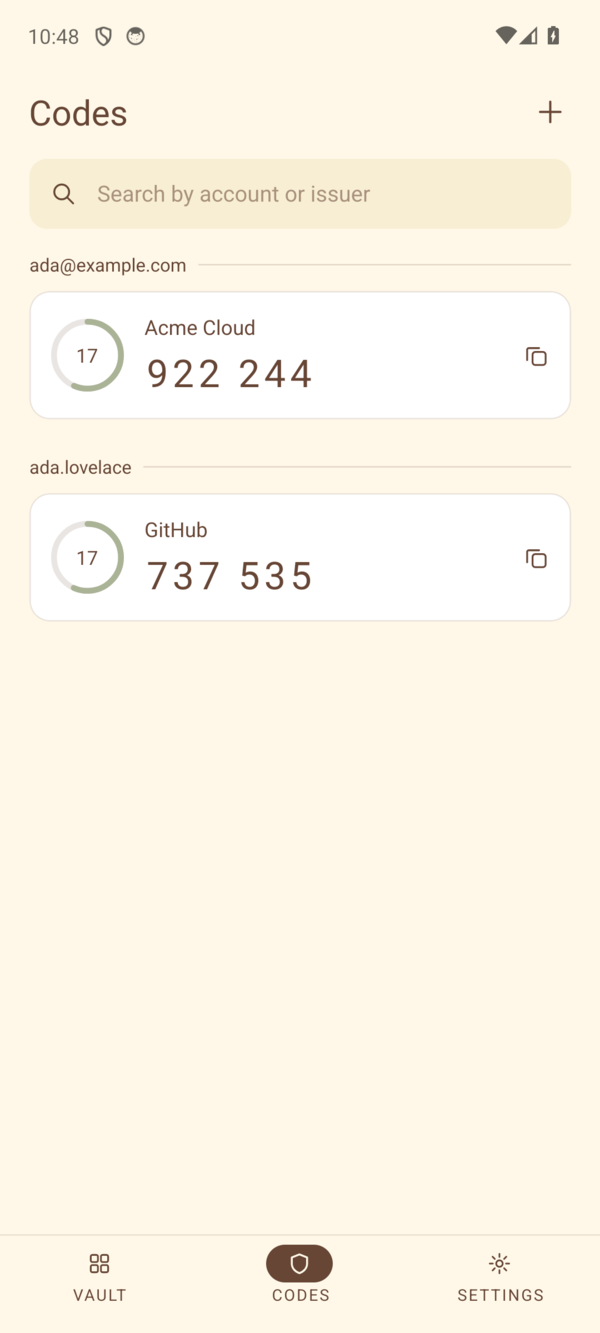 Authenticator codes | 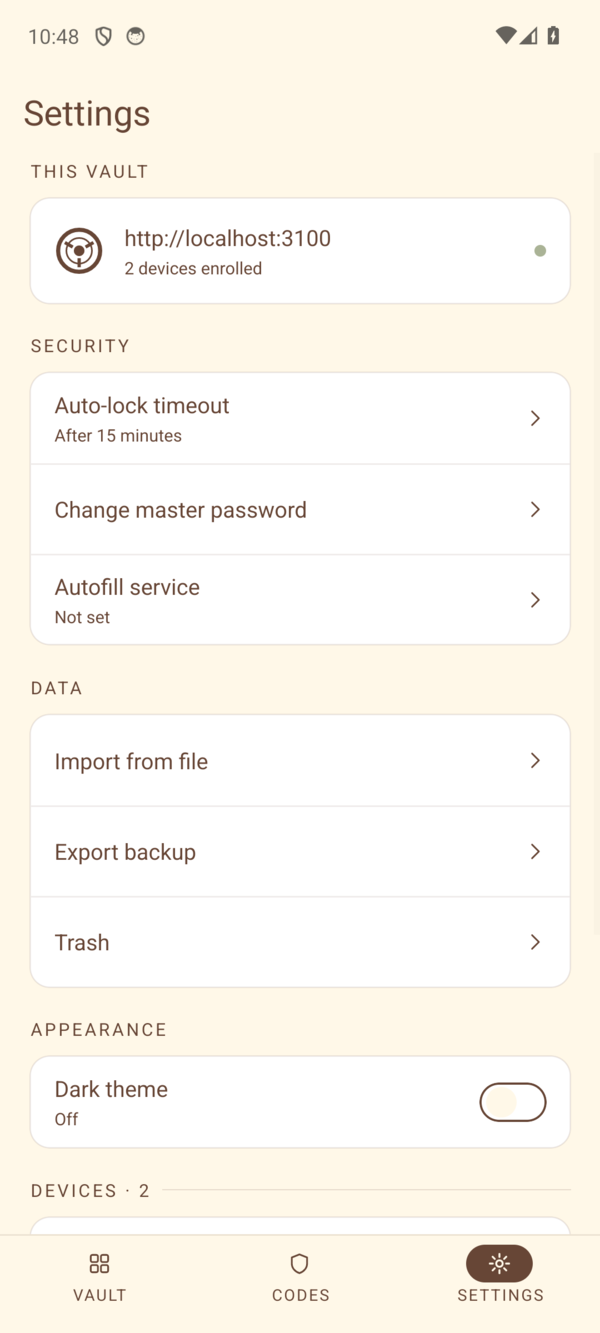 Auto-lock, import and encrypted backup | 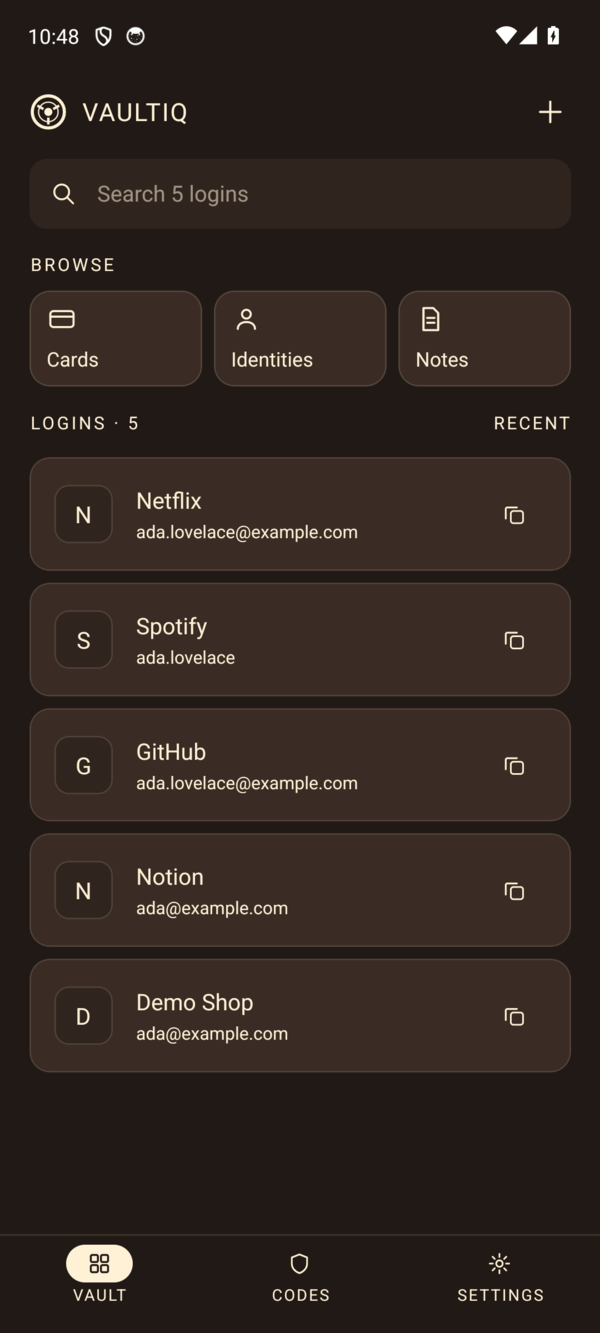 Dark theme |
| Platform | Status |
|---|---|
| Firefox | Supported |
| Chrome | Supported (same build as Firefox) |
| Android | Supported, arm64 |
| iOS | Not available |
Your master password is stretched with Argon2id into a master key. Two independent keys are derived from it with HKDF: an auth key, which is the only thing that leaves your device, and an encryption key, which wraps a random vault key. Items are encrypted under the vault key with XChaCha20-Poly1305, with the item's id and version bound in as authenticated data so a ciphertext cannot be swapped for another.
The server never sees the master password, the master key or the vault key. The full key hierarchy, and what an attacker gets in each scenario, is in SECURITY.md. The design rationale is in PROJECT.md.
The user guide is at vaultiq.rustiq.in/docs
(source in guide/).
Short versions below. The full build, test and deployment guide, including the manual autofill test page and server test setup, is in docs/DEVELOPMENT.md.
Requires Rust (with the wasm32-unknown-unknown target), wasm-pack, Node 24
and pnpm.
cd extension
pnpm install
pnpm run build        # output in extension/dist
pnpm run dev          # Firefox, with live reload
pnpm run dev:chrome   # Chrome, with live reload
On first run, choose Create your vault and pick whether to use it without a server.
Requires Docker. The compose file runs Postgres, the server and Caddy, which obtains its own certificate. Only Caddy is published.
cp .env.example .env          # set POSTGRES_PASSWORD and VAULTIQ_DOMAIN
docker compose up -d
docker compose logs server    # the first-run registration token is logged here
Registration is invite-only. Manage invitations, users, devices and the audit log with the admin CLI:
docker compose exec server node dist/admin/cli.js
Requires the Android SDK and NDK, and Rust with the aarch64-linux-android
target.
cd mobile
pnpm install
pnpm run crypto       # cross-compile the core and generate Kotlin bindings
pnpm run android
cargo test
cargo build --features wasm
| Path | What it is |
|---|---|
pw-crypto-core/ | Rust crypto core: key derivation, key wrapping, item encryption, wasm and FFI bindings |
extension/ | Manifest V3 browser extension for Firefox and Chrome |
mobile/ | React Native Android app |
server/ | NestJS and PostgreSQL sync server, plus the admin CLI |
site/ | Static landing page |
guide/ | mdBook user guide, published under /docs/ |
Contributions are welcome. Read CONTRIBUTING.md first, because this is a security product and some changes need discussion before code.
Please report vulnerabilities privately. See SECURITY.md for how.
Vaultiq is free software built by one person. There is no paid support, and issues are handled on a best-effort basis. If it is useful to you, you can sponsor development through GitHub Sponsors or Buy Me a Coffee.
Vaultiq is licensed under the GNU Affero General Public License v3.0. If you run a modified version as a network service, you must offer its source to the users of that service.
Bundled fonts are under the SIL Open Font License; see THIRD_PARTY_NOTICES.md.
Vaultiq -- personal, zero-knowledge password manager. Primarily used in browser and mobile, with desktop support planned.
See the code
A zero-knowledge, self-hosted password manager for Firefox, Chrome and Android.
Vaultiq encrypts everything on your device before it goes anywhere. The server you run stores ciphertext and cannot read it. Item names, URLs, usernames, notes and counts are all encrypted, not just the passwords.
[!WARNING] There is no account recovery. Your master password is stored nowhere and cannot be reset by anyone, including whoever runs your server. Lose it and the vault is gone. This is deliberate, and it is the cost of the design.
[!NOTE] Vaultiq has not been independently audited. The cryptography uses vetted RustCrypto primitives and is pinned by known-answer tests, but no third party has reviewed the code. Read SECURITY.md for what it does and does not defend against before trusting it with anything.
Fill the current site in one click | Autofill right in the login form |
Five item types | Dark mode, with built-in authenticator codes |
Join, create, go local-only, or restore | Vault home | Cards |
Authenticator codes | Auto-lock, import and encrypted backup | Dark theme |
| Platform | Status |
|---|---|
| Firefox | Supported |
| Chrome | Supported (same build as Firefox) |
| Android | Supported, arm64 |
| iOS | Not available |
Your master password is stretched with Argon2id into a master key. Two independent keys are derived from it with HKDF: an auth key, which is the only thing that leaves your device, and an encryption key, which wraps a random vault key. Items are encrypted under the vault key with XChaCha20-Poly1305, with the item's id and version bound in as authenticated data so a ciphertext cannot be swapped for another.
The server never sees the master password, the master key or the vault key. The full key hierarchy, and what an attacker gets in each scenario, is in SECURITY.md. The design rationale is in PROJECT.md.
The user guide is at vaultiq.rustiq.in/docs
(source in guide/).
Short versions below. The full build, test and deployment guide, including the manual autofill test page and server test setup, is in docs/DEVELOPMENT.md.
Requires Rust (with the wasm32-unknown-unknown target), wasm-pack, Node 24
and pnpm.
cd extension
pnpm install
pnpm run build        # output in extension/dist
pnpm run dev          # Firefox, with live reload
pnpm run dev:chrome   # Chrome, with live reload
On first run, choose Create your vault and pick whether to use it without a server.
Requires Docker. The compose file runs Postgres, the server and Caddy, which obtains its own certificate. Only Caddy is published.
cp .env.example .env          # set POSTGRES_PASSWORD and VAULTIQ_DOMAIN
docker compose up -d
docker compose logs server    # the first-run registration token is logged here
Registration is invite-only. Manage invitations, users, devices and the audit log with the admin CLI:
docker compose exec server node dist/admin/cli.js
Requires the Android SDK and NDK, and Rust with the aarch64-linux-android
target.
cd mobile
pnpm install
pnpm run crypto       # cross-compile the core and generate Kotlin bindings
pnpm run android
cargo test
cargo build --features wasm
| Path | What it is |
|---|---|
pw-crypto-core/ | Rust crypto core: key derivation, key wrapping, item encryption, wasm and FFI bindings |
extension/ | Manifest V3 browser extension for Firefox and Chrome |
mobile/ | React Native Android app |
server/ | NestJS and PostgreSQL sync server, plus the admin CLI |
site/ | Static landing page |
guide/ | mdBook user guide, published under /docs/ |
Contributions are welcome. Read CONTRIBUTING.md first, because this is a security product and some changes need discussion before code.
Please report vulnerabilities privately. See SECURITY.md for how.
Vaultiq is free software built by one person. There is no paid support, and issues are handled on a best-effort basis. If it is useful to you, you can sponsor development through GitHub Sponsors or Buy Me a Coffee.
Vaultiq is licensed under the GNU Affero General Public License v3.0. If you run a modified version as a network service, you must offer its source to the users of that service.
Bundled fonts are under the SIL Open Font License; see THIRD_PARTY_NOTICES.md.



