David AI is a free and open-source collection of customizable, production-ready UI components built with Tailwind CSS.
See the code[!NOTE] This repository was previously named tailwind-starter-kit and has been renamed to david-ai to better reflect its purpose and direction.
David UI is a free and open-source collection of customizable, production-ready UI components built with Tailwind CSS. Designed to be developer-friendly and performance-focused, David UI streamlines the creation of modern, visually appealing interfaces, helping you deliver high-quality user experiences faster.



Learn how to use david-ai components to quickly and easily create elegant and flexible pages using Tailwind CSS.
david-ai is working with Tailwind CSS classes and you need to have Tailwind CSS installed on your project - Tailwind CSS Installation.
You can include david-ai via a CDN and initialize alerts globally in the browser. Add the following script to your HTML file:
<script
  src="https://cdn.jsdelivr.net/gh/creativetimofficial/david-ai@1.0.6/packages/dist/david-ai.min.js"
  defer
></script>
npm i david-ai
After installing, you can use the components in your project across different frameworks:
import { initAlert } from "david-ai";

// Initialize alerts
initAlert();
If you prefer, you can use the DavidAI global object instead of directly importing initAlert:
import * as DavidAI from "david-ai";

// Initialize alerts
DavidAI.initAlert();
David AI components can be used in two ways - through simple ESM imports or programmatically with TypeScript support. Here's how to use both approaches:
The quickest way to use components is through direct ESM imports:
import { initAlert } from "david-ai";

// Initialize alerts
initAlert();
For more control and type safety, you can use the programmatic approach with full TypeScript support:
This programmatic approach provides:
import { Accordion } from "david-ai";
import type { AccordionConfig, IAccordion } from "david-ai";

document.addEventListener("DOMContentLoaded", () => {
  const container = document.getElementById("accordion-container");

  if (container) {
    const config: AccordionConfig = {
      exclusive: true,
      allOpen: false,
    };

    const accordion: IAccordion = new Accordion(container, config);

    // Handle external button controls
    const showAllButton = document.getElementById("show-all");
    const hideAllButton = document.getElementById("hide-all");
    const toggleFirstButton = document.getElementById("toggle-first");

    showAllButton?.addEventListener("click", () => {
      accordion.showAll();
    });

    hideAllButton?.addEventListener("click", () => {
      accordion.hideAll();
    });

    toggleFirstButton?.addEventListener("click", () => {
      const firstButton = document.getElementById("button-1") as HTMLElement;
      if (firstButton) {
        accordion.toggle(firstButton);
      }
    });

    // Cleanup on unmount
    window.addEventListener("unload", () => {
      accordion.cleanup();
    });
  }
});
For detailed usage of each component, check out their respective documentation:
Congratulations 🥳, you did it, now you're ready to use david-ai.
David UI’s documentation includes code snippets, previews, and detailed usage instructions for each component, ensuring a smooth implementation process.
Visit the David UI Docs to explore the entire library.
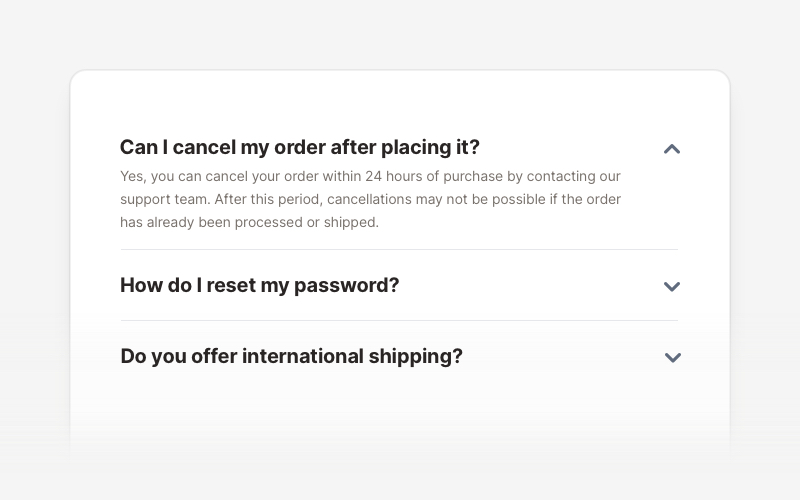
|
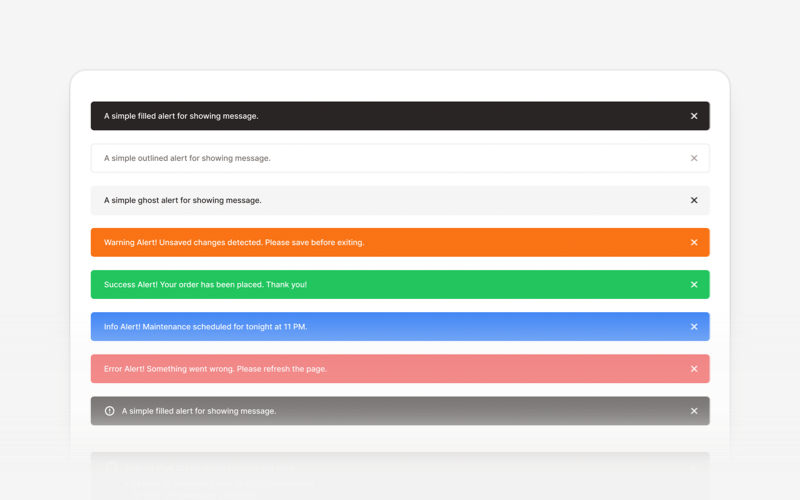
|
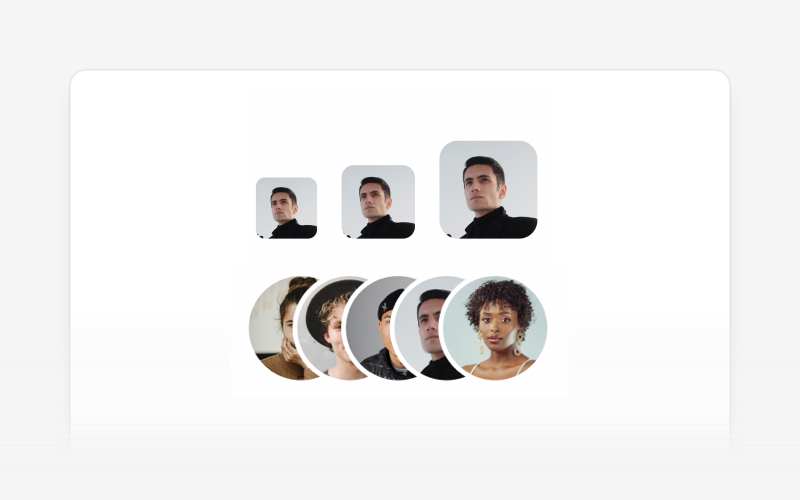
|
| Accordion | Alert | Avatar |
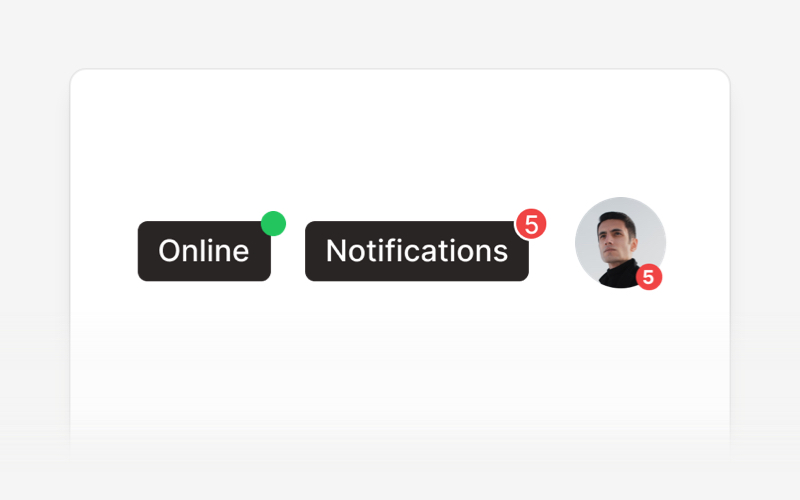
|
|
|
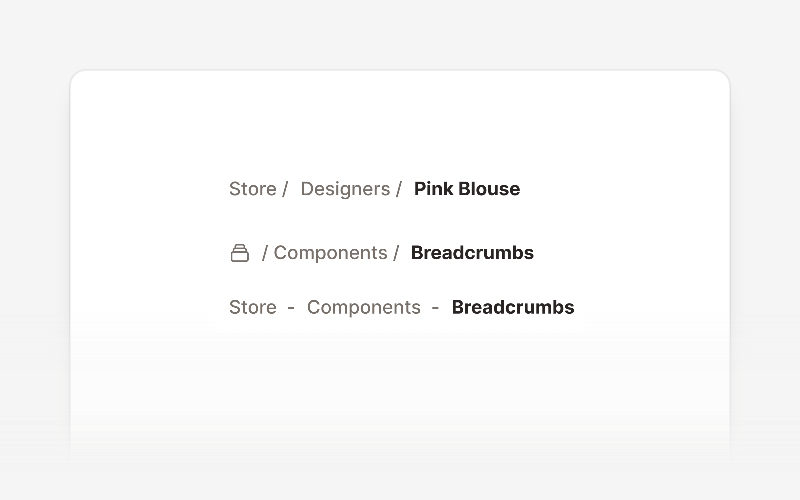
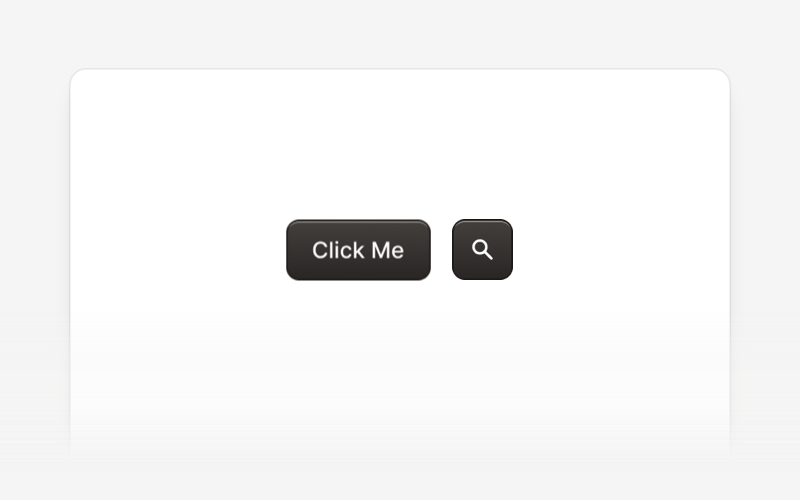
| Badge | Breadcrumbs | Button |
|
|
|
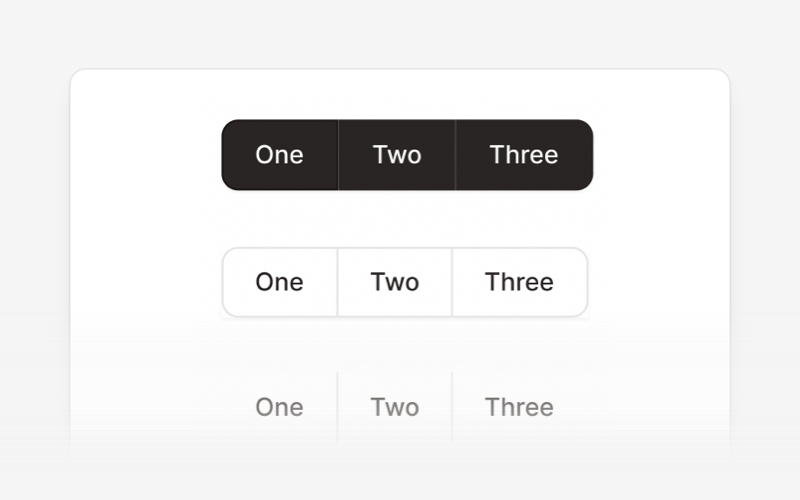
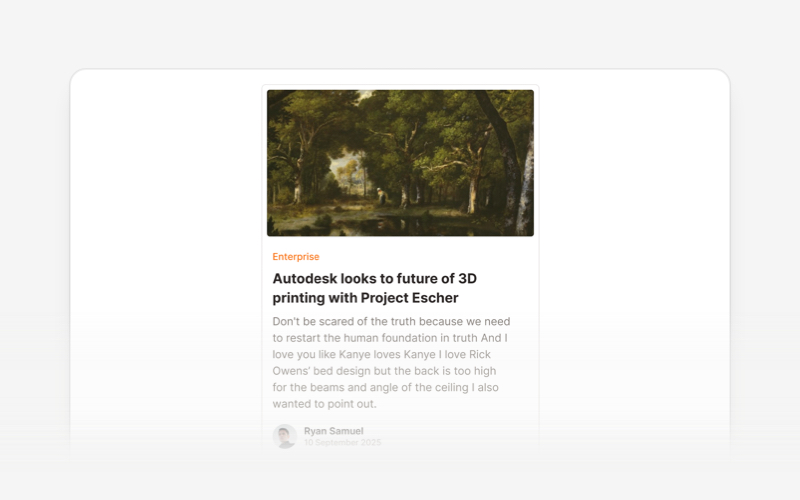
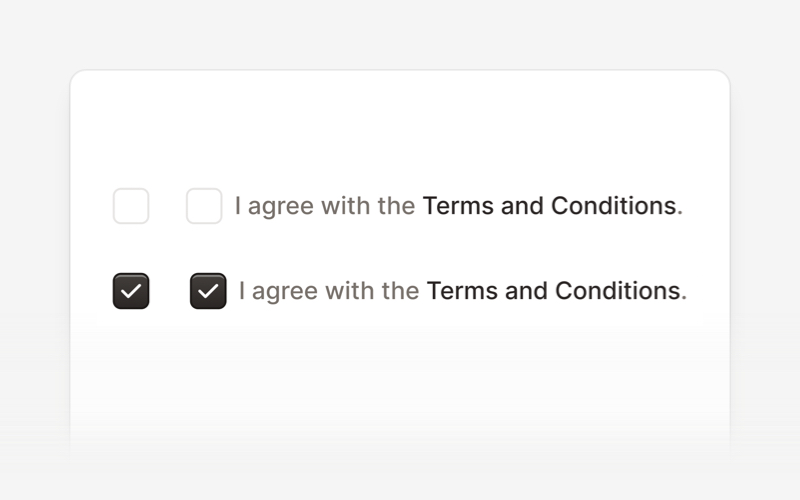
| Button Group | Card | Checkbox |
|
|
|
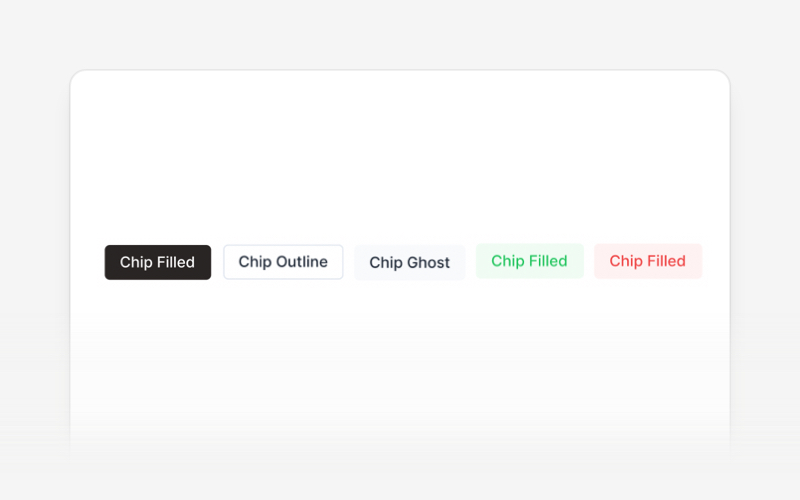
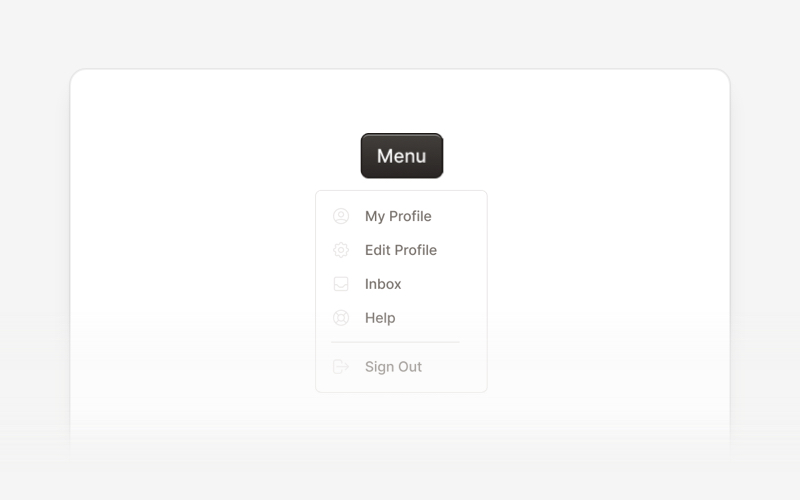
| Chip | Collapse | Dropdown |
|
|
|
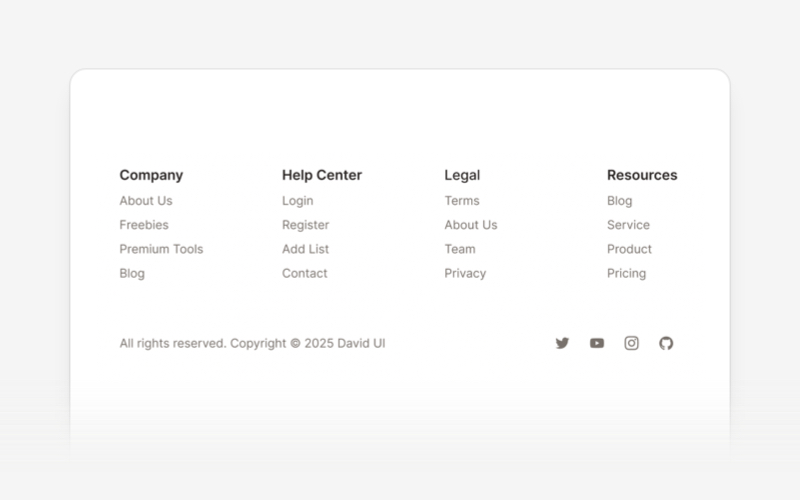
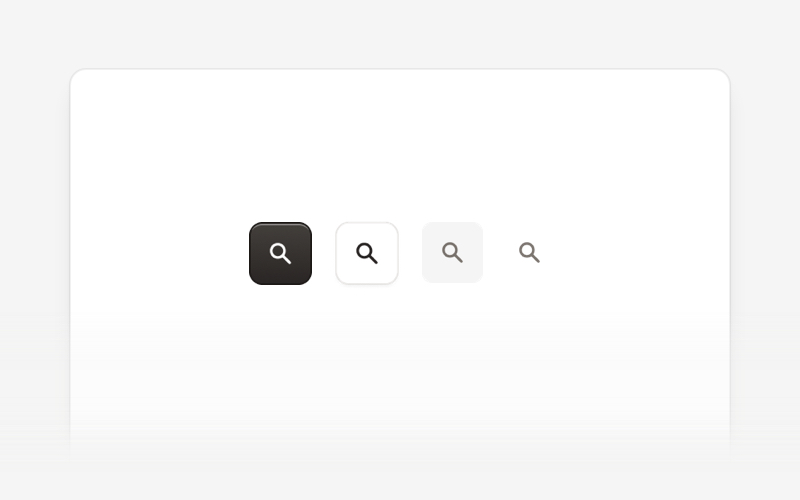
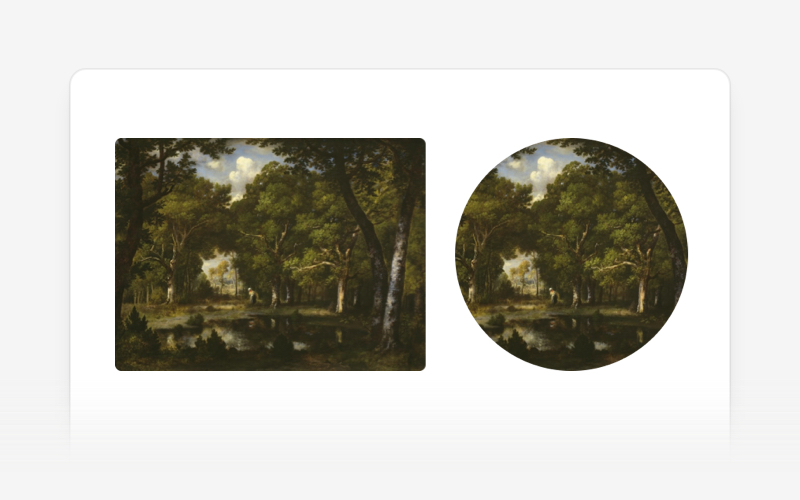
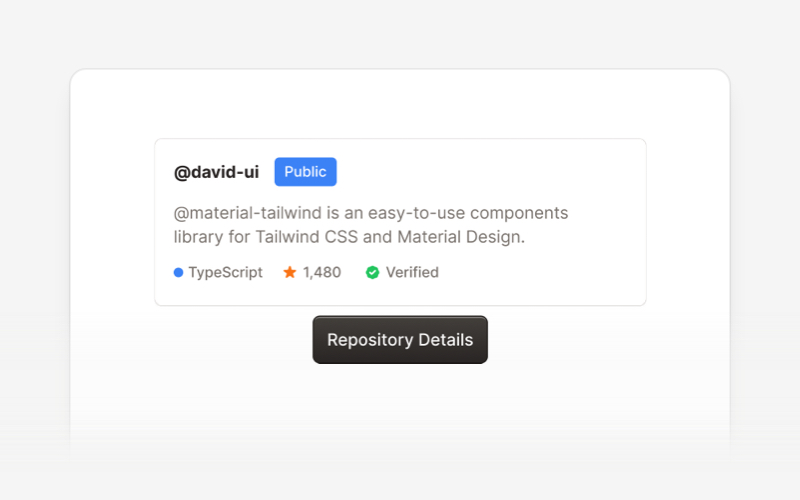
| Footer | Icon Button | Image |
|
|
|
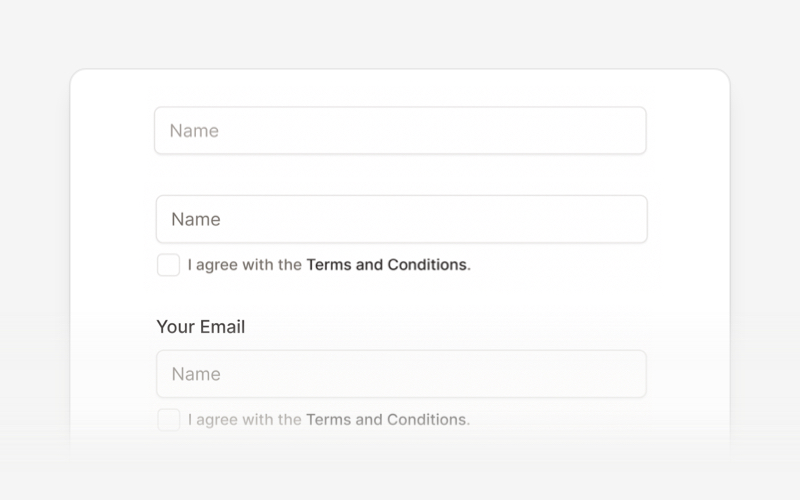
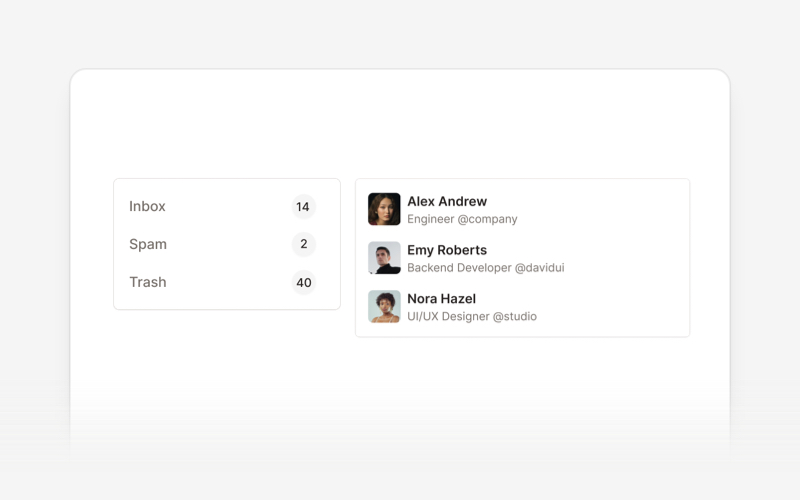
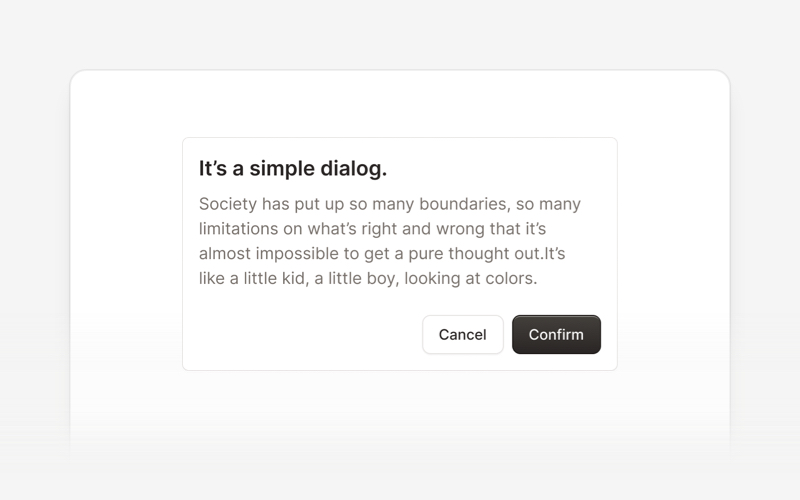
| Input | List | Modal |
|
|
|
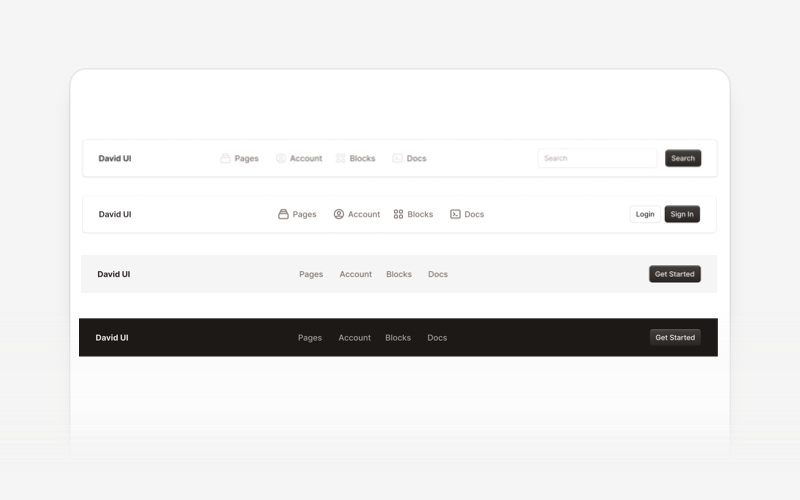
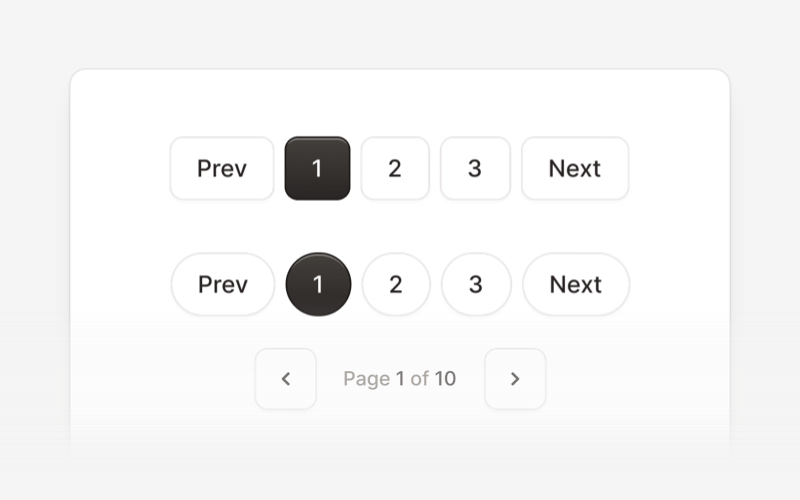
| Navbar | Pagination | Popover |
|
|
|
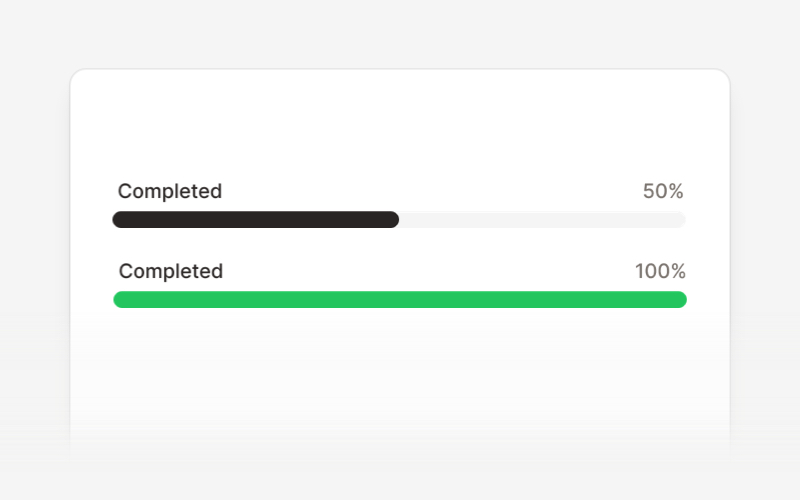
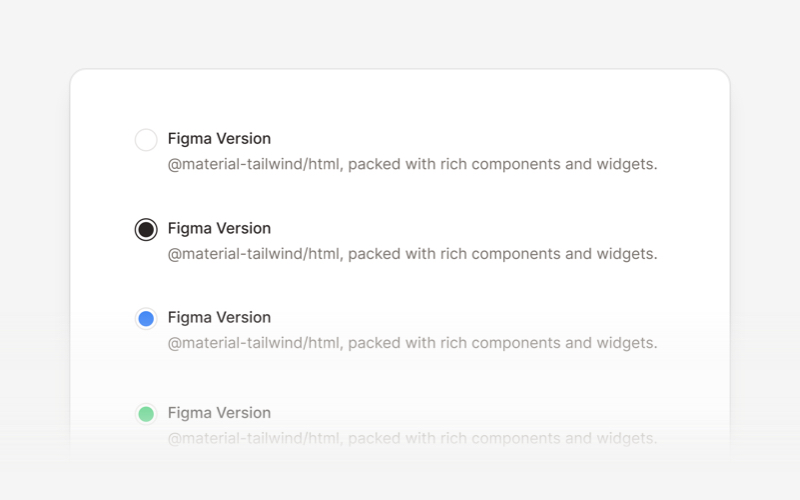
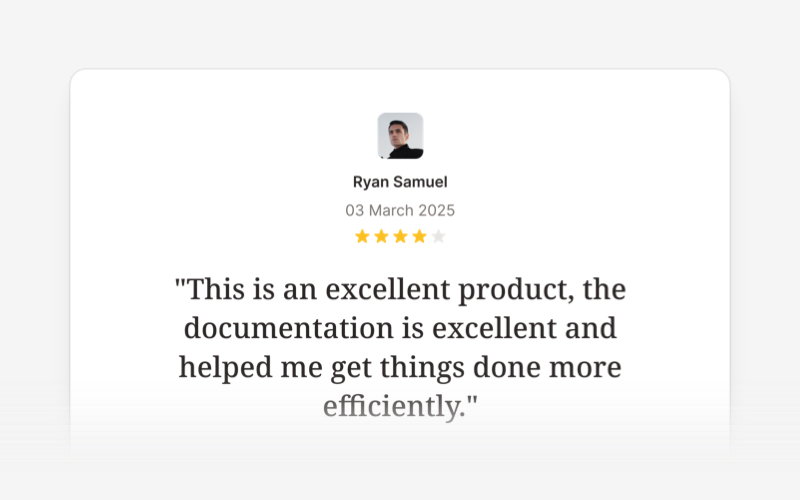
| Progress Bar | Radio Button | Rating Bar |
|
|
|
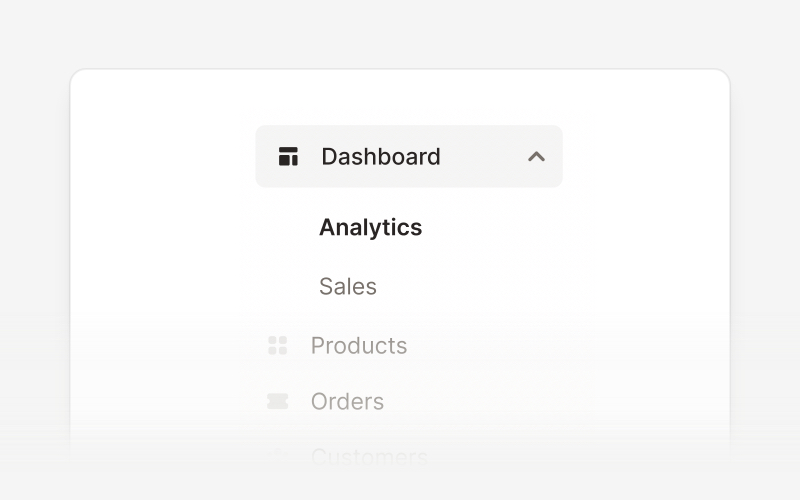
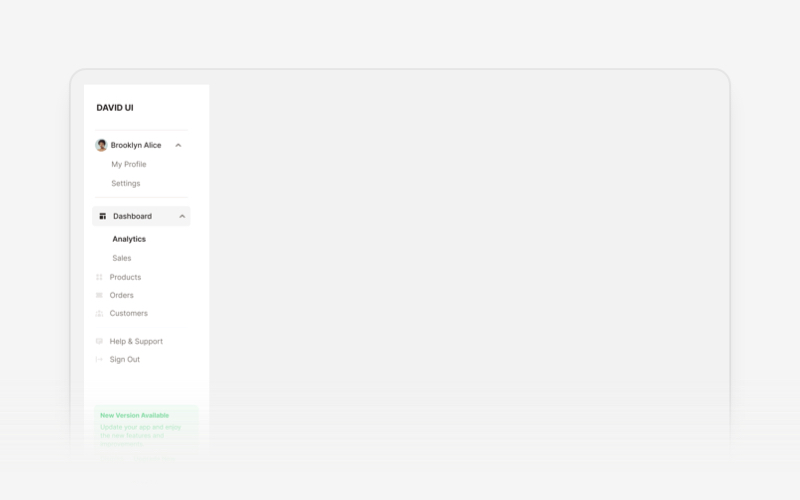
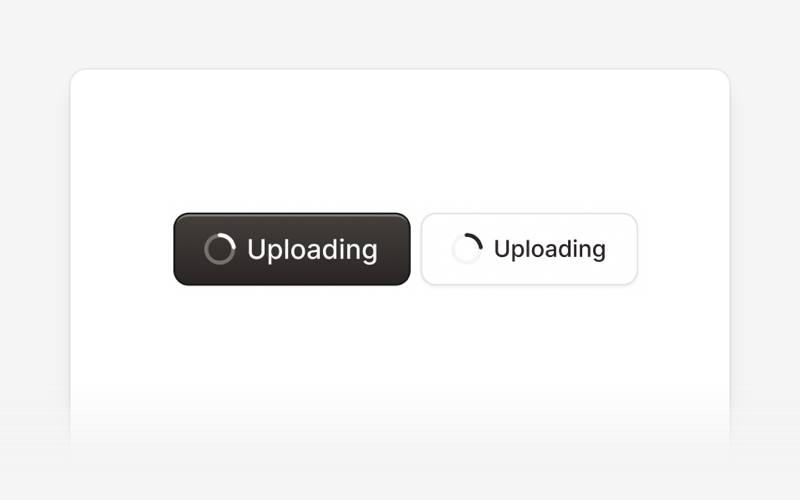
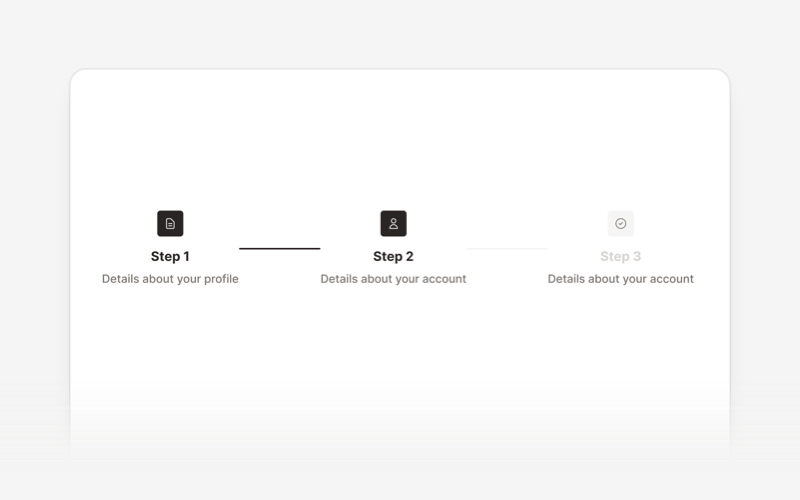
| Sidebar | Spinner | Stepper |
|
|
|
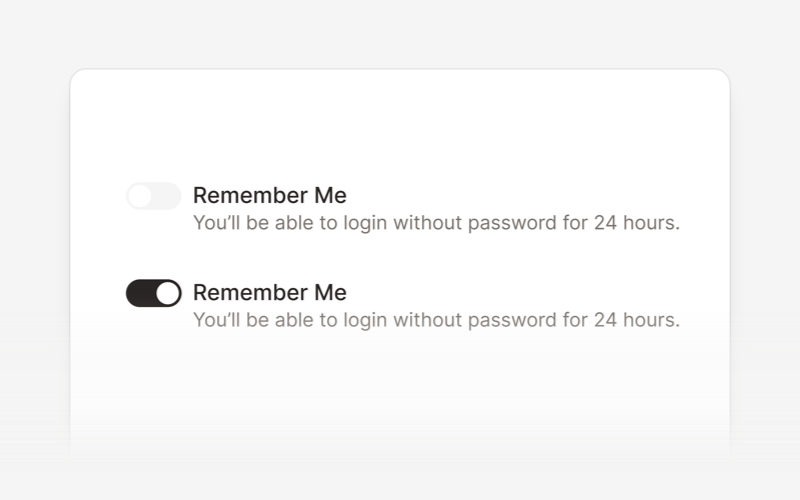
| Switch | Table | Tabs |
|
|
|
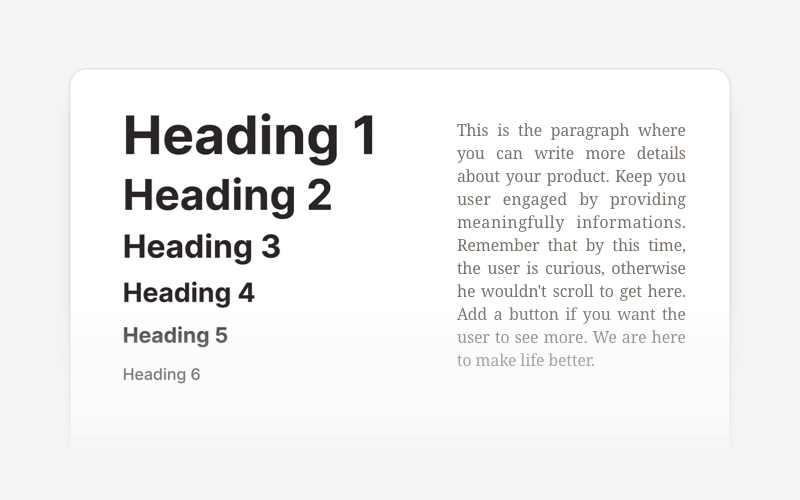
| Textarea | Tooltip | Typography |
|
| |
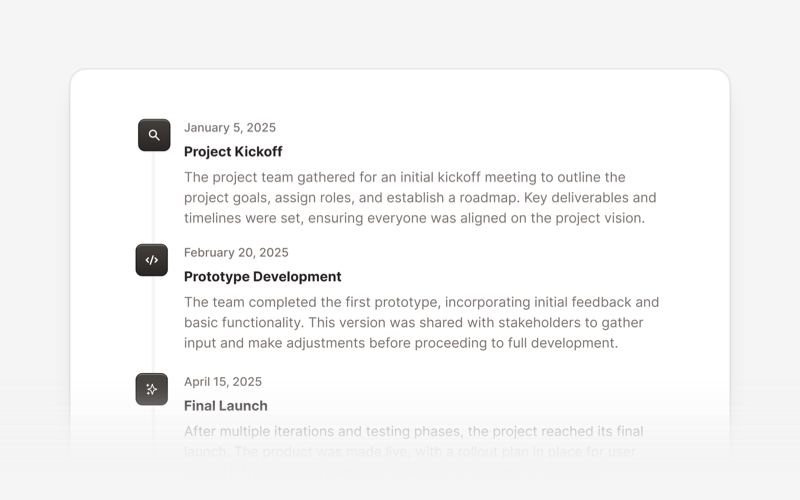
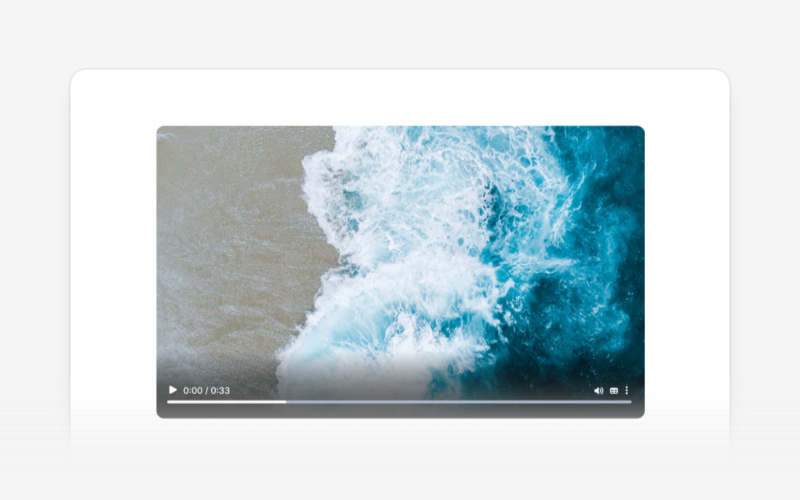
| Timeline | Video |
Copyright (c) 2020-2025 Creative Tim
David UI is distributed under the MIT License, providing freedom and flexibility for all projects.
You can find the older version of the David UI in the tailwind-starter-kit branch.
We welcome contributions and feedback! If you have suggestions, encounter issues, or want to propose new components, feel free to open an issue or submit a pull request on our repository. Your input helps make David UI better for everyone.
Build better, faster, and smarter with David UI. Explore the documentation and start leveraging our components to deliver polished, user-friendly interfaces with ease.
(top 24 of 28)
421 followers · starred Mar 2021
4,002 followers · starred Apr 2024
2,159 followers · starred Apr 2020
58 followers · starred Nov 2024
David AI is a free and open-source collection of customizable, production-ready UI components built with Tailwind CSS.
See the code[!NOTE] This repository was previously named tailwind-starter-kit and has been renamed to david-ai to better reflect its purpose and direction.
David UI is a free and open-source collection of customizable, production-ready UI components built with Tailwind CSS. Designed to be developer-friendly and performance-focused, David UI streamlines the creation of modern, visually appealing interfaces, helping you deliver high-quality user experiences faster.
Learn how to use david-ai components to quickly and easily create elegant and flexible pages using Tailwind CSS.
david-ai is working with Tailwind CSS classes and you need to have Tailwind CSS installed on your project - Tailwind CSS Installation.
You can include david-ai via a CDN and initialize alerts globally in the browser. Add the following script to your HTML file:
<script
  src="https://cdn.jsdelivr.net/gh/creativetimofficial/david-ai@1.0.6/packages/dist/david-ai.min.js"
  defer
></script>
npm i david-ai
After installing, you can use the components in your project across different frameworks:
import { initAlert } from "david-ai";

// Initialize alerts
initAlert();
If you prefer, you can use the DavidAI global object instead of directly importing initAlert:
import * as DavidAI from "david-ai";

// Initialize alerts
DavidAI.initAlert();
David AI components can be used in two ways - through simple ESM imports or programmatically with TypeScript support. Here's how to use both approaches:
The quickest way to use components is through direct ESM imports:
import { initAlert } from "david-ai";

// Initialize alerts
initAlert();
For more control and type safety, you can use the programmatic approach with full TypeScript support:
This programmatic approach provides:
import { Accordion } from "david-ai";
import type { AccordionConfig, IAccordion } from "david-ai";

document.addEventListener("DOMContentLoaded", () => {
  const container = document.getElementById("accordion-container");

  if (container) {
    const config: AccordionConfig = {
      exclusive: true,
      allOpen: false,
    };

    const accordion: IAccordion = new Accordion(container, config);

    // Handle external button controls
    const showAllButton = document.getElementById("show-all");
    const hideAllButton = document.getElementById("hide-all");
    const toggleFirstButton = document.getElementById("toggle-first");

    showAllButton?.addEventListener("click", () => {
      accordion.showAll();
    });

    hideAllButton?.addEventListener("click", () => {
      accordion.hideAll();
    });

    toggleFirstButton?.addEventListener("click", () => {
      const firstButton = document.getElementById("button-1") as HTMLElement;
      if (firstButton) {
        accordion.toggle(firstButton);
      }
    });

    // Cleanup on unmount
    window.addEventListener("unload", () => {
      accordion.cleanup();
    });
  }
});
For detailed usage of each component, check out their respective documentation:
Congratulations 🥳, you did it, now you're ready to use david-ai.
David UI’s documentation includes code snippets, previews, and detailed usage instructions for each component, ensuring a smooth implementation process.
Visit the David UI Docs to explore the entire library.
|
|
|
|
| Accordion | Alert | Avatar |
|
|
|
|
| Badge | Breadcrumbs | Button |
|
|
|
|
| Button Group | Card | Checkbox |
|
|
|
|
| Chip | Collapse | Dropdown |
|
|
|
|
| Footer | Icon Button | Image |
|
|
|
|
| Input | List | Modal |
|
|
|
|
| Navbar | Pagination | Popover |
|
|
|
|
| Progress Bar | Radio Button | Rating Bar |
|
|
|
|
| Sidebar | Spinner | Stepper |
|
|
|
|
| Switch | Table | Tabs |
|
|
|
|
| Textarea | Tooltip | Typography |
|
|
| |
| Timeline | Video |
Copyright (c) 2020-2025 Creative Tim
David UI is distributed under the MIT License, providing freedom and flexibility for all projects.
You can find the older version of the David UI in the tailwind-starter-kit branch.
We welcome contributions and feedback! If you have suggestions, encounter issues, or want to propose new components, feel free to open an issue or submit a pull request on our repository. Your input helps make David UI better for everyone.
Build better, faster, and smarter with David UI. Explore the documentation and start leveraging our components to deliver polished, user-friendly interfaces with ease.
(top 24 of 28)
421 followers · starred Mar 2021
4,002 followers · starred Apr 2024
2,159 followers · starred Apr 2020
58 followers · starred Nov 2024



