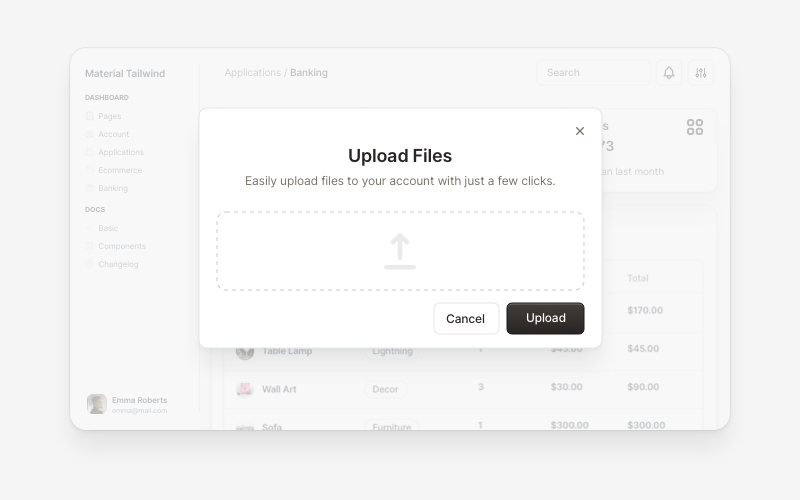
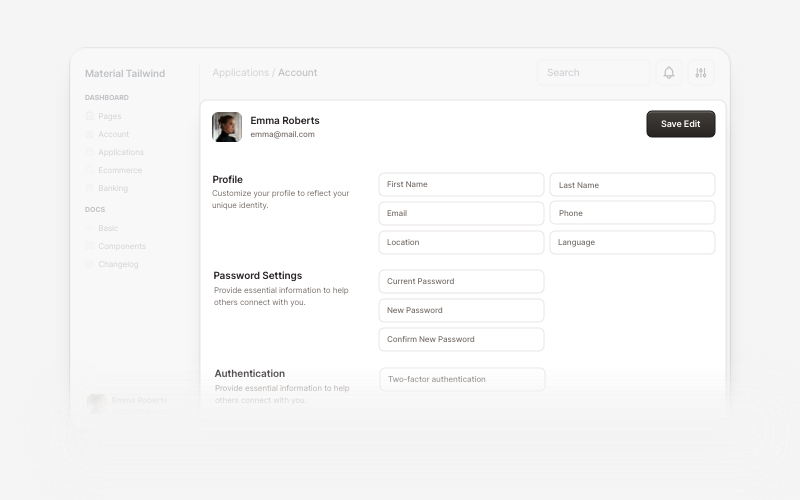
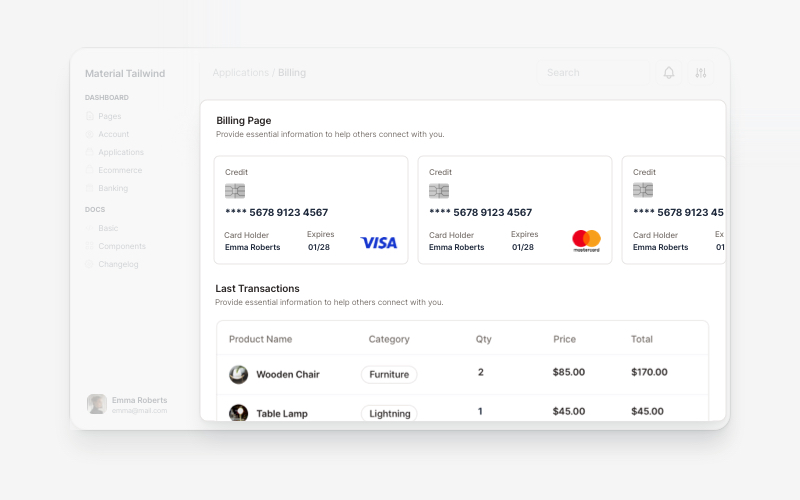
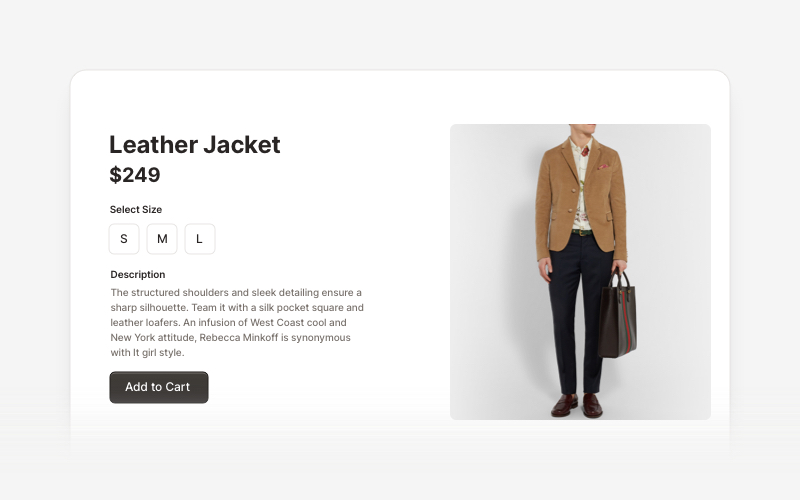
Open-source components, blocks, and AI agents designed to speed up your workflow. Import them seamlessly into your favorite tools through Registry and MCPs.
See the code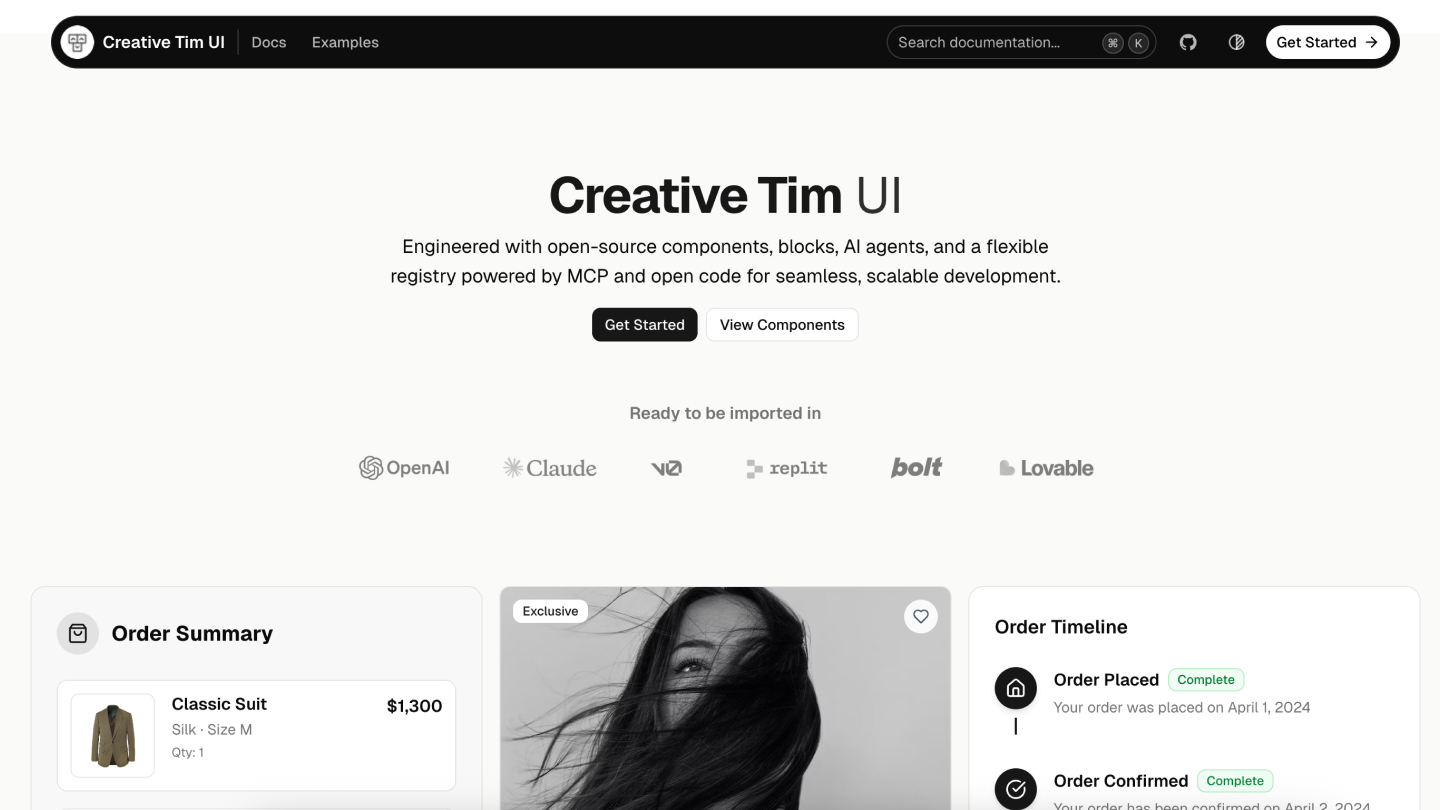
Creative Tim UI is a comprehensive component library built on top of shadcn/ui to help you build modern web applications faster.
Creative Tim UI provides pre-built, customizable React components and blocks designed for building beautiful, production-ready web applications. The CLI makes it easy to add these components to your Next.js project.
You can use the Creative Tim UI CLI directly with npx, or install it globally:
# Use directly (recommended)
npx @creative-tim/ui@latest add <component-name>

# Or using shadcn cli
npx shadcn@latest add https://creative-tim.com/ui/r/all.json
Before using Creative Tim UI, ensure your Next.js project meets these requirements:
Install all available Creative Tim UI components at once:
npx @creative-tim/ui@latest add all
This command will:
Install individual components using the components add command:
npx @creative-tim/ui@latest add <component-name>
Examples:
# Install the orb component
npx @creative-tim/ui@latest add card
You can also install components using the standard shadcn/ui CLI:
# Install all components
npx shadcn@latest add https://creative-tim.com/ui/r/all.json

# Install a specific component
npx shadcn@latest add https://creative-tim.com/ui/r/button.json
All available components can be found here or explore a list of example blocks here.
Explore our collection of ready-to-use blocks organized by category. Each block is fully customizable and can be added to your project with a single command.
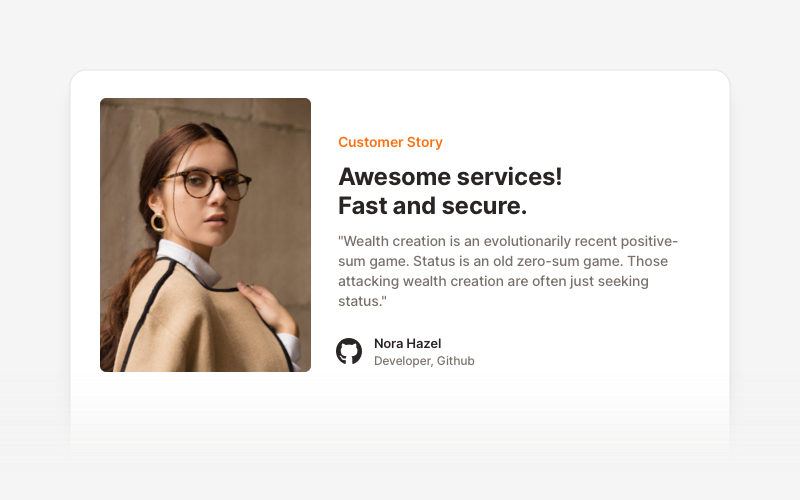
Testimonial Sections 17 Blocks |
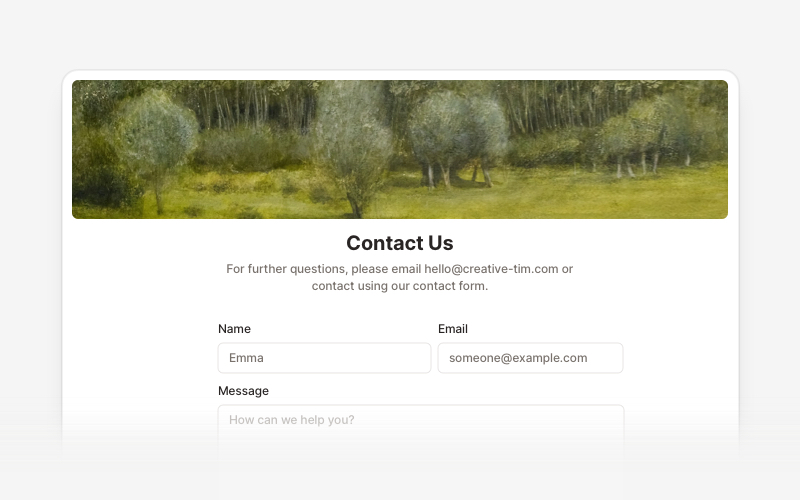
Contact Sections 15 Blocks |
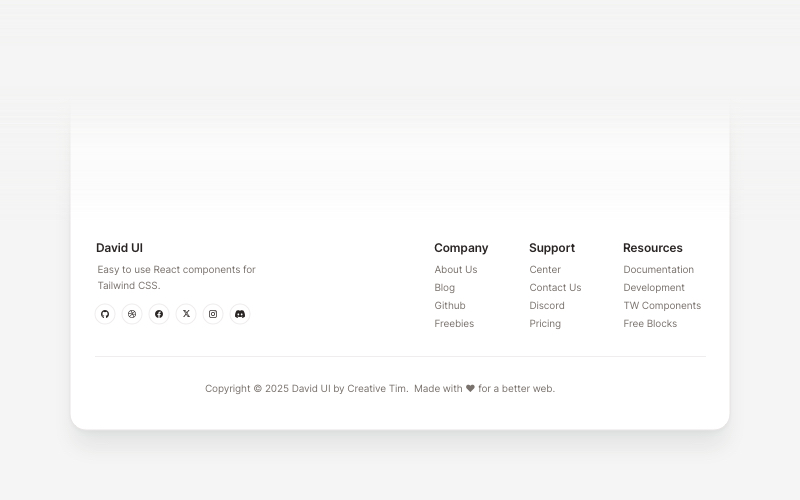
Footers 16 Blocks |
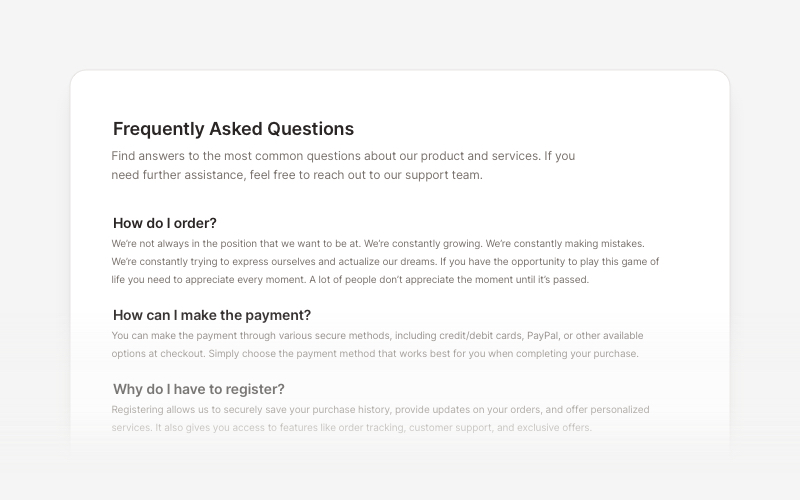
FAQs 6 Blocks |
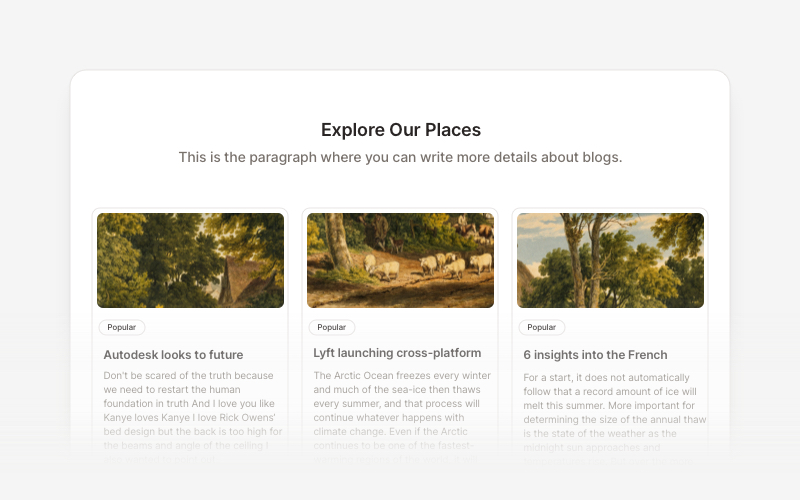
Blog 15 Blocks |
Ready-to-use blocks for product listings, shopping carts, and checkout flows.
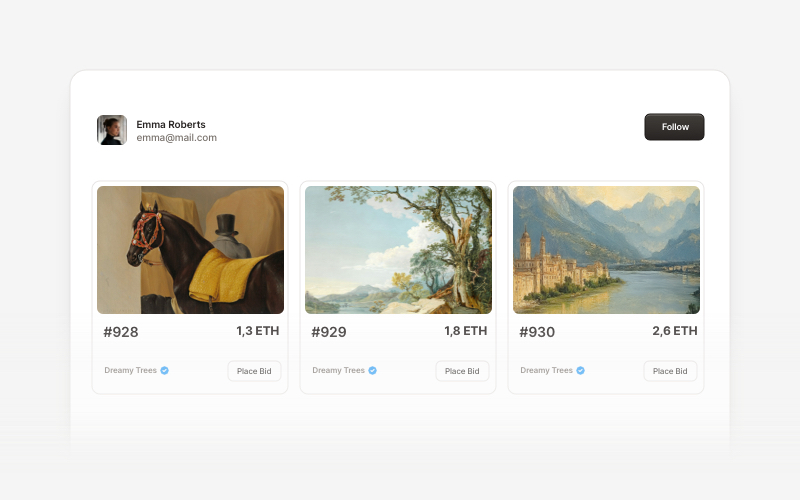
Innovative sections built for decentralized applications, blockchain projects, and crypto platforms.
If you'd like to contribute to Creative Tim UI, please follow these steps:
Please read the contributing guide.
Creative Tim UI is built upon the incredible work of the open source community:
We are grateful to these projects for making their work available under open source licenses.
Licensed under the MIT license.
Made with love by Creative Tim.
(top 24 of 41)
520 followers · starred Jun 2018
58 followers · starred Feb 2025
224 followers · starred Jan 2020
290 followers · starred Aug 2018
Open-source components, blocks, and AI agents designed to speed up your workflow. Import them seamlessly into your favorite tools through Registry and MCPs.
See the code
Creative Tim UI is a comprehensive component library built on top of shadcn/ui to help you build modern web applications faster.
Creative Tim UI provides pre-built, customizable React components and blocks designed for building beautiful, production-ready web applications. The CLI makes it easy to add these components to your Next.js project.
You can use the Creative Tim UI CLI directly with npx, or install it globally:
# Use directly (recommended)
npx @creative-tim/ui@latest add <component-name>

# Or using shadcn cli
npx shadcn@latest add https://creative-tim.com/ui/r/all.json
Before using Creative Tim UI, ensure your Next.js project meets these requirements:
Install all available Creative Tim UI components at once:
npx @creative-tim/ui@latest add all
This command will:
Install individual components using the components add command:
npx @creative-tim/ui@latest add <component-name>
Examples:
# Install the orb component
npx @creative-tim/ui@latest add card
You can also install components using the standard shadcn/ui CLI:
# Install all components
npx shadcn@latest add https://creative-tim.com/ui/r/all.json

# Install a specific component
npx shadcn@latest add https://creative-tim.com/ui/r/button.json
All available components can be found here or explore a list of example blocks here.
Explore our collection of ready-to-use blocks organized by category. Each block is fully customizable and can be added to your project with a single command.
|
Testimonial Sections 17 Blocks |
Contact Sections 15 Blocks |
Footers 16 Blocks |
|
FAQs 6 Blocks |
Blog 15 Blocks |
Ready-to-use blocks for product listings, shopping carts, and checkout flows.
Innovative sections built for decentralized applications, blockchain projects, and crypto platforms.
If you'd like to contribute to Creative Tim UI, please follow these steps:
Please read the contributing guide.
Creative Tim UI is built upon the incredible work of the open source community:
We are grateful to these projects for making their work available under open source licenses.
Licensed under the MIT license.
Made with love by Creative Tim.
(top 24 of 41)
520 followers · starred Jun 2018
58 followers · starred Feb 2025
224 followers · starred Jan 2020
290 followers · starred Aug 2018