@material-tailwind is an easy-to-use components library for Tailwind CSS and Material Design.
See the code







Visit https://www.material-tailwind.com/docs/react/installation for full documentation.
| Accordion | Alert | Avatar |
|
|
|
| Badge | Breadcrumbs | Button |
|
|
|
| Button Group | Card | Checkbox |
|

|
|
| Chip | Collapse | Carousel |
|

|
|
| Dialog | Drawer | Icon Button |

|
|
|
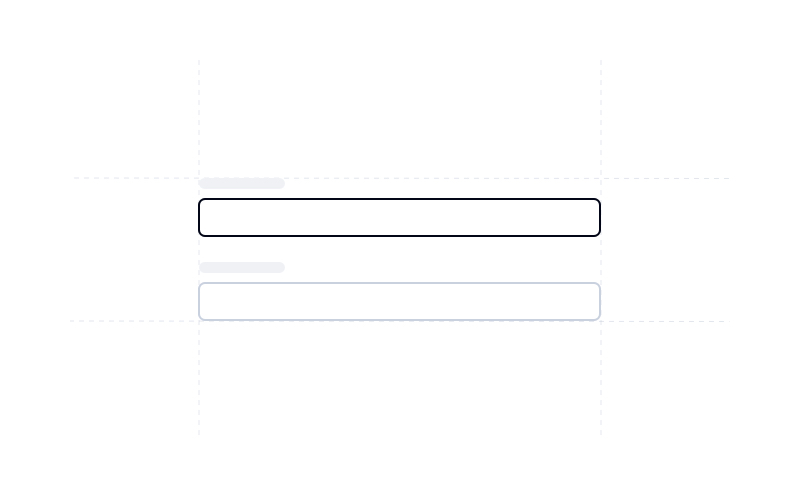
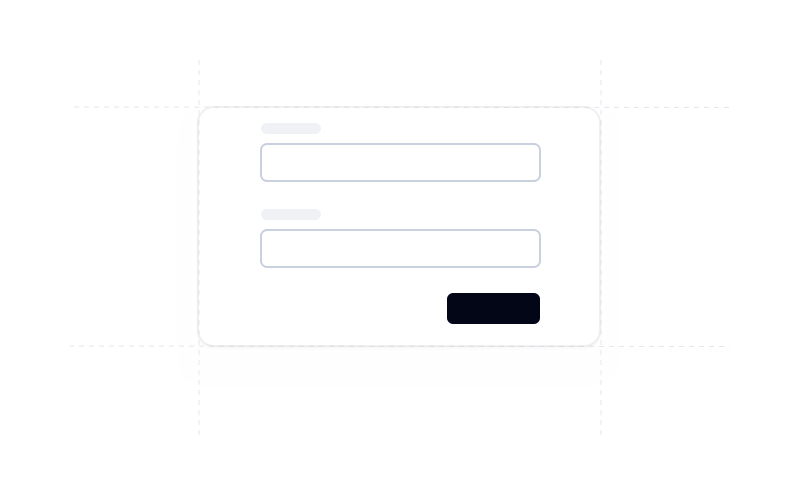
| Input | Form | List |
|
|

|
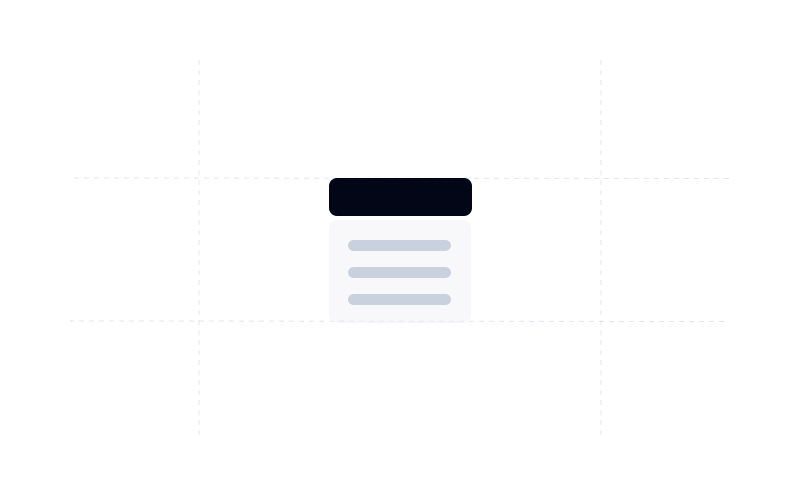
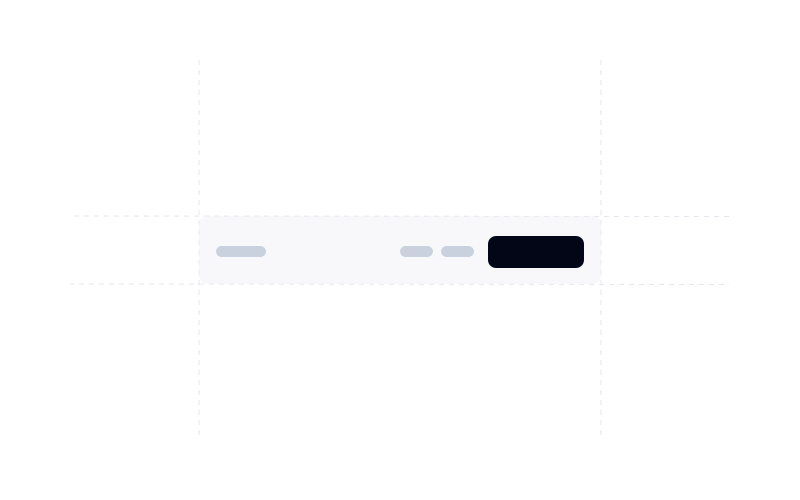
| Menu | Navbar | Popover |
|
|
|
| Progress Bar | Pagination | Radio Button |
|
|
|
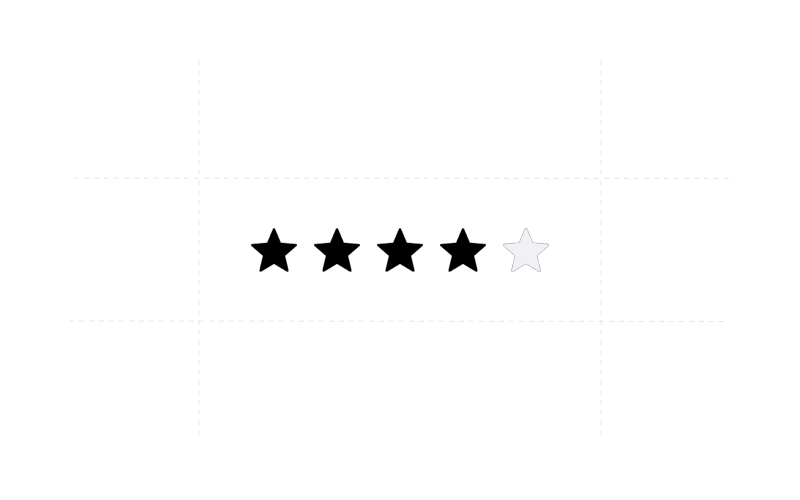
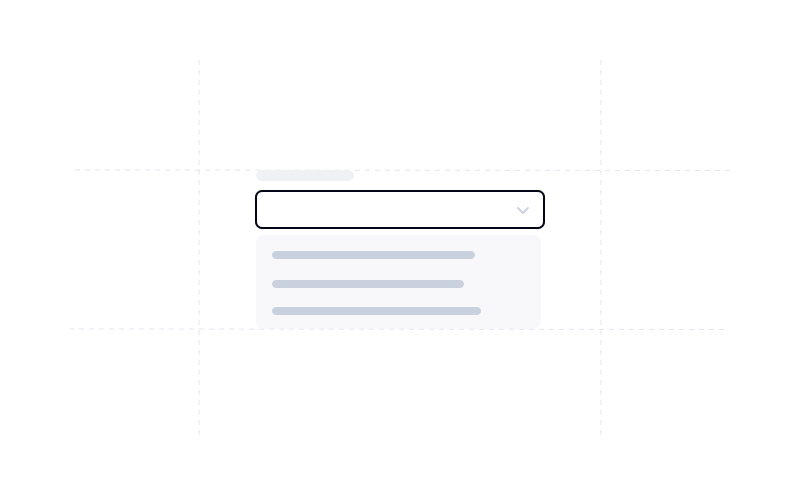
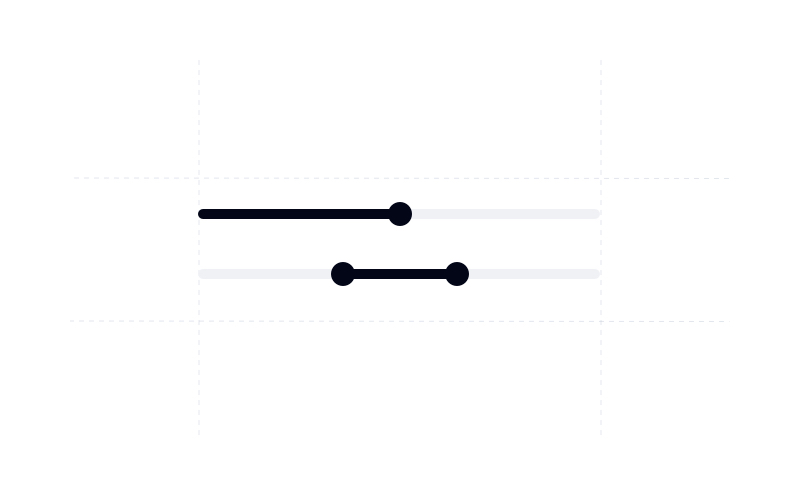
| Rating Bar | Select | Slider |
|
|
|
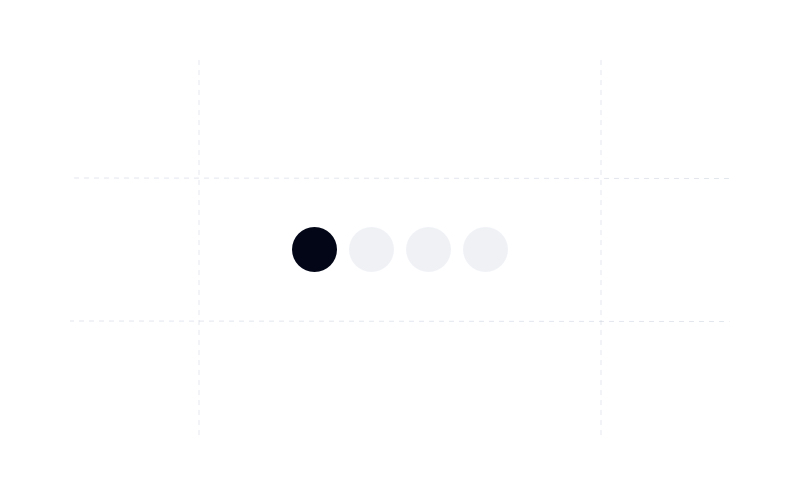
| Speed Dial | Spinner | Stepper |
|
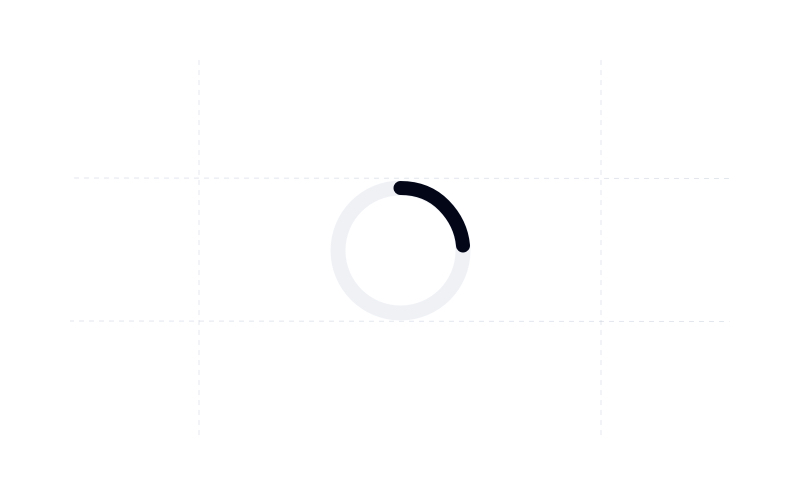
|
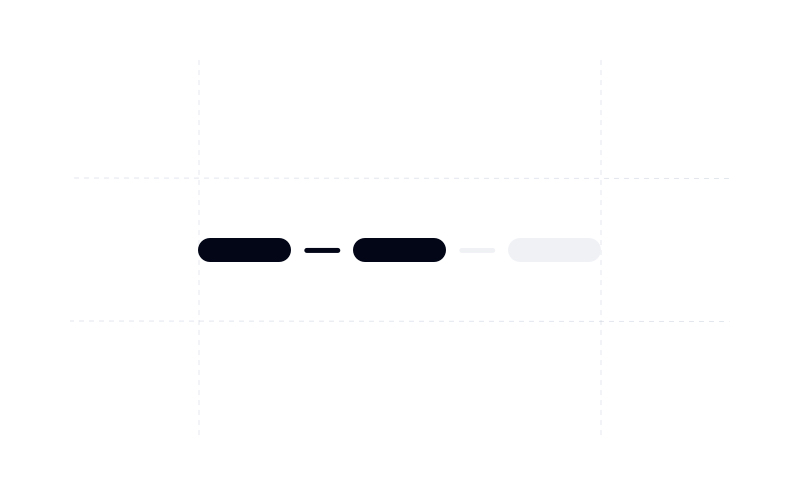
|
| Switch | Tabs | Text Area |
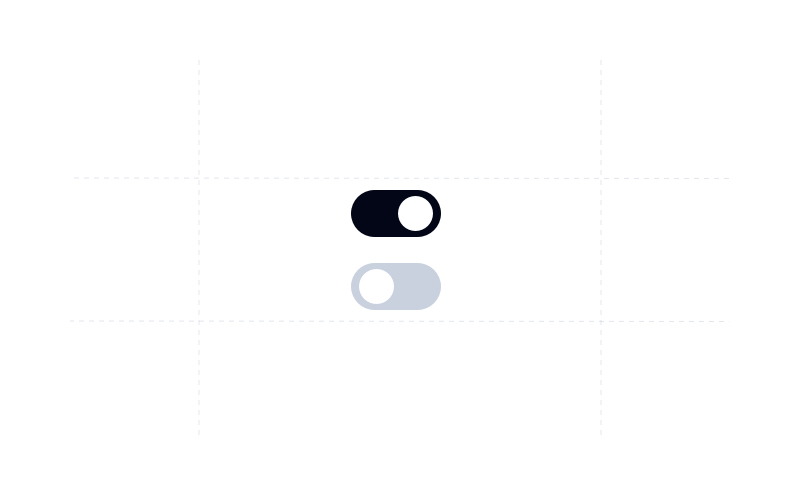
|
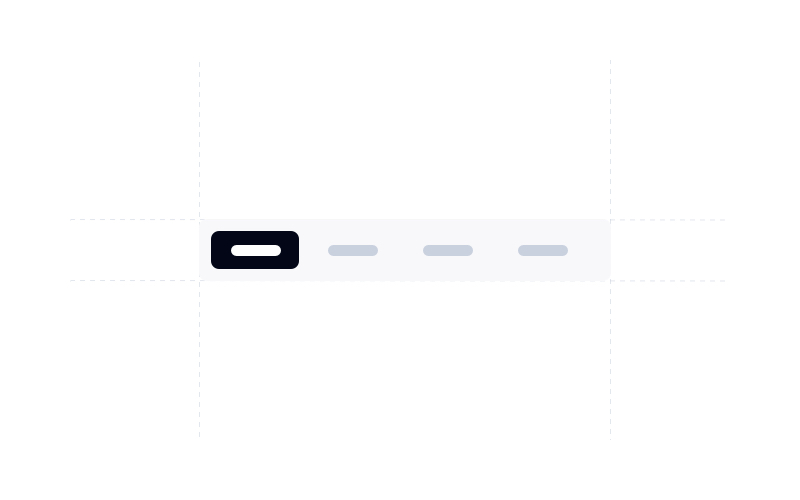
|
|
| Timeline | Tooltip | Typography |
|
|

|
| Footer | Image | Video |
|
|
|
| Sidebar | Table | |
|
|
Learn how to use @material-tailwind/react components to quickly and easily create elegant and flexible pages using Tailwind CSS.
@material-tailwind/react is working with Tailwind CSS classes and you need to have Tailwind CSS installed on your project - Tailwind CSS Installation.
@material-tailwind/react.npm i @material-tailwind/react
withMT() function coming from @material-tailwind/react/utils.const withMT = require("@material-tailwind/react/utils/withMT");
module.exports = withMT({
content: ["./src/**/*.{js,jsx,ts,tsx}"],
theme: {
extend: {},
},
plugins: [],
});
ThemeProvider coming from @material-tailwind/react.import React from "react";
import ReactDOM from "react-dom/client";
import App from "./App";
// @material-tailwind/react
import { ThemeProvider } from "@material-tailwind/react";
const root = ReactDOM.createRoot(document.getElementById("root"));
root.render(
<React.StrictMode>
<ThemeProvider>
<App />
</ThemeProvider>
</React.StrictMode>,
);
import { Button } from "@material-tailwind/react";

export default function Example() {
  return <Button>Button</Button>;
}
Visit https://www.material-tailwind.com/docs/html/installation for full documentation.
| Accordion | Alert | Avatar |
|
|
|
|
| Breadcrumbs | Button | Card |
|
|
|
|
| Checkbox | Chip | Dialog |
|
|
|
|
| Icon Button | Input | Menu |
|
|
|
|
| Navbar | Pagination | Popover |
|
|
|
|
| Radio Button | Select | Progress Bar |
|
|
|
|
| Tabs | Textarea | Switch |
|
|
|
|
| Typography | Tooltip | |
|
|
|
Learn how to use @material-tailwind/html components to quickly and easily create elegant and flexible pages using Tailwind CSS.
@material-tailwind/html is working with Tailwind CSS classes and you need to have Tailwind CSS installed on your project - Tailwind CSS Installation.
@material-tailwind/htmlnpm i @material-tailwind/html
withMT() function coming from @material-tailwind/html/utils.const withMT = require("@material-tailwind/html/utils/withMT");
module.exports = withMT({
content: ["./index.html"],
theme: {
extend: {},
},
plugins: [],
});
We're excited to see the community adopt Material Tailwind, raise issues, and provide feedback. Whether it's a feature request, bug report, or a project to showcase, please get involved!
Contributions are always welcome!
See CONTRIBUTING.md for ways to get started.
Please adhere to this project's CODE_OF_CONDUCT.md.
1,707 followers · starred Apr 2021
82 followers · starred Jun 2021
132 followers · starred Apr 2025
89 followers · starred Jun 2023
@material-tailwind is an easy-to-use components library for Tailwind CSS and Material Design.
See the code
Visit https://www.material-tailwind.com/docs/react/installation for full documentation.
| Accordion | Alert | Avatar |
|
|
|
|
| Badge | Breadcrumbs | Button |
|
|
|
|
| Button Group | Card | Checkbox |
|
|
|
|
| Chip | Collapse | Carousel |
|
|
|
|
| Dialog | Drawer | Icon Button |
|
|
|
|
| Input | Form | List |
|
|
|
|
| Menu | Navbar | Popover |
|
|
|
|
| Progress Bar | Pagination | Radio Button |
|
|
|
|
| Rating Bar | Select | Slider |
|
|
|
|
| Speed Dial | Spinner | Stepper |
|
|
|
|
| Switch | Tabs | Text Area |
|
|
|
|
| Timeline | Tooltip | Typography |
|
|
|
|
| Footer | Image | Video |
|
|
|
|
| Sidebar | Table | |
|
|
|
Learn how to use @material-tailwind/react components to quickly and easily create elegant and flexible pages using Tailwind CSS.
@material-tailwind/react is working with Tailwind CSS classes and you need to have Tailwind CSS installed on your project - Tailwind CSS Installation.
@material-tailwind/react.npm i @material-tailwind/react
withMT() function coming from @material-tailwind/react/utils.const withMT = require("@material-tailwind/react/utils/withMT");
module.exports = withMT({
content: ["./src/**/*.{js,jsx,ts,tsx}"],
theme: {
extend: {},
},
plugins: [],
});
ThemeProvider coming from @material-tailwind/react.import React from "react";
import ReactDOM from "react-dom/client";
import App from "./App";
// @material-tailwind/react
import { ThemeProvider } from "@material-tailwind/react";
const root = ReactDOM.createRoot(document.getElementById("root"));
root.render(
<React.StrictMode>
<ThemeProvider>
<App />
</ThemeProvider>
</React.StrictMode>,
);
import { Button } from "@material-tailwind/react";

export default function Example() {
  return <Button>Button</Button>;
}
Visit https://www.material-tailwind.com/docs/html/installation for full documentation.
| Accordion | Alert | Avatar |
|
|
|
|
| Breadcrumbs | Button | Card |
|
|
|
|
| Checkbox | Chip | Dialog |
|
|
|
|
| Icon Button | Input | Menu |
|
|
|
|
| Navbar | Pagination | Popover |
|
|
|
|
| Radio Button | Select | Progress Bar |
|
|
|
|
| Tabs | Textarea | Switch |
|
|
|
|
| Typography | Tooltip | |
|
|
|
Learn how to use @material-tailwind/html components to quickly and easily create elegant and flexible pages using Tailwind CSS.
@material-tailwind/html is working with Tailwind CSS classes and you need to have Tailwind CSS installed on your project - Tailwind CSS Installation.
@material-tailwind/htmlnpm i @material-tailwind/html
withMT() function coming from @material-tailwind/html/utils.const withMT = require("@material-tailwind/html/utils/withMT");
module.exports = withMT({
content: ["./index.html"],
theme: {
extend: {},
},
plugins: [],
});
We're excited to see the community adopt Material Tailwind, raise issues, and provide feedback. Whether it's a feature request, bug report, or a project to showcase, please get involved!
Contributions are always welcome!
See CONTRIBUTING.md for ways to get started.
Please adhere to this project's CODE_OF_CONDUCT.md.
1,707 followers · starred Apr 2021
82 followers · starred Jun 2021
132 followers · starred Apr 2025
89 followers · starred Jun 2023