𝙃𝙪𝙜𝙚 collection of Tailwind MIT licensed (free) components, sections and templates 😎
See the code



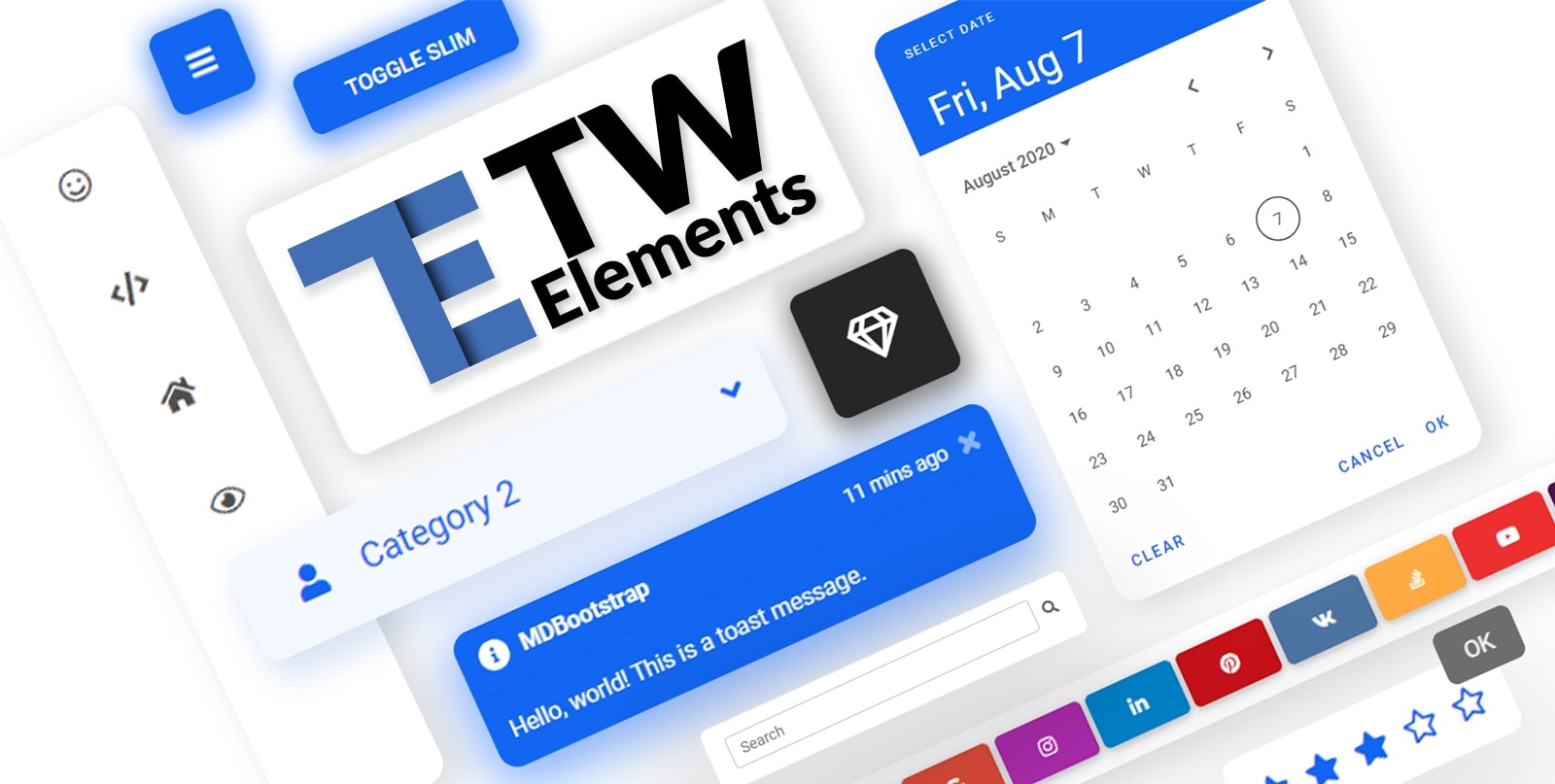
TW Elements is a huge collection of free, interactive components for Tailwind CSS.
|
|
If you want to help the project grow, start by simply sharing it with your peers!
Thank you!
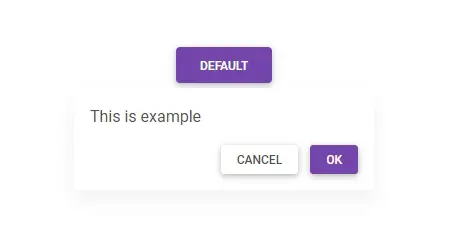
A collection of stunning components made with attention to the smallest details. Forms, cards, buttons, and hundreds of others – in TW Elements you will find all the essential elements necessary for every project.
|
|
|
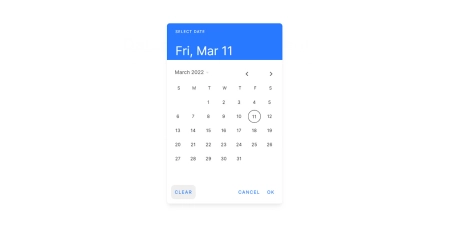
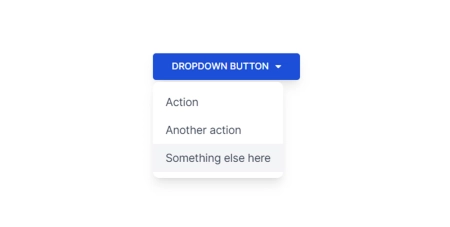
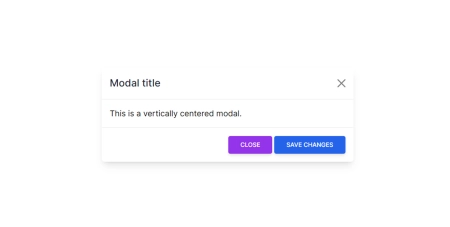
| Datepicker | Dropdown | Modal |
|
|
|
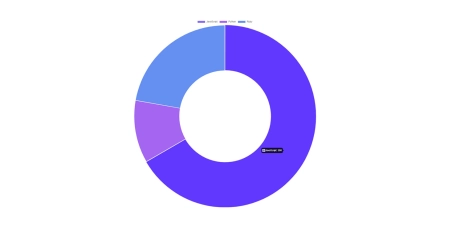
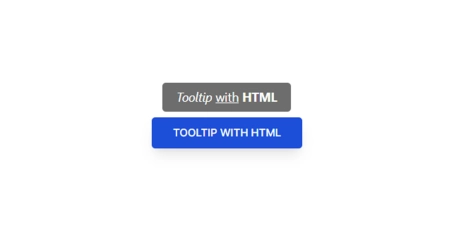
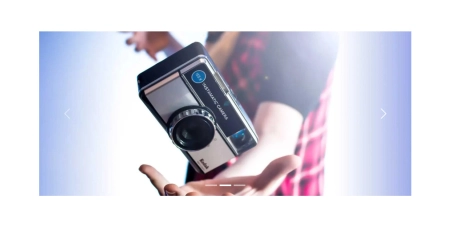
| Charts | Tooltips | Carousel |
|
|
|
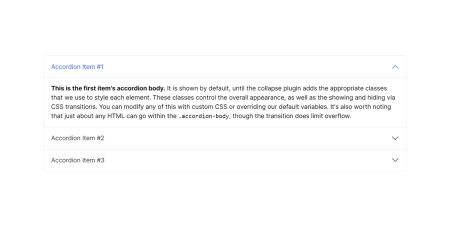
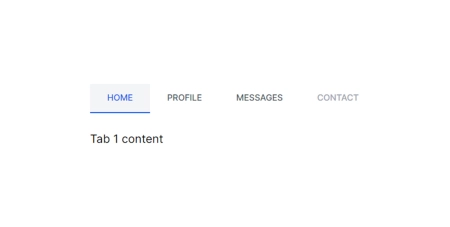
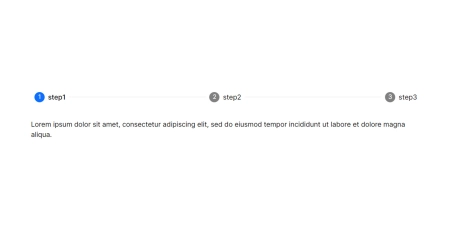
| Accordion | Tabs | Stepper |
|
|
|
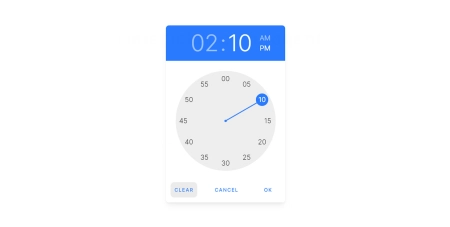
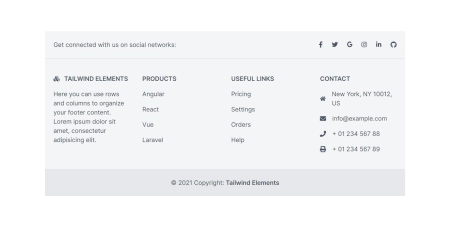
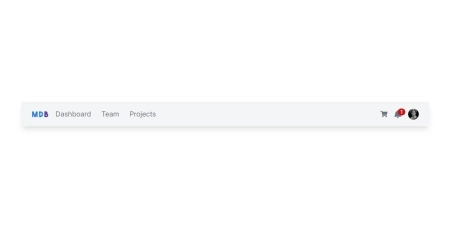
| Timepicker | Footer | Navbar |
|
|
|
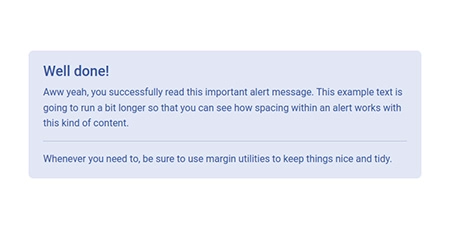
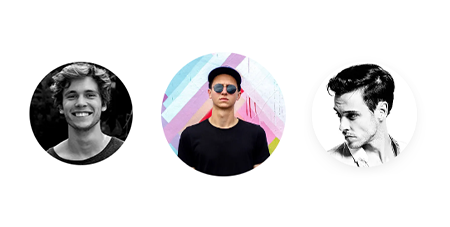
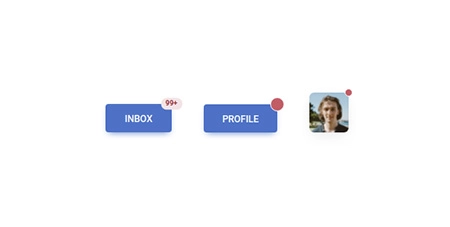
| Alerts | Avatar | Badges |
|
|
|
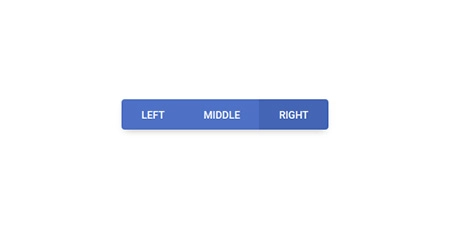
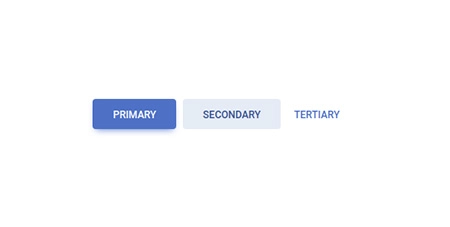
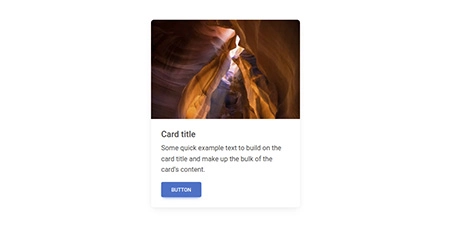
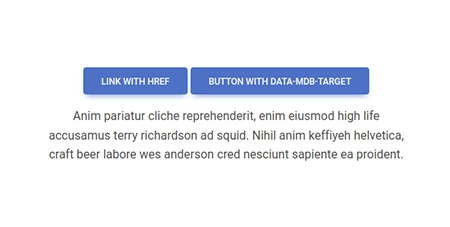
| Button group | Buttons | Cards |
|
|
|
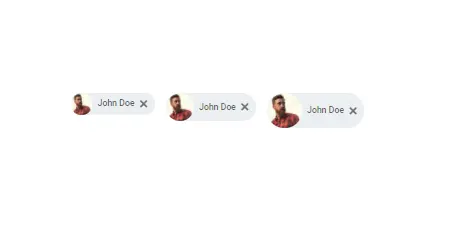
| Chips | Collapse | Gallery |
|
|
|
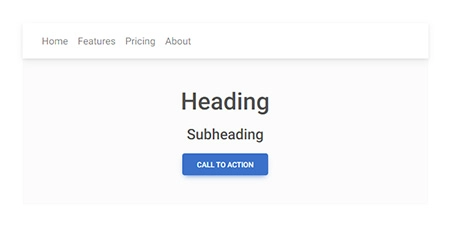
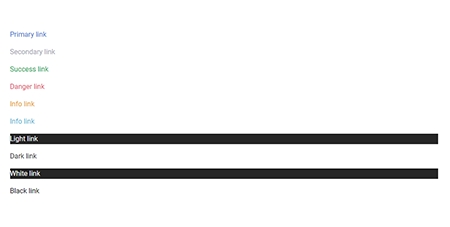
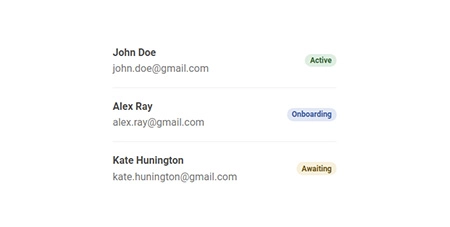
| Jumbotron | Link | List group |
|
|
|
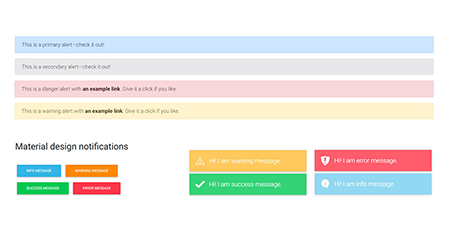
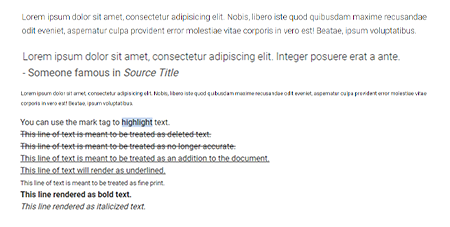
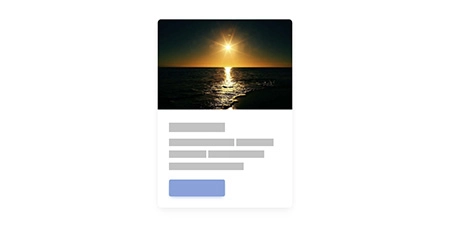
| Notifications | Paragraphs | Placeholders |
|
|
|
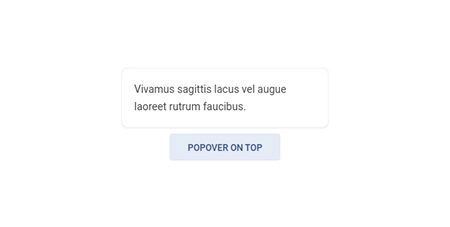
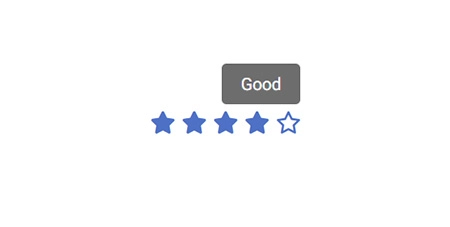
| Popover | Progress | Rating |

|
|
|
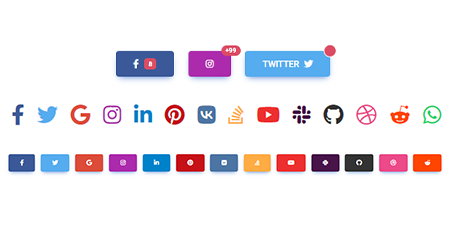
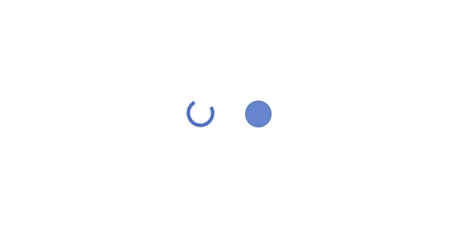
| Scroll to top | Social buttons | Spinners |
|
|
|
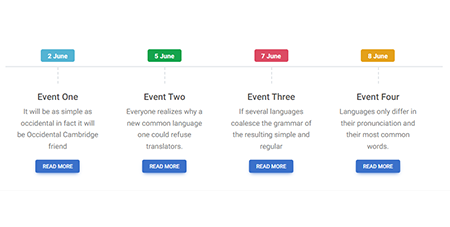
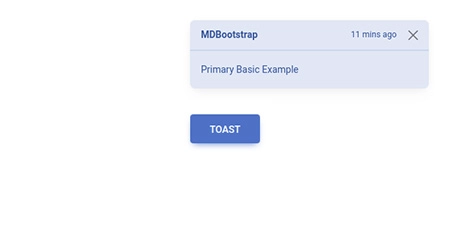
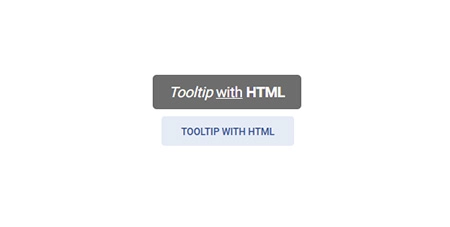
| Timeline | Toast | Tooltip |
|
|
|
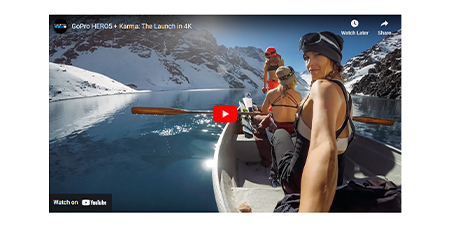
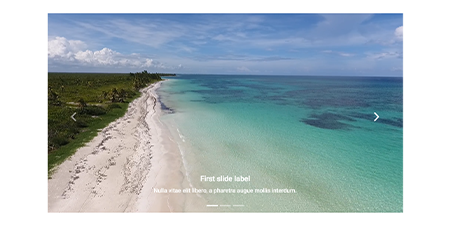
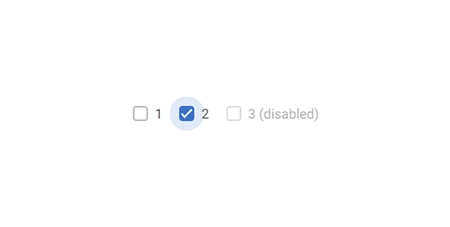
| Video | Video carousel | Checkbox |
|
|
|
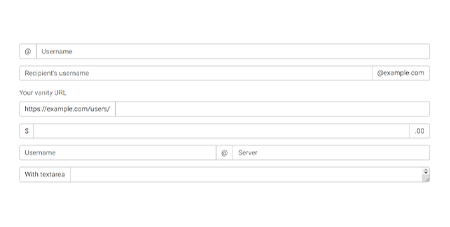
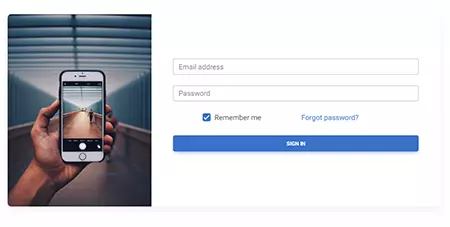
| File input | Input group | Login form |
|
|

|
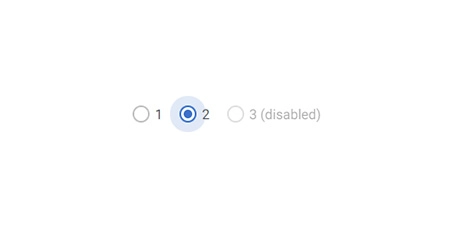
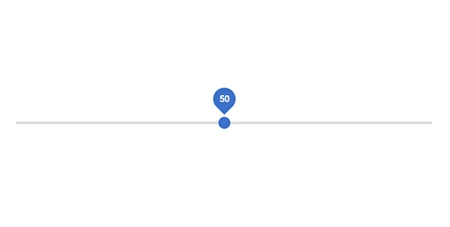
| Radio | Range | Registration form |
|
|
|
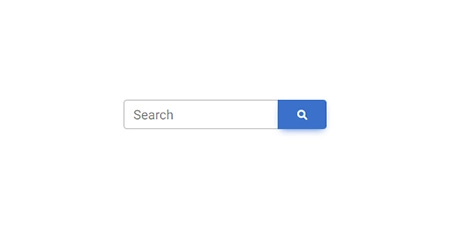
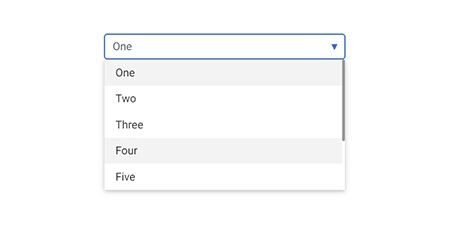
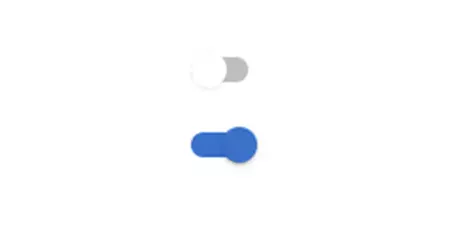
| Search | Select | Switch |
|
|
|
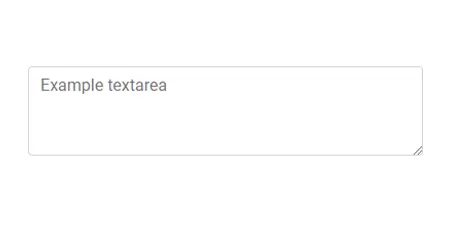
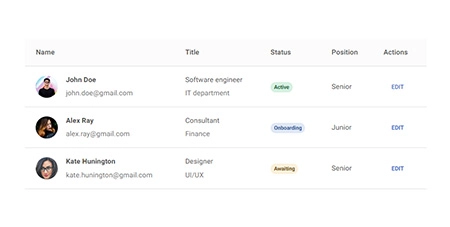
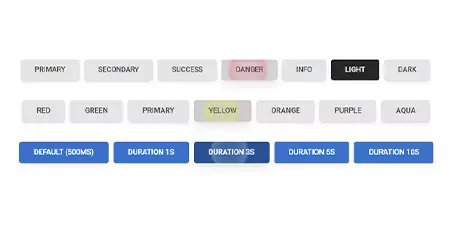
| Textarea | Tables | Ripple |
|
|
|
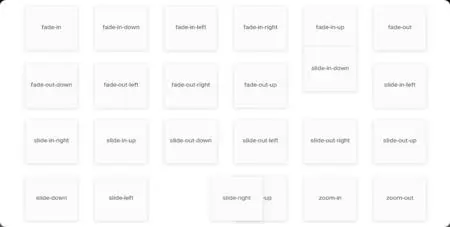
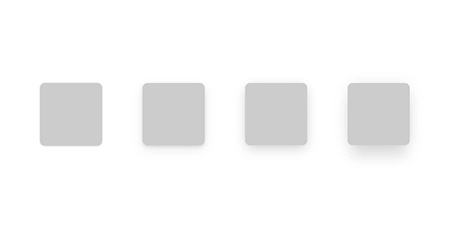
| Animations | Masks | Shadows |
|
|
|
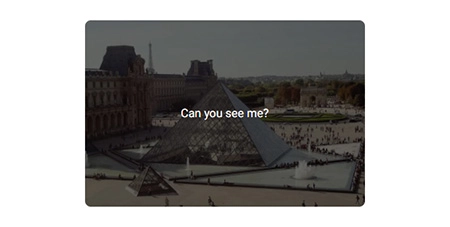
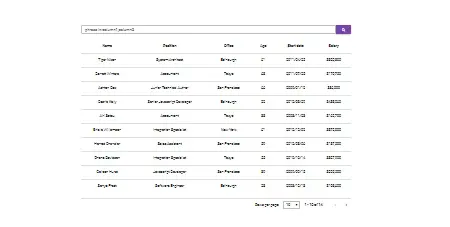
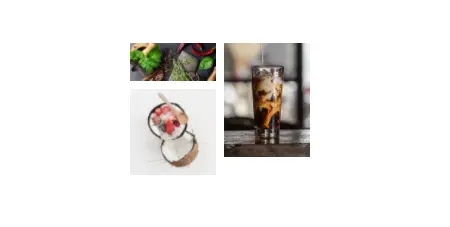
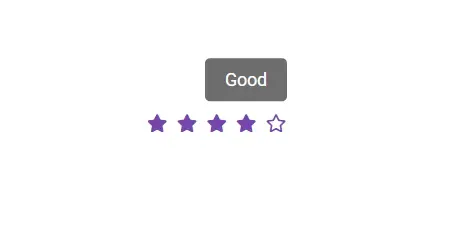
| Datatables | Lightbox | Rating |

|
|
|
| Scrollbar | Popconfirm | More coming soon |
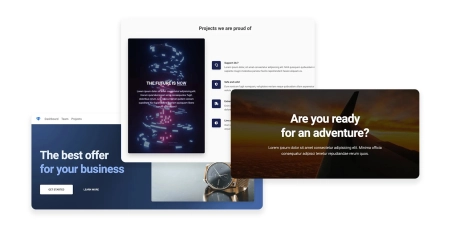
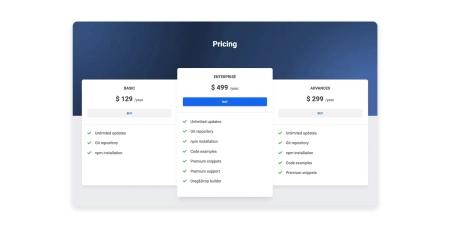
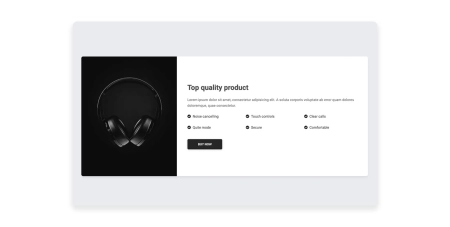
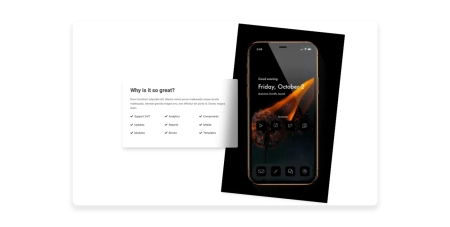
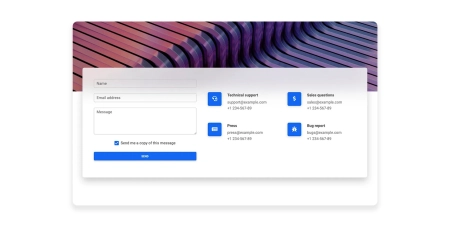
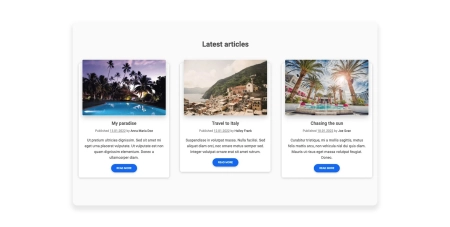
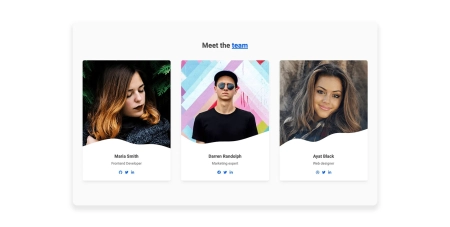
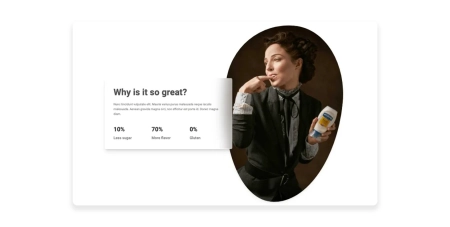
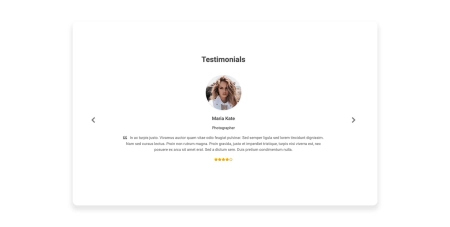
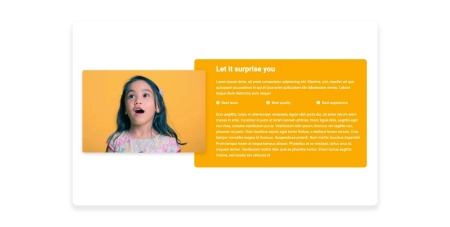
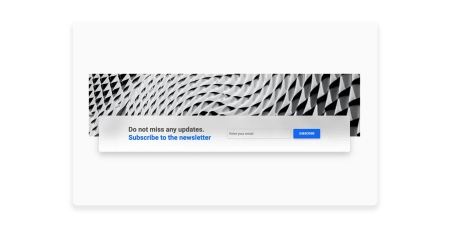
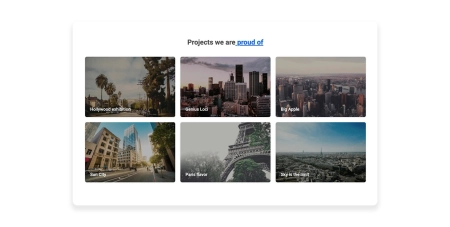
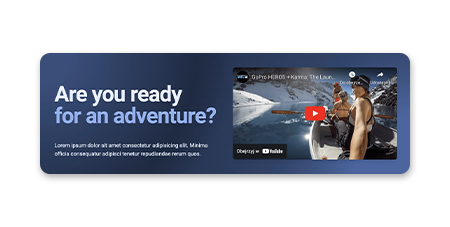
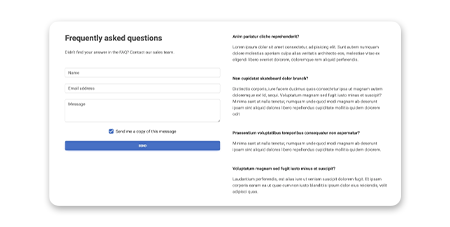
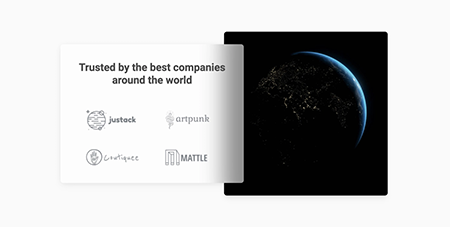
Responsive Landing page blocks built with Tailwind CSS. Plenty of design blocks examples such as Teams, services, projects, faq, and many more.

|
|
|
| Hero | Pricing | Call to action |
|
|
|
| Features | Contact | News/blog |
|
|
|
| Team | Stats | Testimonials |
|
|
|
| Content | Newsletter | Projects |
|
|
|
| Headers | FAQ | Logo Clouds |
|
|
|
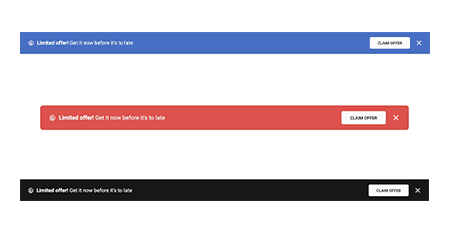
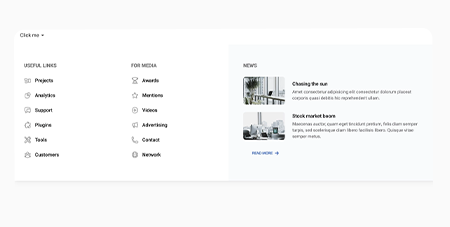
| Banners | Mega Menu | More coming soon |
TW Elements integrations with popular technologies.
Before starting the project make sure to install Node.js (LTS) and TailwindCSS.
Run the following command to install the package via NPM:
npm install tw-elements
module.exports = {
  content: ["./src/**/*.{html,js}", "./node_modules/tw-elements/js/**/*.js"],
  plugins: [require("tw-elements/plugin.cjs")],
  darkMode: "class",
};
<script src="./TW-ELEMENTS-PATH/js/tw-elements.umd.min.js"></script>
Alternatively, you can import it in the following way (bundler version):
import 'tw-elements';
Create, deploy and host anything with a single command.
npm install -g mdb-cli
mdb login
mdb init tailwind-elements-free
npm install
npm start
mdb publish
You can easily test TW Elements by adding CDN scripts to your classic HTML template without the need for installing any packages.
Add the stylesheet files below in the head section:
<link href="https://fonts.googleapis.com/css?family=Roboto:300,400,500,700,900&display=swap" rel="stylesheet" />
<link rel="stylesheet" href="https://cdn.jsdelivr.net/npm/tw-elements/css/tw-elements.min.css" />
<script src="https://cdn.tailwindcss.com"></script>
<script>
  tailwind.config = {
    darkMode: "class",
    theme: {
      fontFamily: {
        sans: ["Roboto", "sans-serif"],
        body: ["Roboto", "sans-serif"],
        mono: ["ui-monospace", "monospace"],
      },
    },
    corePlugins: {
      preflight: false,
    },
  };
</script>
Require the js bundled file right before the body closing tag:
<script src="https://cdn.jsdelivr.net/npm/tw-elements/js/tw-elements.umd.min.js"></script>
(top 24 of 50)
206 followers · starred Jun 2015
711 followers · starred Sep 2017
408 followers · starred Apr 2013
47 followers · starred Sep 2019
𝙃𝙪𝙜𝙚 collection of Tailwind MIT licensed (free) components, sections and templates 😎
See the code TW Elements is a huge collection of free, interactive components for Tailwind CSS.
|
|
|
If you want to help the project grow, start by simply sharing it with your peers!
Thank you!
A collection of stunning components made with attention to the smallest details. Forms, cards, buttons, and hundreds of others – in TW Elements you will find all the essential elements necessary for every project.
|
|
|
|
| Datepicker | Dropdown | Modal |
|
|
|
|
| Charts | Tooltips | Carousel |
|
|
|
|
| Accordion | Tabs | Stepper |
|
|
|
|
| Timepicker | Footer | Navbar |
|
|
|
|
| Alerts | Avatar | Badges |
|
|
|
|
| Button group | Buttons | Cards |
|
|
|
|
| Chips | Collapse | Gallery |
|
|
|
|
| Jumbotron | Link | List group |
|
|
|
|
| Notifications | Paragraphs | Placeholders |
|
|
|
|
| Popover | Progress | Rating |
|
|
|
|
| Scroll to top | Social buttons | Spinners |
|
|
|
|
| Timeline | Toast | Tooltip |
|
|
|
|
| Video | Video carousel | Checkbox |
|
|
|
|
| File input | Input group | Login form |
|
|
|
|
| Radio | Range | Registration form |
|
|
|
|
| Search | Select | Switch |
|
|
|
|
| Textarea | Tables | Ripple |
|
|
|
|
| Animations | Masks | Shadows |
|
|
|
|
| Datatables | Lightbox | Rating |
|
|
|
|
| Scrollbar | Popconfirm | More coming soon |
Responsive Landing page blocks built with Tailwind CSS. Plenty of design blocks examples such as Teams, services, projects, faq, and many more.
|
|
|
|
| Hero | Pricing | Call to action |
|
|
|
|
| Features | Contact | News/blog |
|
|
|
|
| Team | Stats | Testimonials |
|
|
|
|
| Content | Newsletter | Projects |
|
|
|
|
| Headers | FAQ | Logo Clouds |
|
|
|
|
| Banners | Mega Menu | More coming soon |
TW Elements integrations with popular technologies.
Before starting the project make sure to install Node.js (LTS) and TailwindCSS.
Run the following command to install the package via NPM:
npm install tw-elements
module.exports = {
  content: ["./src/**/*.{html,js}", "./node_modules/tw-elements/js/**/*.js"],
  plugins: [require("tw-elements/plugin.cjs")],
  darkMode: "class",
};
<script src="./TW-ELEMENTS-PATH/js/tw-elements.umd.min.js"></script>
Alternatively, you can import it in the following way (bundler version):
import 'tw-elements';
Create, deploy and host anything with a single command.
npm install -g mdb-cli
mdb login
mdb init tailwind-elements-free
npm install
npm start
mdb publish
You can easily test TW Elements by adding CDN scripts to your classic HTML template without the need for installing any packages.
Add the stylesheet files below in the head section:
<link href="https://fonts.googleapis.com/css?family=Roboto:300,400,500,700,900&display=swap" rel="stylesheet" />
<link rel="stylesheet" href="https://cdn.jsdelivr.net/npm/tw-elements/css/tw-elements.min.css" />
<script src="https://cdn.tailwindcss.com"></script>
<script>
  tailwind.config = {
    darkMode: "class",
    theme: {
      fontFamily: {
        sans: ["Roboto", "sans-serif"],
        body: ["Roboto", "sans-serif"],
        mono: ["ui-monospace", "monospace"],
      },
    },
    corePlugins: {
      preflight: false,
    },
  };
</script>
Require the js bundled file right before the body closing tag:
<script src="https://cdn.jsdelivr.net/npm/tw-elements/js/tw-elements.umd.min.js"></script>
(top 24 of 50)
206 followers · starred Jun 2015
711 followers · starred Sep 2017
408 followers · starred Apr 2013
47 followers · starred Sep 2019