👷 Build images with images.
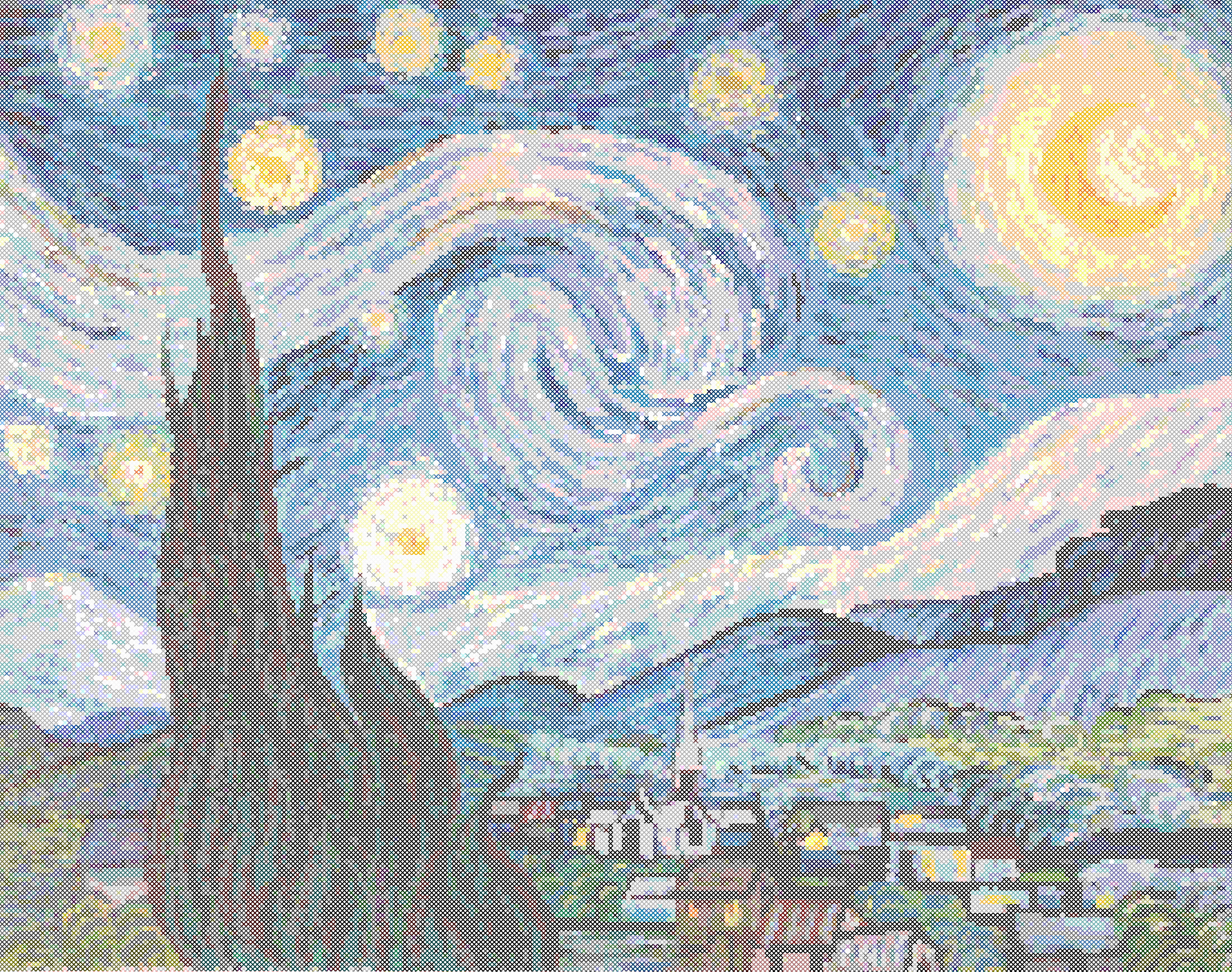
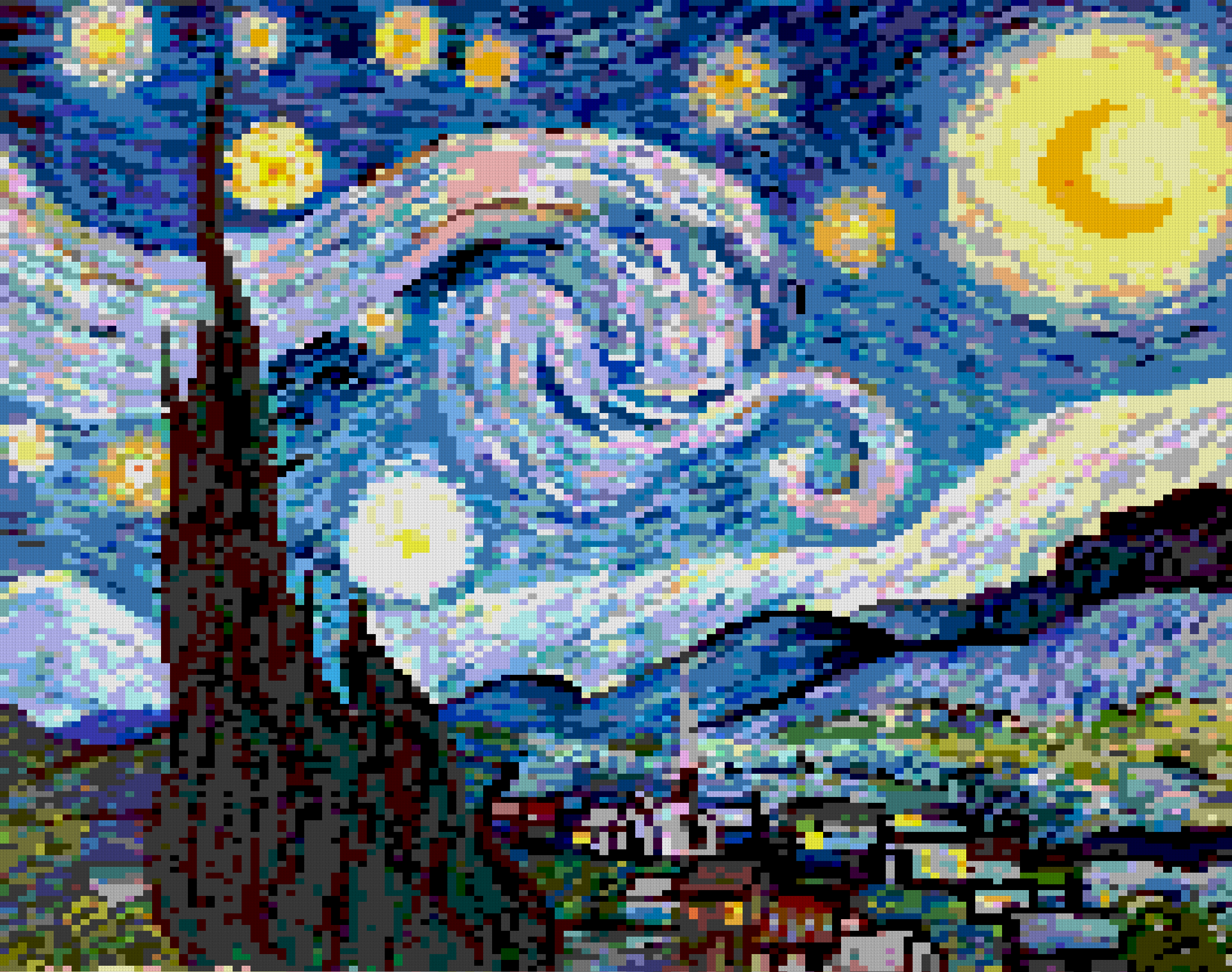
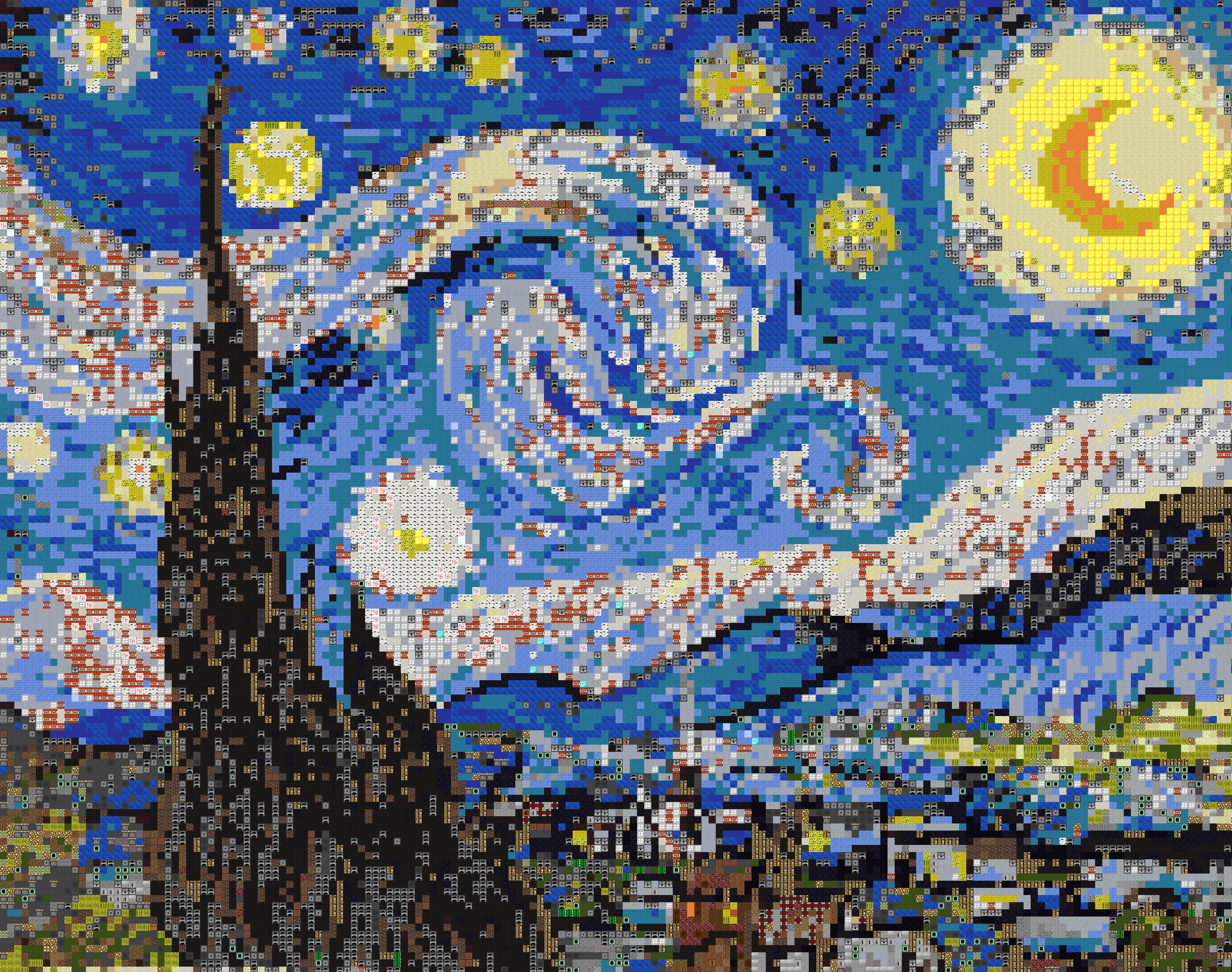
Tiler is a tool to create an image using all kinds of other smaller images (tiles). It is different from other mosaic tools since it can adapt to tiles with multiple shapes and sizes (i.e. not limited to squares).
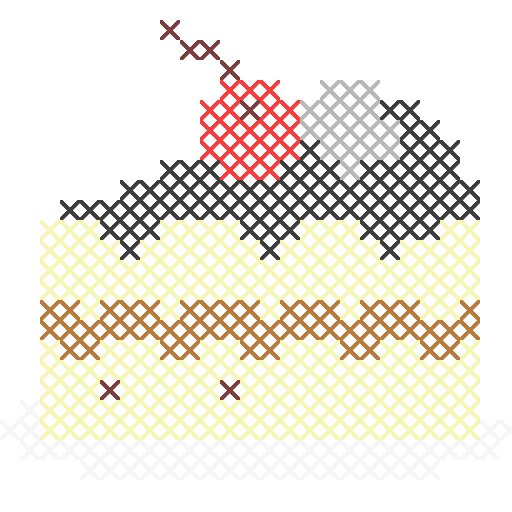
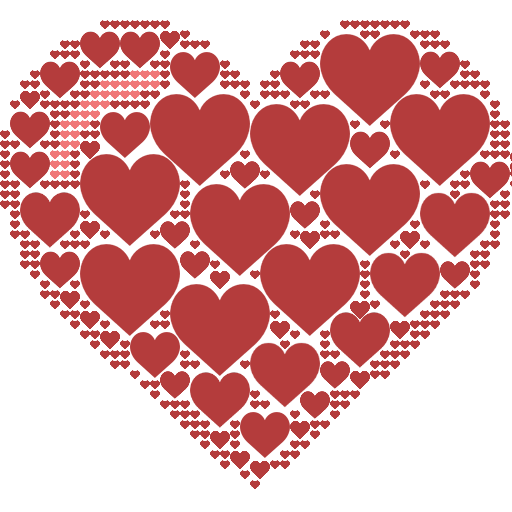
An image can be built out of circles, lines, waves, cross stitches, legos, minecraft blocks, paper clips, letters, ... The possibilities are endless!
git clone https://github.com/nuno-faria/tiler.git;pip install -r requirements.txtgen_tiles.py can help in this task; it builds tiles with multiple colors based on the source tile (note: its recommended for the source file to have an RGB color of (240,240,240)). It is used as python gen_tiles.py path/to/image and creates a folder with a 'gen_' prefix in the same path as the base image.python tiler.py path/to/image path/to/tiles_folder/.All configurations can be changed in the conf.py file.
gen_tiles.pyDEPTH - number of divisions in each color channel (ex: DEPTH = 4 -> 4 * 4 * 4 = 64 colors);ROTATIONS - list of rotations, in degrees, to apply over the original image (ex: [0, 90]).tiler.pyCOLOR_DEPTH - number of divisions in each color channel (ex: COLOR_DEPTH = 4 -> 4 * 4 * 4 = 64 colors);IMAGE_SCALE - scale to apply to the image to tile (1 = default scale);RESIZING_SCALES - scale to apply to each tile (ex: [1, 0.75, 0.5, 0.25]);PIXEL_SHIFT - number of pixels shifted to create each box (ex: (5,5)); if None, shift will be the same as the tile dimension);
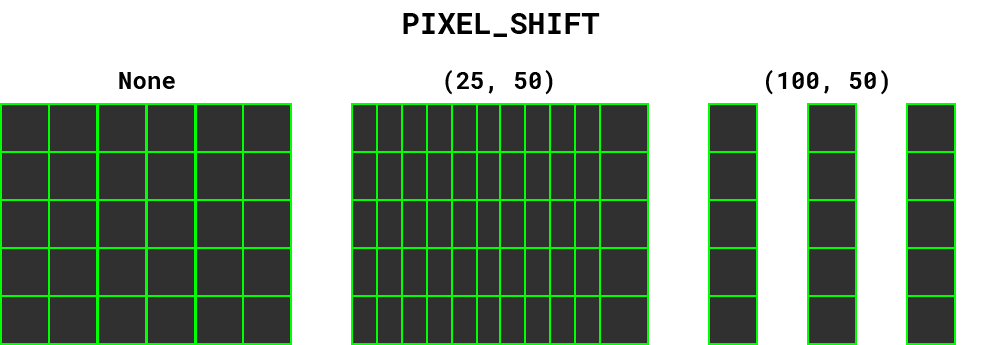
OVERLAP_TILES - if tiles can overlap;RENDER - render image as its being built;POOL_SIZE - multiprocessing pool size;IMAGE_TO_TILE - image to tile (ignored if passed as the 1st arg);TILES_FOLDER - folder with tiles (ignored if passed as the 2nd arg);OUT - result image filename.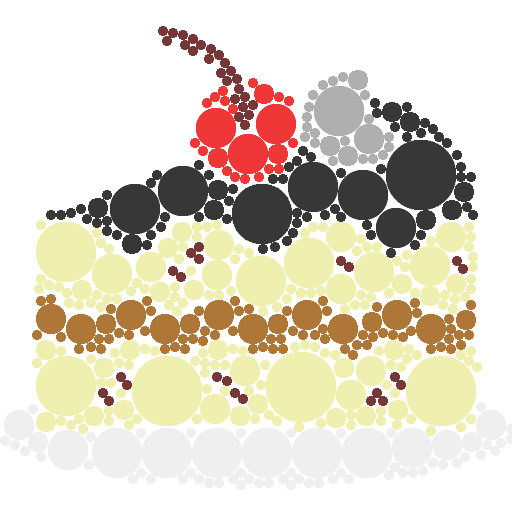
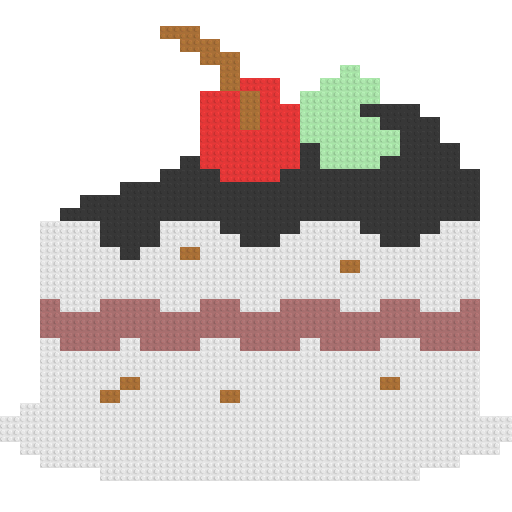
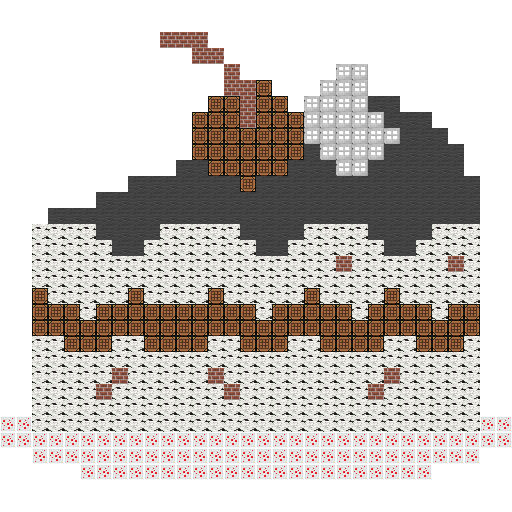
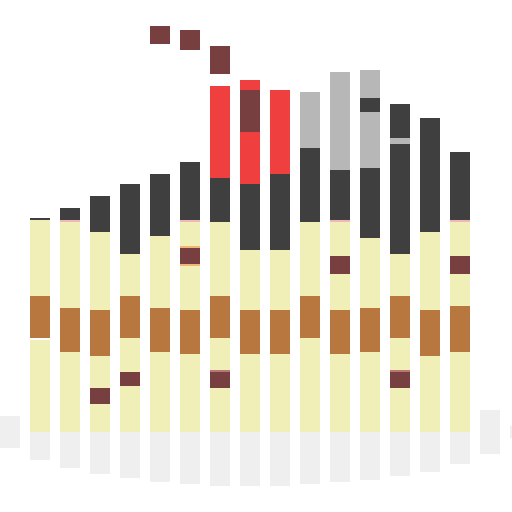
Original cake image by pongsakornred from FLATICON.
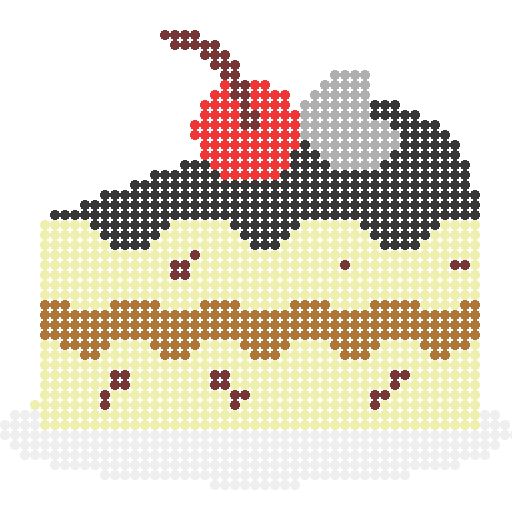
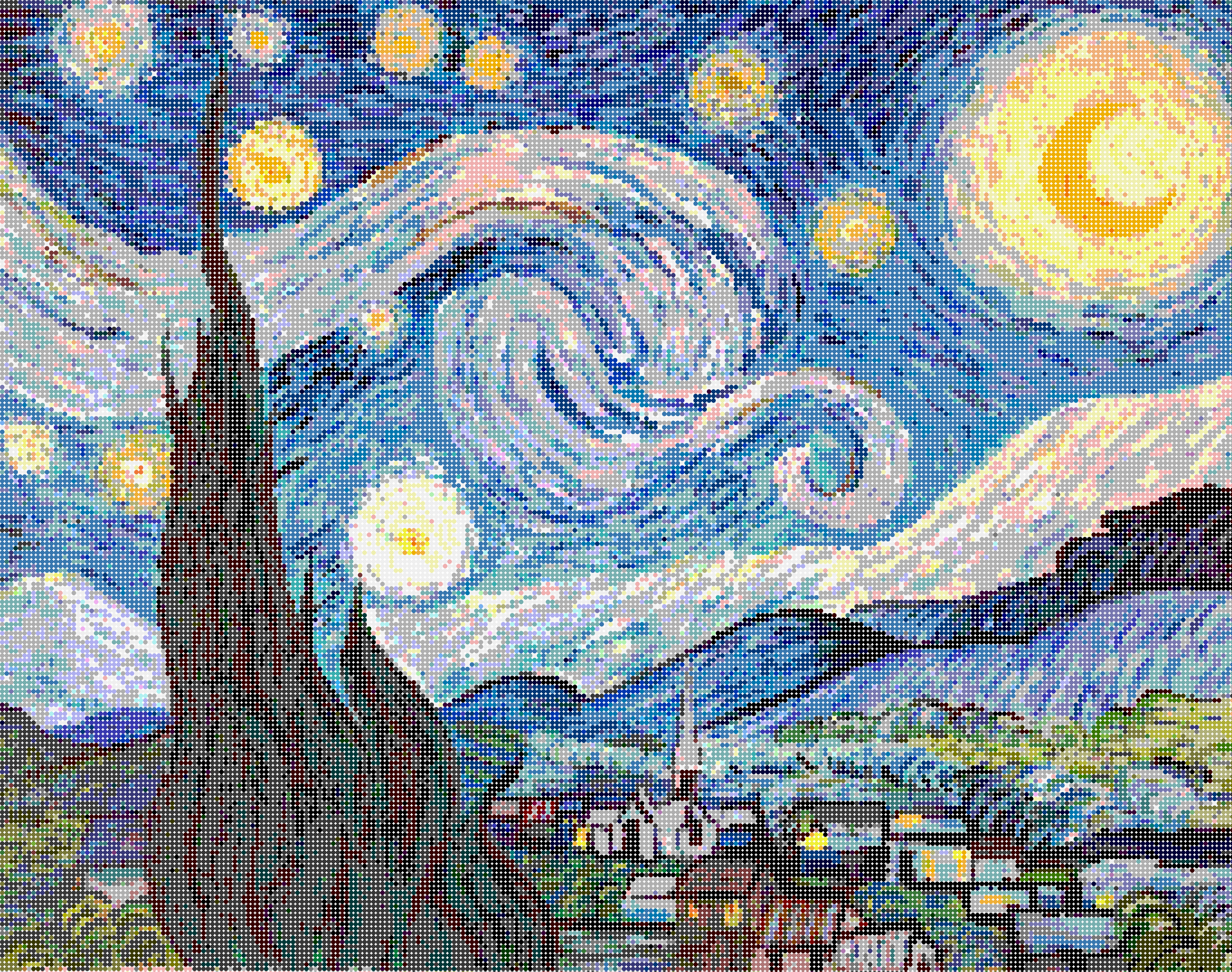 - 25x25
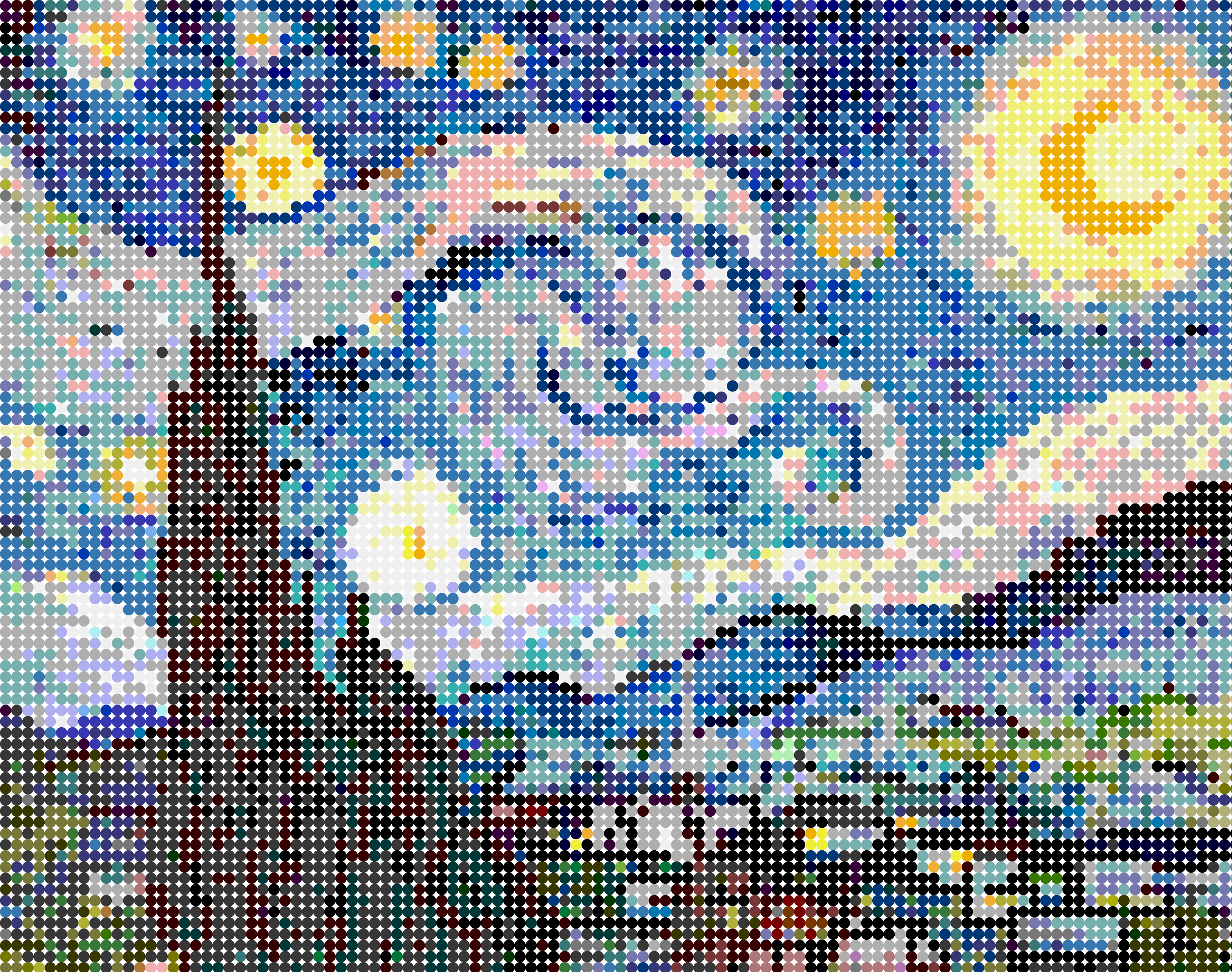 - 50x50
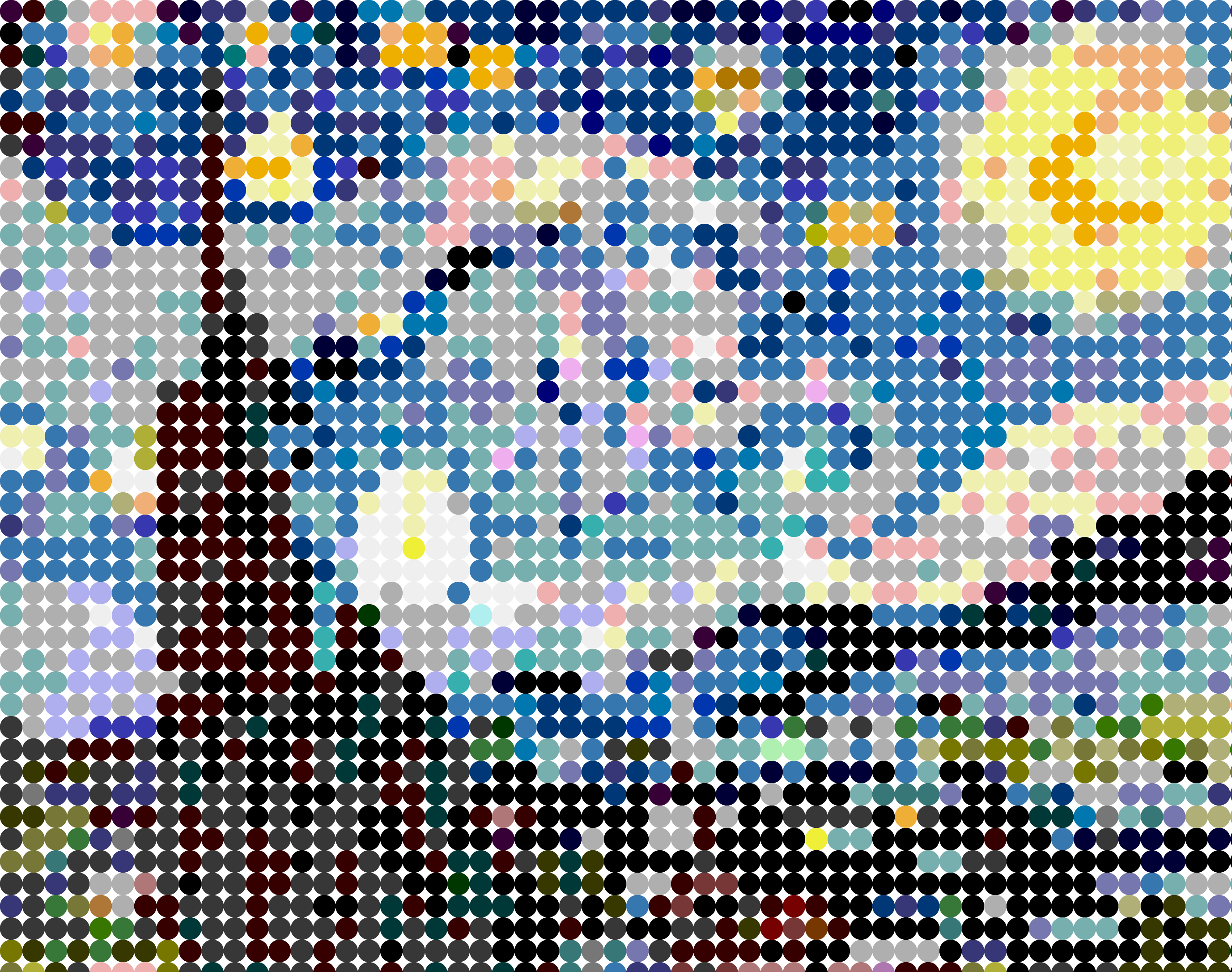
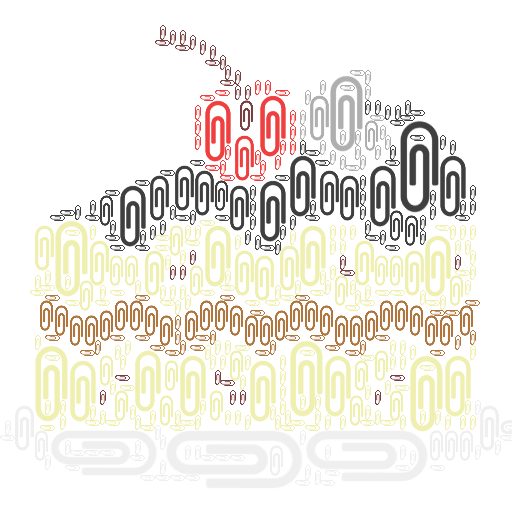

(top 24 of 44)
13,812 followers · starred Sep 2019
368 followers · starred Sep 2019
936 followers · starred Sep 2019
448 followers · starred Oct 2019
👷 Build images with images.
Tiler is a tool to create an image using all kinds of other smaller images (tiles). It is different from other mosaic tools since it can adapt to tiles with multiple shapes and sizes (i.e. not limited to squares).
An image can be built out of circles, lines, waves, cross stitches, legos, minecraft blocks, paper clips, letters, ... The possibilities are endless!
git clone https://github.com/nuno-faria/tiler.git;pip install -r requirements.txtgen_tiles.py can help in this task; it builds tiles with multiple colors based on the source tile (note: its recommended for the source file to have an RGB color of (240,240,240)). It is used as python gen_tiles.py path/to/image and creates a folder with a 'gen_' prefix in the same path as the base image.python tiler.py path/to/image path/to/tiles_folder/.All configurations can be changed in the conf.py file.
gen_tiles.pyDEPTH - number of divisions in each color channel (ex: DEPTH = 4 -> 4 * 4 * 4 = 64 colors);ROTATIONS - list of rotations, in degrees, to apply over the original image (ex: [0, 90]).tiler.pyCOLOR_DEPTH - number of divisions in each color channel (ex: COLOR_DEPTH = 4 -> 4 * 4 * 4 = 64 colors);IMAGE_SCALE - scale to apply to the image to tile (1 = default scale);RESIZING_SCALES - scale to apply to each tile (ex: [1, 0.75, 0.5, 0.25]);PIXEL_SHIFT - number of pixels shifted to create each box (ex: (5,5)); if None, shift will be the same as the tile dimension);
OVERLAP_TILES - if tiles can overlap;RENDER - render image as its being built;POOL_SIZE - multiprocessing pool size;IMAGE_TO_TILE - image to tile (ignored if passed as the 1st arg);TILES_FOLDER - folder with tiles (ignored if passed as the 2nd arg);OUT - result image filename.
Original cake image by pongsakornred from FLATICON.
- 25x25
- 50x50
(top 24 of 44)
13,812 followers · starred Sep 2019
368 followers · starred Sep 2019
936 followers · starred Sep 2019
448 followers · starred Oct 2019



