Make images look as if they are made out of 1x1 LEGO blocks
Python
3,176
183 commits
updated May 25, 2024




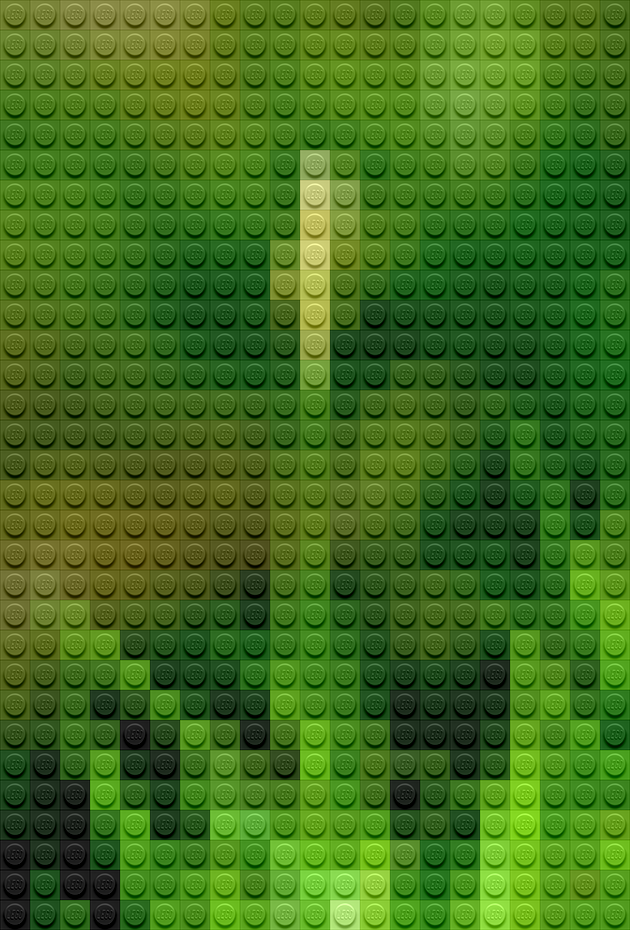
Legofy is a python program that takes a static image or gif and makes it so that it looks as if it was built out of LEGO.

pip install legofyIf you find a bug:
$ pip install legofy
or install from source
$ git clone https://github.com/JuanPotato/Legofy.git
$ cd Legofy
$ python setup.py install
Wait! I don't know what any of this means? Use pip then, or if you really want to install from source have some help.
Usage: legofy [OPTIONS] IMAGE [OUTPUT]

  Legofy an image!

Options:
  --size INTEGER                  Number of bricks the longest side of the legofied image should have.
  --dither / --no-dither          Use dither algorithm to spread the color approximation error.
  --palette [all|effects|mono|solid|transparent]
                                  Palette to use based on real Lego colors.
  --help                          Show this message and exit.
There are 3 palettes: solid (33 colors), transparent (14 colors) and effects (4 colors). You can use one of them or all the 3.
$ legofy --palette solid image.jpg
$ legofy --palette transparent image.jpg
$ legofy --palette effects image.jpg
$ legofy --palette all image.jpg
There is another one palette, mono, with only 2 colors (black and white...). It's just for test and fun...
git clone https://github.com/JuanPotato/Legofypython setup.py install while in the project folderOverall
Maintained
Code review
PyPI
Latest release
Releases this year
(top 24 of 29)
178 followers · starred Nov 2015
300 followers · starred Nov 2015
566 followers · starred Oct 2015
296 followers · starred Oct 2015
Make images look as if they are made out of 1x1 LEGO blocks
Python
3,176
183 commits
updated May 25, 2024
Legofy is a python program that takes a static image or gif and makes it so that it looks as if it was built out of LEGO.
pip install legofyIf you find a bug:
$ pip install legofy
or install from source
$ git clone https://github.com/JuanPotato/Legofy.git
$ cd Legofy
$ python setup.py install
Wait! I don't know what any of this means? Use pip then, or if you really want to install from source have some help.
Usage: legofy [OPTIONS] IMAGE [OUTPUT]

  Legofy an image!

Options:
  --size INTEGER                  Number of bricks the longest side of the legofied image should have.
  --dither / --no-dither          Use dither algorithm to spread the color approximation error.
  --palette [all|effects|mono|solid|transparent]
                                  Palette to use based on real Lego colors.
  --help                          Show this message and exit.
There are 3 palettes: solid (33 colors), transparent (14 colors) and effects (4 colors). You can use one of them or all the 3.
$ legofy --palette solid image.jpg
$ legofy --palette transparent image.jpg
$ legofy --palette effects image.jpg
$ legofy --palette all image.jpg
There is another one palette, mono, with only 2 colors (black and white...). It's just for test and fun...
git clone https://github.com/JuanPotato/Legofypython setup.py install while in the project folderOverall
Maintained
Code review
PyPI
Latest release
Releases this year
(top 24 of 29)
178 followers · starred Nov 2015
300 followers · starred Nov 2015
566 followers · starred Oct 2015
296 followers · starred Oct 2015