Local AI photo scoring, culling, and gallery — score, organise, and explore your library with face recognition and semantic search. No cloud, no subscriptions.
See the code🌐 English · Français · Deutsch · Italiano · Español · Português · 简体中文
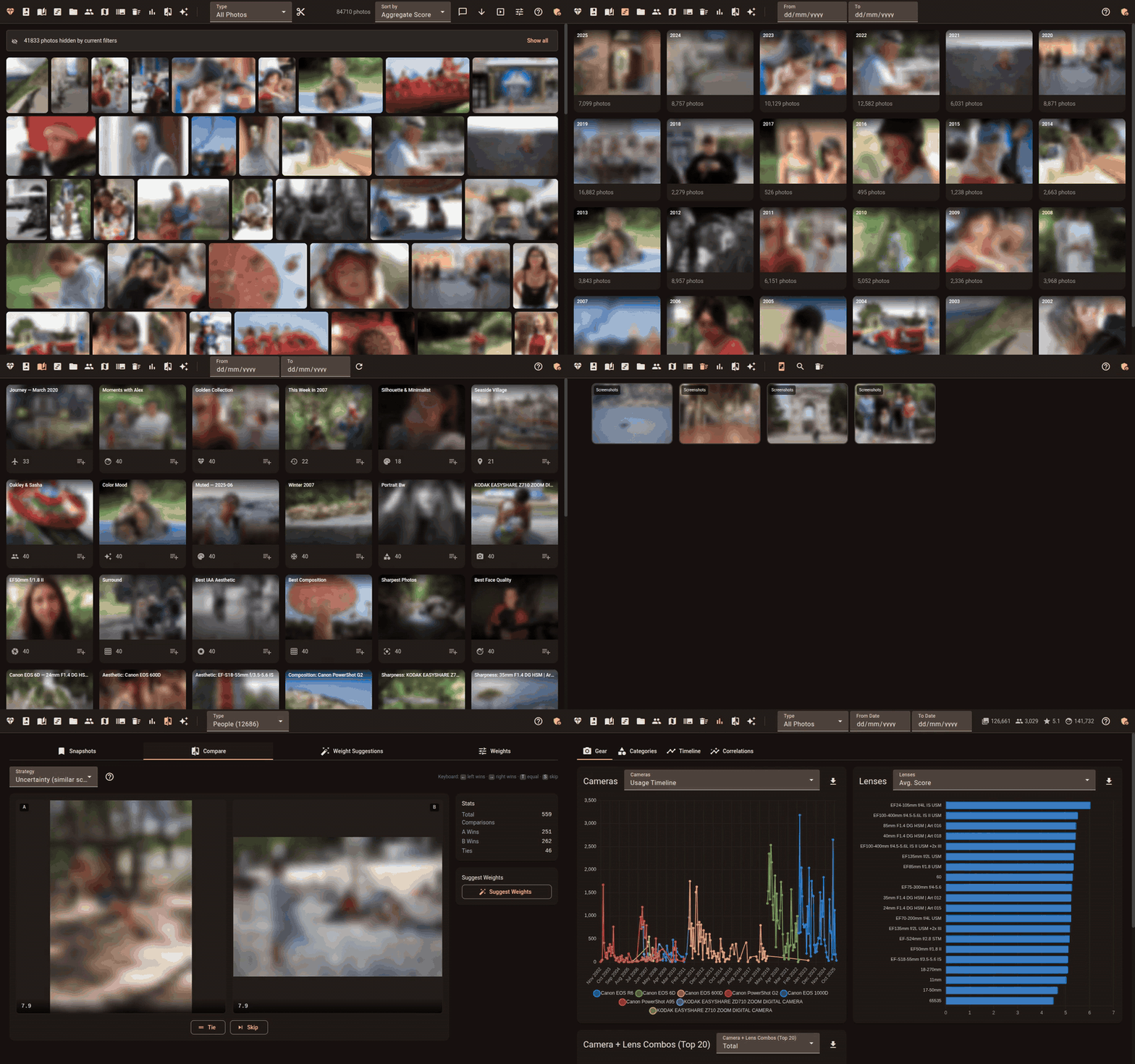
Facet is a local photo-analysis and culling engine. It scores each image across 9 dimensions — from aesthetic quality to face sharpness — then lets you browse, cull, and organize through a web gallery. Everything runs on your machine; no cloud, accounts, or API keys.




.HIF stills are decoded with the SMPTE ST 2084 PQ transfer function and tone-mapped to SDR sRGB automatically), 10 RAW formats (CR2, CR3, NEF, ARW, RAF, RW2, DNG, ORF, SRW, PEF), and PNG, GIF, WebP, BMP, TIFF, and AVIF stills (AVIF needs a Pillow built with AVIF support, native from 11.3). A RAW LibRaw can't decode — such as a Lightroom "Merge to HDR/Panorama" DNG (-HDR.dng, -Pano.dng) or a camera newer than the installed LibRaw — falls back to its largest embedded preview via exiftool (needs a preview at least 1024 px on the long edge; scores then come from that preview, not a full RAW decode). Lightroom Classic 13+ merges (and Enhance) store that preview as JPEG XL; Facet decodes it directly.GPU is auto-detected and optional. Facet runs CPU-only or with up to 24 GB VRAM.
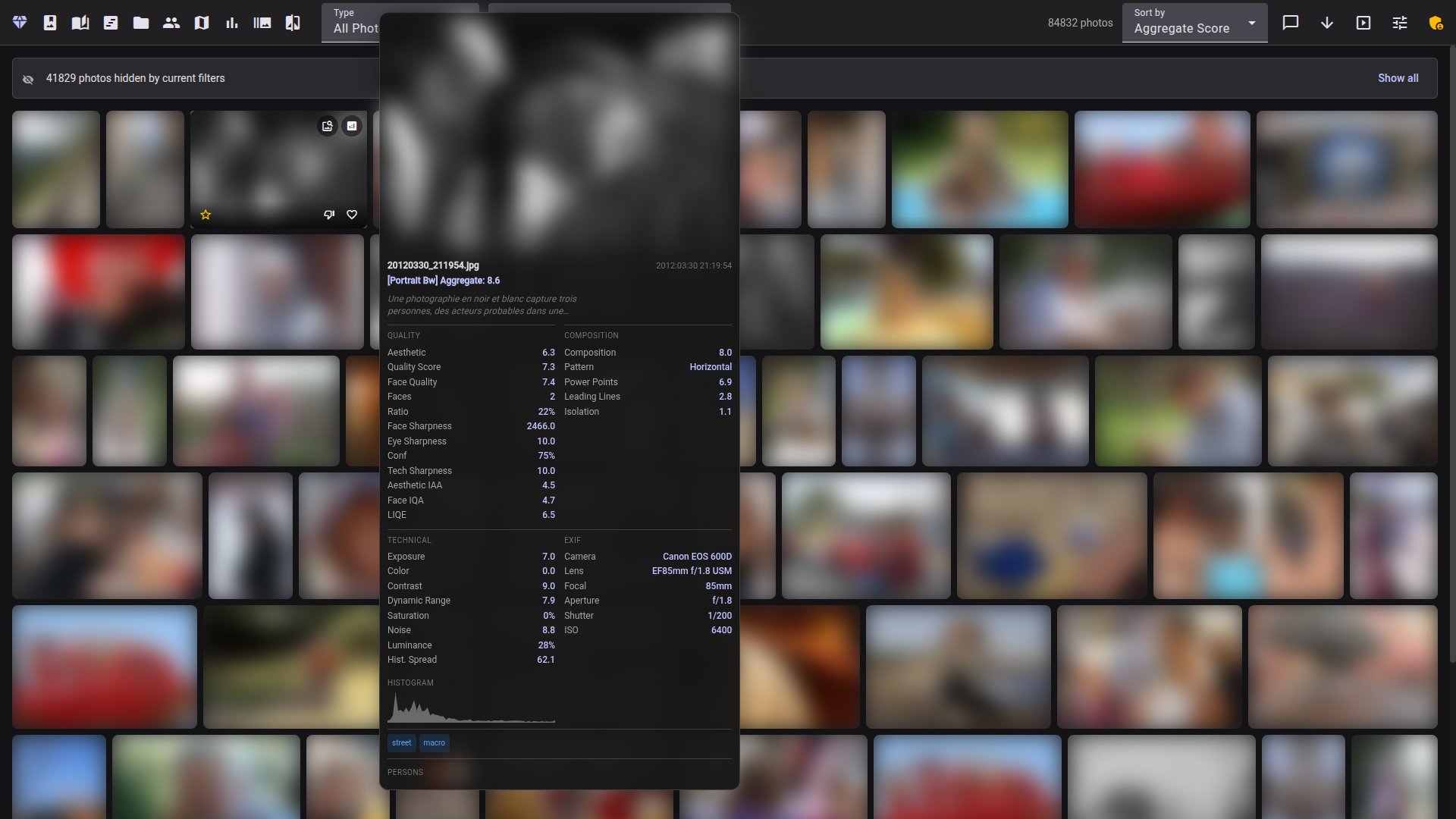
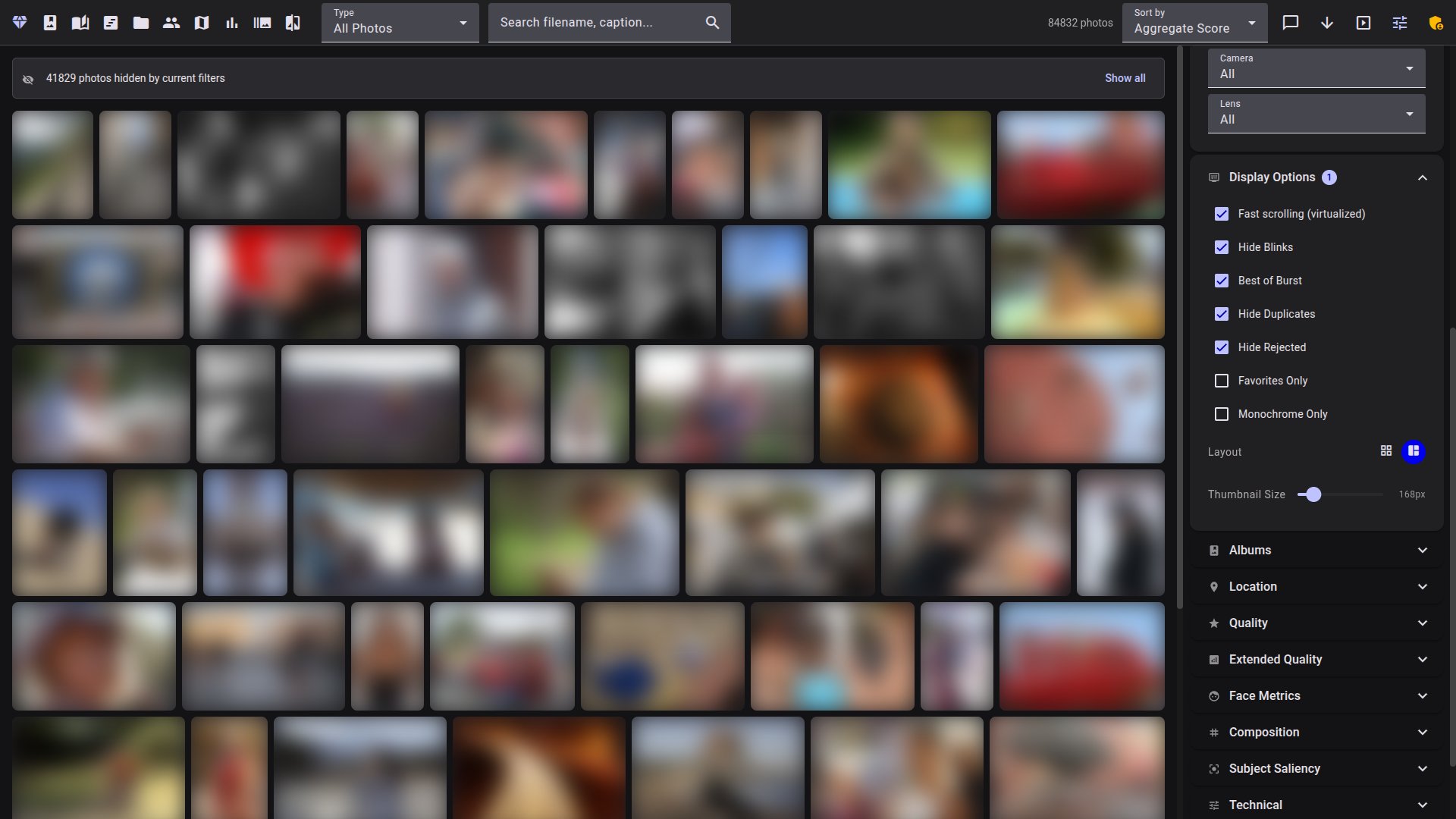
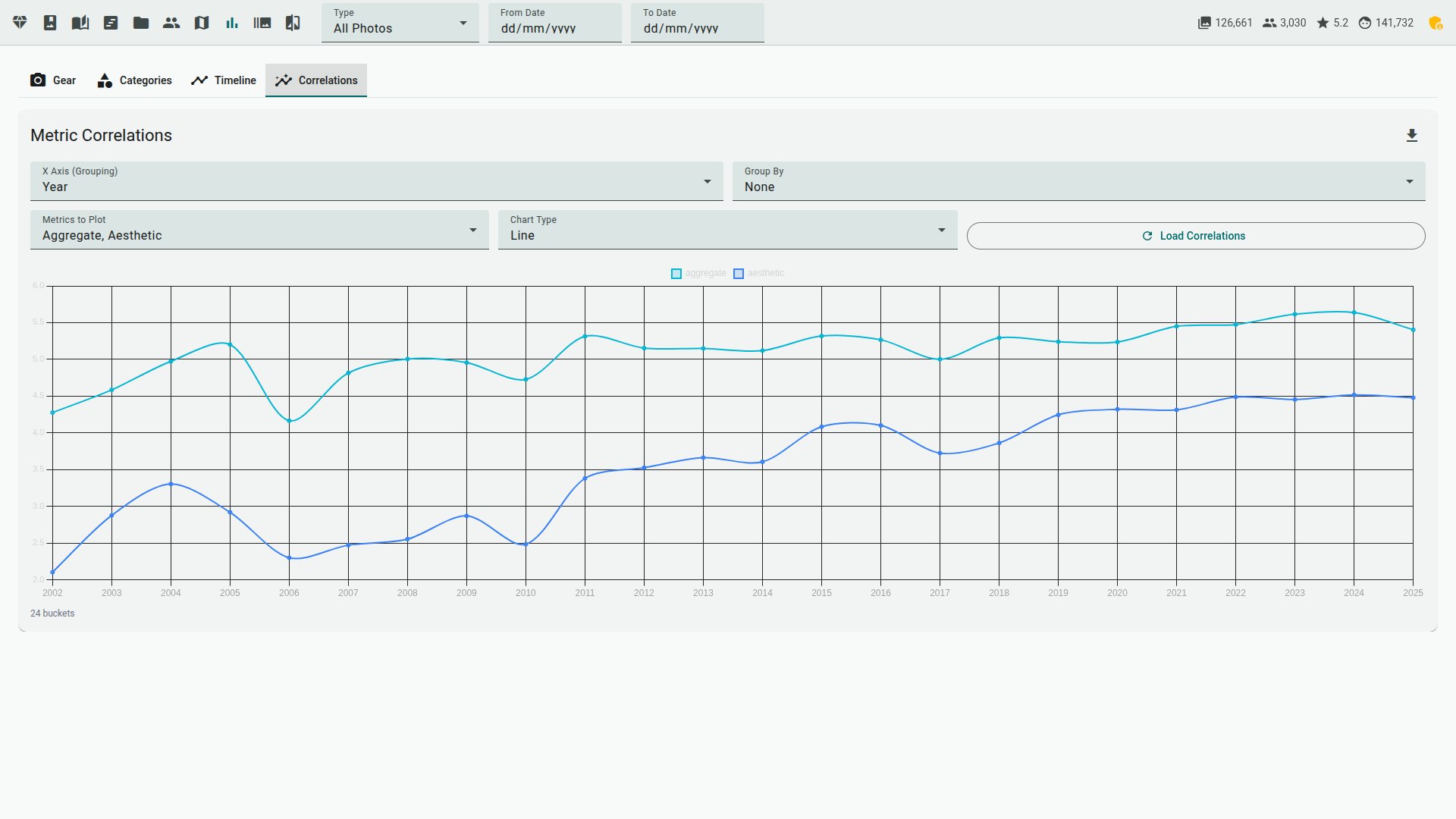
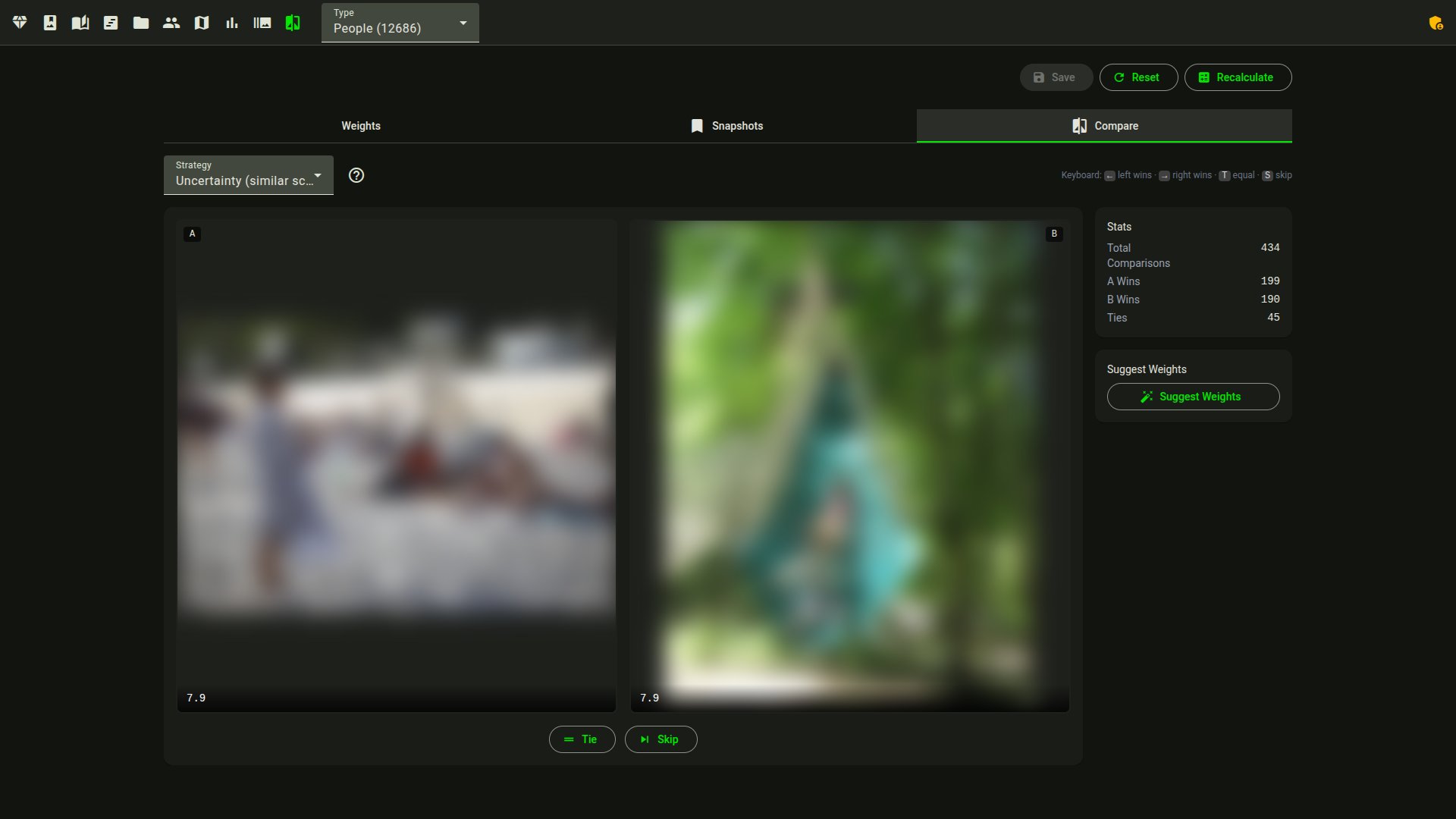
Each photo is scored across 9 dimensions: aesthetic quality, composition, face quality, eye sharpness, technical sharpness, color, exposure, subject saliency, and dynamic range. Photos are categorized by content (portrait, landscape, macro, street, etc. — 30+ categories) and scored with category-specific weights. A Top Picks filter ranks the library by a combined score.
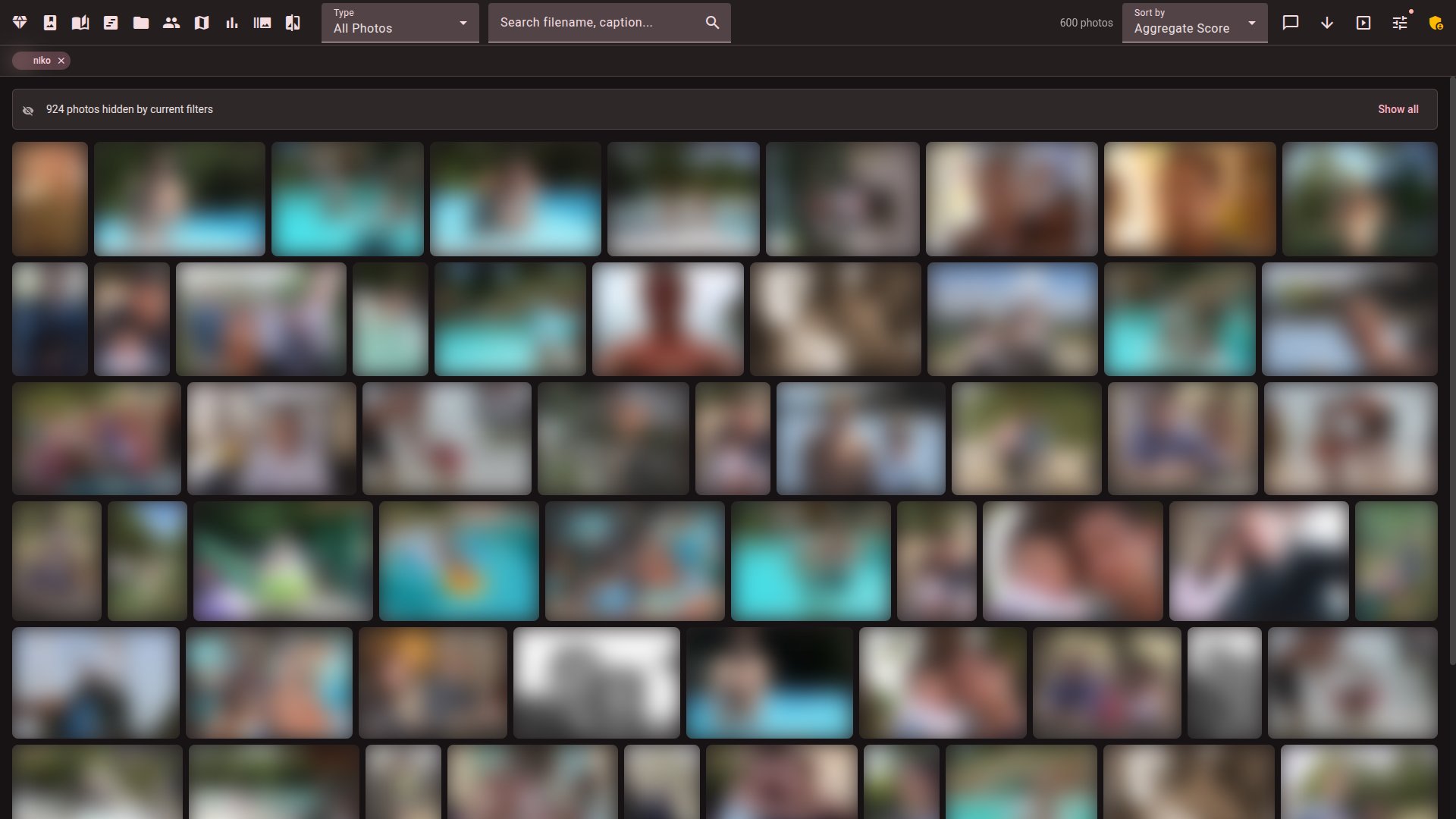
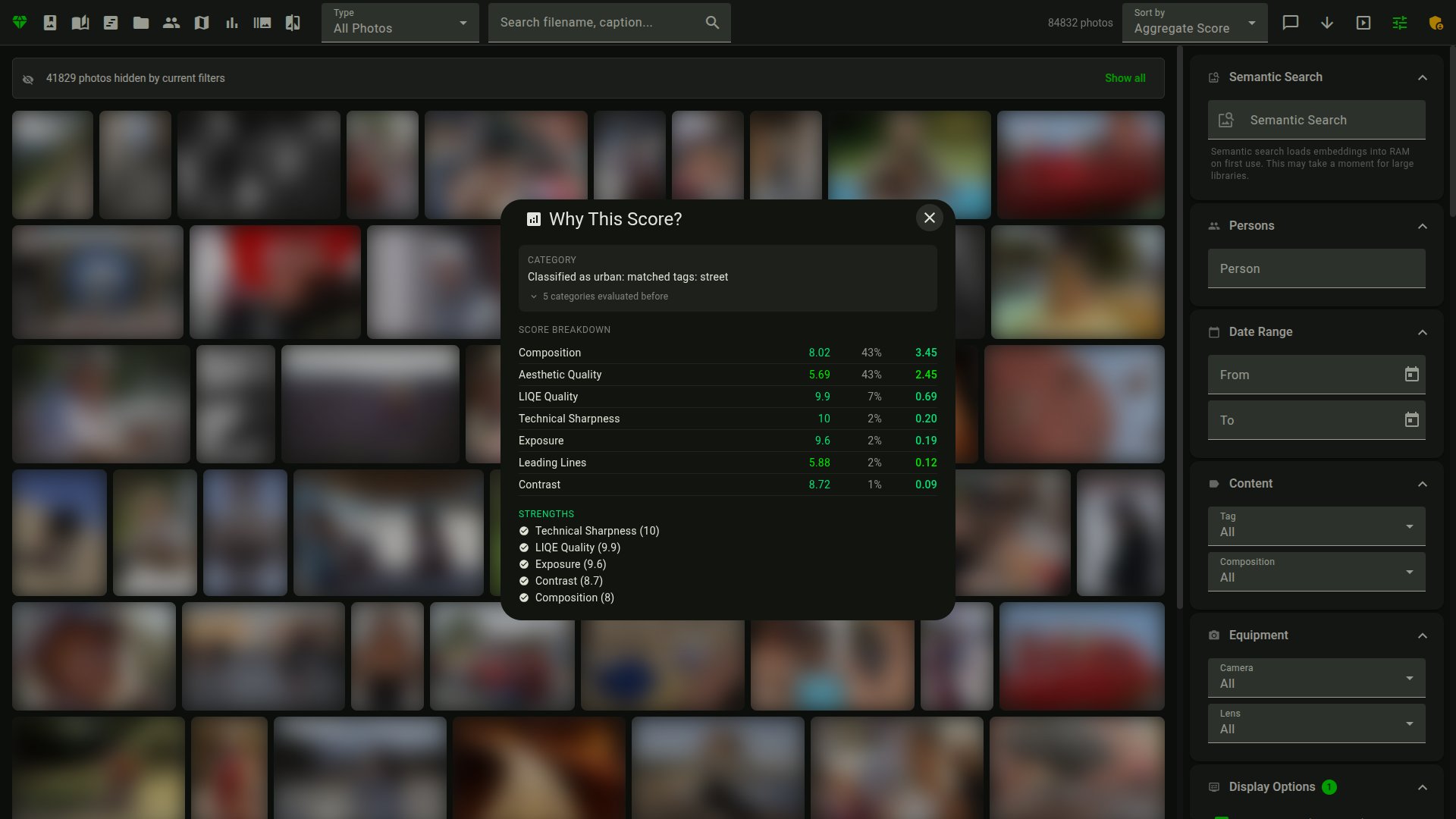
Hover over any photo for a tooltip with the score breakdown and EXIF data.
--detect-sequences / --detect-panoramas) are recognized as deliberate multi-frame sets and kept whole: the culling darkroom starts every frame of a set kept and never reduces it to a single "winner"python facet.py --auto-cull [PATH] previews the cull as a dry run, --apply writes it and --copy-keepers DIR copies the survivors (see docs/COMMANDS.md)[Edition] — render a photo through a named darktable style inside the culling darkroom, so you cull on the developed look instead of the flat RAW preview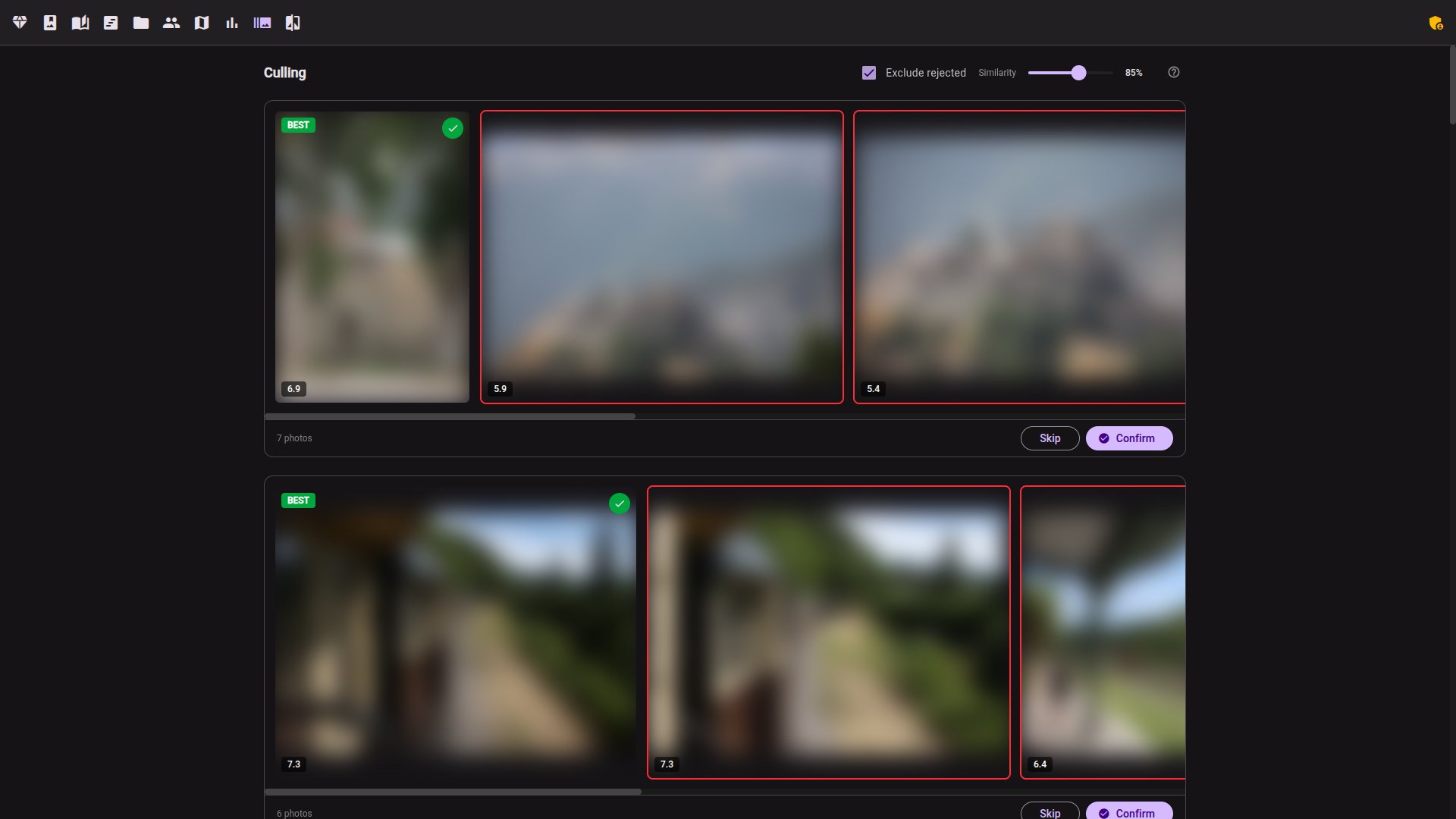 | 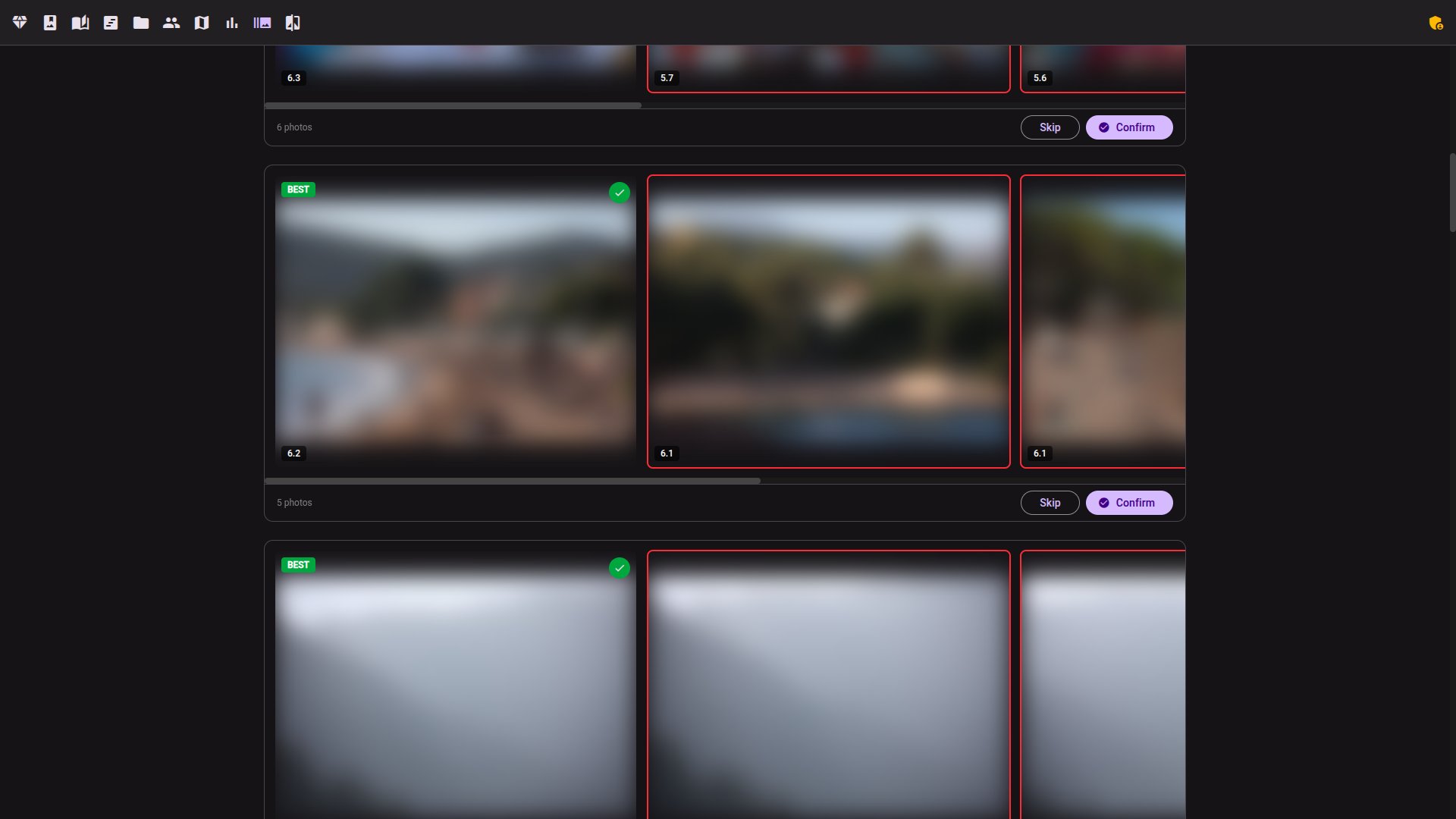 |
 |  |

Workflow tips:
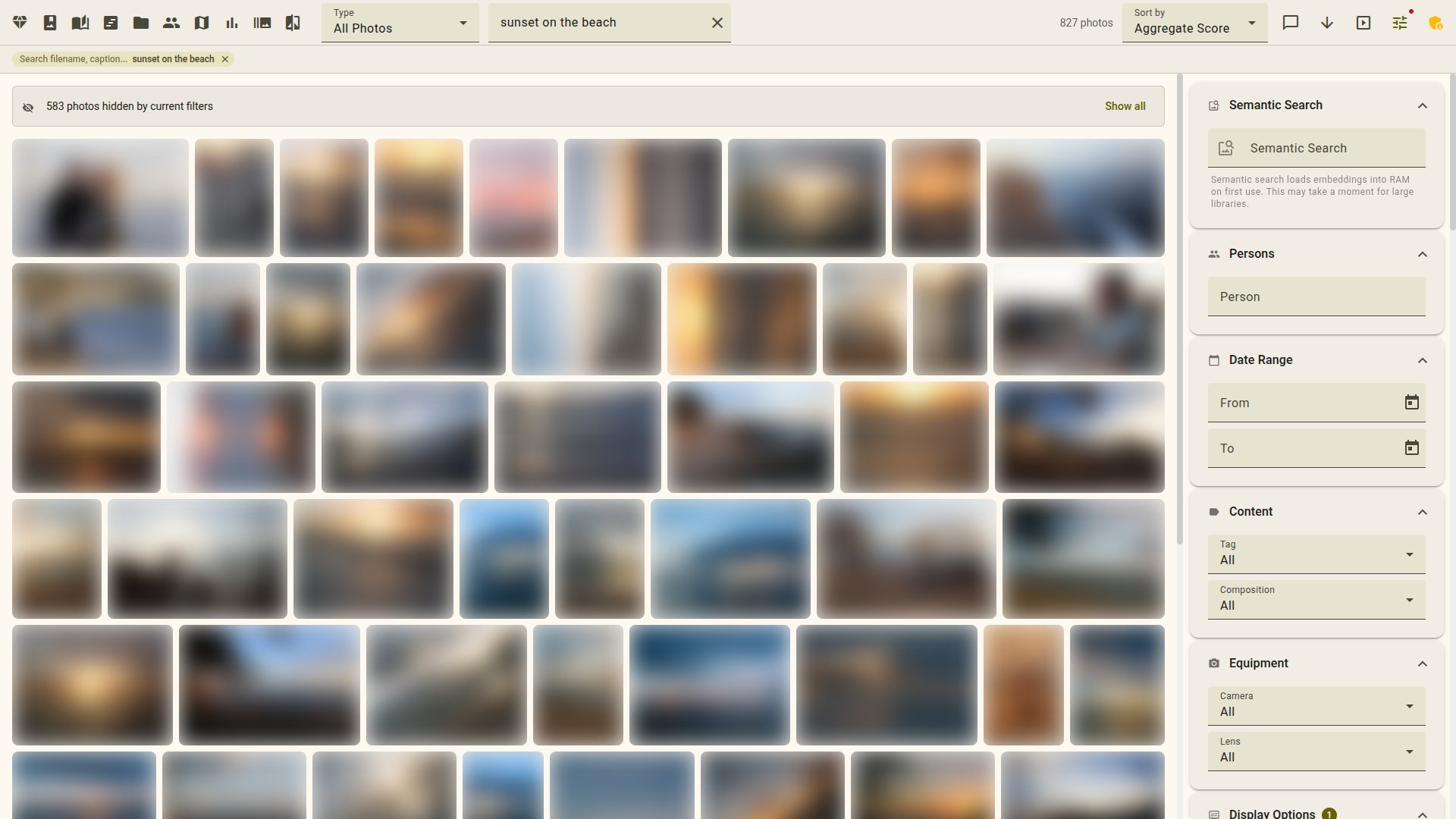
/timeline view drills down years → months → a day calendar — click a day to open the gallery filtered to that date. There's no sort here; for picking the best shots from a trip, use /capsules below instead, which runs a diversity pass over a date range you can save as an album./capsules view generates themed diaporamas (journeys, "Faces of", seasonal, golden) you can save as albums.? anywhere for the shortcut reference.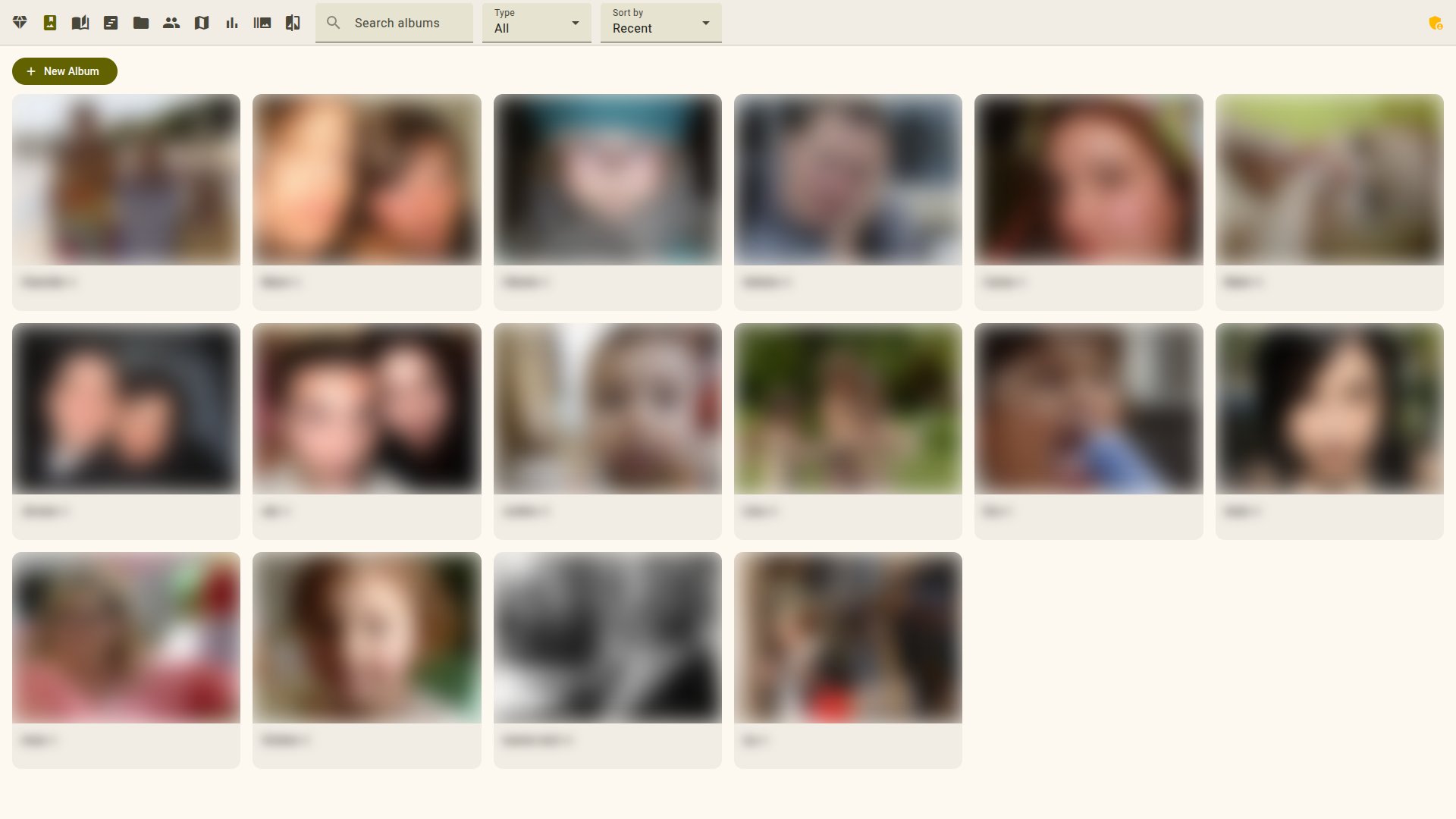
 |  |
[GPU] [16gb/24gb]--sync-label-comparisons, --mine-insights)[GPU] [16gb/24gb] — text descriptions, editable [Edition] and translatable to 5 languages (viewing is open; generation and editing need edition)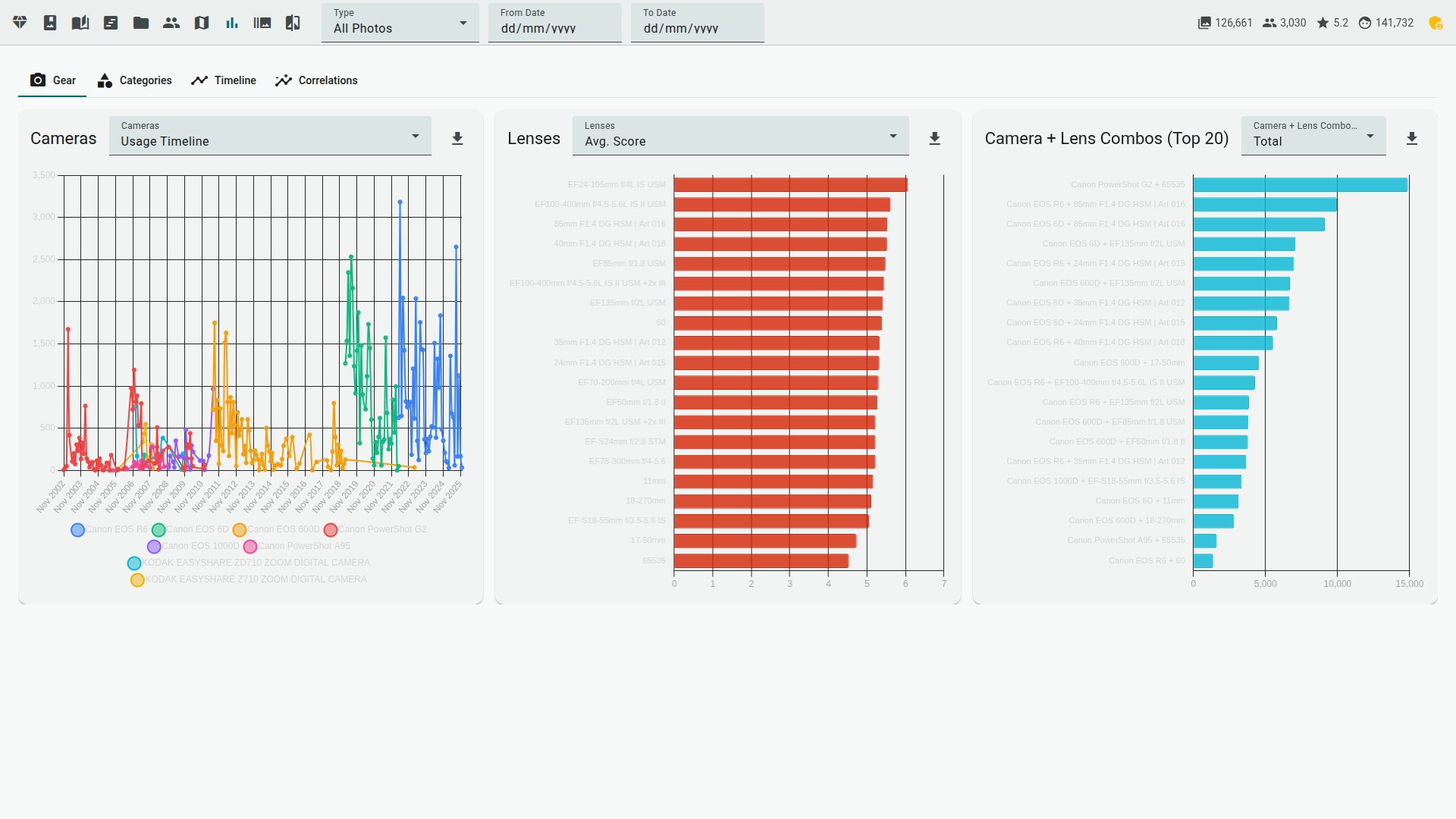 | 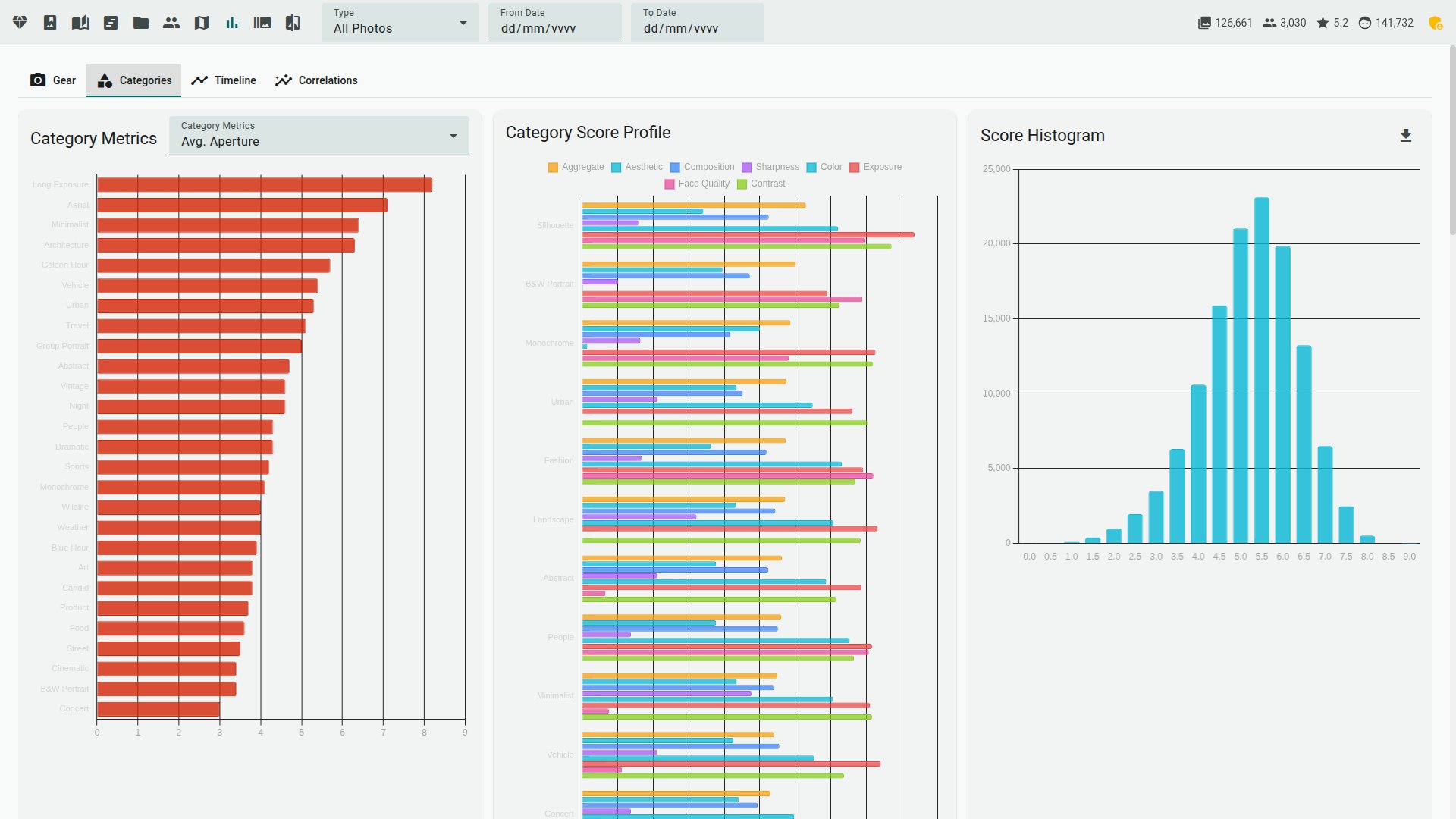 |
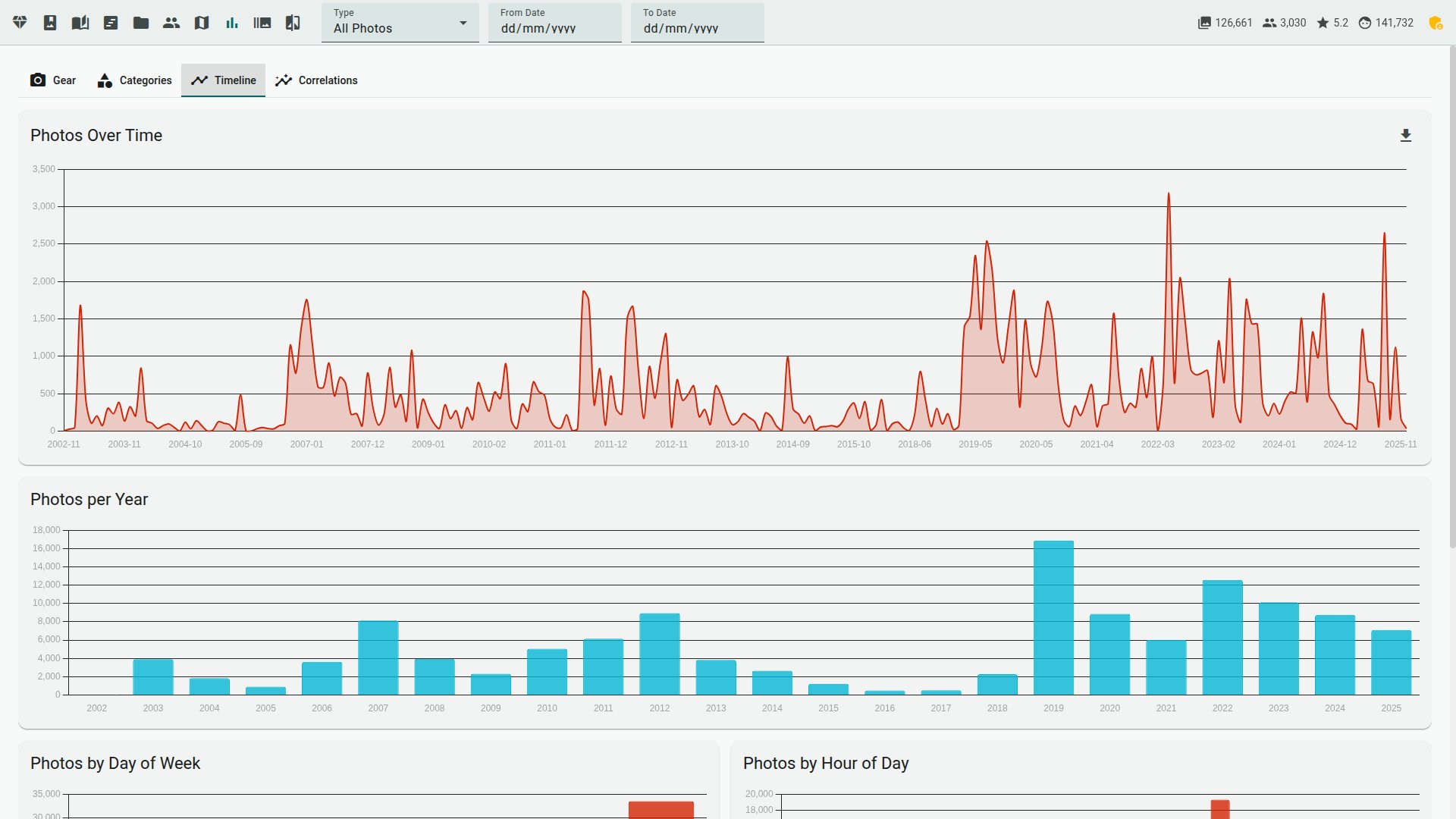 |  |
 |  |
 |  |
/dav inbox; --watch scores new shots as they arrive[Edition] — render an album into a self-contained static HTML gallery (no CDN references, works offline) you can drop on any web host[Edition] — full-resolution exports framed on the detected subject for square, portrait and story aspect presets--resume), failed files are tracked and retryable (--retry-failed), progress streams to the web UI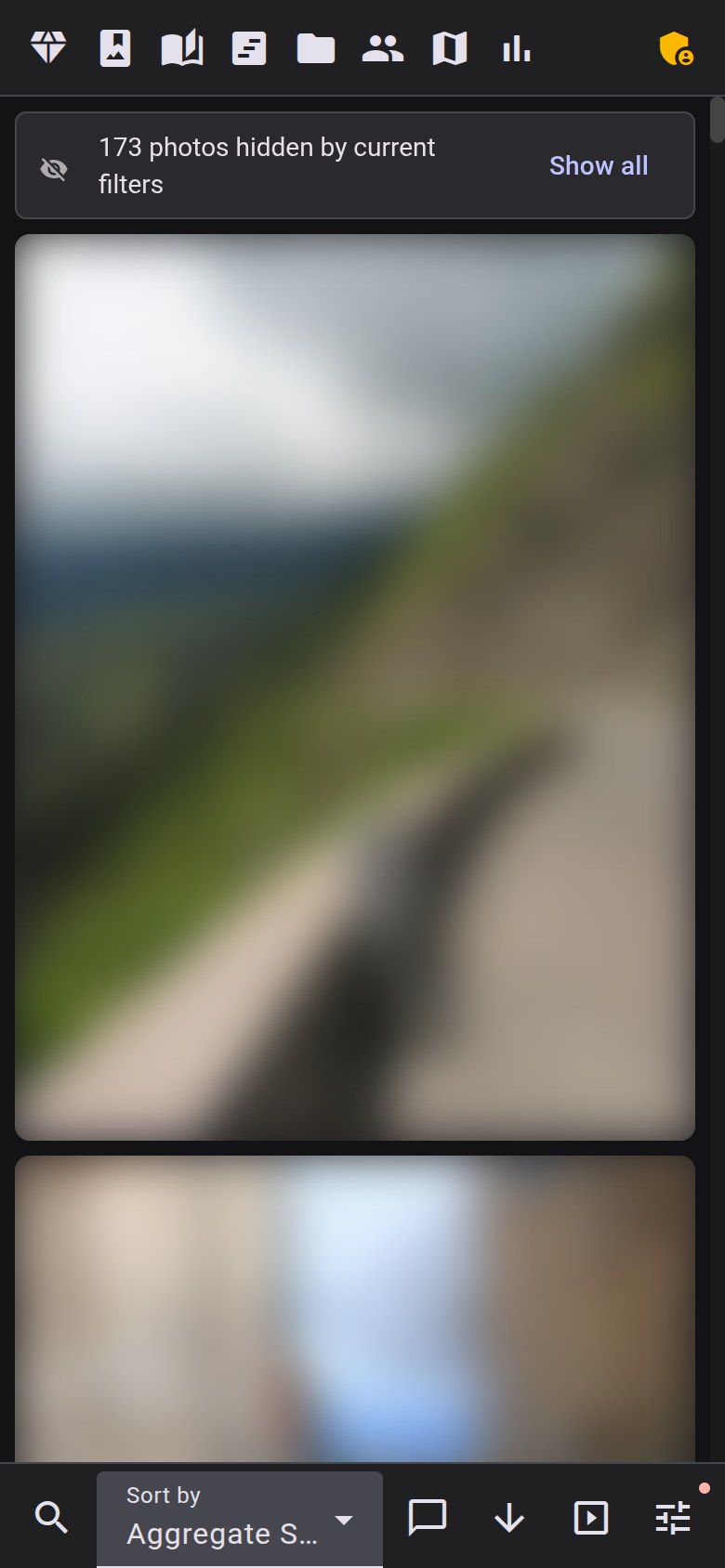 | 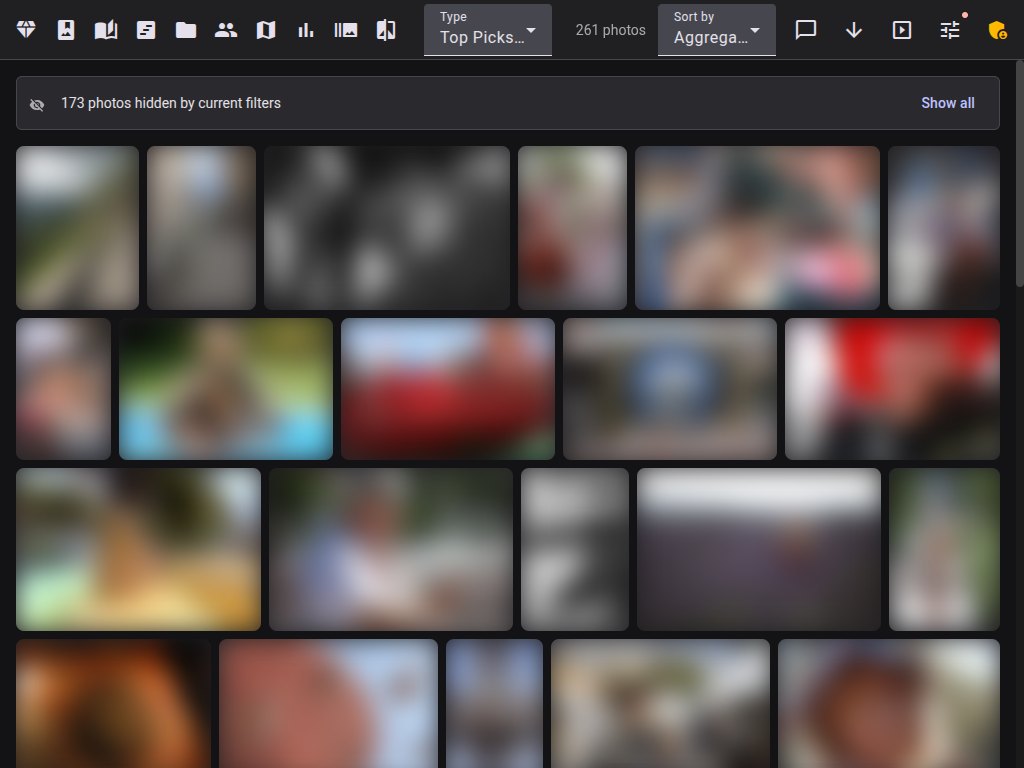 | 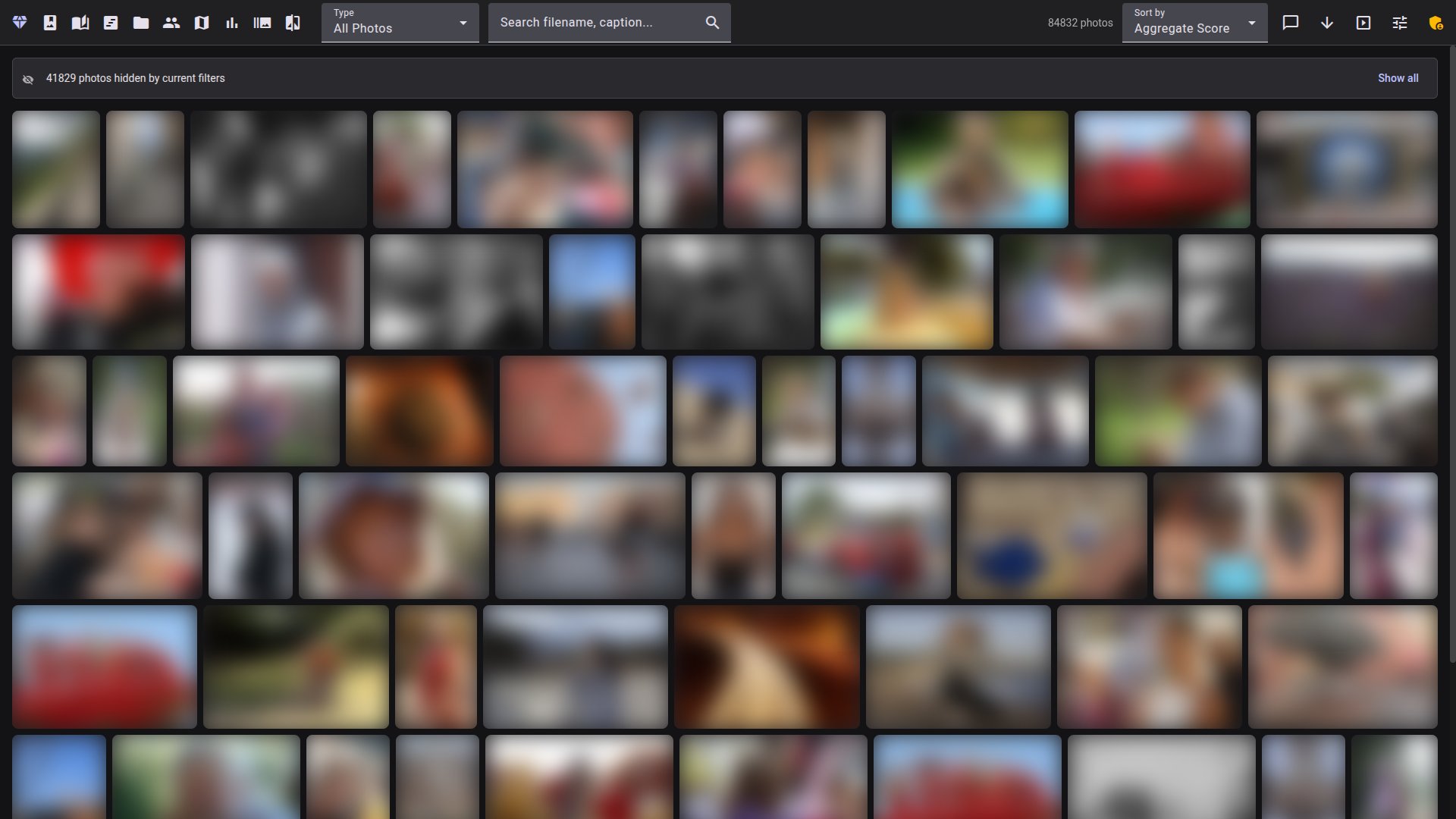 |
Most of Facet runs on any machine (CPU) — scoring, face detection, culling, the gallery, search, albums and metadata export all work without a GPU. On Apple Silicon, Facet automatically uses PyTorch's Metal (mps) backend for Torch models, and the auto profile is sized from your total unified memory — a 32 GB Mac reaches the 16gb profile, a 48 GB one the 24gb profile; InsightFace remains on ONNX Runtime's CPU provider. An NVIDIA GPU (with the 16gb or 24gb profile) unlocks the strongest models: TOPIQ aesthetic scoring, SigLIP 2 embeddings, VLM tagging, AI captions and critique, and subject saliency. No local GPU? Point the VLM tagging/captions/critique at a remote Ollama or OpenAI-compatible server via vlm_backend in scoring_config.json — those features then work on the CPU legacy/8gb profiles too. In the viewer, editing actions (ratings, faces, culling) need the edition password, and triggering scans needs viewer.features.show_scan_button: true plus the superadmin role in multi-user mode, or edition access on a single-user install.
→ Full per-feature requirements (GPU, VRAM profile, optional packages, auth): Installation › Feature requirements.
Facet scores, ranks, and culls a local photo library and serves a gallery to browse it. It runs on your own hardware and keeps photos off the cloud.
A good fit if you:
.xmp sidecars (originals untouched by default) and can optionally embed them in-file for JPEG/HEIC/TIFF/PNG/DNG (the gallery "Write metadata to file" action or --export-sidecars --embed-originals), and reads external edits back with --import-sidecars. For Lightroom specifically, the facet.lrplugin plug-in adds a two-way flow on top of that: it can fill in star ratings from Facet's scores, pick/reject burst frames, group bursts/brackets/panoramas into collections and keywords from a downloaded manifest, and export your own Lightroom flags/ratings/labels back into Facet.Probably not for you if you want:
How it relates to other tools
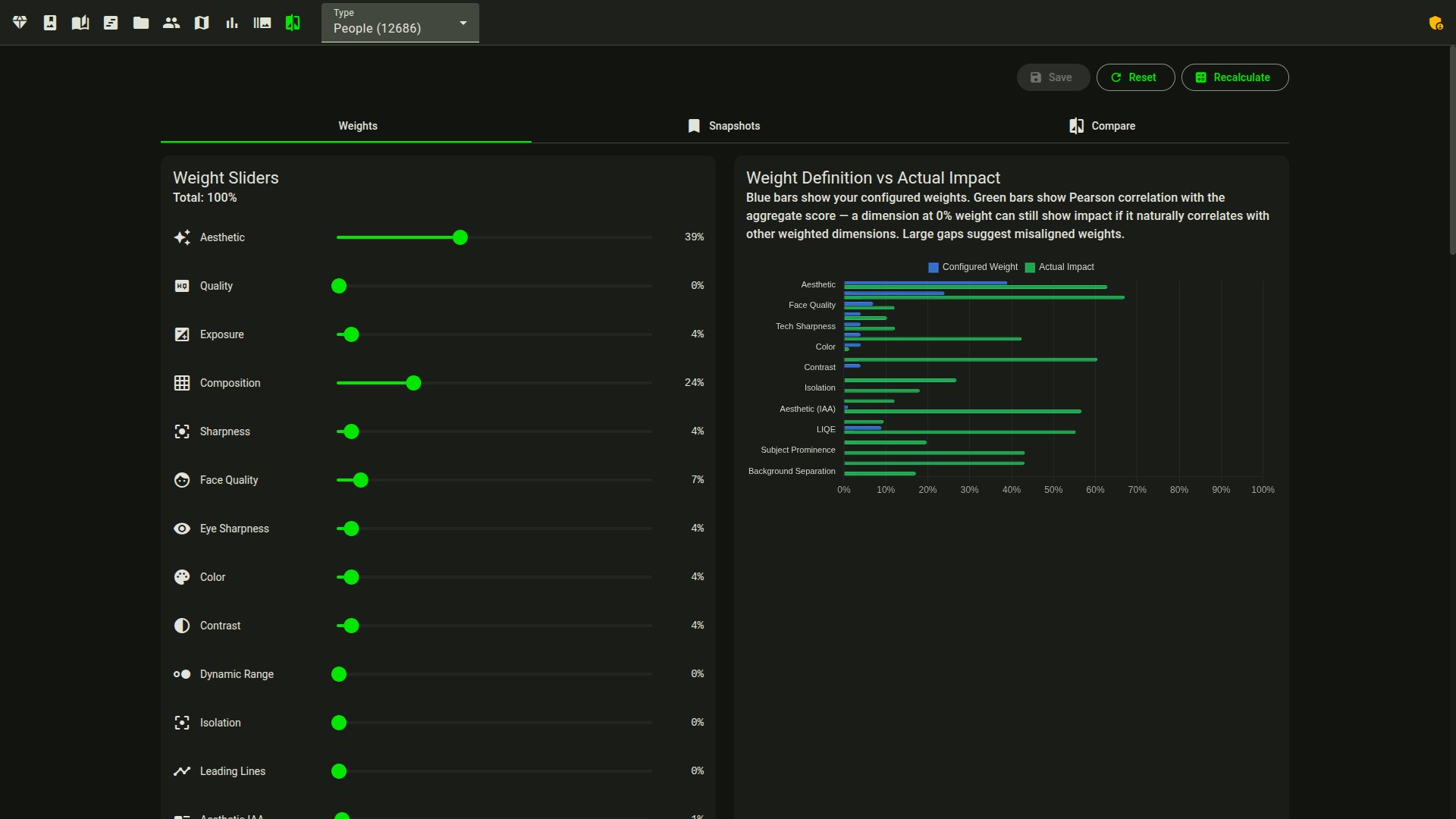
The aesthetic score is model-based and approximate; expect to tune the weights to match your taste.
git clone https://github.com/ncoevoet/facet.git && cd facet
cp .env.example .env      # open .env and set PHOTOS_DIR to your photo folder
docker compose up -d      # then open http://localhost:5000
Have an NVIDIA card? Use the block for its size in Installation — one line each for 8 GB, 16 GB and 24 GB cards.
git clone https://github.com/ncoevoet/facet.git && cd facet
bash install.sh                        # detects your hardware, installs everything
source venv/bin/activate
python facet.py /path/to/your/photos   # score photos
python viewer.py                       # gallery → http://localhost:5000
macOS: ControlCenter's AirPlay Receiver binds port 5000 by default. If you see "Address already in use", run
python viewer.py --port 5001.
Full guide: Installation — per-hardware setup, first-run
downloads, and dependency troubleshooting.
Run python facet.py --doctor to diagnose GPU issues.
First time here? Follow the Getting Started walkthrough: scan, review, teach, discard, tag and export.
| Document | Description |
|---|---|
| Installation | Requirements, GPU setup, VRAM profiles, dependencies |
| Getting Started | First-run walkthrough: install to scan, review, teach, discard, tag and export |
| Commands | All CLI commands reference |
| Configuration | Full scoring_config.json reference |
| Scoring | Categories, weights, tuning guide |
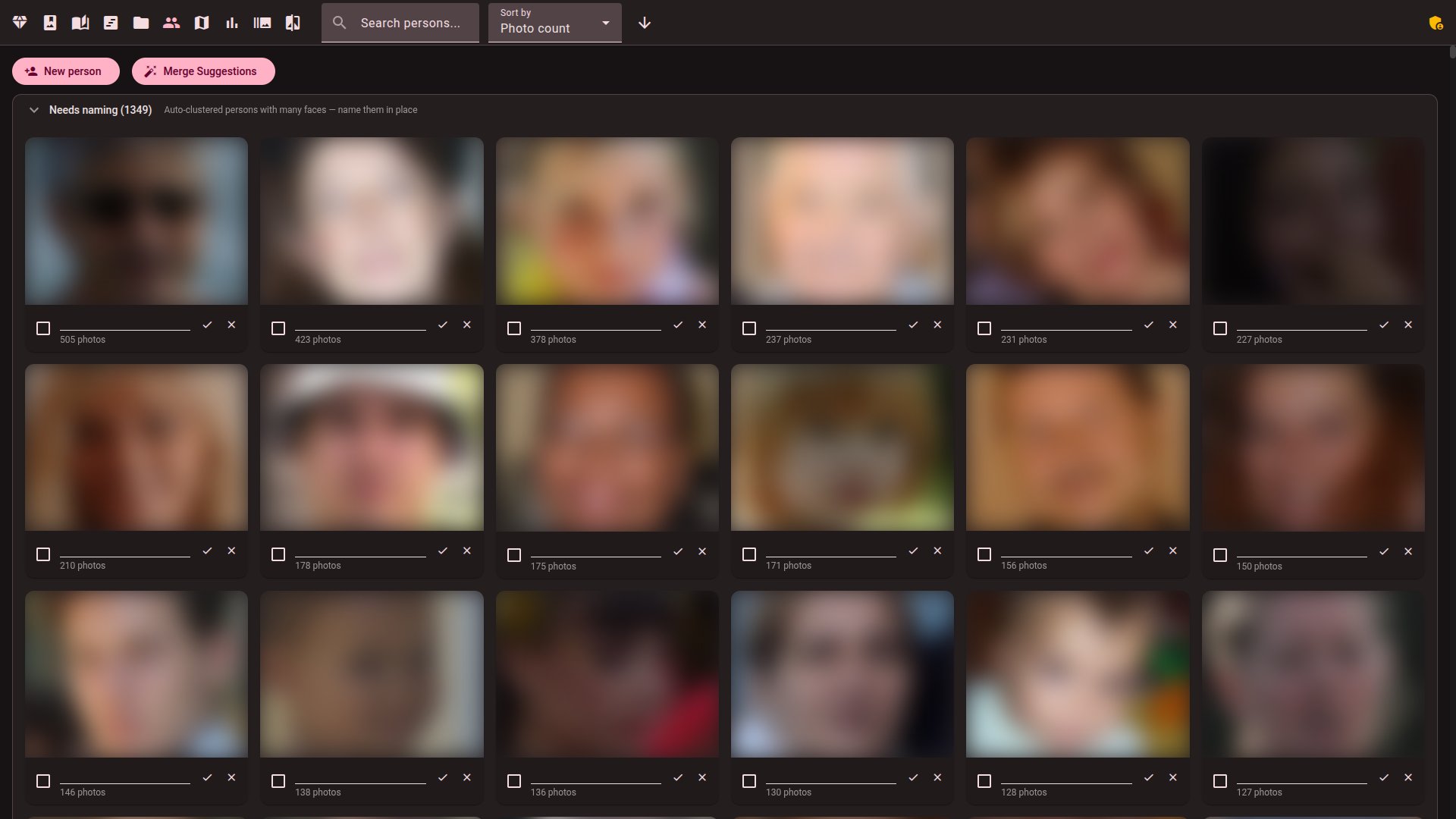
| Face Recognition | Face workflow, clustering, person management |
| Viewer | Web gallery features and usage |
| Interop | Round-tripping ratings/tags with Lightroom, Capture One, digiKam, darktable |
| Immich | Syncing ratings and favorites with Immich, plus the inbound webhook |
| Deployment | Production deployment (Synology NAS, Linux, Docker) |
| Contributing | Development setup, architecture, code style |
30 followers · starred Sep 2026
Local AI photo scoring, culling, and gallery — score, organise, and explore your library with face recognition and semantic search. No cloud, no subscriptions.
See the code🌐 English · Français · Deutsch · Italiano · Español · Português · 简体中文
Facet is a local photo-analysis and culling engine. It scores each image across 9 dimensions — from aesthetic quality to face sharpness — then lets you browse, cull, and organize through a web gallery. Everything runs on your machine; no cloud, accounts, or API keys.
.HIF stills are decoded with the SMPTE ST 2084 PQ transfer function and tone-mapped to SDR sRGB automatically), 10 RAW formats (CR2, CR3, NEF, ARW, RAF, RW2, DNG, ORF, SRW, PEF), and PNG, GIF, WebP, BMP, TIFF, and AVIF stills (AVIF needs a Pillow built with AVIF support, native from 11.3). A RAW LibRaw can't decode — such as a Lightroom "Merge to HDR/Panorama" DNG (-HDR.dng, -Pano.dng) or a camera newer than the installed LibRaw — falls back to its largest embedded preview via exiftool (needs a preview at least 1024 px on the long edge; scores then come from that preview, not a full RAW decode). Lightroom Classic 13+ merges (and Enhance) store that preview as JPEG XL; Facet decodes it directly.GPU is auto-detected and optional. Facet runs CPU-only or with up to 24 GB VRAM.
Each photo is scored across 9 dimensions: aesthetic quality, composition, face quality, eye sharpness, technical sharpness, color, exposure, subject saliency, and dynamic range. Photos are categorized by content (portrait, landscape, macro, street, etc. — 30+ categories) and scored with category-specific weights. A Top Picks filter ranks the library by a combined score.
Hover over any photo for a tooltip with the score breakdown and EXIF data.
--detect-sequences / --detect-panoramas) are recognized as deliberate multi-frame sets and kept whole: the culling darkroom starts every frame of a set kept and never reduces it to a single "winner"python facet.py --auto-cull [PATH] previews the cull as a dry run, --apply writes it and --copy-keepers DIR copies the survivors (see docs/COMMANDS.md)[Edition] — render a photo through a named darktable style inside the culling darkroom, so you cull on the developed look instead of the flat RAW preview | |
| |
Workflow tips:
/timeline view drills down years → months → a day calendar — click a day to open the gallery filtered to that date. There's no sort here; for picking the best shots from a trip, use /capsules below instead, which runs a diversity pass over a date range you can save as an album./capsules view generates themed diaporamas (journeys, "Faces of", seasonal, golden) you can save as albums.? anywhere for the shortcut reference.
| |
[GPU] [16gb/24gb]--sync-label-comparisons, --mine-insights)[GPU] [16gb/24gb] — text descriptions, editable [Edition] and translatable to 5 languages (viewing is open; generation and editing need edition) | |
| |
| |
| |
/dav inbox; --watch scores new shots as they arrive[Edition] — render an album into a self-contained static HTML gallery (no CDN references, works offline) you can drop on any web host[Edition] — full-resolution exports framed on the detected subject for square, portrait and story aspect presets--resume), failed files are tracked and retryable (--retry-failed), progress streams to the web UI | | |
Most of Facet runs on any machine (CPU) — scoring, face detection, culling, the gallery, search, albums and metadata export all work without a GPU. On Apple Silicon, Facet automatically uses PyTorch's Metal (mps) backend for Torch models, and the auto profile is sized from your total unified memory — a 32 GB Mac reaches the 16gb profile, a 48 GB one the 24gb profile; InsightFace remains on ONNX Runtime's CPU provider. An NVIDIA GPU (with the 16gb or 24gb profile) unlocks the strongest models: TOPIQ aesthetic scoring, SigLIP 2 embeddings, VLM tagging, AI captions and critique, and subject saliency. No local GPU? Point the VLM tagging/captions/critique at a remote Ollama or OpenAI-compatible server via vlm_backend in scoring_config.json — those features then work on the CPU legacy/8gb profiles too. In the viewer, editing actions (ratings, faces, culling) need the edition password, and triggering scans needs viewer.features.show_scan_button: true plus the superadmin role in multi-user mode, or edition access on a single-user install.
→ Full per-feature requirements (GPU, VRAM profile, optional packages, auth): Installation › Feature requirements.
Facet scores, ranks, and culls a local photo library and serves a gallery to browse it. It runs on your own hardware and keeps photos off the cloud.
A good fit if you:
.xmp sidecars (originals untouched by default) and can optionally embed them in-file for JPEG/HEIC/TIFF/PNG/DNG (the gallery "Write metadata to file" action or --export-sidecars --embed-originals), and reads external edits back with --import-sidecars. For Lightroom specifically, the facet.lrplugin plug-in adds a two-way flow on top of that: it can fill in star ratings from Facet's scores, pick/reject burst frames, group bursts/brackets/panoramas into collections and keywords from a downloaded manifest, and export your own Lightroom flags/ratings/labels back into Facet.Probably not for you if you want:
How it relates to other tools
The aesthetic score is model-based and approximate; expect to tune the weights to match your taste.
git clone https://github.com/ncoevoet/facet.git && cd facet
cp .env.example .env      # open .env and set PHOTOS_DIR to your photo folder
docker compose up -d      # then open http://localhost:5000
Have an NVIDIA card? Use the block for its size in Installation — one line each for 8 GB, 16 GB and 24 GB cards.
git clone https://github.com/ncoevoet/facet.git && cd facet
bash install.sh                        # detects your hardware, installs everything
source venv/bin/activate
python facet.py /path/to/your/photos   # score photos
python viewer.py                       # gallery → http://localhost:5000
macOS: ControlCenter's AirPlay Receiver binds port 5000 by default. If you see "Address already in use", run
python viewer.py --port 5001.
Full guide: Installation — per-hardware setup, first-run
downloads, and dependency troubleshooting.
Run python facet.py --doctor to diagnose GPU issues.
First time here? Follow the Getting Started walkthrough: scan, review, teach, discard, tag and export.
| Document | Description |
|---|---|
| Installation | Requirements, GPU setup, VRAM profiles, dependencies |
| Getting Started | First-run walkthrough: install to scan, review, teach, discard, tag and export |
| Commands | All CLI commands reference |
| Configuration | Full scoring_config.json reference |
| Scoring | Categories, weights, tuning guide |
| Face Recognition | Face workflow, clustering, person management |
| Viewer | Web gallery features and usage |
| Interop | Round-tripping ratings/tags with Lightroom, Capture One, digiKam, darktable |
| Immich | Syncing ratings and favorites with Immich, plus the inbound webhook |
| Deployment | Production deployment (Synology NAS, Linux, Docker) |
| Contributing | Development setup, architecture, code style |
30 followers · starred Sep 2026



