🖼️ Image optimization app for macOS, Windows and Linux.
See the code[!IMPORTANT] IMGo is the next-generation rewrite of the original meowtec/Imagine. It replaces Electron with Tauri for a smaller desktop app, supports more image formats, and adds a full web version that runs directly in your browser.
If you prefer the original UI interactions but need support for more formats, consider Imagine-plus.
IMGo (short for "image optimizer") is a private batch image compression and conversion tool. Process multiple images at once, adjust quality and dimensions, and convert between common formats without uploading your files.
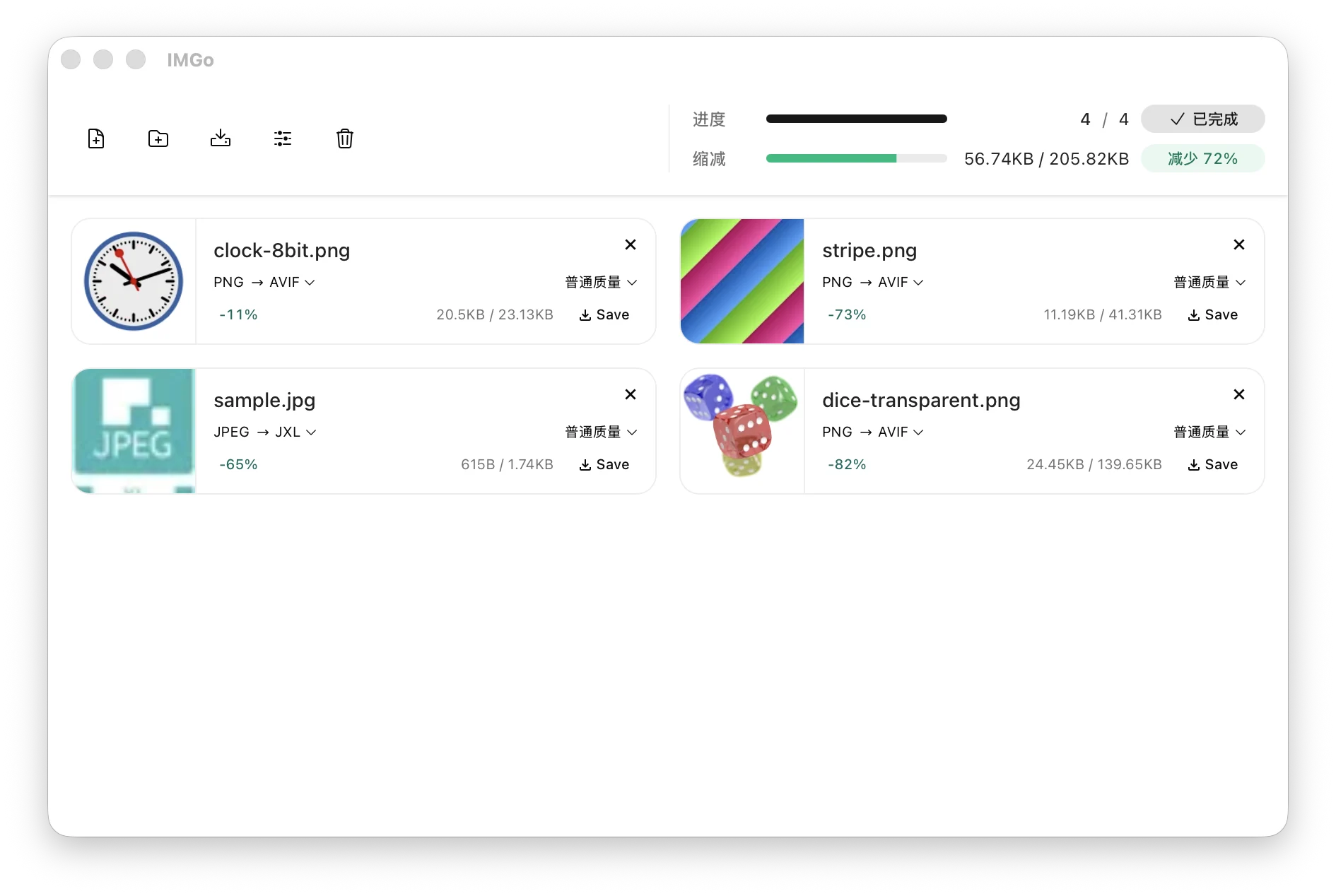
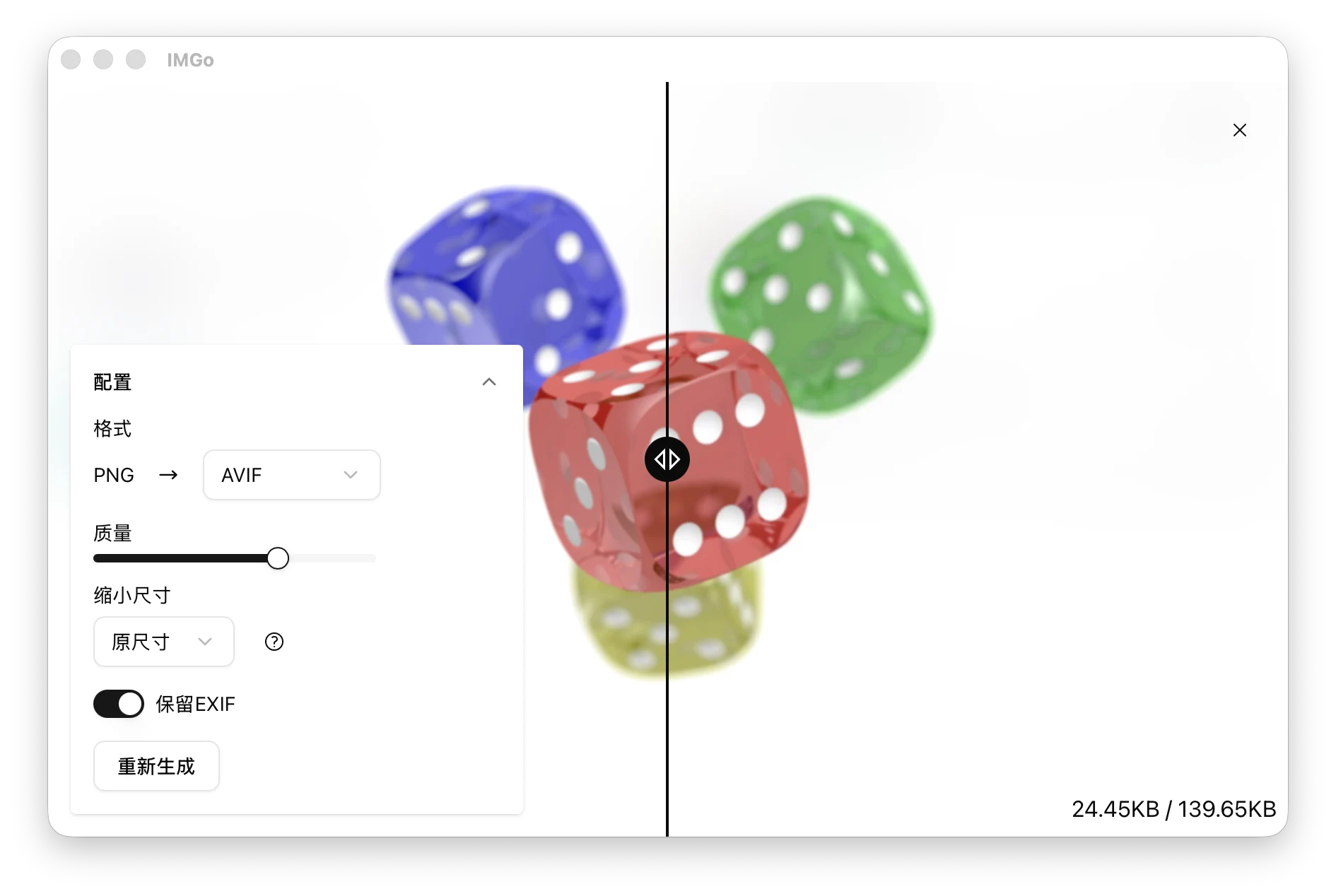
| Version | Output formats |
|---|---|
| Web app | JPEG, PNG, GIF, WebP, AVIF, HEIC |
| Desktop app | JPEG, PNG, GIF, WebP, AVIF, HEIC, JPEG XL (JXL) |
Animated PNG, GIF, WebP, and AVIF output is supported.
Open imgo.app and start processing images immediately. The web app runs locally in your browser, so your images do not need to be uploaded.
Download the latest version from GitHub Releases.
| Platform | Download |
|---|---|
| macOS | DMG for Apple Silicon or Intel |
| Windows | Installer for ARM64 or x64 |
| Linux | AppImage for ARM64 or x64 |
Choose the file that matches your operating system and processor, then open it to install or run IMGo.
The current Windows installer is unsigned, and the macOS app is not notarized. Your operating system may display a security warning the first time you open it.
If macOS prevents IMGo from opening, move IMGo.app to the Applications folder, open Terminal, and run:
xattr -cr "/Applications/IMGo.app"
Then open IMGo again.
4,439 followers · starred Jun 2017
263 followers · starred Nov 2019
31 followers · starred Dec 2021
20 followers · starred Mar 2021
🖼️ Image optimization app for macOS, Windows and Linux.
See the code[!IMPORTANT] IMGo is the next-generation rewrite of the original meowtec/Imagine. It replaces Electron with Tauri for a smaller desktop app, supports more image formats, and adds a full web version that runs directly in your browser.
If you prefer the original UI interactions but need support for more formats, consider Imagine-plus.
IMGo (short for "image optimizer") is a private batch image compression and conversion tool. Process multiple images at once, adjust quality and dimensions, and convert between common formats without uploading your files.
| Version | Output formats |
|---|---|
| Web app | JPEG, PNG, GIF, WebP, AVIF, HEIC |
| Desktop app | JPEG, PNG, GIF, WebP, AVIF, HEIC, JPEG XL (JXL) |
Animated PNG, GIF, WebP, and AVIF output is supported.
Open imgo.app and start processing images immediately. The web app runs locally in your browser, so your images do not need to be uploaded.
Download the latest version from GitHub Releases.
| Platform | Download |
|---|---|
| macOS | DMG for Apple Silicon or Intel |
| Windows | Installer for ARM64 or x64 |
| Linux | AppImage for ARM64 or x64 |
Choose the file that matches your operating system and processor, then open it to install or run IMGo.
The current Windows installer is unsigned, and the macOS app is not notarized. Your operating system may display a security warning the first time you open it.
If macOS prevents IMGo from opening, move IMGo.app to the Applications folder, open Terminal, and run:
xattr -cr "/Applications/IMGo.app"
Then open IMGo again.
4,439 followers · starred Jun 2017
263 followers · starred Nov 2019
31 followers · starred Dec 2021
20 followers · starred Mar 2021