The App's name is renamed to Image Image for property sake, since previous name contains TinyPNG and macOS.
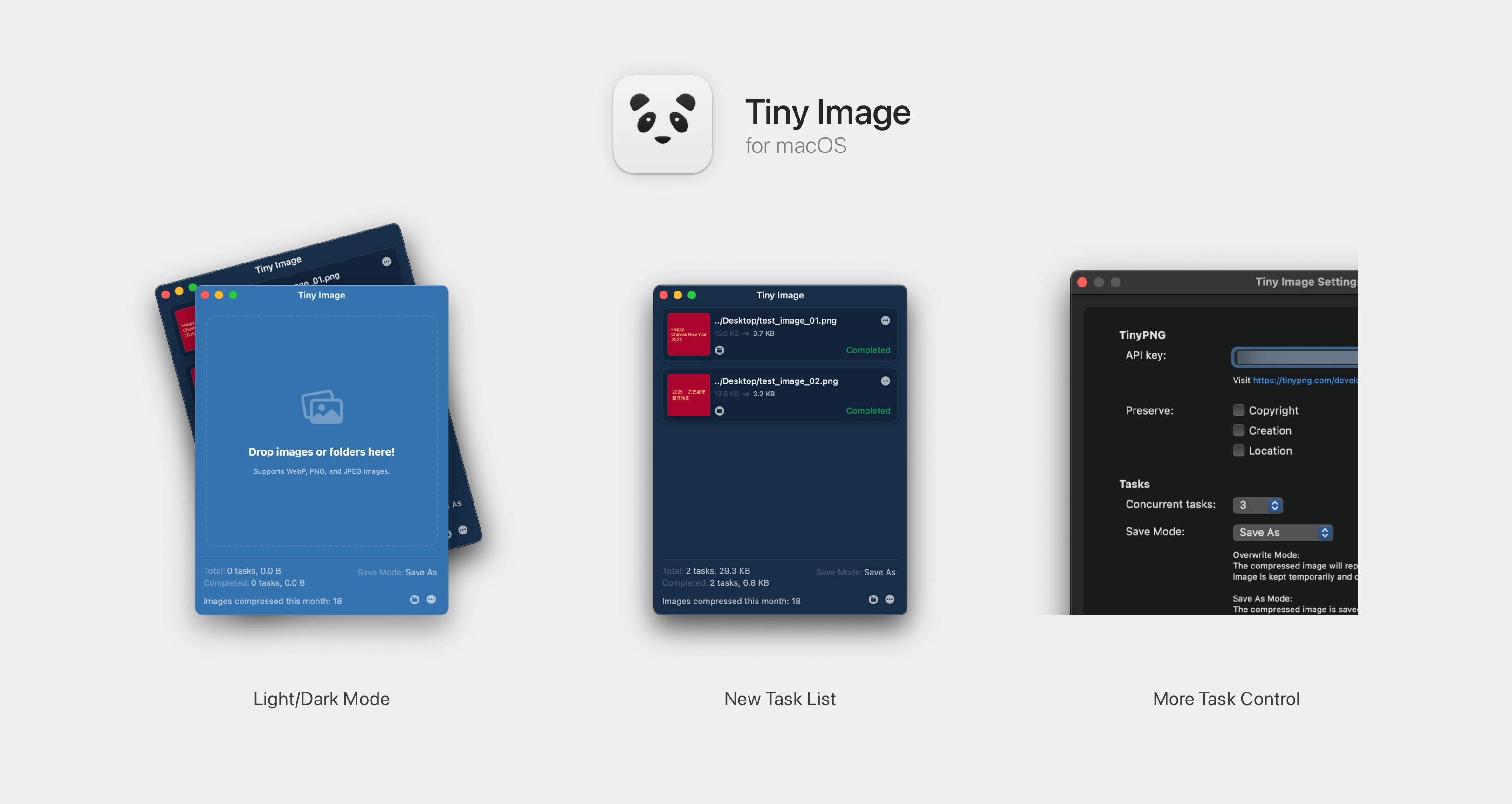
TinyPNG for macOS is a 3rd-party client of TinyPNG. With which you can compress images without opening browser.
Version 2.0.0+ supports macOS 13 Ventura and later. For lower version systems, please use the previous version.
Settings window. (You can edit it when you need to)Services -> Compress with Tiny Image.Through Release Page
Check System Settings -> Security & privacy page if you can not open this app.
droptogif -- A very useful client for convert video to gif. I learnt how to create window from that project.
936 followers · starred Aug 2023
4,879 followers · starred Jan 2025
3,683 followers · starred Feb 2019
25 followers · starred Sep 2016
The App's name is renamed to Image Image for property sake, since previous name contains TinyPNG and macOS.
TinyPNG for macOS is a 3rd-party client of TinyPNG. With which you can compress images without opening browser.
Version 2.0.0+ supports macOS 13 Ventura and later. For lower version systems, please use the previous version.
Settings window. (You can edit it when you need to)Services -> Compress with Tiny Image.Through Release Page
Check System Settings -> Security & privacy page if you can not open this app.
droptogif -- A very useful client for convert video to gif. I learnt how to create window from that project.
936 followers · starred Aug 2023
4,879 followers · starred Jan 2025
3,683 followers · starred Feb 2019
25 followers · starred Sep 2016



