Web UI that mirrors your Pi terminal session in the browser
JavaScript
362
85 commits
updated Sep 30, 2026
A web UI that mirrors your Pi terminal session in the browser. No separate server — it runs as a Pi extension inside your existing process.
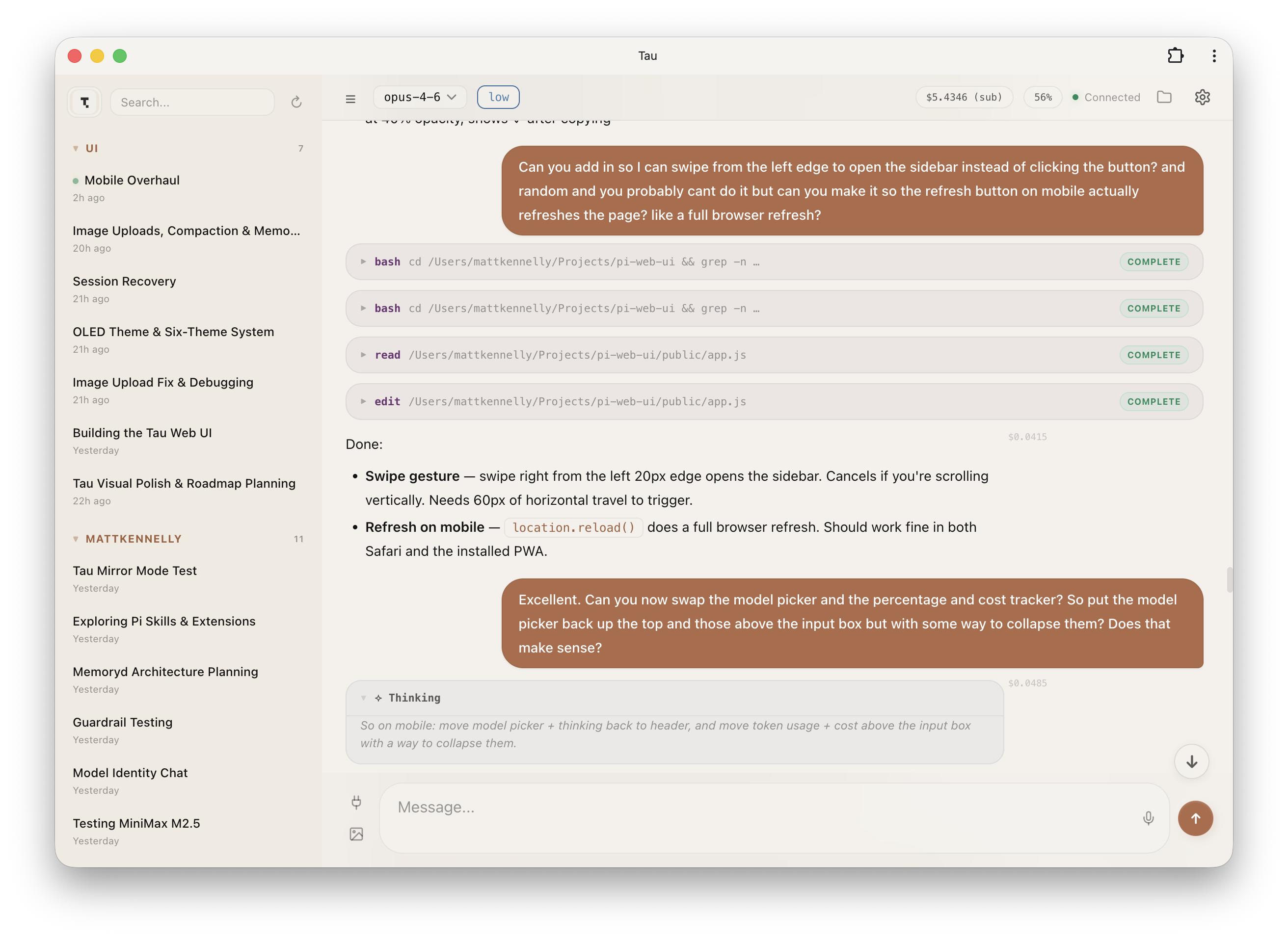
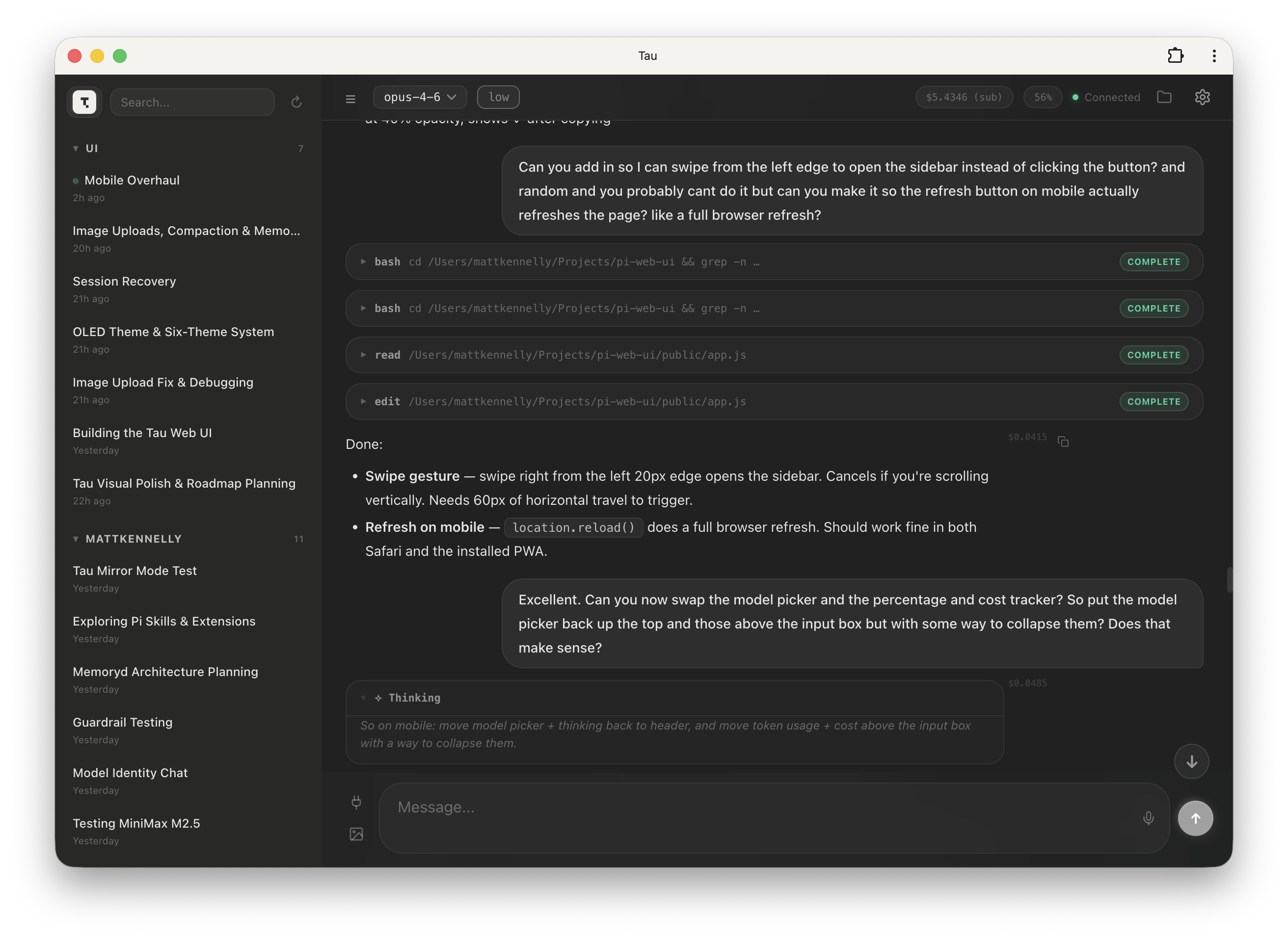
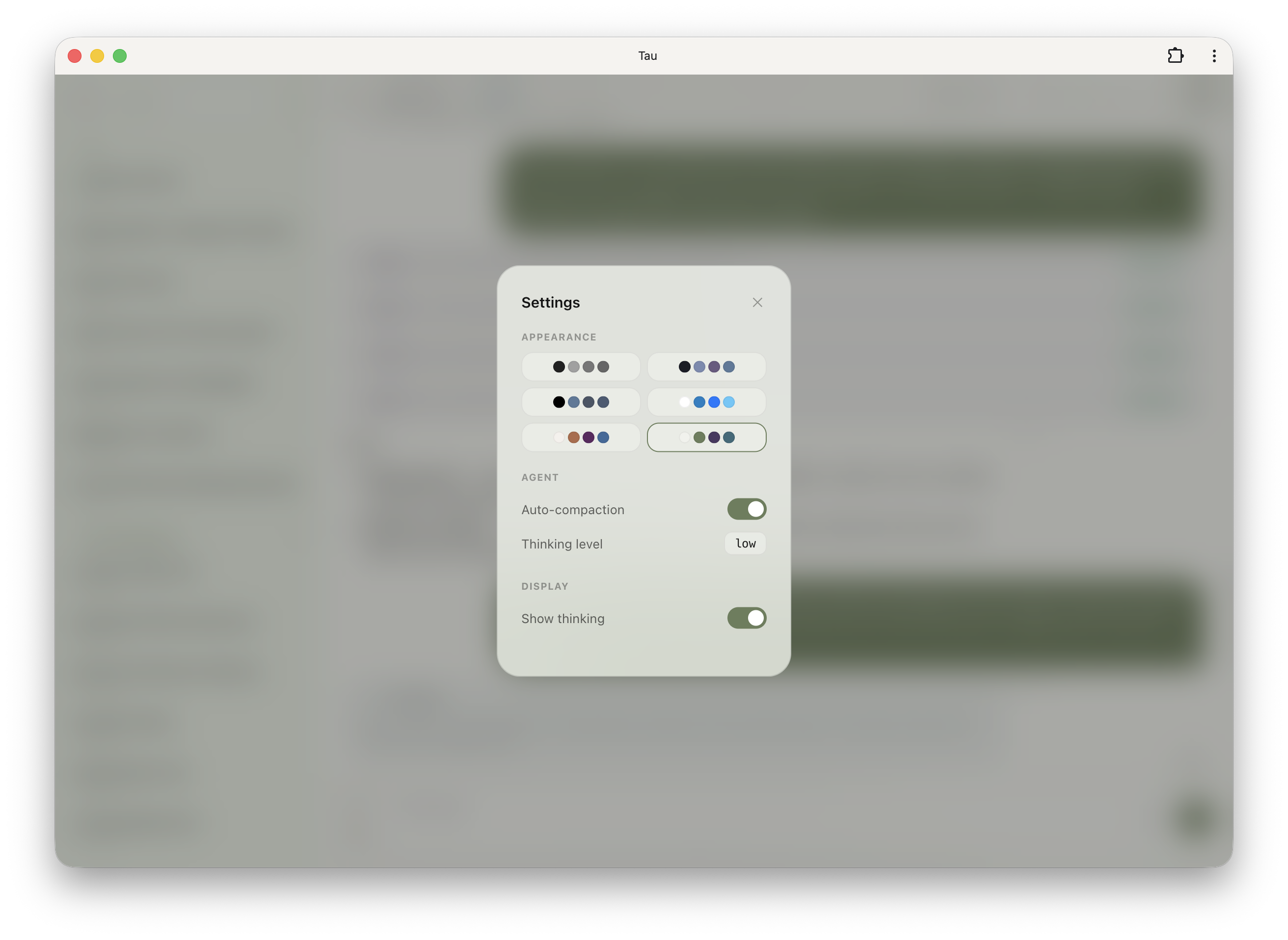
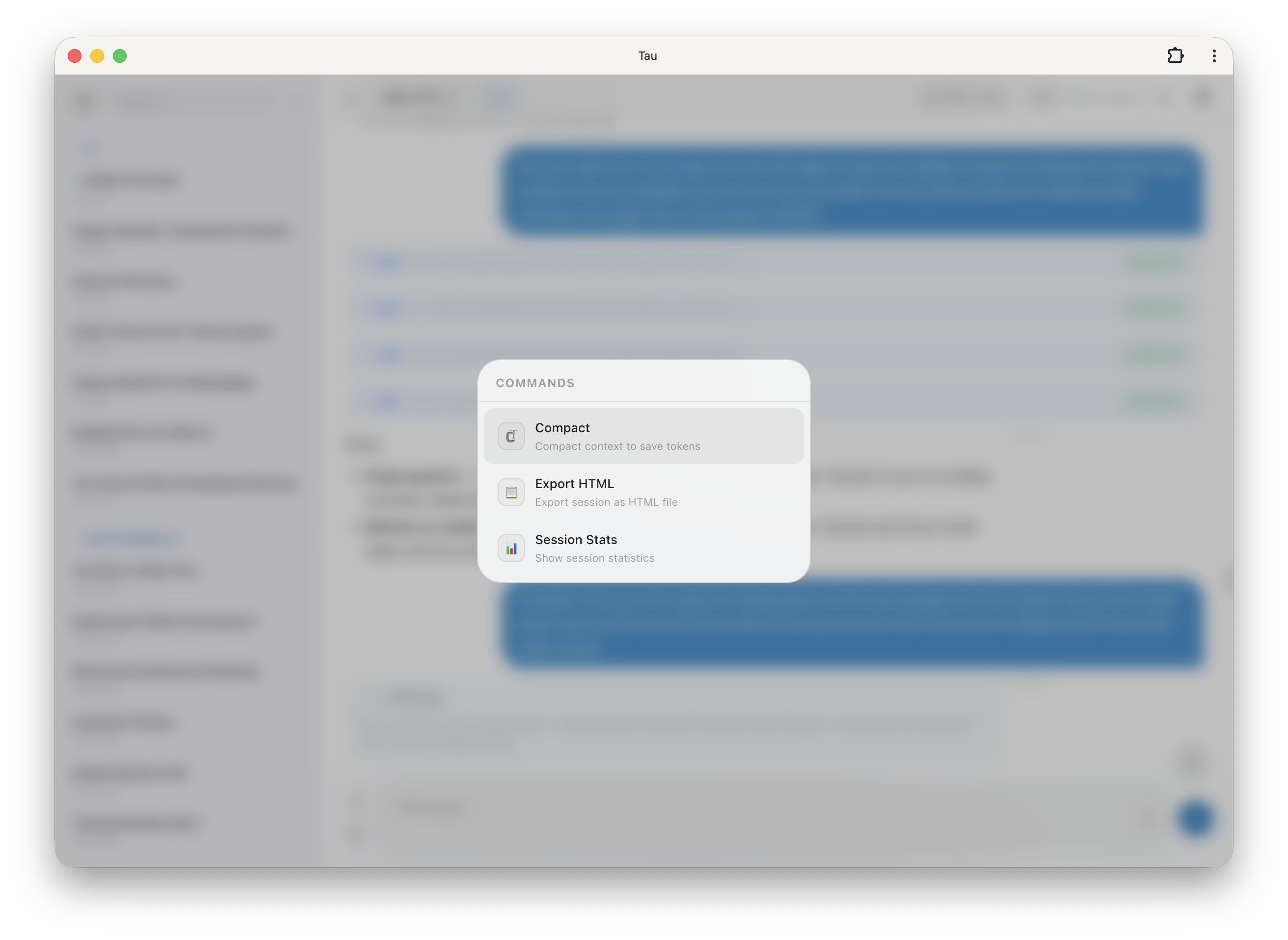
Tau connects to your running Pi TUI and gives you a second view in the browser. Same session, same messages, same tools — just a different screen. Type in the terminal or the browser, both stay in sync.
Tau is no longer maintained. No further features, bug fixes, or releases are planned, and new contributions will not be reviewed or merged. The code remains available under the MIT license for anyone who wants to fork it.
The installation and usage instructions below are retained for reference. Tau can access and control your Pi session; do not expose it to the public internet. Authentication is optional and the default bind address is 0.0.0.0. See #65 for the outstanding security cleanup.
pi install npm:tau-mirror
Or from git:
pi install git:github.com/deflating/tau
http://localhost:3001)Type /qr in the terminal to show a QR code and scan it to access via your phone.
Environment variables (set before starting Pi):
| Variable | Default | Description |
|---|---|---|
TAU_MIRROR_PORT | 3001 | Server port |
TAU_HOST | 0.0.0.0 | Bind address. Set to 127.0.0.1 to restrict to localhost only |
TAU_STATIC_DIR | (bundled) | Override static files path |
TAU_DISABLED | 0 | Set to 1 to disable Tau (it stays installed but won't start the server) |
TAU_USER | (none) | HTTP Basic Auth username (both TAU_USER and TAU_PASS required to enable) |
TAU_PASS | (none) | HTTP Basic Auth password |
Tau supports optional HTTP Basic Auth (browser-native login popup).
1. Set credentials — add to ~/.pi/agent/settings.json:
{
  "tau": {
    "user": "pi",
    "pass": "your-password"
  }
}
Or via environment variables: TAU_USER=pi TAU_PASS=secret pi
2. Toggle on/off — once credentials are configured, a "Require login" toggle appears in Settings within the Tau web UI. Flip it on to start requiring authentication, off to open it back up. The setting persists across restarts.
Both HTTP and WebSocket connections are gated when enabled. The /api/health endpoint remains open for monitoring.
Control Tau at runtime without uninstalling:
/tau-stop     Stop the mirror server
/tau-start    Start it again
To prevent Tau from auto-starting (e.g. in multi-session or dev container workflows):
TAU_DISABLED=1 pi
You can still start it manually with /tau-start in that session.
Tau is a Pi extension that starts an HTTP + WebSocket server inside the Pi process. The extension subscribes to all Pi events and forwards them to connected browser clients. Commands from the browser are executed via the extension API against the same agent session.
┌─────────────┐     ┌──────────────────────────────┐     ┌─────────────┐
│  Pi TUI     │     │  Pi Process                  │     │  Browser    │
│  (terminal) │◄───►│                              │◄───►│  (Tau)      │
│             │     │  tau extension               │     │             │
└─────────────┘     │    ↳ HTTP + WS on :3001      │     └─────────────┘
                    └──────────────────────────────┘
There's no separate server to run. The extension auto-loads when Pi starts and shuts down when Pi exits.
Clone and point the extension at the local static files:
git clone https://github.com/deflating/tau.git
cd tau
TAU_STATIC_DIR=$(pwd)/public pi
Edit the files in public/ — refresh the browser to see changes.
MIT
784 followers · starred Mar 2026
5,122 followers · starred Jul 2026
36 followers · starred Jun 2026
209 followers · starred Apr 2026
Web UI that mirrors your Pi terminal session in the browser
JavaScript
362
85 commits
updated Sep 30, 2026
A web UI that mirrors your Pi terminal session in the browser. No separate server — it runs as a Pi extension inside your existing process.
Tau connects to your running Pi TUI and gives you a second view in the browser. Same session, same messages, same tools — just a different screen. Type in the terminal or the browser, both stay in sync.
Tau is no longer maintained. No further features, bug fixes, or releases are planned, and new contributions will not be reviewed or merged. The code remains available under the MIT license for anyone who wants to fork it.
The installation and usage instructions below are retained for reference. Tau can access and control your Pi session; do not expose it to the public internet. Authentication is optional and the default bind address is 0.0.0.0. See #65 for the outstanding security cleanup.
pi install npm:tau-mirror
Or from git:
pi install git:github.com/deflating/tau
http://localhost:3001)Type /qr in the terminal to show a QR code and scan it to access via your phone.
Environment variables (set before starting Pi):
| Variable | Default | Description |
|---|---|---|
TAU_MIRROR_PORT | 3001 | Server port |
TAU_HOST | 0.0.0.0 | Bind address. Set to 127.0.0.1 to restrict to localhost only |
TAU_STATIC_DIR | (bundled) | Override static files path |
TAU_DISABLED | 0 | Set to 1 to disable Tau (it stays installed but won't start the server) |
TAU_USER | (none) | HTTP Basic Auth username (both TAU_USER and TAU_PASS required to enable) |
TAU_PASS | (none) | HTTP Basic Auth password |
Tau supports optional HTTP Basic Auth (browser-native login popup).
1. Set credentials — add to ~/.pi/agent/settings.json:
{
  "tau": {
    "user": "pi",
    "pass": "your-password"
  }
}
Or via environment variables: TAU_USER=pi TAU_PASS=secret pi
2. Toggle on/off — once credentials are configured, a "Require login" toggle appears in Settings within the Tau web UI. Flip it on to start requiring authentication, off to open it back up. The setting persists across restarts.
Both HTTP and WebSocket connections are gated when enabled. The /api/health endpoint remains open for monitoring.
Control Tau at runtime without uninstalling:
/tau-stop     Stop the mirror server
/tau-start    Start it again
To prevent Tau from auto-starting (e.g. in multi-session or dev container workflows):
TAU_DISABLED=1 pi
You can still start it manually with /tau-start in that session.
Tau is a Pi extension that starts an HTTP + WebSocket server inside the Pi process. The extension subscribes to all Pi events and forwards them to connected browser clients. Commands from the browser are executed via the extension API against the same agent session.
┌─────────────┐     ┌──────────────────────────────┐     ┌─────────────┐
│  Pi TUI     │     │  Pi Process                  │     │  Browser    │
│  (terminal) │◄───►│                              │◄───►│  (Tau)      │
│             │     │  tau extension               │     │             │
└─────────────┘     │    ↳ HTTP + WS on :3001      │     └─────────────┘
                    └──────────────────────────────┘
There's no separate server to run. The extension auto-loads when Pi starts and shuts down when Pi exits.
Clone and point the extension at the local static files:
git clone https://github.com/deflating/tau.git
cd tau
TAU_STATIC_DIR=$(pwd)/public pi
Edit the files in public/ — refresh the browser to see changes.
MIT
784 followers · starred Mar 2026
5,122 followers · starred Jul 2026
36 followers · starred Jun 2026
209 followers · starred Apr 2026