Catppuccin for Ghostty



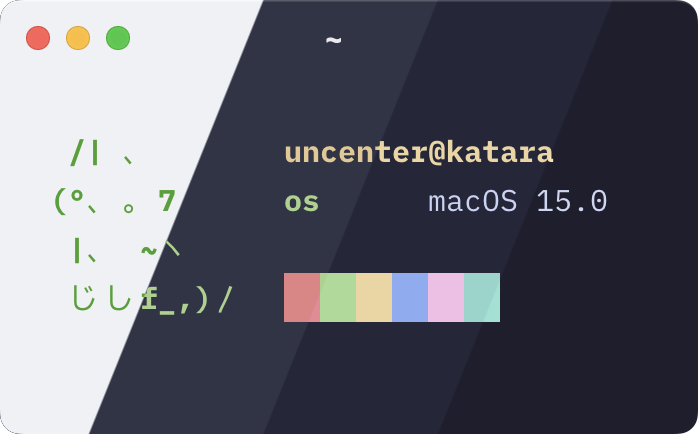
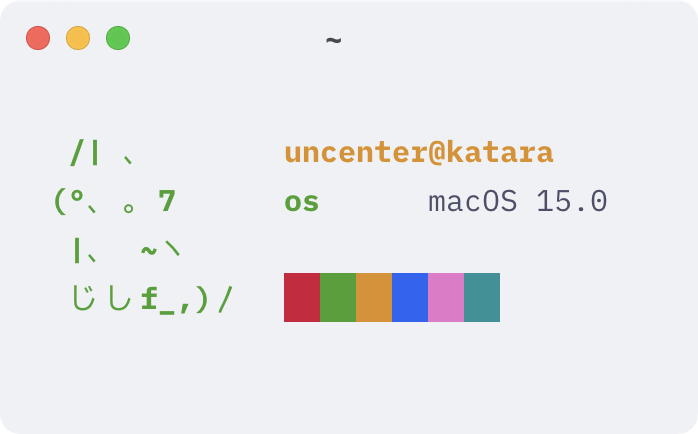
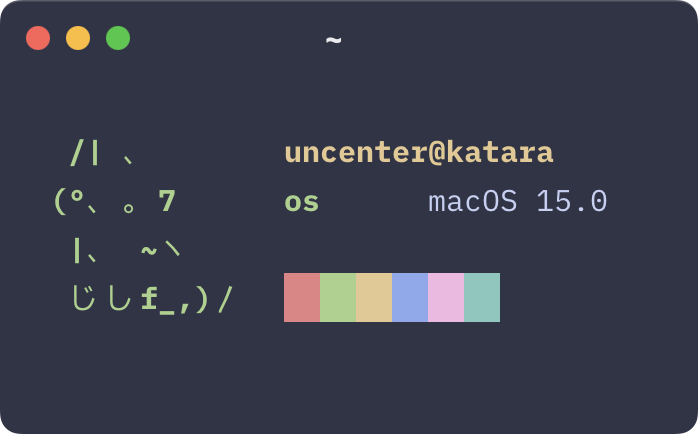
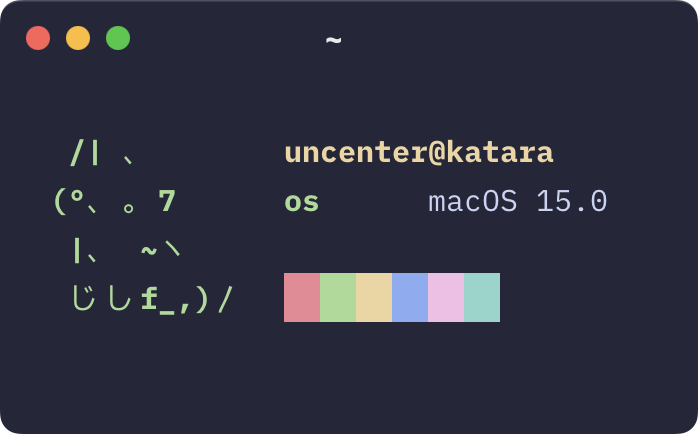
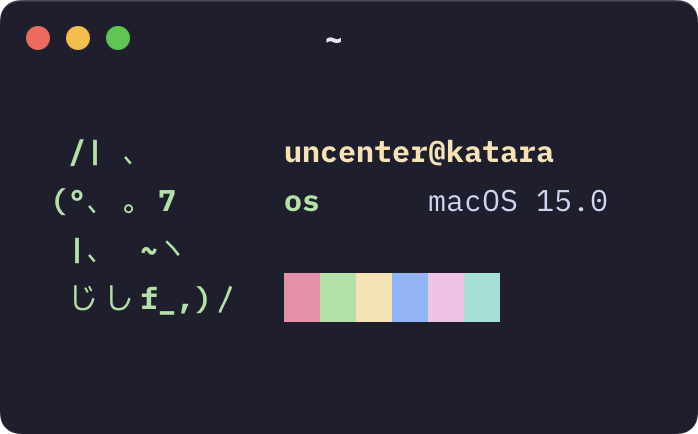
Set theme = Catppuccin <flavor> in your Ghostty configuration file, where <flavor> is one of Latte, Frappe, Macchiato, or Mocha.
The above simplified instructions use the upstream Catppuccin theme bundled into Ghostty, which may differ from the themes provided in this repository. To install these exact themes, see the following instructions:
themes/ to the themes/ subdirectory of your Ghostty configuration directory (i.e. ~/.config/ghostty/themes/).theme = catppuccin-<flavor>.conf in your Ghostty configuration file, where <flavor> is one of latte, frappe, macchiato, or mocha.[!NOTE] For further theme configuration reference, see https://ghostty.org/docs/config/reference#theme.

Copyright © 2021-present Catppuccin Org

820 followers · starred Dec 2025
288 followers · starred May 2026
216 followers · starred Oct 2025
598 followers · starred Dec 2025
Catppuccin for Ghostty
Set theme = Catppuccin <flavor> in your Ghostty configuration file, where <flavor> is one of Latte, Frappe, Macchiato, or Mocha.
The above simplified instructions use the upstream Catppuccin theme bundled into Ghostty, which may differ from the themes provided in this repository. To install these exact themes, see the following instructions:
themes/ to the themes/ subdirectory of your Ghostty configuration directory (i.e. ~/.config/ghostty/themes/).theme = catppuccin-<flavor>.conf in your Ghostty configuration file, where <flavor> is one of latte, frappe, macchiato, or mocha.[!NOTE] For further theme configuration reference, see https://ghostty.org/docs/config/reference#theme.
Copyright © 2021-present Catppuccin Org
820 followers · starred Dec 2025
288 followers · starred May 2026
216 followers · starred Oct 2025
598 followers · starred Dec 2025