Catppuccin for Zed



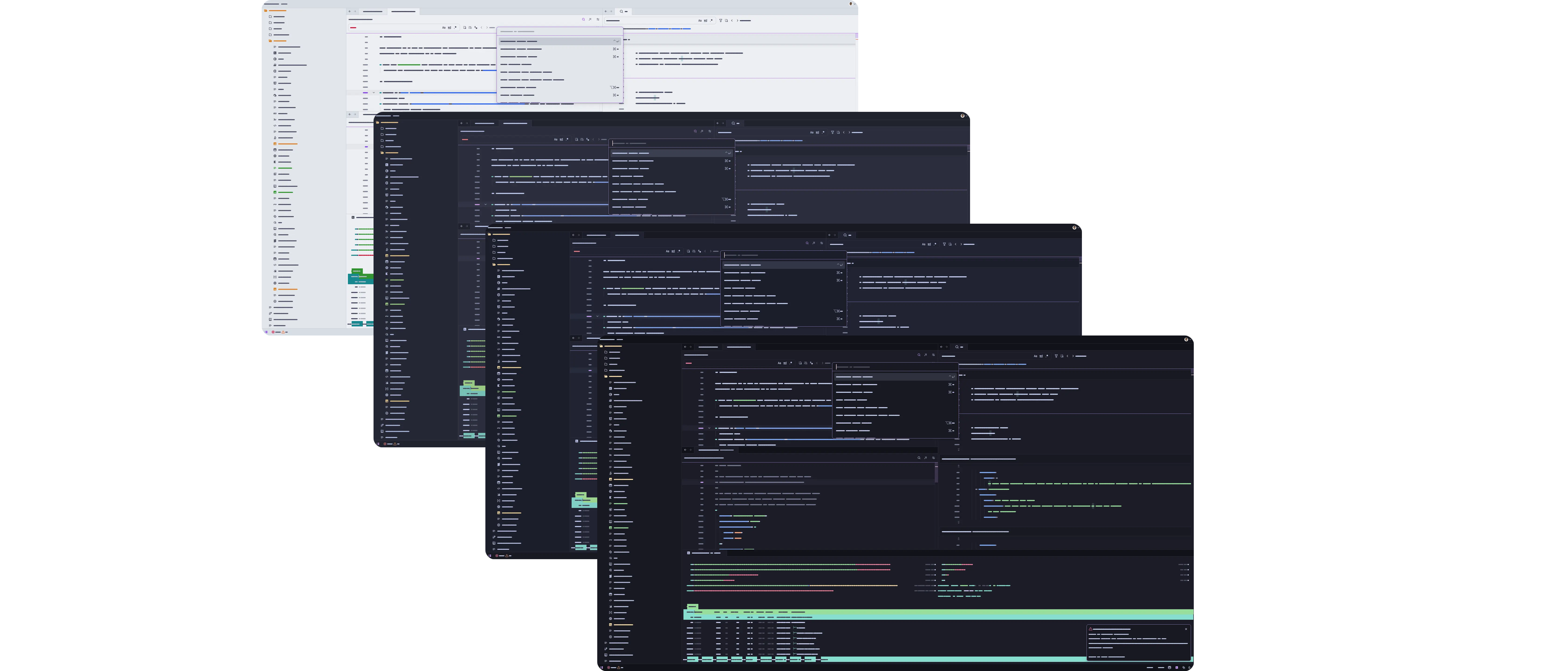
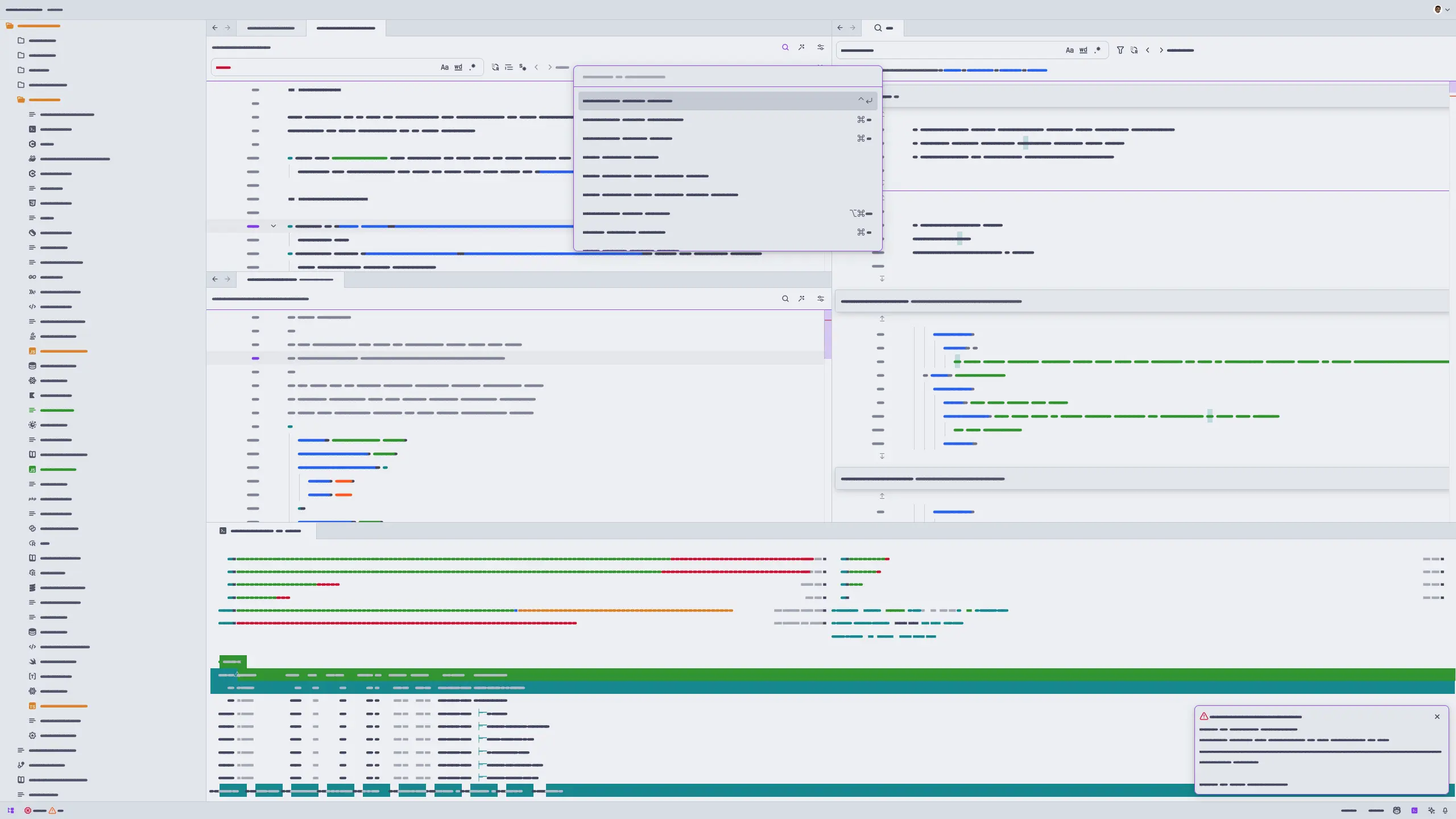
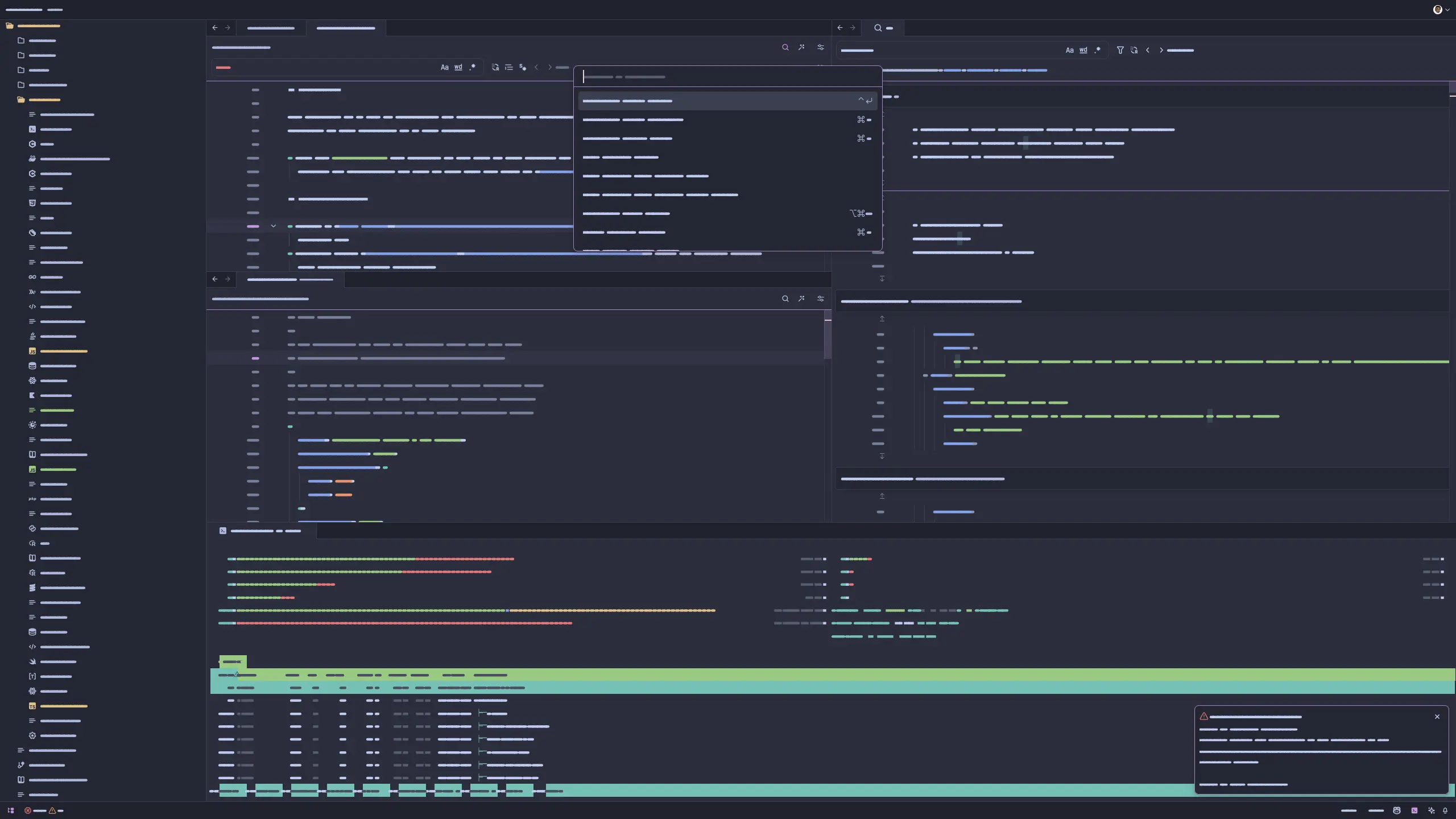
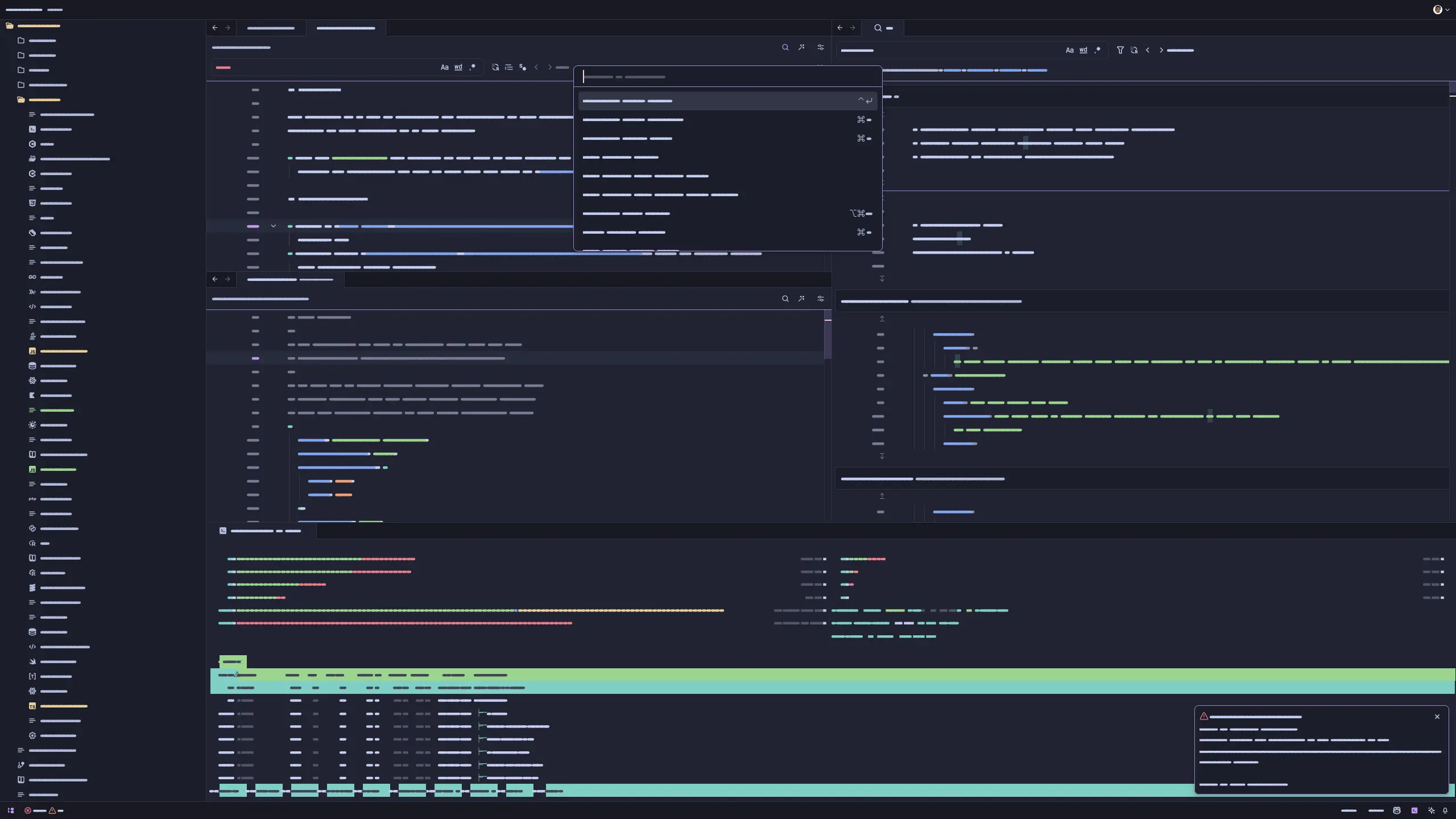
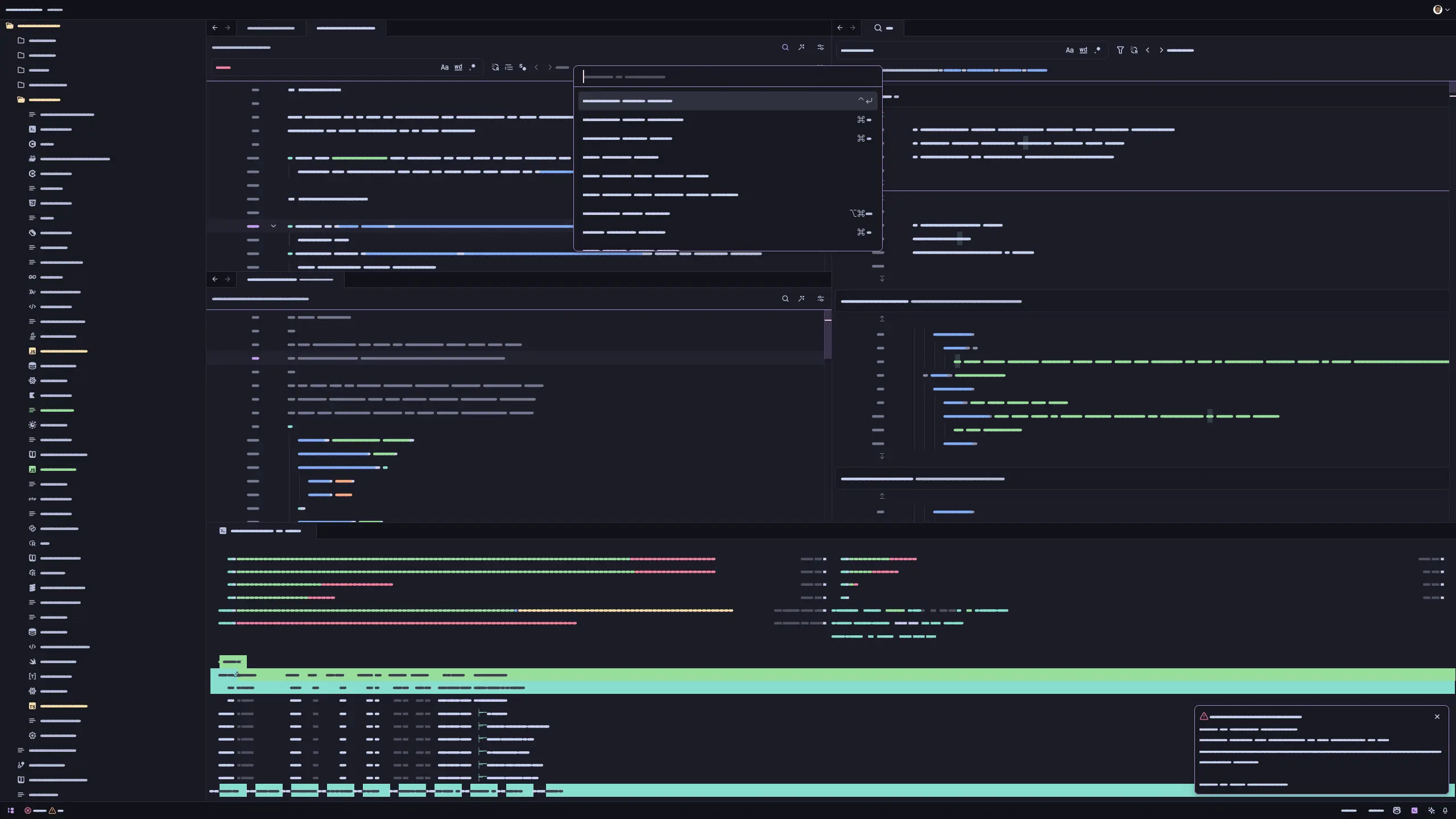
[!Note] We also have a Catppuccin Icon Pack!
themes/ subfolder inside the directory of your Zed configuration file (typically ~/.config/zed/).themes/ subfolder created in Step 2.Use Zed's theme overrides to customize colors in your settings.json. For example, to make variables pink in Macchiato:
{
  "theme_overrides": {
    "Catppuccin Macchiato": {
      "syntax": {
        "variable": {
          "color": "#f5bde6"
        }
      }
    }
  }
}
Merge this into your existing settings and use the exact theme name shown in the theme selector, including any accent or - No Italics suffix. If a token does not change, focus its editor and run dev: open highlights tree view to identify the syntax rule it uses.
Install Whiskers, Catppuccin's in-house theme generator, to build and test themes locally.
Once installed, run whiskers zed.tera to generate all themes in the themes/ directory.
You can then test the themes in Zed by opening the command palette and entering zed: install dev extension, selecting this repository, and then refreshing the theme extension using zed: reload extensions. workspace: reload may be needed if changes are not reflected immediately. See the Zed documentation for more information.
See the Zed documentation for more information.

Copyright © 2021-present Catppuccin Org

(top 24 of 36)
188 followers · starred Jul 2024
314 followers · starred Dec 2024
218 followers · starred Oct 2025
422 followers · starred Dec 2024
Catppuccin for Zed
[!Note] We also have a Catppuccin Icon Pack!
themes/ subfolder inside the directory of your Zed configuration file (typically ~/.config/zed/).themes/ subfolder created in Step 2.Use Zed's theme overrides to customize colors in your settings.json. For example, to make variables pink in Macchiato:
{
  "theme_overrides": {
    "Catppuccin Macchiato": {
      "syntax": {
        "variable": {
          "color": "#f5bde6"
        }
      }
    }
  }
}
Merge this into your existing settings and use the exact theme name shown in the theme selector, including any accent or - No Italics suffix. If a token does not change, focus its editor and run dev: open highlights tree view to identify the syntax rule it uses.
Install Whiskers, Catppuccin's in-house theme generator, to build and test themes locally.
Once installed, run whiskers zed.tera to generate all themes in the themes/ directory.
You can then test the themes in Zed by opening the command palette and entering zed: install dev extension, selecting this repository, and then refreshing the theme extension using zed: reload extensions. workspace: reload may be needed if changes are not reflected immediately. See the Zed documentation for more information.
See the Zed documentation for more information.
Copyright © 2021-present Catppuccin Org
(top 24 of 36)
188 followers · starred Jul 2024
314 followers · starred Dec 2024
218 followers · starred Oct 2025
422 followers · starred Dec 2024