Catppuccin Icons for Zed




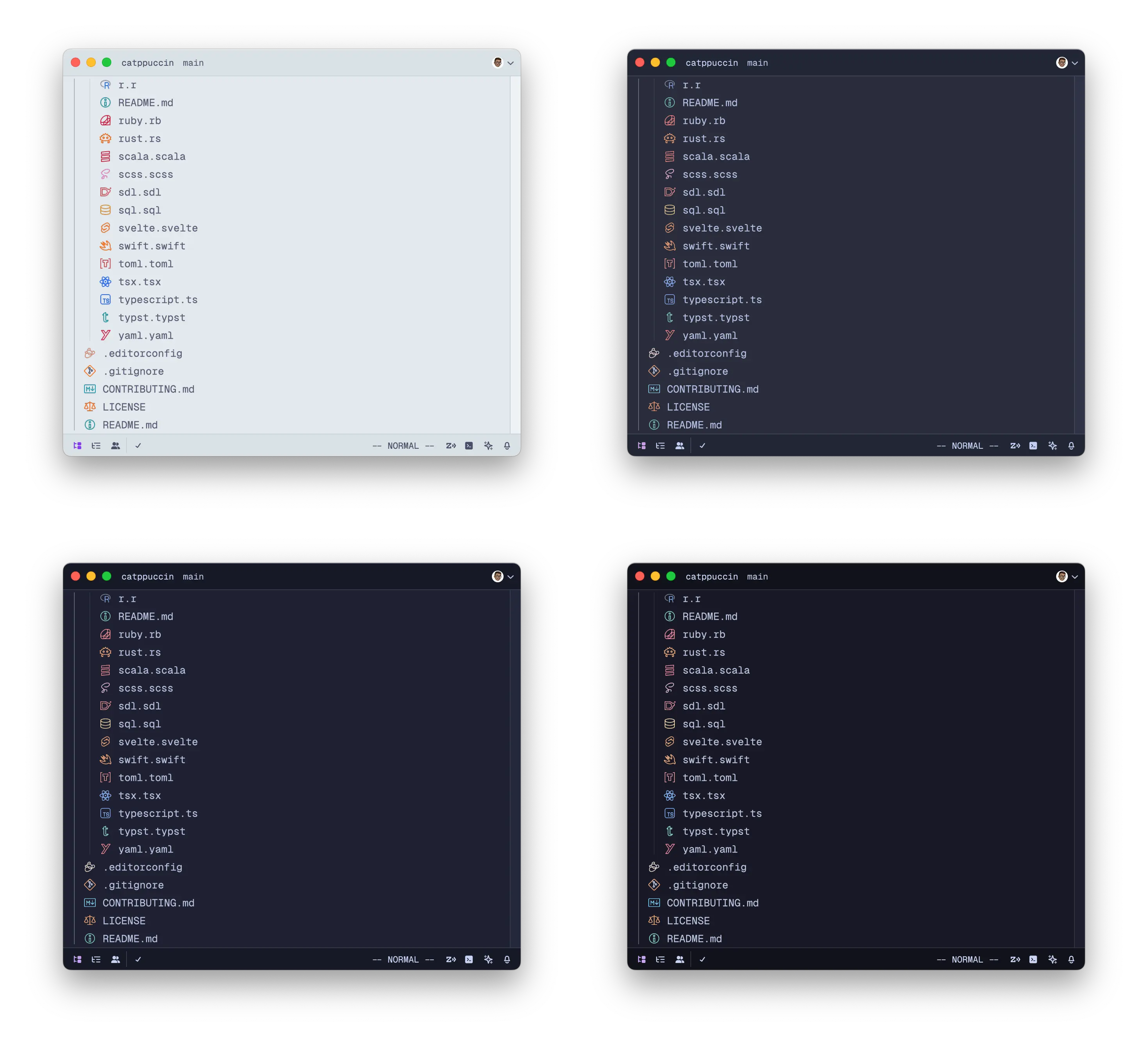
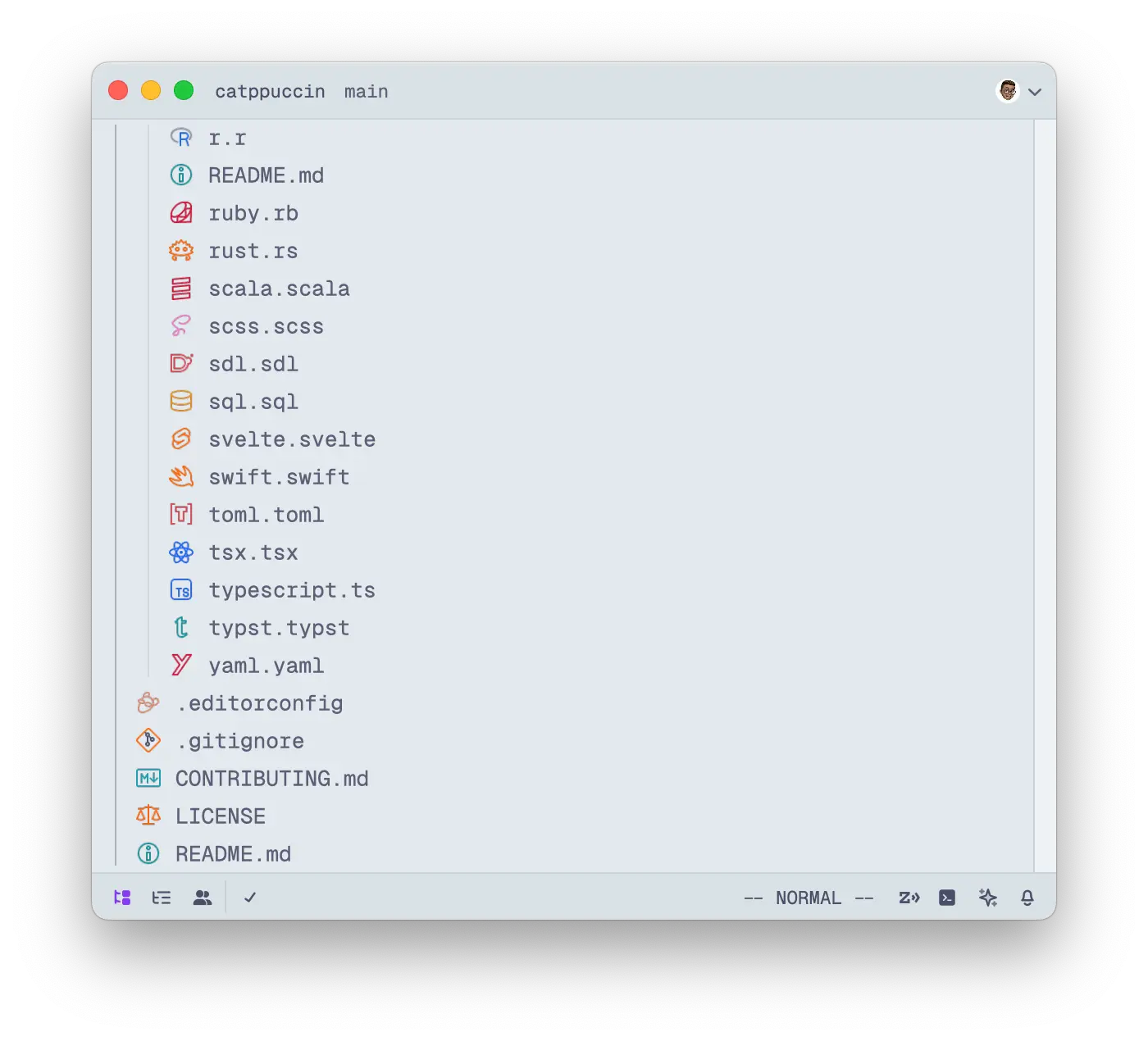
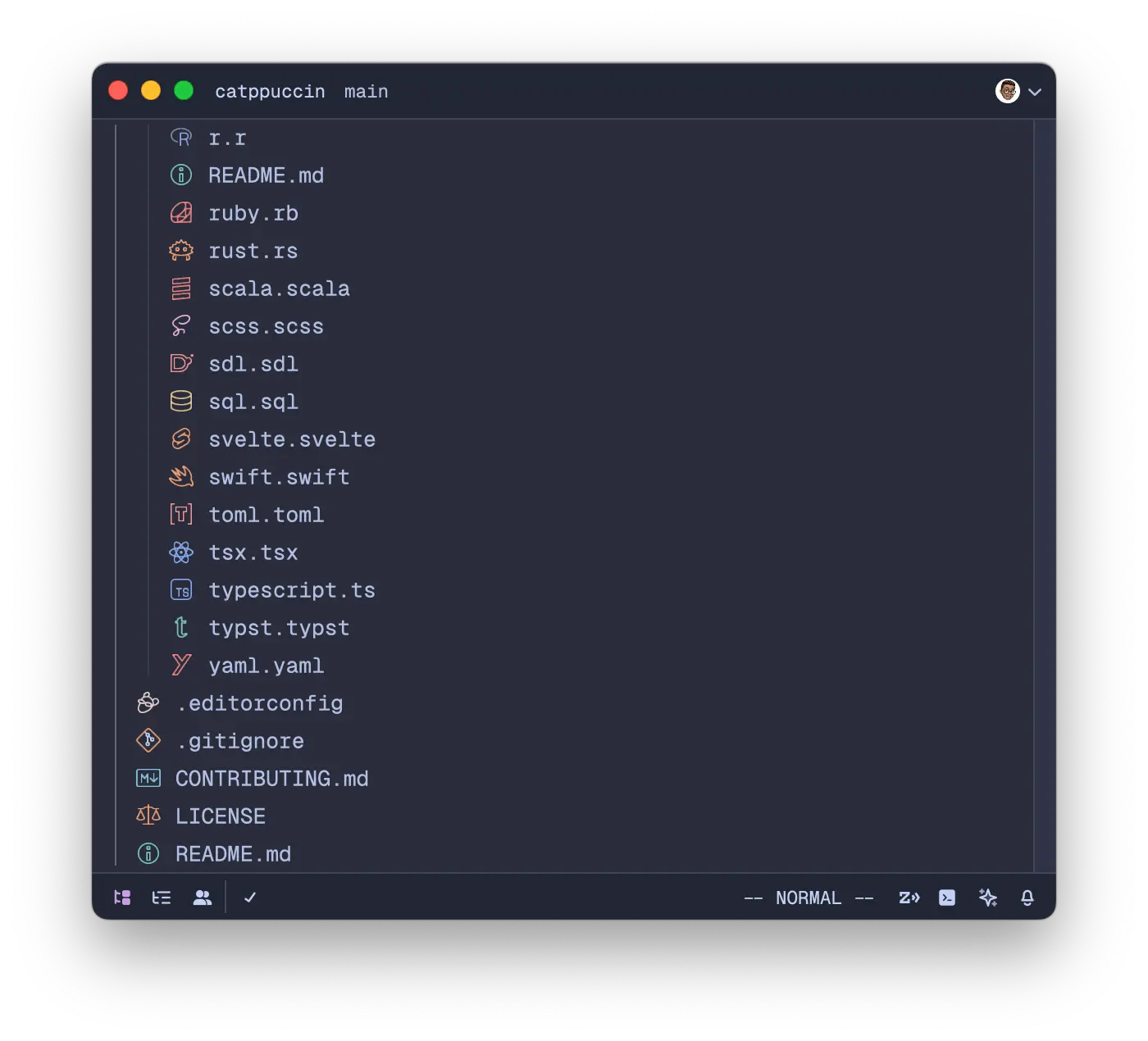
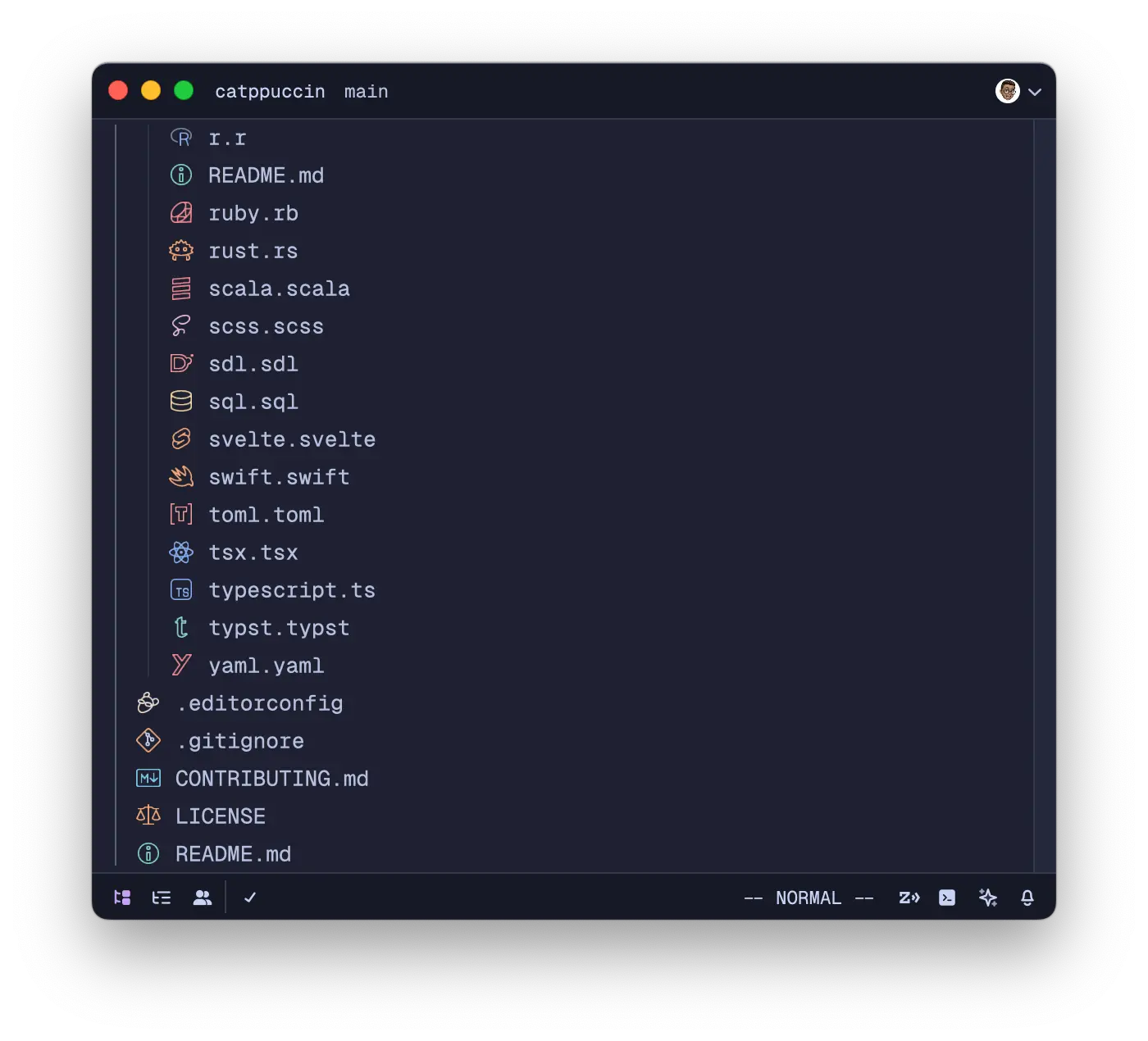
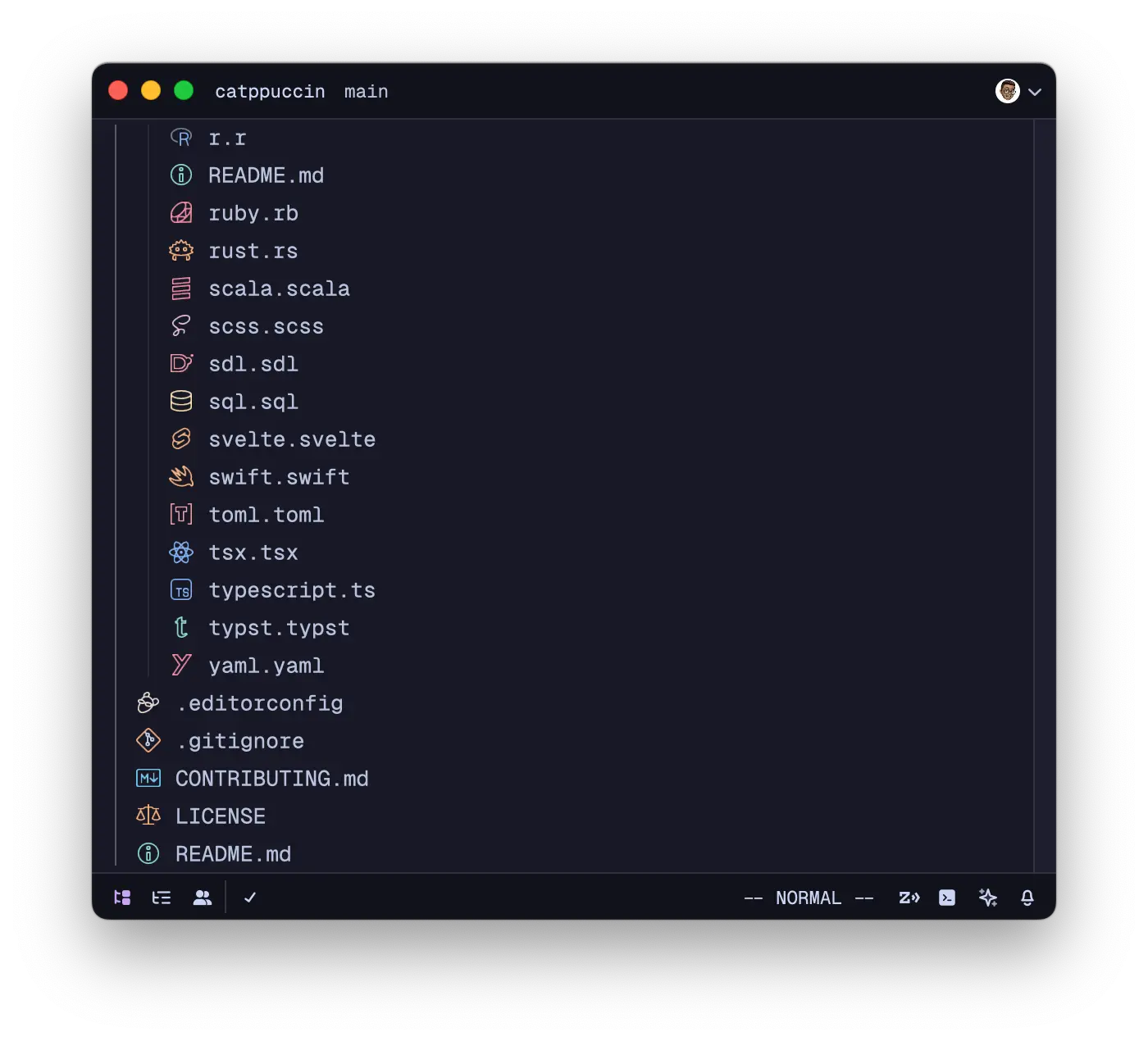
Angular files ending in .component.ts, .directive.ts, .guard.ts, .pipe.ts,
or .service.ts use their corresponding Angular icons automatically. Other .ts
files keep the TypeScript icon.
For monochrome icons, select a Catppuccin … Monochrome variant in the icon theme selector. Each variant uses its flavor's text color for file and folder icons, helping colored diagnostic indicators stand out.
Get started by installing the following:
vscode-icons's fileIcons.ts definitions.Once installed, run the following to initialize the project & generate all JSON definitions in the icon_themes/ directory.
just setup
just build
Run cd src && deno test --allow-read build_test.ts after building to check the
monochrome themes and their generated assets.
See the Zed documentation for more information.

Copyright © 2021-present Catppuccin Org

1,558 followers · starred Feb 2026
195 followers · starred Aug 2025
210 followers · starred Jul 2025
1,266 followers · starred Mar 2026
Catppuccin Icons for Zed
Angular files ending in .component.ts, .directive.ts, .guard.ts, .pipe.ts,
or .service.ts use their corresponding Angular icons automatically. Other .ts
files keep the TypeScript icon.
For monochrome icons, select a Catppuccin … Monochrome variant in the icon theme selector. Each variant uses its flavor's text color for file and folder icons, helping colored diagnostic indicators stand out.
Get started by installing the following:
vscode-icons's fileIcons.ts definitions.Once installed, run the following to initialize the project & generate all JSON definitions in the icon_themes/ directory.
just setup
just build
Run cd src && deno test --allow-read build_test.ts after building to check the
monochrome themes and their generated assets.
See the Zed documentation for more information.
Copyright © 2021-present Catppuccin Org
1,558 followers · starred Feb 2026
195 followers · starred Aug 2025
210 followers · starred Jul 2025
1,266 followers · starred Mar 2026