Catppuccin for Fish



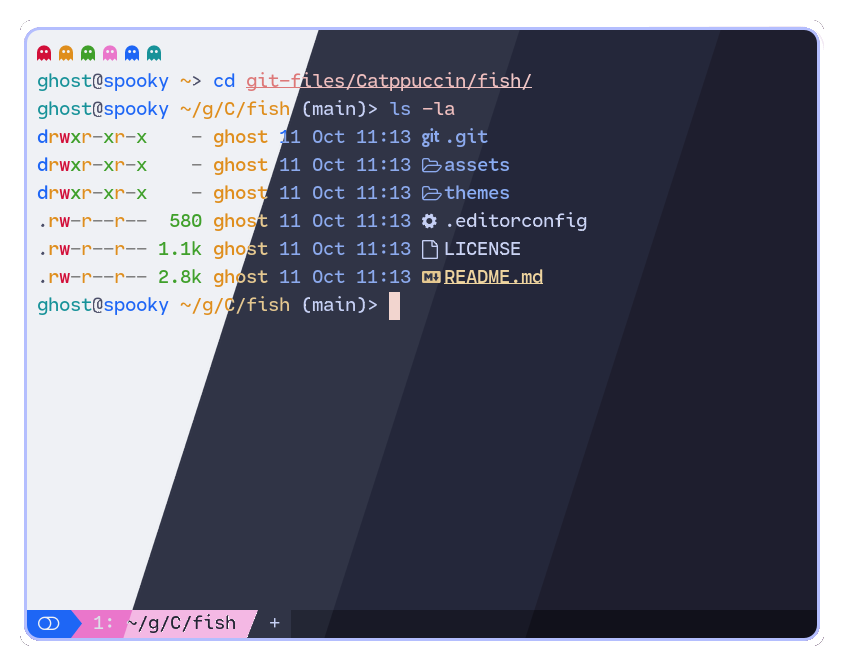
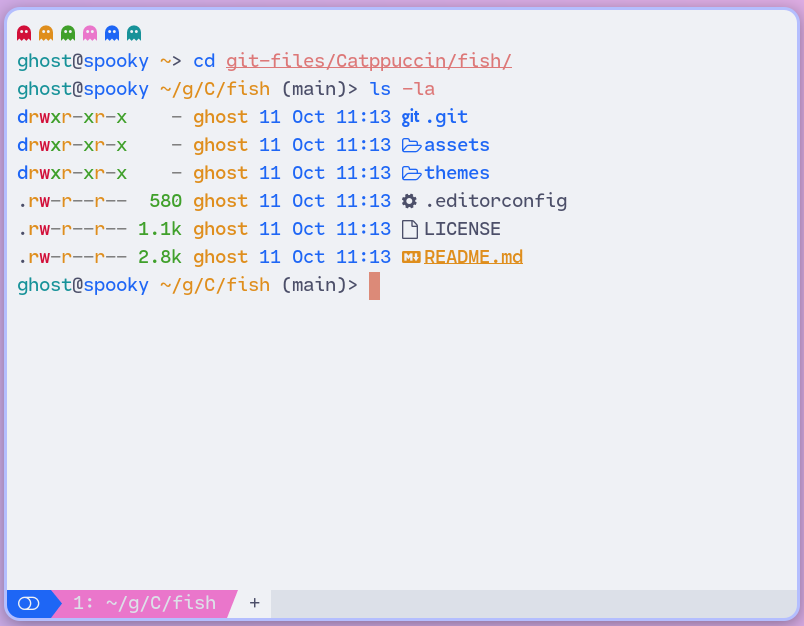
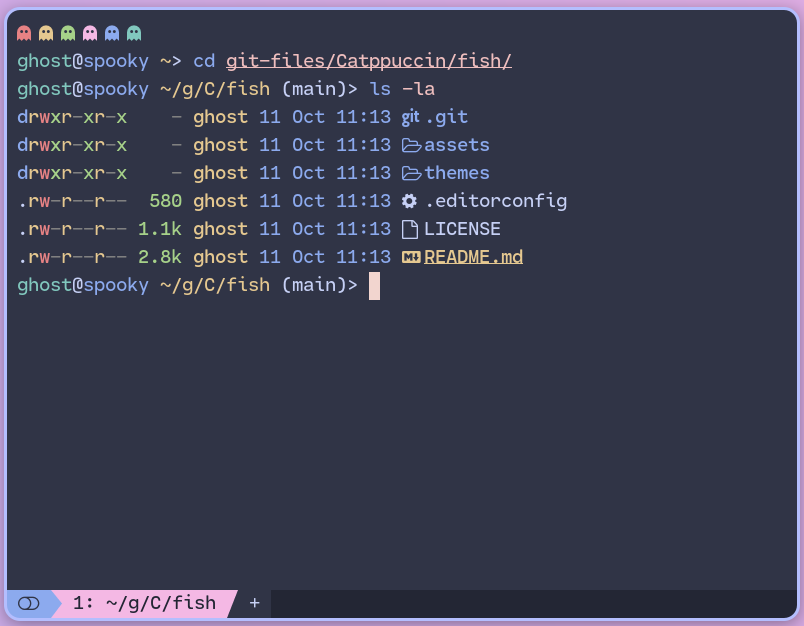
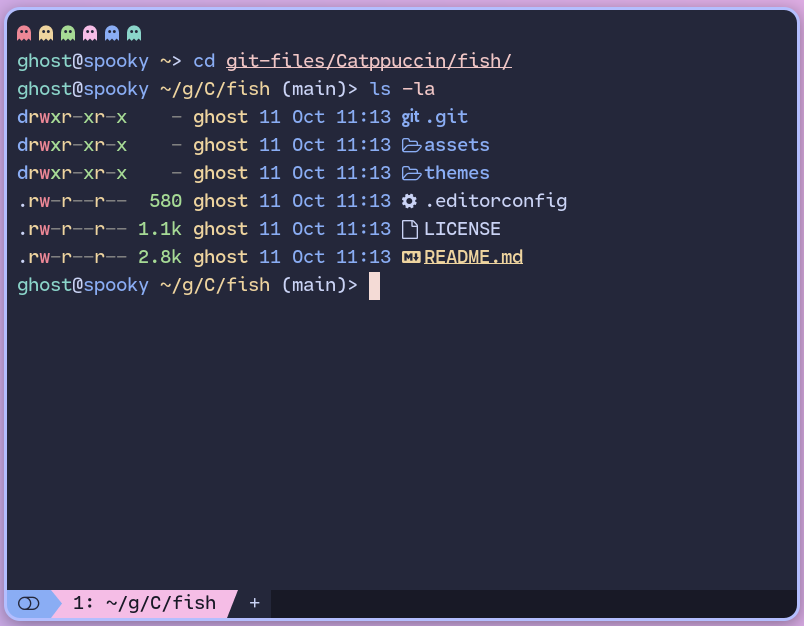
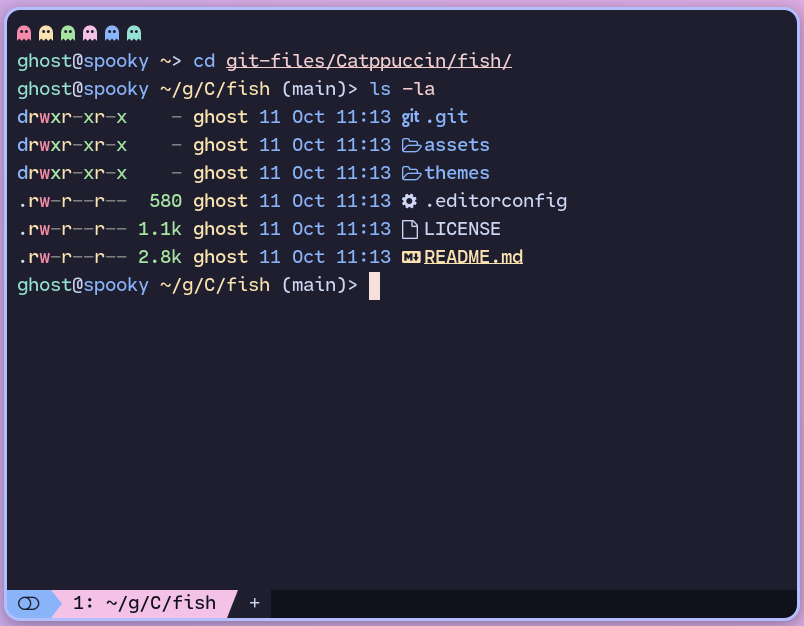
[!TIP] If you're using Fish 4.4.0 or newer, all Catppuccin flavors are already included as theme options in Fish, so you can skip to Step 2 to set your Fish theme to your chosen Catppuccin flavor.
themes/ under ~/.config/fish/themes/.fisher install catppuccin/fish
~/.config/fish/config.fish :fish_config theme choose catppuccin-frappe
fish_config theme choose catppuccin-macchiato
fish_config theme choose catppuccin-mocha
# or if you only want dark mode:
fish_config theme choose catppuccin-frappe --color-theme=dark
fish_config theme choose catppuccin-macchiato --color-theme=dark
fish_config theme choose catppuccin-mocha --color-theme=dark
[!NOTE] If you are upgrading Fish to 4.3.0 or newer from an older version, it is recommended to remove the
~/.config/fish/conf.d/fish_frozen_theme.fishfile, to ensure you have a clean theme setting so Fish can properly apply the light or dark variant of your chosen theme. See Fish's release notes for 4.3.0 for more details about the migration.
If you're using Fish 4.2 or earlier, or simply don't want to use the dynamic theme switching added in Fish 4.3, you can find static single-theme files in themes/static/. Install these manually into ~/.config/fish/themes/ and activate them with fish_config theme choose "..." as described above.
fish_config theme choose catppuccin-mocha --color-theme=light

Copyright © 2021-present Catppuccin Org

3,416 followers · starred Oct 2022
285 followers · starred Mar 2026
71 followers · starred Apr 2025
72 followers · starred Oct 2023
Catppuccin for Fish
[!TIP] If you're using Fish 4.4.0 or newer, all Catppuccin flavors are already included as theme options in Fish, so you can skip to Step 2 to set your Fish theme to your chosen Catppuccin flavor.
themes/ under ~/.config/fish/themes/.fisher install catppuccin/fish
~/.config/fish/config.fish :fish_config theme choose catppuccin-frappe
fish_config theme choose catppuccin-macchiato
fish_config theme choose catppuccin-mocha
# or if you only want dark mode:
fish_config theme choose catppuccin-frappe --color-theme=dark
fish_config theme choose catppuccin-macchiato --color-theme=dark
fish_config theme choose catppuccin-mocha --color-theme=dark
[!NOTE] If you are upgrading Fish to 4.3.0 or newer from an older version, it is recommended to remove the
~/.config/fish/conf.d/fish_frozen_theme.fishfile, to ensure you have a clean theme setting so Fish can properly apply the light or dark variant of your chosen theme. See Fish's release notes for 4.3.0 for more details about the migration.
If you're using Fish 4.2 or earlier, or simply don't want to use the dynamic theme switching added in Fish 4.3, you can find static single-theme files in themes/static/. Install these manually into ~/.config/fish/themes/ and activate them with fish_config theme choose "..." as described above.
fish_config theme choose catppuccin-mocha --color-theme=light
Copyright © 2021-present Catppuccin Org
3,416 followers · starred Oct 2022
285 followers · starred Mar 2026
71 followers · starred Apr 2025
72 followers · starred Oct 2023