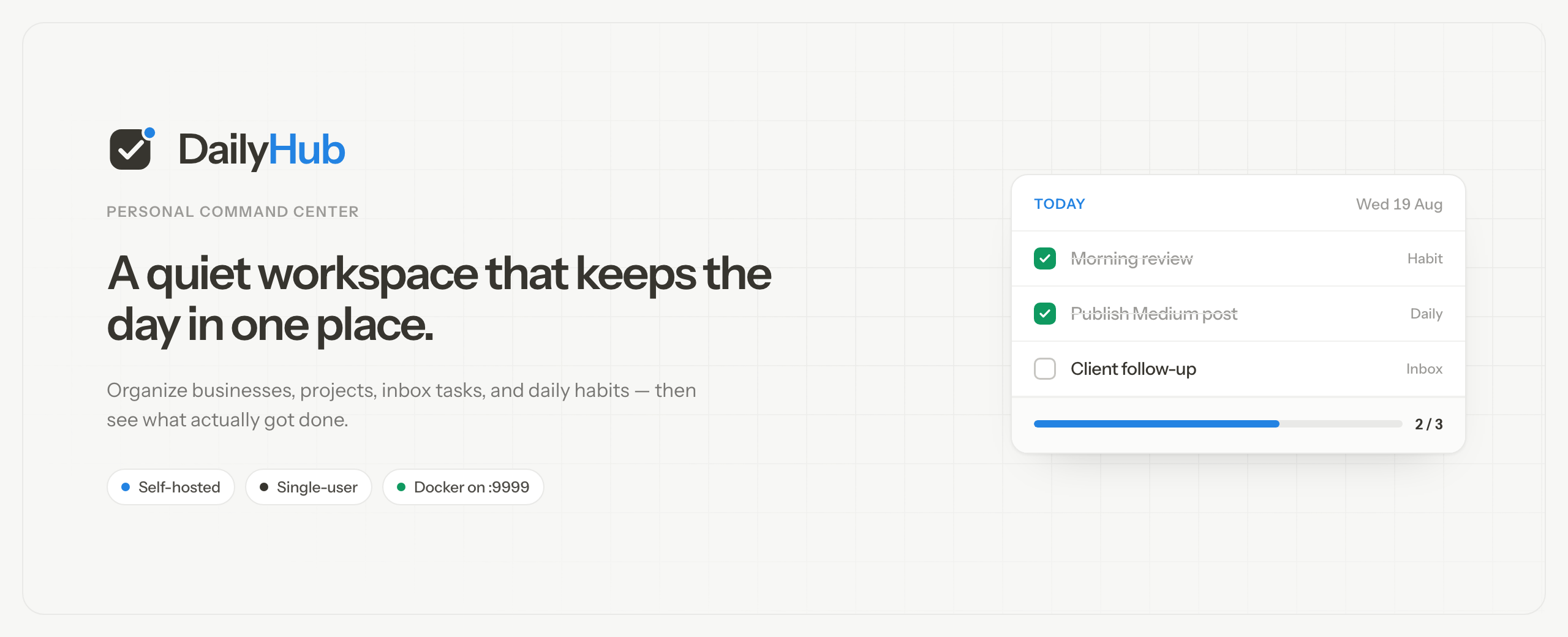
A personal command center for projects, tasks, and daily habits. Self-hosted, single-user, Next.js + SQLite.
See the code



Website · npm · Docker Hub · GHCR · Docs · Changelog · Author
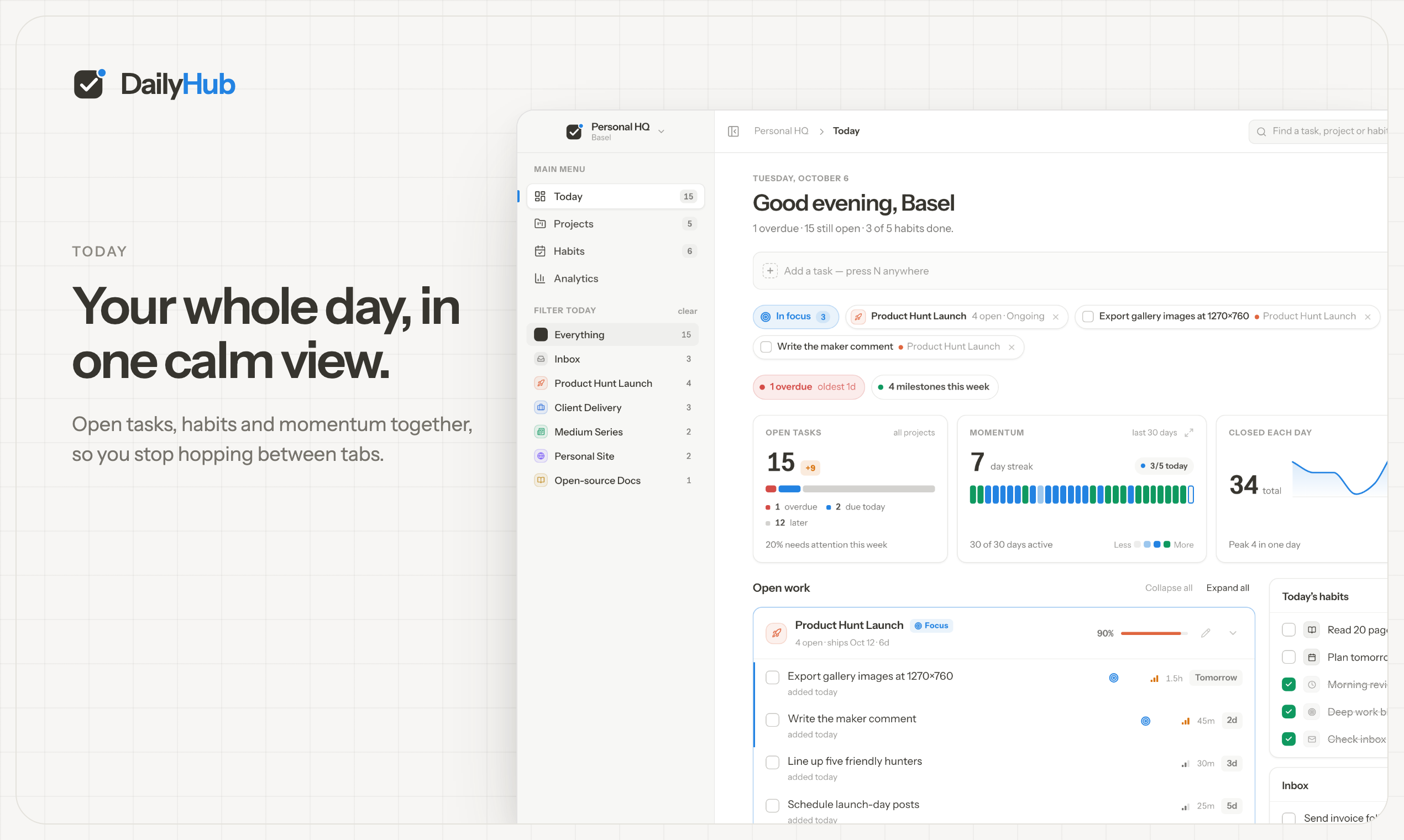
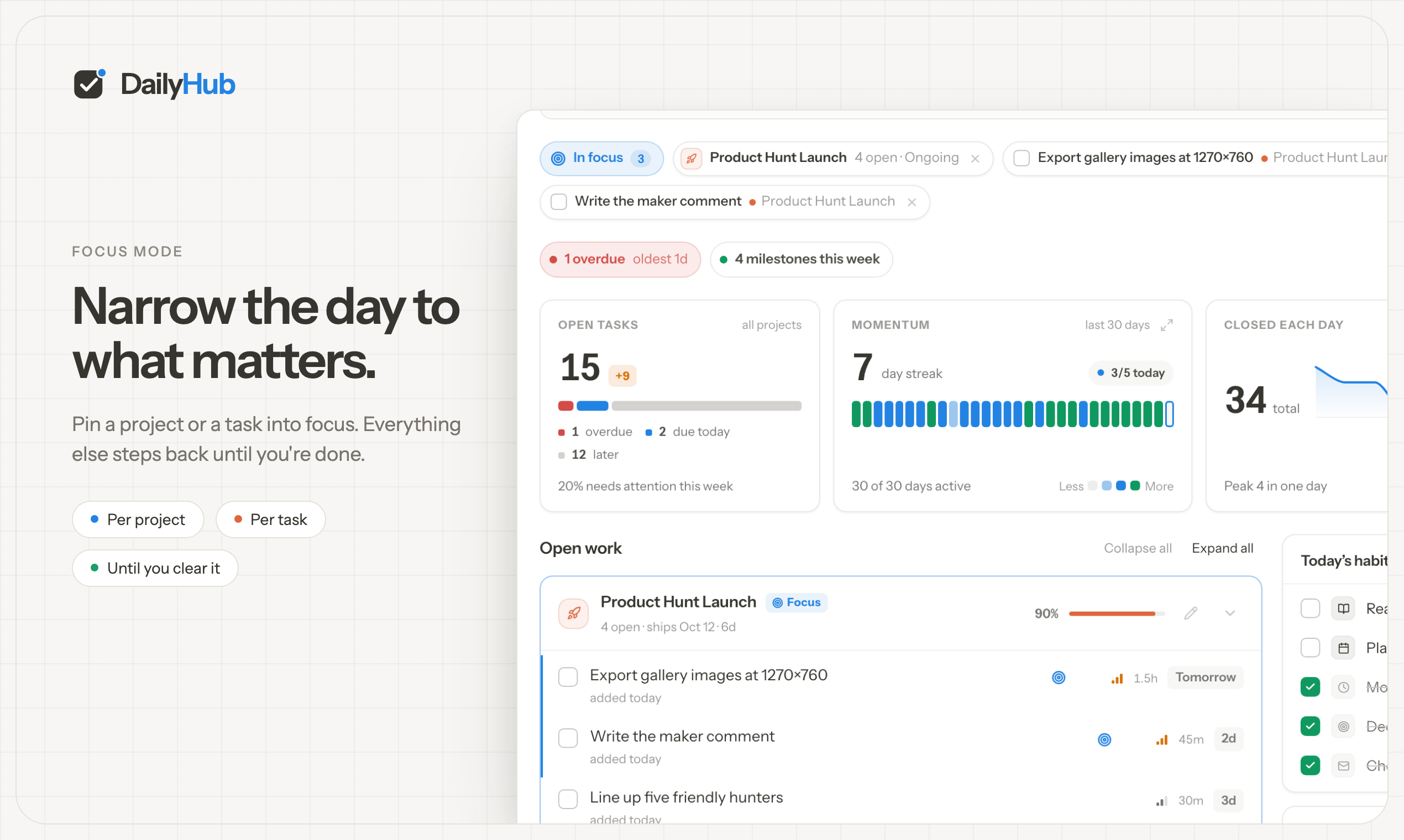
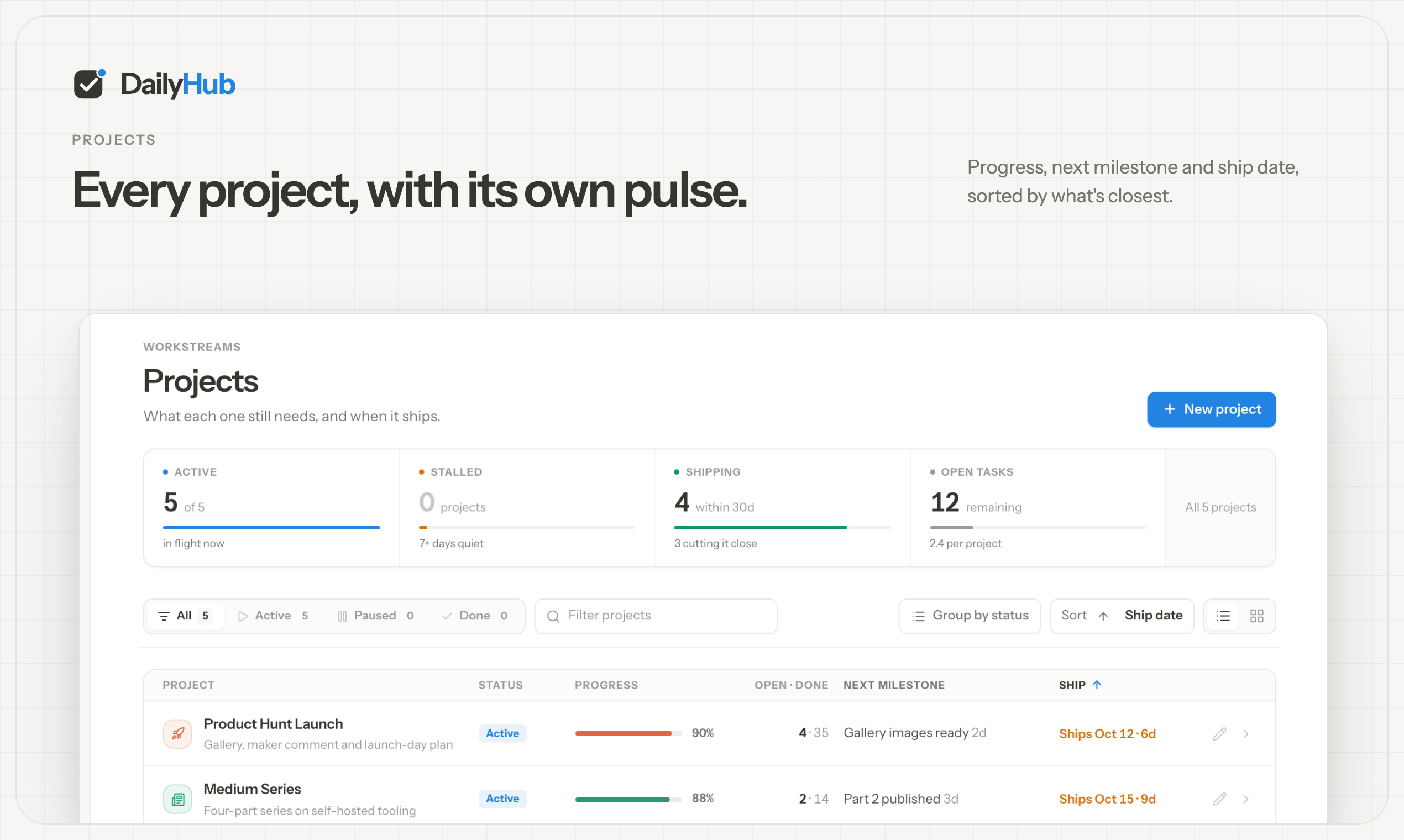
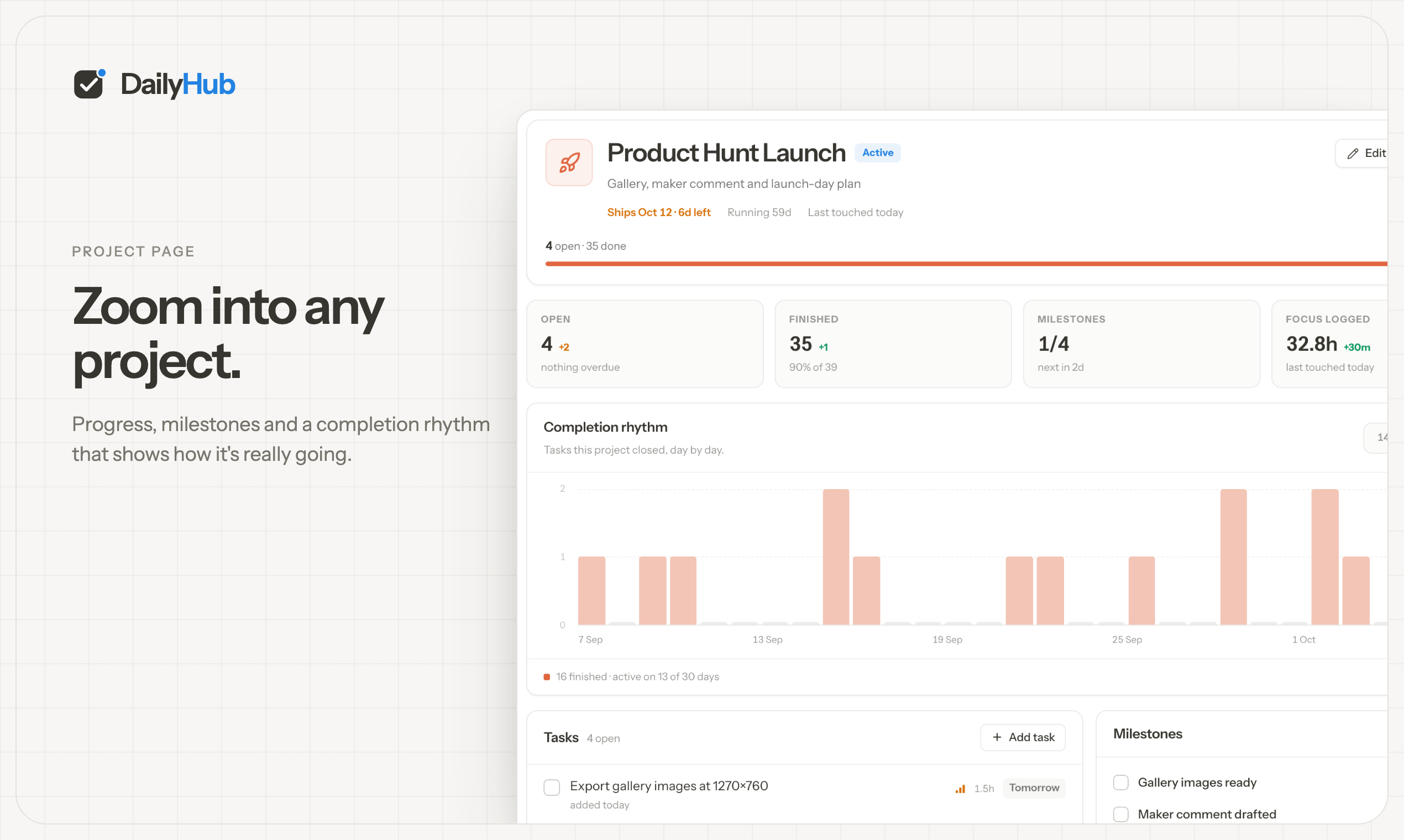
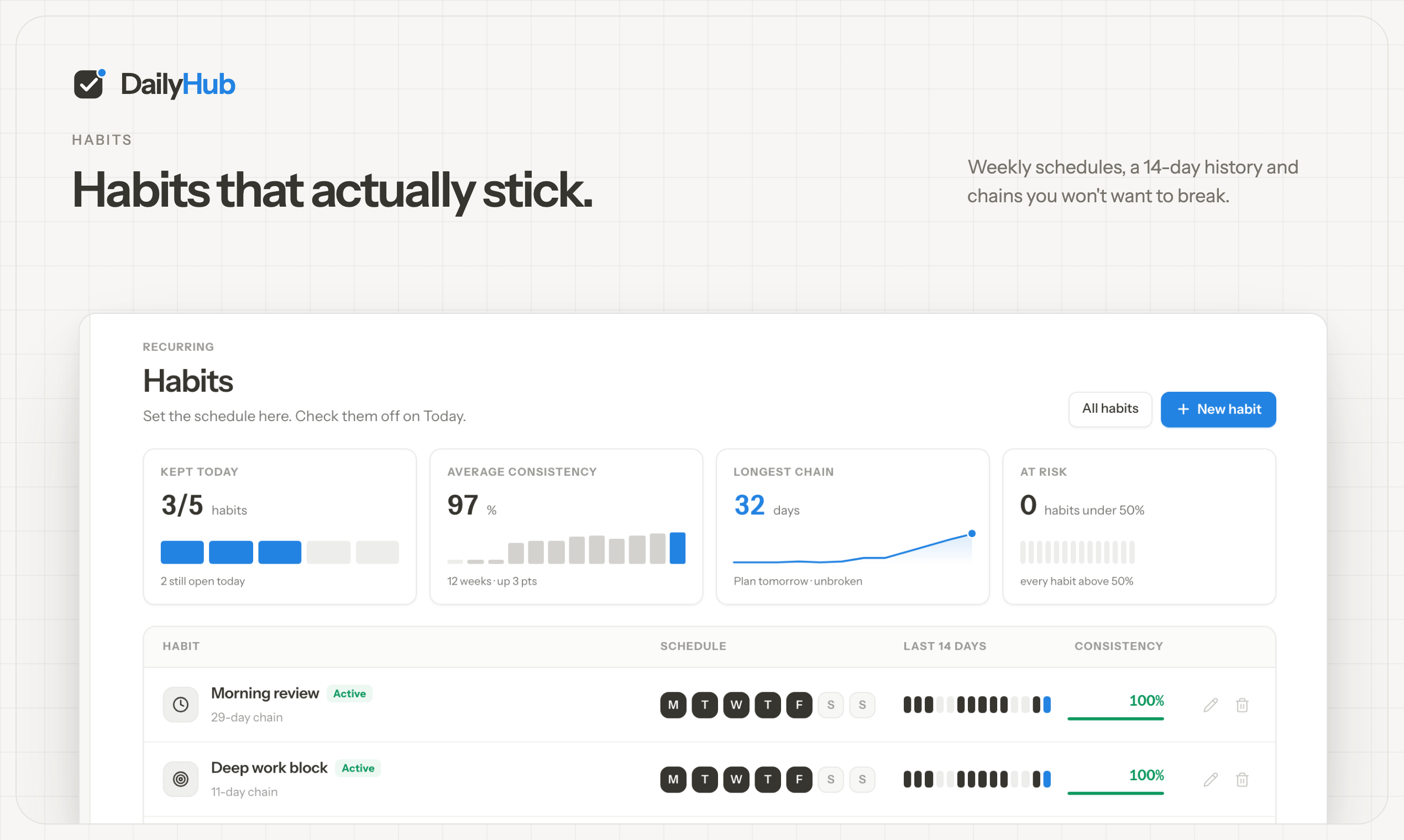
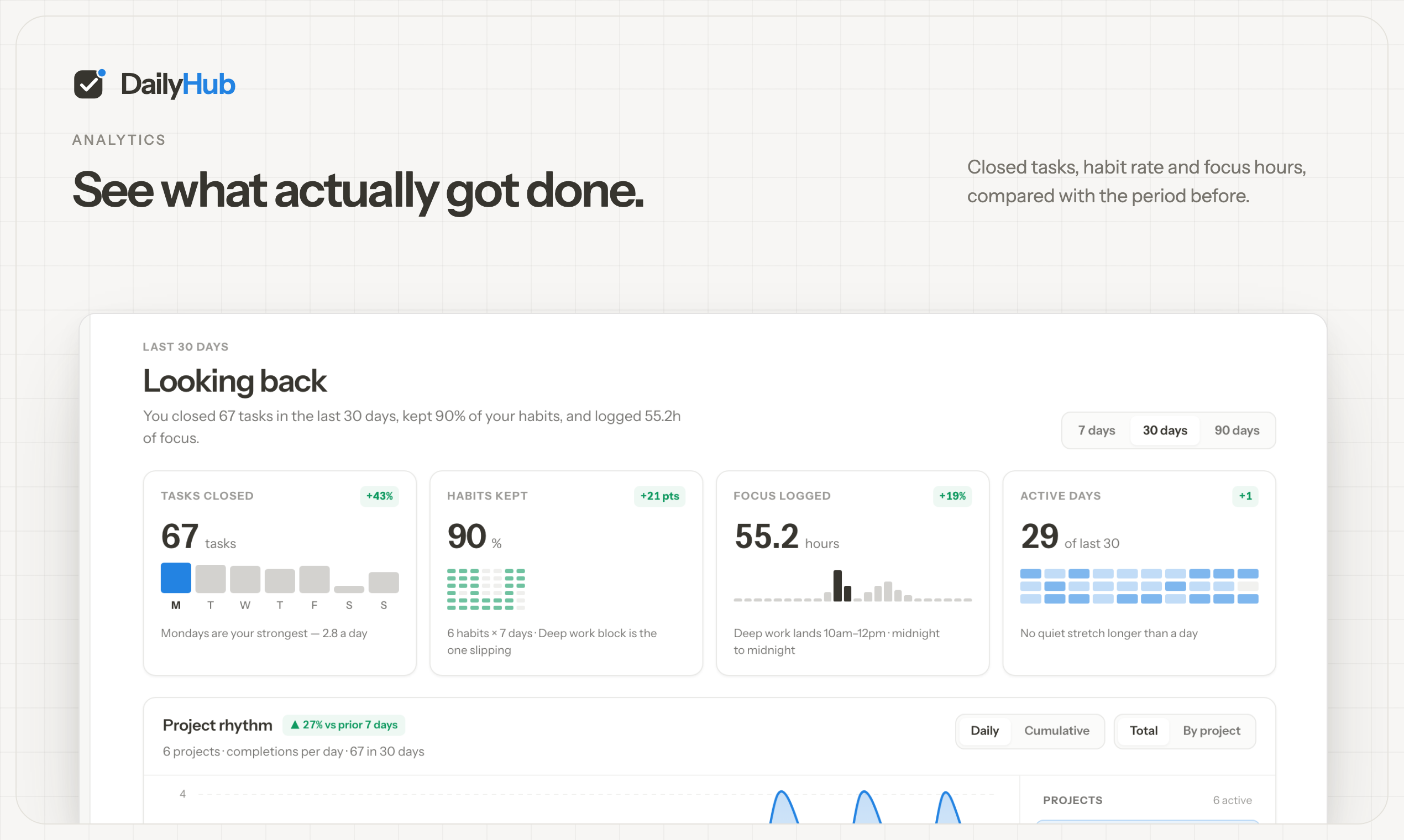
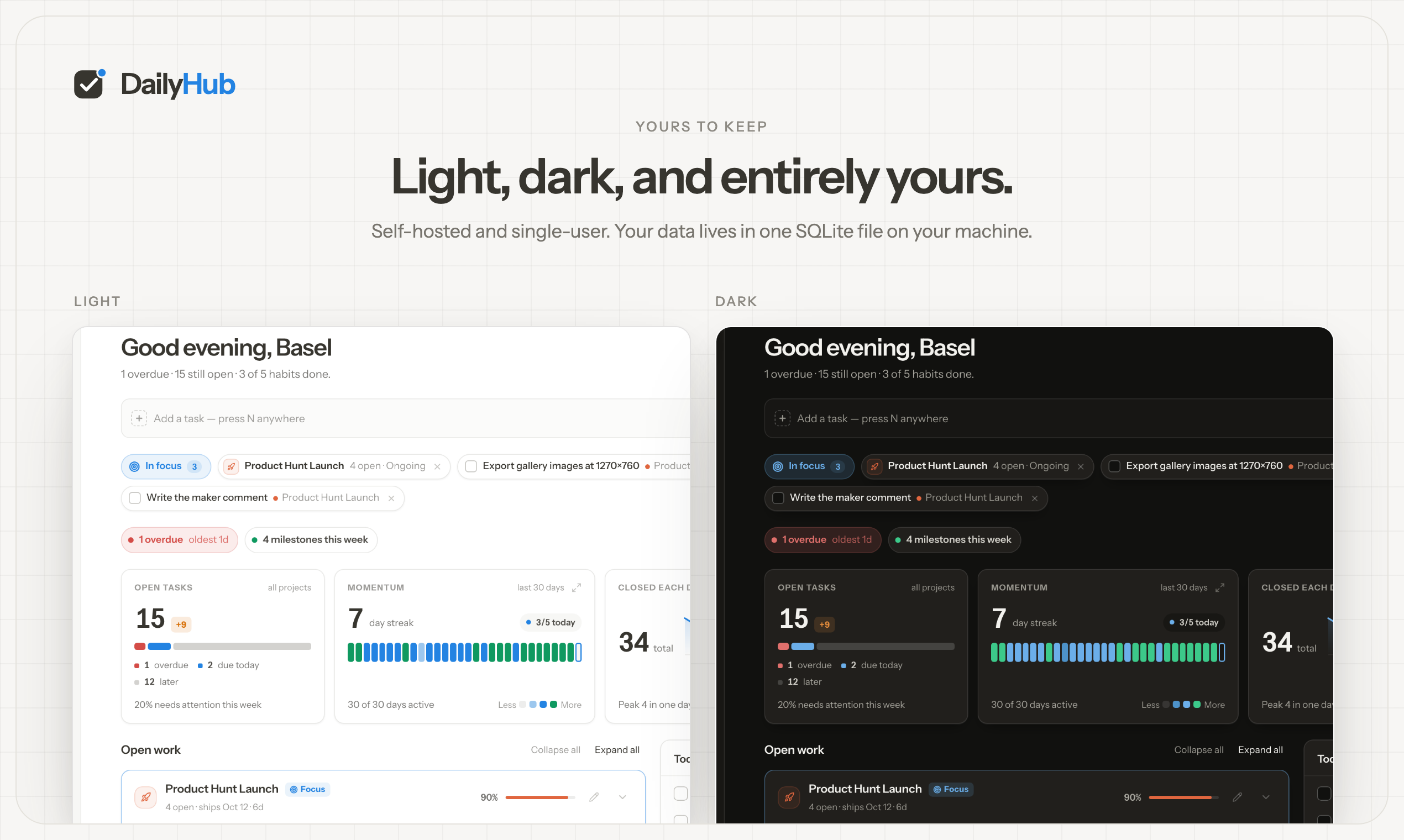
A personal command center for people who juggle more than one project at a time — founders, consultants, indie builders, anyone with client work, side projects, and a few non-negotiable daily habits.
DailyHub is not a replacement for Linear, Jira, or Notion. It is the morning surface: what is open, what belongs where, what must happen today, and what you already finished.
Your browser does not support the video element.
 |  |
 |  |
 |  |
Requires Node.js 22+.
npx @baselhusam/daily-hub
Opens http://127.0.0.1:9999. Data lives in ~/.daily-hub/ (data.db and uploads/). The first download is ~80 MB because the package ships the full Next.js app; later runs are instant.
npx @baselhusam/daily-hub --seed               # sample data on first run
npx @baselhusam/daily-hub --port 3000          # different port
npx @baselhusam/daily-hub --data-dir ~/my-hub  # custom data directory
npx @baselhusam/daily-hub --no-open            # don't open the browser
npx @baselhusam/daily-hub --no-mcp             # disable the local MCP endpoint
npx @baselhusam/daily-hub --detach             # run in the background
npx @baselhusam/daily-hub --update             # run the latest published version
--update (or update) fetches and runs the latest published DailyHub release. Any other options are preserved, so npx @baselhusam/daily-hub --update --port 3000 updates and starts it on port 3000.
--detach starts DailyHub in the background, opens the app when it is ready, and lets you close the terminal. Manage that instance later with:
npx @baselhusam/daily-hub status
npx @baselhusam/daily-hub logs
npx @baselhusam/daily-hub stop
The background process and log are recorded in the selected data directory (~/.daily-hub/ by default); pass the same --data-dir to the management commands if you use a custom location. It remains running until stopped or the computer restarts; use Docker or a system service if you need automatic restarts.
DailyHub starts a local, token-protected MCP endpoint by default at /mcp on the selected app port. After starting the app, print a ready-to-copy client configuration with:
npx @baselhusam/daily-hub mcp
The endpoint is bound to 127.0.0.1 and requires the bearer token in that output. The token is stored with owner-only permissions in ~/.daily-hub/daily-hub-mcp.json. Disable the endpoint for a launch with --no-mcp.
Do not keep ~/.daily-hub/ in iCloud, Dropbox, or other file-sync folders — SQLite and file sync can corrupt the database. Backup is a copy of that folder (or your --data-dir).
docker run -d --name dailyhub -p 9999:9999 \
  -v dailyhub_data:/app/data \
  baselhusam/daily-hub:latest
Open http://localhost:9999. Data persists in the dailyhub_data volume. The command above pulls from Docker Hub; pin a version with baselhusam/daily-hub:X.Y.Z (same as the npm version). The same tags are also published to GHCR as ghcr.io/baselhusam/daily-hub. Optional sample data:
docker exec dailyhub npm run db:seed
From a clone, docker compose up -d pulls the same image; docker compose up --build compiles from this tree.
v1 has no authentication. Keep it on localhost, a private network, or behind a reverse proxy. Full self-hosting notes are in docs/DEPLOYMENT.md.
npm install
npm run dev
Runs on port 9999 with SQLite in ./.data/. Commands, layout, and conventions live in CLAUDE.md.
Next.js 15, TypeScript, SQLite, and Prisma. There is no separate API server — reads go through Server Components, writes through Server Actions.
A personal command center for projects, tasks, and daily habits. Self-hosted, single-user, Next.js + SQLite.
See the code
Website · npm · Docker Hub · GHCR · Docs · Changelog · Author
A personal command center for people who juggle more than one project at a time — founders, consultants, indie builders, anyone with client work, side projects, and a few non-negotiable daily habits.
DailyHub is not a replacement for Linear, Jira, or Notion. It is the morning surface: what is open, what belongs where, what must happen today, and what you already finished.
Your browser does not support the video element.
| |
| |
| |
Requires Node.js 22+.
npx @baselhusam/daily-hub
Opens http://127.0.0.1:9999. Data lives in ~/.daily-hub/ (data.db and uploads/). The first download is ~80 MB because the package ships the full Next.js app; later runs are instant.
npx @baselhusam/daily-hub --seed               # sample data on first run
npx @baselhusam/daily-hub --port 3000          # different port
npx @baselhusam/daily-hub --data-dir ~/my-hub  # custom data directory
npx @baselhusam/daily-hub --no-open            # don't open the browser
npx @baselhusam/daily-hub --no-mcp             # disable the local MCP endpoint
npx @baselhusam/daily-hub --detach             # run in the background
npx @baselhusam/daily-hub --update             # run the latest published version
--update (or update) fetches and runs the latest published DailyHub release. Any other options are preserved, so npx @baselhusam/daily-hub --update --port 3000 updates and starts it on port 3000.
--detach starts DailyHub in the background, opens the app when it is ready, and lets you close the terminal. Manage that instance later with:
npx @baselhusam/daily-hub status
npx @baselhusam/daily-hub logs
npx @baselhusam/daily-hub stop
The background process and log are recorded in the selected data directory (~/.daily-hub/ by default); pass the same --data-dir to the management commands if you use a custom location. It remains running until stopped or the computer restarts; use Docker or a system service if you need automatic restarts.
DailyHub starts a local, token-protected MCP endpoint by default at /mcp on the selected app port. After starting the app, print a ready-to-copy client configuration with:
npx @baselhusam/daily-hub mcp
The endpoint is bound to 127.0.0.1 and requires the bearer token in that output. The token is stored with owner-only permissions in ~/.daily-hub/daily-hub-mcp.json. Disable the endpoint for a launch with --no-mcp.
Do not keep ~/.daily-hub/ in iCloud, Dropbox, or other file-sync folders — SQLite and file sync can corrupt the database. Backup is a copy of that folder (or your --data-dir).
docker run -d --name dailyhub -p 9999:9999 \
  -v dailyhub_data:/app/data \
  baselhusam/daily-hub:latest
Open http://localhost:9999. Data persists in the dailyhub_data volume. The command above pulls from Docker Hub; pin a version with baselhusam/daily-hub:X.Y.Z (same as the npm version). The same tags are also published to GHCR as ghcr.io/baselhusam/daily-hub. Optional sample data:
docker exec dailyhub npm run db:seed
From a clone, docker compose up -d pulls the same image; docker compose up --build compiles from this tree.
v1 has no authentication. Keep it on localhost, a private network, or behind a reverse proxy. Full self-hosting notes are in docs/DEPLOYMENT.md.
npm install
npm run dev
Runs on port 9999 with SQLite in ./.data/. Commands, layout, and conventions live in CLAUDE.md.
Next.js 15, TypeScript, SQLite, and Prisma. There is no separate API server — reads go through Server Components, writes through Server Actions.
46 followers · starred Oct 2026



