
Flutter SDK for Aptabase: Open Source Privacy-First and Simple Analytics for Mobile, Desktop and Web Apps
27
stars
90
commits
Dart
primary language
Jul 23, 2026
updated
README
aptabase_flutter


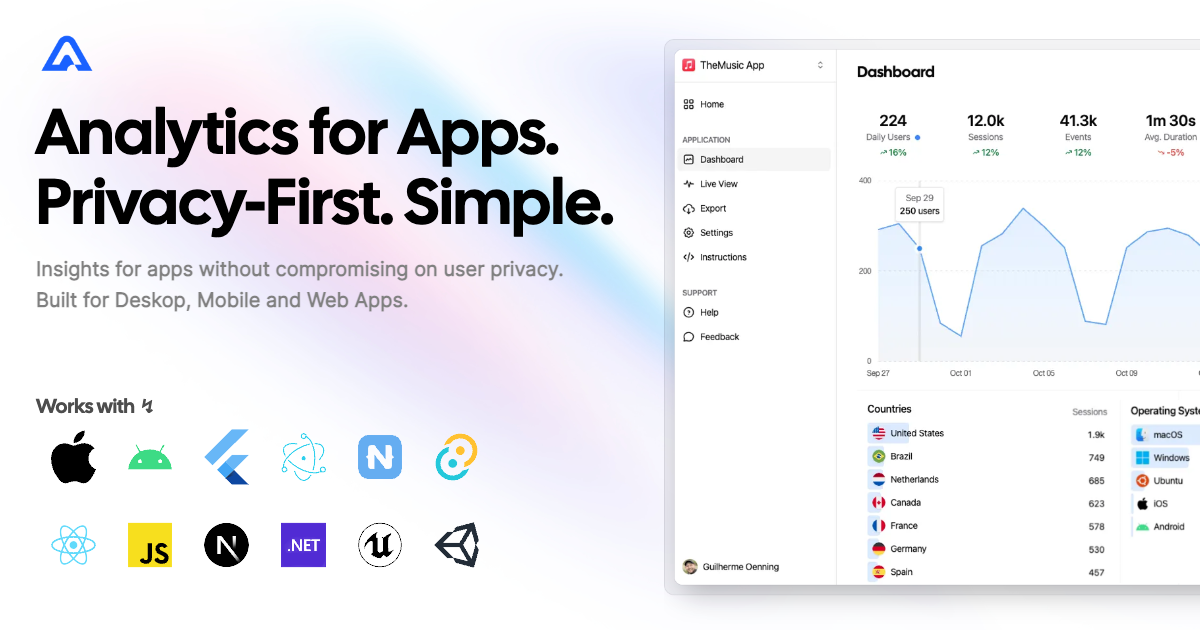
Instrument your app with Aptabase, an Open Source, Privacy-First, and Simple Analytics for Mobile, Desktop, and Web Apps.
Platform Support
| Android | iOS | MacOS | Web | Linux | Windows |
|---|---|---|---|---|---|
| ✔️ | ✔️ | ✔️ | ✔️ | ✔️ | ✔️ |
Install
You can install the SDK by running the following command:
flutter pub add aptabase_flutter
Android Requirements
If you're targeting Android, you'll need to add the following permissions to your AndroidManifest.xml:
<uses-permission android:name="android.permission.INTERNET" />
Usage
First, you need to get your App Key from Aptabase, you can find it in the Instructions menu on the left side menu.
On your main.dart, import package:aptabase_flutter/aptabase_flutter.dart and initialized the SDK.
void main() async {
+ WidgetsFlutterBinding.ensureInitialized();
+ await Aptabase.init("<YOUR_APP_KEY>"); // 👈 this is where you enter your App Key

  runApp(const MyApp());
}
Note: You need to change your main function to be async and call WidgetsFlutterBinding.ensureInitialized(); before initializing the SDK.
Afterward, you can start tracking events with Aptabase.instance anywhere in your Dart. Here's an example:
import 'package:aptabase_flutter/aptabase_flutter.dart';

class _CounterState extends State<Counter> {
  int _counter = 0;

  // Tracking how many times the user has clicked the button, alongside the current counter value
  void _incrementCounter() {
    Aptabase.instance.trackEvent("increment", { "counter": _counter });

    setState(() {
      _counter++;
    });
  }
}
A few important notes:
- The SDK will automatically enhance the event with some useful information, like the OS, the app version, and other things.
- You're in control of what gets sent to Aptabase. This SDK does not automatically track any events, you need to call
trackEventmanually.- Because of this, it's generally recommended to at least track an event at startup
- You do not need to await for the
trackEventfunction, it'll run in the background. - Only strings and numbers values are allowed on custom properties
Preparing for Submission to Apple App Store
When submitting your app to the Apple App Store, you'll need to fill out the App Privacy form. You can find all the answers on our How to fill out the Apple App Privacy when using Aptabase guide.
For AI/LLM integration instructions, see llms.txt
Contributors


Similar repos


Languages
Dart
32.7%
C++
32.6%
CMake
26.5%
Swift
3.3%
HTML
2.6%
C
2.0%
Flutter SDK for Aptabase: Open Source Privacy-First and Simple Analytics for Mobile, Desktop and Web Apps
27
stars
90
commits
Dart
primary language
Jul 23, 2026
updated
README
aptabase_flutter
Instrument your app with Aptabase, an Open Source, Privacy-First, and Simple Analytics for Mobile, Desktop, and Web Apps.
Platform Support
| Android | iOS | MacOS | Web | Linux | Windows |
|---|---|---|---|---|---|
| ✔️ | ✔️ | ✔️ | ✔️ | ✔️ | ✔️ |
Install
You can install the SDK by running the following command:
flutter pub add aptabase_flutter
Android Requirements
If you're targeting Android, you'll need to add the following permissions to your AndroidManifest.xml:
<uses-permission android:name="android.permission.INTERNET" />
Usage
First, you need to get your App Key from Aptabase, you can find it in the Instructions menu on the left side menu.
On your main.dart, import package:aptabase_flutter/aptabase_flutter.dart and initialized the SDK.
void main() async {
+ WidgetsFlutterBinding.ensureInitialized();
+ await Aptabase.init("<YOUR_APP_KEY>"); // 👈 this is where you enter your App Key

  runApp(const MyApp());
}
Note: You need to change your main function to be async and call WidgetsFlutterBinding.ensureInitialized(); before initializing the SDK.
Afterward, you can start tracking events with Aptabase.instance anywhere in your Dart. Here's an example:
import 'package:aptabase_flutter/aptabase_flutter.dart';

class _CounterState extends State<Counter> {
  int _counter = 0;

  // Tracking how many times the user has clicked the button, alongside the current counter value
  void _incrementCounter() {
    Aptabase.instance.trackEvent("increment", { "counter": _counter });

    setState(() {
      _counter++;
    });
  }
}
A few important notes:
- The SDK will automatically enhance the event with some useful information, like the OS, the app version, and other things.
- You're in control of what gets sent to Aptabase. This SDK does not automatically track any events, you need to call
trackEventmanually.- Because of this, it's generally recommended to at least track an event at startup
- You do not need to await for the
trackEventfunction, it'll run in the background. - Only strings and numbers values are allowed on custom properties
Preparing for Submission to Apple App Store
When submitting your app to the Apple App Store, you'll need to fill out the App Privacy form. You can find all the answers on our How to fill out the Apple App Privacy when using Aptabase guide.
For AI/LLM integration instructions, see llms.txt
Similar repos
Contributors
Languages
Dart
32.7%
C++
32.6%
CMake
26.5%
Swift
3.3%
HTML
2.6%
C
2.0%