
Swift SDK for Aptabase: Open Source, Privacy-First and Simple Analytics for Mobile, Desktop and Web Apps
46
stars
79
commits
Swift
primary language
Feb 22, 2026
updated
README
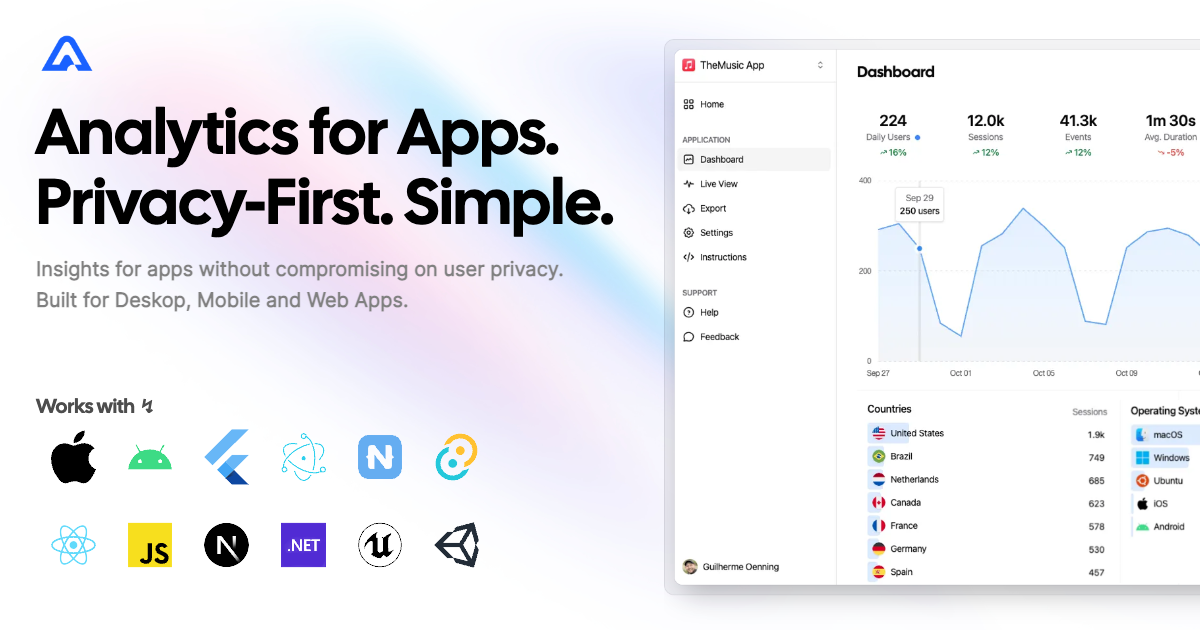
Swift SDK for Aptabase


Instrument your apps with Aptabase, an Open Source, Privacy-First and Simple Analytics for Mobile, Desktop and Web Apps.
Install
Option 1: Swift Package Manager
Add the following lines to your Package.swift file:
let package = Package(
    ...
    dependencies: [
        ...
        .package(name: "Aptabase", url: "https://github.com/aptabase/aptabase-swift.git", from: "0.3.4"),
    ],
    targets: [
        .target(
            name: "MyApp",
            dependencies: ["Aptabase"] // Add as a dependency
        )
    ]
)
Option 2: Adding package dependencies with Xcode
Use this guide to add aptabase-swift to your project. Use https://github.com/aptabase/aptabase-swift for the URL when Xcode asks.
Option 3: CocoaPods
Aptabase is also available through CocoaPods. To install it, simply add the following line to your Podfile:
pod 'Aptabase', :git => 'https://github.com/aptabase/aptabase-swift.git', :tag => '0.3.4'
Usage
If you're targeting macOS, you must first enable the
Outgoing Connections (Client)checkbox under theApp Sandboxsection.
First, you need to get your App Key from Aptabase, you can find it in the Instructions menu on the left side menu.
Initialized the SDK as early as possible in your app, for example:
import SwiftUI
import Aptabase

@main
struct ExampleApp: App {
    init() {
        Aptabase.shared.initialize(appKey: "<YOUR_APP_KEY>") // 👈 this is where you enter your App Key
    }

    var body: some Scene {
        WindowGroup {
            MainView()
        }
    }
}
Afterward, you can start tracking events with trackEvent:
import Aptabase

Aptabase.shared.trackEvent("app_started") // An event with no properties
Aptabase.shared.trackEvent("screen_view", with: ["name": "Settings"]) // An event with a custom property
A few important notes:
- The SDK will automatically enhance the event with some useful information, like the OS, the app version, and other things.
- You're in control of what gets sent to Aptabase. This SDK does not automatically track any events, you need to call
trackEventmanually.- Because of this, it's generally recommended to at least track an event at startup
- The
trackEventfunction is a non-blocking operation as it runs in the background. - Only strings and numbers values are allowed on custom properties
Preparing for Submission to Apple App Store
When submitting your app to the Apple App Store, you'll need to fill out the App Privacy form. You can find all the answers on our How to fill out the Apple App Privacy when using Aptabase guide.
For AI/LLM integration instructions, see llms.txt


Similar repos


Languages
Swift
96.7%
Ruby
3.3%
Swift SDK for Aptabase: Open Source, Privacy-First and Simple Analytics for Mobile, Desktop and Web Apps
46
stars
79
commits
Swift
primary language
Feb 22, 2026
updated
README
Swift SDK for Aptabase
Instrument your apps with Aptabase, an Open Source, Privacy-First and Simple Analytics for Mobile, Desktop and Web Apps.
Install
Option 1: Swift Package Manager
Add the following lines to your Package.swift file:
let package = Package(
    ...
    dependencies: [
        ...
        .package(name: "Aptabase", url: "https://github.com/aptabase/aptabase-swift.git", from: "0.3.4"),
    ],
    targets: [
        .target(
            name: "MyApp",
            dependencies: ["Aptabase"] // Add as a dependency
        )
    ]
)
Option 2: Adding package dependencies with Xcode
Use this guide to add aptabase-swift to your project. Use https://github.com/aptabase/aptabase-swift for the URL when Xcode asks.
Option 3: CocoaPods
Aptabase is also available through CocoaPods. To install it, simply add the following line to your Podfile:
pod 'Aptabase', :git => 'https://github.com/aptabase/aptabase-swift.git', :tag => '0.3.4'
Usage
If you're targeting macOS, you must first enable the
Outgoing Connections (Client)checkbox under theApp Sandboxsection.
First, you need to get your App Key from Aptabase, you can find it in the Instructions menu on the left side menu.
Initialized the SDK as early as possible in your app, for example:
import SwiftUI
import Aptabase

@main
struct ExampleApp: App {
    init() {
        Aptabase.shared.initialize(appKey: "<YOUR_APP_KEY>") // 👈 this is where you enter your App Key
    }

    var body: some Scene {
        WindowGroup {
            MainView()
        }
    }
}
Afterward, you can start tracking events with trackEvent:
import Aptabase

Aptabase.shared.trackEvent("app_started") // An event with no properties
Aptabase.shared.trackEvent("screen_view", with: ["name": "Settings"]) // An event with a custom property
A few important notes:
- The SDK will automatically enhance the event with some useful information, like the OS, the app version, and other things.
- You're in control of what gets sent to Aptabase. This SDK does not automatically track any events, you need to call
trackEventmanually.- Because of this, it's generally recommended to at least track an event at startup
- The
trackEventfunction is a non-blocking operation as it runs in the background. - Only strings and numbers values are allowed on custom properties
Preparing for Submission to Apple App Store
When submitting your app to the Apple App Store, you'll need to fill out the App Privacy form. You can find all the answers on our How to fill out the Apple App Privacy when using Aptabase guide.
For AI/LLM integration instructions, see llms.txt
Similar repos
Languages
Swift
96.7%
Ruby
3.3%