Oh yeah, another implementation of Pi.Alert with ReactJS and Django is here!
JavaScript
2
144 commits
updated Apr 16, 2025
| Nickname | Fullname | Student ID | Contribute | Features |
|---|---|---|---|---|
| JakeClark | Nguyễn Chí Thành | 22521350 | Backend and Frontend | Web Services & Internet Speedtest Monitor |
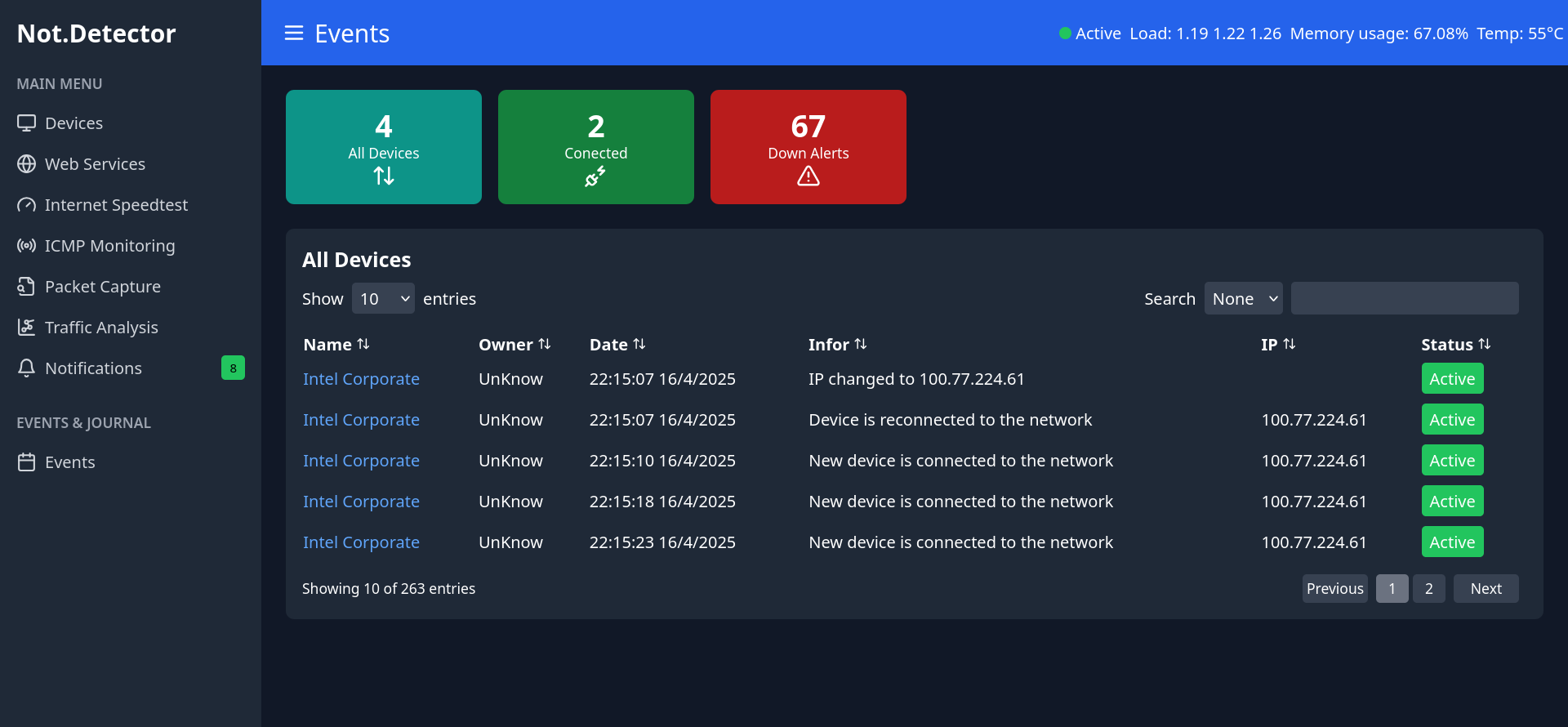
| SeaWind | Nguyễn Hải Phong | 22521088 | Backend | Devices Monitor & ICMP Monitoring & Events tracking |
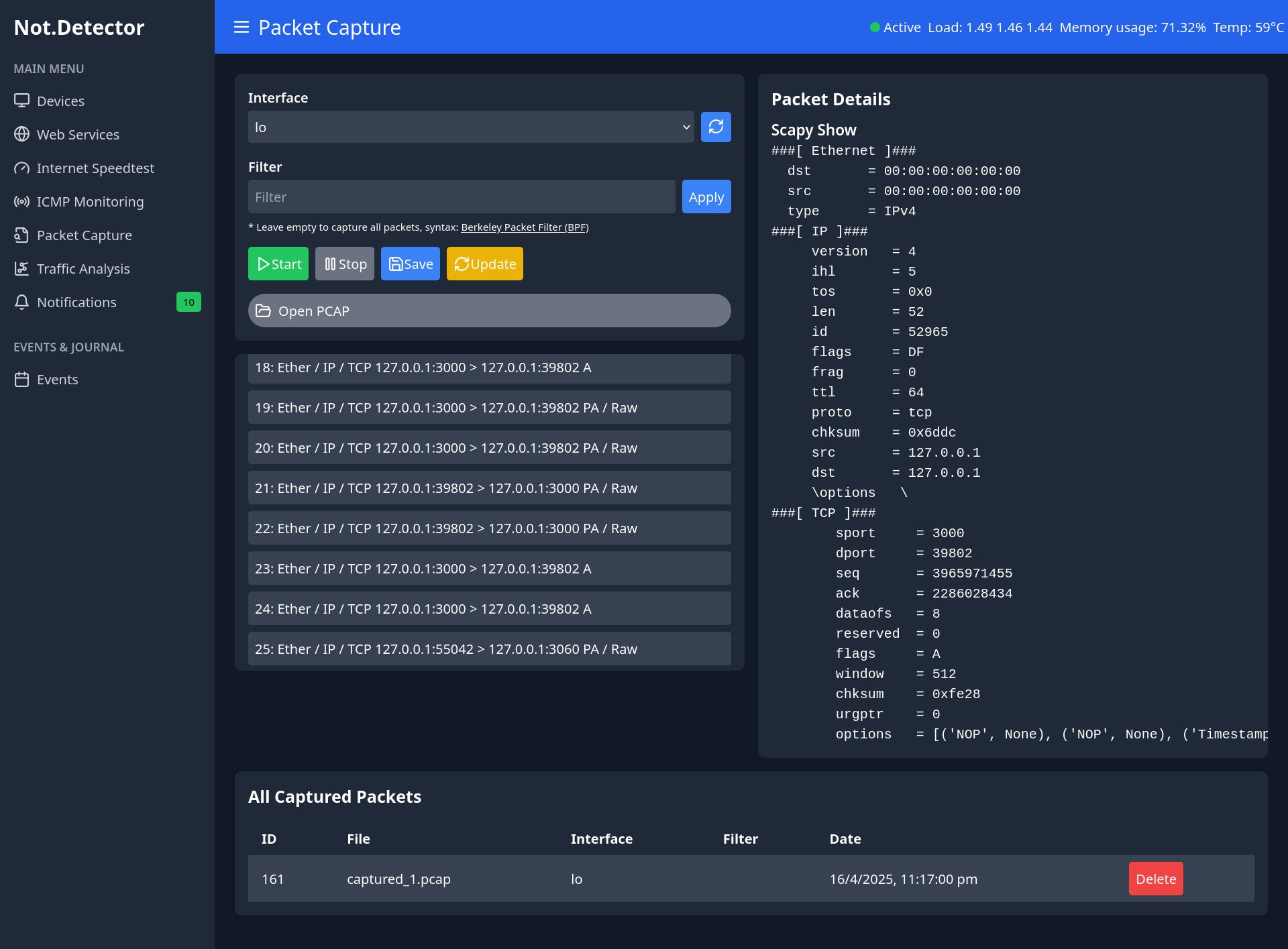
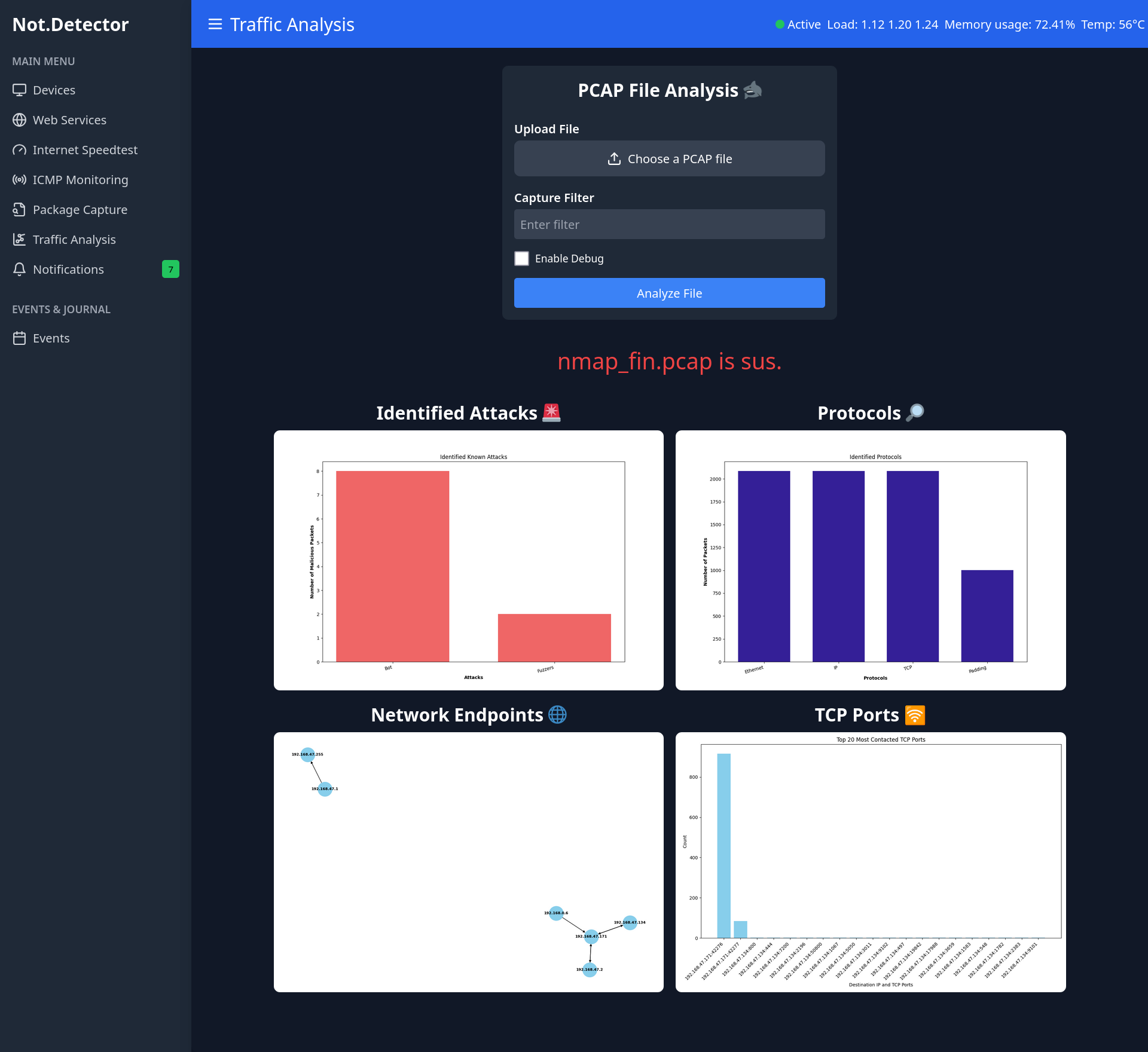
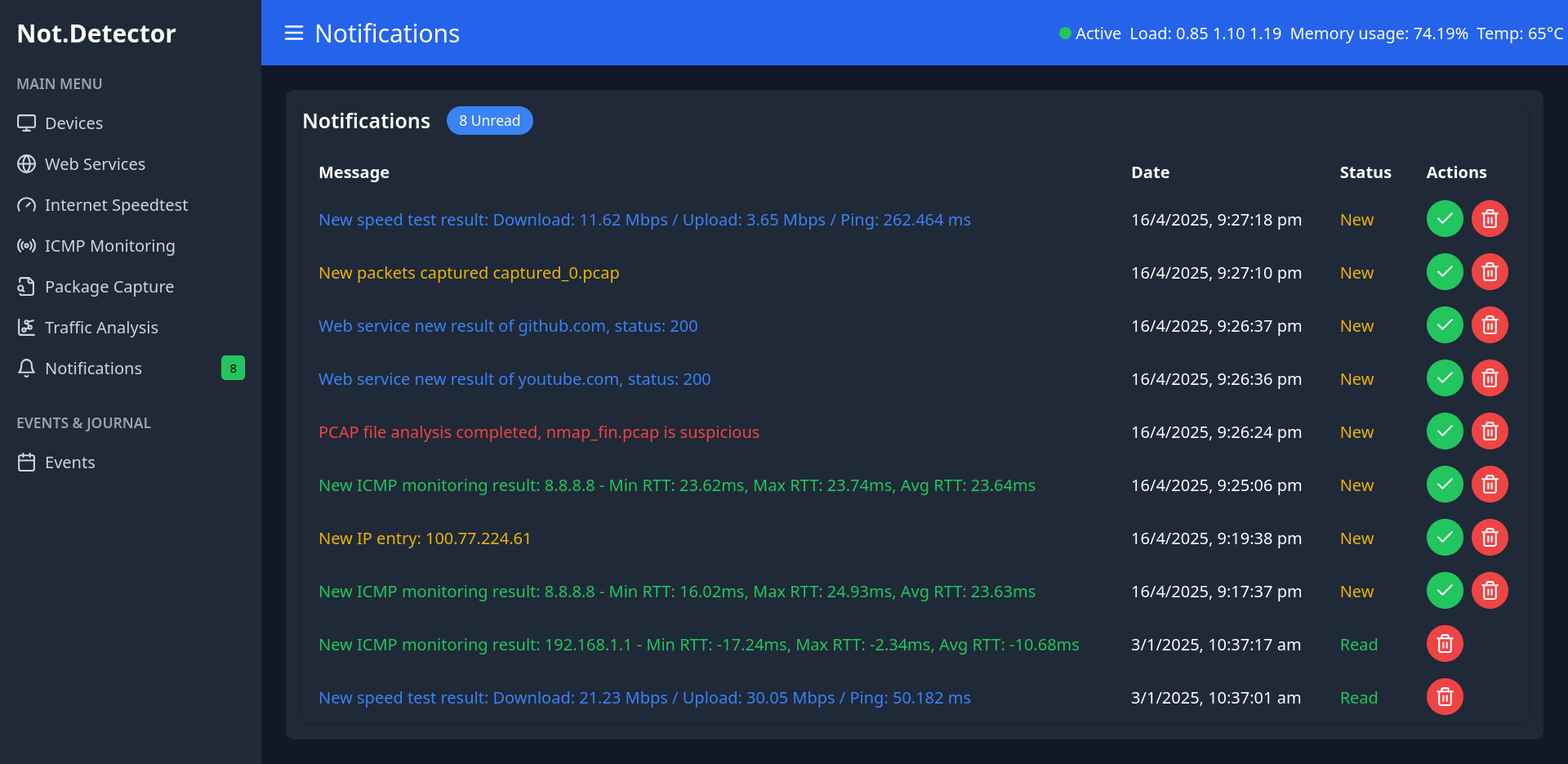
| ShynBombx | Hồ Trung Kiên | 22520704 | Backend and Frontend | Packet Capture & Trafiic Analysis & Notifications |
| lightunderwolft | Hồ Vĩnh Nhật | 22521013 | Frontend | Devices Monitor & ICMP Monitoring & Events tracking |
Make sure you have:
git clone https://github.com/DataDefendersWithAI/Network-Detector-and-Web-Monitor.git && cd Network-Detector-and-Web-Monitor
cd backend
python manage.py makemigrations backend && \
python manage.py makemigrations devices && \
python manage.py makemigrations icmp_monitoring && \
python manage.py makemigrations ip_scanning && \
python manage.py makemigrations notifications && \
python manage.py makemigrations packet_capture && \
python manage.py makemigrations speedtest_mon && \
python manage.py makemigrations system && \
python manage.py makemigrations traffic_analysis && \
python manage.py makemigrations web_service_mon && \
python manage.py migrate && \
cd ..
docker-compose up -d
Install frontend dependencies
cd frontend && npm install && cd ..
Install backend dependencies
pip install -r backend/requirements.txt
Open a terminal
cd frontend && npm start
Open another terminal
python backend/manage.py runserver
Or if you have uv package manager, here are all commands to reproduce backend:
uv init
uv venv
uv sync
# Or: uv add -r requirements.txt
uv documentation: https://docs.astral.sh/uv/
The frontend should be running on http://localhost:3000, and the backend on http://localhost:3060.
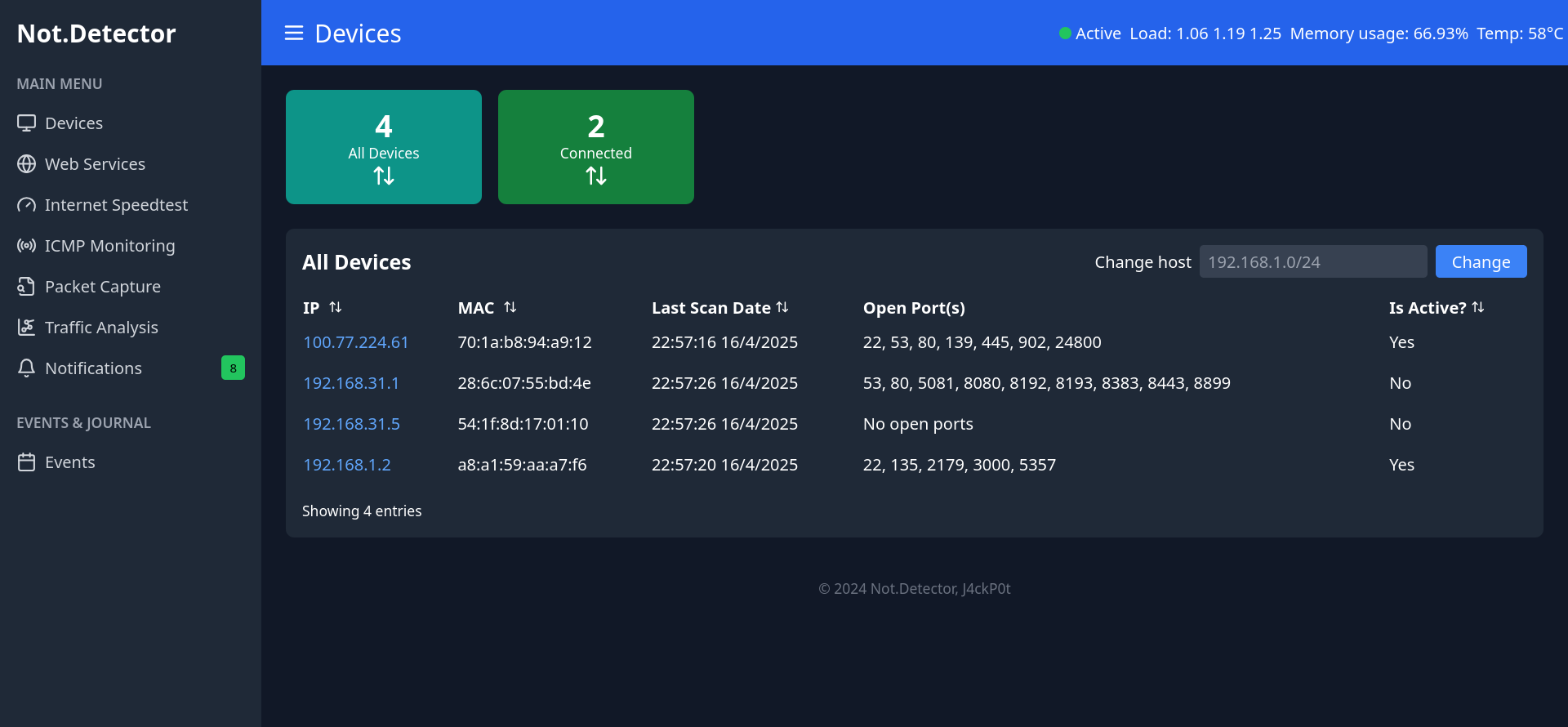 | 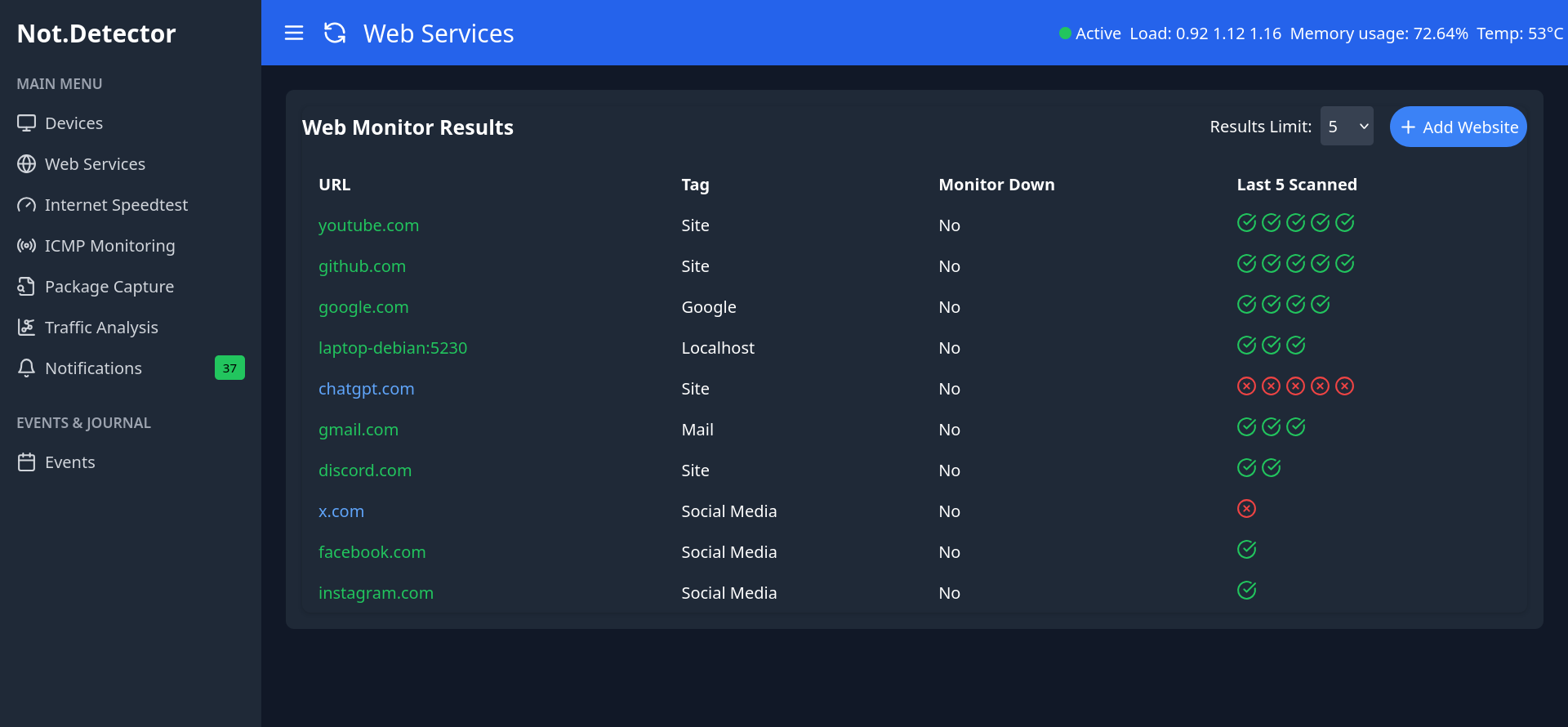 |
|---|---|
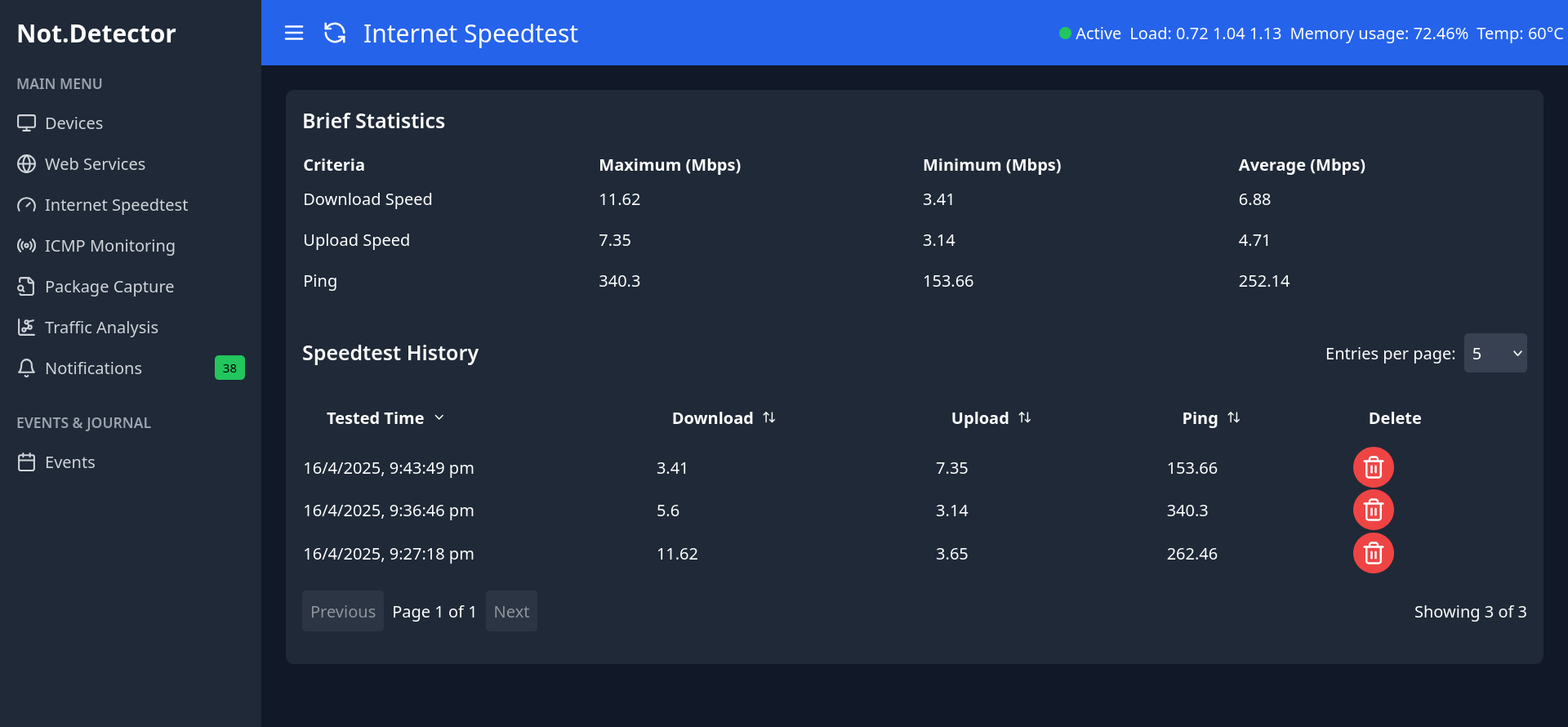 | 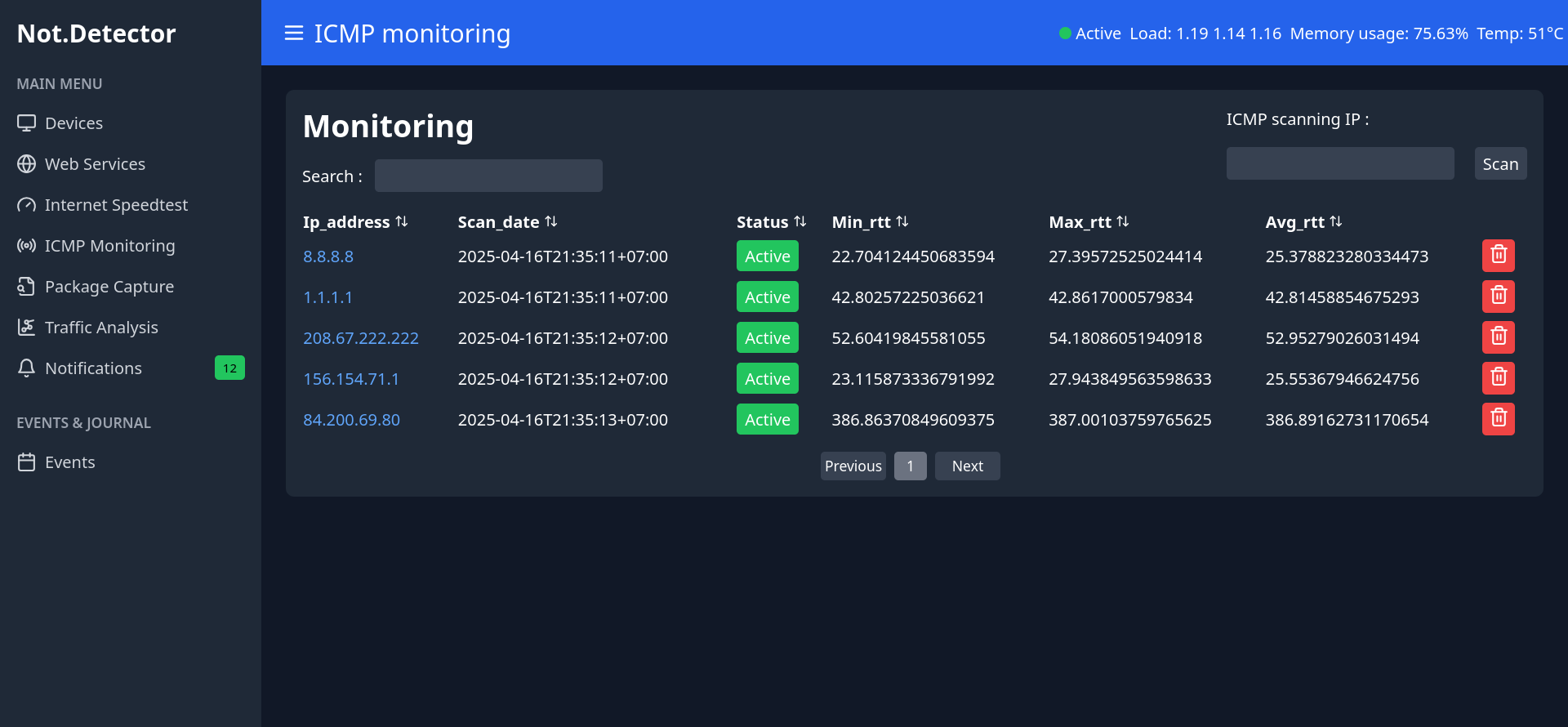 |
 |  |
 |  |
Oh yeah, another implementation of Pi.Alert with ReactJS and Django is here!
JavaScript
2
144 commits
updated Apr 16, 2025
| Nickname | Fullname | Student ID | Contribute | Features |
|---|---|---|---|---|
| JakeClark | Nguyễn Chí Thành | 22521350 | Backend and Frontend | Web Services & Internet Speedtest Monitor |
| SeaWind | Nguyễn Hải Phong | 22521088 | Backend | Devices Monitor & ICMP Monitoring & Events tracking |
| ShynBombx | Hồ Trung Kiên | 22520704 | Backend and Frontend | Packet Capture & Trafiic Analysis & Notifications |
| lightunderwolft | Hồ Vĩnh Nhật | 22521013 | Frontend | Devices Monitor & ICMP Monitoring & Events tracking |
Make sure you have:
git clone https://github.com/DataDefendersWithAI/Network-Detector-and-Web-Monitor.git && cd Network-Detector-and-Web-Monitor
cd backend
python manage.py makemigrations backend && \
python manage.py makemigrations devices && \
python manage.py makemigrations icmp_monitoring && \
python manage.py makemigrations ip_scanning && \
python manage.py makemigrations notifications && \
python manage.py makemigrations packet_capture && \
python manage.py makemigrations speedtest_mon && \
python manage.py makemigrations system && \
python manage.py makemigrations traffic_analysis && \
python manage.py makemigrations web_service_mon && \
python manage.py migrate && \
cd ..
docker-compose up -d
Install frontend dependencies
cd frontend && npm install && cd ..
Install backend dependencies
pip install -r backend/requirements.txt
Open a terminal
cd frontend && npm start
Open another terminal
python backend/manage.py runserver
Or if you have uv package manager, here are all commands to reproduce backend:
uv init
uv venv
uv sync
# Or: uv add -r requirements.txt
uv documentation: https://docs.astral.sh/uv/
The frontend should be running on http://localhost:3000, and the backend on http://localhost:3060.
| |
|---|---|
| |
| |
| |



