Simulate and Render MuJoCo Models in the Browser!
See the code
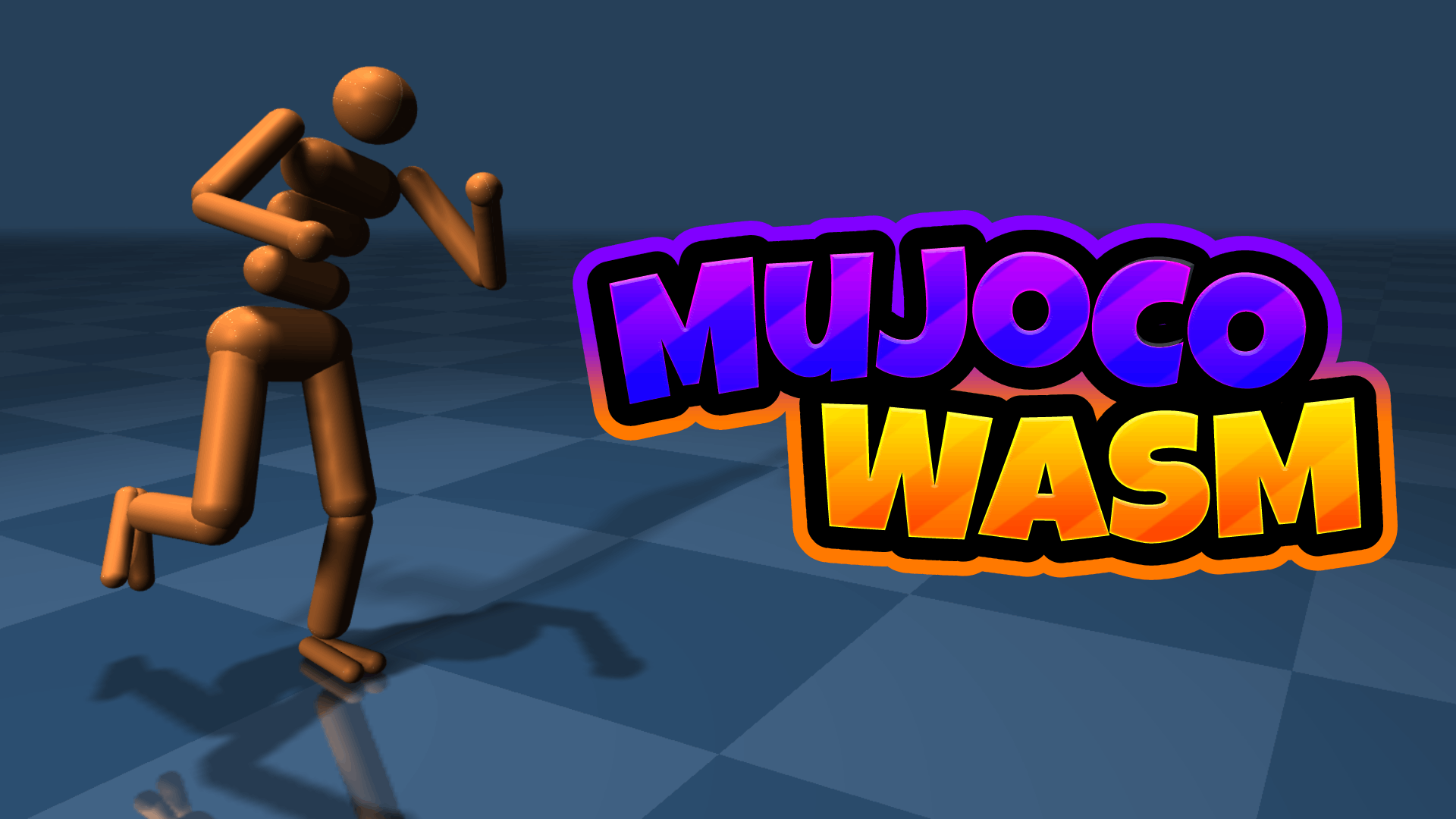



Load and Run MuJoCo 3.12.0 Models using JavaScript and the official MuJoCo WebAssembly Bindings.
This project used to be a WASM compilation and set of javascript bindings for MuJoCo, but since Deepmind completed the official MuJoCo bindings, this project is now just a small demo suite in the examples folder.
Simply ensure npm is installed and run npm install to pull three.js and MuJoCo's Official WASM bindings.
To serve and run the index.html page while developing, use an HTTP Server. I like to use five-server.
import load_mujoco from "@mujoco/mujoco";

// Load the MuJoCo Module
const mujoco = await load_mujoco();

// Set up Emscripten's Virtual File System
mujoco.FS.mkdir('/working');
mujoco.FS.mount(mujoco.MEMFS, { root: '.' }, '/working');
mujoco.FS.writeFile("/working/humanoid.xml", await (await fetch("./assets/scenes/humanoid.xml")).text());

// Load model and create data
let model = mujoco.MjModel.mj_loadXML("/working/humanoid.xml");
let data  = new mujoco.MjData(model);

// Access model properties directly
let timestep = model.opt.timestep;
let nbody = model.nbody;

// Access data buffers (typed arrays)
let qpos = data.qpos;  // Joint positions
let qvel = data.qvel;  // Joint velocities
let ctrl = data.ctrl;  // Control inputs
let xpos = data.xpos;  // Body positions

// Step the simulation
mujoco.mj_step(model, data);

// Run forward kinematics
mujoco.mj_forward(model, data);

// Reset simulation
mujoco.mj_resetData(model, data);

// Apply forces (force, torque, point, body, qfrc_target)
mujoco.mj_applyFT(model, data, [fx, fy, fz], [tx, ty, tz], [px, py, pz], bodyId, data.qfrc_applied);

// Clean up
data.delete();
model.delete();
91 followers · starred Feb 2026
89 followers · starred Oct 2024
42 followers · starred Aug 2025
Simulate and Render MuJoCo Models in the Browser!
See the code
Load and Run MuJoCo 3.12.0 Models using JavaScript and the official MuJoCo WebAssembly Bindings.
This project used to be a WASM compilation and set of javascript bindings for MuJoCo, but since Deepmind completed the official MuJoCo bindings, this project is now just a small demo suite in the examples folder.
Simply ensure npm is installed and run npm install to pull three.js and MuJoCo's Official WASM bindings.
To serve and run the index.html page while developing, use an HTTP Server. I like to use five-server.
import load_mujoco from "@mujoco/mujoco";

// Load the MuJoCo Module
const mujoco = await load_mujoco();

// Set up Emscripten's Virtual File System
mujoco.FS.mkdir('/working');
mujoco.FS.mount(mujoco.MEMFS, { root: '.' }, '/working');
mujoco.FS.writeFile("/working/humanoid.xml", await (await fetch("./assets/scenes/humanoid.xml")).text());

// Load model and create data
let model = mujoco.MjModel.mj_loadXML("/working/humanoid.xml");
let data  = new mujoco.MjData(model);

// Access model properties directly
let timestep = model.opt.timestep;
let nbody = model.nbody;

// Access data buffers (typed arrays)
let qpos = data.qpos;  // Joint positions
let qvel = data.qvel;  // Joint velocities
let ctrl = data.ctrl;  // Control inputs
let xpos = data.xpos;  // Body positions

// Step the simulation
mujoco.mj_step(model, data);

// Run forward kinematics
mujoco.mj_forward(model, data);

// Reset simulation
mujoco.mj_resetData(model, data);

// Apply forces (force, torque, point, body, qfrc_target)
mujoco.mj_applyFT(model, data, [fx, fy, fz], [tx, ty, tz], [px, py, pz], bodyId, data.qfrc_applied);

// Clean up
data.delete();
model.delete();
91 followers · starred Feb 2026
89 followers · starred Oct 2024
42 followers · starred Aug 2025



