
Original microSD USB Tool examples for EvilKey. Private noncommercial use under a separate license.
PowerShell
0
15 commits
updated Sep 28, 2026
See what people are saying
README

Firmware and device GUI · Windows Manager · microSD examples · Hackaday project · Printable V1 enclosure

EvilKey microSD examples
Original sample scripts for the EvilKey USB Tool. Copy the microSD_EVILKEY_EXAMPLES/duckyscripts/ tree to the root of a microSD card and read each example's instructions before use. Some examples handle credentials or input events; run them only on systems you own or are explicitly authorized to test, and use synthetic data when learning or demonstrating them.
Start here: hello_world.duck is a physically tested Windows demo. Select it in USB Tool and press RUN to open Notepad and type a harmless three-line joke. Copy and test instructions.
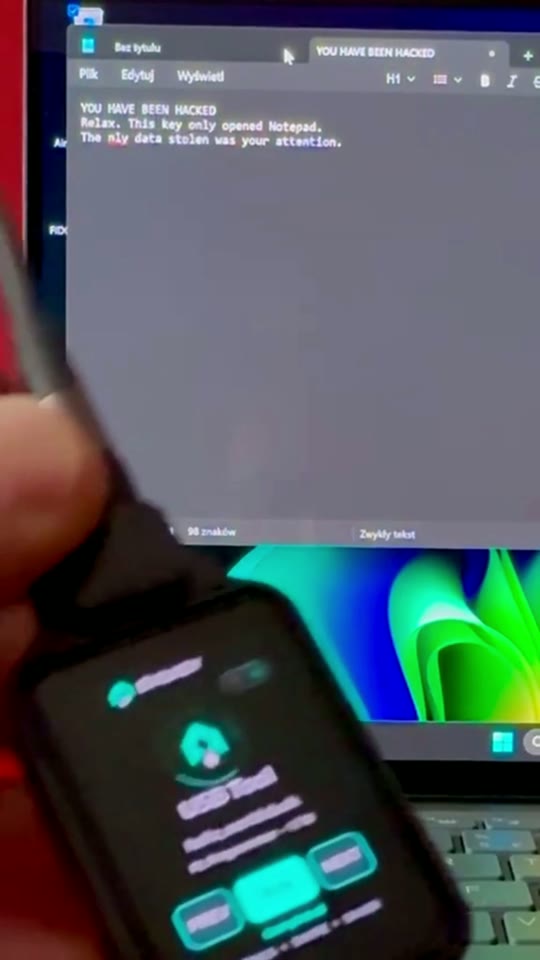
USB Tool can send scripted keyboard and mouse input, save results on microSD and use Keystroke Reflection as a return channel when a mass-storage drive is unavailable. Scripts can move files or collect data within the host session's permissions and defenses. This Short shows the safe hello_world.duck HID test on the owner's Windows computer, not file transfer or data collection. The edit joins two real camera takes with captions and a logo outro. Nothing runs on connection: select a script on the key and press RUN.
Hardware for the PCB V1 USB Tool demo
| Quantity | Component |
|---|---|
| 1 | Waveshare ESP32-S3 Touch AMOLED 1.64, PCB V1 |
| 1 | Short data-capable USB-C cable/loop (Unitek C14179ABK-style in the prototype) |
| 1 | Printed V1 enclosure (the current prototype is home printed) |
| 4 | M2 × 5 mm screws for the module |
| 1 | M5 × 10 mm flat-point grub screw for the cable loop |
| 1 | FAT32-formatted microSD card for USB Tool scripts |
The microSD card is needed to reproduce hello_world.duck; FIDO2 and Air Mouse work without it. Copy this repository's microSD_EVILKEY_EXAMPLES/duckyscripts/ tree to the card root; the tested script is /duckyscripts/test/hello_world.duck. Card capacity is not specified. See the Hackaday component list and build instructions.
The separate Hak5 payload collection is not included. Four locally retained examples with third-party authorship or derivation notices are also excluded pending a separate rights review. See package details and the license.
Real device GUI
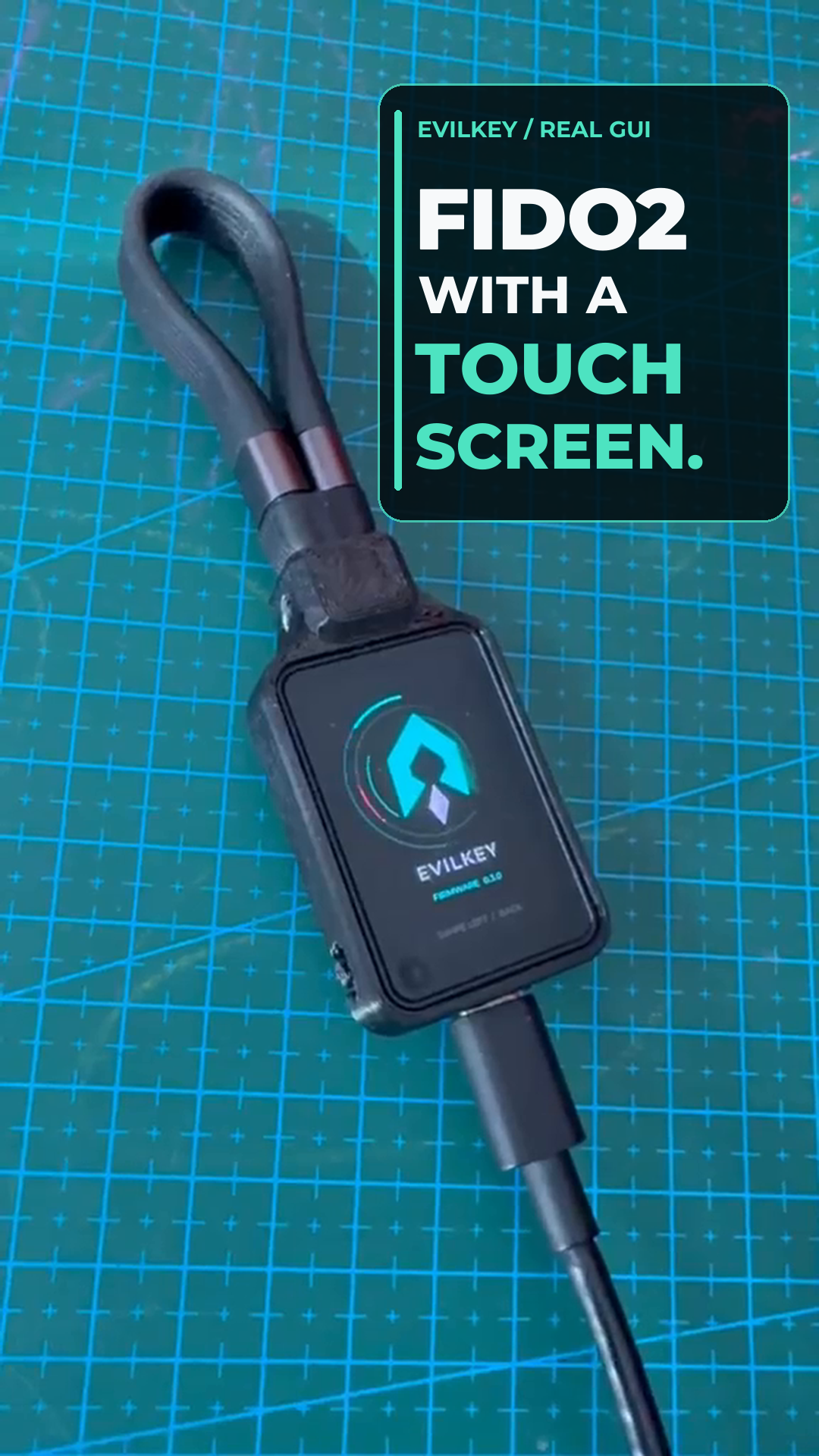
▶ Watch the real-device GUI Short — silent footage of the touchscreen in use on the prototype, with an animated logo ending. The USB Tool script demonstration above is a separate video.
Real Air Mouse demo
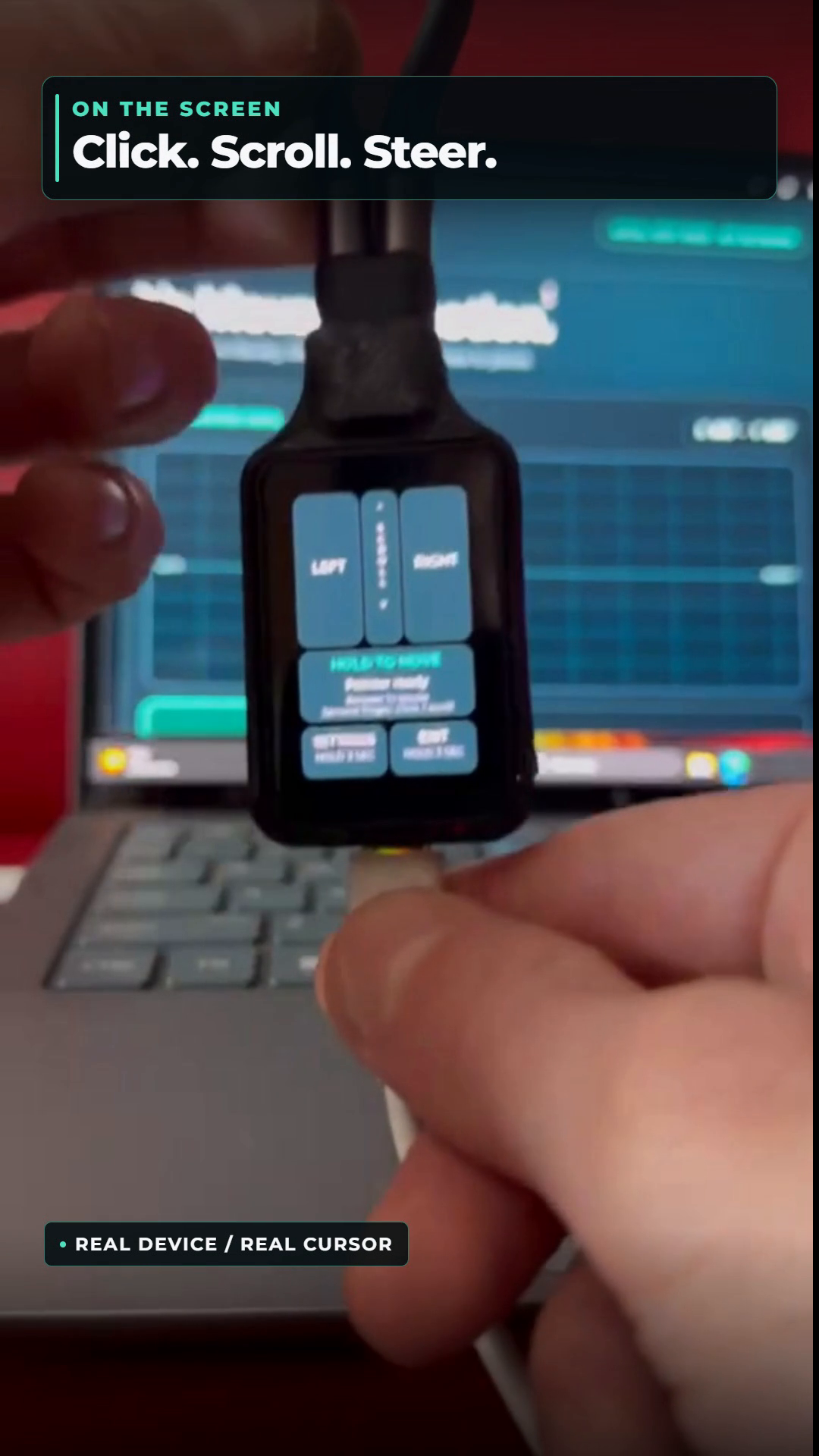
▶ Watch the Air Mouse Short — the QMI8658 sensor steers a real computer cursor while MOVE is held; the touchscreen provides clicks and scrolling. This mouse-only USB role is separate from USB Tool, so the microSD scripts in this repository do not run in Air Mouse mode.

Real PCB V1 prototype with the FIDO2 PIN keypad on its touchscreen. This is a FIDO-role feature; microSD example scripts run only after USB Tool is selected and RUN is pressed.
Related projects
- EvilKey firmware — open AGPLv3 firmware and USB Tool implementation.
- EvilKey Manager — Windows device controls and offline USB Tool data decoding under separate noncommercial terms.
- Printable V1 enclosure — digital STL and 3MF case files for the Waveshare PCB V1, sold separately on Printables.
I welcome ideas for clear, testable examples that demonstrate useful EvilKey behavior without relying on third-party payload collections.
Voluntary support is available through GitHub Sponsors. Sponsorship is not a software purchase or a kit preorder.
License
Original EvilKey examples are source available for private noncommercial use under EvilKey microSD Examples License. Commercial use requires separate written permission from Michał Wojciechowski. Independently licensed material retains its own terms; the license does not cover outside script libraries.
Similar repos


Languages
PowerShell
85.7%
C#
14.3%
Original microSD USB Tool examples for EvilKey. Private noncommercial use under a separate license.
PowerShell
0
15 commits
updated Sep 28, 2026
See what people are saying
README
Firmware and device GUI · Windows Manager · microSD examples · Hackaday project · Printable V1 enclosure
EvilKey microSD examples
Original sample scripts for the EvilKey USB Tool. Copy the microSD_EVILKEY_EXAMPLES/duckyscripts/ tree to the root of a microSD card and read each example's instructions before use. Some examples handle credentials or input events; run them only on systems you own or are explicitly authorized to test, and use synthetic data when learning or demonstrating them.
Start here: hello_world.duck is a physically tested Windows demo. Select it in USB Tool and press RUN to open Notepad and type a harmless three-line joke. Copy and test instructions.
USB Tool can send scripted keyboard and mouse input, save results on microSD and use Keystroke Reflection as a return channel when a mass-storage drive is unavailable. Scripts can move files or collect data within the host session's permissions and defenses. This Short shows the safe hello_world.duck HID test on the owner's Windows computer, not file transfer or data collection. The edit joins two real camera takes with captions and a logo outro. Nothing runs on connection: select a script on the key and press RUN.
Hardware for the PCB V1 USB Tool demo
| Quantity | Component |
|---|---|
| 1 | Waveshare ESP32-S3 Touch AMOLED 1.64, PCB V1 |
| 1 | Short data-capable USB-C cable/loop (Unitek C14179ABK-style in the prototype) |
| 1 | Printed V1 enclosure (the current prototype is home printed) |
| 4 | M2 × 5 mm screws for the module |
| 1 | M5 × 10 mm flat-point grub screw for the cable loop |
| 1 | FAT32-formatted microSD card for USB Tool scripts |
The microSD card is needed to reproduce hello_world.duck; FIDO2 and Air Mouse work without it. Copy this repository's microSD_EVILKEY_EXAMPLES/duckyscripts/ tree to the card root; the tested script is /duckyscripts/test/hello_world.duck. Card capacity is not specified. See the Hackaday component list and build instructions.
The separate Hak5 payload collection is not included. Four locally retained examples with third-party authorship or derivation notices are also excluded pending a separate rights review. See package details and the license.
Real device GUI
▶ Watch the real-device GUI Short — silent footage of the touchscreen in use on the prototype, with an animated logo ending. The USB Tool script demonstration above is a separate video.
Real Air Mouse demo
▶ Watch the Air Mouse Short — the QMI8658 sensor steers a real computer cursor while MOVE is held; the touchscreen provides clicks and scrolling. This mouse-only USB role is separate from USB Tool, so the microSD scripts in this repository do not run in Air Mouse mode.
Real PCB V1 prototype with the FIDO2 PIN keypad on its touchscreen. This is a FIDO-role feature; microSD example scripts run only after USB Tool is selected and RUN is pressed.
Related projects
- EvilKey firmware — open AGPLv3 firmware and USB Tool implementation.
- EvilKey Manager — Windows device controls and offline USB Tool data decoding under separate noncommercial terms.
- Printable V1 enclosure — digital STL and 3MF case files for the Waveshare PCB V1, sold separately on Printables.
I welcome ideas for clear, testable examples that demonstrate useful EvilKey behavior without relying on third-party payload collections.
Voluntary support is available through GitHub Sponsors. Sponsorship is not a software purchase or a kit preorder.
License
Original EvilKey examples are source available for private noncommercial use under EvilKey microSD Examples License. Commercial use requires separate written permission from Michał Wojciechowski. Independently licensed material retains its own terms; the license does not cover outside script libraries.
Similar repos
Languages
PowerShell
85.7%
C#
14.3%