
README
Vange-rs


Vangers is a legendary game featuring unique gameplay and technical innovation. The idea of this project is to replicate the old look and behavior, but with native hardware acceleration for the graphics.
You need the original game in order to try out vange-rs with mechouses. Fostral world data is published in the Vangers source tree; config/settings.template.ron points at ../Vangers/data by default. Copy it to config/settings.ron to override.
Design intent (remake aligned with that OSS tree): see docs/DESIGN.md.

Technology
The game uses:
The level can be rendered in a variety of ways, see dedicated wiki page. The best of all is a voxelized ray tracing method, described in our blog.
Instructions
The project is structured to provide multiple binaries. road binary is for the main game, which includes mechouses, items, and the level. You can find the binaries produced automatically in the releases.
git clone https://github.com/KranX/Vangers.git
git clone https://github.com/kvark/vange-rs
cd vange-rs
# optional: cp config/settings.template.ron config/settings.ron
cargo run
Note: leaving the level="" empty in the config would load a flat boring debug level.
Note: with backend="Auto" the engine tries the available backends in this order: Metal, Vulkan, DX12.
Controls:
WSAD: movement in the game, rotating the camera around the car during the pause- left shift: turbo
- left alt: jump
P: enter/exit pause for debuggingR: reset forces and orientation of the mechous<>: step physics frame back/forward during the pauseEsc: exit
3D model viewer
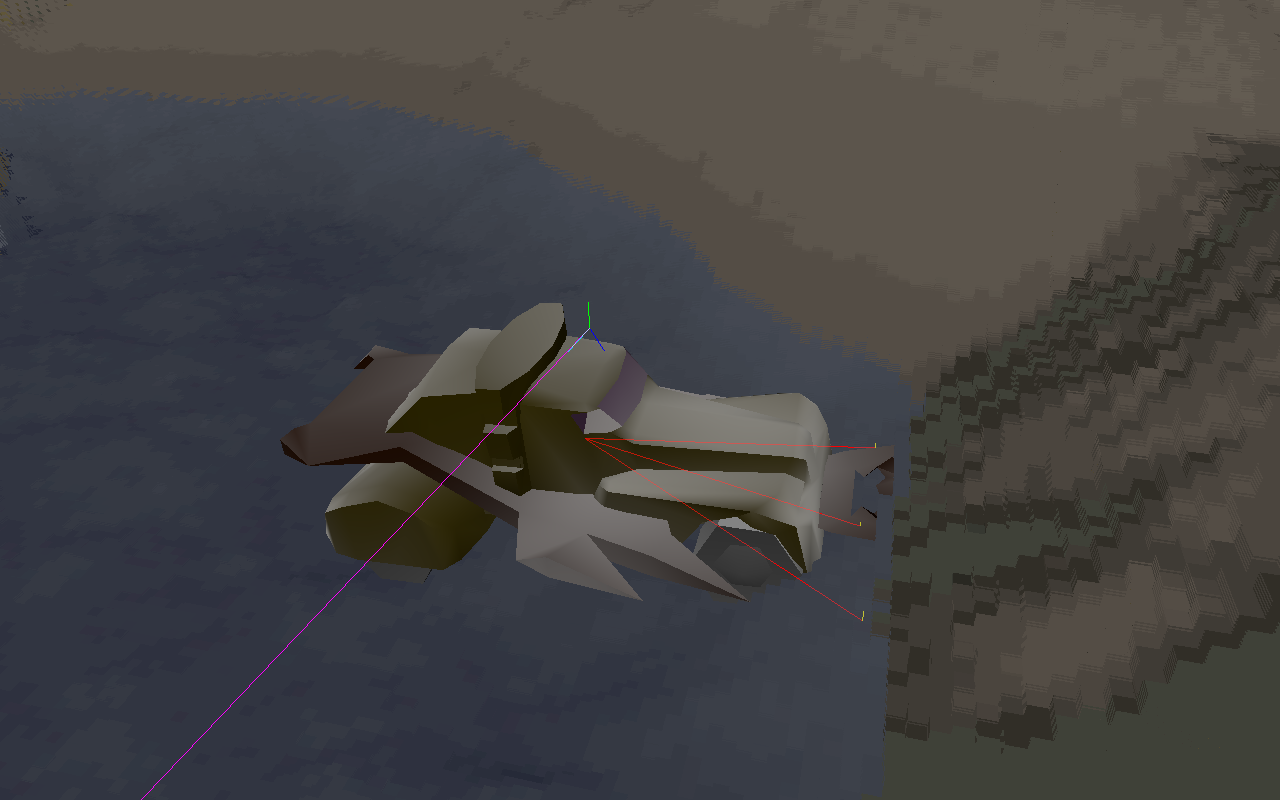
model binary loads a selected "m3d" from games resource to observe.
cargo run --bin model resource/m3d/items/i21.m3d
Controls:
AD: rotate the cameraEsc: exit
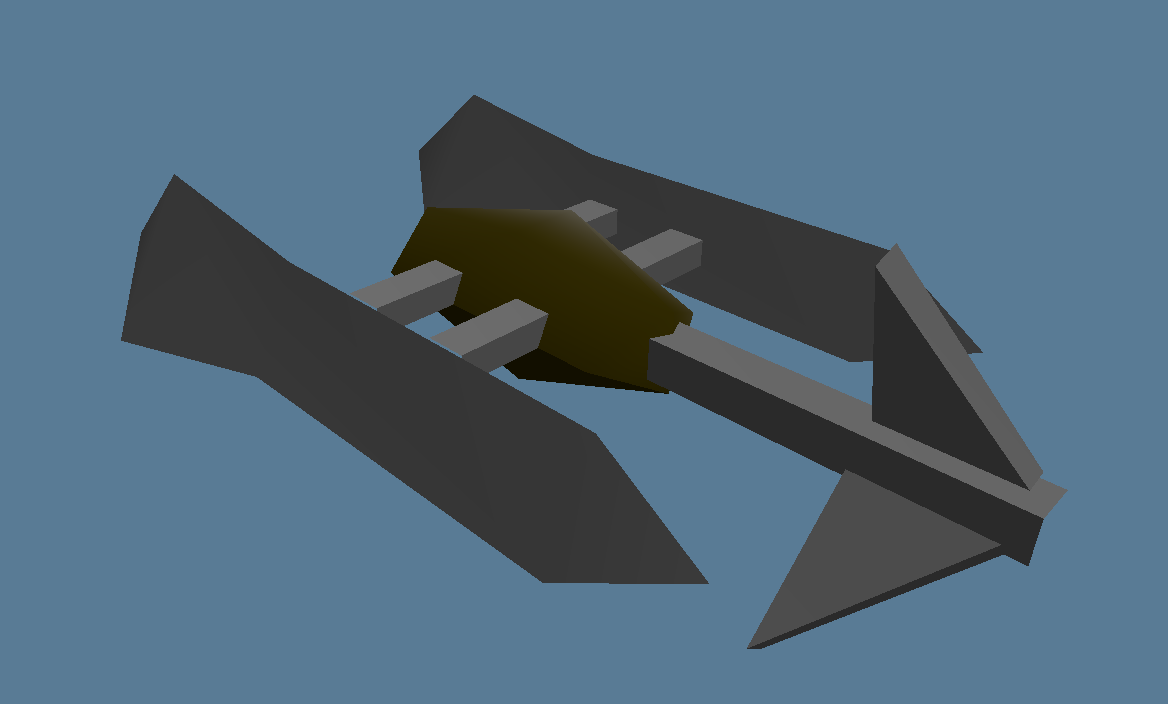
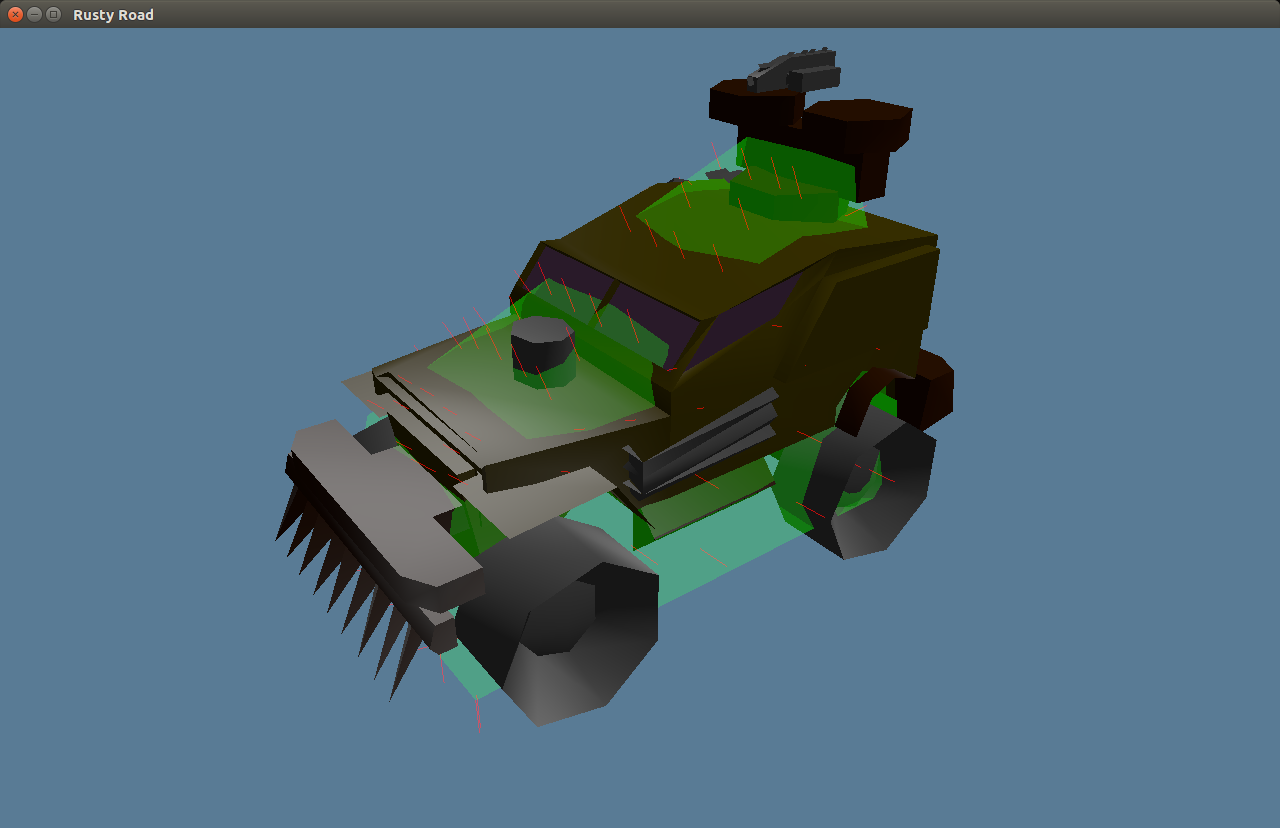
Without the argument, the viewer shows configured car and debug collision info:
Level viewer
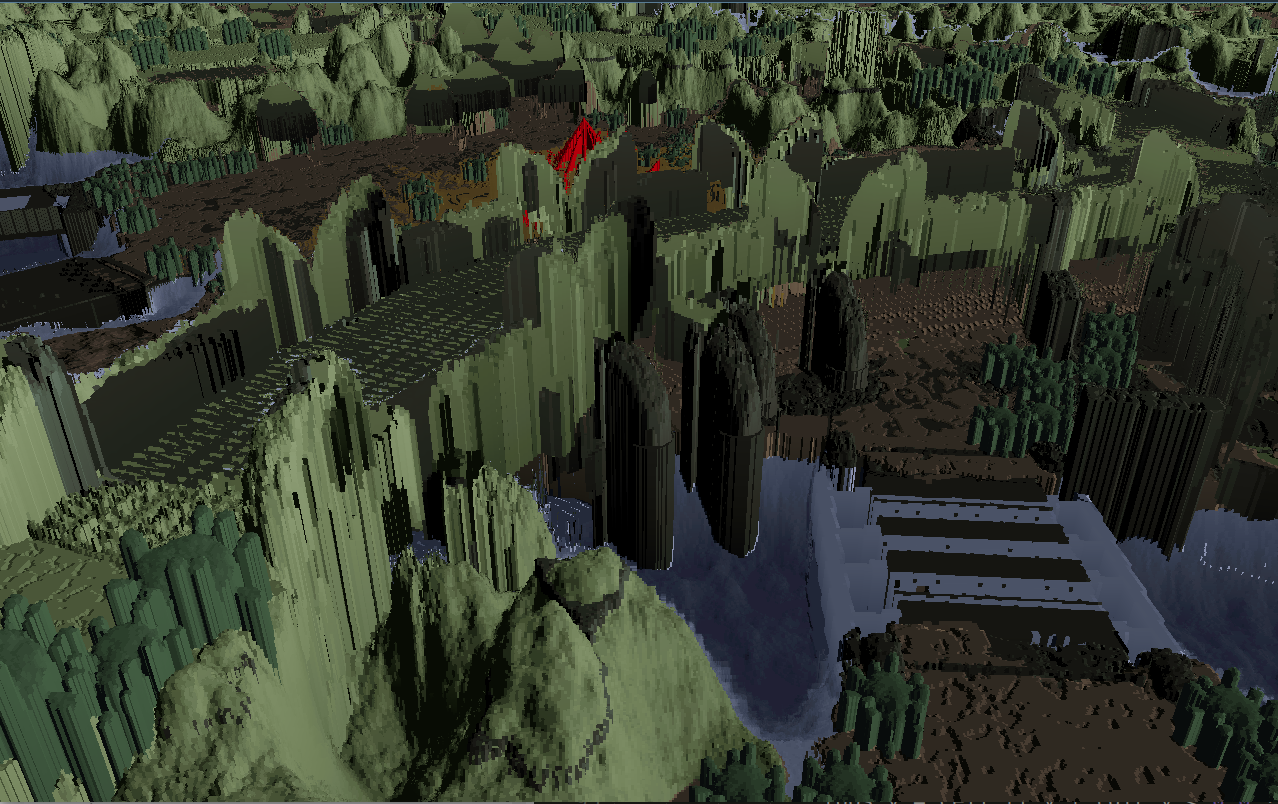
level binary allows to fly over a level with free camera. Useful for debugging the level rendering shader.
cargo run --bin level
cargo run --bin level -- resource/iscreen/ldata/l0/escave.ini # load menu
Controls:
WSAD: move the camera along X-Y planeZX: move the camera along Z planeAlt+WSAD: rotate the cameraEsc: exit
Converter
convert binary is a command line utility for converting the game data into formats that are more interoperable. Please see the wiki page for the usage instructions.
Contributors


Similar repos


Languages
Rust
83.0%
Python
8.4%
TeX
3.9%
WGSL
3.1%
BibTeX Style
1.3%
README
Vange-rs
Vangers is a legendary game featuring unique gameplay and technical innovation. The idea of this project is to replicate the old look and behavior, but with native hardware acceleration for the graphics.
You need the original game in order to try out vange-rs with mechouses. Fostral world data is published in the Vangers source tree; config/settings.template.ron points at ../Vangers/data by default. Copy it to config/settings.ron to override.
Design intent (remake aligned with that OSS tree): see docs/DESIGN.md.
Technology
The game uses:
The level can be rendered in a variety of ways, see dedicated wiki page. The best of all is a voxelized ray tracing method, described in our blog.
Instructions
The project is structured to provide multiple binaries. road binary is for the main game, which includes mechouses, items, and the level. You can find the binaries produced automatically in the releases.
git clone https://github.com/KranX/Vangers.git
git clone https://github.com/kvark/vange-rs
cd vange-rs
# optional: cp config/settings.template.ron config/settings.ron
cargo run
Note: leaving the level="" empty in the config would load a flat boring debug level.
Note: with backend="Auto" the engine tries the available backends in this order: Metal, Vulkan, DX12.
Controls:
WSAD: movement in the game, rotating the camera around the car during the pause- left shift: turbo
- left alt: jump
P: enter/exit pause for debuggingR: reset forces and orientation of the mechous<>: step physics frame back/forward during the pauseEsc: exit
3D model viewer
model binary loads a selected "m3d" from games resource to observe.
cargo run --bin model resource/m3d/items/i21.m3d
Controls:
AD: rotate the cameraEsc: exit
Without the argument, the viewer shows configured car and debug collision info:
Level viewer
level binary allows to fly over a level with free camera. Useful for debugging the level rendering shader.
cargo run --bin level
cargo run --bin level -- resource/iscreen/ldata/l0/escave.ini # load menu
Controls:
WSAD: move the camera along X-Y planeZX: move the camera along Z planeAlt+WSAD: rotate the cameraEsc: exit
Converter
convert binary is a command line utility for converting the game data into formats that are more interoperable. Please see the wiki page for the usage instructions.
Similar repos
Contributors
Languages
Rust
83.0%
Python
8.4%
TeX
3.9%
WGSL
3.1%
BibTeX Style
1.3%