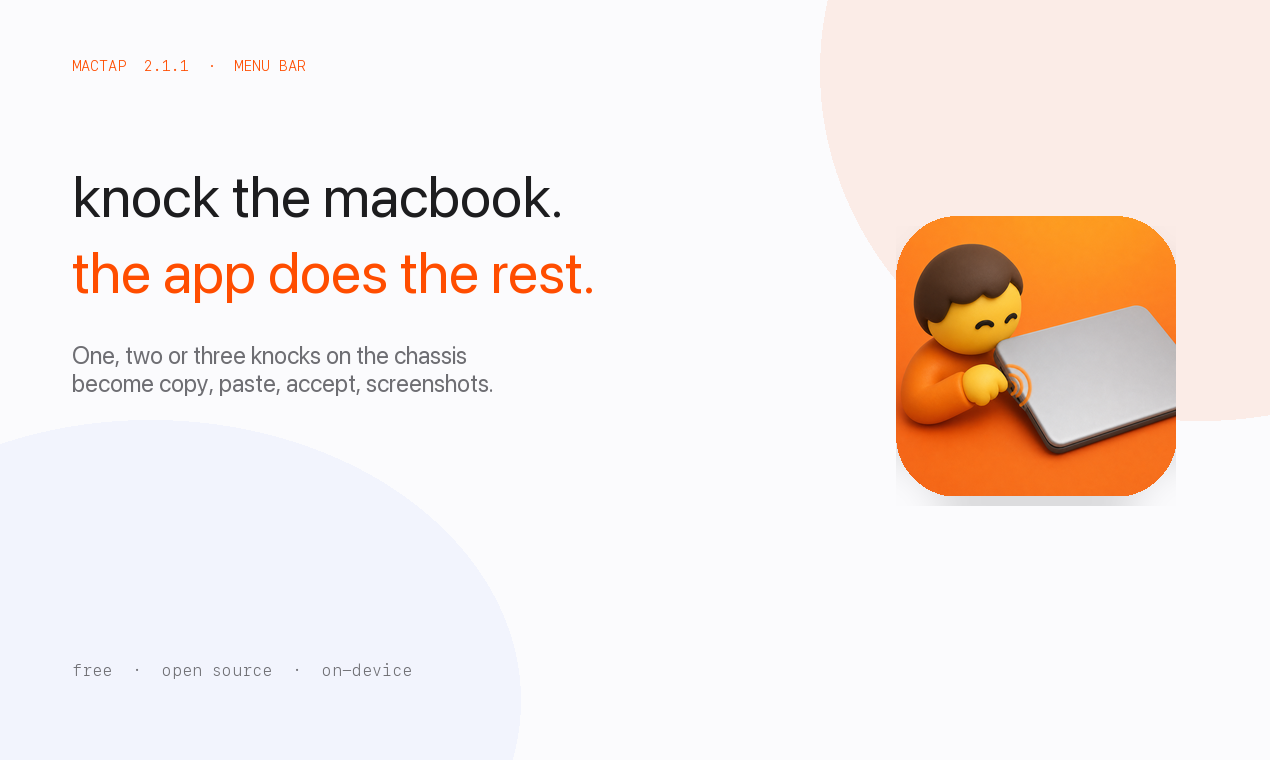
Knock the MacBook. The app does the rest.
mactap.vercel.app
·
Download
·
GitHub
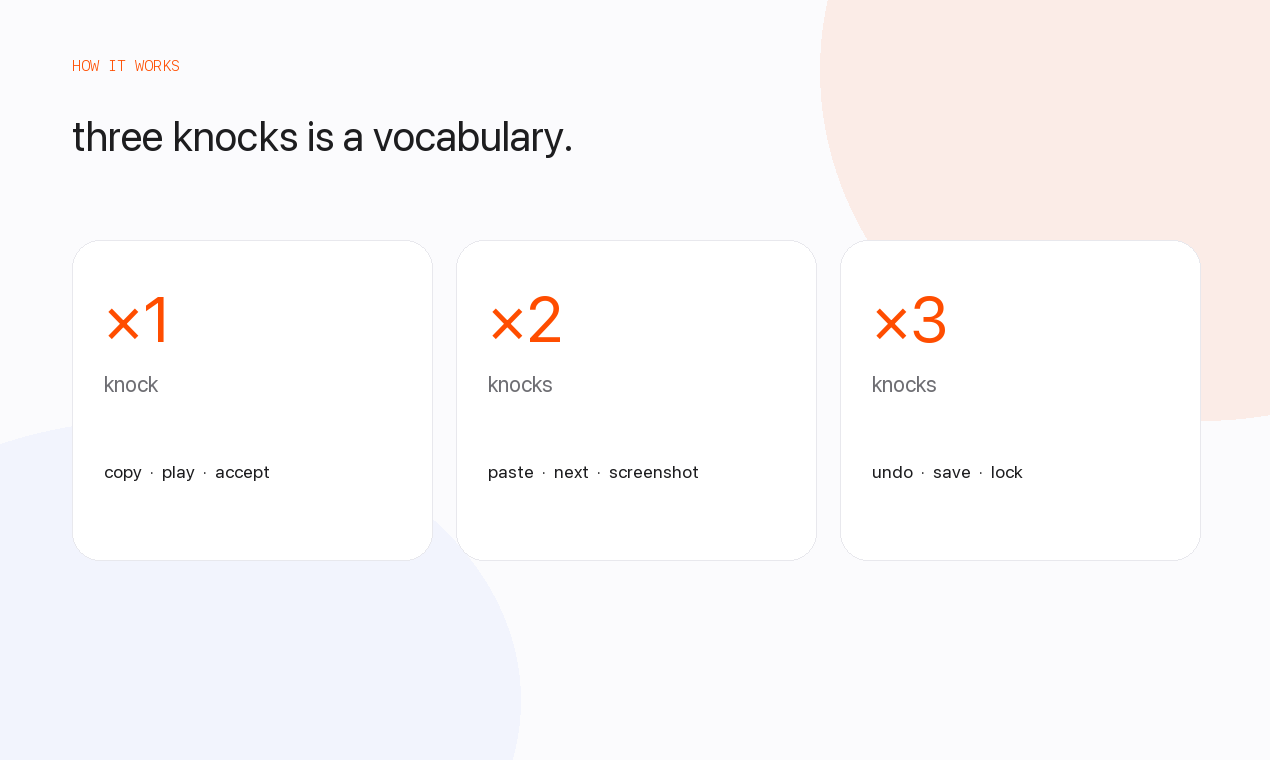
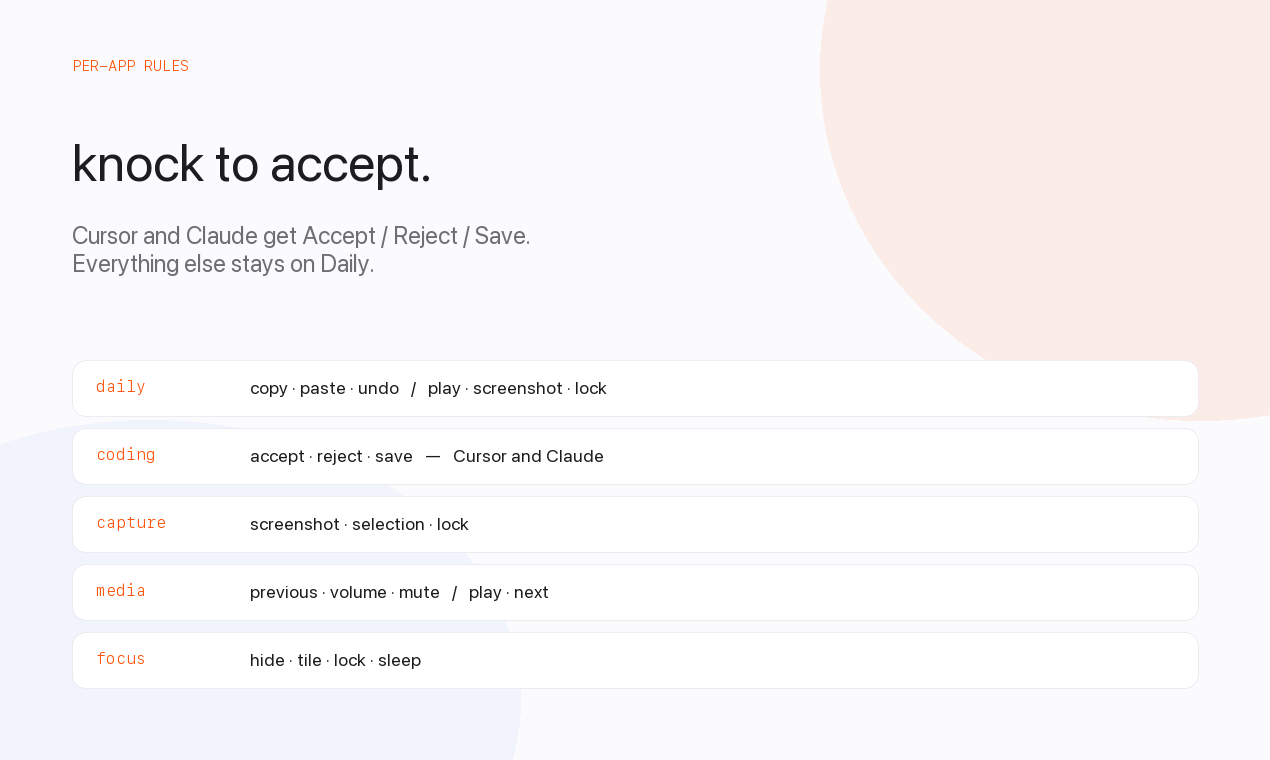
MacTap lives in the menu bar and turns taps on the chassis — or the desk underneath a still laptop — into shortcuts. One, two, or three knocks. Copy, paste, Accept, screenshots, media, or whatever you map.
Requires a MacBook whose motion sensor is exposed as an SPU HID device: M2 and later, or M1 Pro / Max / Ultra. The original M1 Air (MacBookAir10,1) and some other M1 models do not publish the accelerometer HID report MacTap reads, so knocks cannot be detected. macOS 14.6 or later.
MacTap does not fall back to rebinding arrow keys when the sensor is missing.
/Applications.Detection itself does not need Accessibility. Actions do.
The app is Developer ID signed and notarized. Gatekeeper evaluates MacTap.app, not the .dmg wrapper. A codesign --verify on the disk image itself will say it is unsigned even when the build is good.
After you copy the app into Applications:
spctl --assess --type execute --verbose /Applications/MacTap.app
You want accepted and source=Notarized Developer ID. If a tool blocks the .dmg, install from the zip instead.
 |  |  |
Open Settings from the menu extra to change layout, actions, and sensitivity.
brew install xcodegen
xcodegen generate
xcodebuild -project MacTap.xcodeproj -scheme MacTap -configuration Debug \
  CONFIGURATION_BUILD_DIR=/Applications
open /Applications/MacTap.app
A signed, notarized build:
./Scripts/ship.sh
That writes dist/MacTap-<version>.dmg. Notarization uses Xcode’s Developer ID export. Signing the disk image (not just the app) also needs App Store Connect API credentials: APP_STORE_CONNECT_KEY_ID, APP_STORE_CONNECT_ISSUER_ID, and APP_STORE_CONNECT_API_KEY_P8 (or AuthKey_*.p8).
Taps are classified on-device. Nothing is uploaded. Gesture maps live in local defaults.
MIT
1,114 followers · starred Oct 2026
2,860 followers · starred Sep 2026
2,439 followers · starred Sep 2026
13,448 followers · starred Sep 2026
Knock the MacBook. The app does the rest.
mactap.vercel.app
·
Download
·
GitHub
MacTap lives in the menu bar and turns taps on the chassis — or the desk underneath a still laptop — into shortcuts. One, two, or three knocks. Copy, paste, Accept, screenshots, media, or whatever you map.
Requires a MacBook whose motion sensor is exposed as an SPU HID device: M2 and later, or M1 Pro / Max / Ultra. The original M1 Air (MacBookAir10,1) and some other M1 models do not publish the accelerometer HID report MacTap reads, so knocks cannot be detected. macOS 14.6 or later.
MacTap does not fall back to rebinding arrow keys when the sensor is missing.
/Applications.Detection itself does not need Accessibility. Actions do.
The app is Developer ID signed and notarized. Gatekeeper evaluates MacTap.app, not the .dmg wrapper. A codesign --verify on the disk image itself will say it is unsigned even when the build is good.
After you copy the app into Applications:
spctl --assess --type execute --verbose /Applications/MacTap.app
You want accepted and source=Notarized Developer ID. If a tool blocks the .dmg, install from the zip instead.
| | |
Open Settings from the menu extra to change layout, actions, and sensitivity.
brew install xcodegen
xcodegen generate
xcodebuild -project MacTap.xcodeproj -scheme MacTap -configuration Debug \
  CONFIGURATION_BUILD_DIR=/Applications
open /Applications/MacTap.app
A signed, notarized build:
./Scripts/ship.sh
That writes dist/MacTap-<version>.dmg. Notarization uses Xcode’s Developer ID export. Signing the disk image (not just the app) also needs App Store Connect API credentials: APP_STORE_CONNECT_KEY_ID, APP_STORE_CONNECT_ISSUER_ID, and APP_STORE_CONNECT_API_KEY_P8 (or AuthKey_*.p8).
Taps are classified on-device. Nothing is uploaded. Gesture maps live in local defaults.
MIT
1,114 followers · starred Oct 2026
2,860 followers · starred Sep 2026
2,439 followers · starred Sep 2026
13,448 followers · starred Sep 2026