Android ImageView that handles animated GIF images
Kotlin
1,168
75 commits
updated Apr 3, 2023
Android ImageView that handles Animated GIF images


In your build.gradle file:
dependencies {
    implementation 'com.felipecsl:gifimageview:2.2.0'
}
In your Activity class:
@Override protected void onCreate(final Bundle savedInstanceState) {
  super.onCreate(savedInstanceState);
  gifView = findViewById(R.id.gifImageView);
  gifView.setBytes(bitmapData);
}

@Override protected void onStart() {
  super.onStart();
  gifView.startAnimation();
}

@Override protected void onStop() {
  super.onStop();
  gifView.stopAnimation();
}
If you need to post-process the GIF frames, you can do that via GifImageView.setOnFrameAvailable().
You can see an example of that in the sample app included on the repository.
gifImageView.setOnFrameAvailable(new GifImageView.OnFrameAvailable() {
  @Override public Bitmap onFrameAvailable(Bitmap bitmap) {
    return blurFilter.blur(bitmap);
  }
});
You can also reset an animation to play again from the beginning gifImageView.resetAnimation(); or show a specific frame of the animation gifImageView.gotoFrame(3);
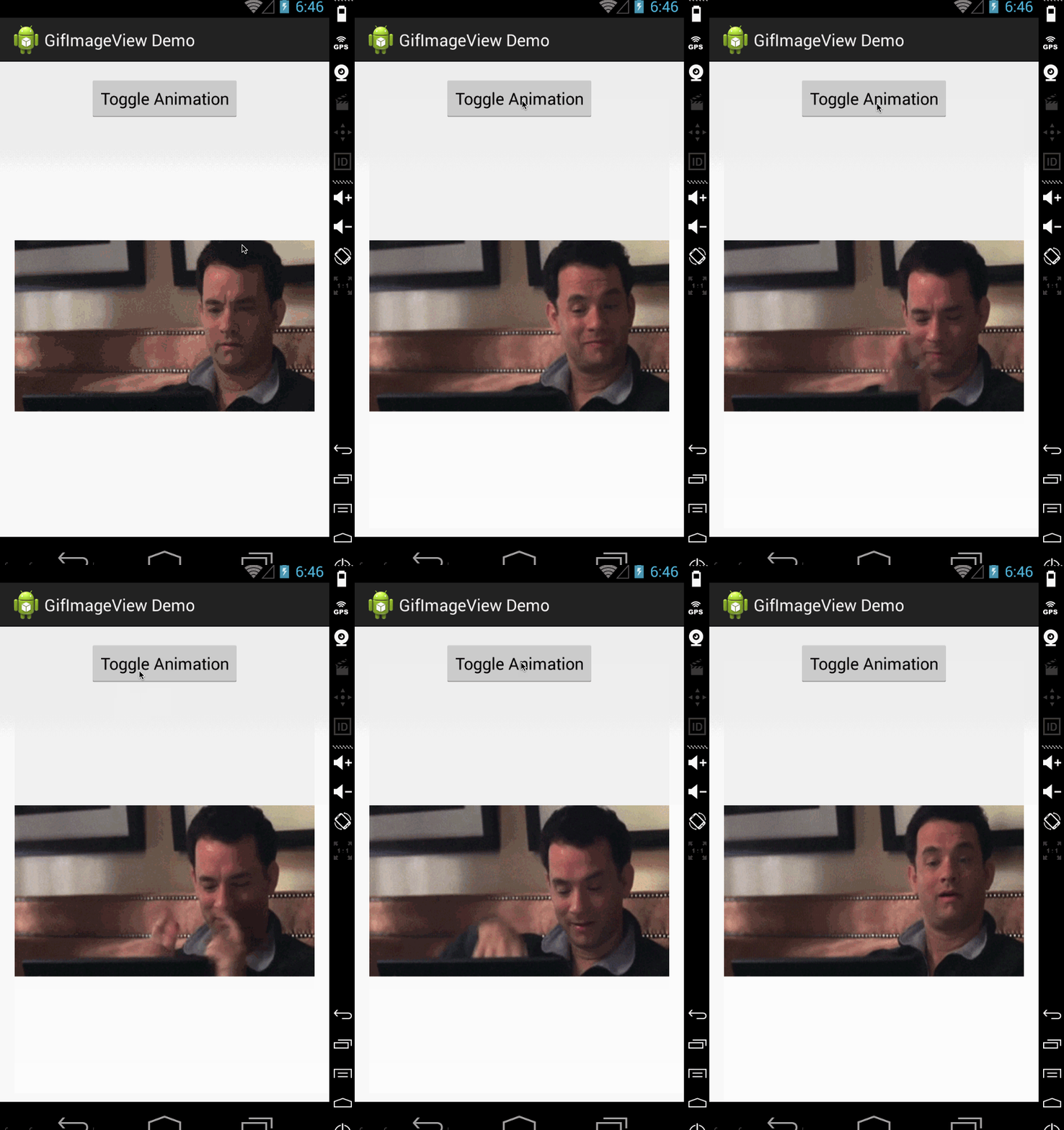
Be sure to also check the demo project for a sample of usage!
Snapshots of the development version are available in Sonatype's snapshots repository.
Code and documentation copyright 2011- Felipe Lima. Code released under the MIT license.
161 followers · starred Dec 2014
14 followers · starred May 2023
Android ImageView that handles animated GIF images
Kotlin
1,168
75 commits
updated Apr 3, 2023
Android ImageView that handles Animated GIF images
In your build.gradle file:
dependencies {
    implementation 'com.felipecsl:gifimageview:2.2.0'
}
In your Activity class:
@Override protected void onCreate(final Bundle savedInstanceState) {
  super.onCreate(savedInstanceState);
  gifView = findViewById(R.id.gifImageView);
  gifView.setBytes(bitmapData);
}

@Override protected void onStart() {
  super.onStart();
  gifView.startAnimation();
}

@Override protected void onStop() {
  super.onStop();
  gifView.stopAnimation();
}
If you need to post-process the GIF frames, you can do that via GifImageView.setOnFrameAvailable().
You can see an example of that in the sample app included on the repository.
gifImageView.setOnFrameAvailable(new GifImageView.OnFrameAvailable() {
  @Override public Bitmap onFrameAvailable(Bitmap bitmap) {
    return blurFilter.blur(bitmap);
  }
});
You can also reset an animation to play again from the beginning gifImageView.resetAnimation(); or show a specific frame of the animation gifImageView.gotoFrame(3);
Be sure to also check the demo project for a sample of usage!
Snapshots of the development version are available in Sonatype's snapshots repository.
Code and documentation copyright 2011- Felipe Lima. Code released under the MIT license.
161 followers · starred Dec 2014
14 followers · starred May 2023