Catppuccin for KDE



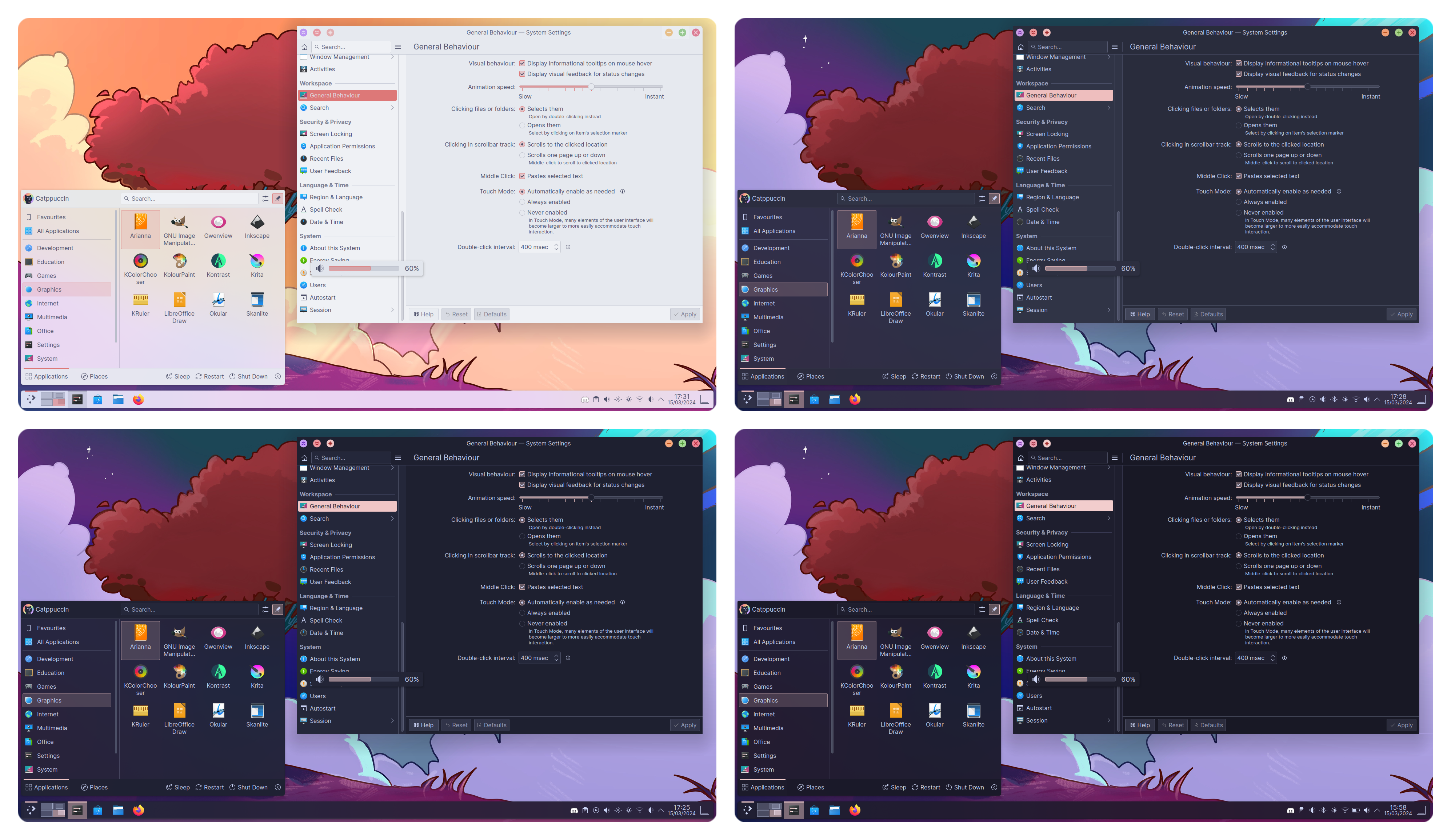
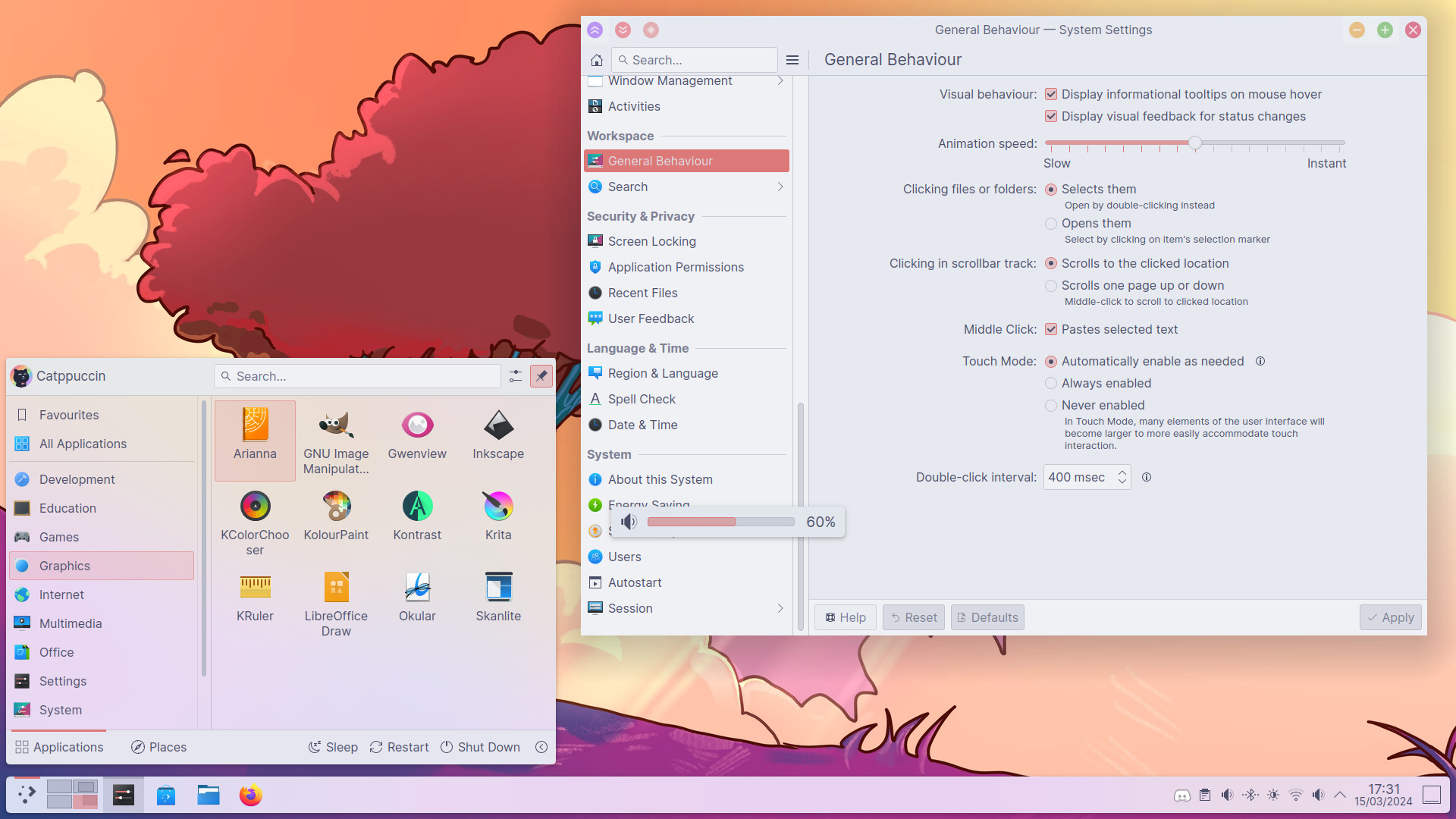
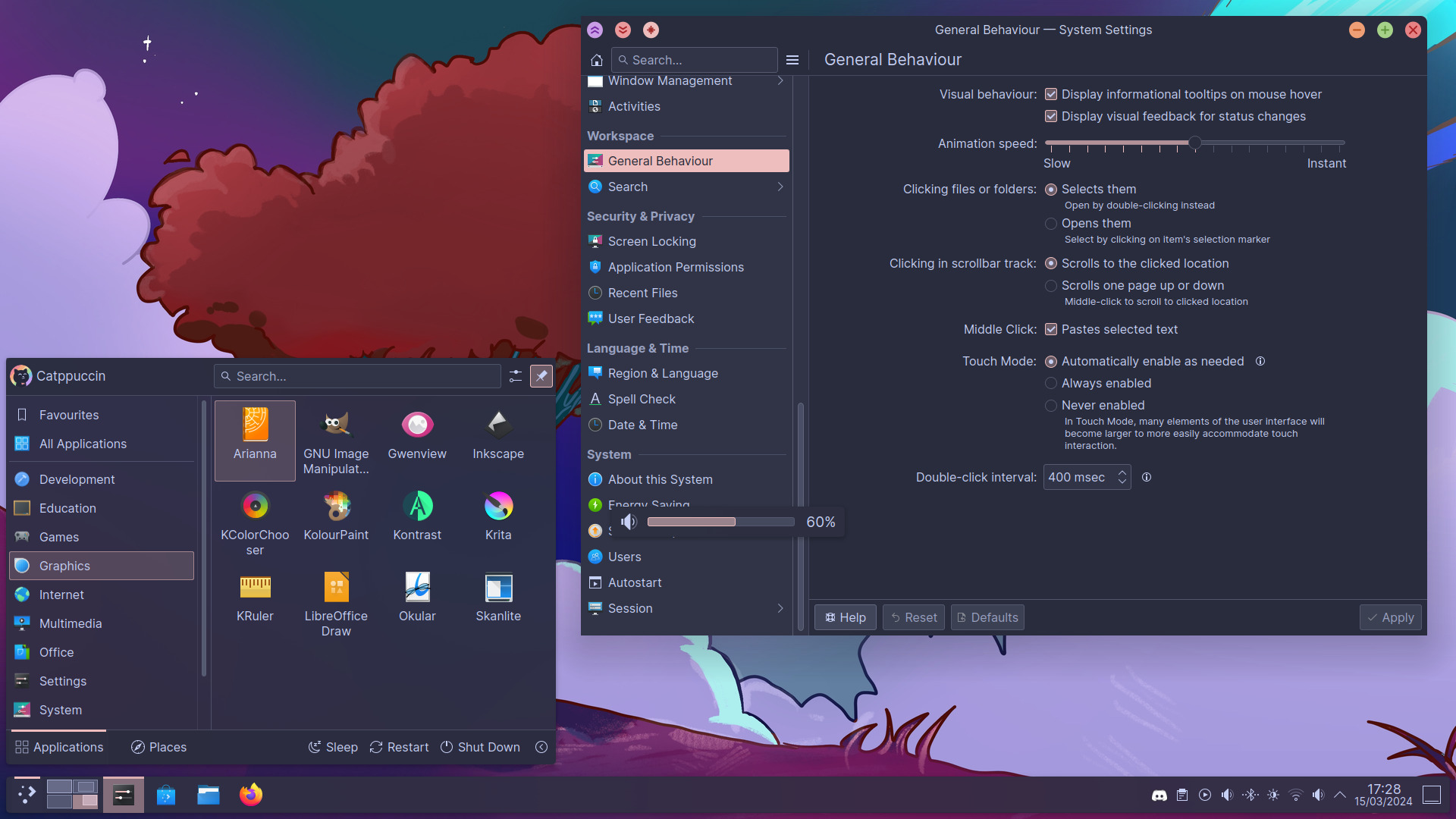
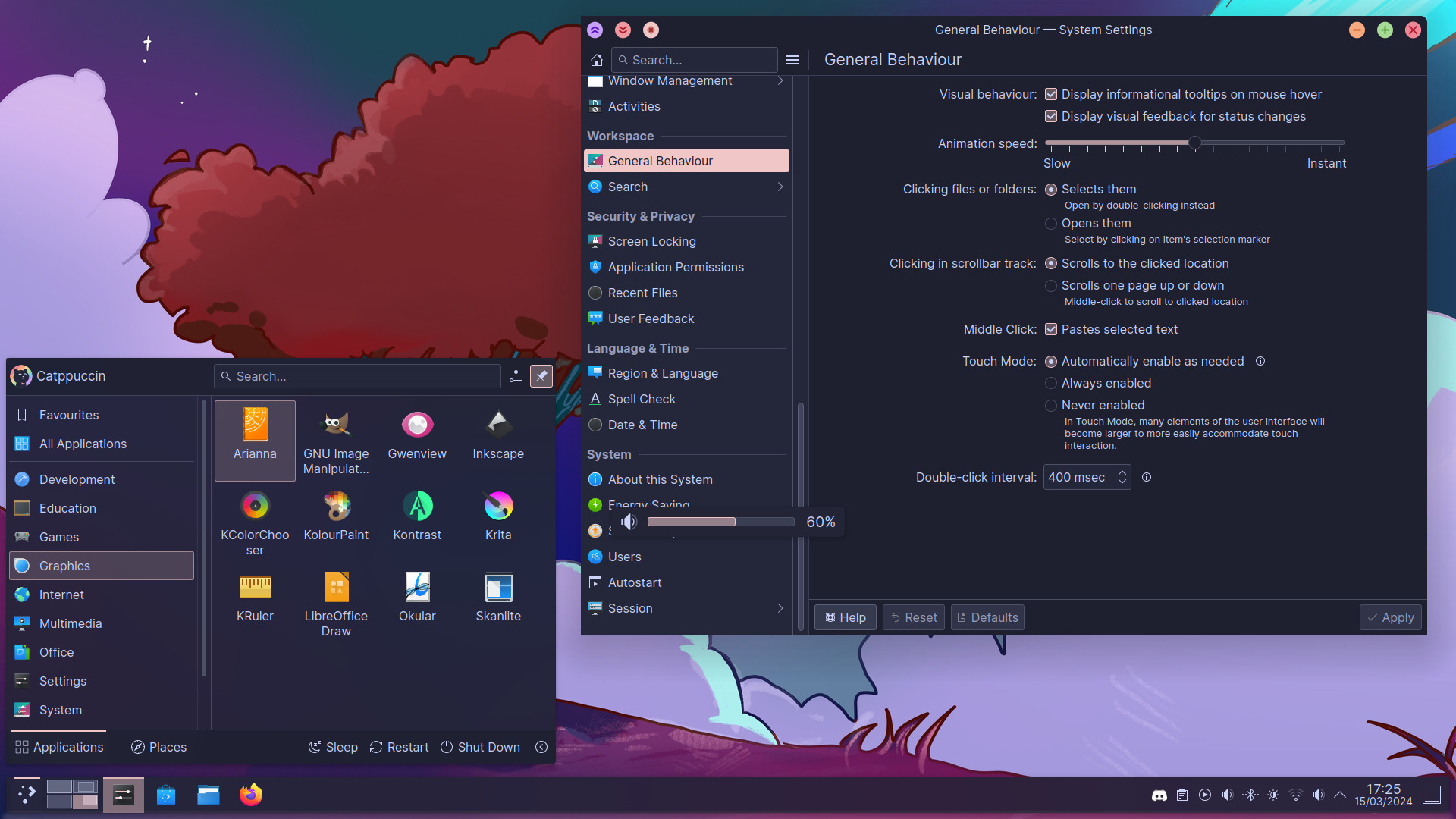
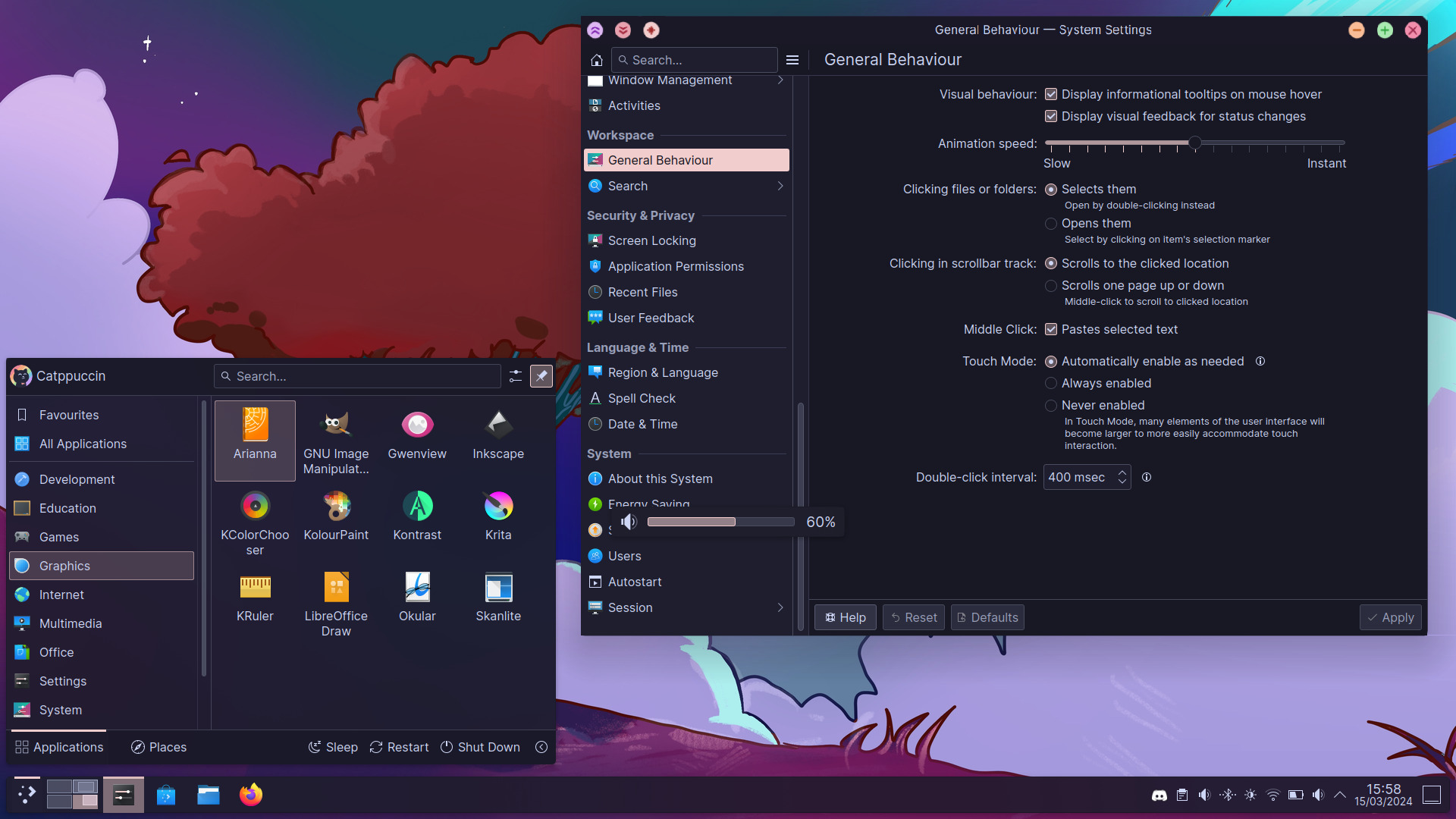
git clone --depth=1 https://github.com/catppuccin/kde catppuccin-kde && cd catppuccin-kde./install.sh and follow the instructions.Install without any prompts by passing the flavour, accent, and window-decoration numbers plus auto:
./install.sh [-q|--quiet] [-n|--no-cursor] [-c|--local-cursor <dir>] <flavour 1-4> <accent 1-14> <window_decoration 1-2> auto
Pass -n/--no-cursor to keep your current cursor theme untouched.
Pass -c <dir>/--local-cursor <dir> to install an already-downloaded cursor theme directory instead of fetching one.
Example (Mocha, Blue, Classic):
./install.sh 1 13 2 auto
%appdata%\krita\color-schemes~/.local/share/krita/color-schemesgit checkout v0.2.5 before running the install script to avoid running into compatibility issues. Alternatively, the release binaries are available here.BorderSizeAuto=false to ~/.config/kwinrc (for borderless windows); this is the only setting the installer changes outside the theme directories.Colour schemes, splash screens, and look-and-feel metadata are rendered from templates/*.tera into the committed generated/ tree by Whiskers; install.sh only ever reads generated/, never the templates or the palette directly, so end users need no Rust/Cargo toolchain.
Requires just.
just build: fetch a pinned, checksum-verified Whiskers binary into .bin/ (gitignored) and render templates/*.tera into generated/.just check: verify generated/ matches a fresh render (the same check CI runs).After editing a template, run just build, review the diff, and commit the template change together with the regenerated generated/ output.

Copyright © 2021-present Catppuccin Org

3,417 followers · starred Oct 2022
59 followers · starred Feb 2024
109 followers · starred Aug 2025
26 followers · starred Jul 2025
Catppuccin for KDE
git clone --depth=1 https://github.com/catppuccin/kde catppuccin-kde && cd catppuccin-kde./install.sh and follow the instructions.Install without any prompts by passing the flavour, accent, and window-decoration numbers plus auto:
./install.sh [-q|--quiet] [-n|--no-cursor] [-c|--local-cursor <dir>] <flavour 1-4> <accent 1-14> <window_decoration 1-2> auto
Pass -n/--no-cursor to keep your current cursor theme untouched.
Pass -c <dir>/--local-cursor <dir> to install an already-downloaded cursor theme directory instead of fetching one.
Example (Mocha, Blue, Classic):
./install.sh 1 13 2 auto
%appdata%\krita\color-schemes~/.local/share/krita/color-schemesgit checkout v0.2.5 before running the install script to avoid running into compatibility issues. Alternatively, the release binaries are available here.BorderSizeAuto=false to ~/.config/kwinrc (for borderless windows); this is the only setting the installer changes outside the theme directories.Colour schemes, splash screens, and look-and-feel metadata are rendered from templates/*.tera into the committed generated/ tree by Whiskers; install.sh only ever reads generated/, never the templates or the palette directly, so end users need no Rust/Cargo toolchain.
Requires just.
just build: fetch a pinned, checksum-verified Whiskers binary into .bin/ (gitignored) and render templates/*.tera into generated/.just check: verify generated/ matches a fresh render (the same check CI runs).After editing a template, run just build, review the diff, and commit the template change together with the regenerated generated/ output.
Copyright © 2021-present Catppuccin Org
3,417 followers · starred Oct 2022
59 followers · starred Feb 2024
109 followers · starred Aug 2025
26 followers · starred Jul 2025