Catppuccin for Discord



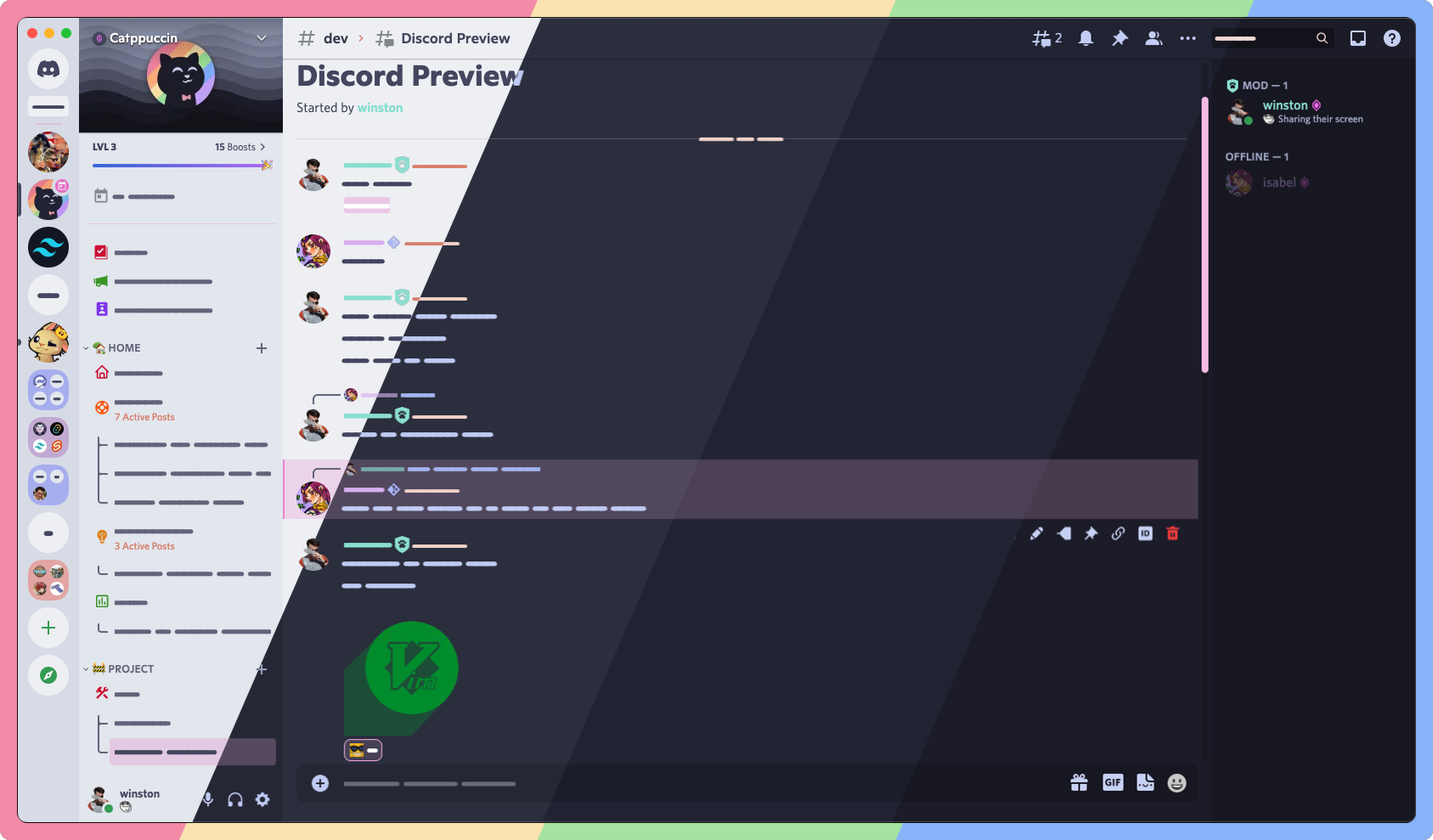
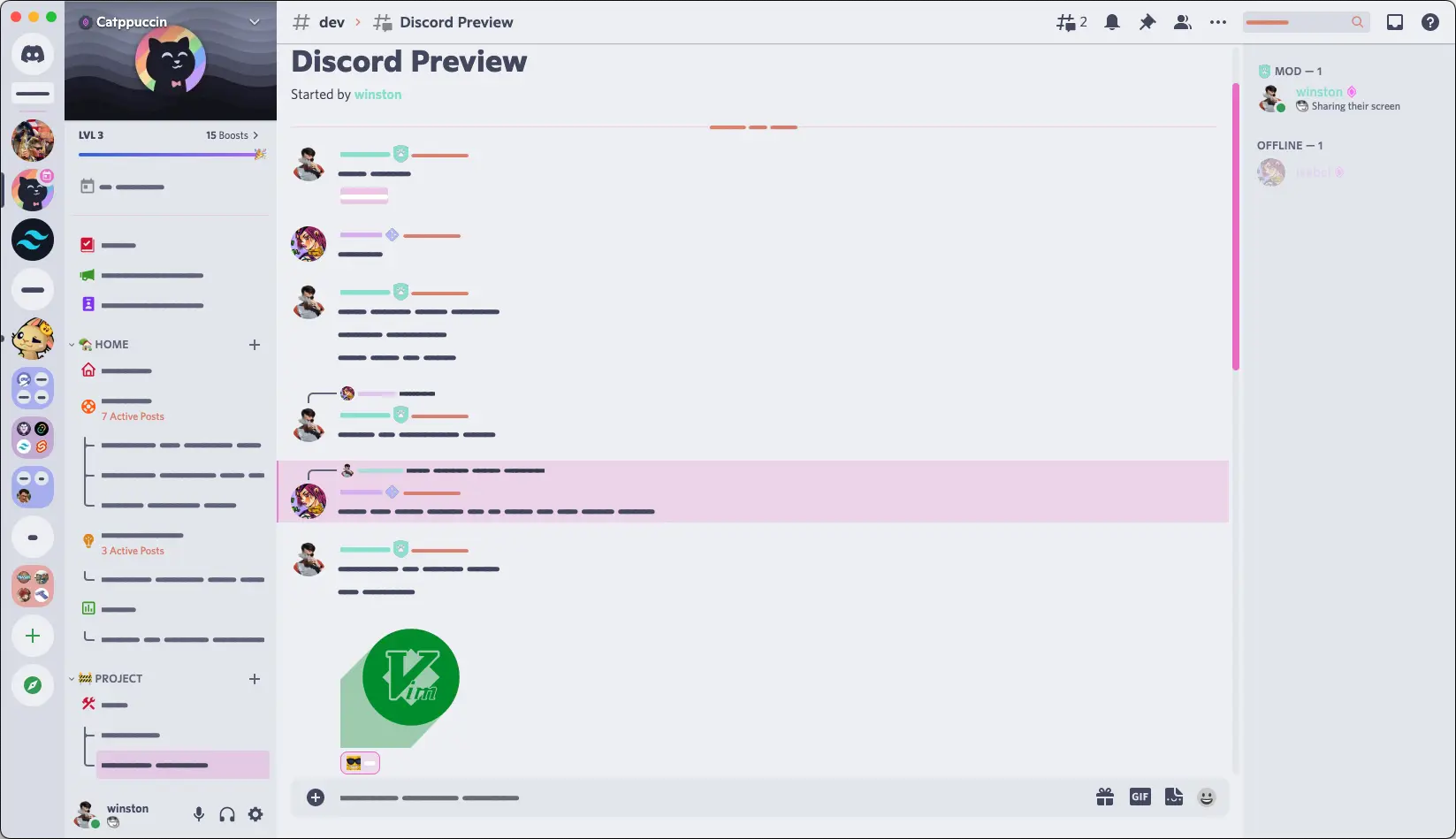
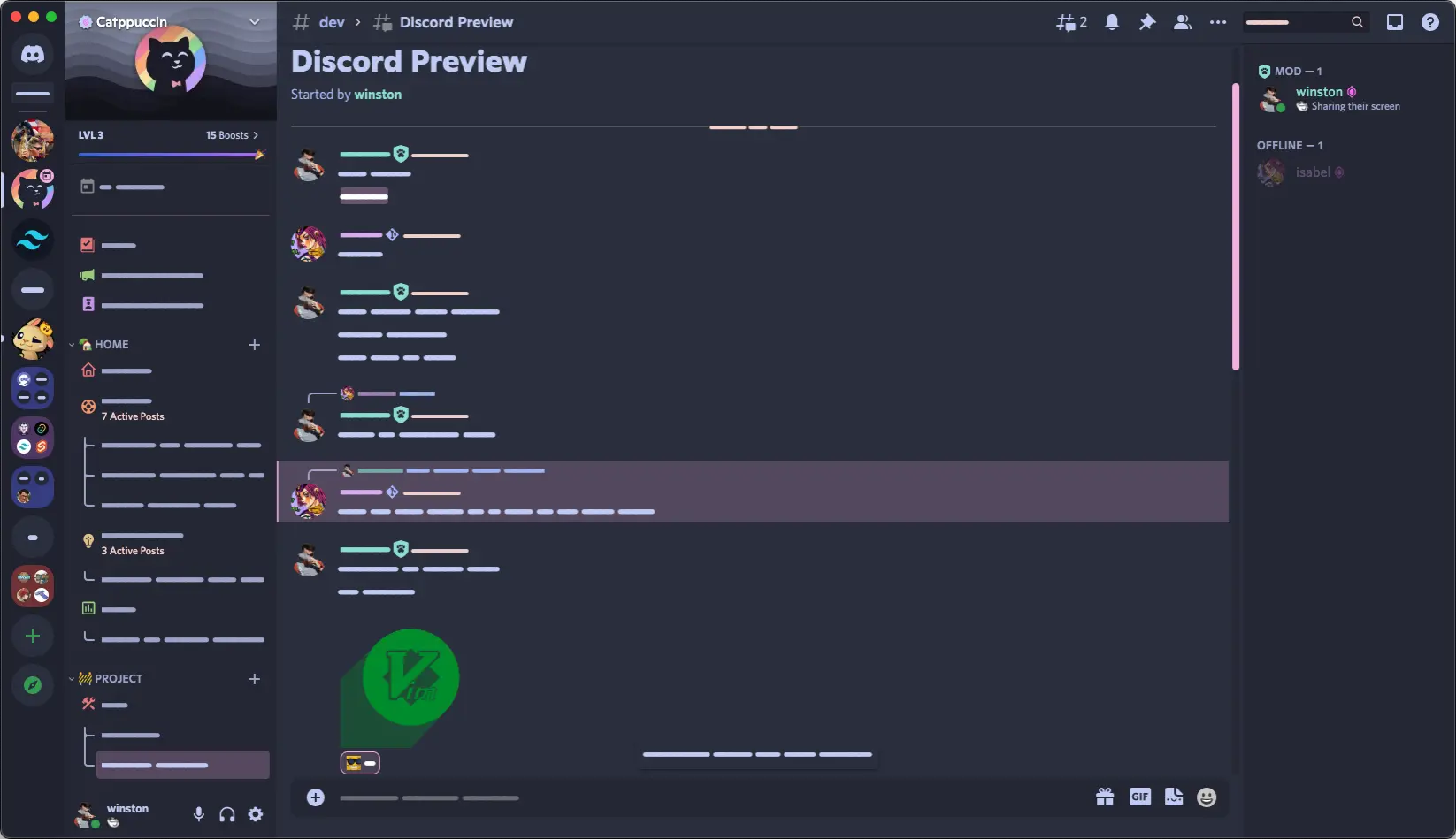
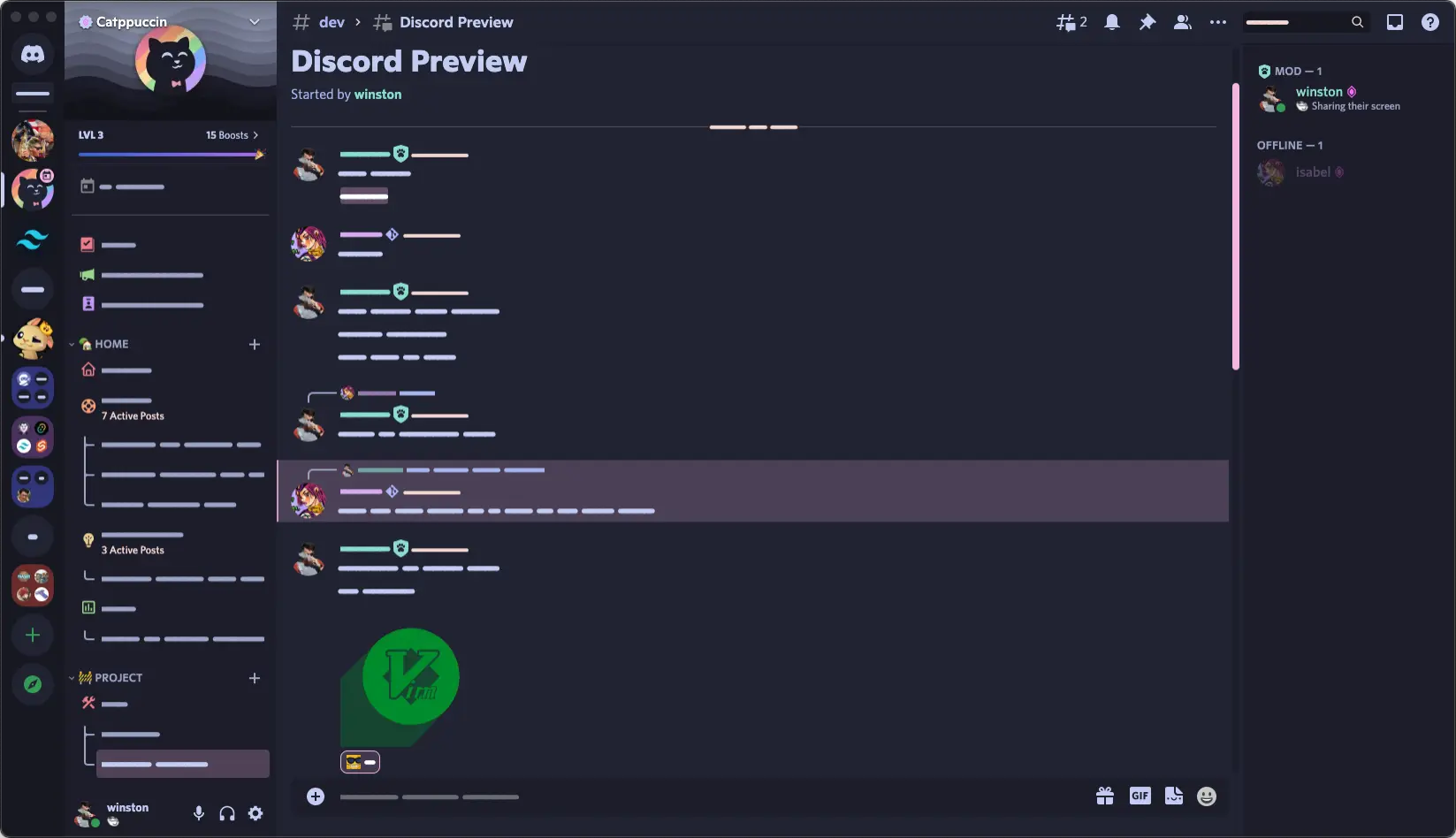
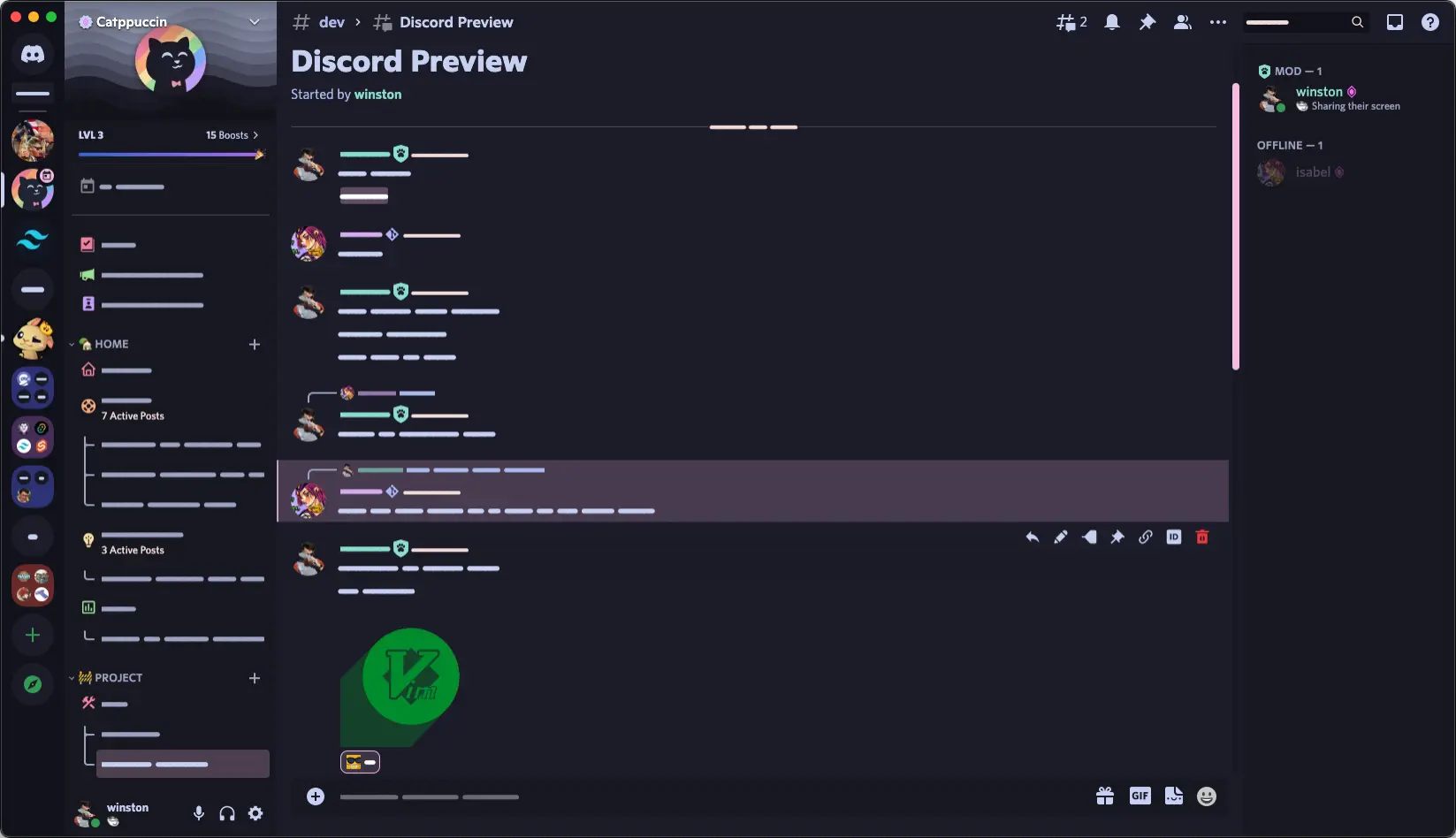
/* latte */
@import url("https://catppuccin.github.io/discord/dist/catppuccin-latte.theme.css");
/* frappe */
@import url("https://catppuccin.github.io/discord/dist/catppuccin-frappe.theme.css");
/* macchiato */
@import url("https://catppuccin.github.io/discord/dist/catppuccin-macchiato.theme.css");
/* mocha */
@import url("https://catppuccin.github.io/discord/dist/catppuccin-mocha.theme.css");

/* You can also append Catppuccin colors to customize the accent, e.g. */
/* mocha (pink accent)*/
@import url("https://catppuccin.github.io/discord/dist/catppuccin-mocha-pink.theme.css");
/* frappe (maroon accent) */
@import url("https://catppuccin.github.io/discord/dist/catppuccin-frappe-maroon.theme.css");
Q: "Can this get my account banned?"
A: Using third party clients and injecting custom css is against the ToS. While nobody has ever been banned for simply using discord client mods, We are not responsible for anything that might happen to your account by using third party clients. Use at your own discretion!
Q: "Can I automatically switch flavors between light and dark mode?"
A: The following snippet showcases a configuration that switches between latte in light mode and mocha in dark mode by adding an inline prefers-color-scheme media feature, (prefers-color-scheme: <light-or-dark>), after each @import statement (see "Importing CSS rules conditional on media queries" - MDN).
@import url("https://catppuccin.github.io/discord/dist/catppuccin-mocha.theme.css")
(prefers-color-scheme: dark);
@import url("https://catppuccin.github.io/discord/dist/catppuccin-latte.theme.css")
(prefers-color-scheme: light);
Q: "Can I disable Rainbow Threads"
A: Yes, by placing the following in your QuickCSS threads will be the same colour as typical channels. note: please respect the space between the colon and semi-colon
:root {
  --ctp-rainbow-thread-disabled: ;
}

Copyright © 2021-present Catppuccin Org

3,417 followers · starred Nov 2022
245 followers · starred Jul 2025
19 followers · starred Oct 2022
76 followers · starred Nov 2024
Catppuccin for Discord
/* latte */
@import url("https://catppuccin.github.io/discord/dist/catppuccin-latte.theme.css");
/* frappe */
@import url("https://catppuccin.github.io/discord/dist/catppuccin-frappe.theme.css");
/* macchiato */
@import url("https://catppuccin.github.io/discord/dist/catppuccin-macchiato.theme.css");
/* mocha */
@import url("https://catppuccin.github.io/discord/dist/catppuccin-mocha.theme.css");

/* You can also append Catppuccin colors to customize the accent, e.g. */
/* mocha (pink accent)*/
@import url("https://catppuccin.github.io/discord/dist/catppuccin-mocha-pink.theme.css");
/* frappe (maroon accent) */
@import url("https://catppuccin.github.io/discord/dist/catppuccin-frappe-maroon.theme.css");
Q: "Can this get my account banned?"
A: Using third party clients and injecting custom css is against the ToS. While nobody has ever been banned for simply using discord client mods, We are not responsible for anything that might happen to your account by using third party clients. Use at your own discretion!
Q: "Can I automatically switch flavors between light and dark mode?"
A: The following snippet showcases a configuration that switches between latte in light mode and mocha in dark mode by adding an inline prefers-color-scheme media feature, (prefers-color-scheme: <light-or-dark>), after each @import statement (see "Importing CSS rules conditional on media queries" - MDN).
@import url("https://catppuccin.github.io/discord/dist/catppuccin-mocha.theme.css")
(prefers-color-scheme: dark);
@import url("https://catppuccin.github.io/discord/dist/catppuccin-latte.theme.css")
(prefers-color-scheme: light);
Q: "Can I disable Rainbow Threads"
A: Yes, by placing the following in your QuickCSS threads will be the same colour as typical channels. note: please respect the space between the colon and semi-colon
:root {
  --ctp-rainbow-thread-disabled: ;
}
Copyright © 2021-present Catppuccin Org
3,417 followers · starred Nov 2022
245 followers · starred Jul 2025
19 followers · starred Oct 2022
76 followers · starred Nov 2024