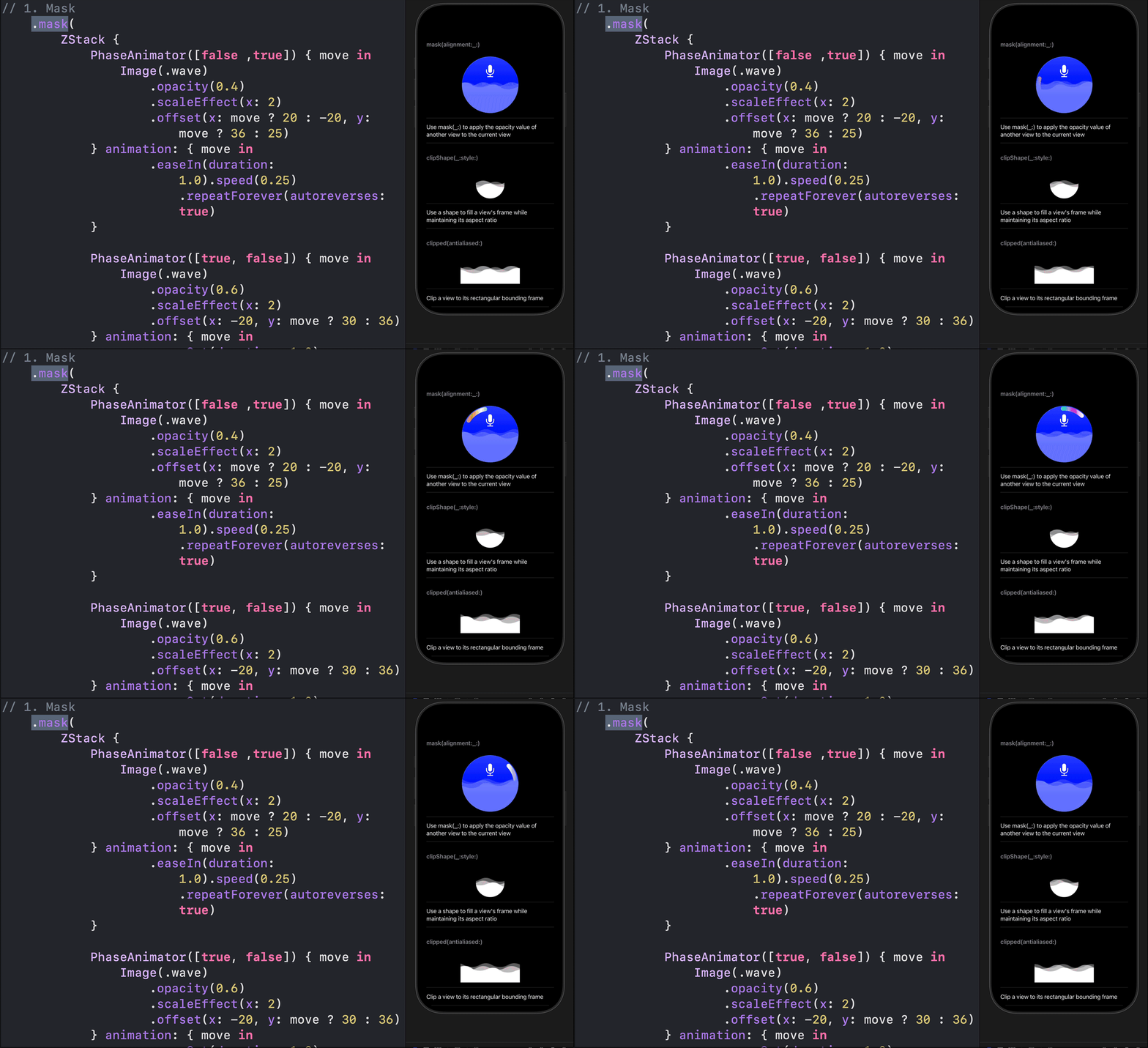
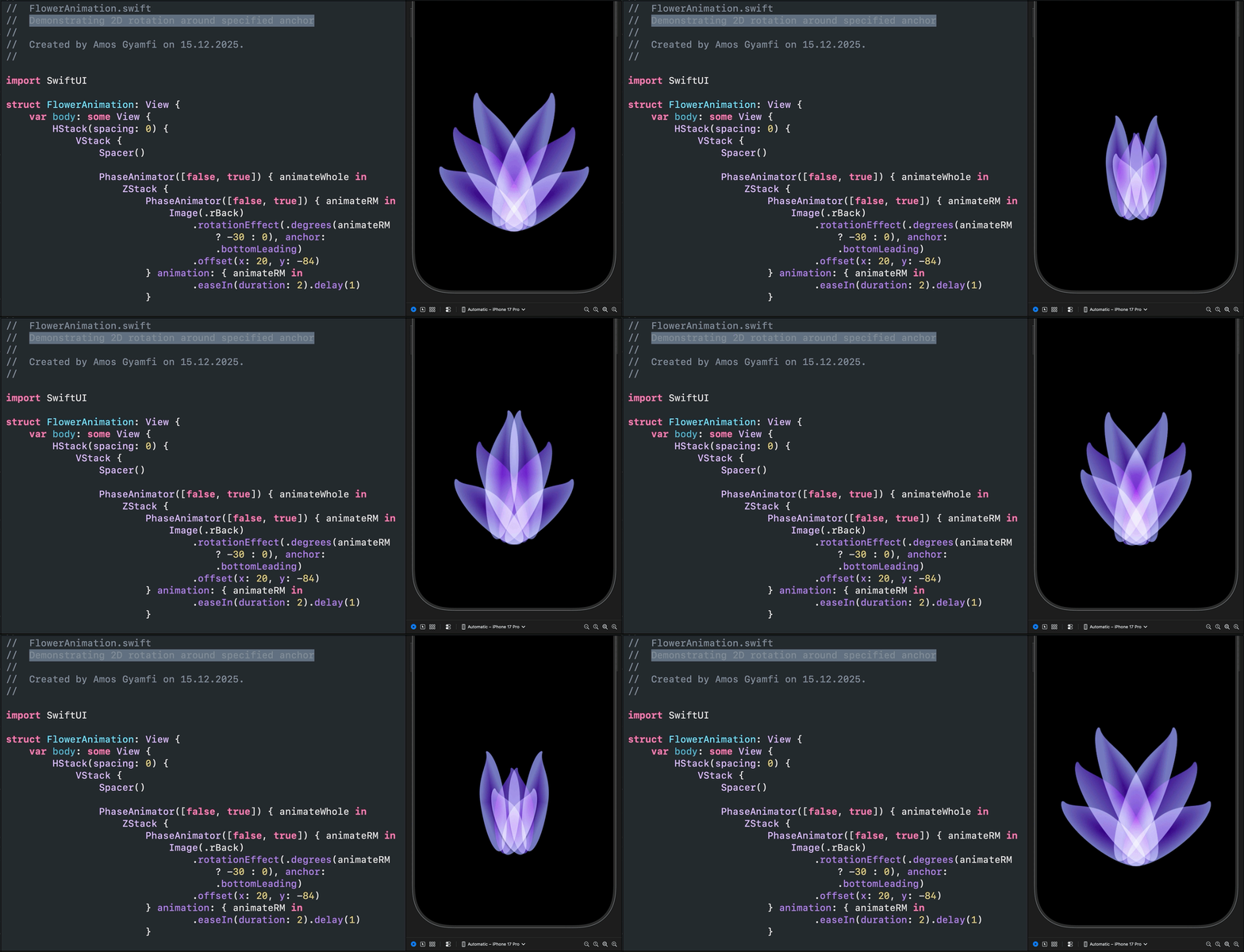
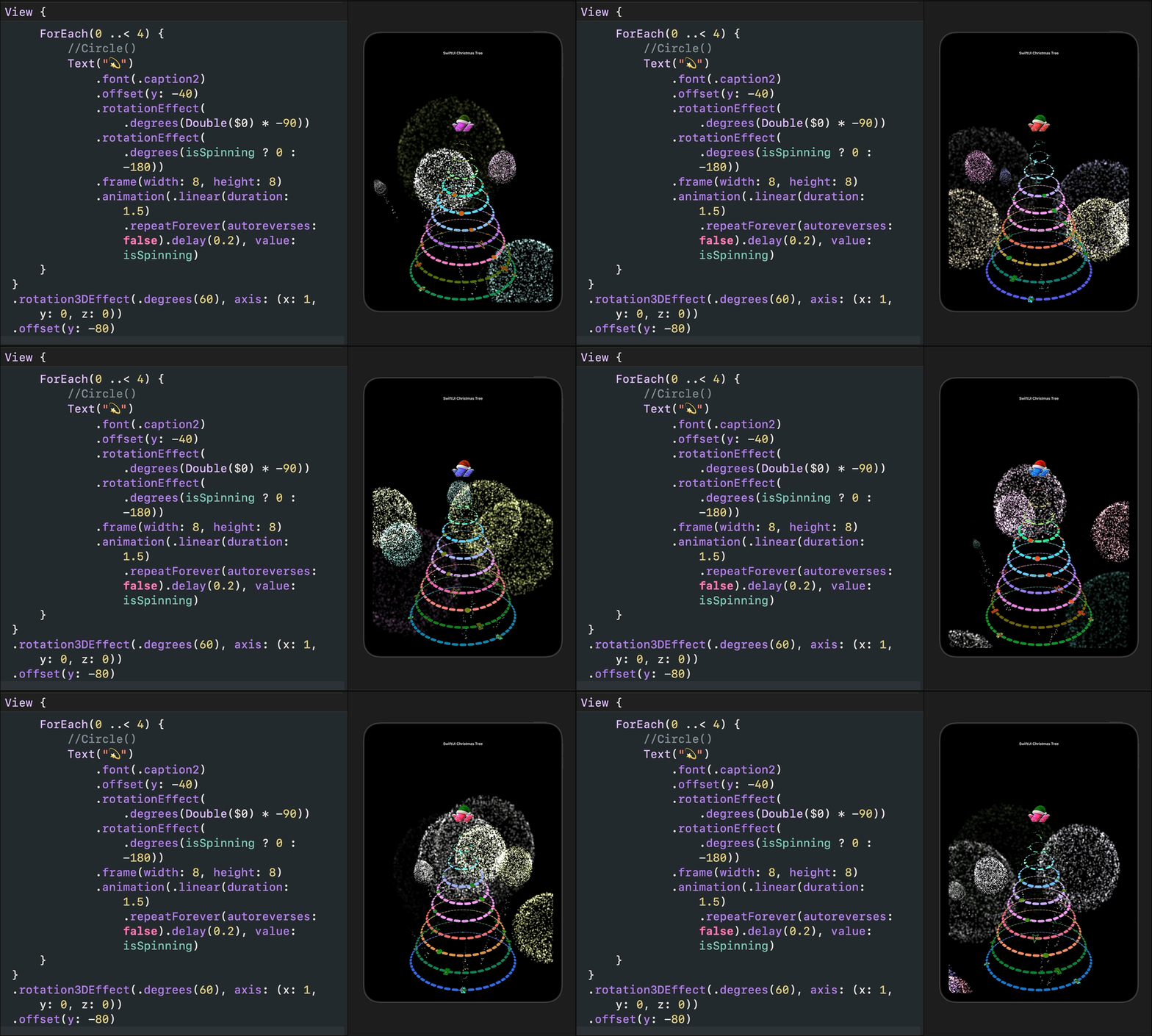
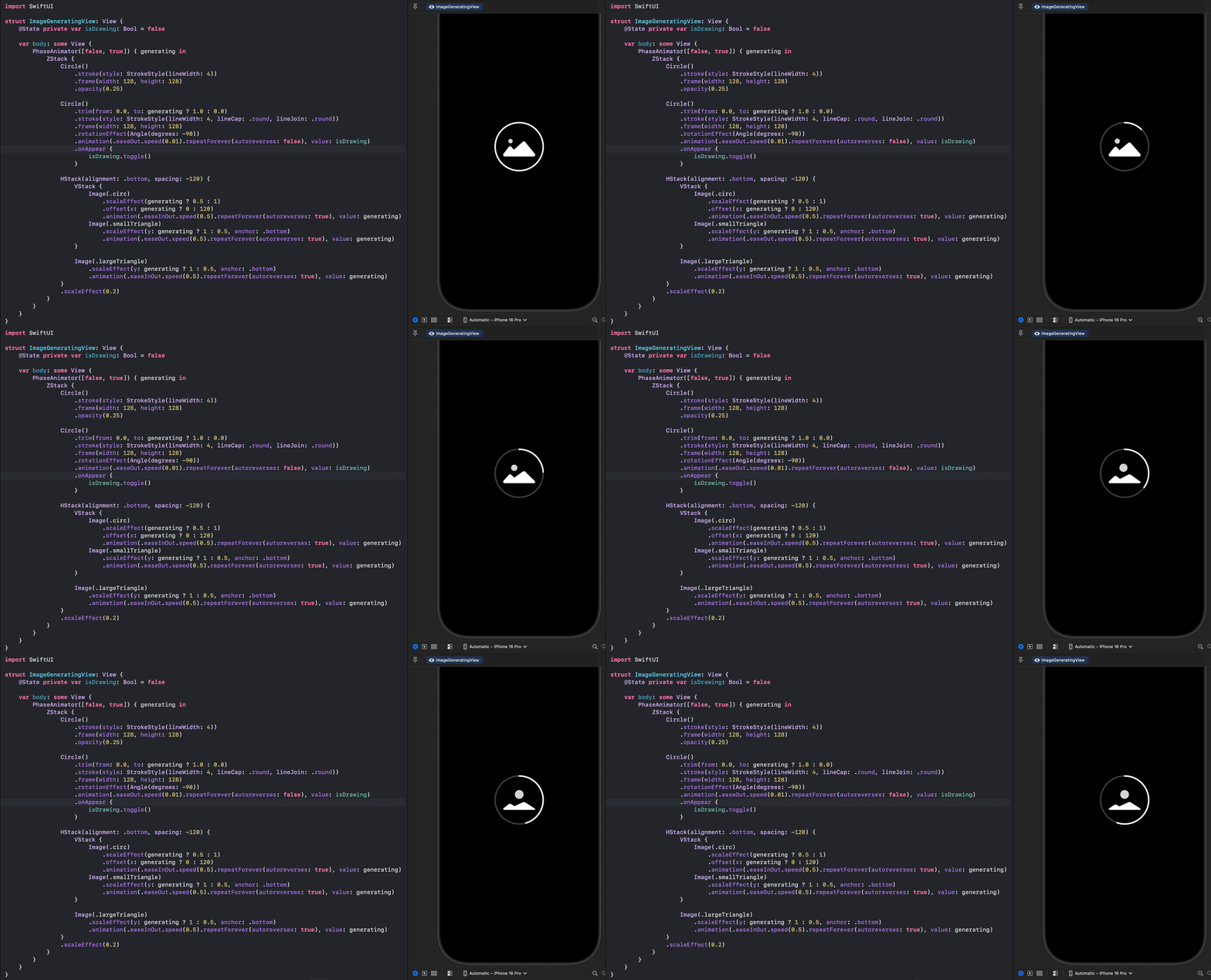
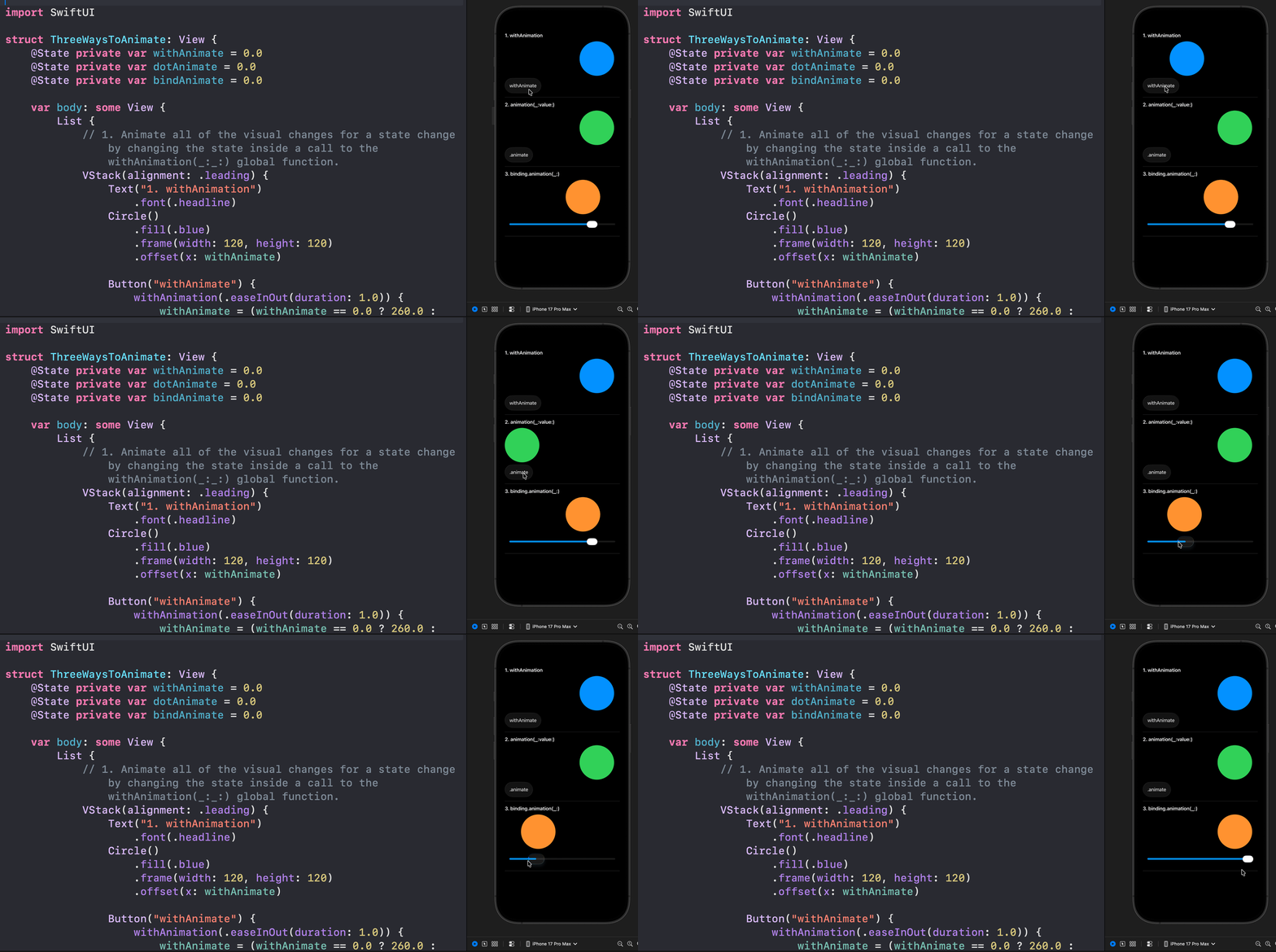
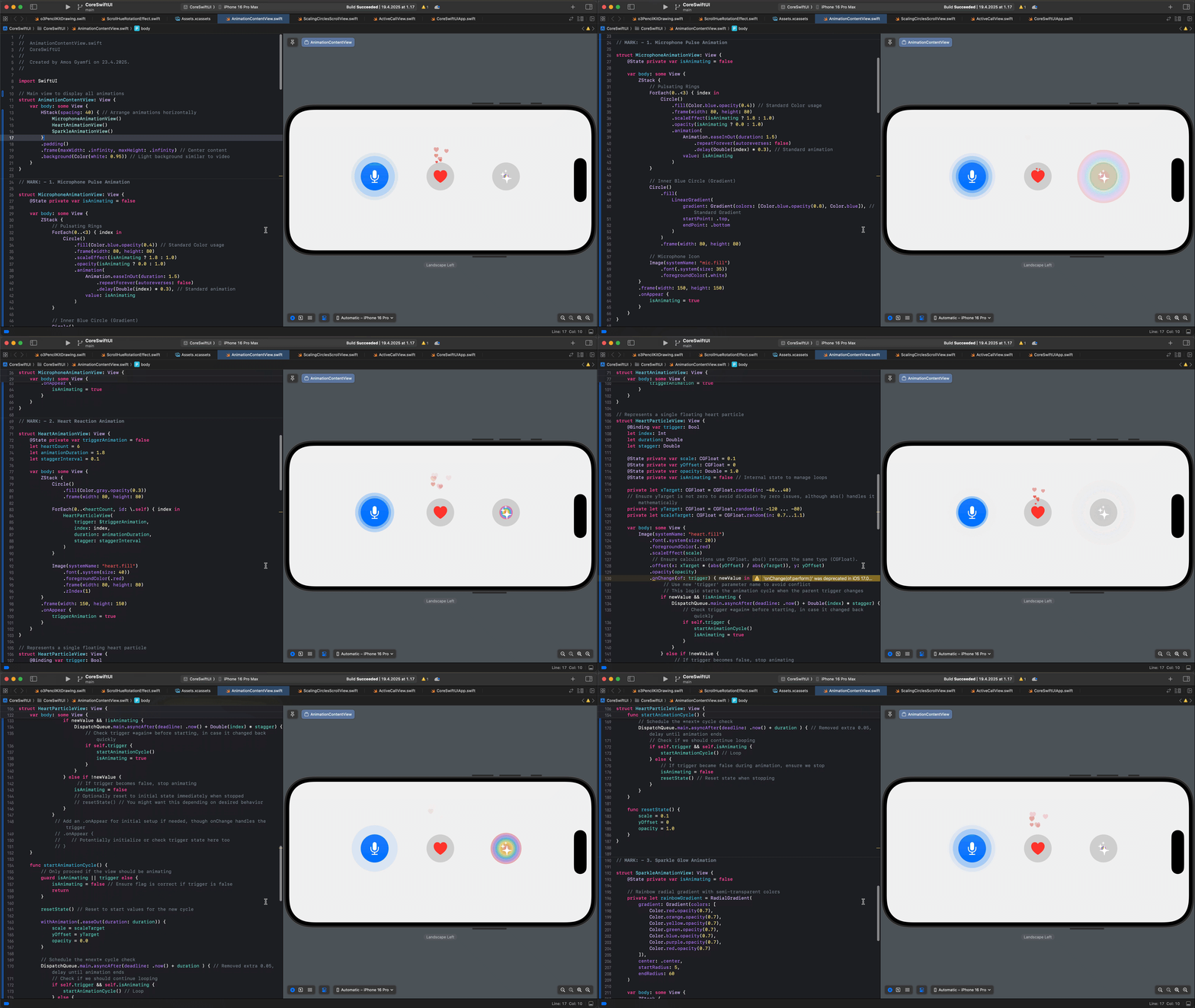
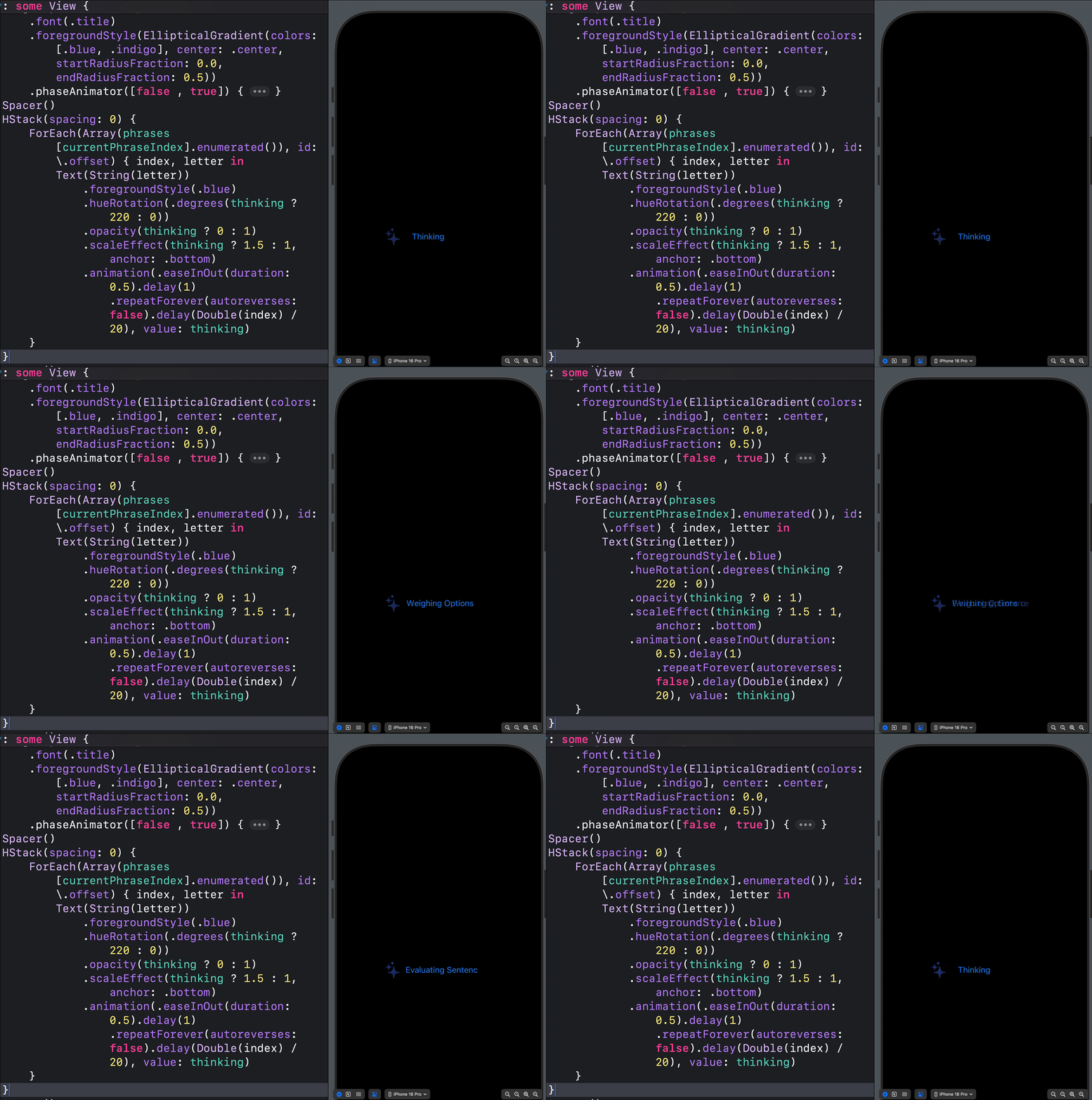
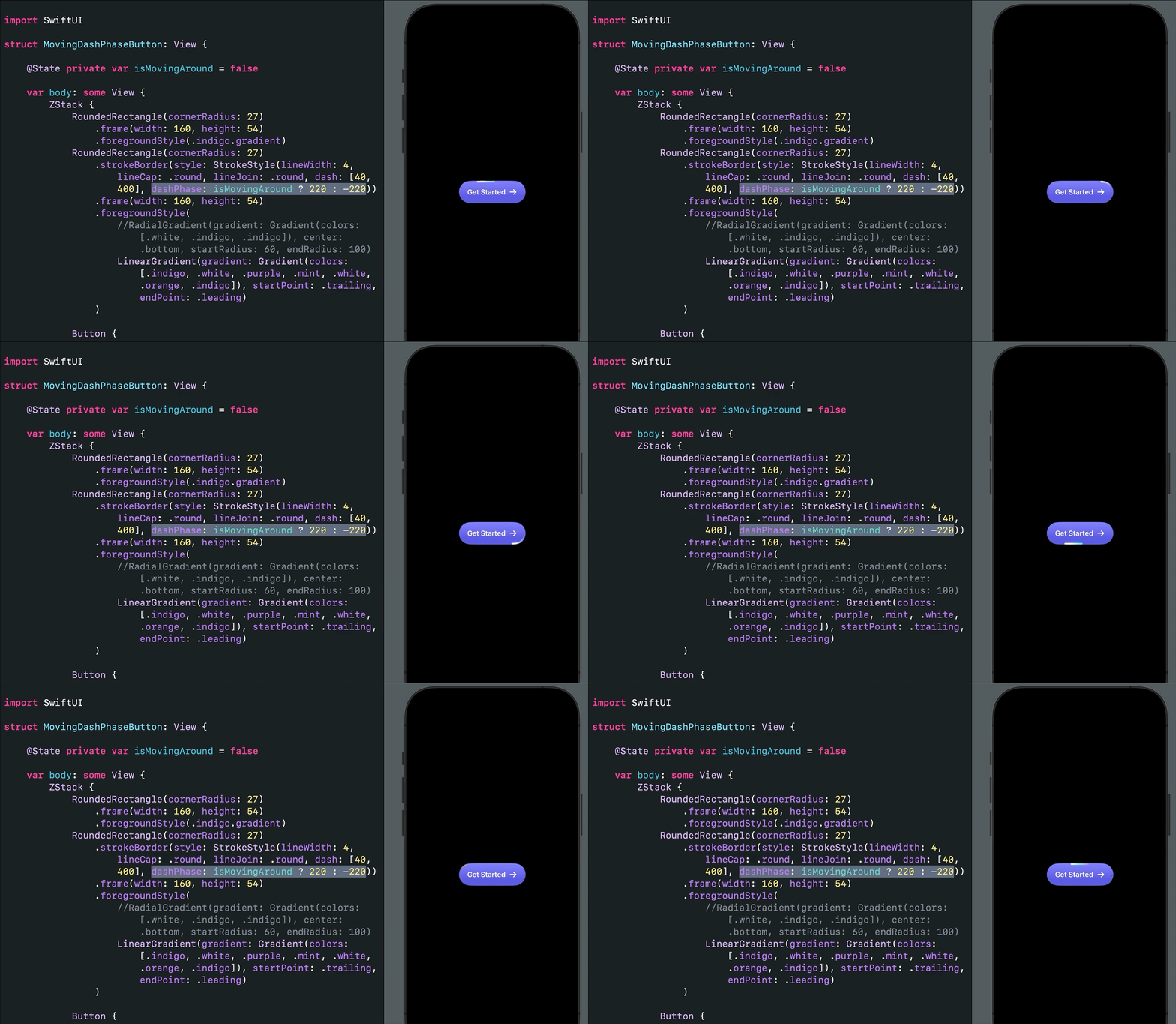
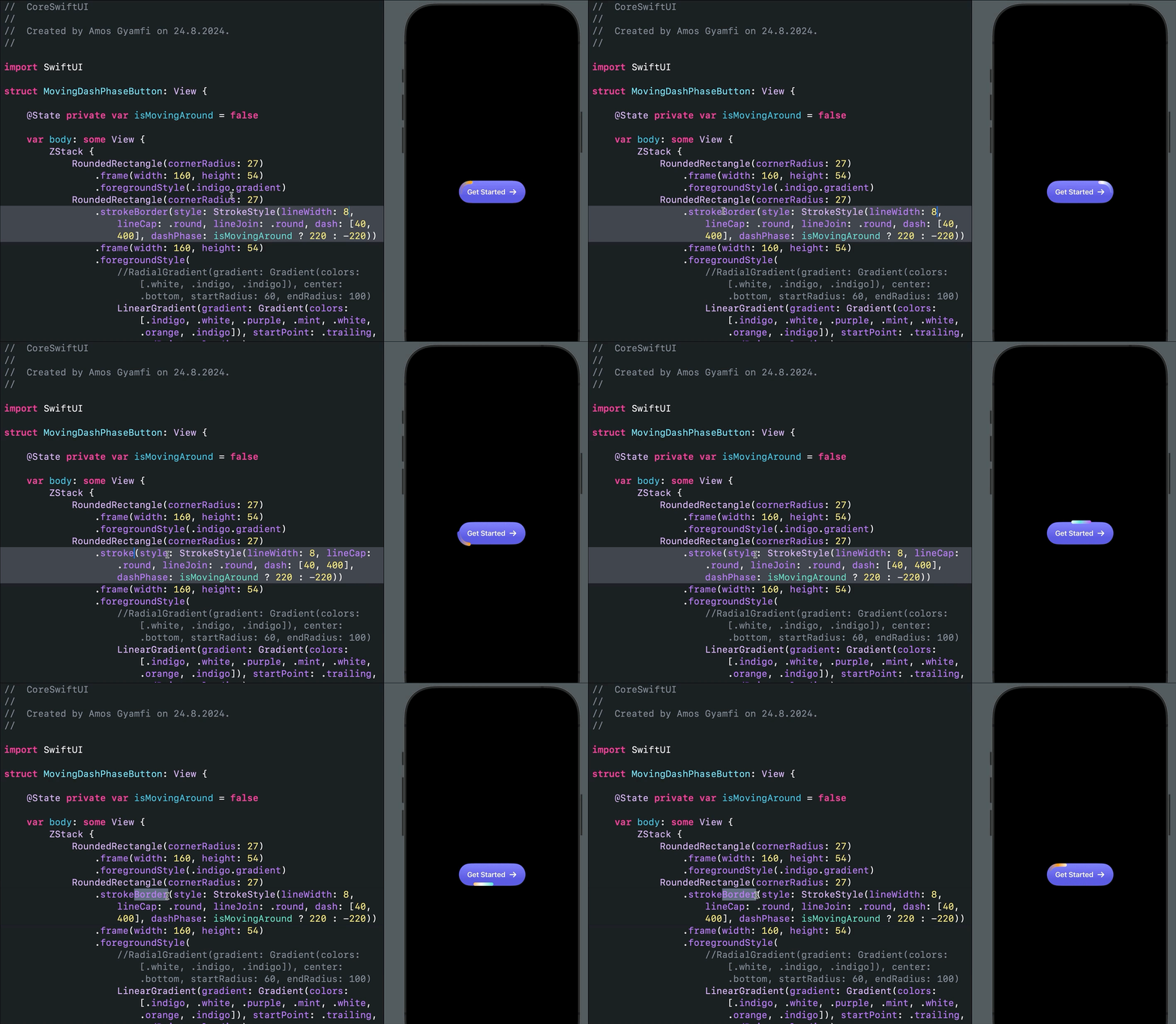
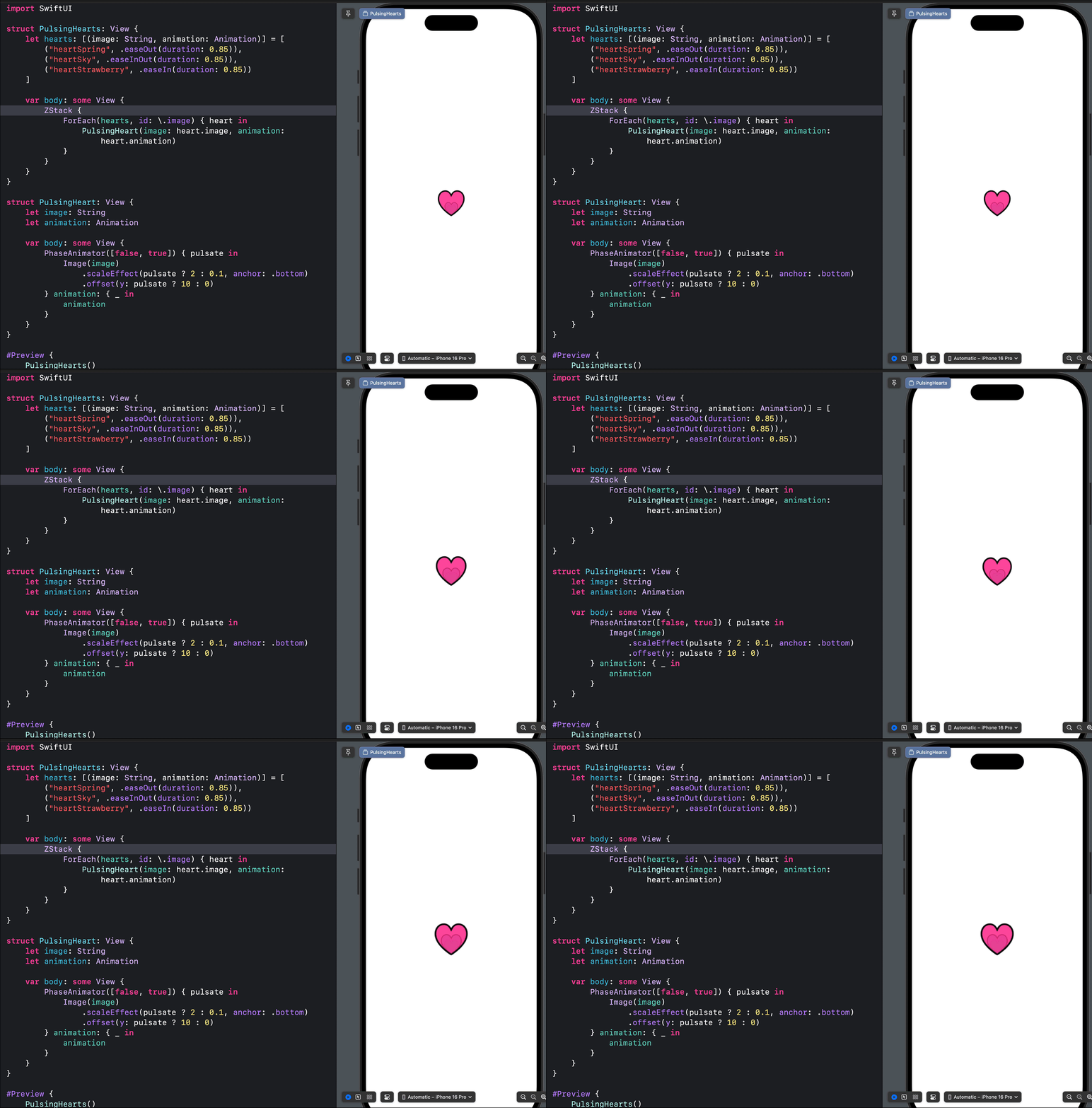
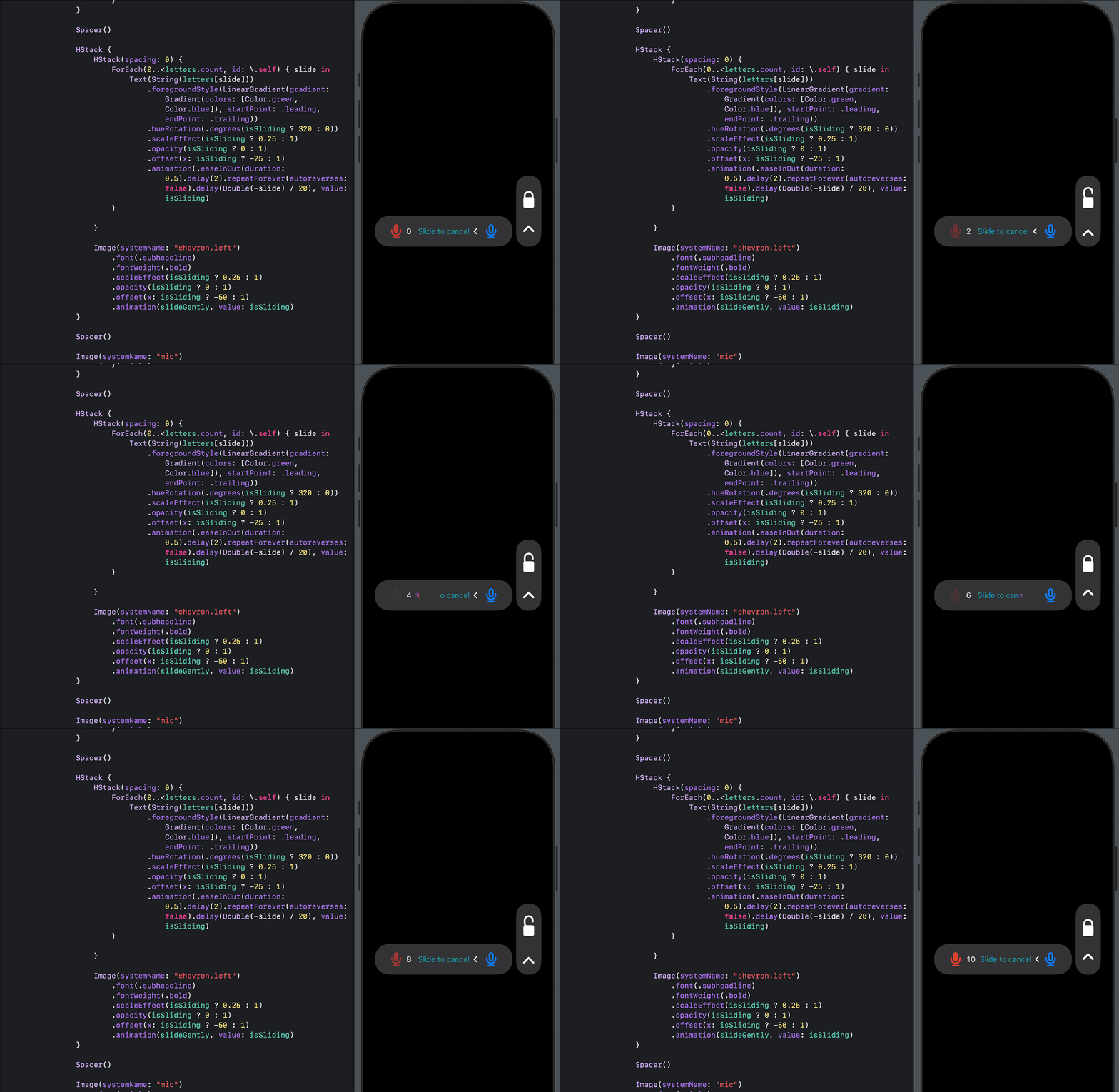
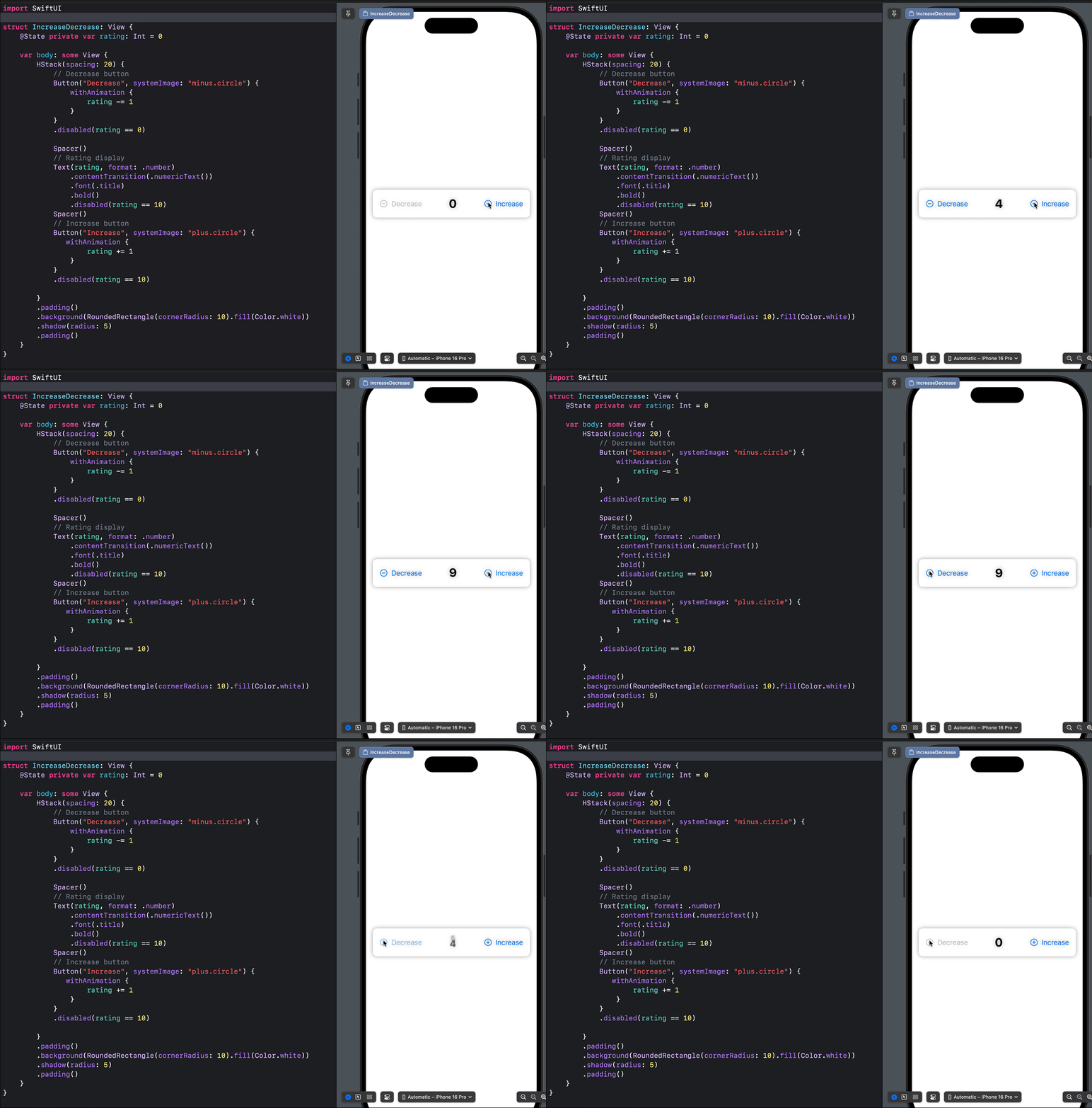
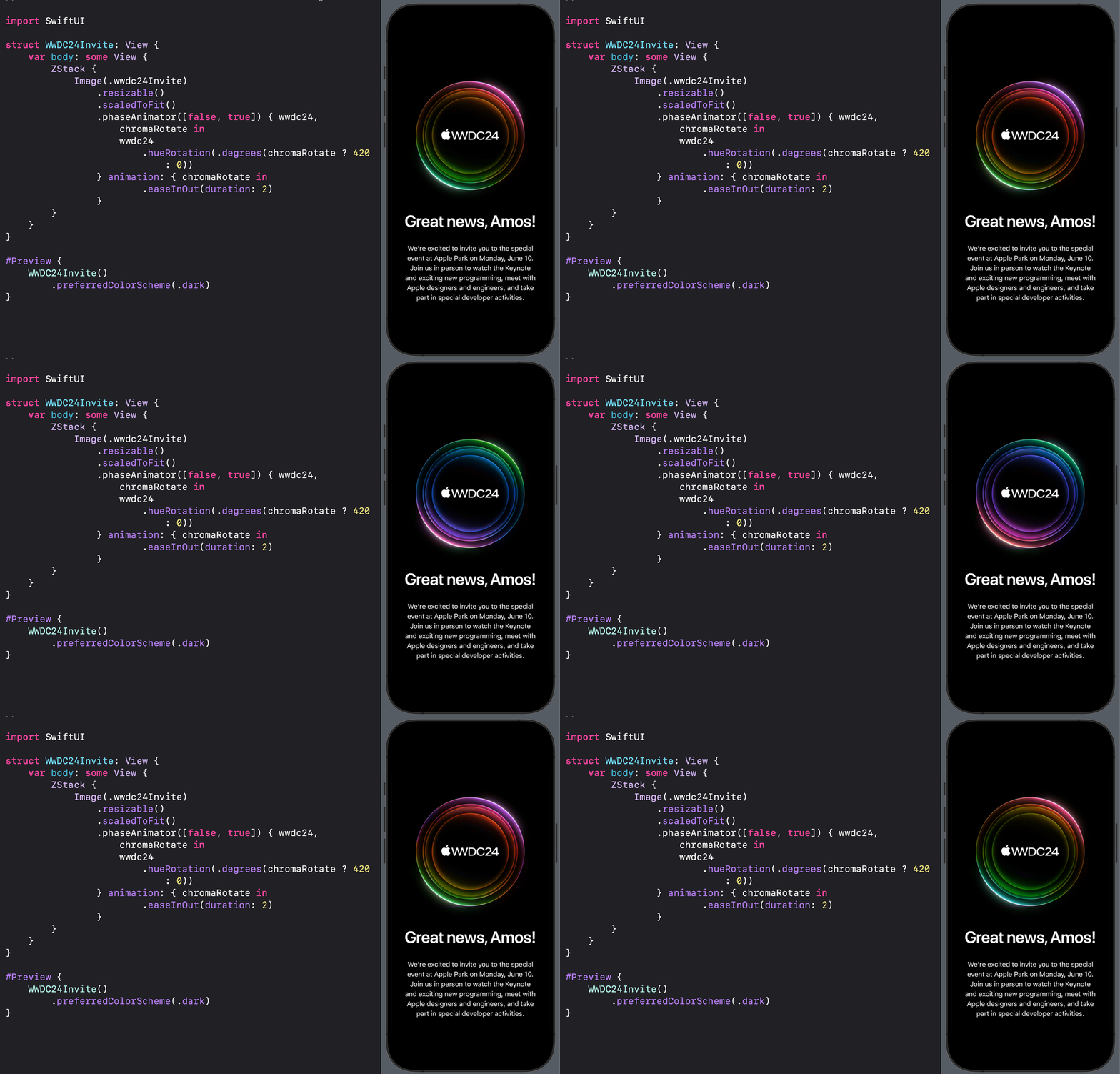
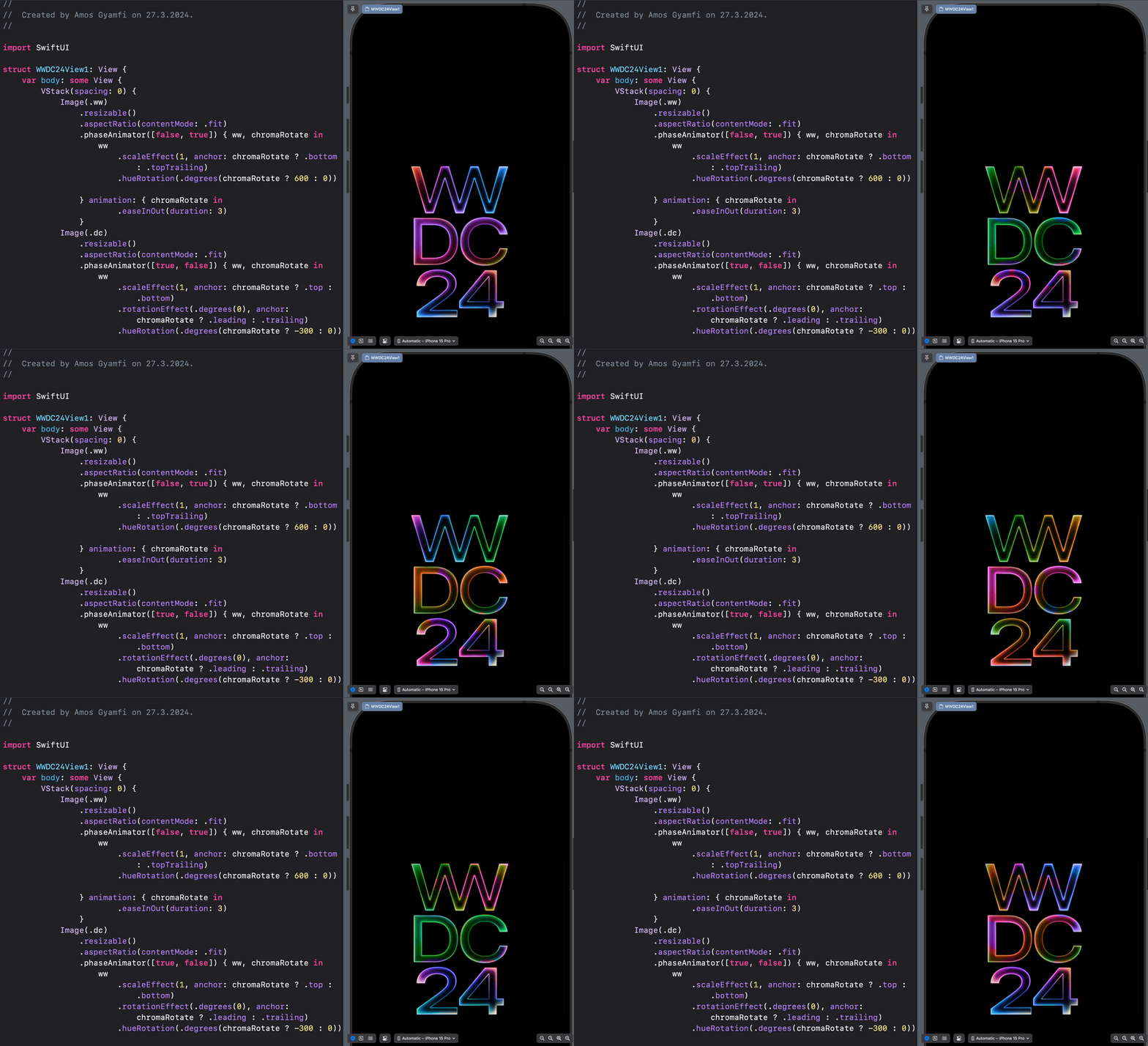
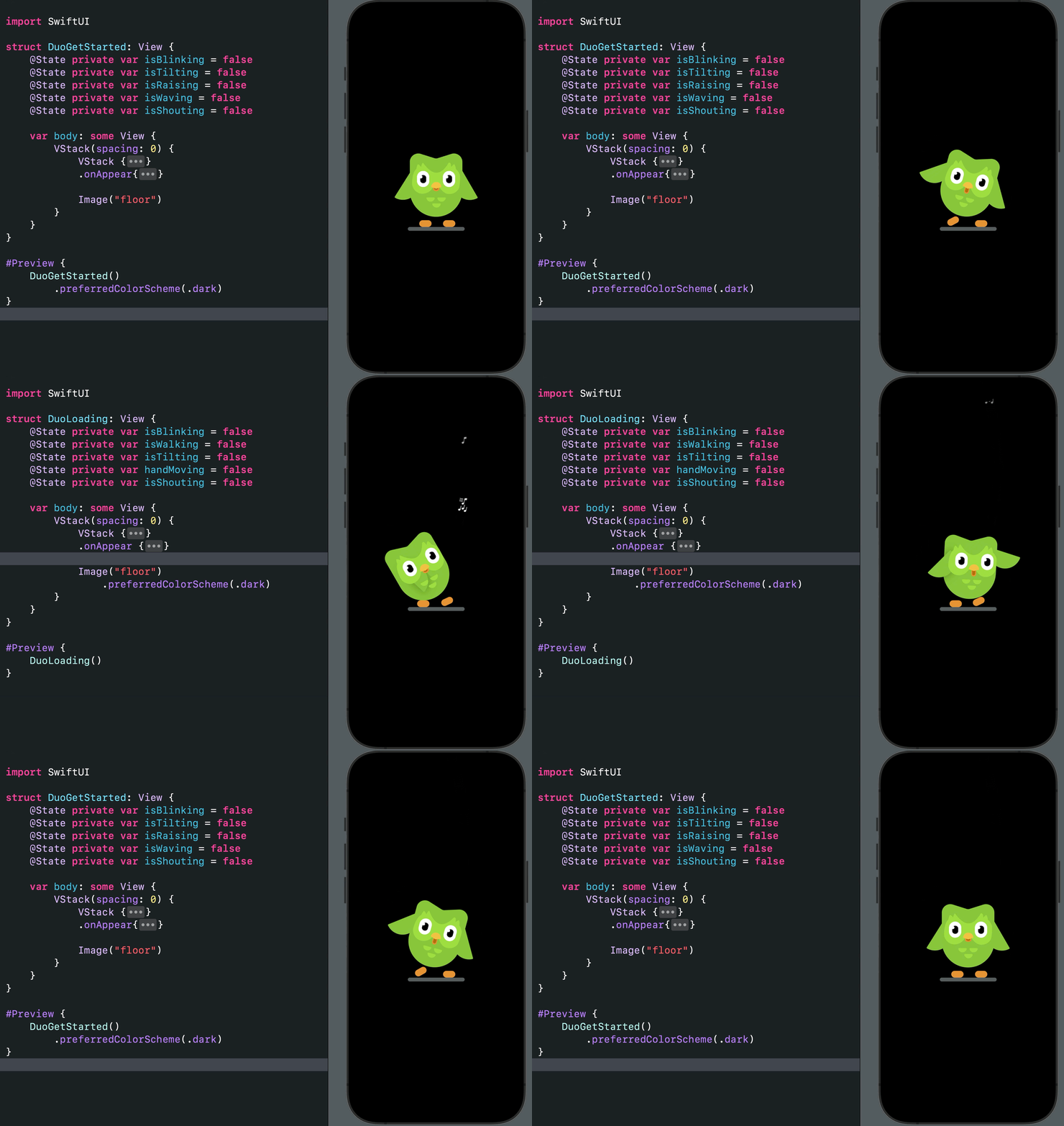
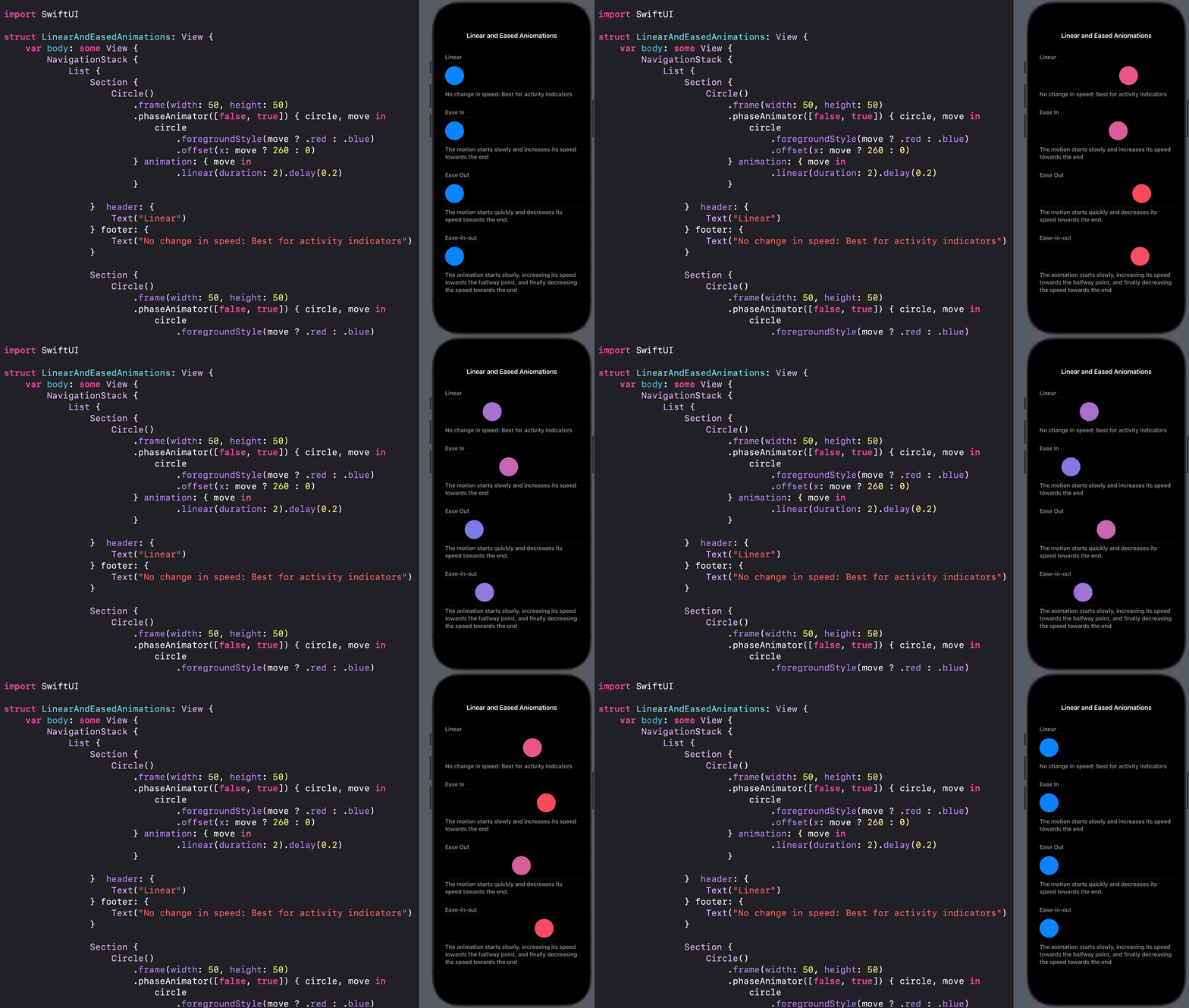
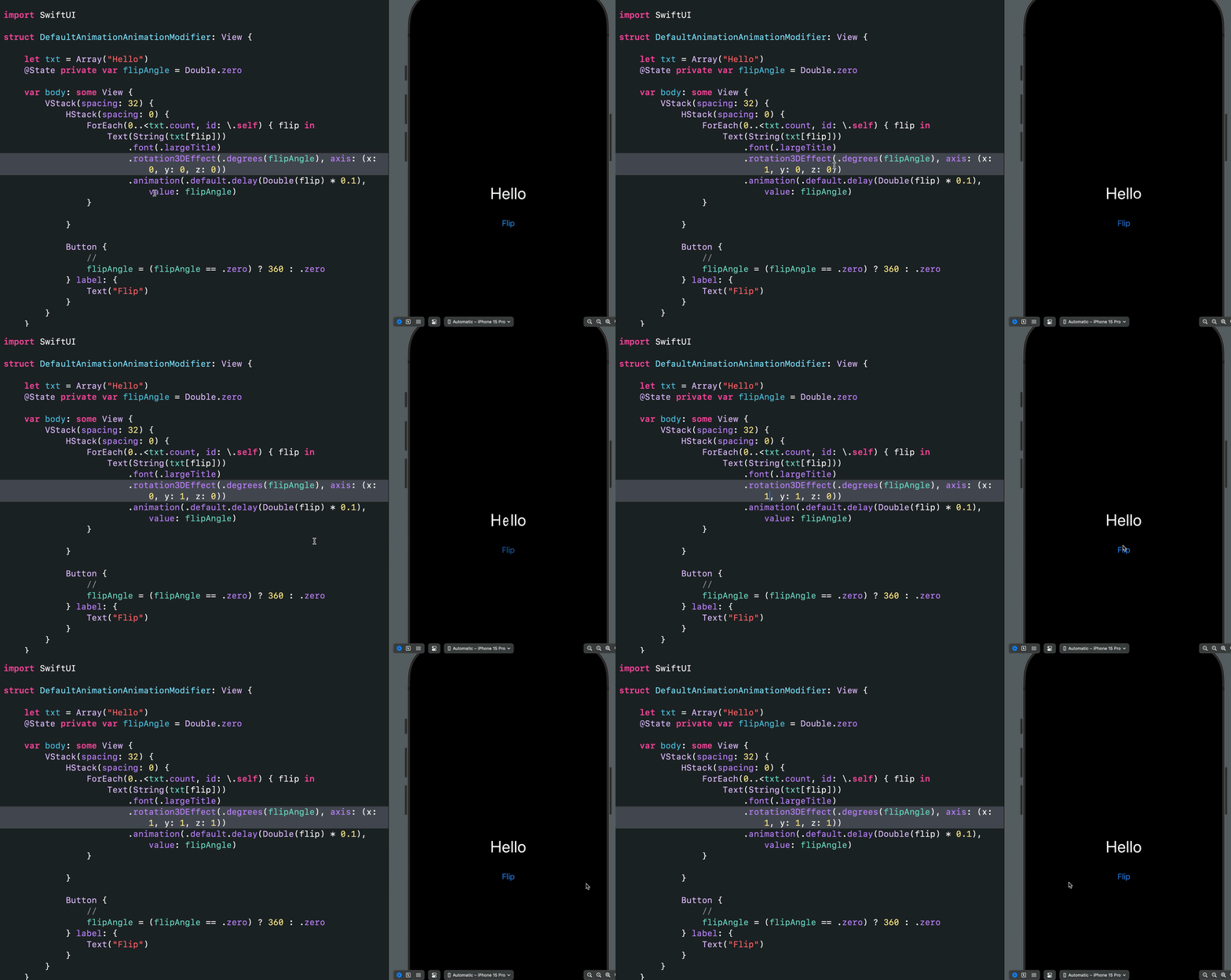
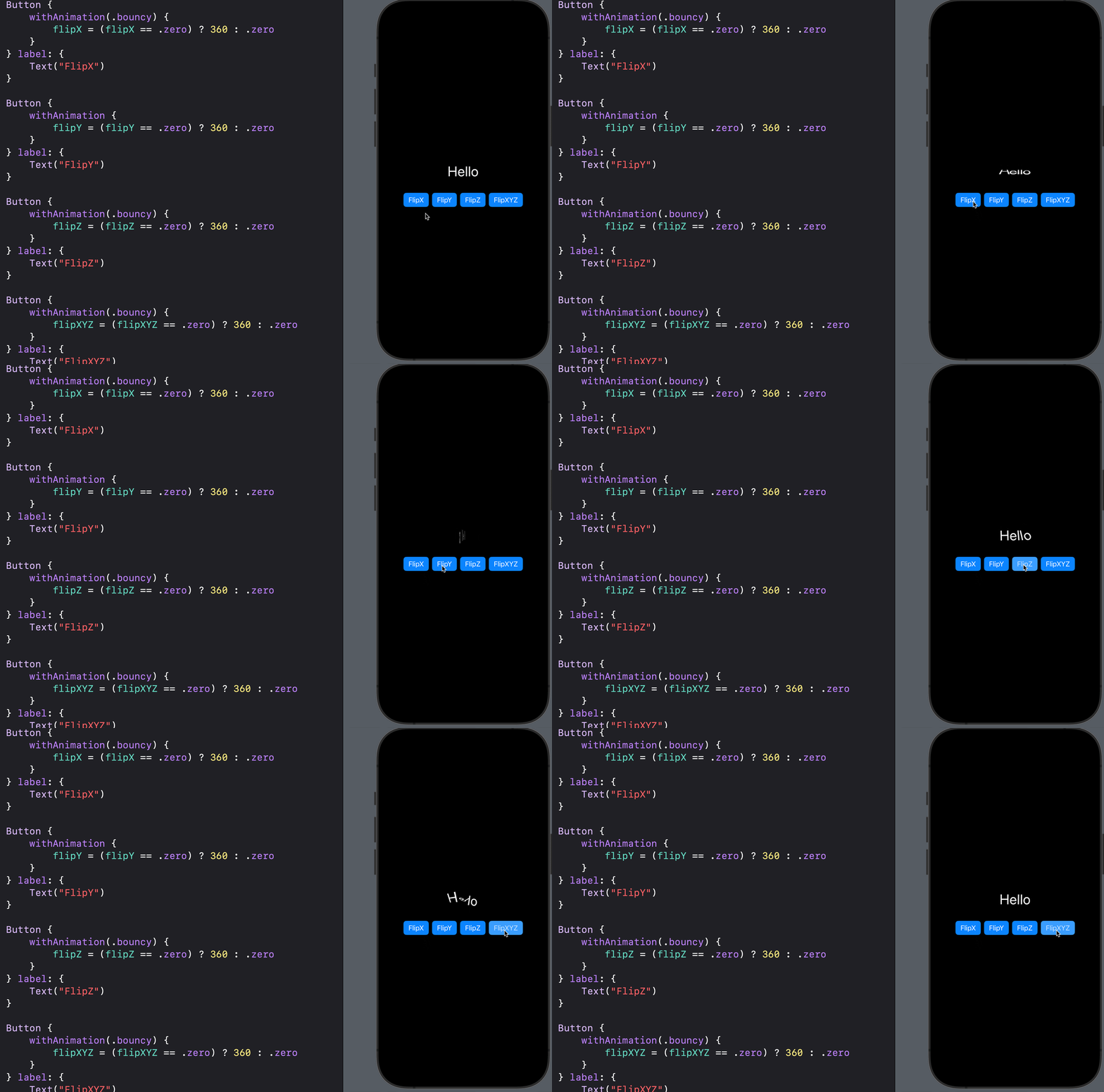
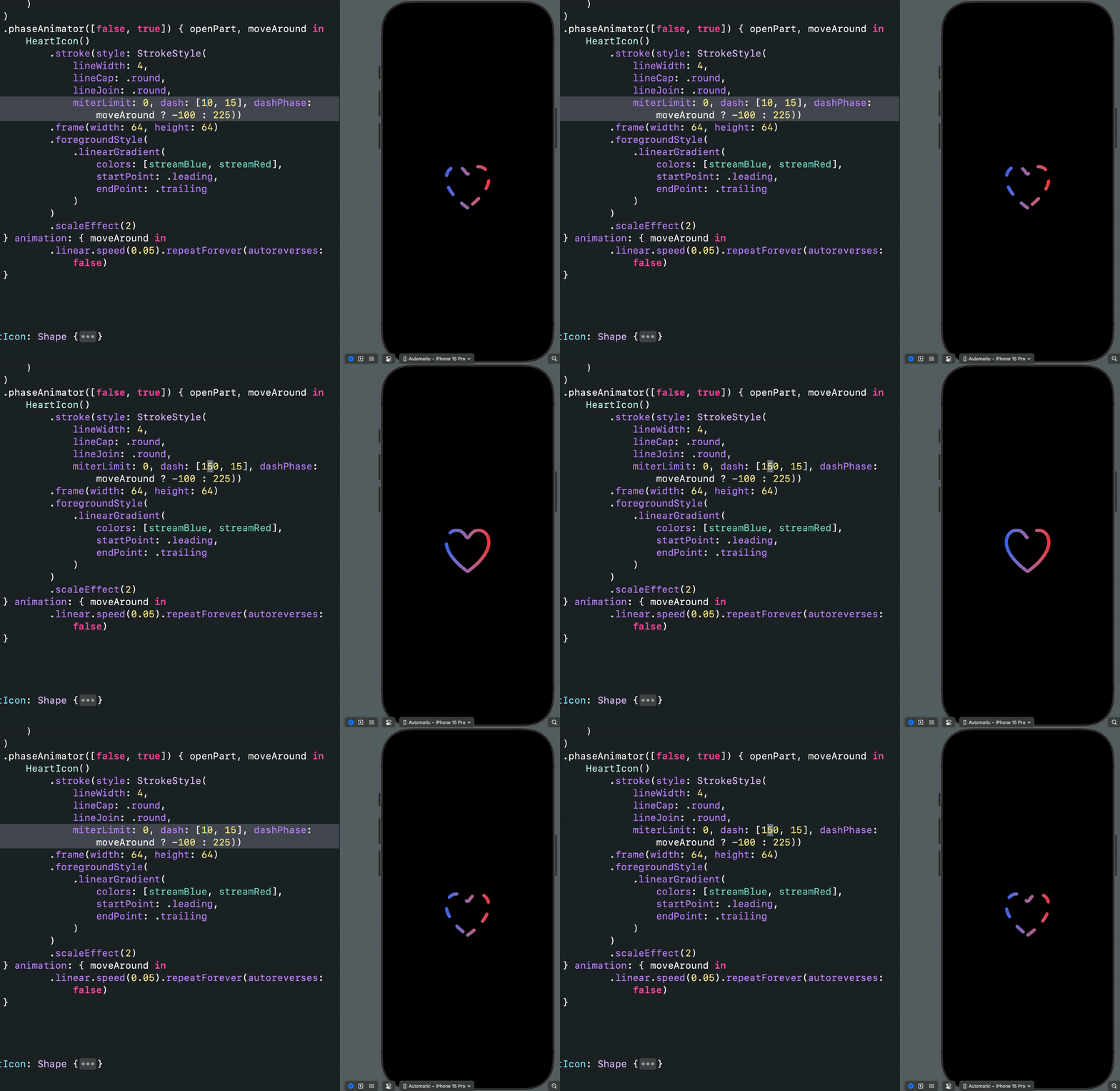
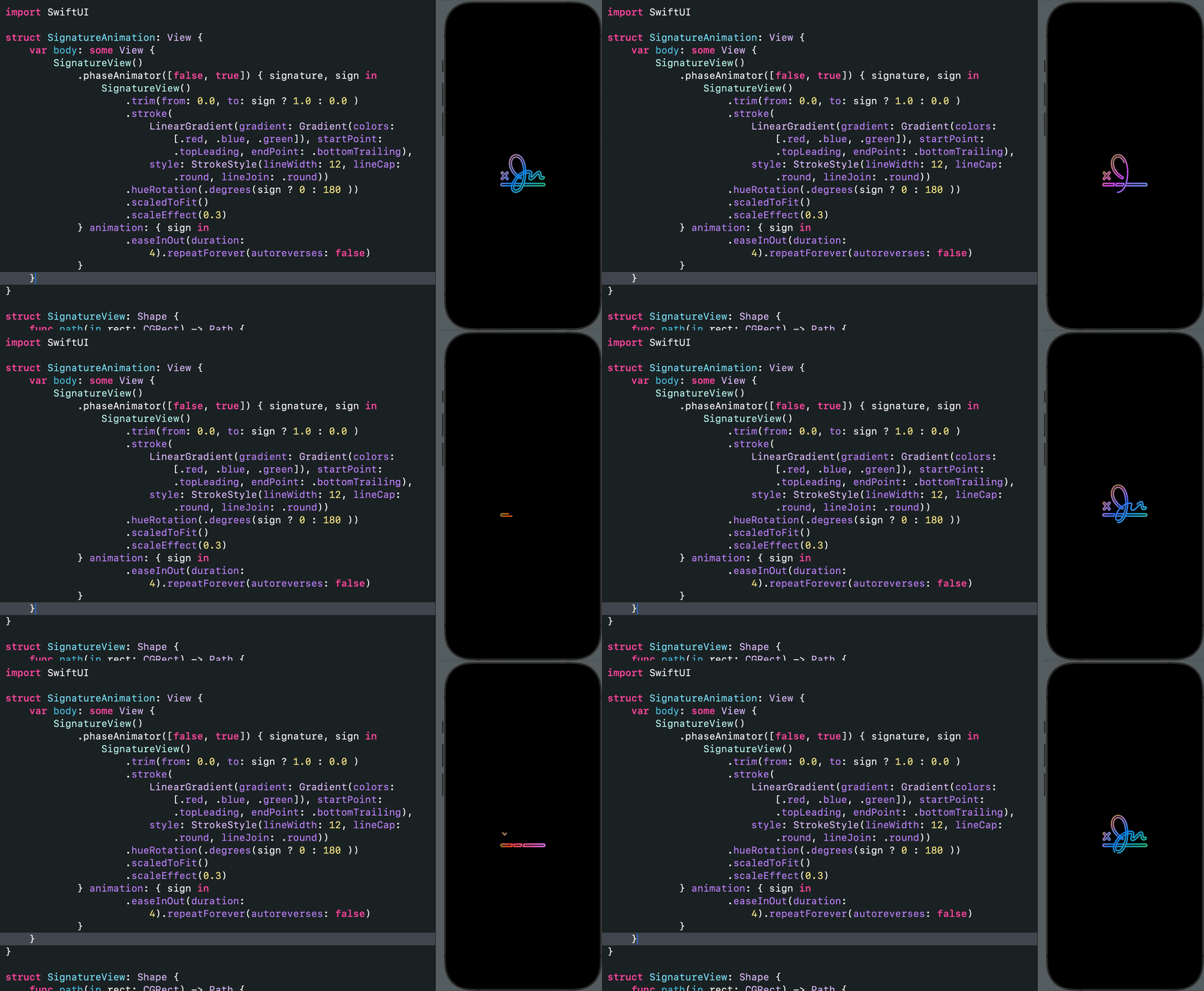
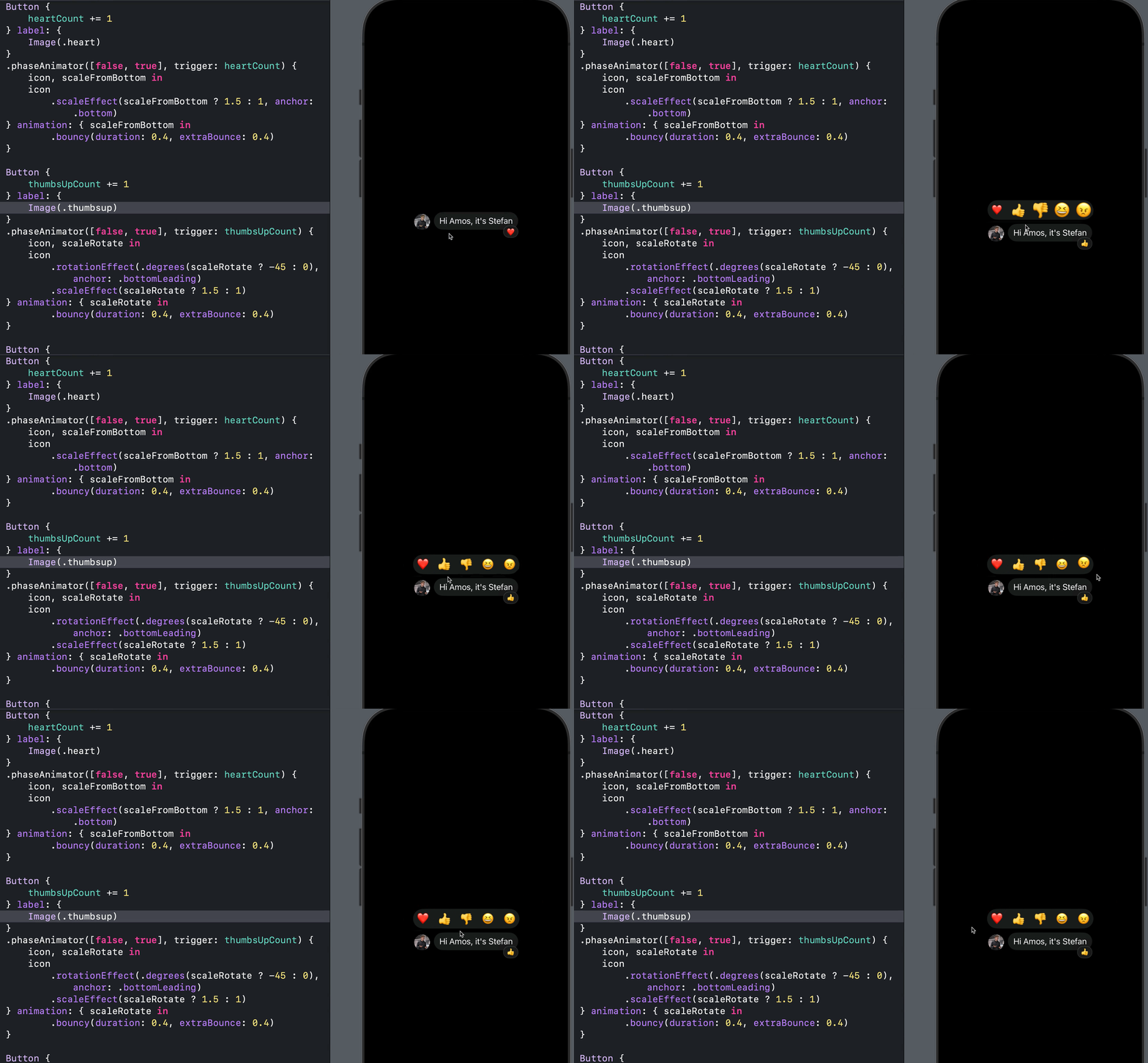
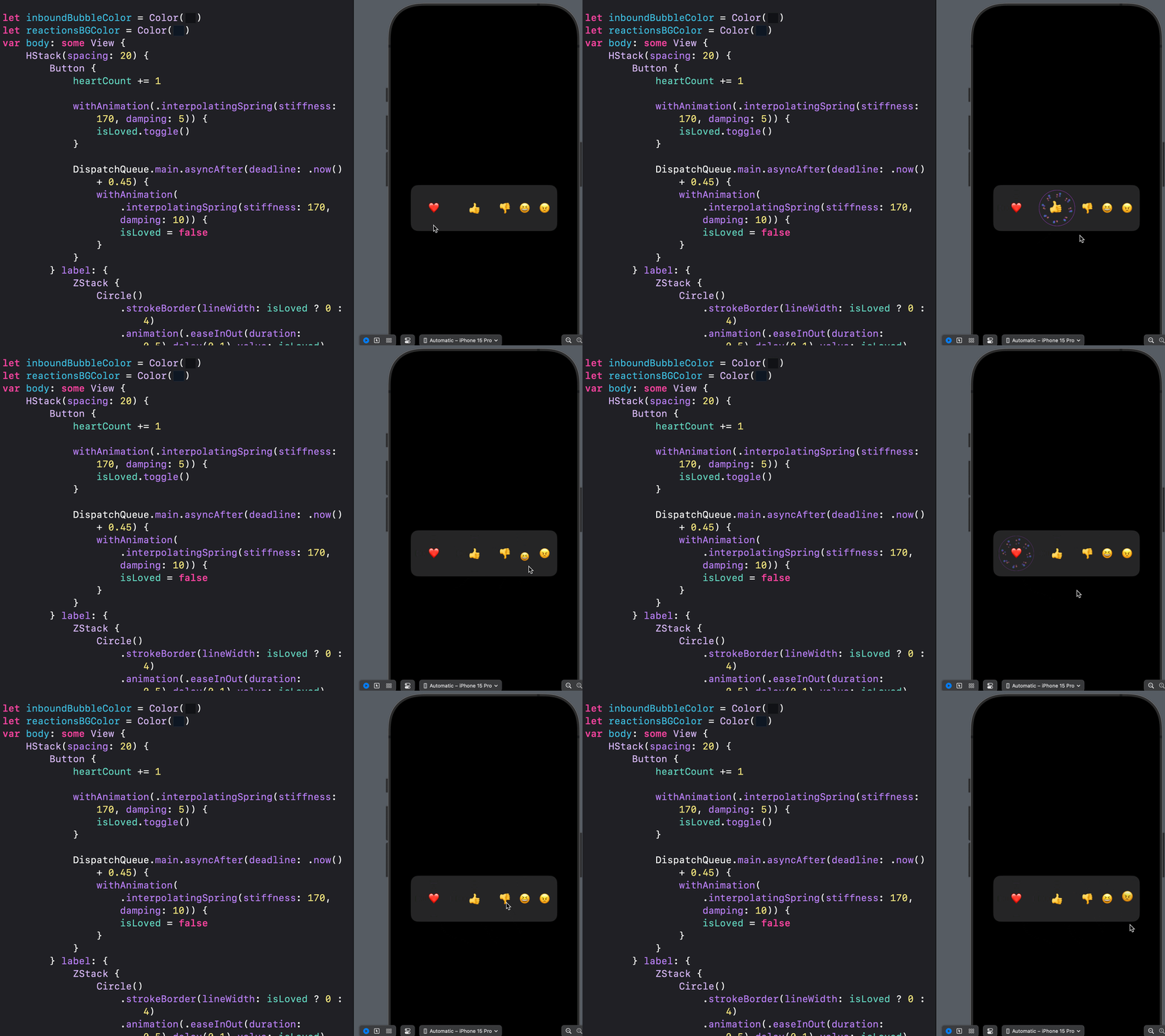
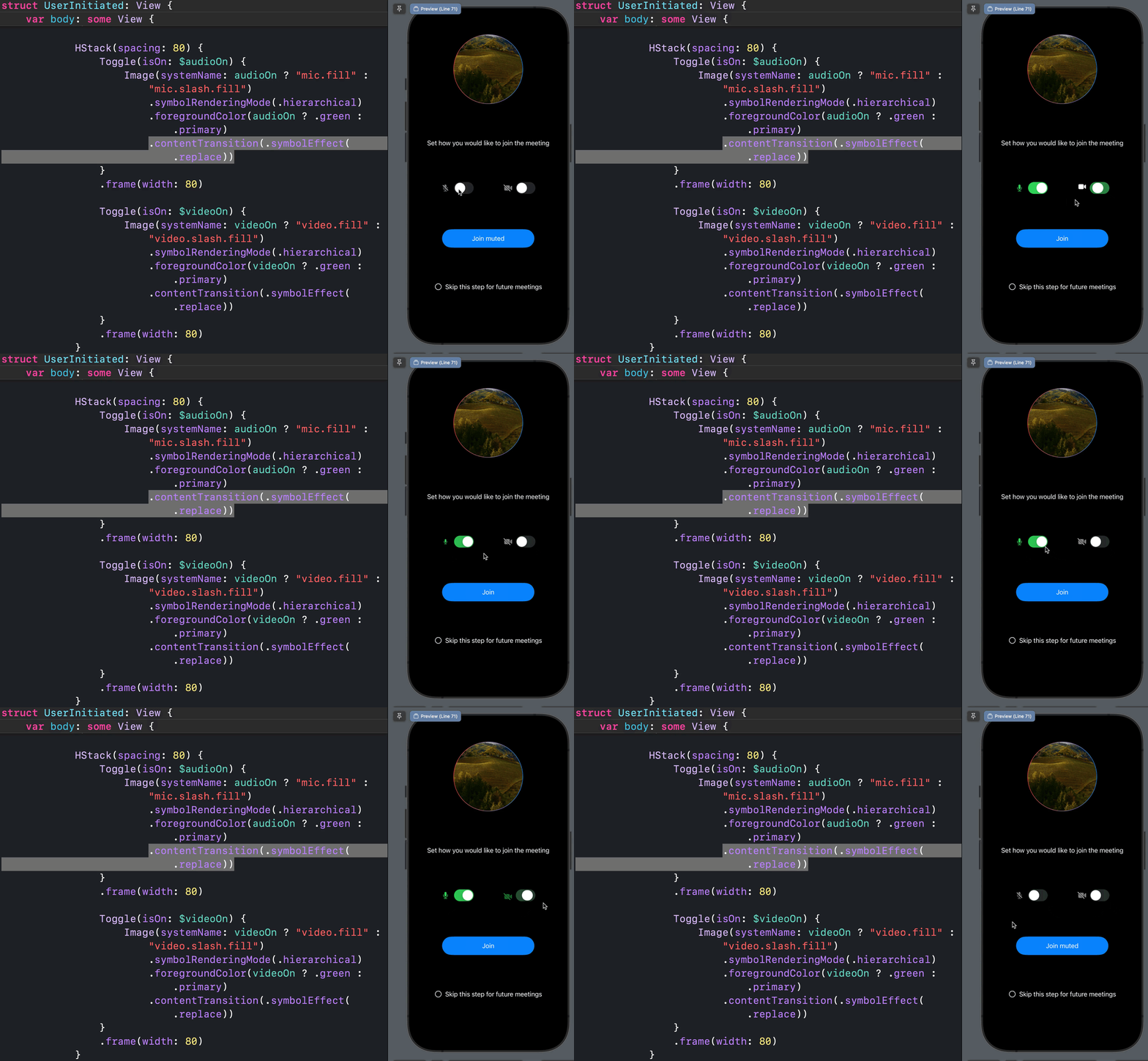
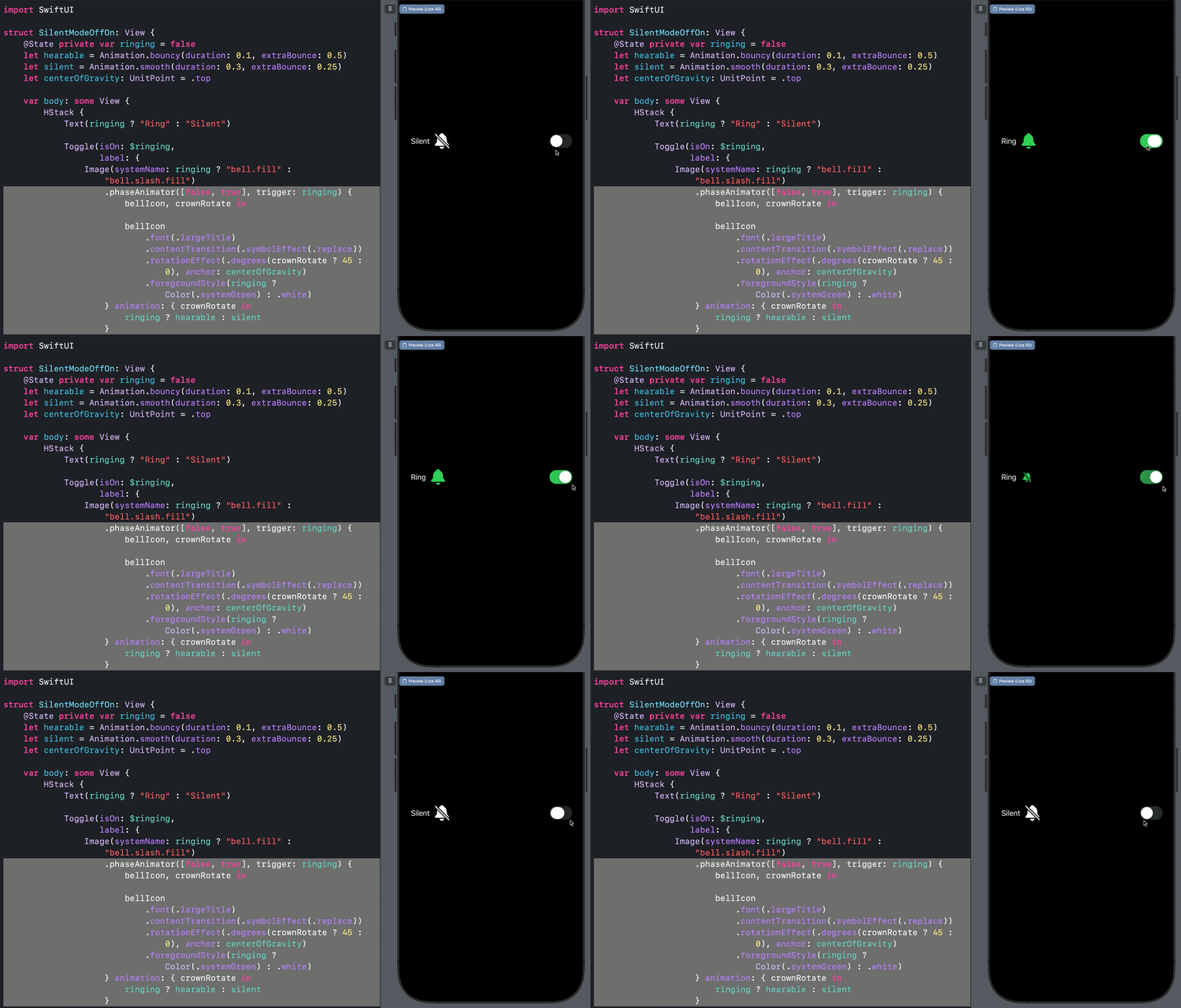
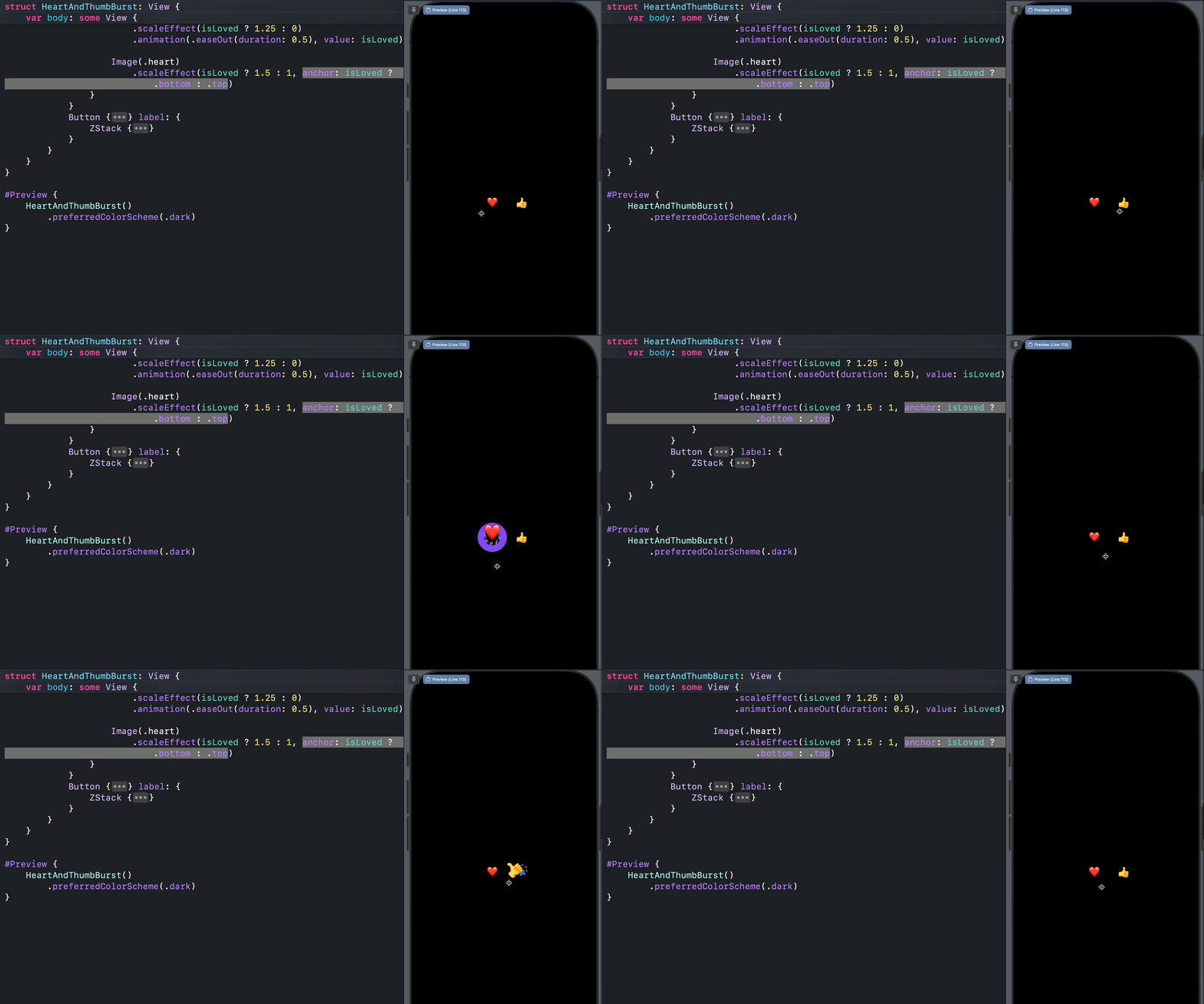
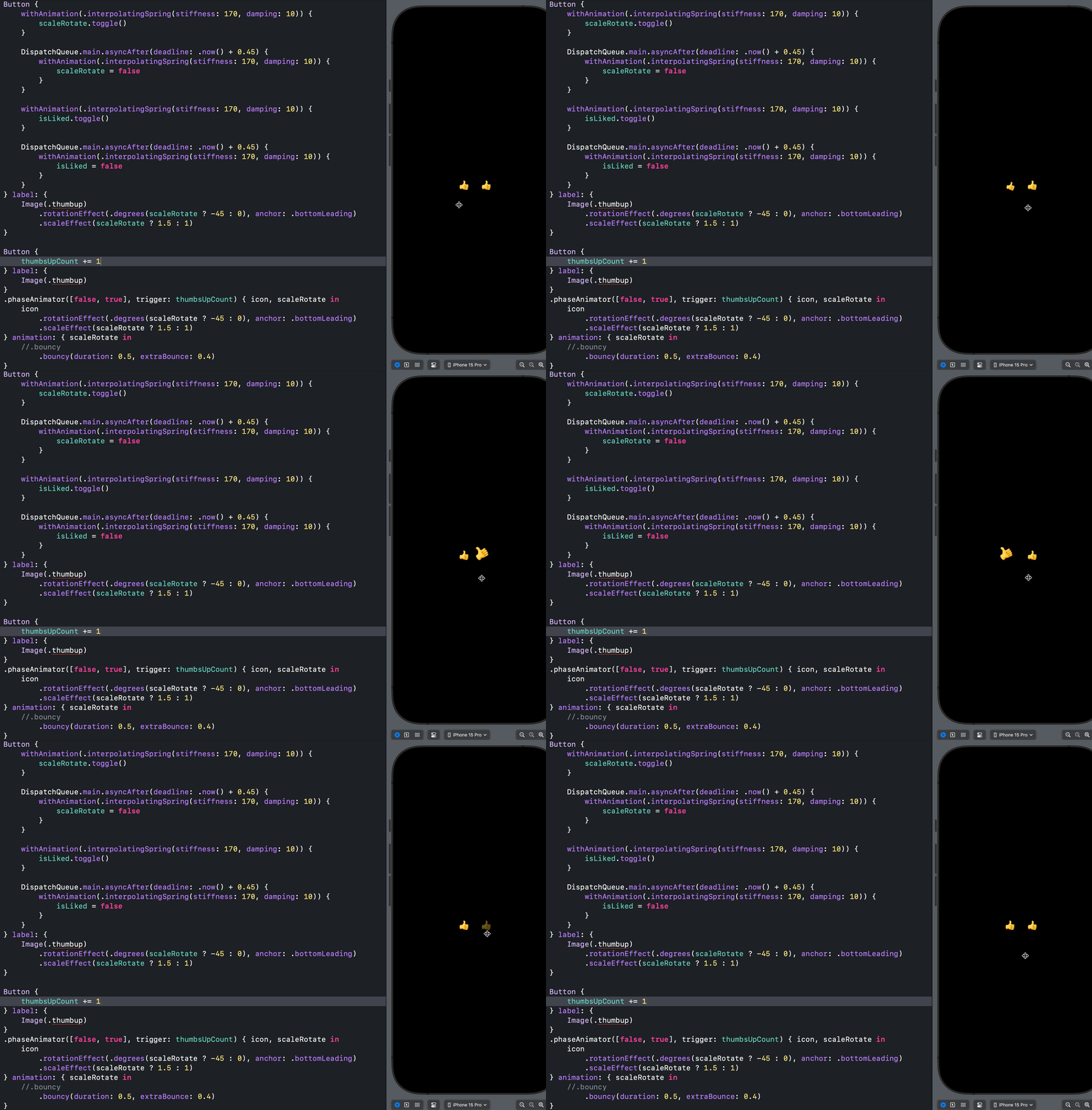
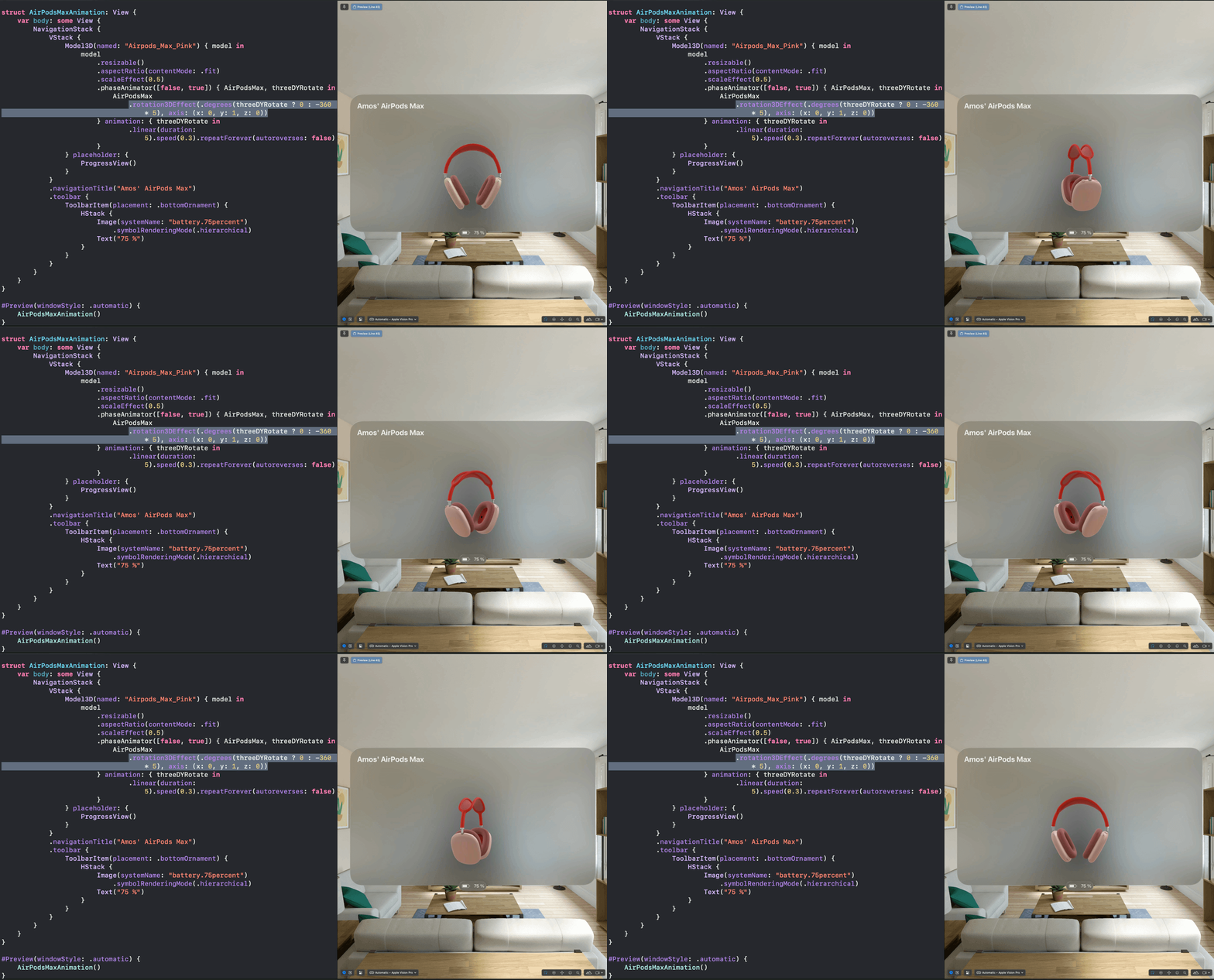
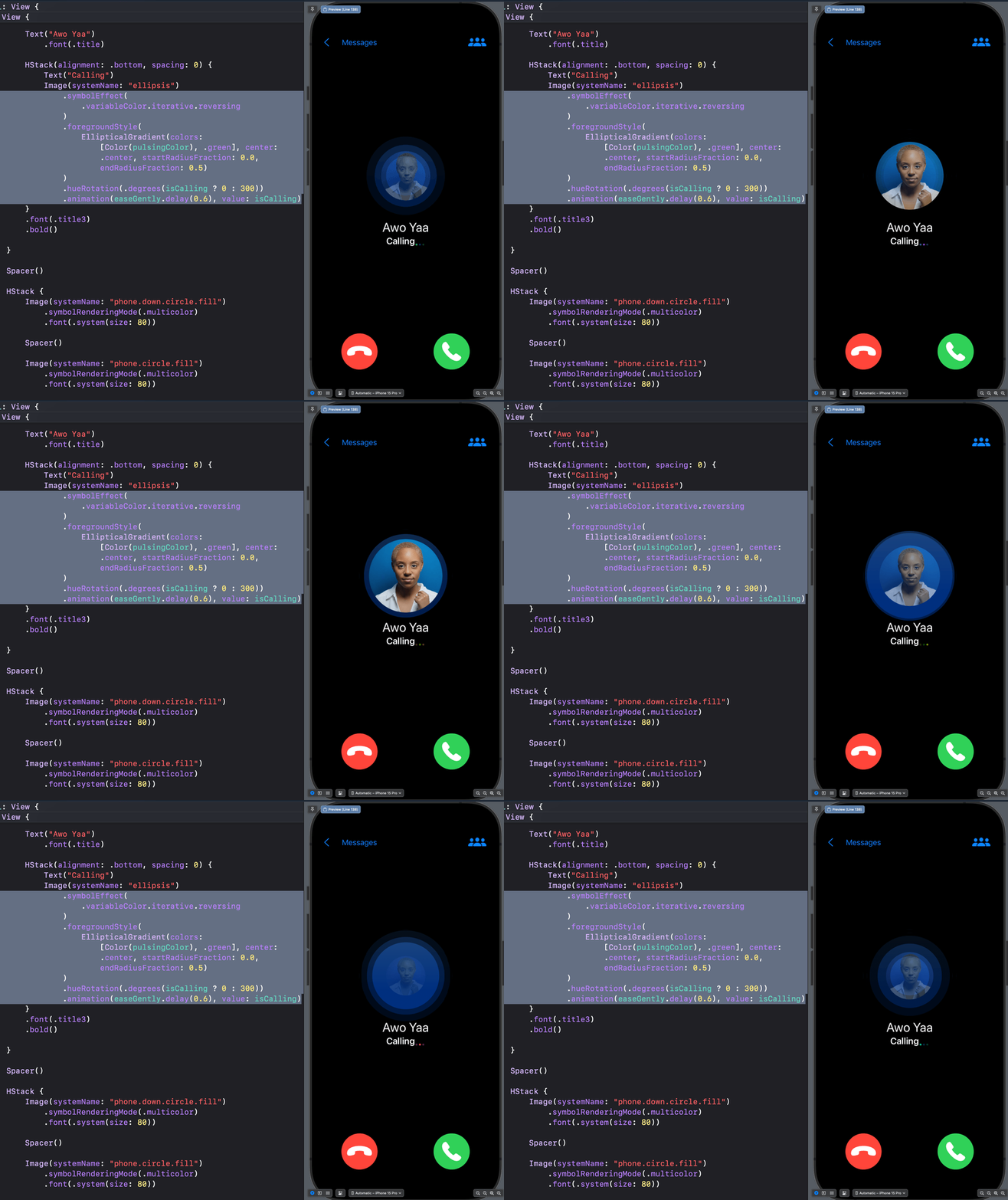
You don't need an animation library to add a simple effect to your SwiftUI app. Create it yourself with SwiftUI. This repo inspires you to add helpful and expressive SwiftUI animations like loading/progress, looping, on-off, enter, exit, fade, spin, and background animations to your next project. The repo also contains tremendous spring animations.
See the code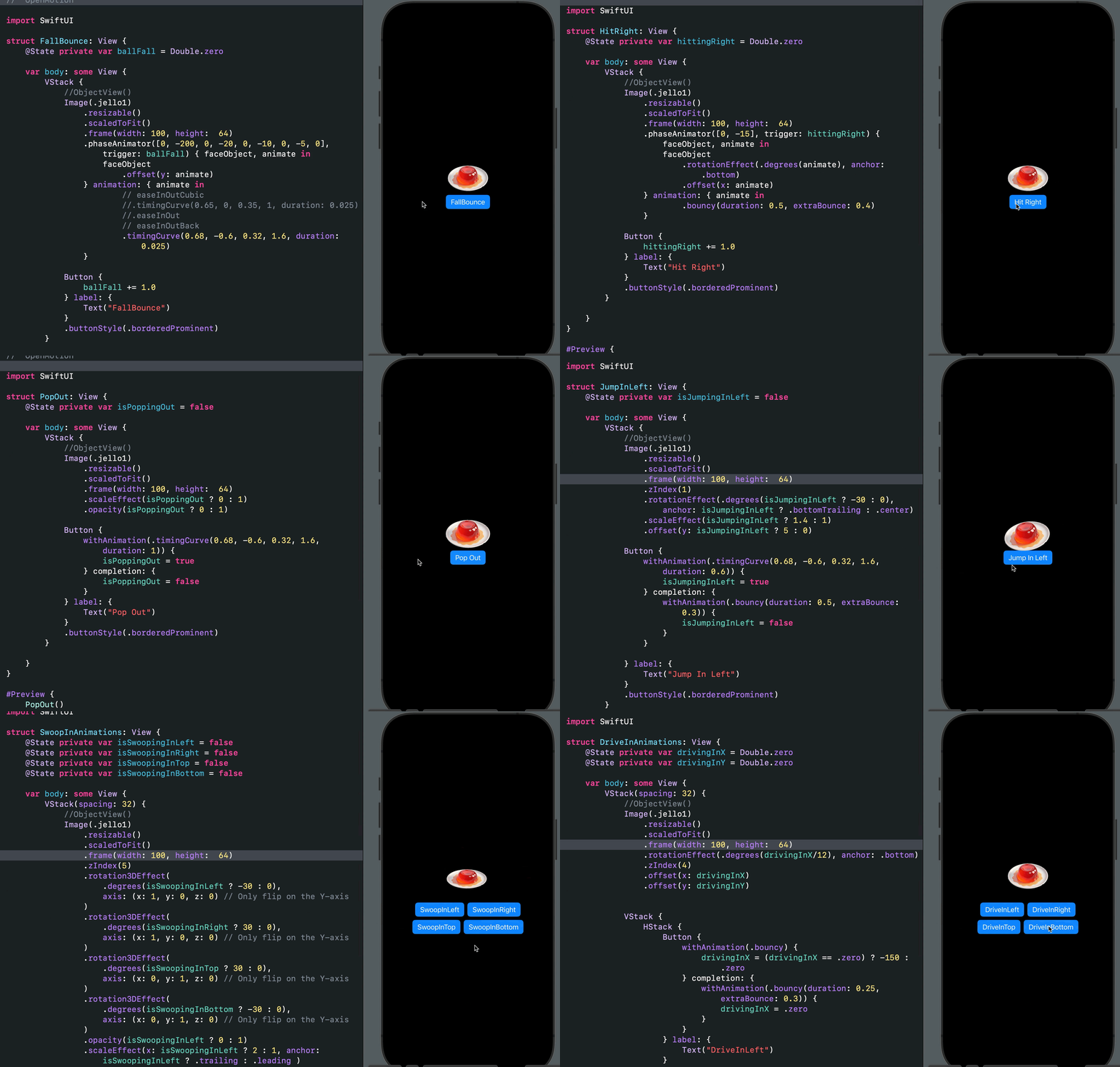
SwiftUI animation is compelling and superb. With minimal effort, you can add incredible effects and beautiful animations to your apps. Why use an animation library instead of creating these tiny effects yourself? Get inspiration from here and start building your SwiftUI animations today. Most animations here are based on the animations section in the Apple Developer Documentation. Check out the Xcode project for examples of the new Phase Animator, Symbol Effects, Keyframe Animator, and Spring Animations for iOS 17 and beyond. Would you like to see an animation that is not here, or did you find an engaging one to add? Contact me on X: @amos_gyamfi or add it as a task in the project's backlog.
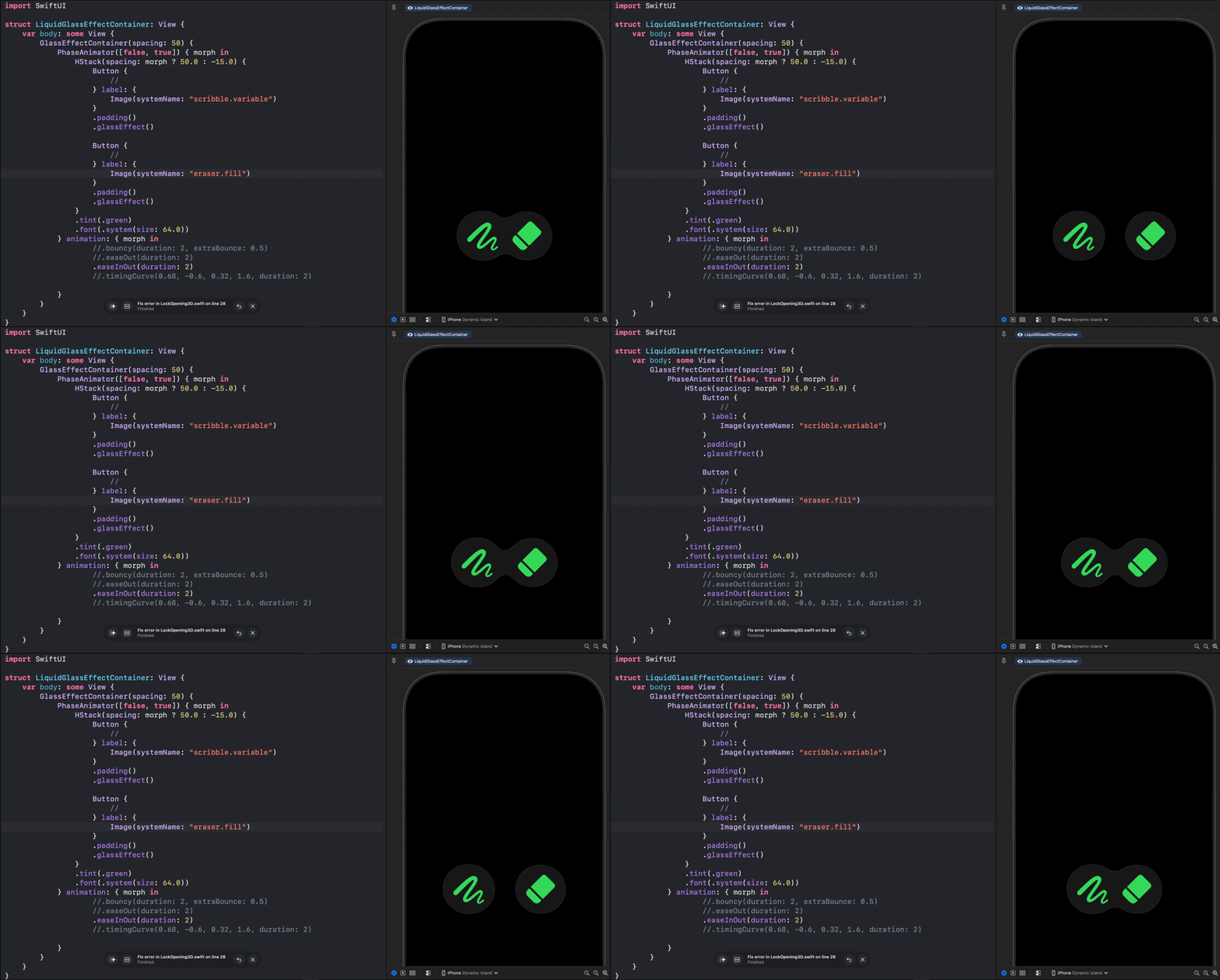
import SwiftUI

struct LiquidGlassEffectContainer: View {
    var body: some View {
        GlassEffectContainer(spacing: 50) {
            PhaseAnimator([false, true]) { morph in
                HStack(spacing: morph ? 50.0 : -15.0) {
                    Button {
                        //
                    } label: {
                        Image(systemName: "scribble.variable")
                    }
                    .padding()
                    .glassEffect()

                    Button {
                        //
                    } label: {
                        Image(systemName: "eraser.fill")
                    }
                    .padding()
                    .glassEffect()
                }
                .tint(.green)
                .font(.system(size: 64.0))
            } animation: { morph in
                    //.bouncy(duration: 2, extraBounce: 0.5)
                    //.easeOut(duration: 2)
                    .easeInOut(duration: 2)
                    //.timingCurve(0.68, -0.6, 0.32, 1.6, duration: 2)

            }
        }
    }
}

#Preview {
    LiquidGlassEffectContainer()
        .preferredColorScheme(.dark)
}

1,852 followers · starred Mar 2020
453 followers · starred Feb 2022
1,013 followers · starred Aug 2020
52 followers · starred Jul 2020
You don't need an animation library to add a simple effect to your SwiftUI app. Create it yourself with SwiftUI. This repo inspires you to add helpful and expressive SwiftUI animations like loading/progress, looping, on-off, enter, exit, fade, spin, and background animations to your next project. The repo also contains tremendous spring animations.
See the code
SwiftUI animation is compelling and superb. With minimal effort, you can add incredible effects and beautiful animations to your apps. Why use an animation library instead of creating these tiny effects yourself? Get inspiration from here and start building your SwiftUI animations today. Most animations here are based on the animations section in the Apple Developer Documentation. Check out the Xcode project for examples of the new Phase Animator, Symbol Effects, Keyframe Animator, and Spring Animations for iOS 17 and beyond. Would you like to see an animation that is not here, or did you find an engaging one to add? Contact me on X: @amos_gyamfi or add it as a task in the project's backlog.
import SwiftUI

struct LiquidGlassEffectContainer: View {
    var body: some View {
        GlassEffectContainer(spacing: 50) {
            PhaseAnimator([false, true]) { morph in
                HStack(spacing: morph ? 50.0 : -15.0) {
                    Button {
                        //
                    } label: {
                        Image(systemName: "scribble.variable")
                    }
                    .padding()
                    .glassEffect()

                    Button {
                        //
                    } label: {
                        Image(systemName: "eraser.fill")
                    }
                    .padding()
                    .glassEffect()
                }
                .tint(.green)
                .font(.system(size: 64.0))
            } animation: { morph in
                    //.bouncy(duration: 2, extraBounce: 0.5)
                    //.easeOut(duration: 2)
                    .easeInOut(duration: 2)
                    //.timingCurve(0.68, -0.6, 0.32, 1.6, duration: 2)

            }
        }
    }
}

#Preview {
    LiquidGlassEffectContainer()
        .preferredColorScheme(.dark)
}
1,852 followers · starred Mar 2020
453 followers · starred Feb 2022
1,013 followers · starred Aug 2020
52 followers · starred Jul 2020