SwiftUI Package for Configurable Confetti Animation 🎉
Swift
2,464
51 commits
updated Jan 5, 2026

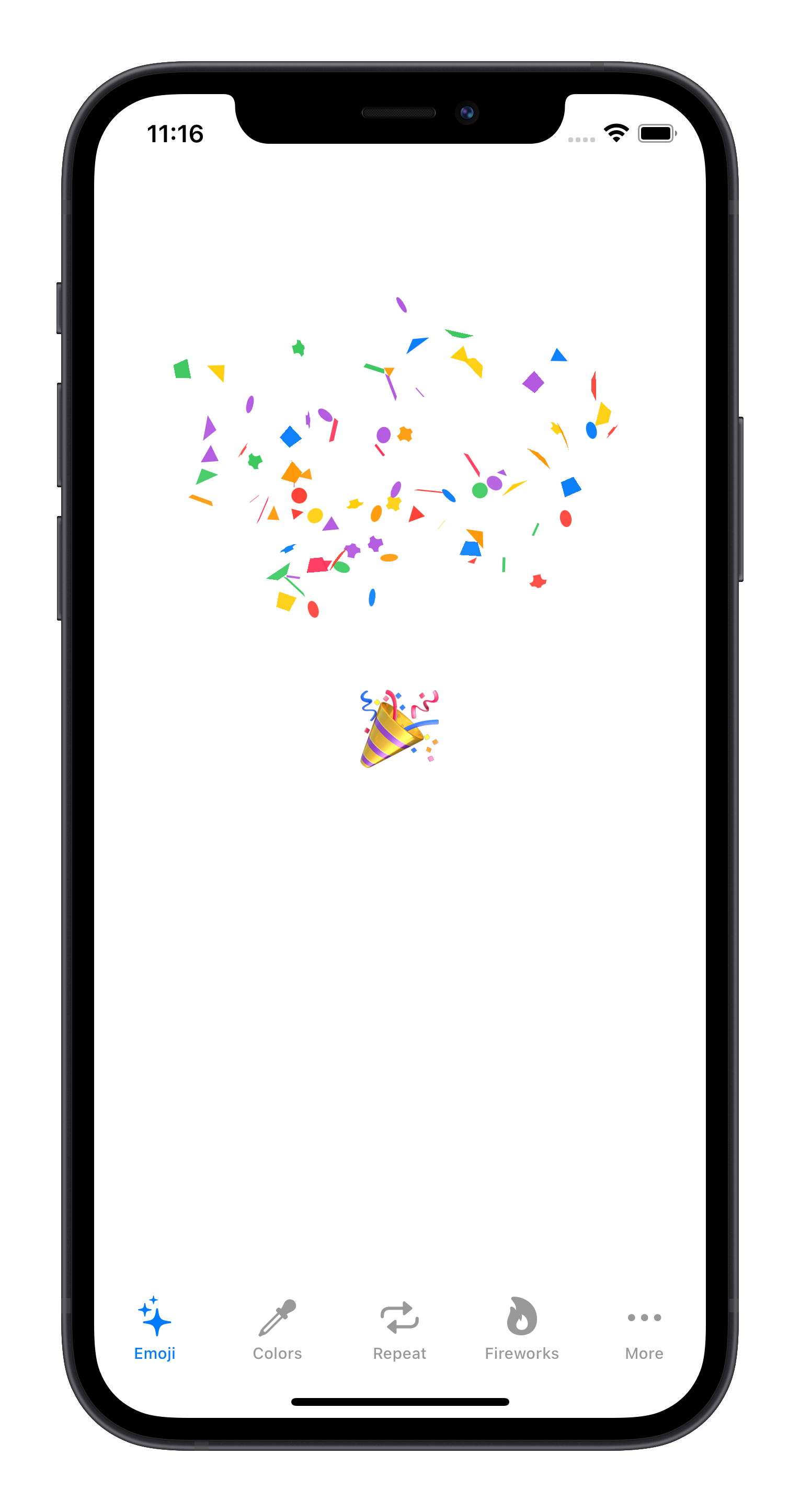
Customize confetti animations.
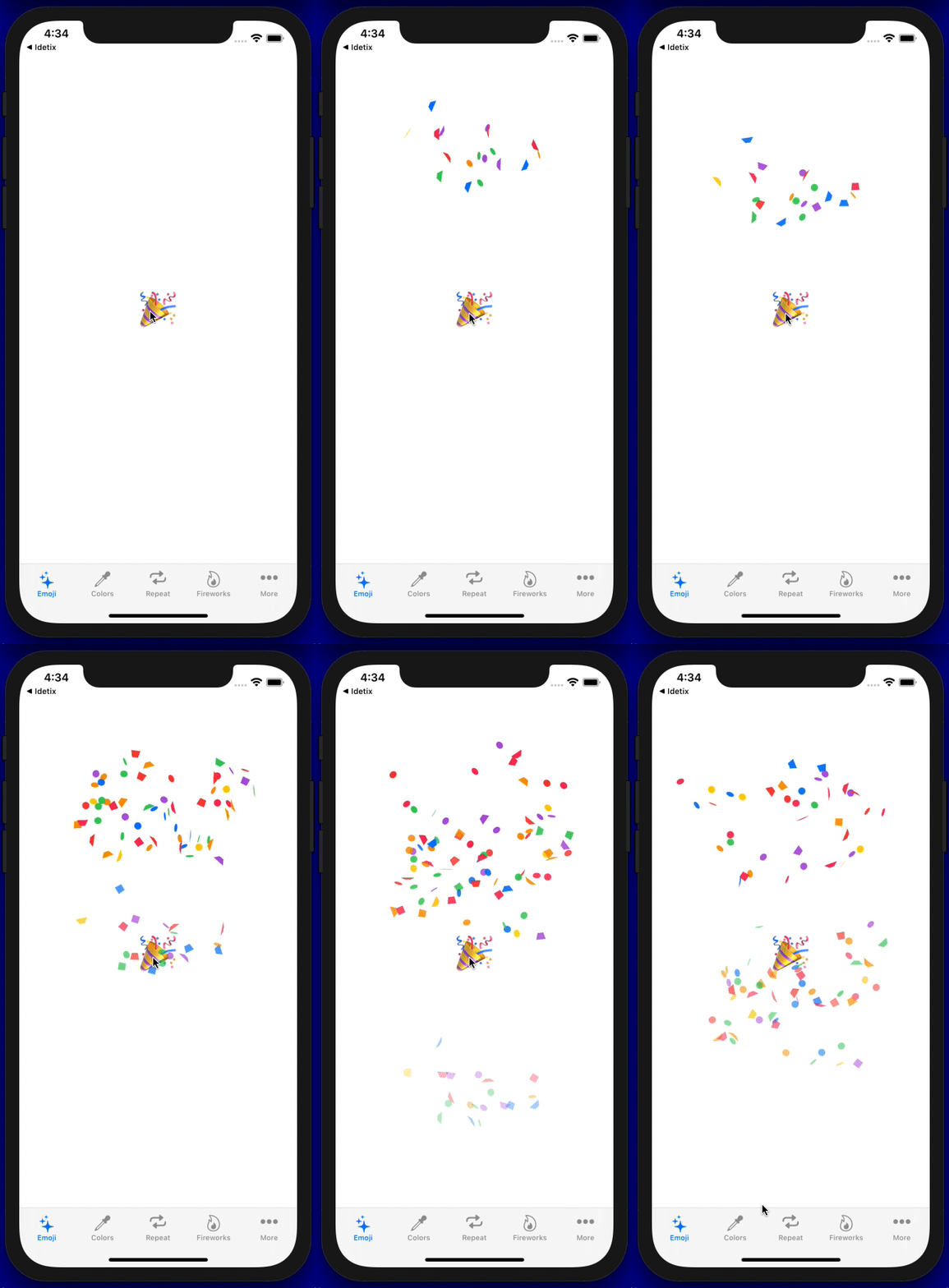
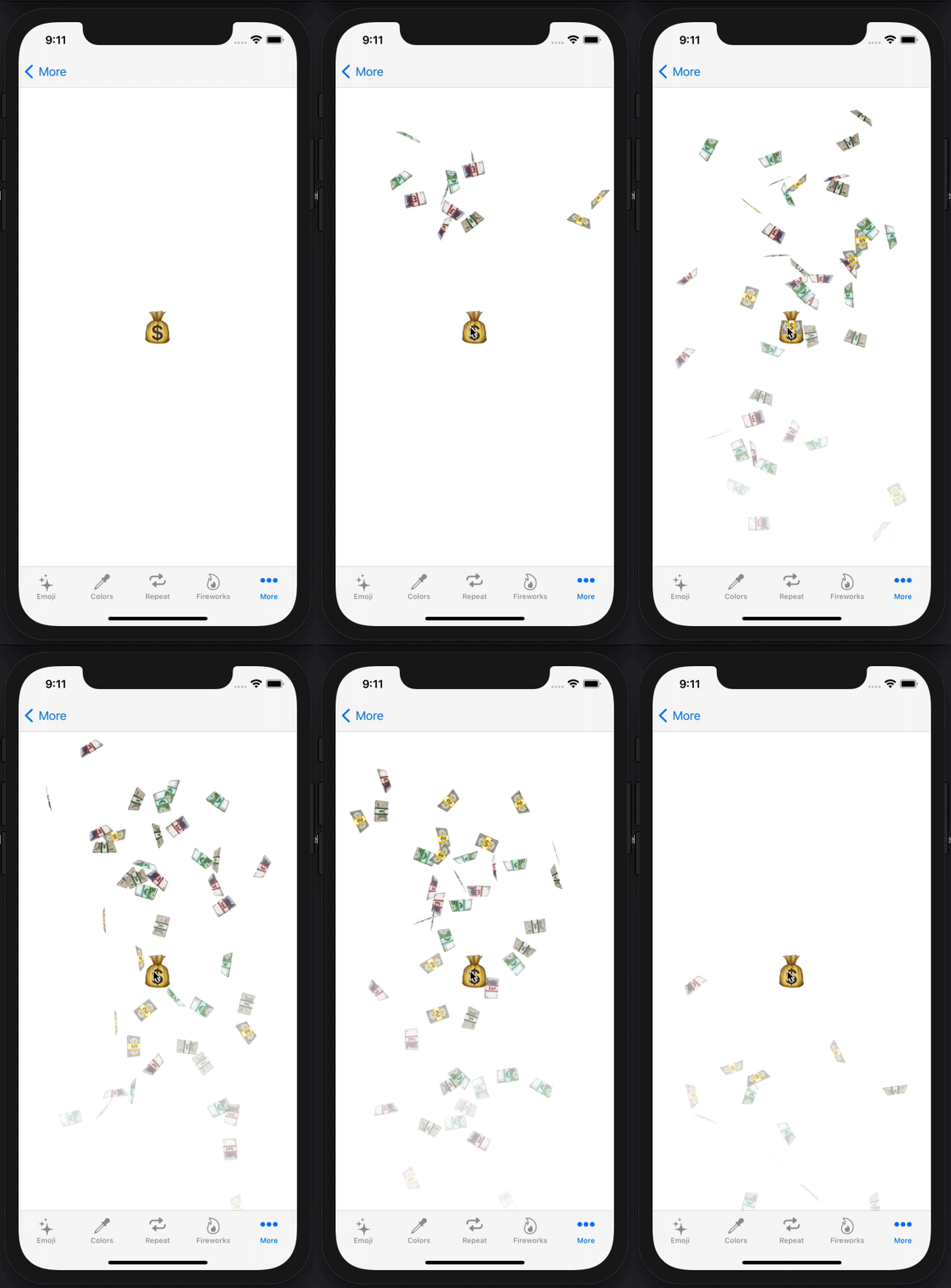
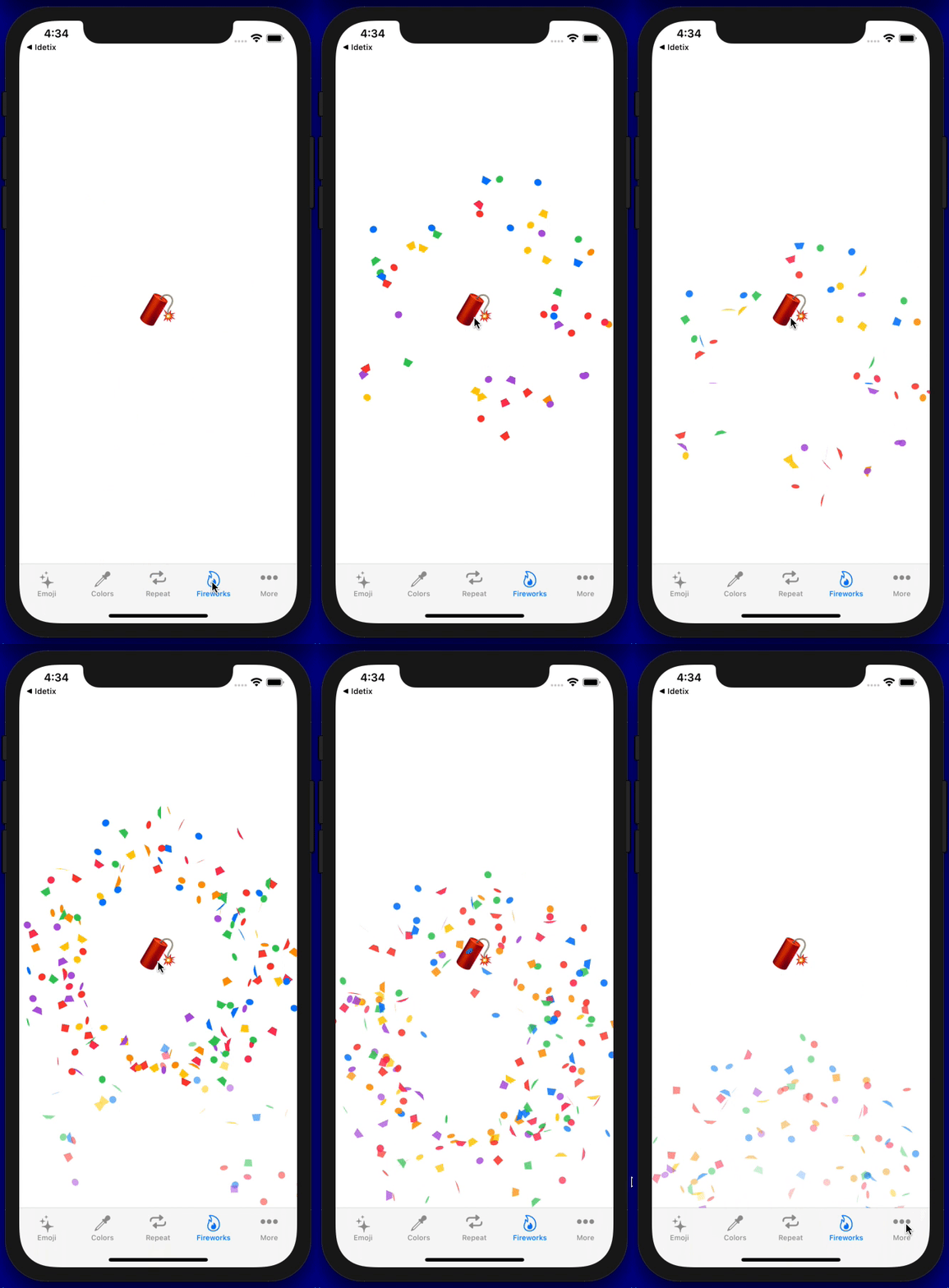
The Swift Package Manager is a tool for managing the distribution of Swift code. It’s integrated with the Swift build system to automate the process of downloading, compiling, and linking dependencies.
To integrate ConfettiSwiftUI into your Xcode project using Xcode 12, specify it in File > Swift Packages > Add Package Dependency...:
https://github.com/simibac/ConfettiSwiftUI.git, :branch="master"
If you prefer not to use any of dependency managers, you can integrate ConfettiSwiftUI into your project manually. Put Sources/ConfettiSwiftUI folder in your Xcode project. Make sure to enable Copy items if needed and Create groups.
First, add import ConfettiSwiftUI on every swift file you would like to use ConfettiSwiftUI. Define a integer as a state varable which is responsible for triggering the animation. Any change to that variable will span a new animation (increment and decrement).
import ConfettiSwiftUI
import SwiftUI

struct ContentView: View {

    @State private var trigger: Int = 0

    var body: some View {
        Button("🎉") {
            trigger += 1
        }
        .confettiCannon(trigger: $trigger)
    }
}
| parameter | type | description | default |
|---|---|---|---|
| trigger | Binding | on any change of this variable triggers the animation | 0 |
| num | Int | amount of confettis | 20 |
| confettis | [ConfettiType] | list of shapes and text | [.shape(.circle), .shape(.triangle), .shape(.square), .shape(.slimRectangle), .shape(.roundedCross)] |
| colors | [Color] | list of colors applied to the default shapes | [.blue, .red, .green, .yellow, .pink, .purple, .orange] |
| confettiSize | CGFloat | size that confettis and emojis are scaled to | 10.0 |
| rainHeight | CGFloat | vertical distance that confettis pass | 600.0 |
| fadesOut | Bool | size that confettis and emojis are scaled to | true |
| opacity | Double | maximum opacity during the animation | 1.0 |
| openingAngle | Angle | boundary that defines the opening angle in degrees | Angle.degrees(60) |
| closingAngle | Angle | boundary that defines the closing angle in degrees | Angle.degrees(120) |
| radius | CGFloat | explosion radius | 300.0 |
| repetitions | Int | number of repetitions for the explosion | 1 |
| repetitionInterval | Double | duration between the repetitions | 1.0 |
| hapticFeedback | Bool | haptic feedback on each confetti explosion | true |
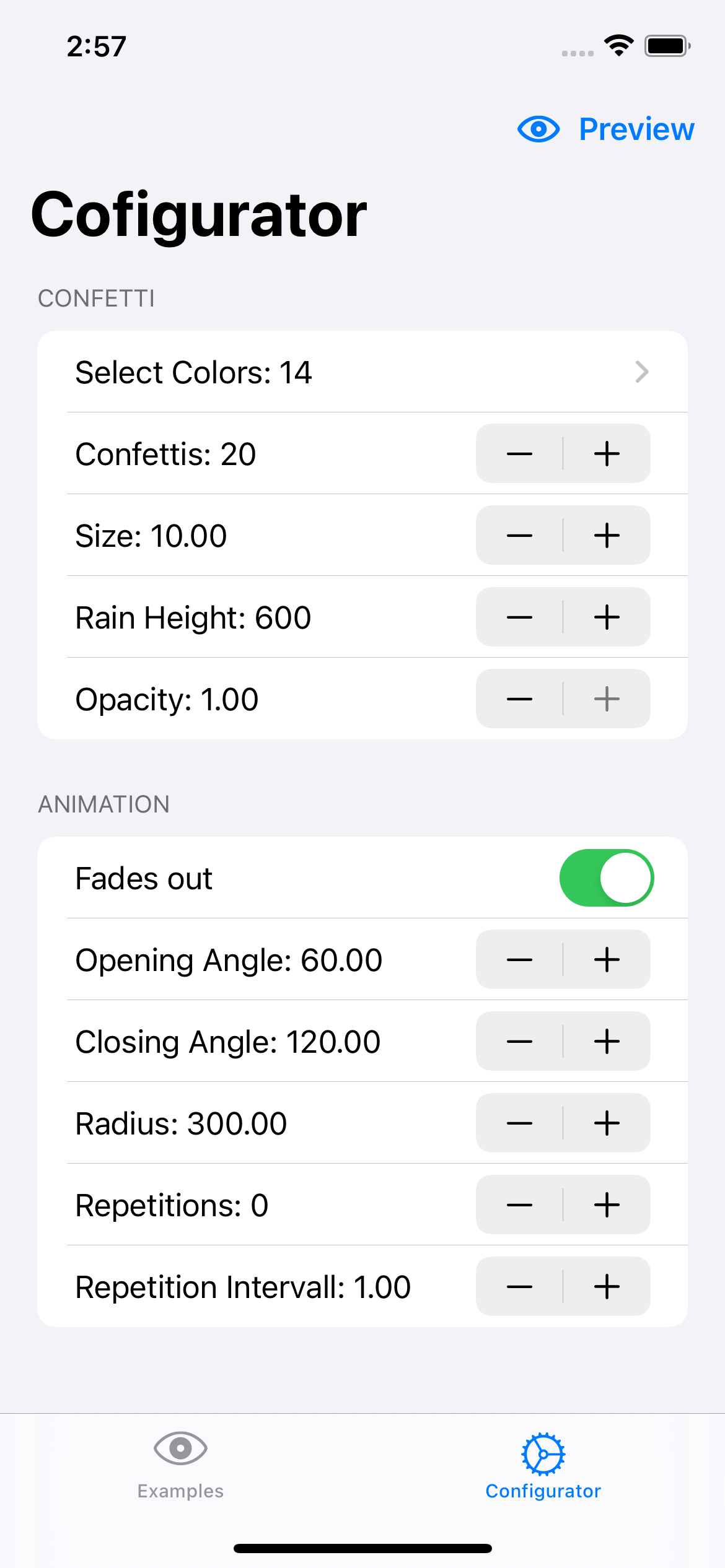
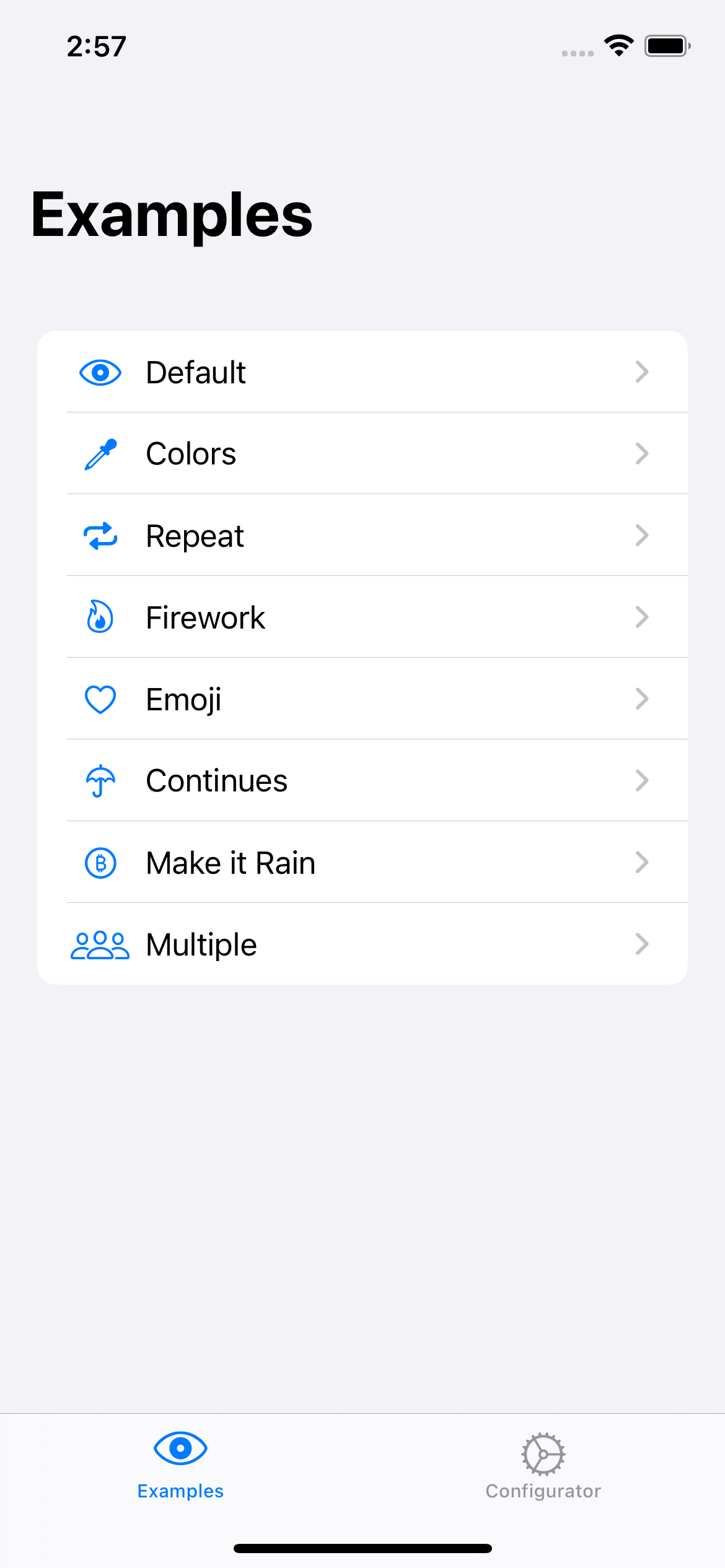
You can use the configurator app in demo project here to configure your desired animation or get inspired by one of the many examples.
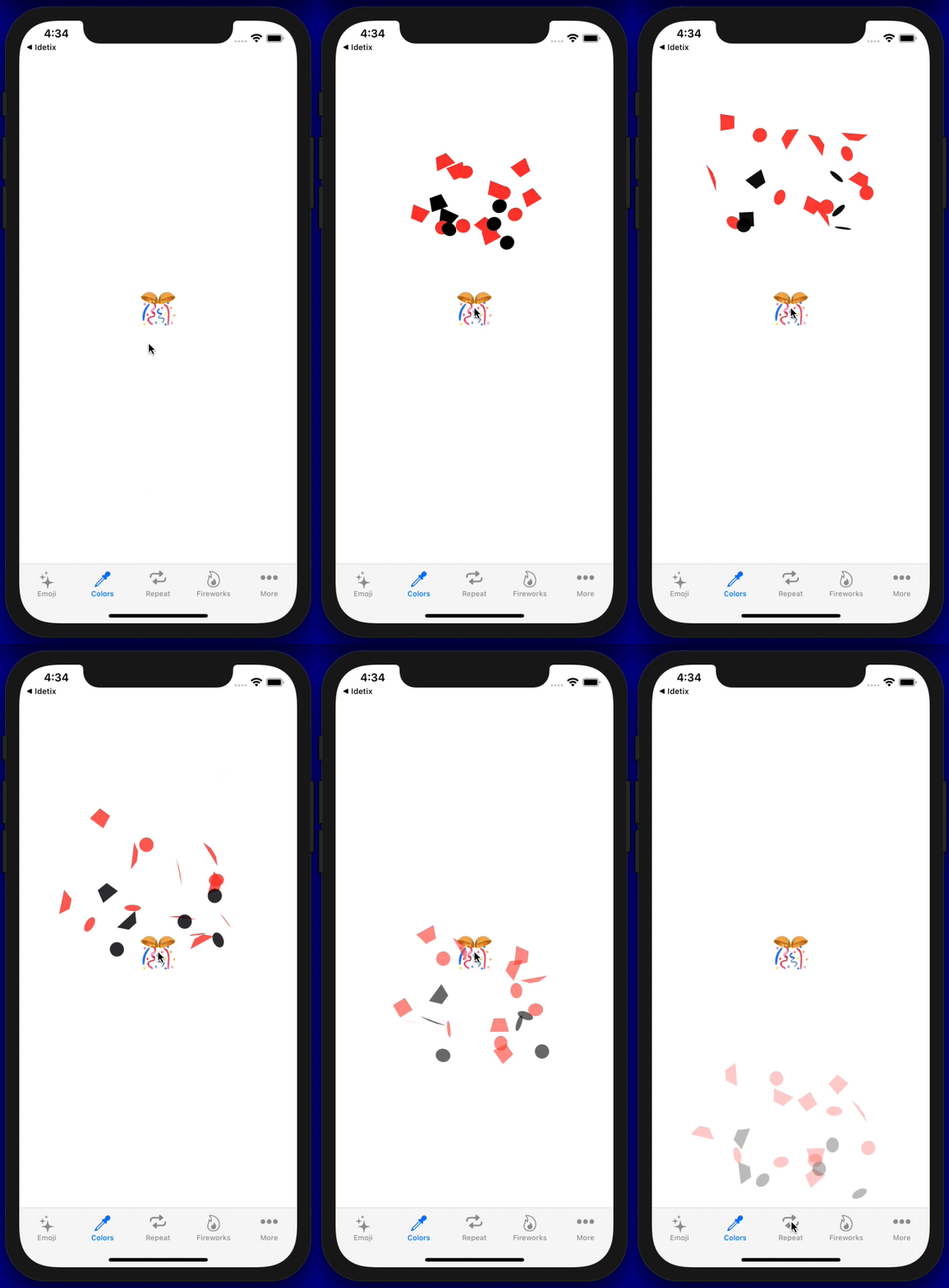
.confettiCannon(trigger: $trigger, colors: [.red, .black], confettiSize: 20)
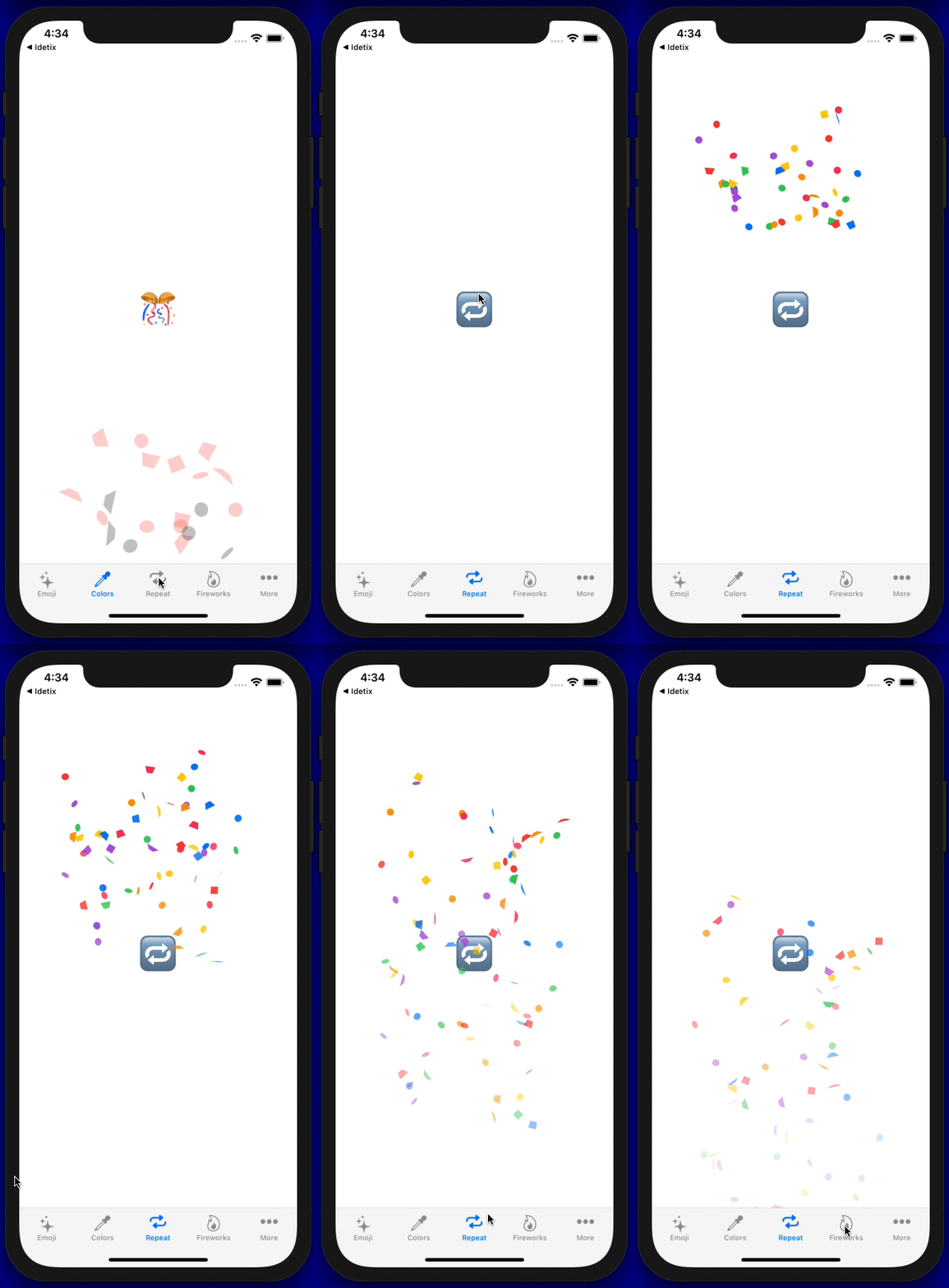
.confettiCannon(trigger: $trigger, repetitions: 3, repetitionInterval: 0.7)
.confettiCannon(trigger: $trigger, num: 50, openingAngle: Angle(degrees: 0), closingAngle: Angle(degrees: 360), radius: 200)
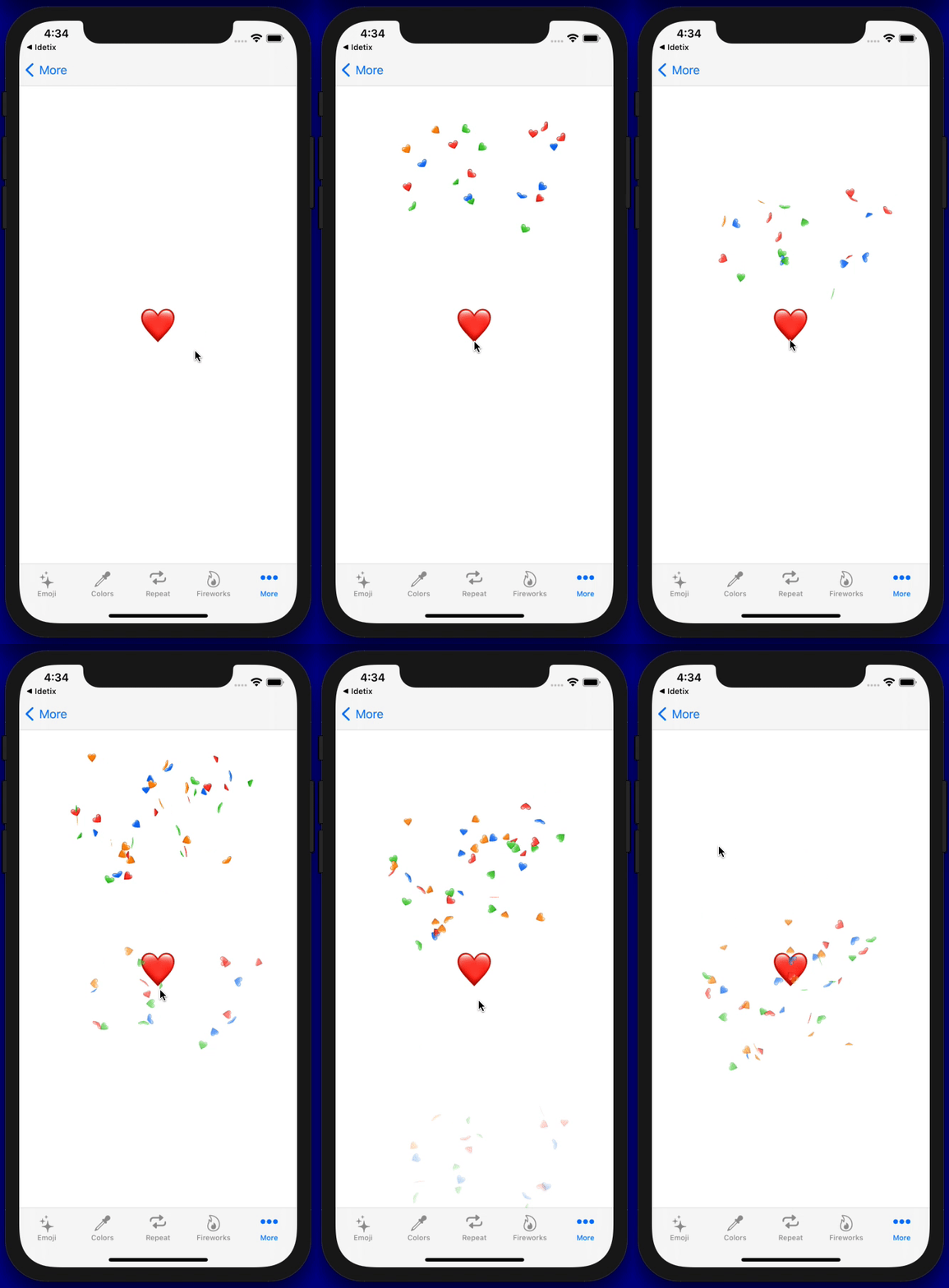
.confettiCannon(trigger: $trigger, confettis: [.text("❤️"), .text("💙"), .text("💚"), .text("🧡")])
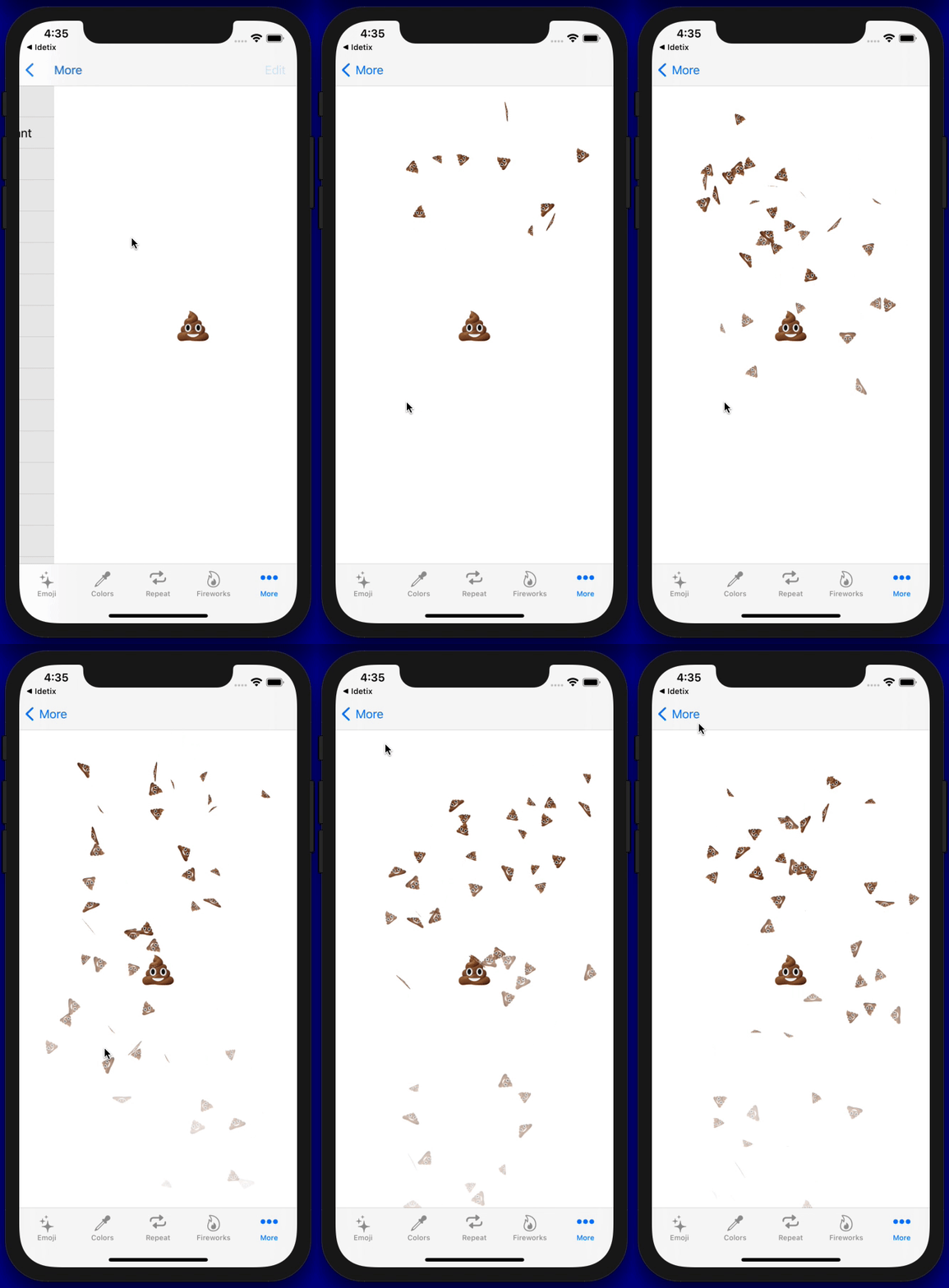
.confettiCannon(trigger: $trigger, num:1, confettis: [.text("💩")], confettiSize: 20, repetitions: 100, repetitionInterval: 0.1)
.confettiCannon(trigger: $trigger, num:1, confettis: [.text("💵"), .text("💶"), .text("💷"), .text("💴")], confettiSize: 30, repetitions: 50, repetitionInterval: 0.1)
.confettiCannon(trigger: $trigger8, confettis: [.image("arb"), .image("eth"), .image("btc"), .image("op"), .image("link"), .image("doge")], confettiSize: 20)
All issue reports, feature requests, pull requests and GitHub stars are welcomed and much appreciated.
If you like the project, don't forget to put star 🌟.

ConfettiSwiftUI is available under the MIT license. See the LICENSE file for more info.
The following projects have integrated ConfettiSwiftUI in their App.
9,435 followers · starred Jan 2026
421 followers · starred May 2023
40,758 followers · starred Feb 2025
343 followers · starred Nov 2023
SwiftUI Package for Configurable Confetti Animation 🎉
Swift
2,464
51 commits
updated Jan 5, 2026
Customize confetti animations.
The Swift Package Manager is a tool for managing the distribution of Swift code. It’s integrated with the Swift build system to automate the process of downloading, compiling, and linking dependencies.
To integrate ConfettiSwiftUI into your Xcode project using Xcode 12, specify it in File > Swift Packages > Add Package Dependency...:
https://github.com/simibac/ConfettiSwiftUI.git, :branch="master"
If you prefer not to use any of dependency managers, you can integrate ConfettiSwiftUI into your project manually. Put Sources/ConfettiSwiftUI folder in your Xcode project. Make sure to enable Copy items if needed and Create groups.
First, add import ConfettiSwiftUI on every swift file you would like to use ConfettiSwiftUI. Define a integer as a state varable which is responsible for triggering the animation. Any change to that variable will span a new animation (increment and decrement).
import ConfettiSwiftUI
import SwiftUI

struct ContentView: View {

    @State private var trigger: Int = 0

    var body: some View {
        Button("🎉") {
            trigger += 1
        }
        .confettiCannon(trigger: $trigger)
    }
}
| parameter | type | description | default |
|---|---|---|---|
| trigger | Binding | on any change of this variable triggers the animation | 0 |
| num | Int | amount of confettis | 20 |
| confettis | [ConfettiType] | list of shapes and text | [.shape(.circle), .shape(.triangle), .shape(.square), .shape(.slimRectangle), .shape(.roundedCross)] |
| colors | [Color] | list of colors applied to the default shapes | [.blue, .red, .green, .yellow, .pink, .purple, .orange] |
| confettiSize | CGFloat | size that confettis and emojis are scaled to | 10.0 |
| rainHeight | CGFloat | vertical distance that confettis pass | 600.0 |
| fadesOut | Bool | size that confettis and emojis are scaled to | true |
| opacity | Double | maximum opacity during the animation | 1.0 |
| openingAngle | Angle | boundary that defines the opening angle in degrees | Angle.degrees(60) |
| closingAngle | Angle | boundary that defines the closing angle in degrees | Angle.degrees(120) |
| radius | CGFloat | explosion radius | 300.0 |
| repetitions | Int | number of repetitions for the explosion | 1 |
| repetitionInterval | Double | duration between the repetitions | 1.0 |
| hapticFeedback | Bool | haptic feedback on each confetti explosion | true |
You can use the configurator app in demo project here to configure your desired animation or get inspired by one of the many examples.
.confettiCannon(trigger: $trigger, colors: [.red, .black], confettiSize: 20)
.confettiCannon(trigger: $trigger, repetitions: 3, repetitionInterval: 0.7)
.confettiCannon(trigger: $trigger, num: 50, openingAngle: Angle(degrees: 0), closingAngle: Angle(degrees: 360), radius: 200)
.confettiCannon(trigger: $trigger, confettis: [.text("❤️"), .text("💙"), .text("💚"), .text("🧡")])
.confettiCannon(trigger: $trigger, num:1, confettis: [.text("💩")], confettiSize: 20, repetitions: 100, repetitionInterval: 0.1)
.confettiCannon(trigger: $trigger, num:1, confettis: [.text("💵"), .text("💶"), .text("💷"), .text("💴")], confettiSize: 30, repetitions: 50, repetitionInterval: 0.1)
.confettiCannon(trigger: $trigger8, confettis: [.image("arb"), .image("eth"), .image("btc"), .image("op"), .image("link"), .image("doge")], confettiSize: 20)
All issue reports, feature requests, pull requests and GitHub stars are welcomed and much appreciated.
If you like the project, don't forget to put star 🌟.
ConfettiSwiftUI is available under the MIT license. See the LICENSE file for more info.
The following projects have integrated ConfettiSwiftUI in their App.
9,435 followers · starred Jan 2026
421 followers · starred May 2023
40,758 followers · starred Feb 2025
343 followers · starred Nov 2023





