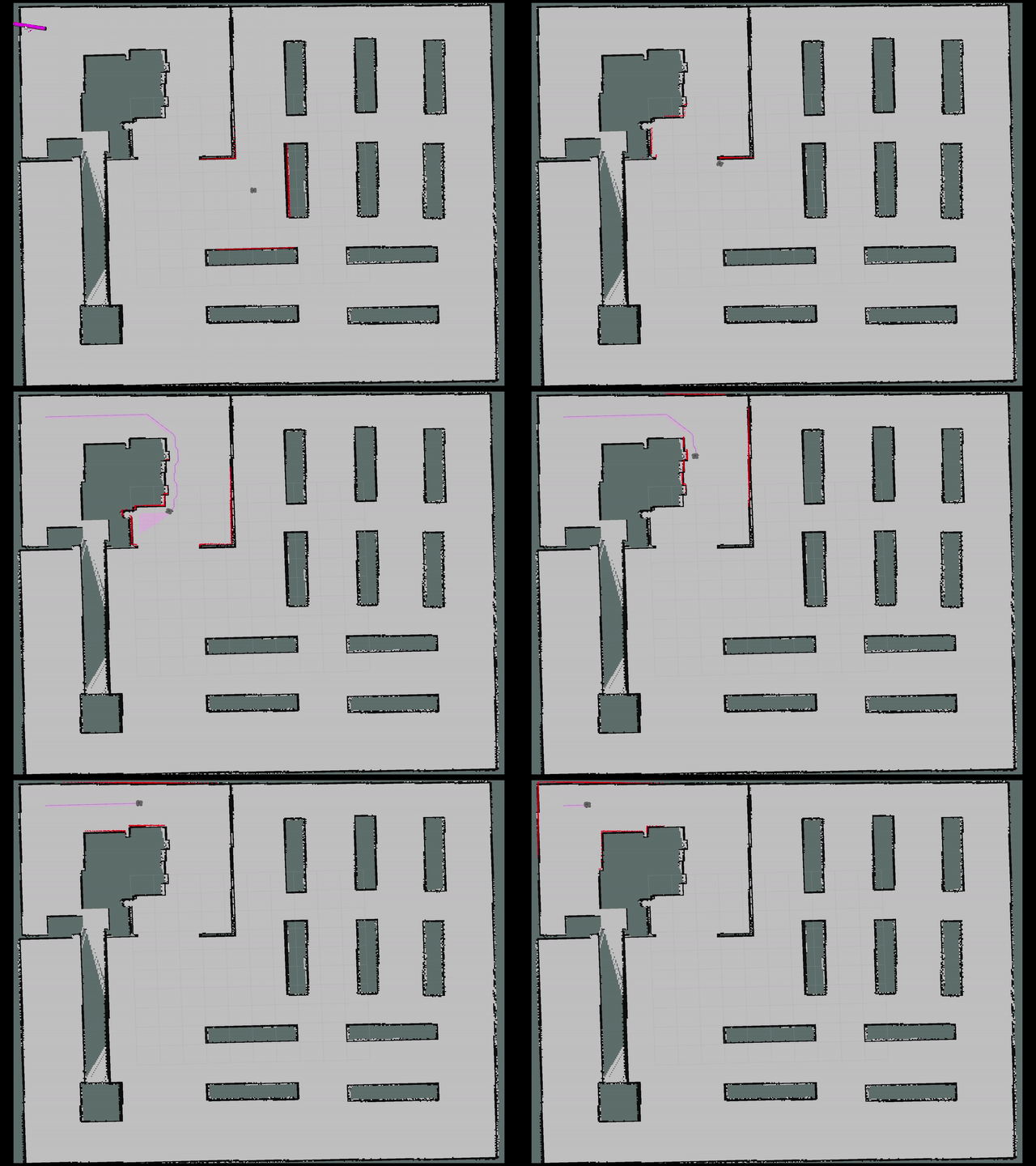
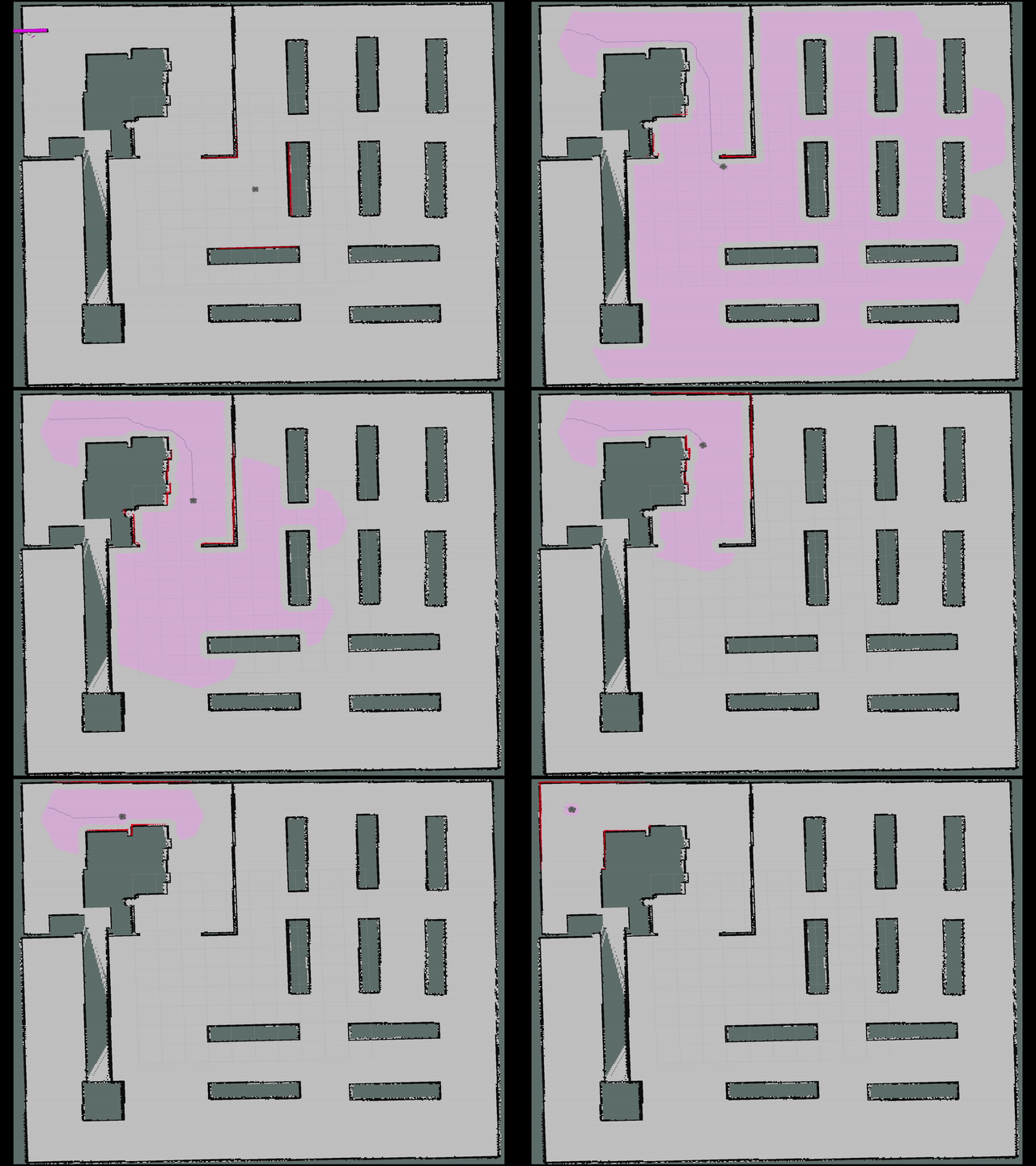
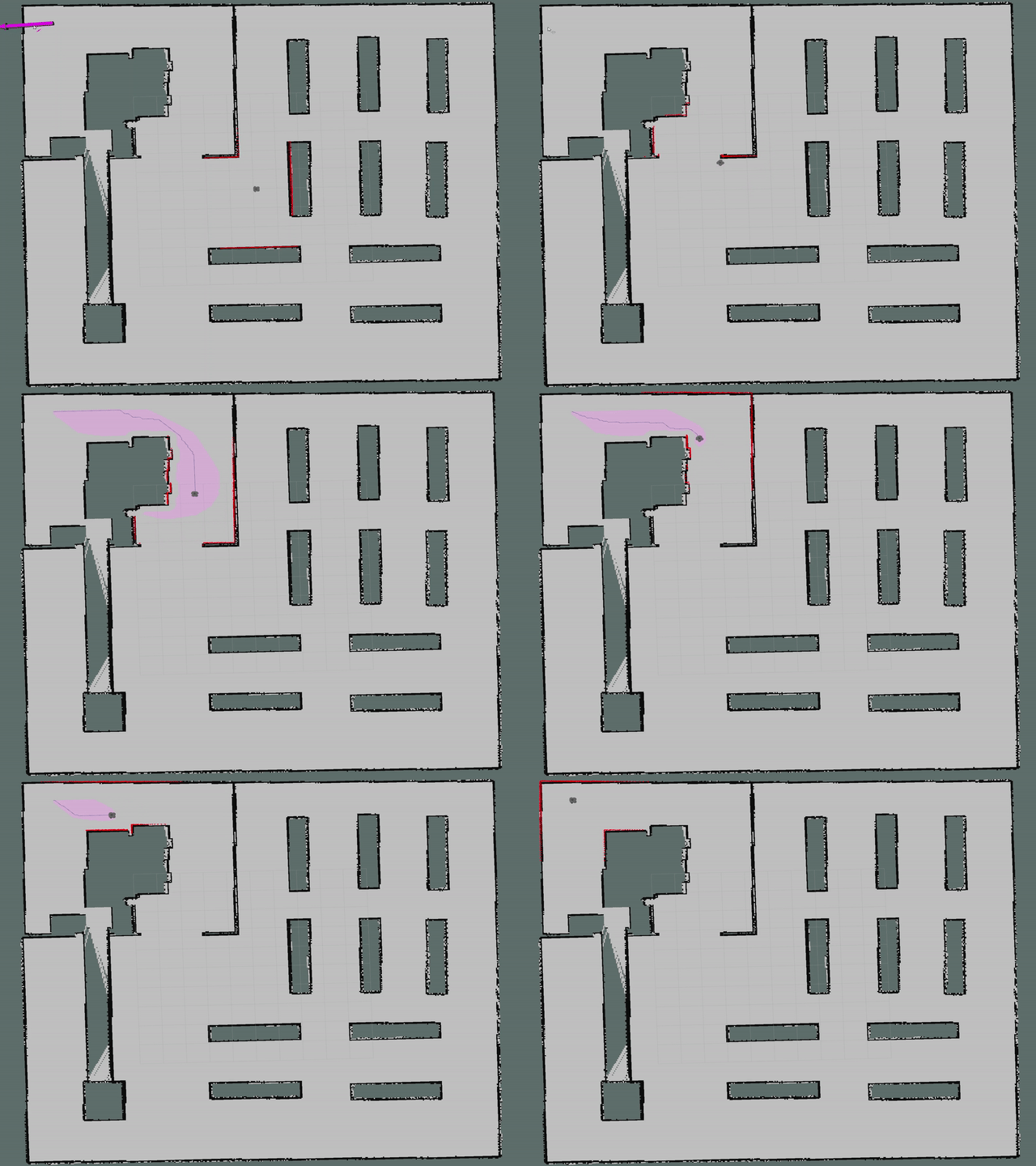
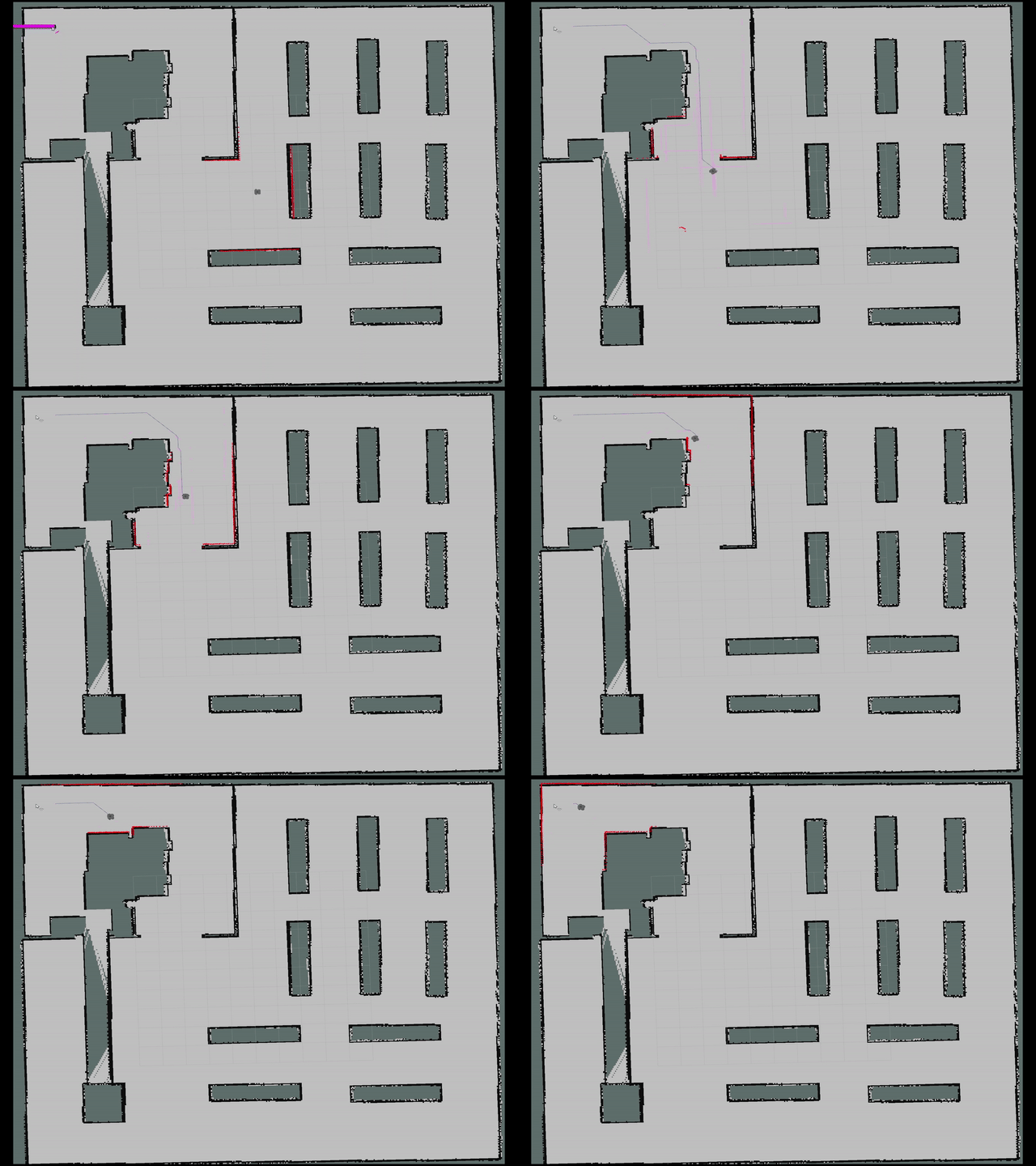
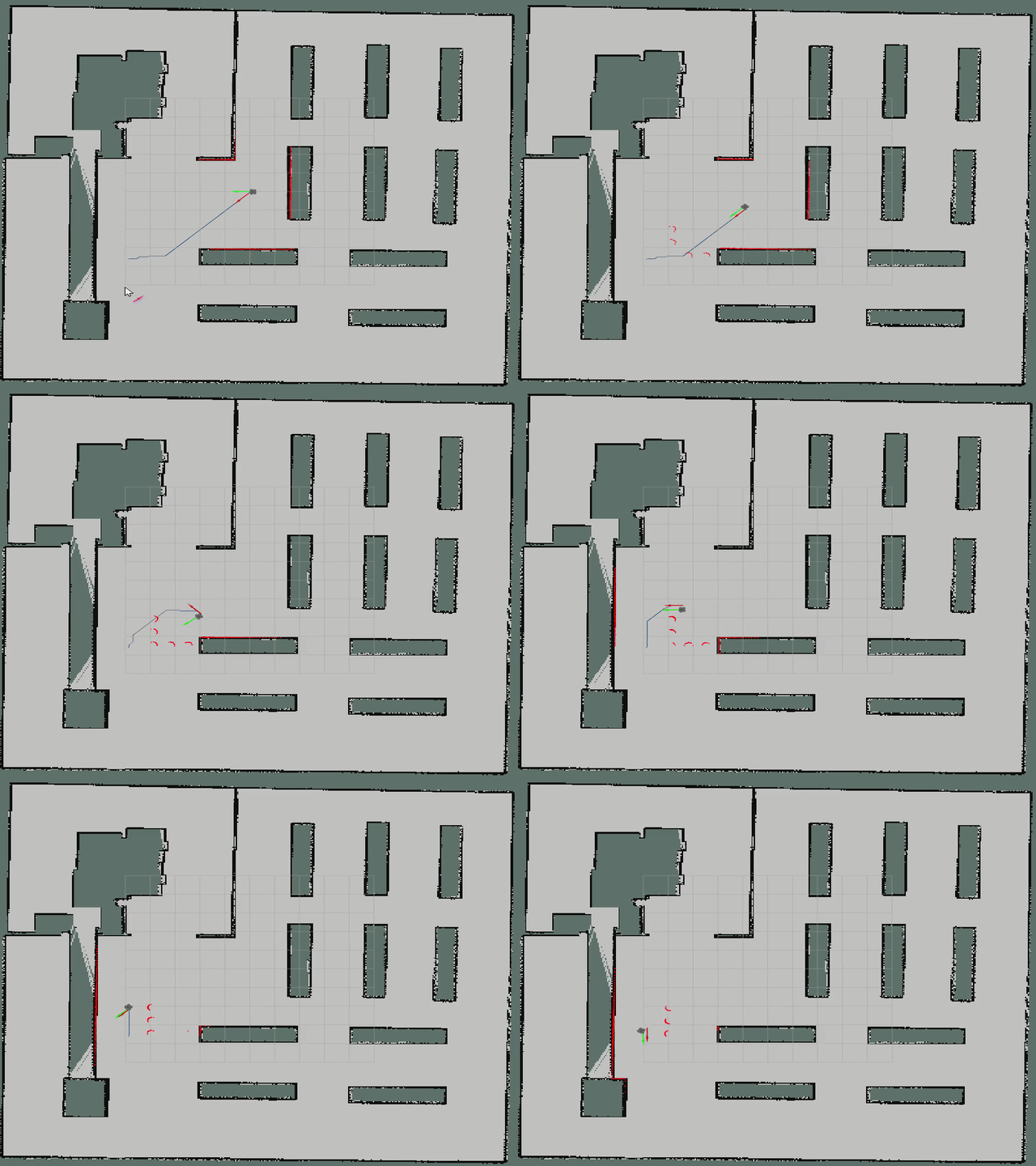
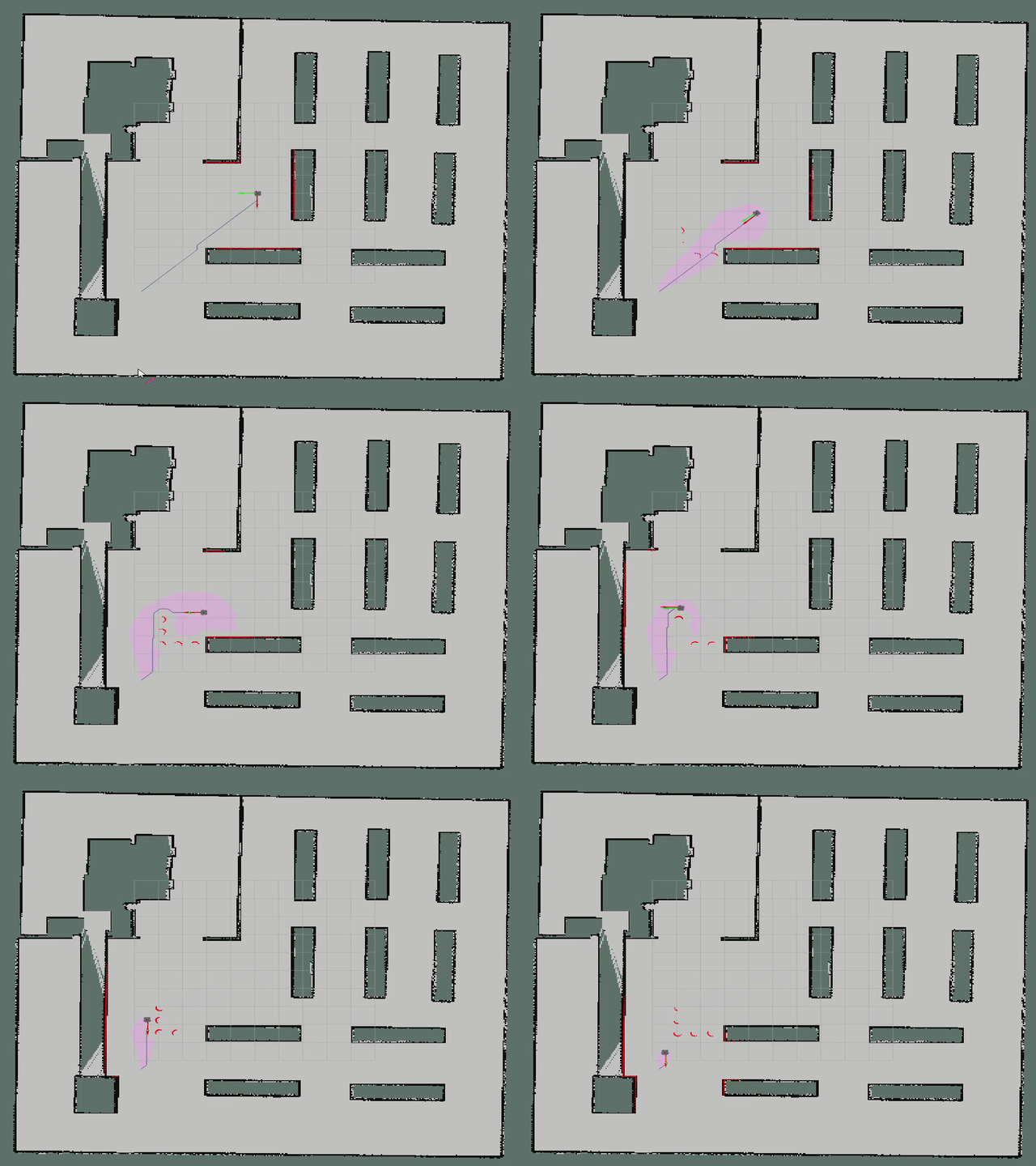
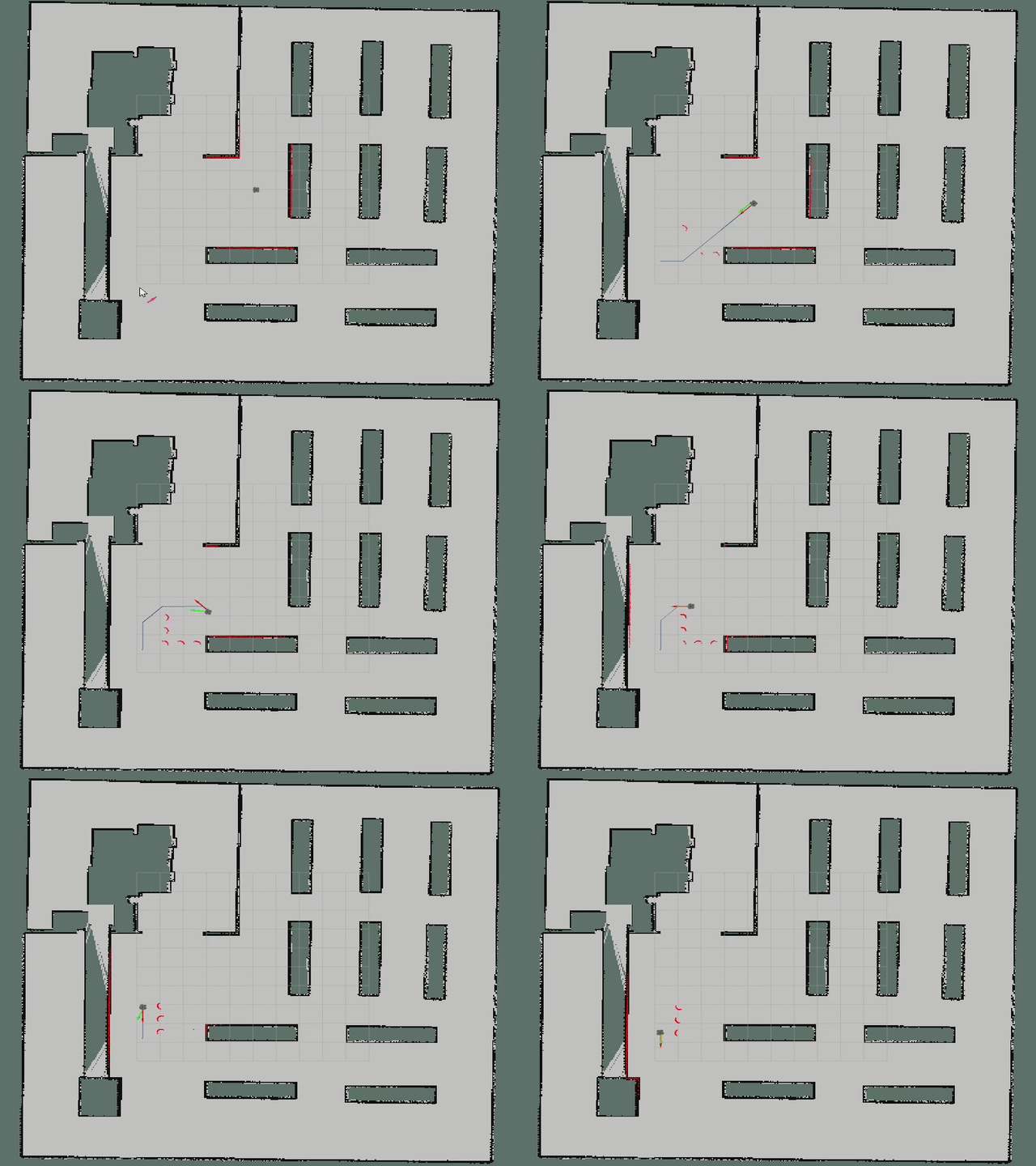
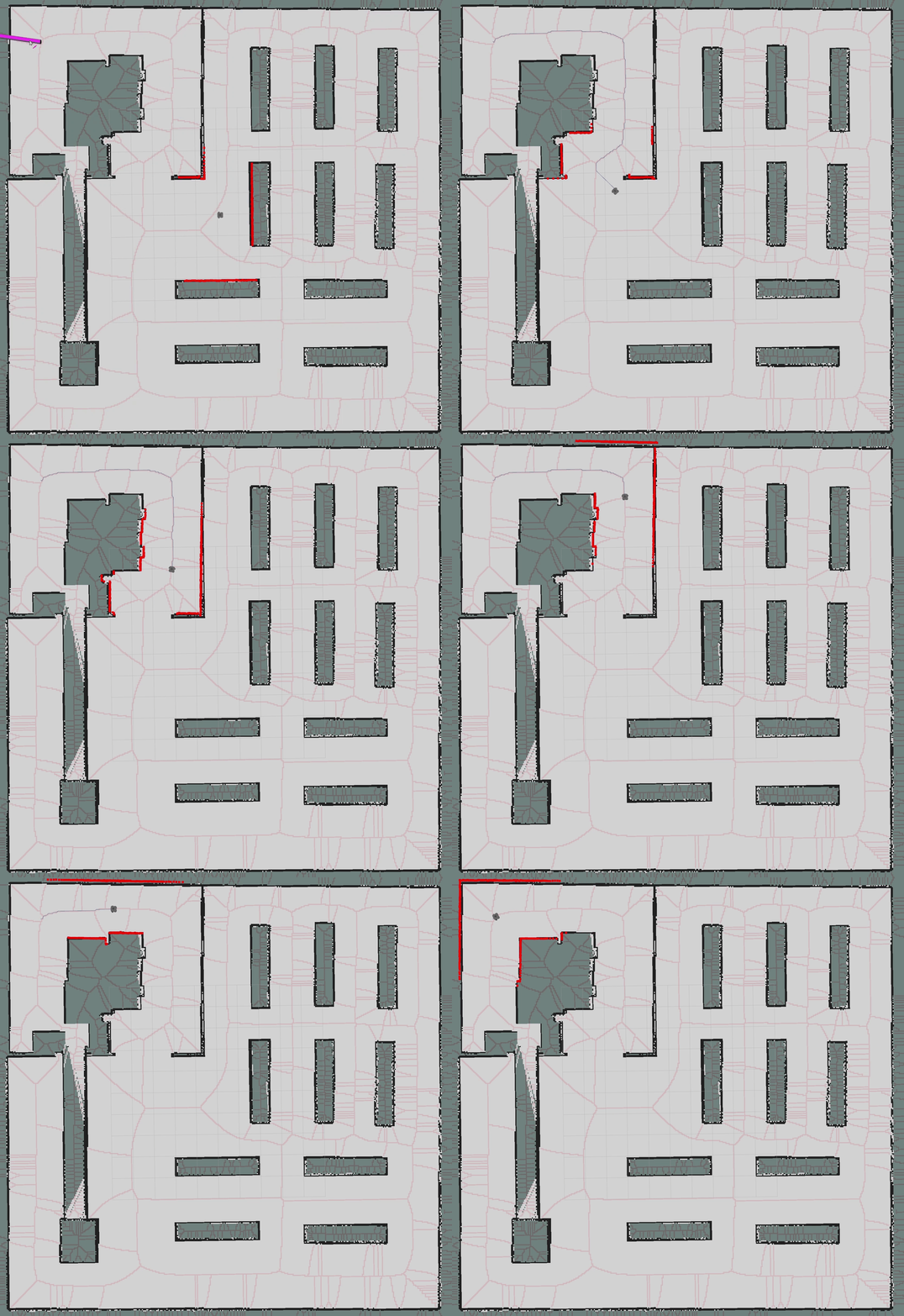
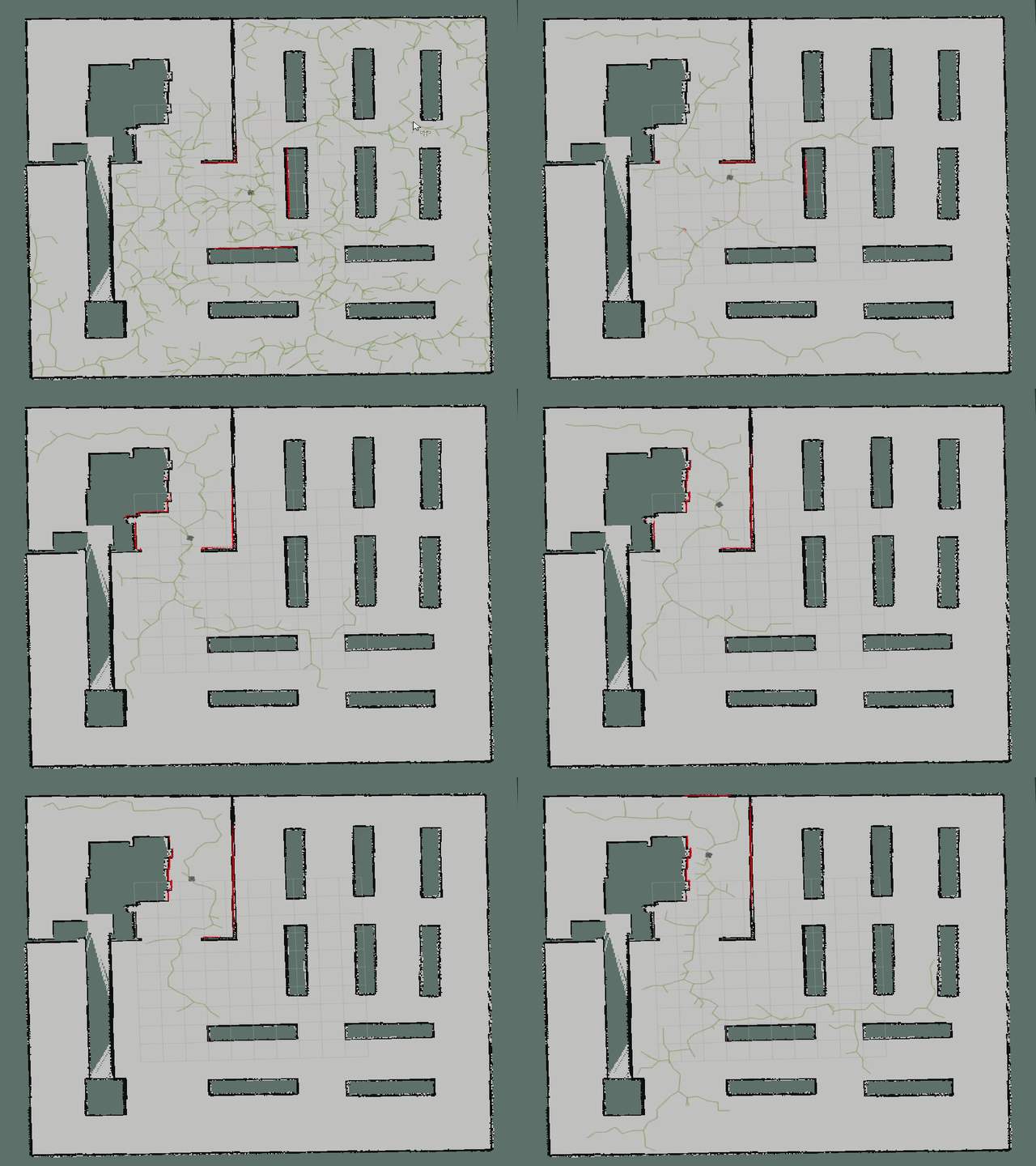
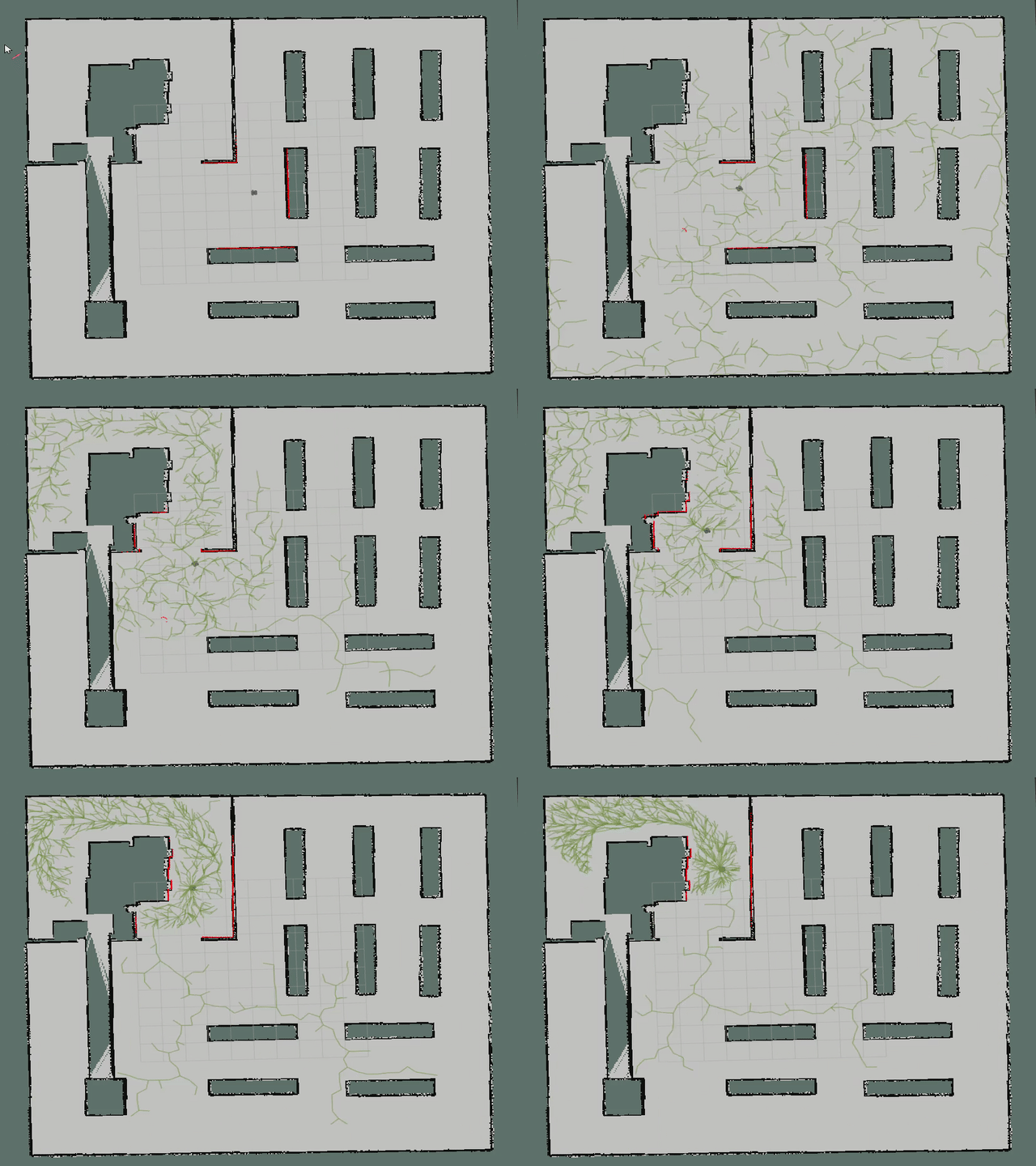
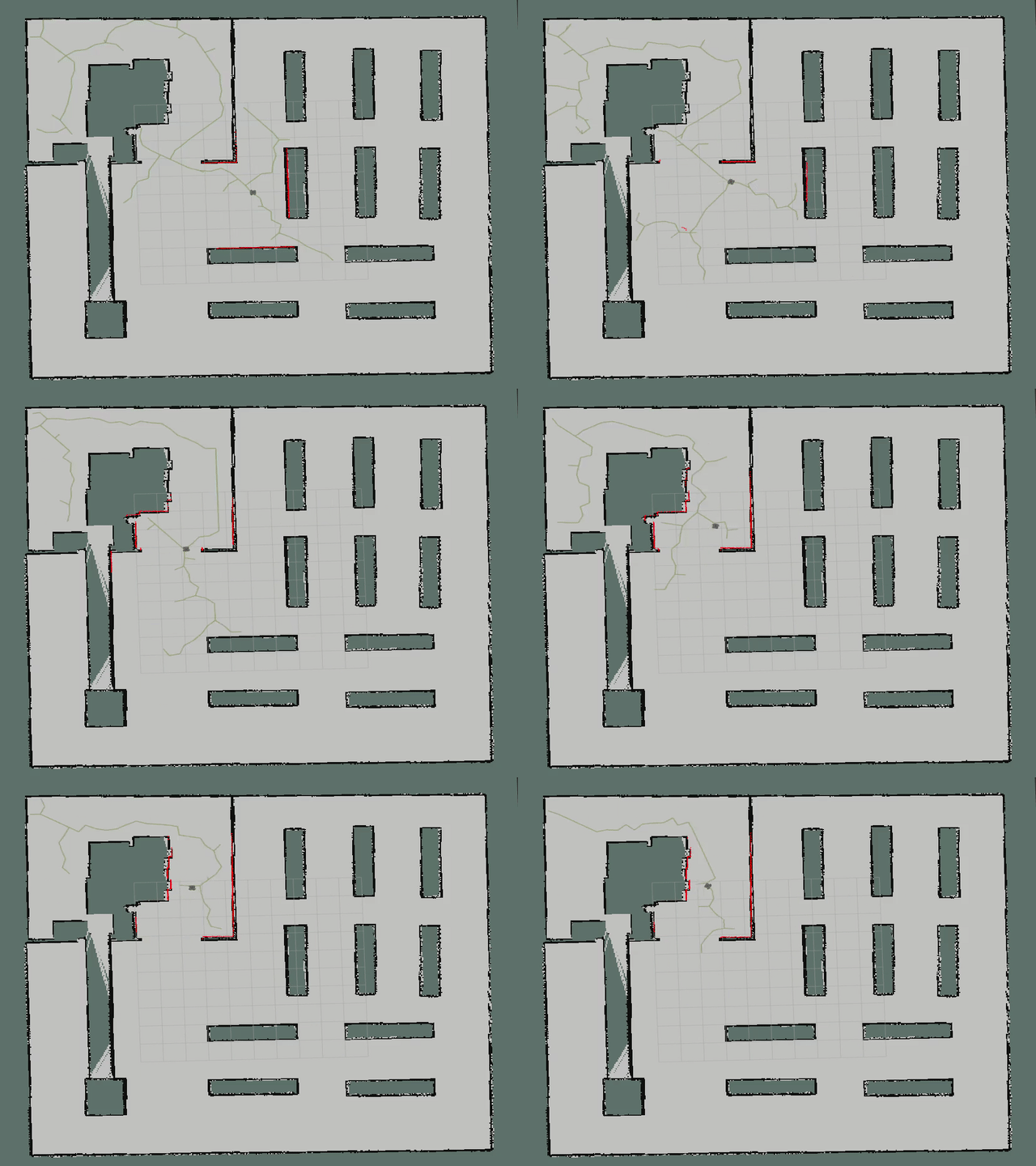
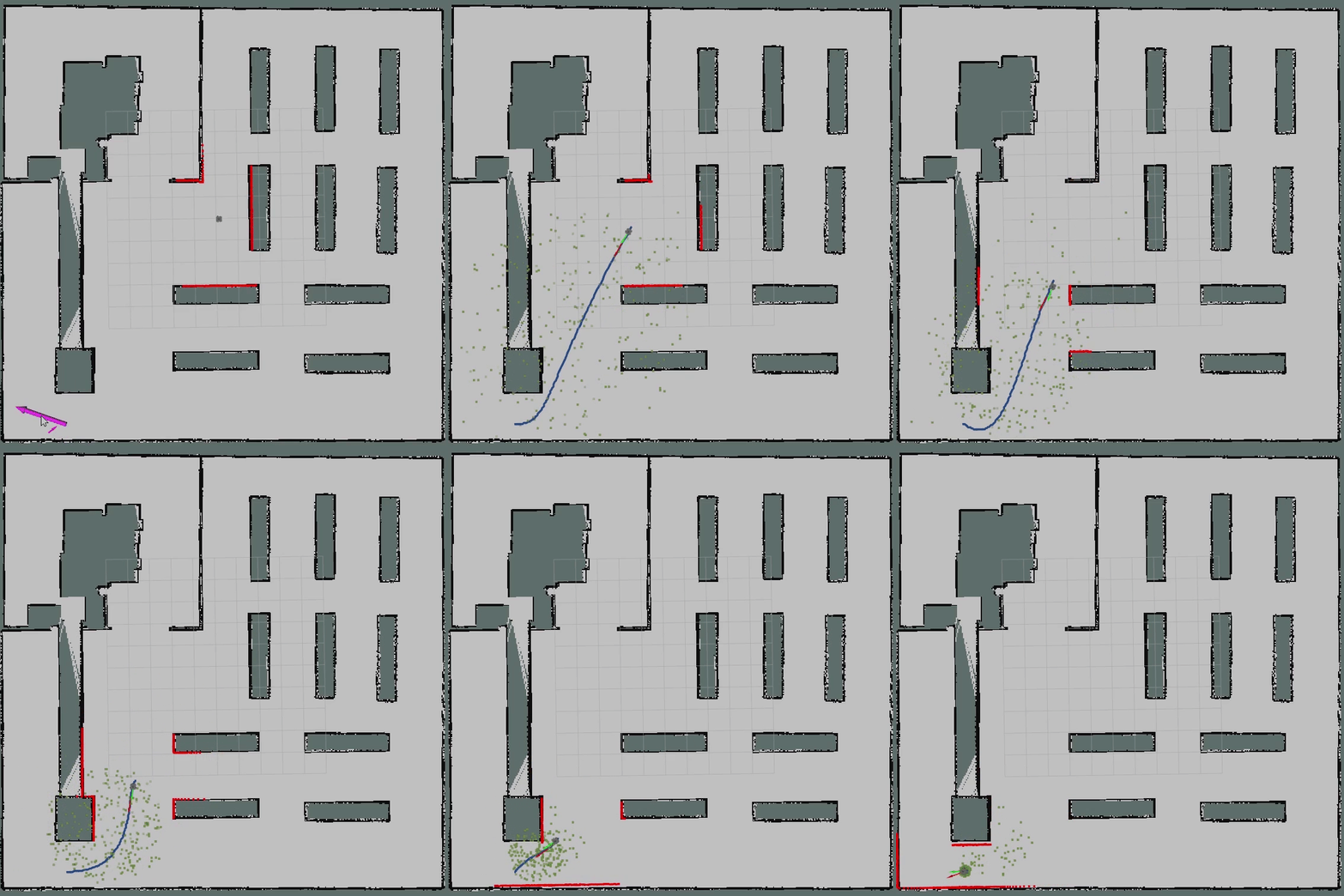
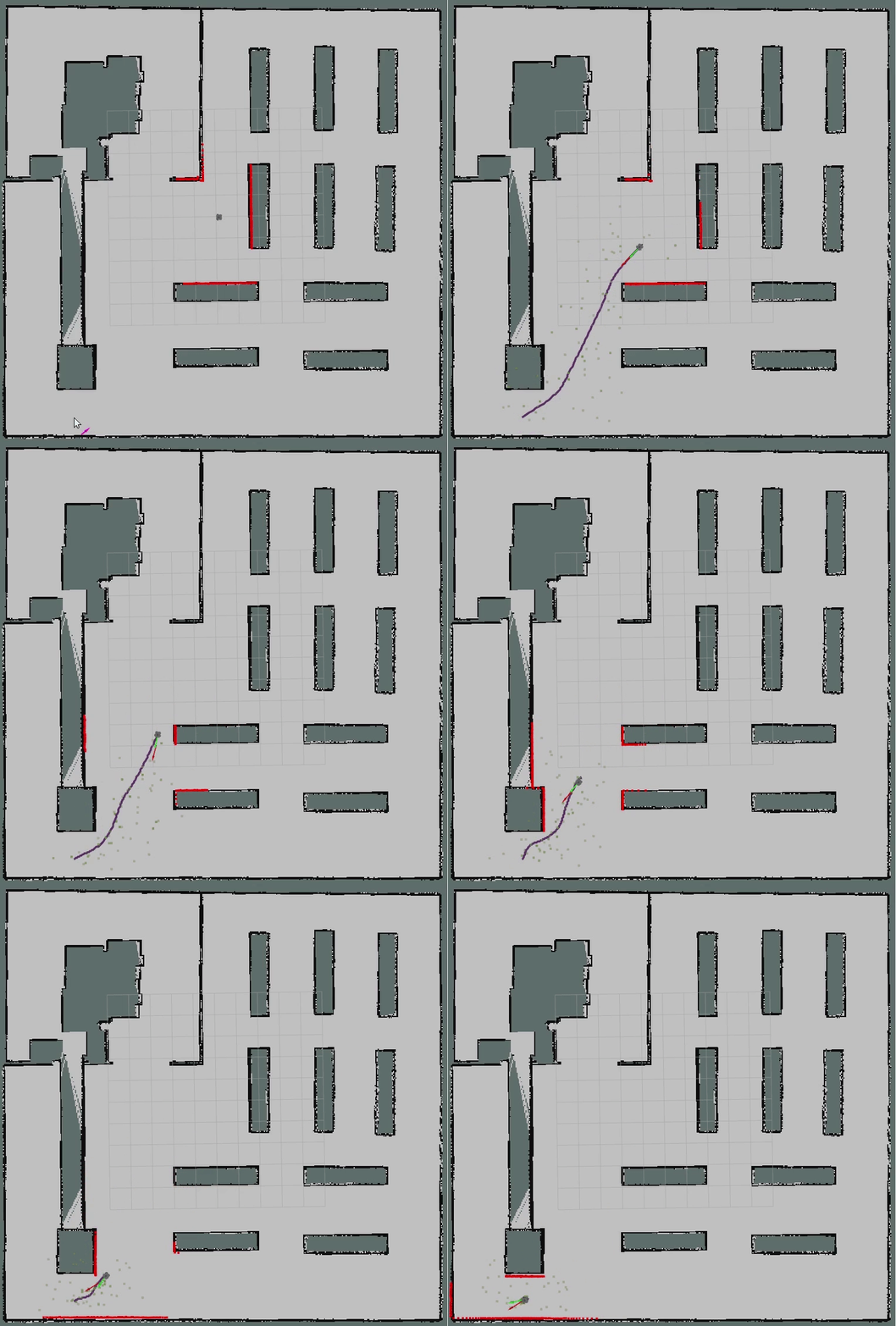
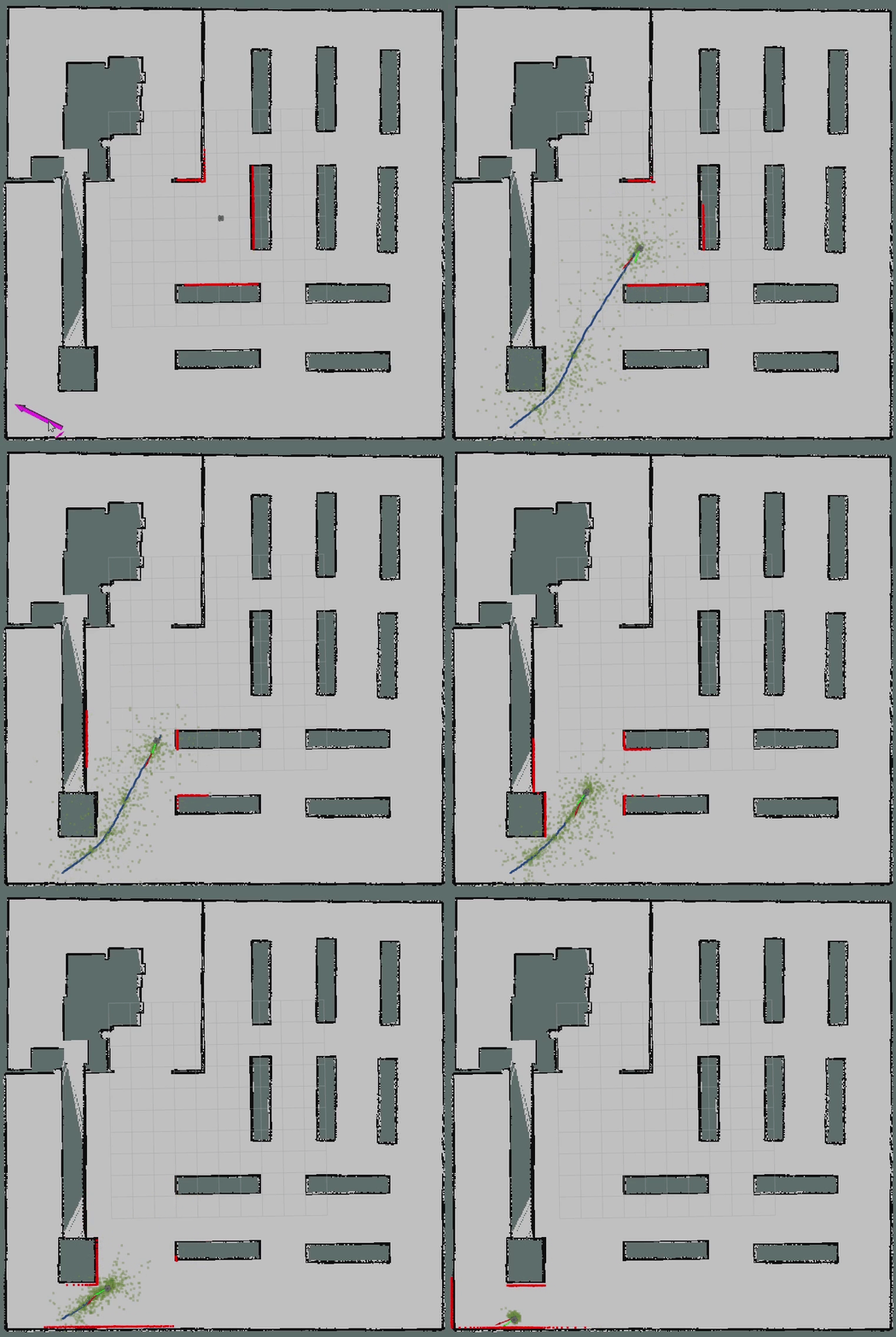
Motion planning and Navigation of AGV/AMR:ROS planner plugin implementation of A*, JPS, D*, LPA*, D* Lite, Theta*, RRT, RRT*, RRT-Connect, Informed RRT*, ACO, PSO, Voronoi, PID, LQR, MPC, DWA, APF, Pure Pursuit etc.
C++
3,598
519 commits
updated Apr 24, 2026



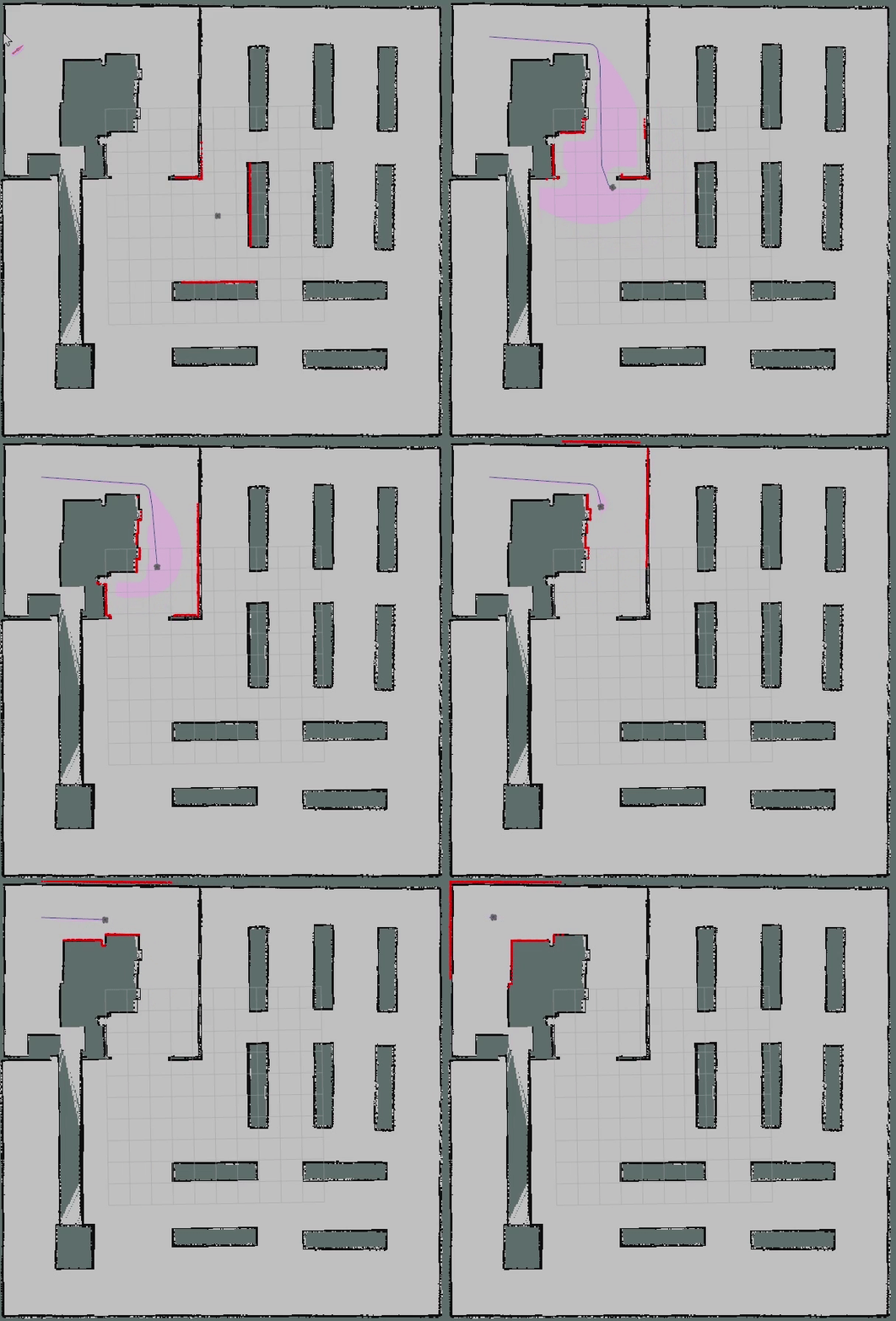
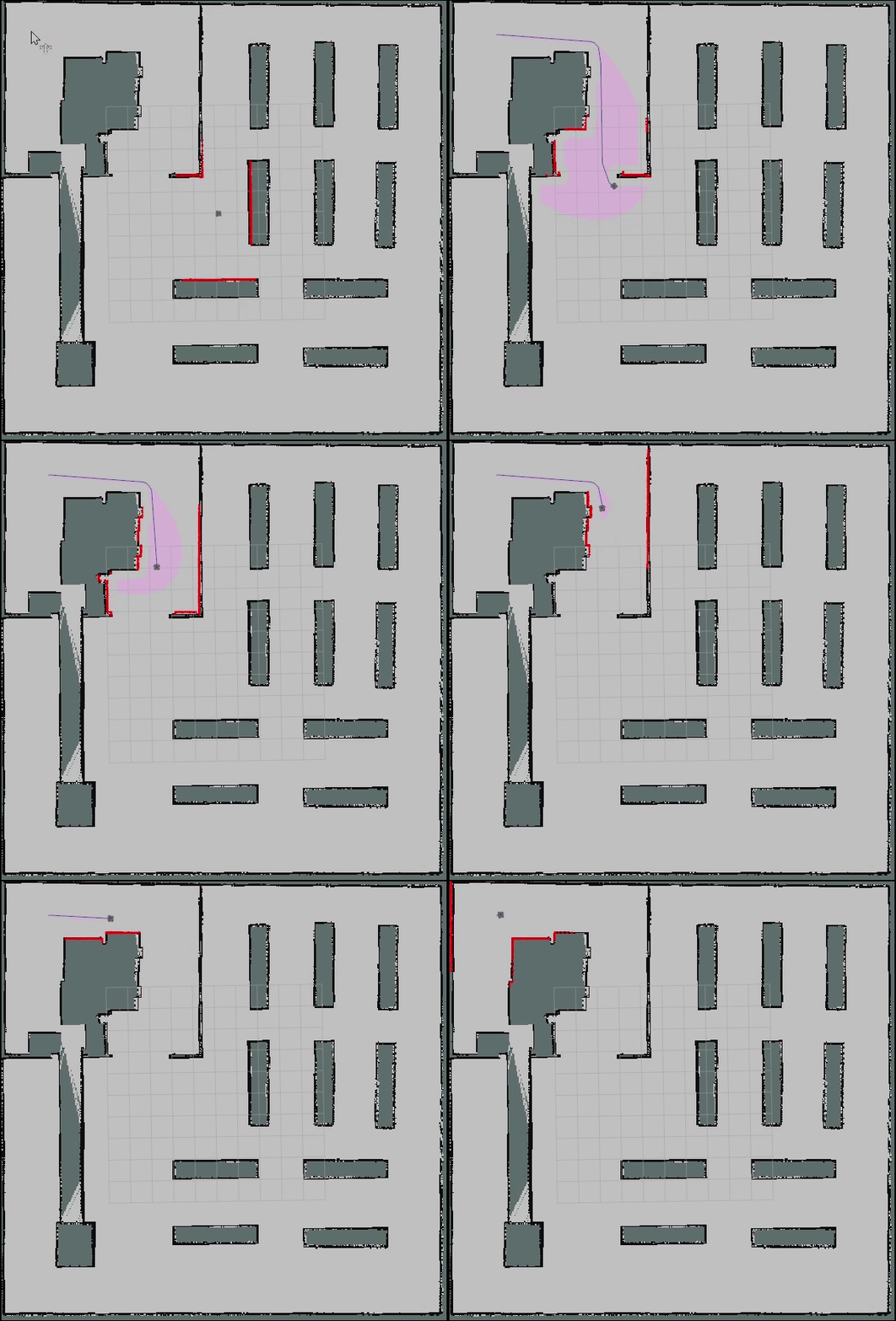
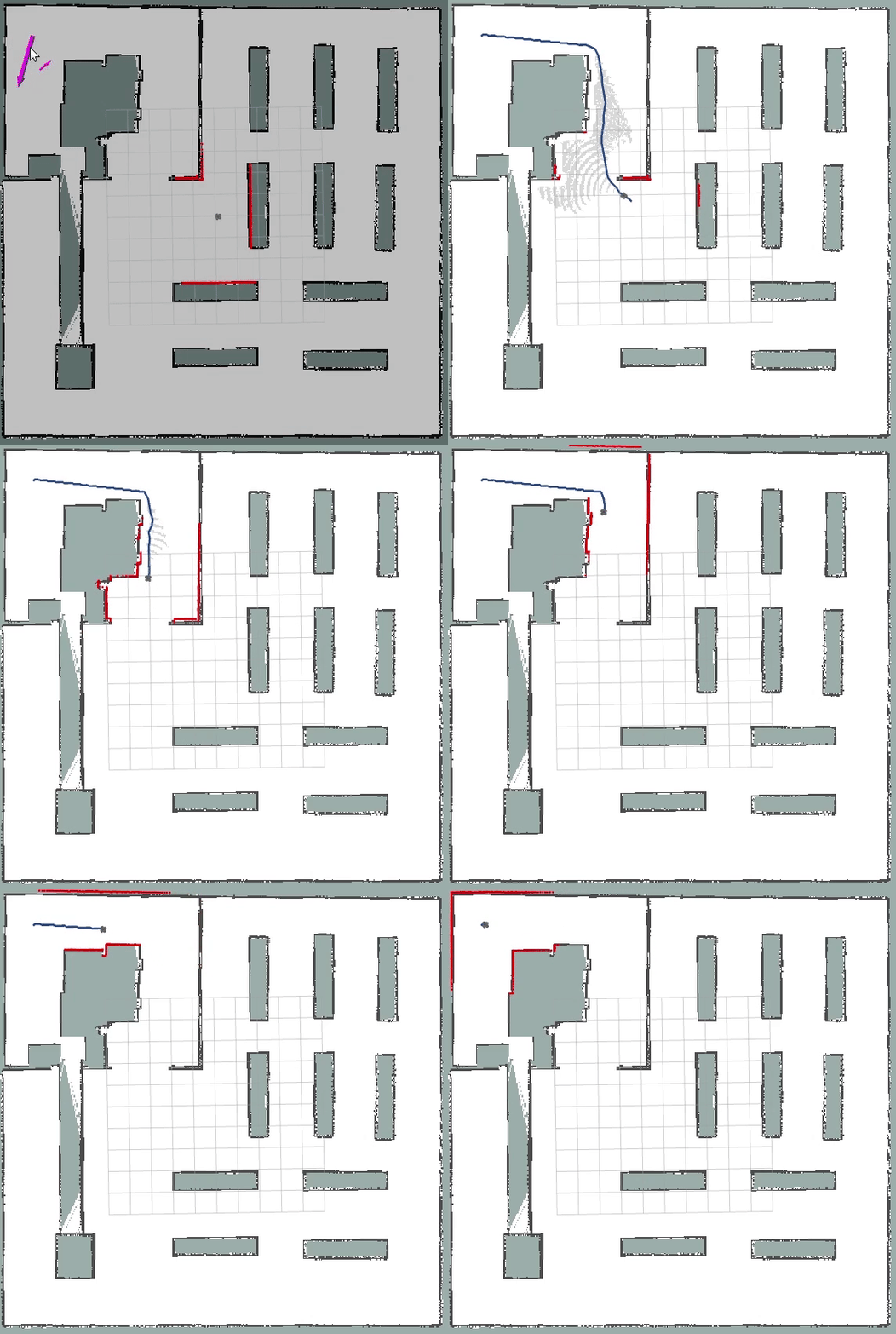
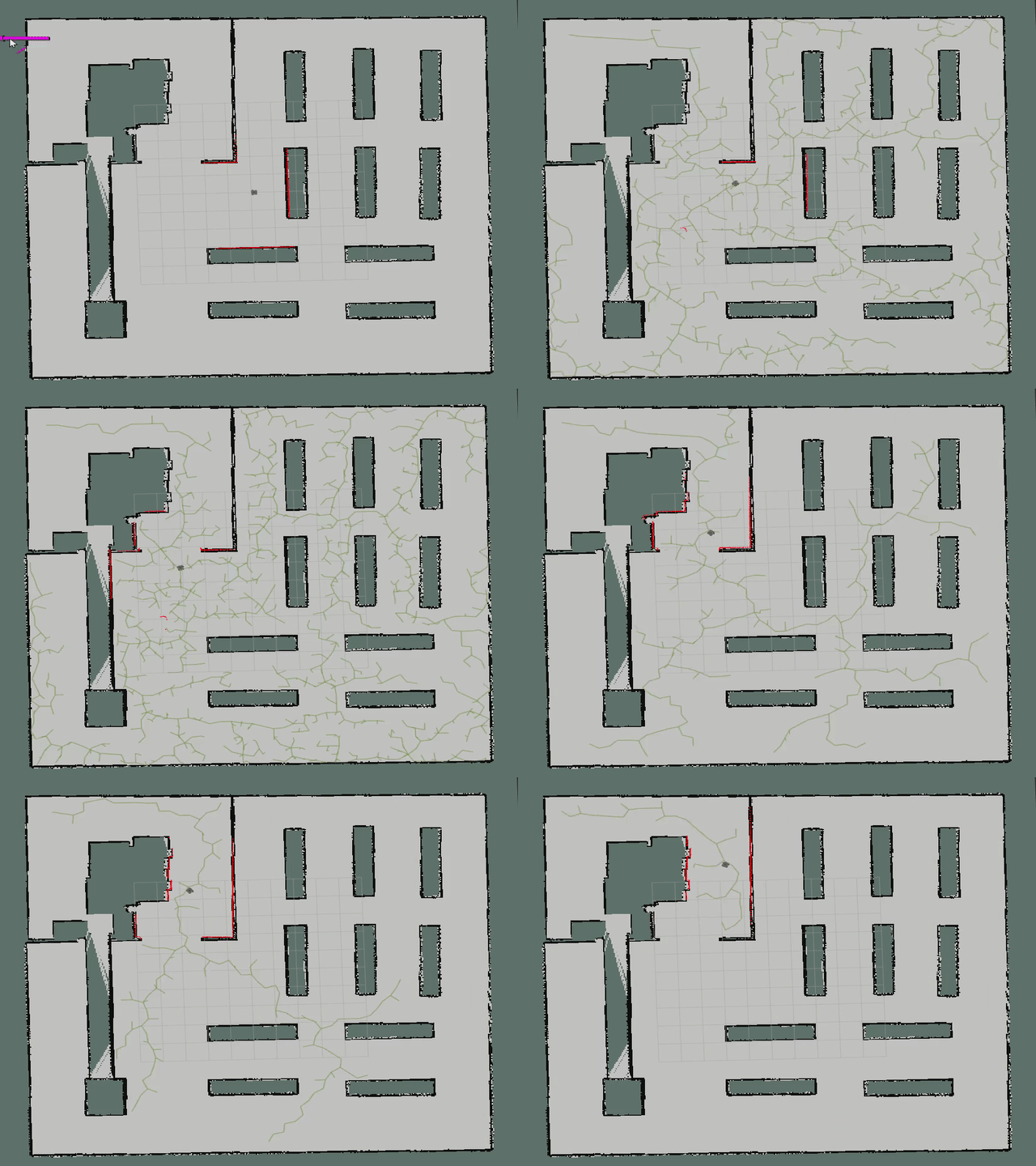
Robot Motion planning is a computational problem that involves finding a sequence of valid configurations to move the robot from the source to the destination. Generally, it includes Path Searching and Trajectory Optimization.
Path Searching: Based on path constraints (e.g., avoiding obstacles), to find the optimal sequence for the robot to travel from the source to the destination without collision.
Trajectory Optimization: Based on kinematics, dynamics and obstacles, to optimize the trajectory of the motion state from the source to the destination according to the path.
This repository provides the implementation of common Motion Planning algorithms. The theory analysis can be found at motion-planning. Furthermore, we provide Python and MATLAB version.
Your stars, forks and PRs are welcome!
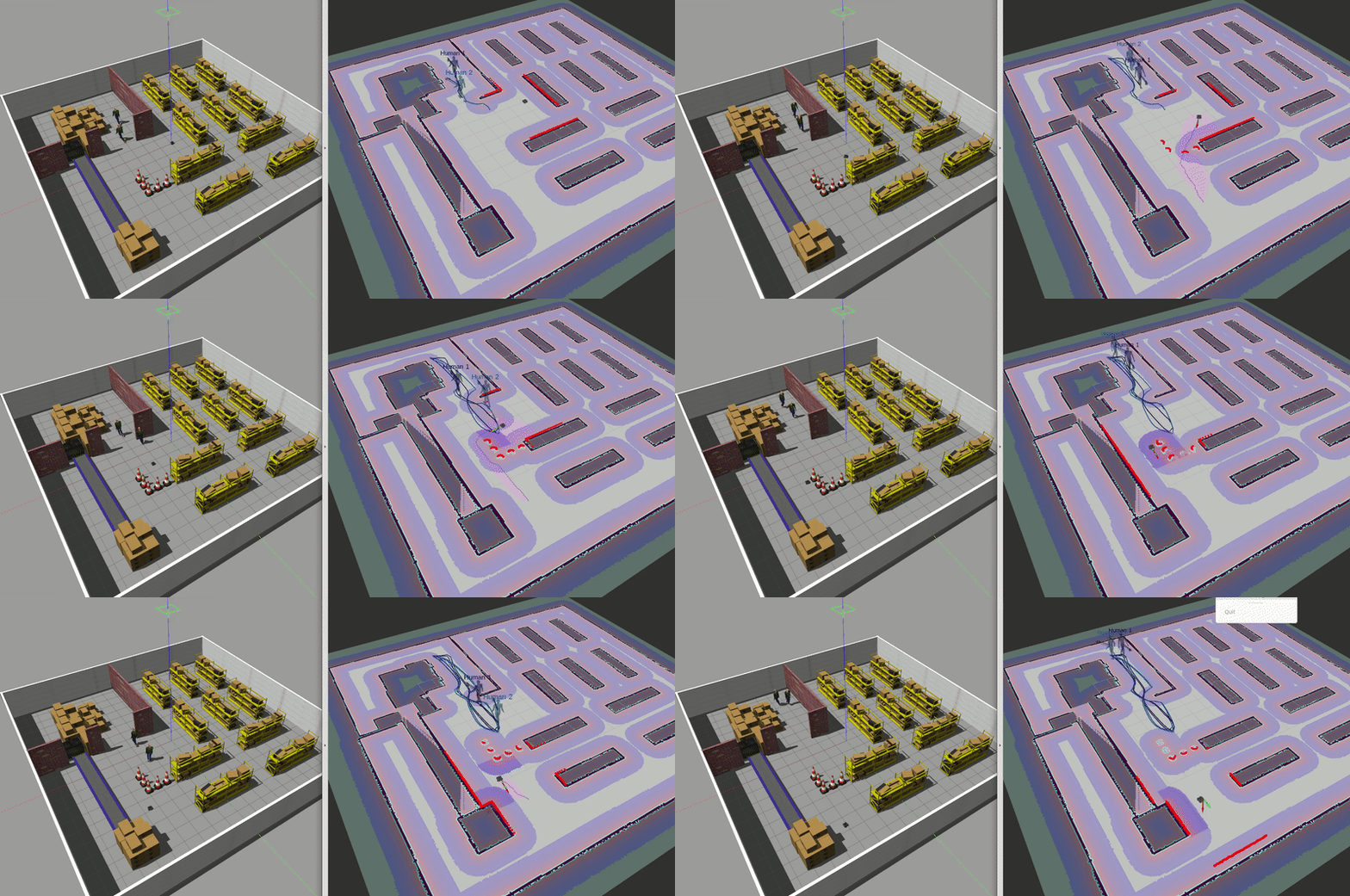
Tested on ubuntu 20.04 LTS with ROS Noetic.
Install ROS (Desktop-Full Install Recommended).
Install git.
sudo apt install git
Install dependence
conan
pip install conan==1.59.0
conan remote add conancenter https://center.conan.io
Other dependence.
sudo apt install python-is-python3 \
ros-noetic-amcl \
ros-noetic-base-local-planner \
ros-noetic-map-server \
ros-noetic-move-base \
ros-noetic-navfn \
libgoogle-glog-dev
Clone the reposity.
git clone https://github.com/ai-winter/ros_motion_planning.git
Compile the code.
NOTE: Please refer to #48 if you meet libignition dependency error.
cd scripts/
./build.sh  # you may need to install catkin-tools using: sudo apt install python-catkin-tools
Execute the code.
NOTE: You should open a new terminal or
source ~/.bashrcafter the first time you runbuild.sh.
cd scripts/
./main.sh
NOTE: Modifying launch files may not have any effect, because they are regenerated by a Python script based on
src/user_config/user_config.yamlwhen you runmain.sh. Therefore, you should modify configurations inuser_config.yamlinstead of launch files.
Use 2D Nav Goal in RViz to select the goal.
Moving!
You can use the other script to shutdown them rapidly.
cd scripts/
./killpro.sh
Multi agents
# 1. Replace with user_config_multi.yaml in main.sh
# 2. Wait for initialization
# 3. Publish goals
rosrun sim_env goal_publisher.py
The overall file structure is shown below.
ros_motion_planner
├── 3rd
├── docs
├── docker
├── assets
├── scripts
└── src
    ├── core
    │   ├── common
    │   ├── path_planner
    │   └── controller
    ├── sim_env             # simulation environment
    │   ├── config
    │   ├── launch
    │   ├── maps
    │   ├── meshes
    │   ├── models
    │   ├── rviz
    │   ├── urdf
    │   └── worlds
    ├── plugins
    │   ├── dynamic_rviz_config
    │   ├── dynamic_xml_config
    │   ├── gazebo_plugins
    │   ├── map_plugins
    │   └── rviz_plugins
    └── user_config         # user configure file
To better understand the project code, detailed interface documentation can be generated using the doxygen tool. First install doxygen and graphviz.
sudo apt-get install doxygen graphviz
Then start the doxygen and you can find the documentation in ./docs/html/index.html.
doxygen
For more information about the project usage, please refer to the following table.
| Index | Document | Introduction |
|---|---|---|
| 0 |  | Introduce how to dynamically configure parameters such as robot types, planning algorithms, environmental obstacles, etc. |
| 1 |  | Introduce how to use Docker to conveniently build the project environment and simulate it. |
| 2 |  | Introduce how to build a real robot application based on the algorithms provided in this repository. |
| 3 |  | Important updates. |
For the efficient operation of the motion planning system, we provide a series of user-friendly simulation tools that allow for on-demand selection of these lightweight repositories.
| Tool Version | Introduction |
|---|---|
 | This is a Gazebo plugin for pedestians with collision property. You can construct a dynamic environment in ROS easily using plugin. |
 | This repository provides a ROS-based visualization Rviz plugins for path planning and curve generation algorithms. |
| Planner | Version | Animation | Paper |
|---|---|---|---|
| PID |  | 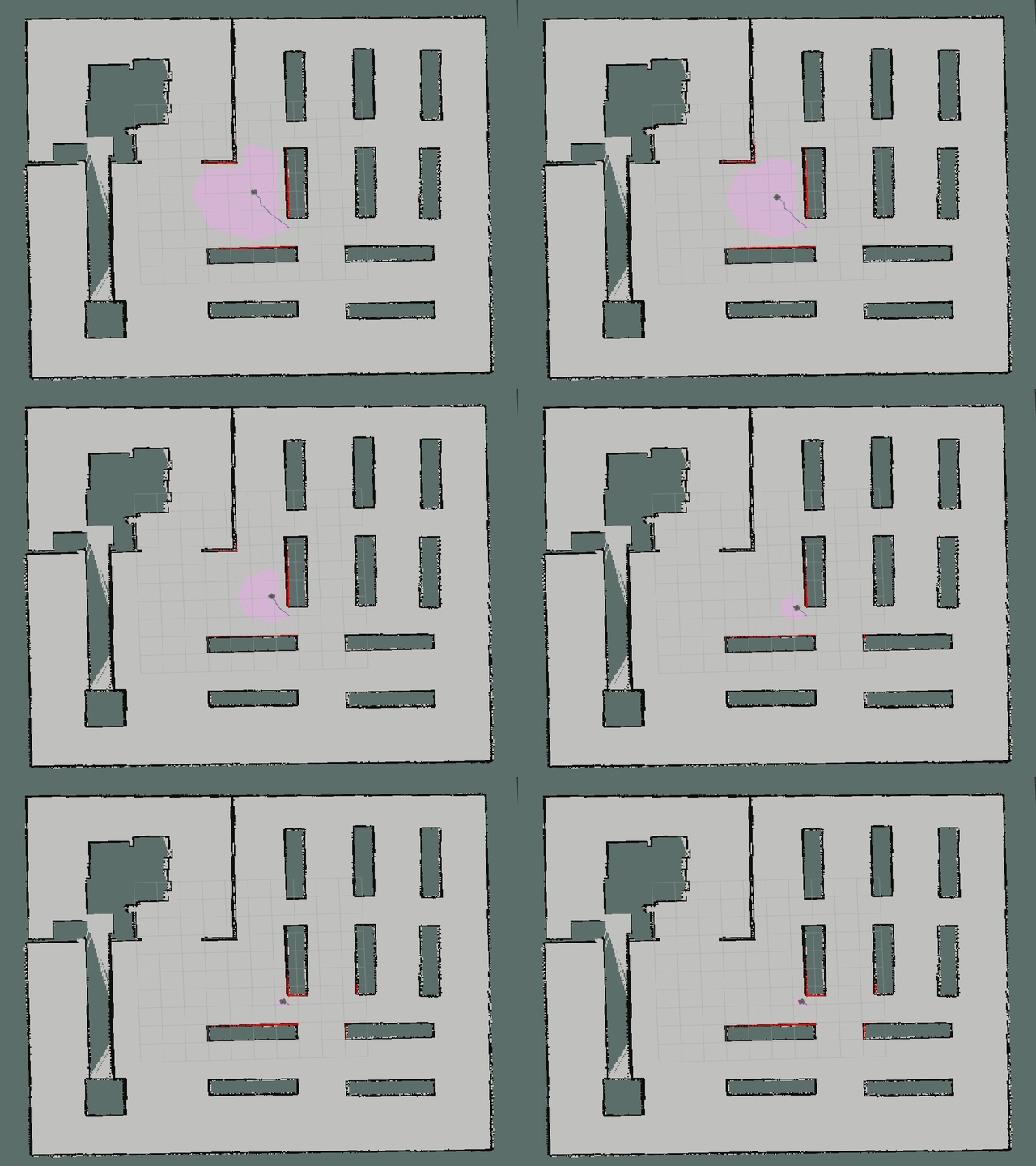 | Mapping Single-Integrator Dynamics to Unicycle Control Commands p. 14 |
| LQR | | 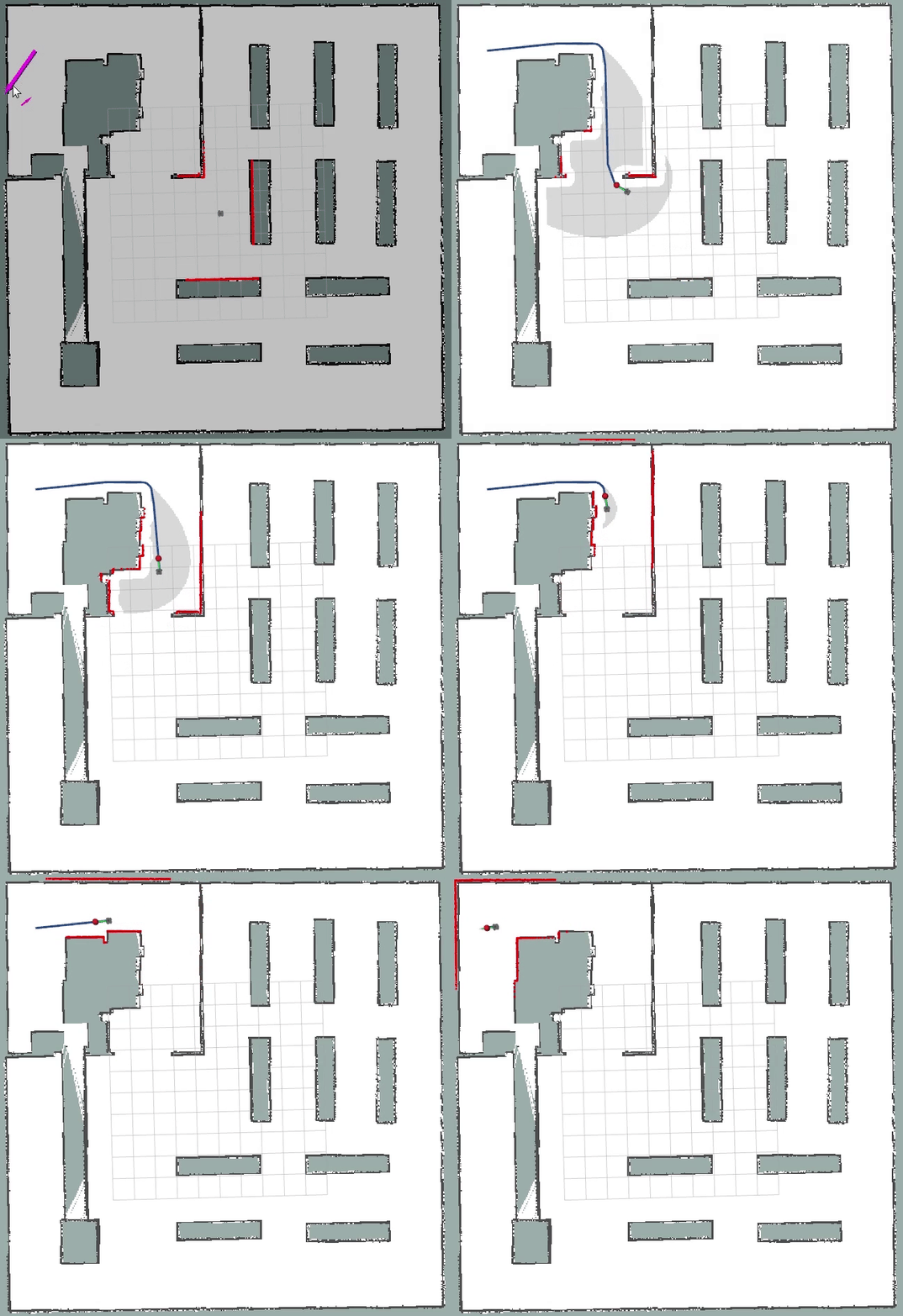 | - |
| DWA |  | 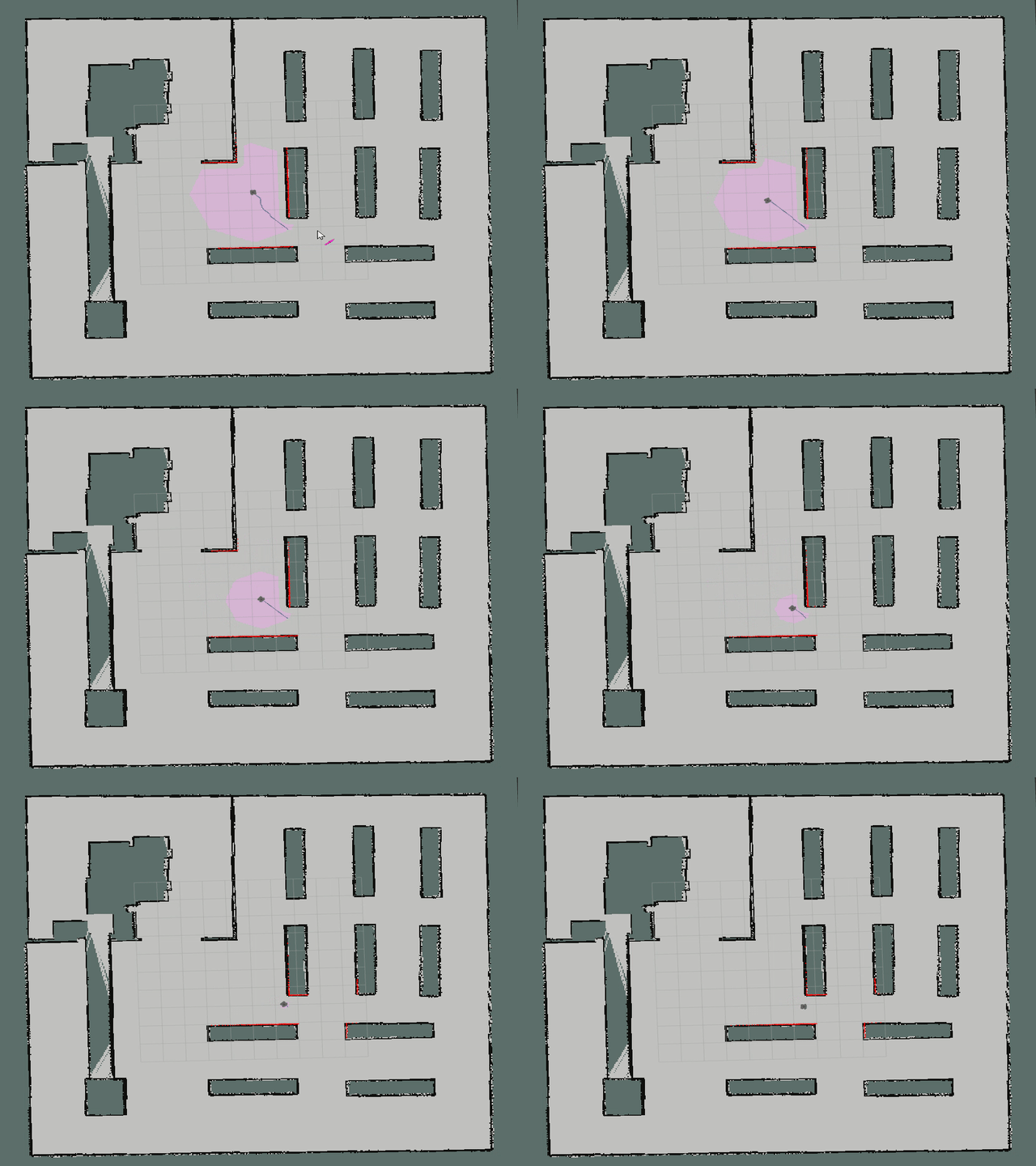 | The Dynamic Window Approach to Collision Avoidance |
| APF | | 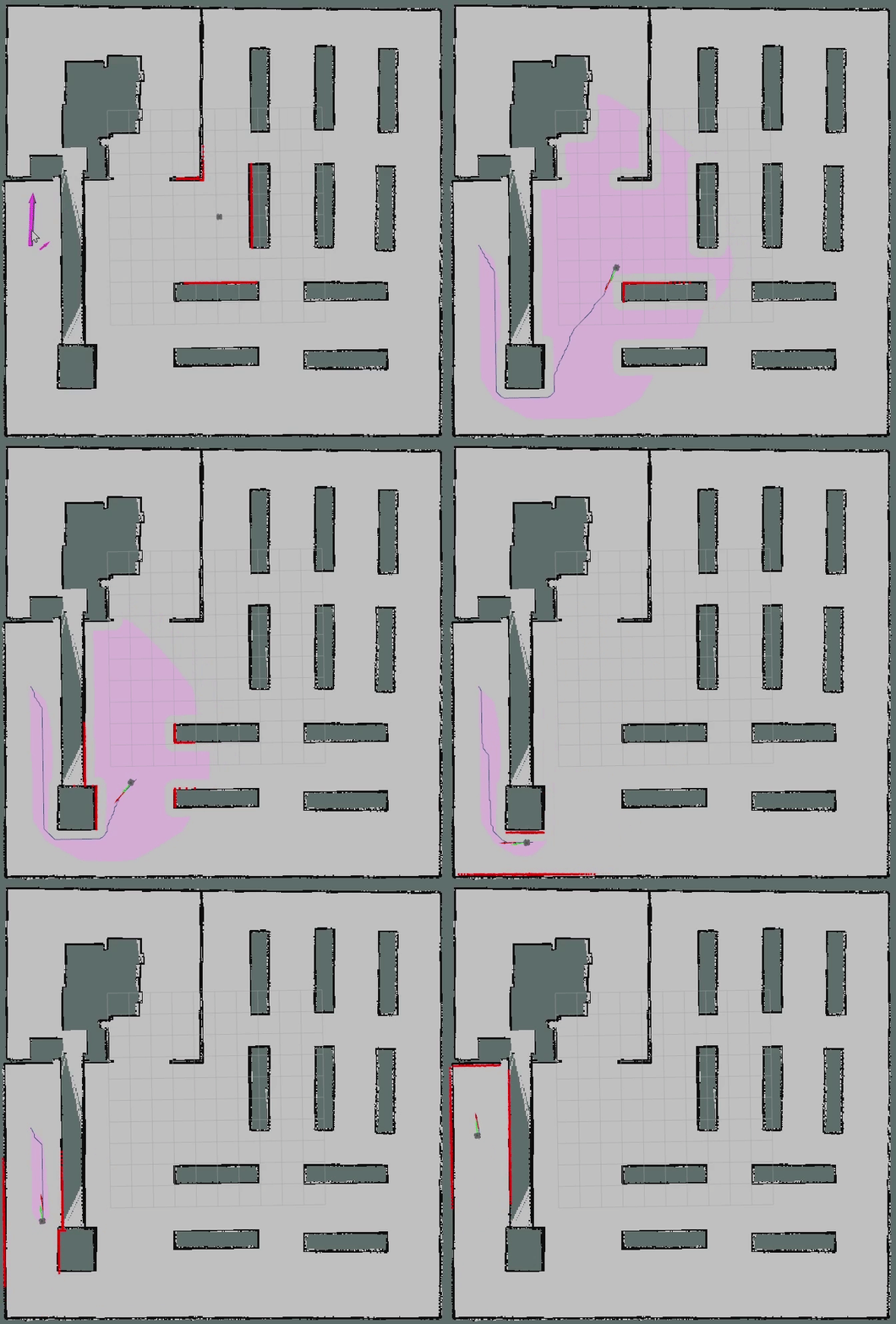 | Real-time obstacle avoidance for manipulators and mobile robots |
| RPP | | 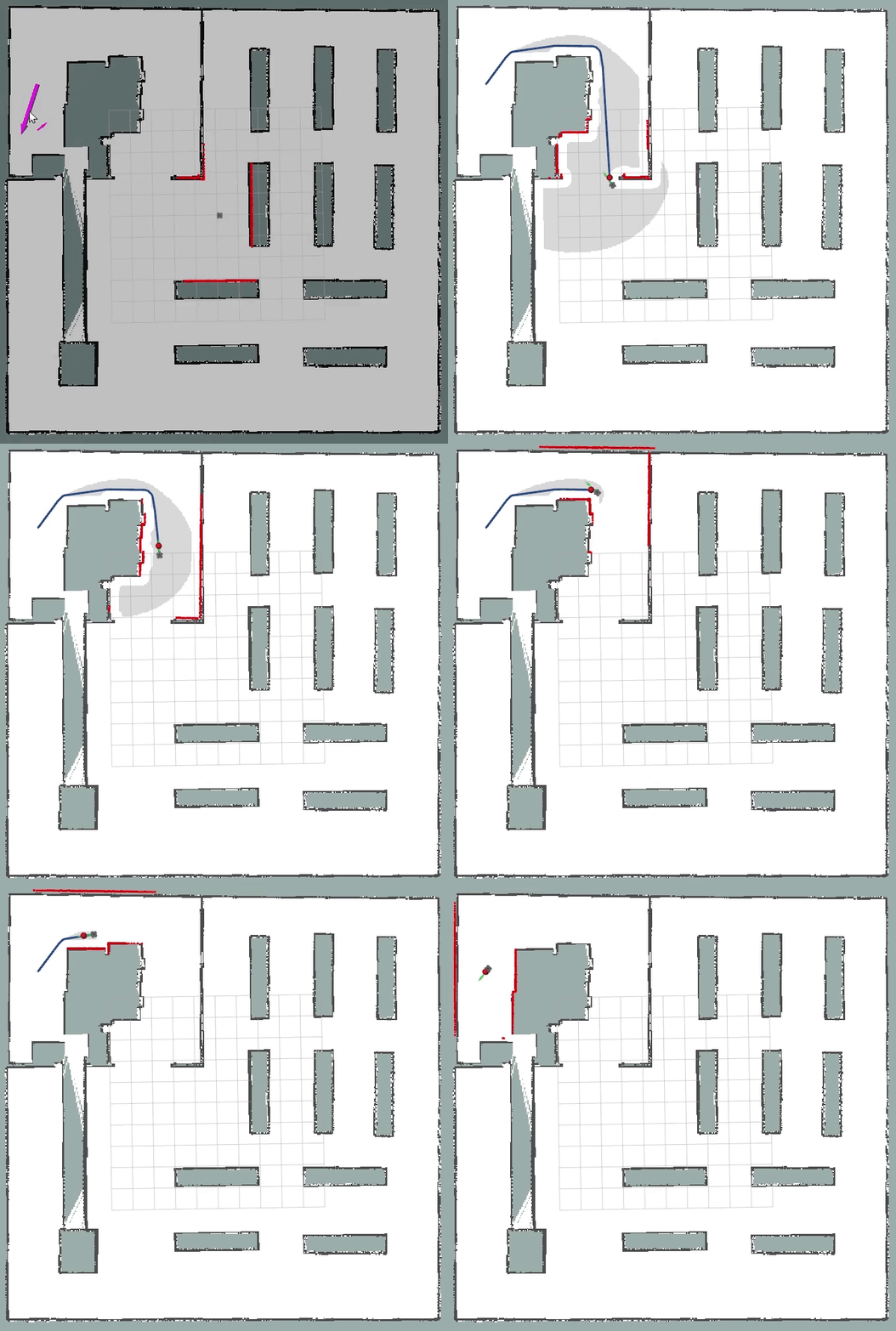 | Regulated Pure Pursuit for Robot Path Tracking |
| TEB |  |  | |
| MPC | | 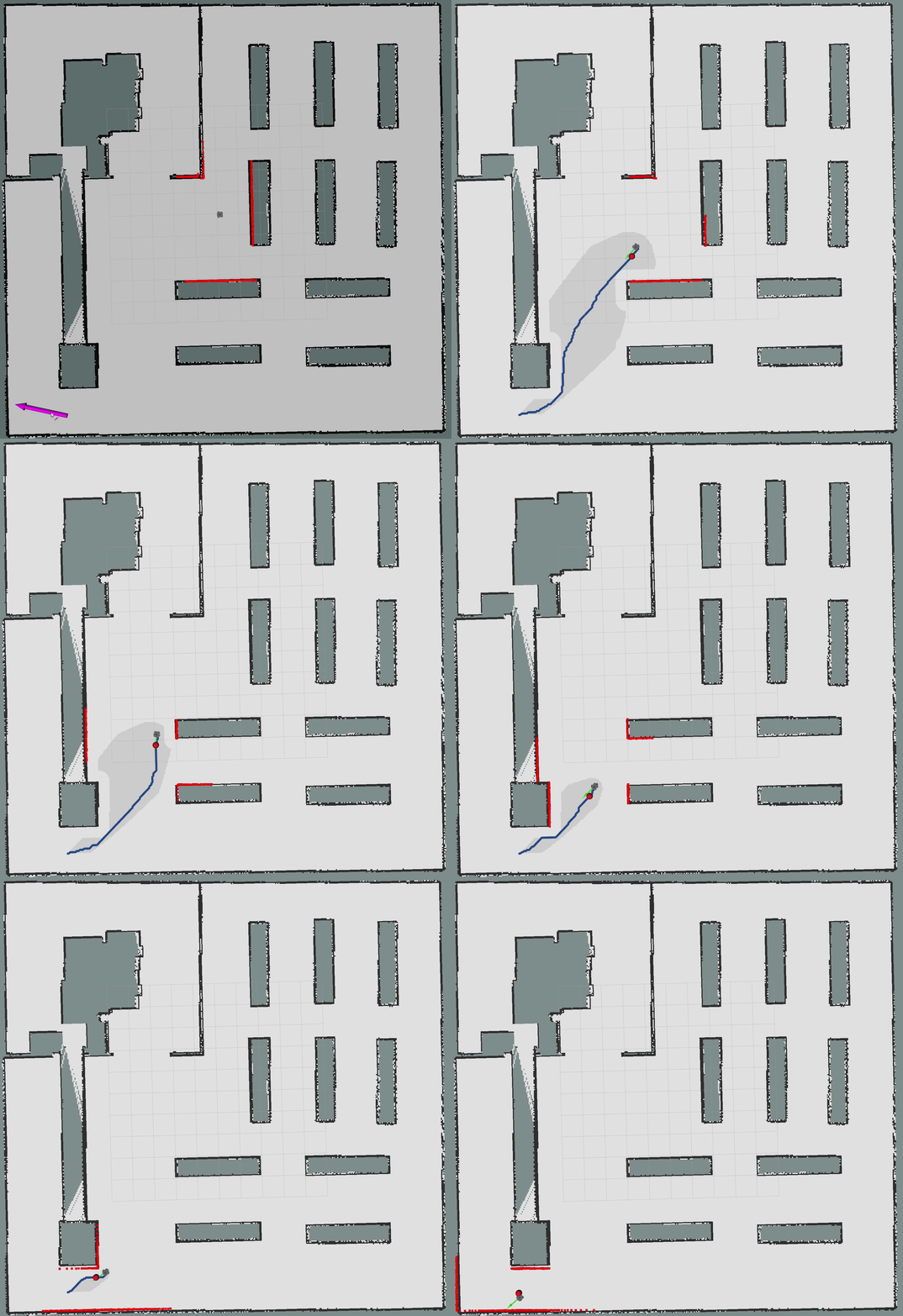 | - |
| Lattice | | |
| Planner | Version | Animation | Paper |
|---|---|---|---|
| Polynomia | | 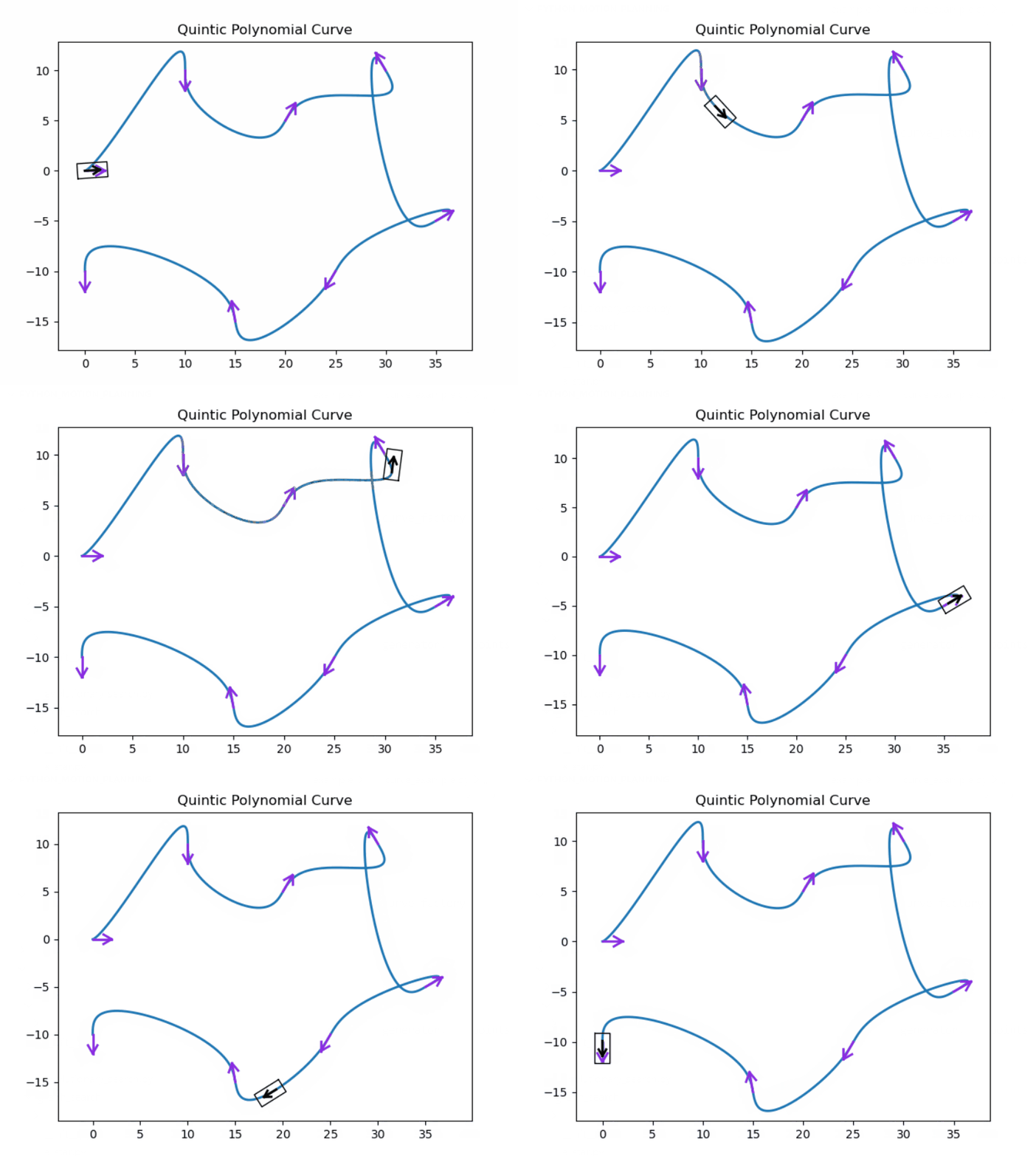 | - |
| Bezier | | 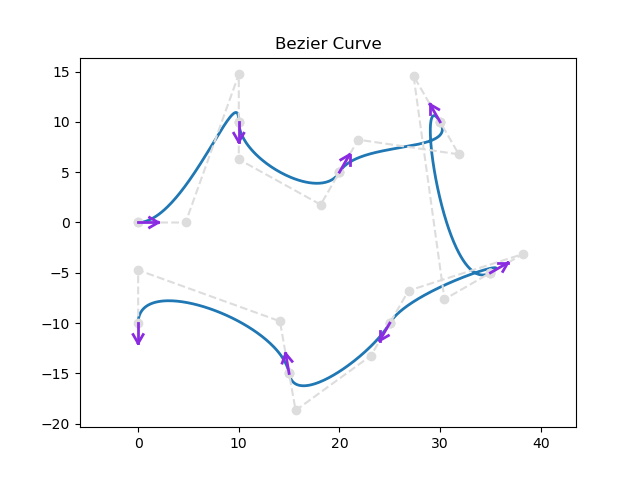 | - |
| Cubic Spline | | 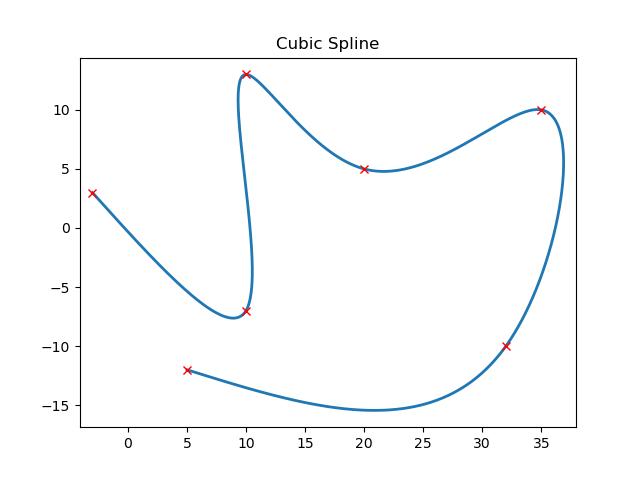 | - |
| BSpline | | 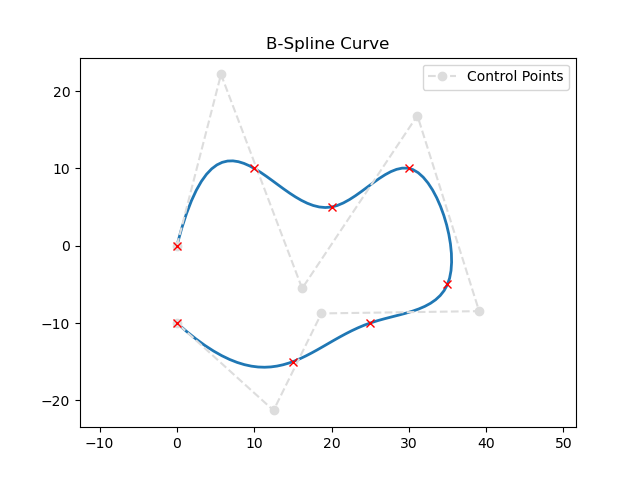 | - |
| Dubins | | 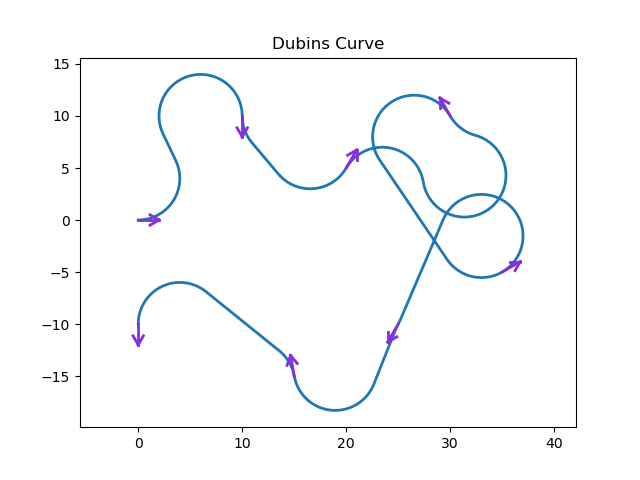 | On curves of minimal length with a constraint on average curvature, and with prescribed initial and terminal positions and tangents |
| Reeds-Shepp | | 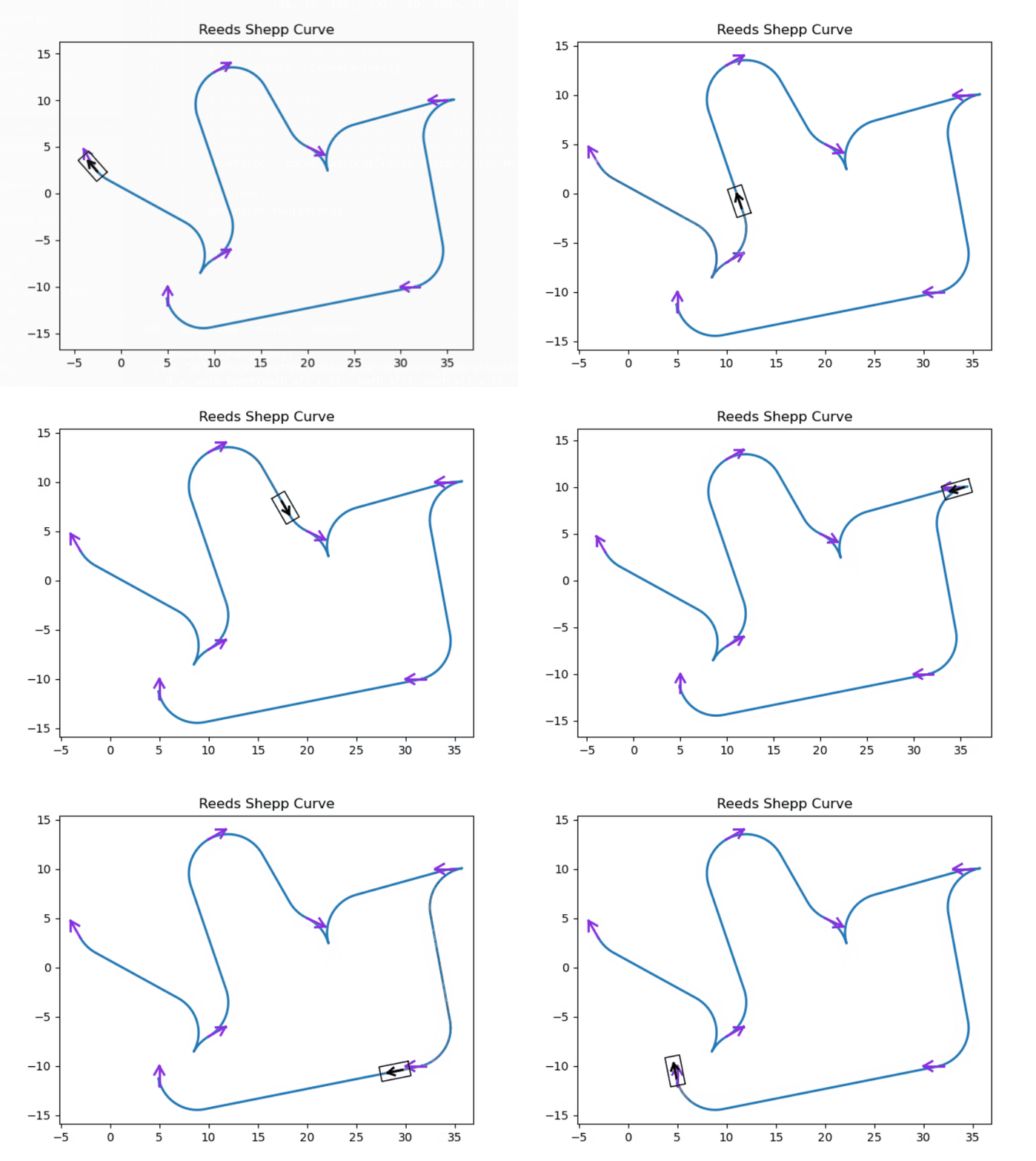 | Optimal paths for a car that goes both forwards and backwards |
Our robot and world models are from Dataset-of-Gazebo-Worlds-Models-and-Maps and aws-robomaker-small-warehouse-world. Thanks for these open source models sincerely.
Pedestrians in this environment are using social force model(sfm), which comes from https://github.com/robotics-upo/lightsfm.
A ROS costmap plugin for dynamicvoronoi presented by Boris Lau.
The source code is released under GPLv3 license.
Feel free to contact us if you have any question.
36 followers · starred Nov 2023
260 followers · starred Jun 2023
235 followers · starred Dec 2023
42 followers · starred Feb 2023
Motion planning and Navigation of AGV/AMR:ROS planner plugin implementation of A*, JPS, D*, LPA*, D* Lite, Theta*, RRT, RRT*, RRT-Connect, Informed RRT*, ACO, PSO, Voronoi, PID, LQR, MPC, DWA, APF, Pure Pursuit etc.
C++
3,598
519 commits
updated Apr 24, 2026
Robot Motion planning is a computational problem that involves finding a sequence of valid configurations to move the robot from the source to the destination. Generally, it includes Path Searching and Trajectory Optimization.
Path Searching: Based on path constraints (e.g., avoiding obstacles), to find the optimal sequence for the robot to travel from the source to the destination without collision.
Trajectory Optimization: Based on kinematics, dynamics and obstacles, to optimize the trajectory of the motion state from the source to the destination according to the path.
This repository provides the implementation of common Motion Planning algorithms. The theory analysis can be found at motion-planning. Furthermore, we provide Python and MATLAB version.
Your stars, forks and PRs are welcome!
Tested on ubuntu 20.04 LTS with ROS Noetic.
Install ROS (Desktop-Full Install Recommended).
Install git.
sudo apt install git
Install dependence
conan
pip install conan==1.59.0
conan remote add conancenter https://center.conan.io
Other dependence.
sudo apt install python-is-python3 \
ros-noetic-amcl \
ros-noetic-base-local-planner \
ros-noetic-map-server \
ros-noetic-move-base \
ros-noetic-navfn \
libgoogle-glog-dev
Clone the reposity.
git clone https://github.com/ai-winter/ros_motion_planning.git
Compile the code.
NOTE: Please refer to #48 if you meet libignition dependency error.
cd scripts/
./build.sh  # you may need to install catkin-tools using: sudo apt install python-catkin-tools
Execute the code.
NOTE: You should open a new terminal or
source ~/.bashrcafter the first time you runbuild.sh.
cd scripts/
./main.sh
NOTE: Modifying launch files may not have any effect, because they are regenerated by a Python script based on
src/user_config/user_config.yamlwhen you runmain.sh. Therefore, you should modify configurations inuser_config.yamlinstead of launch files.
Use 2D Nav Goal in RViz to select the goal.
Moving!
You can use the other script to shutdown them rapidly.
cd scripts/
./killpro.sh
Multi agents
# 1. Replace with user_config_multi.yaml in main.sh
# 2. Wait for initialization
# 3. Publish goals
rosrun sim_env goal_publisher.py
The overall file structure is shown below.
ros_motion_planner
├── 3rd
├── docs
├── docker
├── assets
├── scripts
└── src
    ├── core
    │   ├── common
    │   ├── path_planner
    │   └── controller
    ├── sim_env             # simulation environment
    │   ├── config
    │   ├── launch
    │   ├── maps
    │   ├── meshes
    │   ├── models
    │   ├── rviz
    │   ├── urdf
    │   └── worlds
    ├── plugins
    │   ├── dynamic_rviz_config
    │   ├── dynamic_xml_config
    │   ├── gazebo_plugins
    │   ├── map_plugins
    │   └── rviz_plugins
    └── user_config         # user configure file
To better understand the project code, detailed interface documentation can be generated using the doxygen tool. First install doxygen and graphviz.
sudo apt-get install doxygen graphviz
Then start the doxygen and you can find the documentation in ./docs/html/index.html.
doxygen
For more information about the project usage, please refer to the following table.
| Index | Document | Introduction |
|---|---|---|
| 0 | | Introduce how to dynamically configure parameters such as robot types, planning algorithms, environmental obstacles, etc. |
| 1 | | Introduce how to use Docker to conveniently build the project environment and simulate it. |
| 2 | | Introduce how to build a real robot application based on the algorithms provided in this repository. |
| 3 | | Important updates. |
For the efficient operation of the motion planning system, we provide a series of user-friendly simulation tools that allow for on-demand selection of these lightweight repositories.
| Tool Version | Introduction |
|---|---|
| This is a Gazebo plugin for pedestians with collision property. You can construct a dynamic environment in ROS easily using plugin. |
| This repository provides a ROS-based visualization Rviz plugins for path planning and curve generation algorithms. |
| Planner | Version | Animation | Paper |
|---|---|---|---|
| PID | | | Mapping Single-Integrator Dynamics to Unicycle Control Commands p. 14 |
| LQR | | | - |
| DWA | | | The Dynamic Window Approach to Collision Avoidance |
| APF | | | Real-time obstacle avoidance for manipulators and mobile robots |
| RPP | | | Regulated Pure Pursuit for Robot Path Tracking |
| TEB | | | |
| MPC | | | - |
| Lattice | | |
| Planner | Version | Animation | Paper |
|---|---|---|---|
| Polynomia | | | - |
| Bezier | | | - |
| Cubic Spline | | | - |
| BSpline | | | - |
| Dubins | | | On curves of minimal length with a constraint on average curvature, and with prescribed initial and terminal positions and tangents |
| Reeds-Shepp | | | Optimal paths for a car that goes both forwards and backwards |
Our robot and world models are from Dataset-of-Gazebo-Worlds-Models-and-Maps and aws-robomaker-small-warehouse-world. Thanks for these open source models sincerely.
Pedestrians in this environment are using social force model(sfm), which comes from https://github.com/robotics-upo/lightsfm.
A ROS costmap plugin for dynamicvoronoi presented by Boris Lau.
The source code is released under GPLv3 license.
Feel free to contact us if you have any question.
36 followers · starred Nov 2023
260 followers · starred Jun 2023
235 followers · starred Dec 2023
42 followers · starred Feb 2023