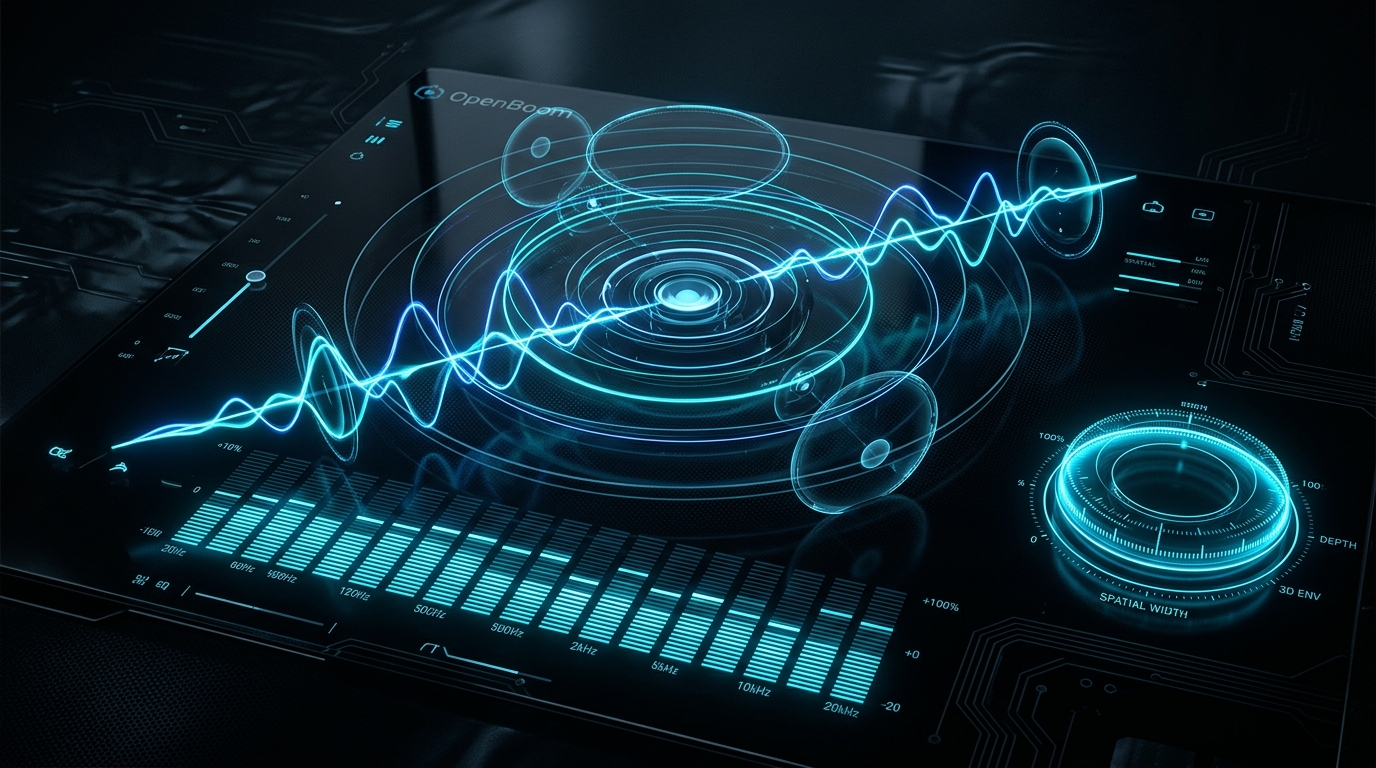
Next-generation, low-latency 3D spatial audio enhancer, parametric equalizer, and real-time DSP studio for Windows.






OpenBoom is a modern, high-fidelity, open-source alternative to proprietary audio enhancers like Boom 3D. Engineered in Rust and Tauri v2 with a clean-room architectural design, OpenBoom transforms any standard headphones or speakers into an immersive 3D soundstage with zero kernel driver instability, sub-15ms round-trip latency, and zero telemetry.
[!IMPORTANT]
🔊 Virtual Audio Device Requirement for 100% Echo-Free Experience (Mode A)
To achieve the commercial-grade, 100% echo-free experience with genuine 7.1 surround ingestion, Windows requires a Virtual Audio Sink Device to act as the default silent system playback endpoint:
- With Boom 3D installed (Recommended): OpenBoom automatically detects and pairs with the
Boom Audiovirtual driver (boomvad.sys). Windows directs all system audio silently into this virtual sink, and OpenBoom's DSP pipeline processes and delivers the enhanced audio directly to your physical headphones/speakers with zero slapback echo.- With Free Virtual Cables: OpenBoom also seamlessly recognizes alternatives like VB-Audio Virtual Cable, VoiceMeeter, or VAC.
- Without any Virtual Driver (Mode B - Driverless Fallback): OpenBoom automatically falls back to Mode B (Pure WASAPI Loopback). It runs immediately without any third-party software, but is subject to Windows loopback constraints (stereo output limitation and potential acoustic duplication if raw playback is not silenced).
Ctrl + Shift + S): Top-down listener orbital ring view with customizable azimuth angles ($\theta$), individual node mutes, and relative gain faders ($\pm 6\text{ dB}$).Ctrl + Shift + E)%APPDATA%\OpenBoom\presets\*.json).A dedicated 5-module real-time audio enhancement strip:
Ctrl + Shift + M)%APPDATA%\OpenBoom\app_volumes.json.Ctrl + Shift + B): 5ms equal-power crossfade ($g_A^2 + g_B^2 = 1.0$) allowing instant click-free comparison between raw and processed audio.Pre-compiled binaries for Windows 10/11 (64-bit) are automatically published with every release:
👉 Download the Latest OpenBoom Release
| Package | Description |
|---|---|
OpenBoom_x.x.x_x64-setup.exe | Recommended: Official NSIS Installer with Start Menu shortcuts, tray auto-start option, and clean uninstaller. |
OpenBoom-vx.x.x-portable-x64.exe | Portable: Standalone zero-installation executable. Run anywhere without administrator rights. |
SHA256SUMS.txt | Cryptographic checksums for verifying binary integrity. |
| Shortcut | Action |
|---|---|
| Ctrl + Shift + B | Toggle Instant A/B Hardware Bypass |
| Ctrl + Shift + E | Toggle Equalizer Studio Drawer (10-Band / 31-Band / AutoEq) |
| Ctrl + Shift + S | Open 3D Soundstage Speaker Configurator Modal |
| Ctrl + Shift + M | Open Per-Application Audio Session Mixer Drawer |
| Space / Enter | Toggle Master Power Switch (when focused) |
| Double Click | Reset Volume / Sliders / Dial to default (0 dB / 50%) |
| Shift + Drag | 5x High-Precision Fader Adjustment in Equalizer |
| Esc | Dismiss any open modal or drawer |
npmx86_64-pc-windows-msvc)Clone the repository:
git clone https://github.com/JVGS1111/open-boom.git
cd open-boom
Install frontend dependencies:
npm install
Run in development mode (hot-reloading):
npm run dev
Run the automated test suites:
# Run all Cargo workspace tests (DSP, WASAPI, Storage)
cargo test --workspace

# Run frontend React & component unit tests
npm run test
Build the production release:
# Build the official NSIS Windows Installer
npm run build:nsis

# Build standalone portable executable
npm run build:portable
Artifacts will be located in:
target/release/bundle/nsis/OpenBoom_*.exetarget/release/open-boom.exeOpenBoom features a fully automated GitHub Actions CI/CD pipeline:
.github/workflows/ci.yml): Runs on every push and pull request to main, validating Cargo compilation, test suites, and frontend typechecks..github/workflows/release.yml): Triggered automatically whenever a semantic version tag (v*.*.*) is pushed:
cargo test --workspace, npm run test)..exe.SHA256SUMS.txt cryptographic digests.To publish a new release, you can use the included PowerShell helper:
# Create an annotated release tag matching package.json version
npm run release:tag

# Push the commits and tag to GitHub to trigger the release build
git push origin main
git push origin v0.1.0
OpenBoom is structured as a modular Cargo workspace orchestrated by Tauri v2:
open-boom/
├── crates/
│   ├── open-boom-core/       # Pure DSP pipeline: Biquad EQ, Limiter, HRTF Spatializer, Sweeteners Rack
│   ├── open-boom-wasapi/     # Windows Core Audio WASAPI ingest, MMCSS, Virtual Bridge, COM MTA Session Manager
│   └── open-boom-storage/    # Atomic NTFS configuration, AutoEq database, custom presets, startup registry
├── src-tauri/                # Tauri v2 native desktop shell, IPC commands, system tray
├── src-ui/                   # React 18, TypeScript, Tailwind CSS, Lucide icons, Fluent Dark HUD
├── scripts/                  # Release and AutoEq generator automation scripts
└── .bmad/                    # BMAD Memory Harness (Architecture, ADRs, Task Backlog, Milestones)
The reverse engineering methodology and audio sink driver analysis are documented under .bmad/evidence/rea-boom-engine-reverse-engineering-report.md.
This project is dual-licensed under either:
at your option.
Built with ❤️ for audiophiles, gamers, and music creators.
Next-generation, low-latency 3D spatial audio enhancer, parametric equalizer, and real-time DSP studio for Windows.
OpenBoom is a modern, high-fidelity, open-source alternative to proprietary audio enhancers like Boom 3D. Engineered in Rust and Tauri v2 with a clean-room architectural design, OpenBoom transforms any standard headphones or speakers into an immersive 3D soundstage with zero kernel driver instability, sub-15ms round-trip latency, and zero telemetry.
[!IMPORTANT]
🔊 Virtual Audio Device Requirement for 100% Echo-Free Experience (Mode A)
To achieve the commercial-grade, 100% echo-free experience with genuine 7.1 surround ingestion, Windows requires a Virtual Audio Sink Device to act as the default silent system playback endpoint:
- With Boom 3D installed (Recommended): OpenBoom automatically detects and pairs with the
Boom Audiovirtual driver (boomvad.sys). Windows directs all system audio silently into this virtual sink, and OpenBoom's DSP pipeline processes and delivers the enhanced audio directly to your physical headphones/speakers with zero slapback echo.- With Free Virtual Cables: OpenBoom also seamlessly recognizes alternatives like VB-Audio Virtual Cable, VoiceMeeter, or VAC.
- Without any Virtual Driver (Mode B - Driverless Fallback): OpenBoom automatically falls back to Mode B (Pure WASAPI Loopback). It runs immediately without any third-party software, but is subject to Windows loopback constraints (stereo output limitation and potential acoustic duplication if raw playback is not silenced).
Ctrl + Shift + S): Top-down listener orbital ring view with customizable azimuth angles ($\theta$), individual node mutes, and relative gain faders ($\pm 6\text{ dB}$).Ctrl + Shift + E)%APPDATA%\OpenBoom\presets\*.json).A dedicated 5-module real-time audio enhancement strip:
Ctrl + Shift + M)%APPDATA%\OpenBoom\app_volumes.json.Ctrl + Shift + B): 5ms equal-power crossfade ($g_A^2 + g_B^2 = 1.0$) allowing instant click-free comparison between raw and processed audio.Pre-compiled binaries for Windows 10/11 (64-bit) are automatically published with every release:
👉 Download the Latest OpenBoom Release
| Package | Description |
|---|---|
OpenBoom_x.x.x_x64-setup.exe | Recommended: Official NSIS Installer with Start Menu shortcuts, tray auto-start option, and clean uninstaller. |
OpenBoom-vx.x.x-portable-x64.exe | Portable: Standalone zero-installation executable. Run anywhere without administrator rights. |
SHA256SUMS.txt | Cryptographic checksums for verifying binary integrity. |
| Shortcut | Action |
|---|---|
| Ctrl + Shift + B | Toggle Instant A/B Hardware Bypass |
| Ctrl + Shift + E | Toggle Equalizer Studio Drawer (10-Band / 31-Band / AutoEq) |
| Ctrl + Shift + S | Open 3D Soundstage Speaker Configurator Modal |
| Ctrl + Shift + M | Open Per-Application Audio Session Mixer Drawer |
| Space / Enter | Toggle Master Power Switch (when focused) |
| Double Click | Reset Volume / Sliders / Dial to default (0 dB / 50%) |
| Shift + Drag | 5x High-Precision Fader Adjustment in Equalizer |
| Esc | Dismiss any open modal or drawer |
npmx86_64-pc-windows-msvc)Clone the repository:
git clone https://github.com/JVGS1111/open-boom.git
cd open-boom
Install frontend dependencies:
npm install
Run in development mode (hot-reloading):
npm run dev
Run the automated test suites:
# Run all Cargo workspace tests (DSP, WASAPI, Storage)
cargo test --workspace

# Run frontend React & component unit tests
npm run test
Build the production release:
# Build the official NSIS Windows Installer
npm run build:nsis

# Build standalone portable executable
npm run build:portable
Artifacts will be located in:
target/release/bundle/nsis/OpenBoom_*.exetarget/release/open-boom.exeOpenBoom features a fully automated GitHub Actions CI/CD pipeline:
.github/workflows/ci.yml): Runs on every push and pull request to main, validating Cargo compilation, test suites, and frontend typechecks..github/workflows/release.yml): Triggered automatically whenever a semantic version tag (v*.*.*) is pushed:
cargo test --workspace, npm run test)..exe.SHA256SUMS.txt cryptographic digests.To publish a new release, you can use the included PowerShell helper:
# Create an annotated release tag matching package.json version
npm run release:tag

# Push the commits and tag to GitHub to trigger the release build
git push origin main
git push origin v0.1.0
OpenBoom is structured as a modular Cargo workspace orchestrated by Tauri v2:
open-boom/
├── crates/
│   ├── open-boom-core/       # Pure DSP pipeline: Biquad EQ, Limiter, HRTF Spatializer, Sweeteners Rack
│   ├── open-boom-wasapi/     # Windows Core Audio WASAPI ingest, MMCSS, Virtual Bridge, COM MTA Session Manager
│   └── open-boom-storage/    # Atomic NTFS configuration, AutoEq database, custom presets, startup registry
├── src-tauri/                # Tauri v2 native desktop shell, IPC commands, system tray
├── src-ui/                   # React 18, TypeScript, Tailwind CSS, Lucide icons, Fluent Dark HUD
├── scripts/                  # Release and AutoEq generator automation scripts
└── .bmad/                    # BMAD Memory Harness (Architecture, ADRs, Task Backlog, Milestones)
The reverse engineering methodology and audio sink driver analysis are documented under .bmad/evidence/rea-boom-engine-reverse-engineering-report.md.
This project is dual-licensed under either:
at your option.
Built with ❤️ for audiophiles, gamers, and music creators.



