Native GTK4/libadwaita settings app for Hyprland.
Python
1,104
130 commits
updated Oct 9, 2026
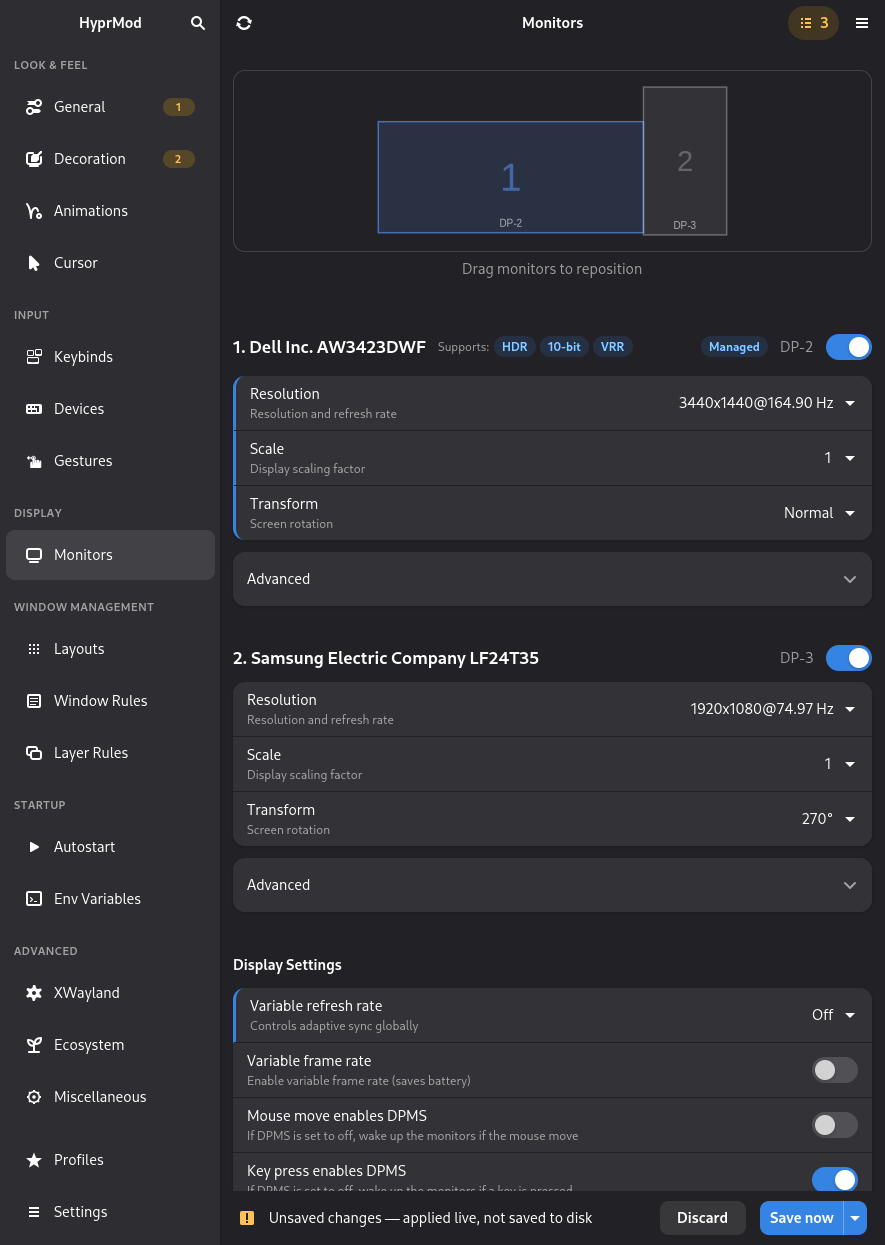
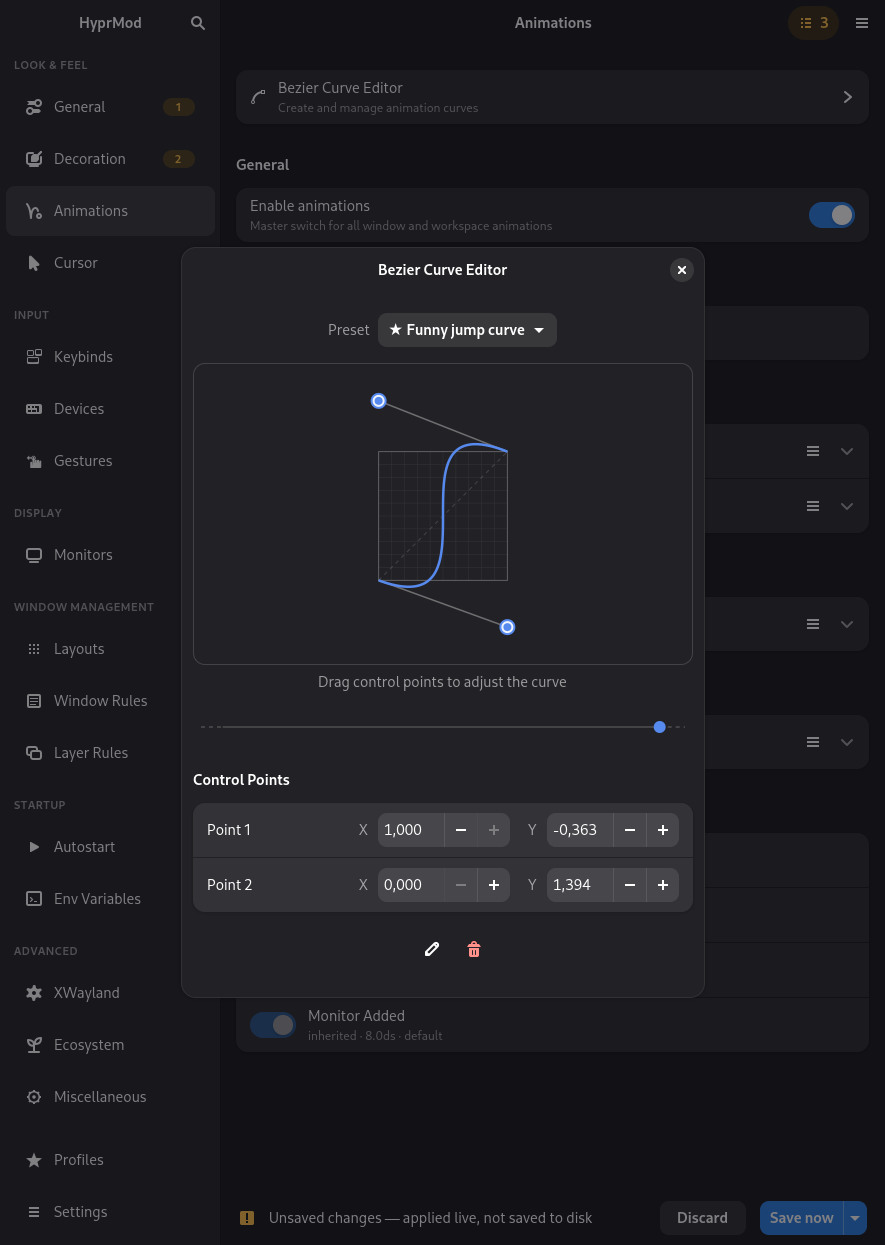
A native GTK4/libadwaita settings app for Hyprland — tweak any option, see it change live, save when you're happy.


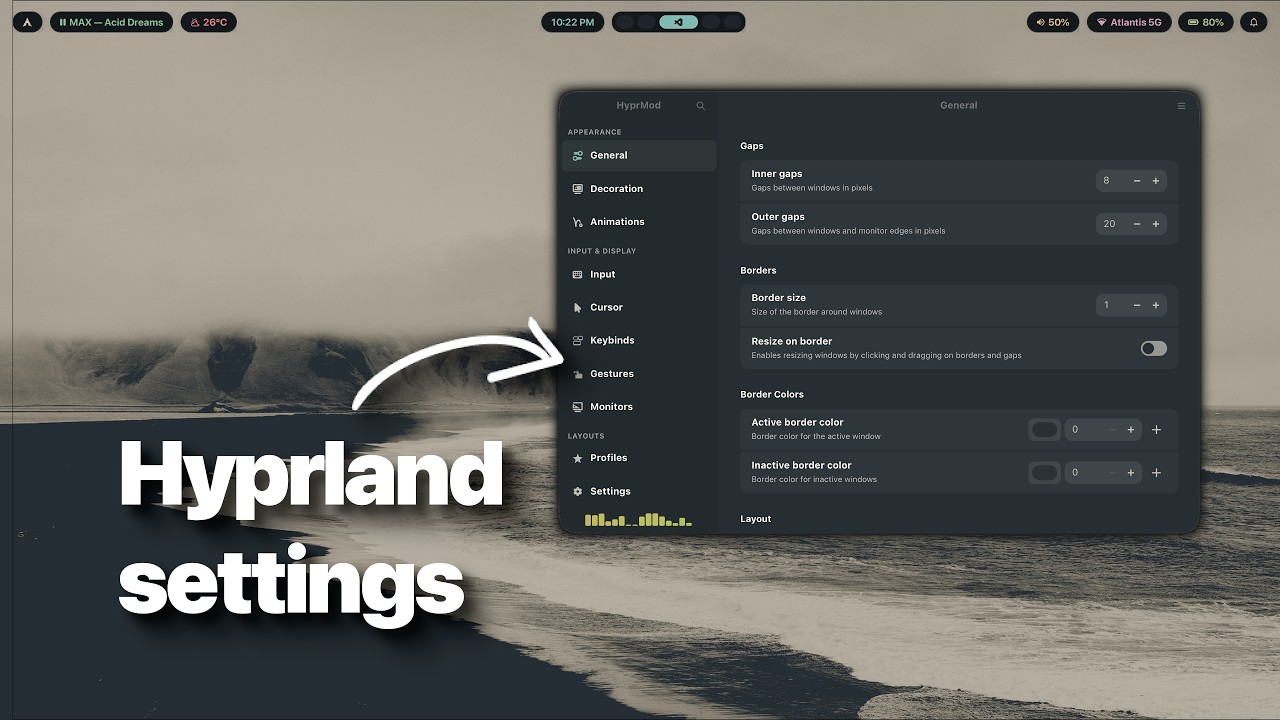
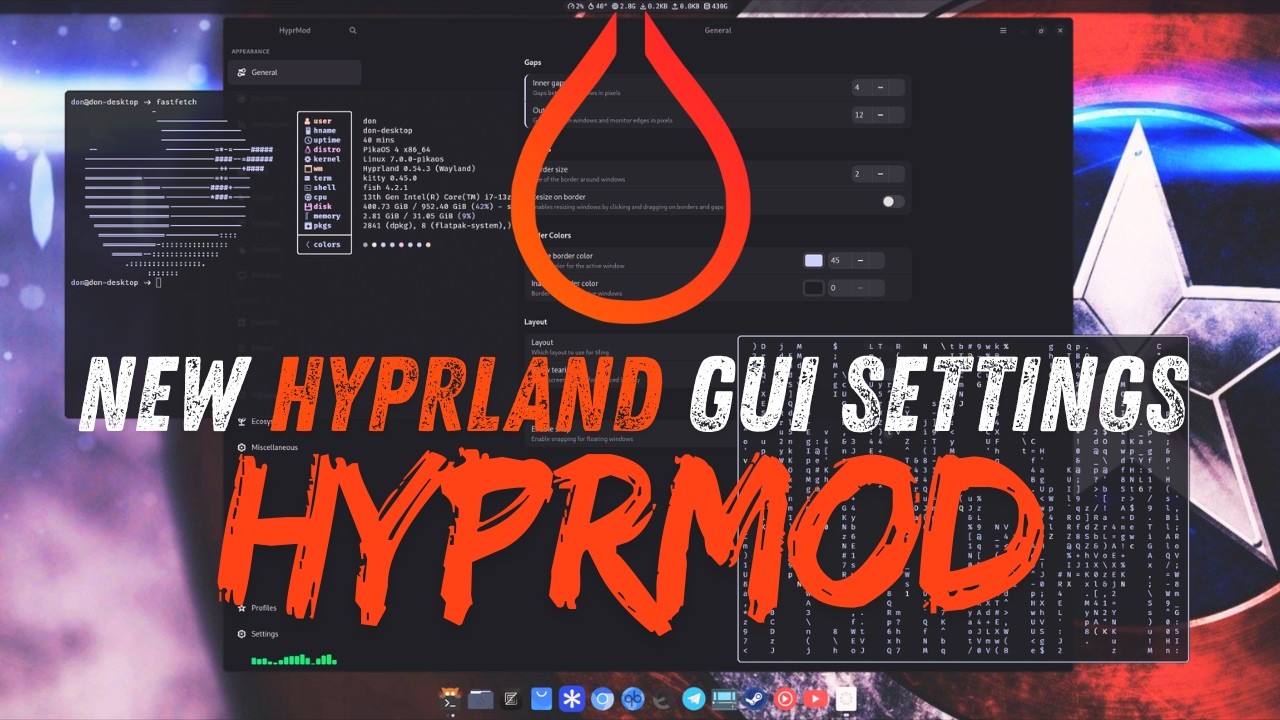
Huge thanks to the creators below — without you, HyprMod would reach far fewer people. ❤️
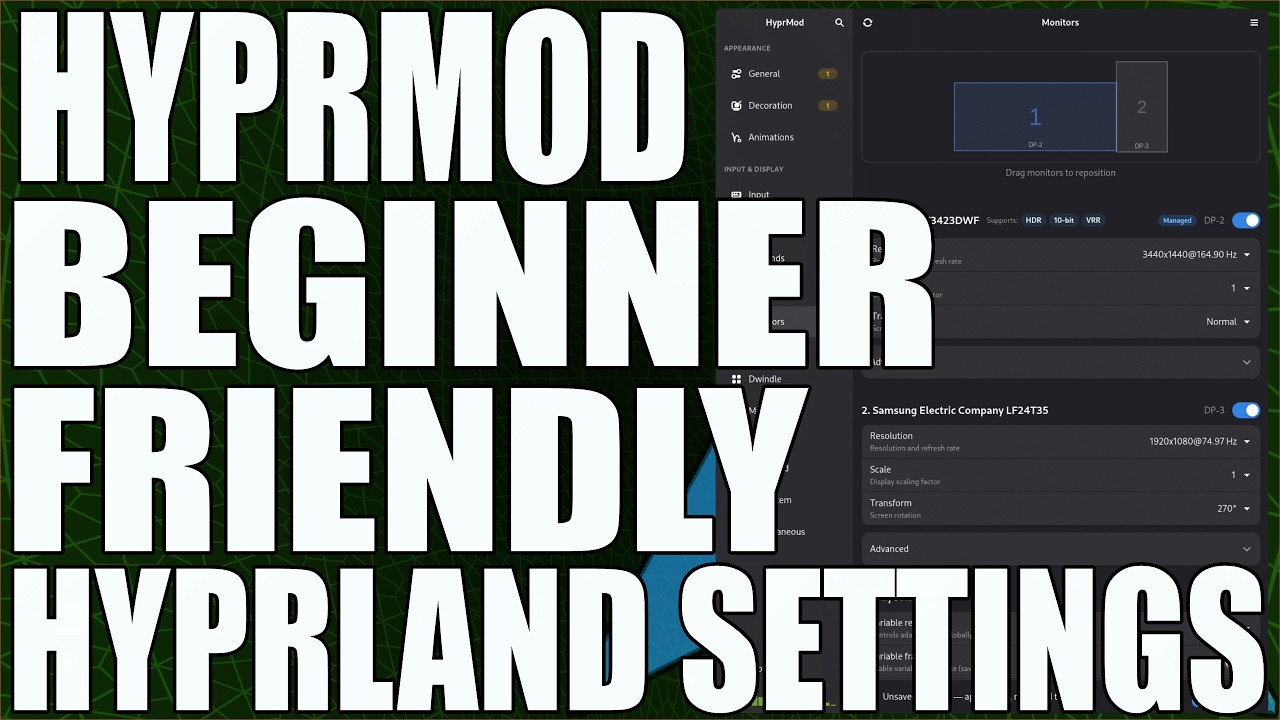
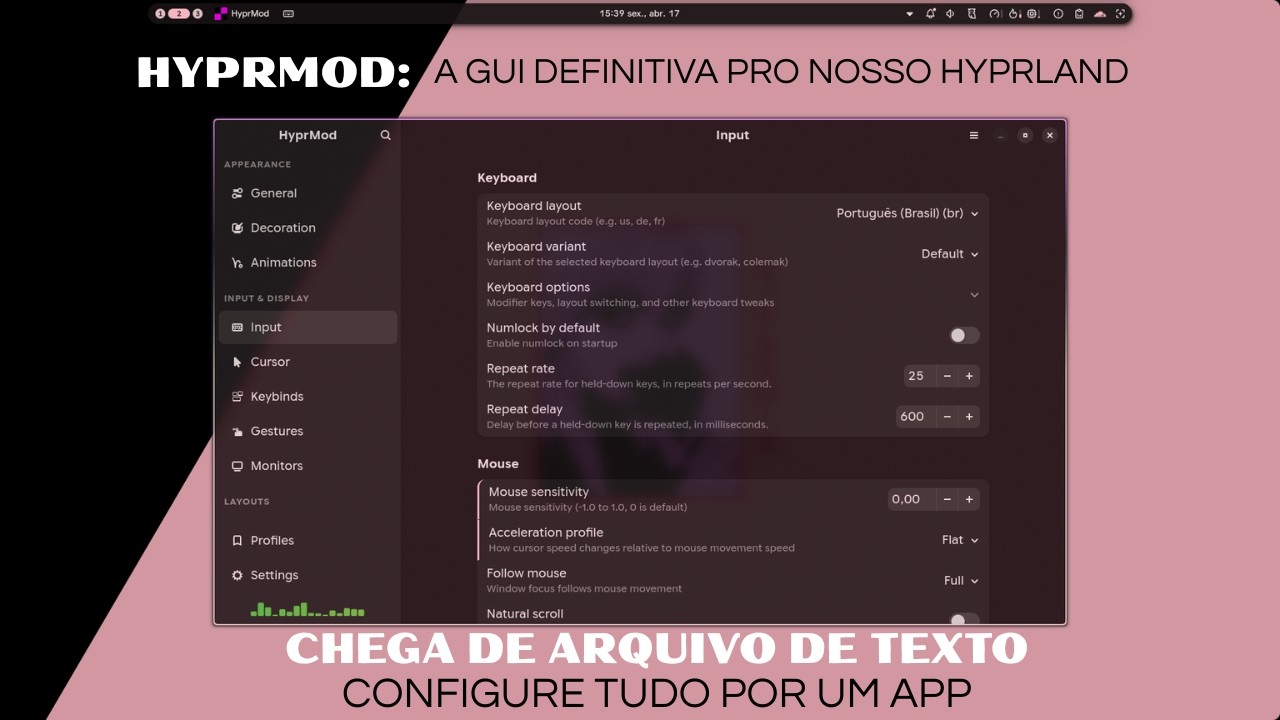
hyprland-gui.conf.conf fileshyprland.lua directly (Hyprland 0.55+)bindm) bindsexec / exec-once) and environment variable managementSwitch profiles without opening the window. Handy to bind to a Hyprland keybind or call from a script.
hyprmod profile list            # show saved profiles (active marked with *)
hyprmod profile apply Gaming    # switch to a profile by name (case-insensitive)
hyprmod profile next            # cycle to the next profile (alphabetical, wraps around)
hyprmod profile previous        # cycle to the previous one (alias: prev)
HyprMod is in active development and not yet packaged for most distributions.
Requires Python 3.12+, GTK4, and libadwaita.
The one-line installer works on any distribution.
curl -LsSf https://raw.githubusercontent.com/BlueManCZ/hyprmod/main/install.sh | sh
To uninstall:
curl -LsSf https://raw.githubusercontent.com/BlueManCZ/hyprmod/main/install.sh | sh -s -- --uninstall
If you use pkgit, you can install hyprmod directly with:
pkgit -i https://github.com/BlueManCZ/hyprmod
Arch Linux — hyprmod on the AUR:
yay -S hyprmod
Gentoo — via the edgets overlay:
emerge -a hyprmod
NixOS / home-manager — via the flake:
Add the input to your flake.nix:
inputs = {
  nixpkgs-unstable.url = "github:nixos/nixpkgs/nixos-unstable";

  hyprmod = {
    url = "github:BlueManCZ/hyprmod";
    inputs.nixpkgs.follows = "nixpkgs-unstable";
  };
};
Then add the package to home.packages or environment.systemPackages:
# home-manager module
{ inputs, pkgs, ... }: {
  home.packages = [
    inputs.hyprmod.packages.${pkgs.stdenv.hostPlatform.system}.default
  ];
}

# NixOS module
{ inputs, pkgs, ... }: {
  environment.systemPackages = [
    inputs.hyprmod.packages.${pkgs.stdenv.hostPlatform.system}.default
  ];
}
Make sure inputs reaches your module via specialArgs (NixOS) or
extraSpecialArgs (home-manager).
pkgs.hyprmod available everywhere)# Once, where you configure nixpkgs:
{ inputs, ... }: {
nixpkgs.overlays = [ inputs.hyprmod.overlays.default ];
}
# Then anywhere pkgs is in scope:
{ pkgs, ... }: {
home.packages = [ pkgs.hyprmod ];
}
{
  inputs = {
    nixpkgs-unstable.url = "github:nixos/nixpkgs/nixos-unstable";
    home-manager = {
      url = "github:nix-community/home-manager";
      inputs.nixpkgs.follows = "nixpkgs-unstable";
    };
    hyprmod = {
    url = "github:BlueManCZ/hyprmod";

      inputs.nixpkgs.follows = "nixpkgs-unstable";
    };
  };

  outputs = { self, nixpkgs-unstable, home-manager, hyprmod, ... }: {
    nixosConfigurations.mymachine = nixpkgs-unstable.lib.nixosSystem {
      system = "x86_64-linux";
      modules = [
        { nixpkgs.overlays = [ hyprmod.overlays.default ]; }
        home-manager.nixosModules.home-manager
        {
          home-manager.users.alice = { pkgs, ... }: {
            home.packages = [ pkgs.hyprmod ];
          };
        }
        ./configuration.nix
      ];
    };
  };
}
git clone https://github.com/BlueManCZ/hyprmod.git
cd hyprmod

nix build .#hyprmod        # build
nix run   .#hyprmod        # run without installing
nix shell .#hyprmod        # shell with hyprmod on PATH
For the step-by-step release update procedure and hash regeneration reference, see NIX.md.
# with uv
uv tool install git+https://github.com/BlueManCZ/hyprmod.git
hyprmod --install     # places .desktop + icon under ~/.local/share

# or with pipx
pipx install git+https://github.com/BlueManCZ/hyprmod.git
hyprmod --install
To remove: hyprmod --uninstall, then uv tool uninstall hyprmod or pipx uninstall hyprmod. hyprmod --install is idempotent and runs automatically on first launch if no desktop entry is visible yet.
Running from a checkout? See CONTRIBUTING.md.
Next
Later
hyprpm)Out of scope — Wi-Fi, Bluetooth, printing, default apps, and GTK theming belong in a desktop control center, not a Hyprland settings app. See #15 for the reasoning.
PRs are welcome. See CONTRIBUTING.md for development setup, the checks CI runs, and scope notes. For larger changes, please open an issue first so we can discuss the approach.
289 followers · starred Aug 2026
36 followers · starred Aug 2026
241 followers · starred Aug 2026
80 followers · starred Sep 2026
Native GTK4/libadwaita settings app for Hyprland.
Python
1,104
130 commits
updated Oct 9, 2026
A native GTK4/libadwaita settings app for Hyprland — tweak any option, see it change live, save when you're happy.
Huge thanks to the creators below — without you, HyprMod would reach far fewer people. ❤️
hyprland-gui.conf.conf fileshyprland.lua directly (Hyprland 0.55+)bindm) bindsexec / exec-once) and environment variable managementSwitch profiles without opening the window. Handy to bind to a Hyprland keybind or call from a script.
hyprmod profile list            # show saved profiles (active marked with *)
hyprmod profile apply Gaming    # switch to a profile by name (case-insensitive)
hyprmod profile next            # cycle to the next profile (alphabetical, wraps around)
hyprmod profile previous        # cycle to the previous one (alias: prev)
HyprMod is in active development and not yet packaged for most distributions.
Requires Python 3.12+, GTK4, and libadwaita.
The one-line installer works on any distribution.
curl -LsSf https://raw.githubusercontent.com/BlueManCZ/hyprmod/main/install.sh | sh
To uninstall:
curl -LsSf https://raw.githubusercontent.com/BlueManCZ/hyprmod/main/install.sh | sh -s -- --uninstall
If you use pkgit, you can install hyprmod directly with:
pkgit -i https://github.com/BlueManCZ/hyprmod
Arch Linux — hyprmod on the AUR:
yay -S hyprmod
Gentoo — via the edgets overlay:
emerge -a hyprmod
NixOS / home-manager — via the flake:
Add the input to your flake.nix:
inputs = {
  nixpkgs-unstable.url = "github:nixos/nixpkgs/nixos-unstable";

  hyprmod = {
    url = "github:BlueManCZ/hyprmod";
    inputs.nixpkgs.follows = "nixpkgs-unstable";
  };
};
Then add the package to home.packages or environment.systemPackages:
# home-manager module
{ inputs, pkgs, ... }: {
  home.packages = [
    inputs.hyprmod.packages.${pkgs.stdenv.hostPlatform.system}.default
  ];
}

# NixOS module
{ inputs, pkgs, ... }: {
  environment.systemPackages = [
    inputs.hyprmod.packages.${pkgs.stdenv.hostPlatform.system}.default
  ];
}
Make sure inputs reaches your module via specialArgs (NixOS) or
extraSpecialArgs (home-manager).
pkgs.hyprmod available everywhere)# Once, where you configure nixpkgs:
{ inputs, ... }: {
nixpkgs.overlays = [ inputs.hyprmod.overlays.default ];
}
# Then anywhere pkgs is in scope:
{ pkgs, ... }: {
home.packages = [ pkgs.hyprmod ];
}
{
  inputs = {
    nixpkgs-unstable.url = "github:nixos/nixpkgs/nixos-unstable";
    home-manager = {
      url = "github:nix-community/home-manager";
      inputs.nixpkgs.follows = "nixpkgs-unstable";
    };
    hyprmod = {
    url = "github:BlueManCZ/hyprmod";

      inputs.nixpkgs.follows = "nixpkgs-unstable";
    };
  };

  outputs = { self, nixpkgs-unstable, home-manager, hyprmod, ... }: {
    nixosConfigurations.mymachine = nixpkgs-unstable.lib.nixosSystem {
      system = "x86_64-linux";
      modules = [
        { nixpkgs.overlays = [ hyprmod.overlays.default ]; }
        home-manager.nixosModules.home-manager
        {
          home-manager.users.alice = { pkgs, ... }: {
            home.packages = [ pkgs.hyprmod ];
          };
        }
        ./configuration.nix
      ];
    };
  };
}
git clone https://github.com/BlueManCZ/hyprmod.git
cd hyprmod

nix build .#hyprmod        # build
nix run   .#hyprmod        # run without installing
nix shell .#hyprmod        # shell with hyprmod on PATH
For the step-by-step release update procedure and hash regeneration reference, see NIX.md.
# with uv
uv tool install git+https://github.com/BlueManCZ/hyprmod.git
hyprmod --install     # places .desktop + icon under ~/.local/share

# or with pipx
pipx install git+https://github.com/BlueManCZ/hyprmod.git
hyprmod --install
To remove: hyprmod --uninstall, then uv tool uninstall hyprmod or pipx uninstall hyprmod. hyprmod --install is idempotent and runs automatically on first launch if no desktop entry is visible yet.
Running from a checkout? See CONTRIBUTING.md.
Next
Later
hyprpm)Out of scope — Wi-Fi, Bluetooth, printing, default apps, and GTK theming belong in a desktop control center, not a Hyprland settings app. See #15 for the reasoning.
PRs are welcome. See CONTRIBUTING.md for development setup, the checks CI runs, and scope notes. For larger changes, please open an issue first so we can discuss the approach.
289 followers · starred Aug 2026
36 followers · starred Aug 2026
241 followers · starred Aug 2026
80 followers · starred Sep 2026



