
Four identities. One desktop. Modular Plugins · Live Hot-Swapping · Seamless Customization · Resource-Aware
QML
97
1,015 commits
updated Oct 6, 2026
See what people are saying
README



A modular Hyprland desktop built on one Quickshell shell.
Eight themes, a plugin platform, and a live map of what your GPU is doing.
Themes · Install · Keybindings · Documentation · Plugins
What you get
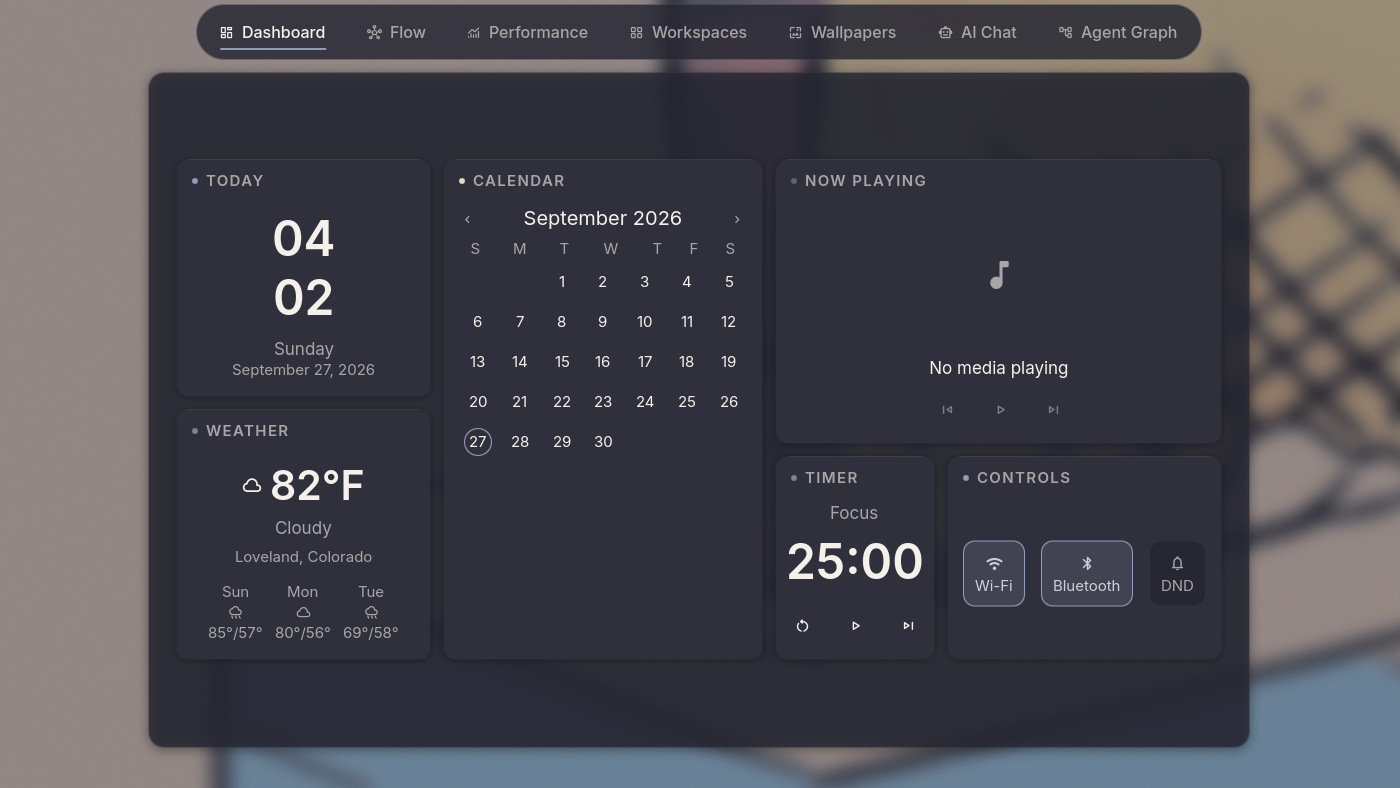
- One shell for the whole desktop. Bar, notch, launcher, notifications, lock screen, settings and Command Center, all in Quickshell. The screenshots use the Signal line skin: Settings > Bar > Signal line.
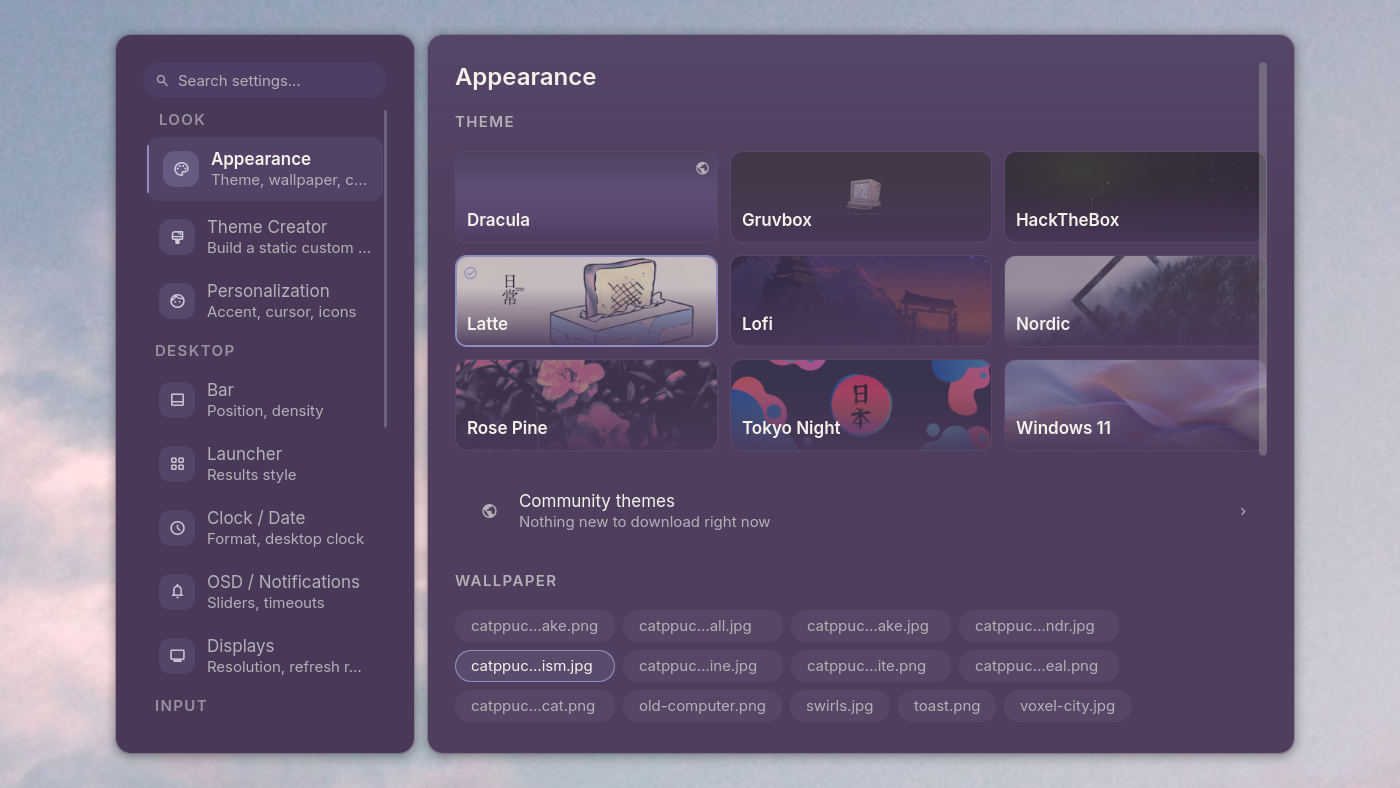
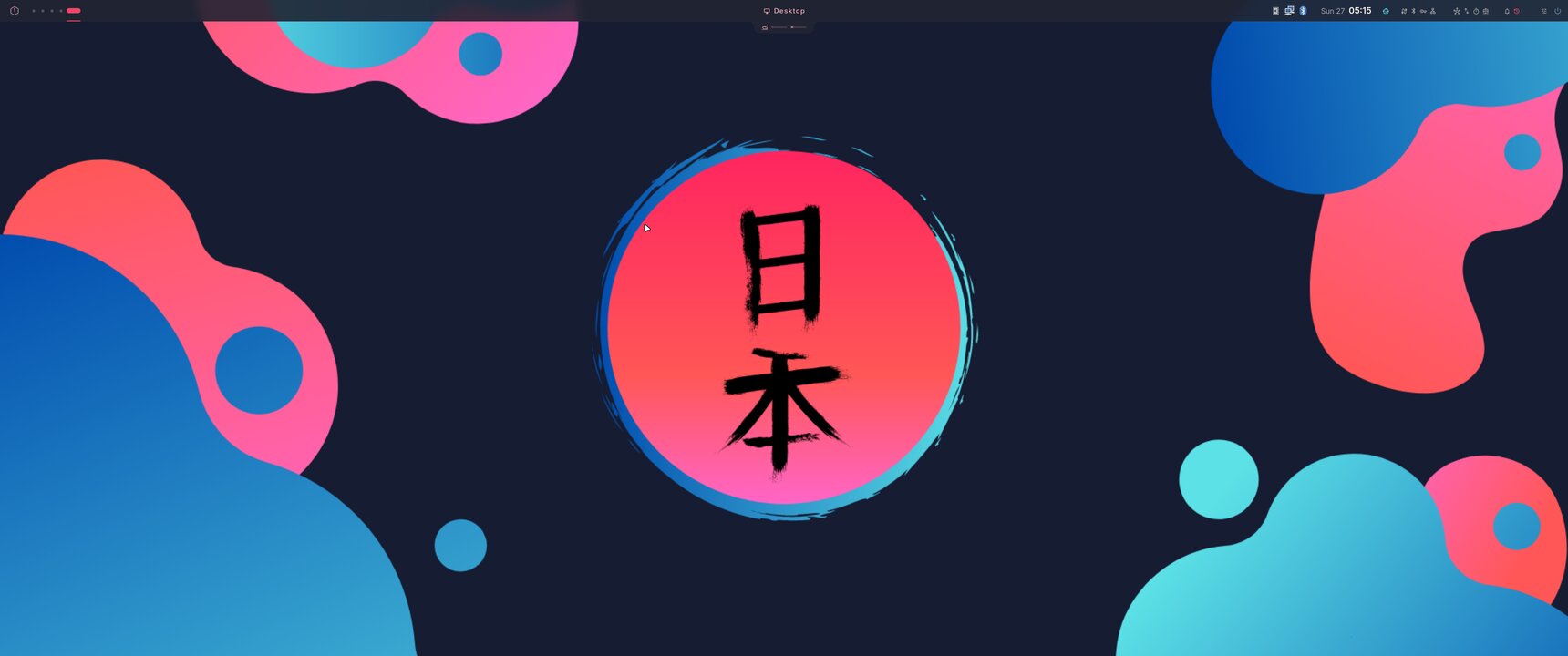
- Eight themes, switched live. Or generate one from any wallpaper. No rebuild, no relogin.
- Plugins for everything extra. AI chat, agent tracking, dev tools and desktop pets install and remove on a running desktop.
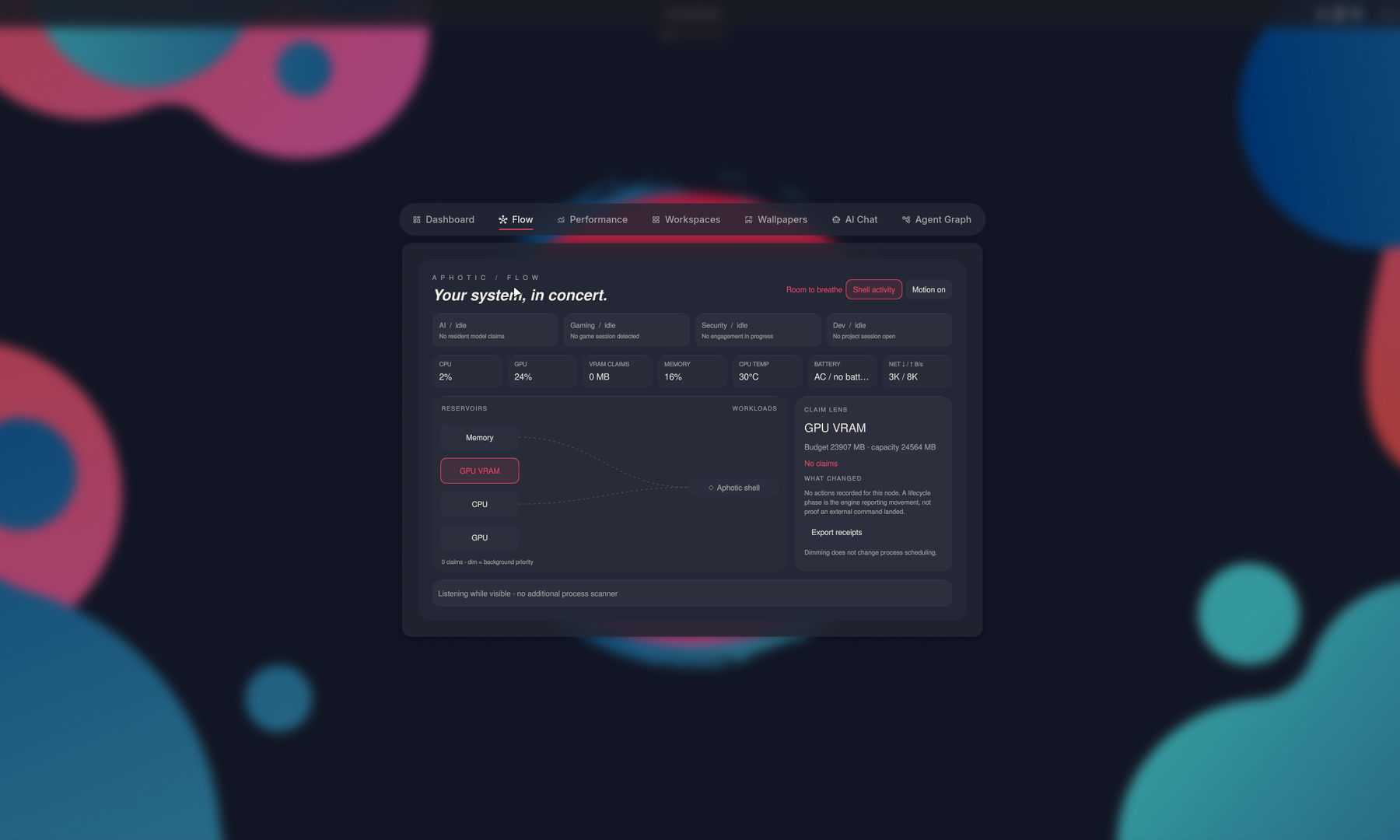
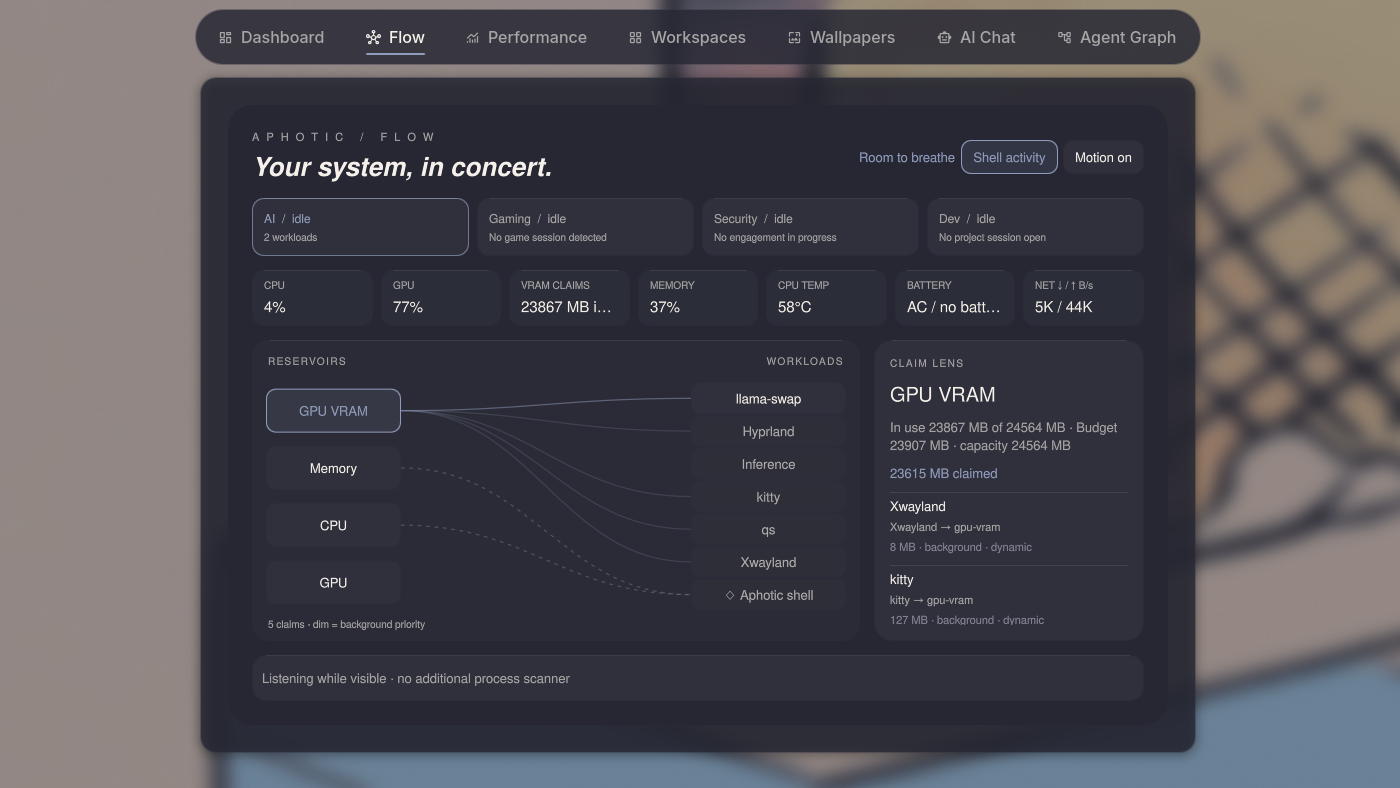
- A resource map that negotiates. Flow shows which workloads fight over GPU memory and offers a fix. It never kills anything on its own.
- Profiles you opt into. Developer, Gaming, AI and Security layers sit on a minimal or full base.
Gallery
|
|
|
|
|
|
|
|
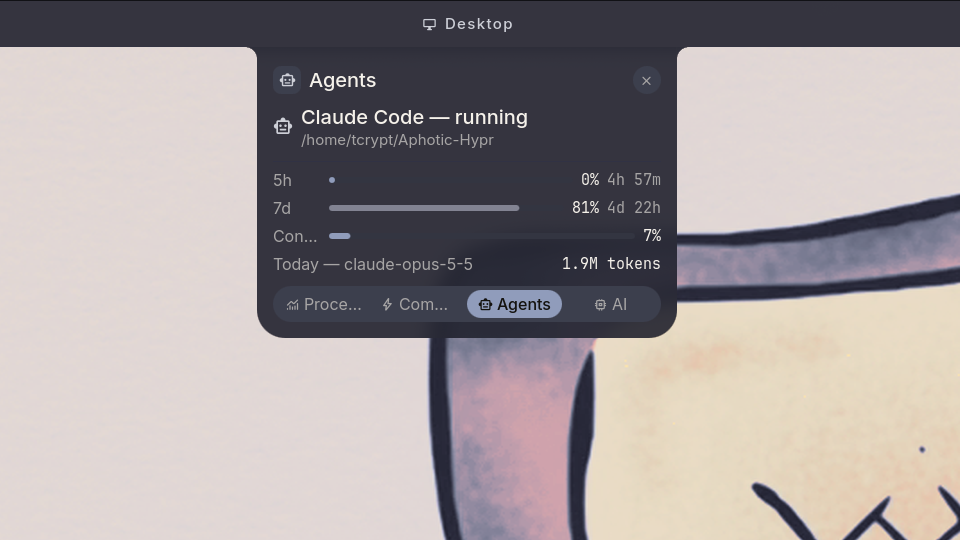
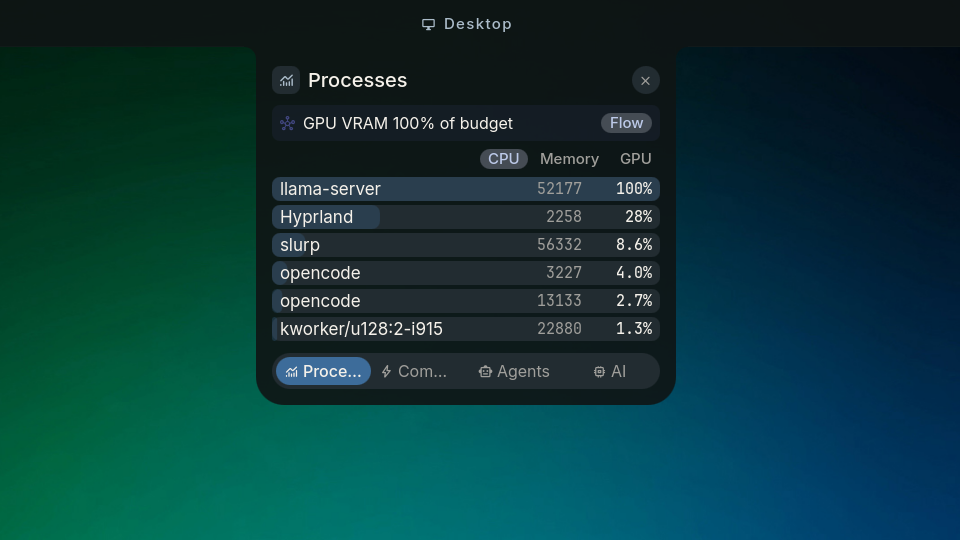
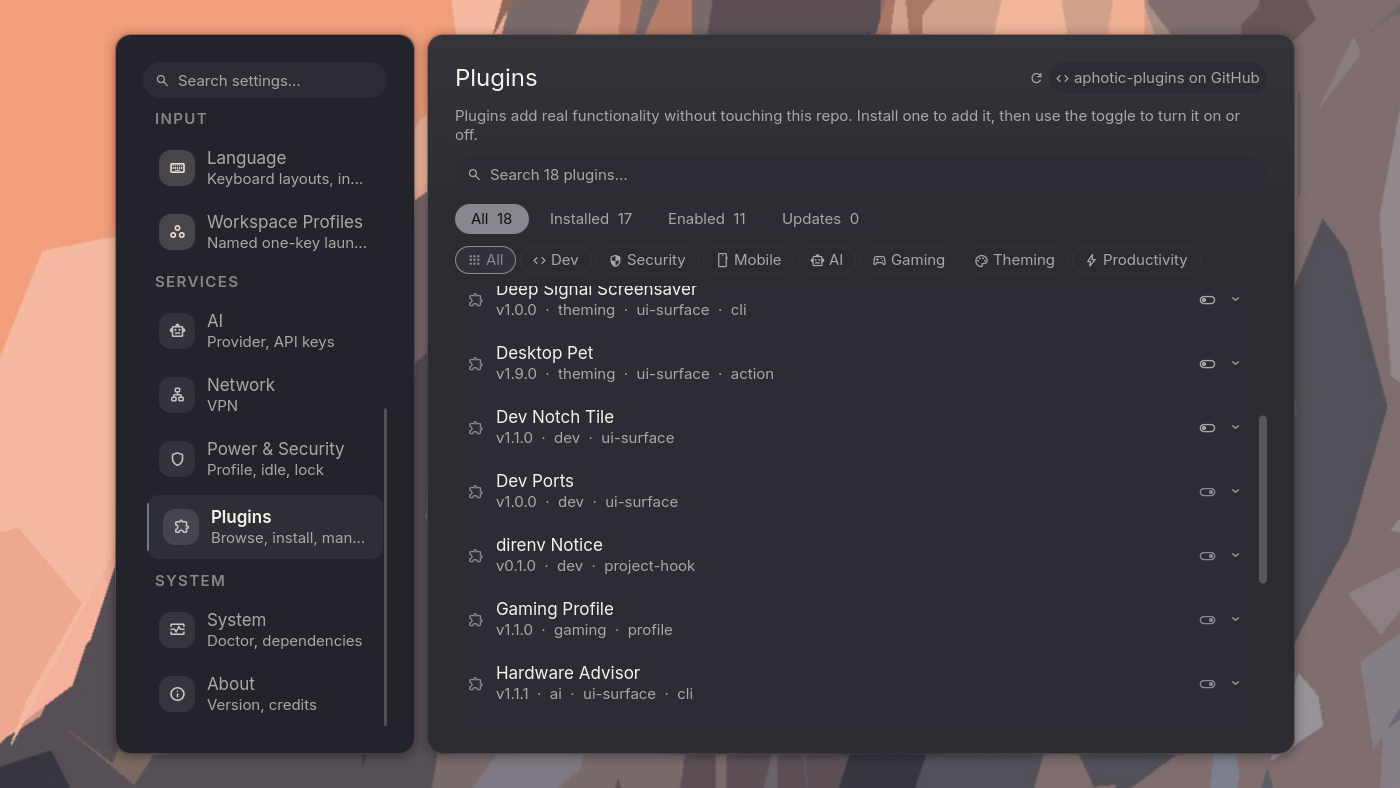
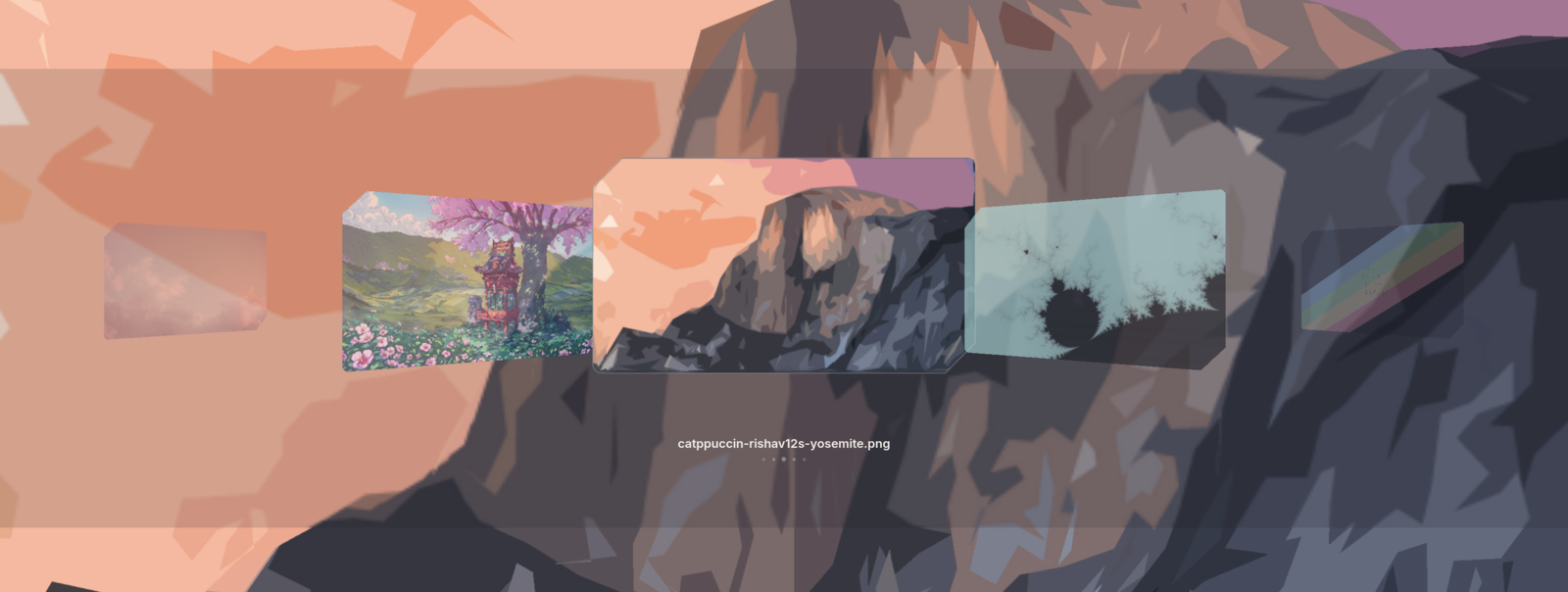
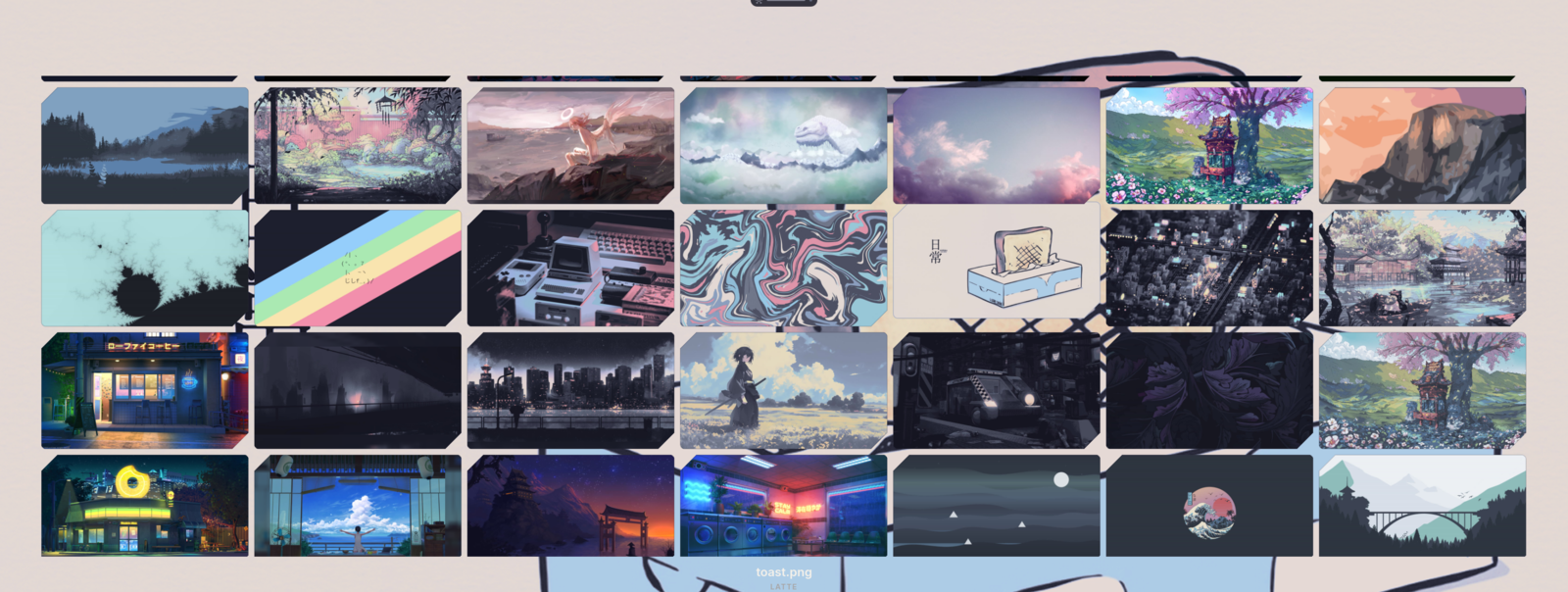
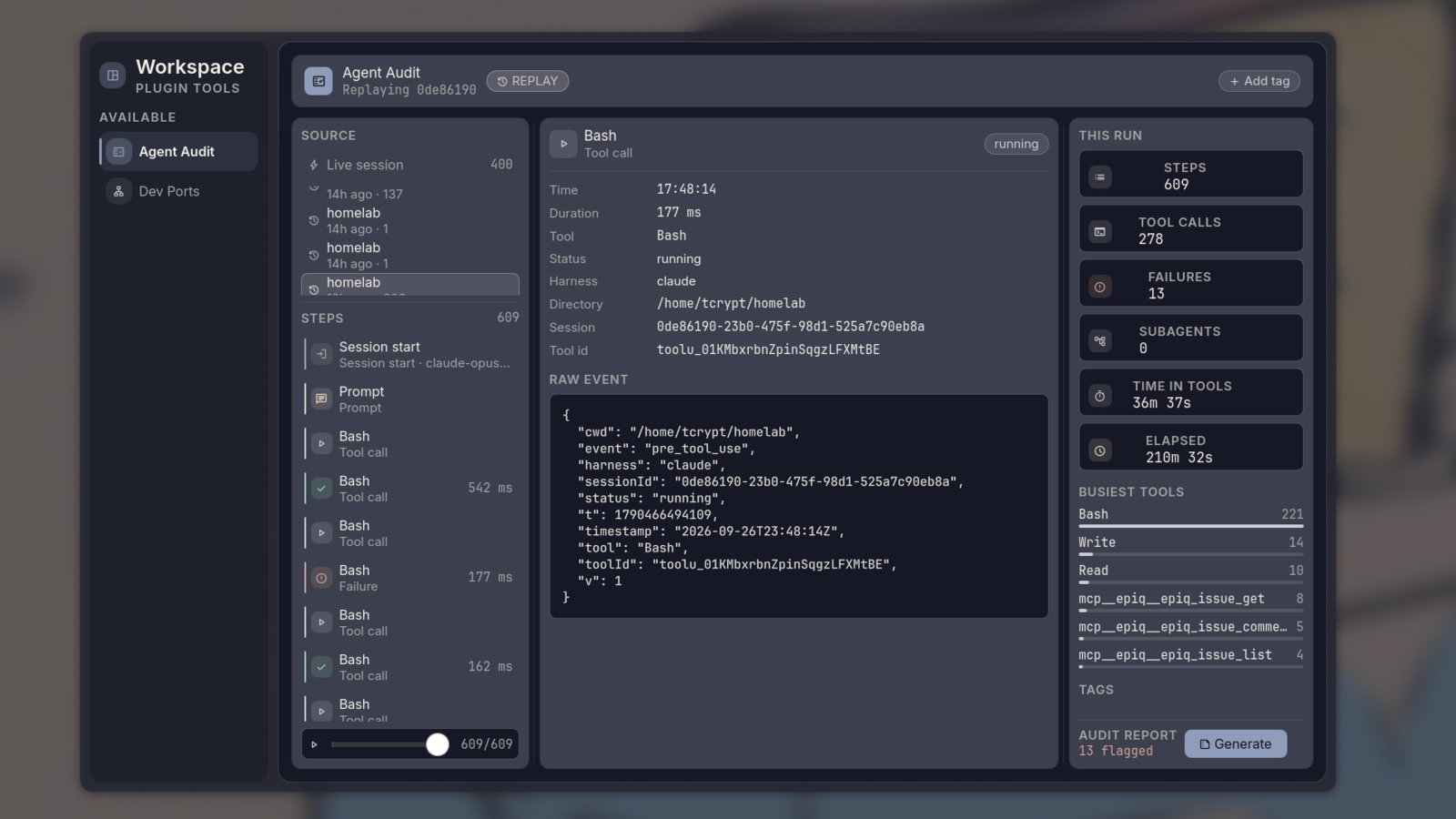
Workspace plane: a full-screen surface a plugin can claim, here replaying an agent run step by step
Themes
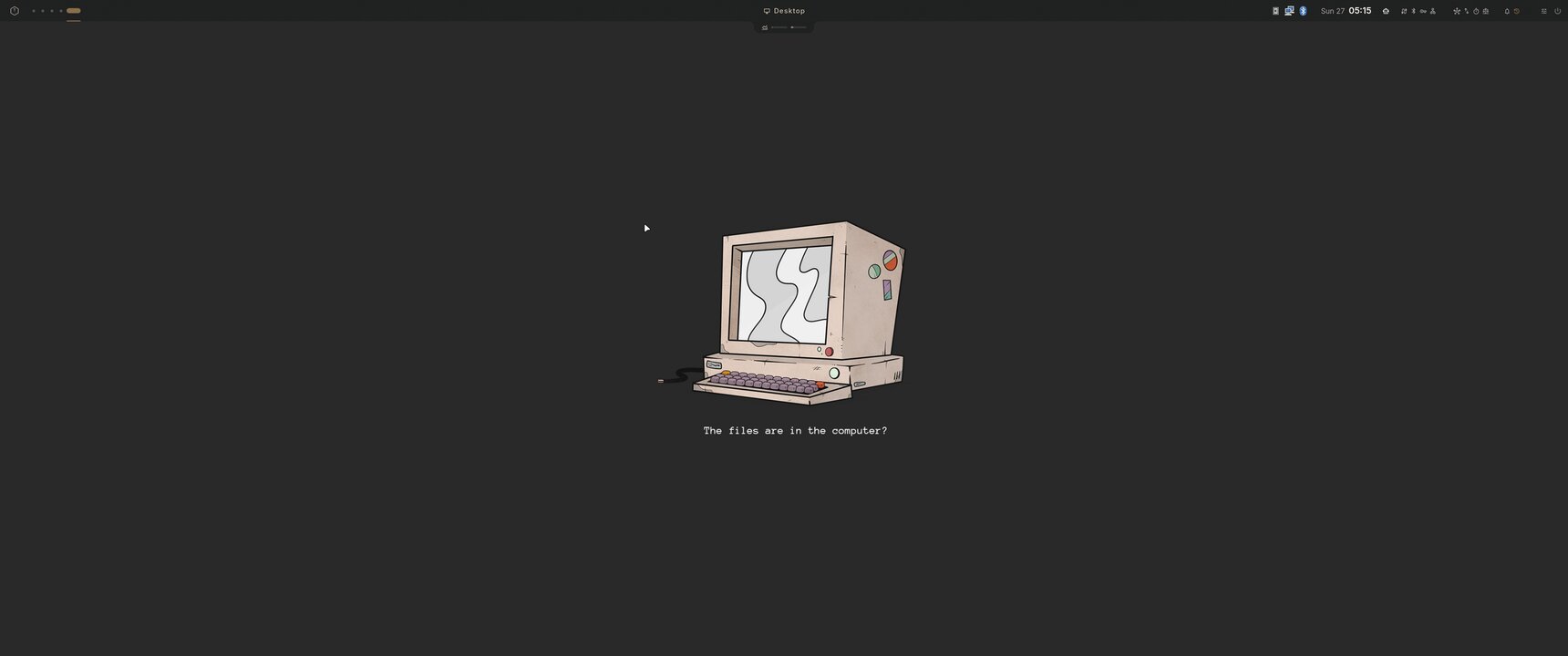
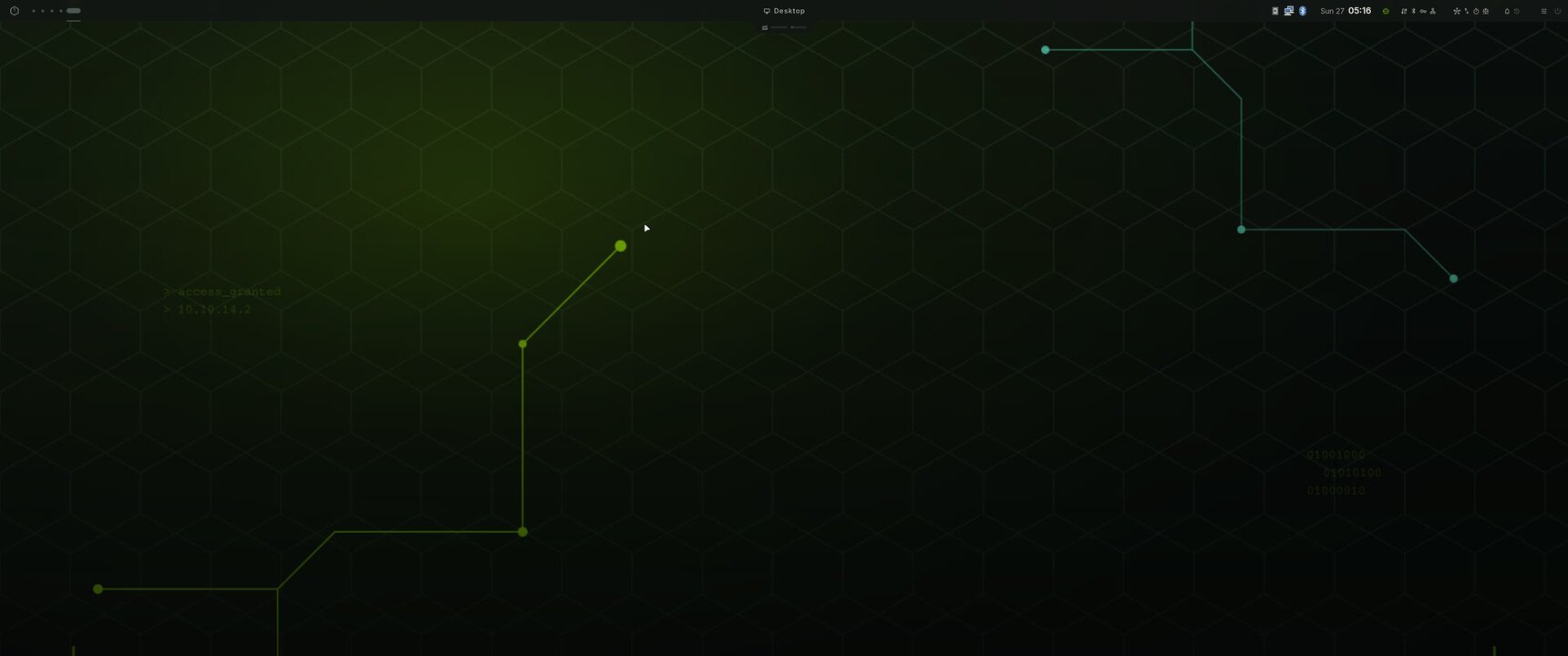
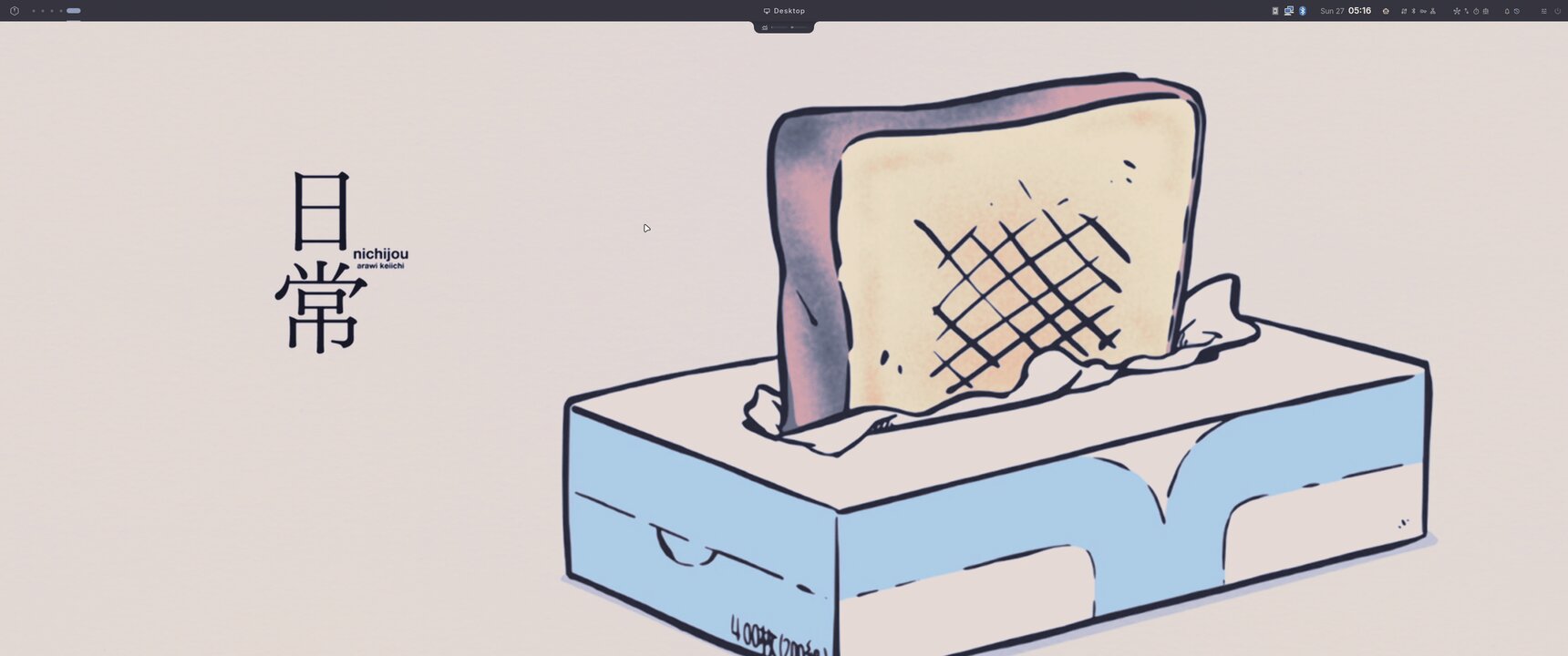
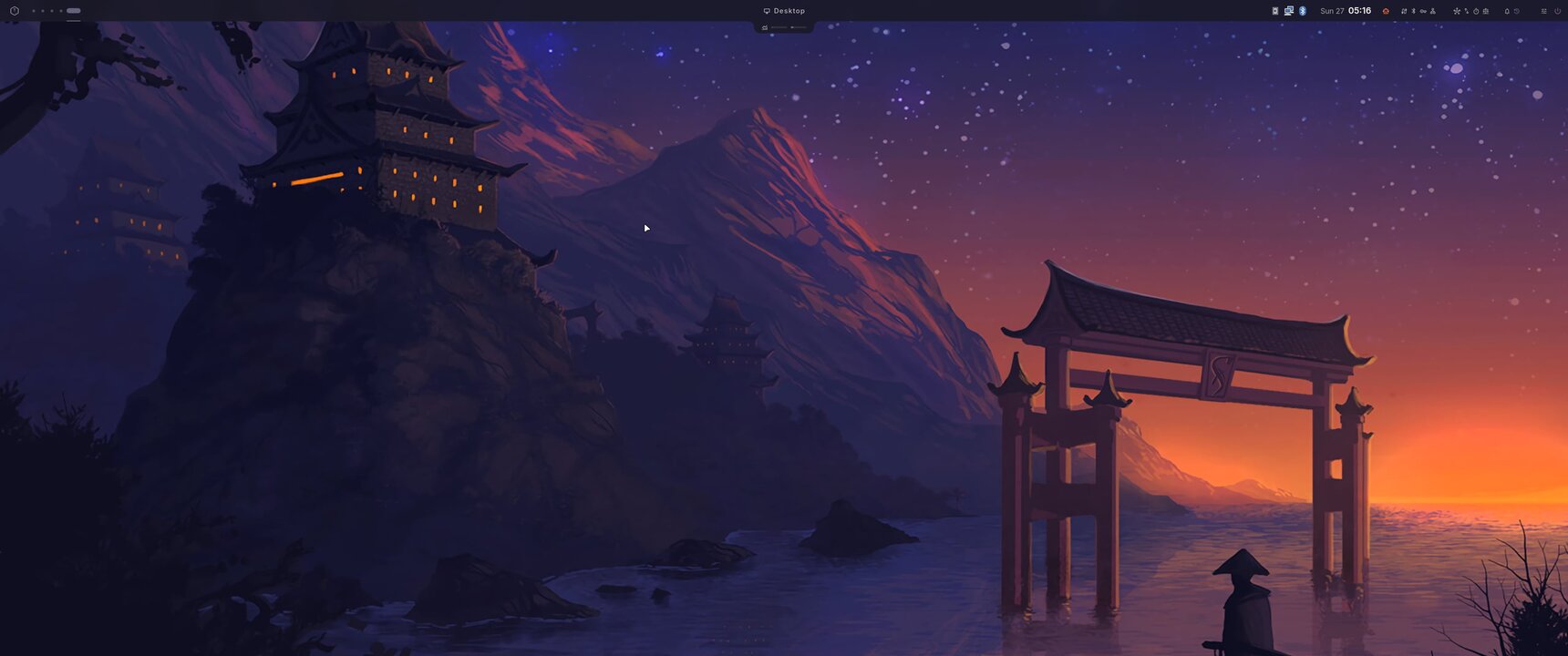
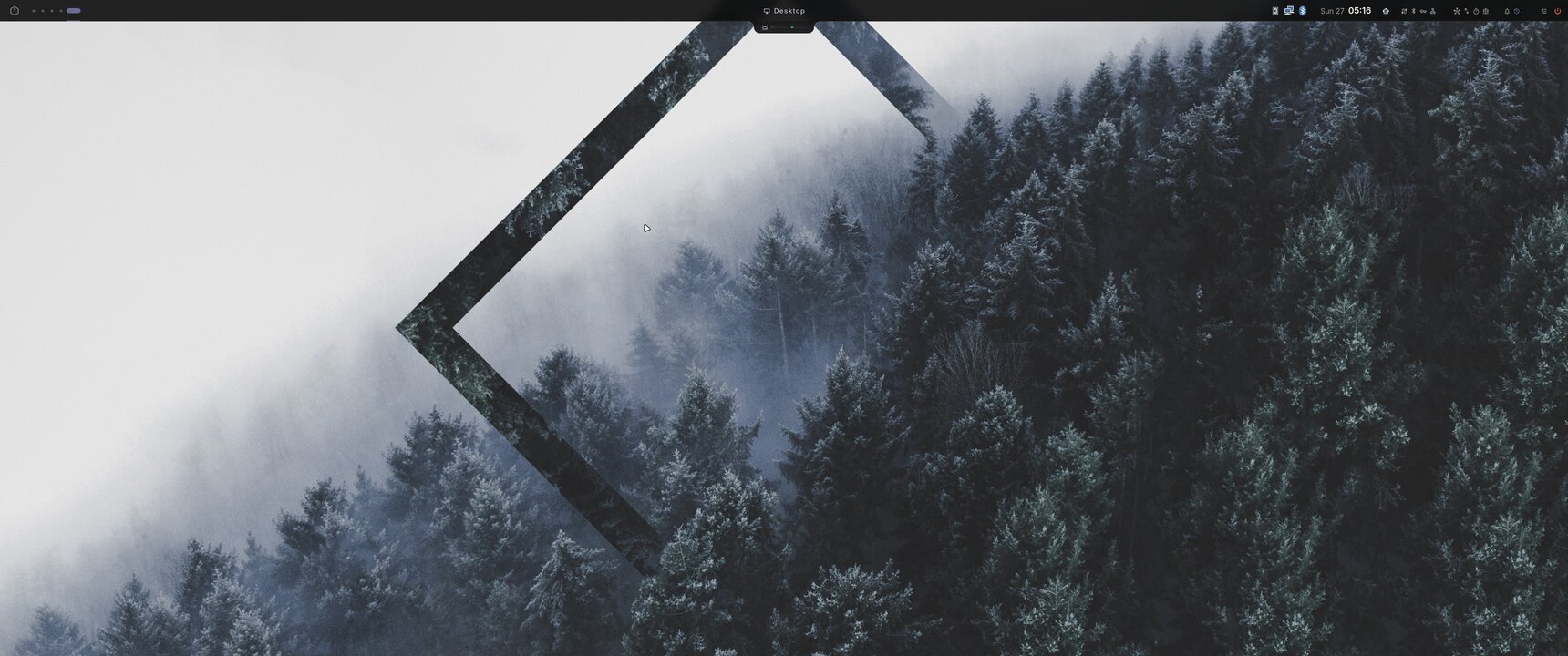
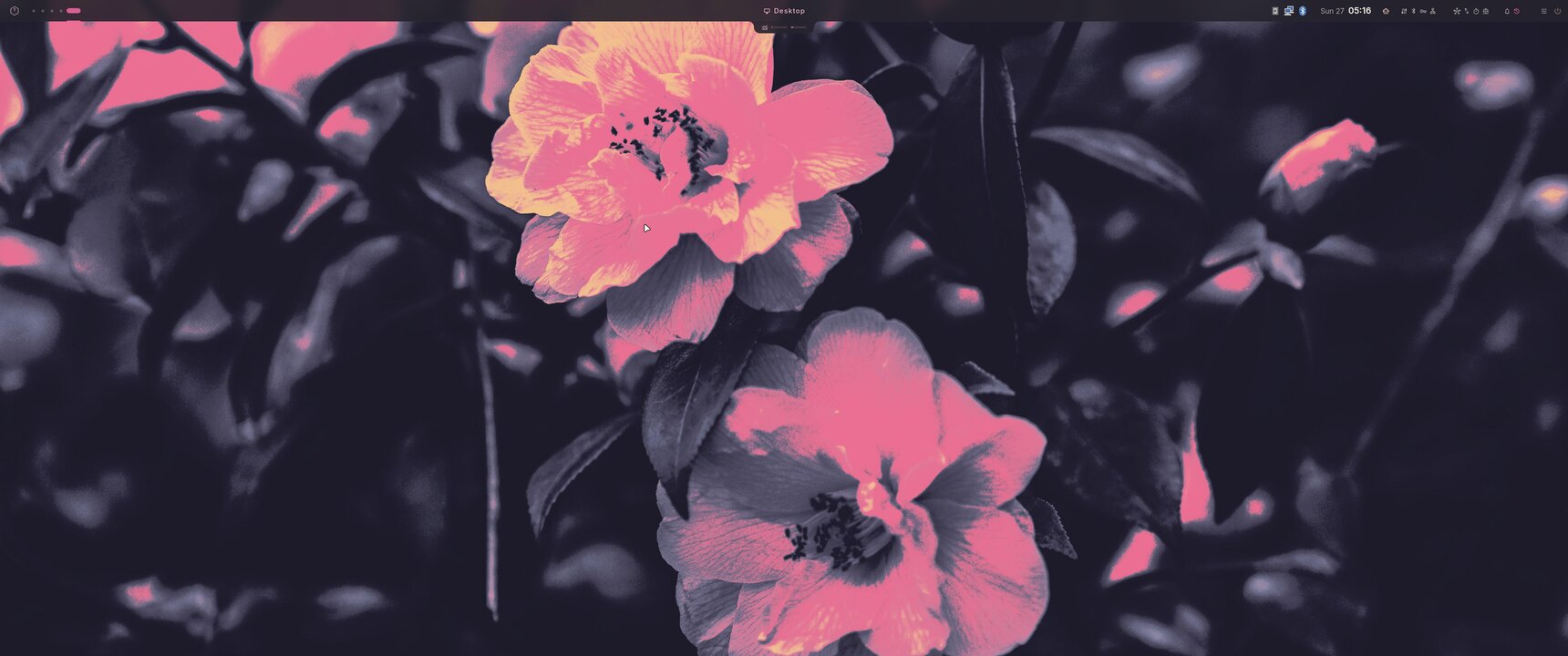
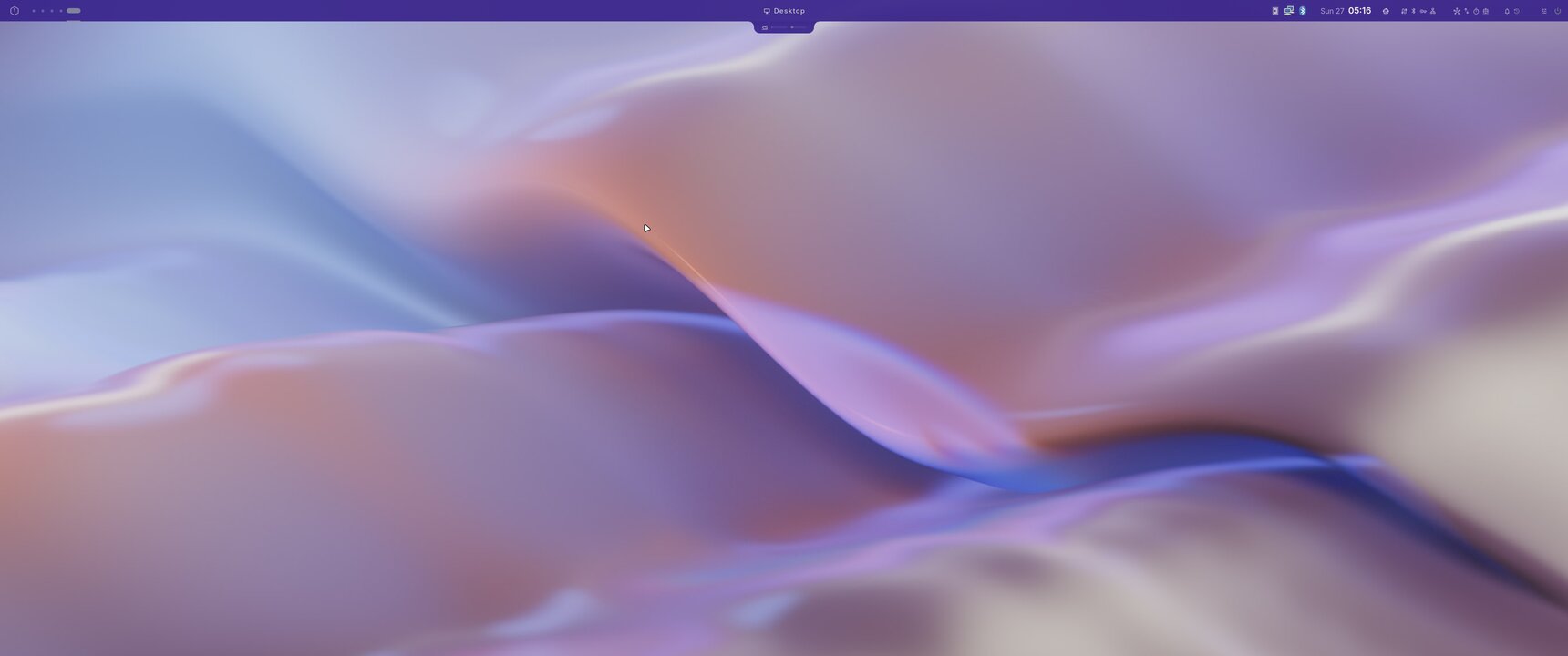
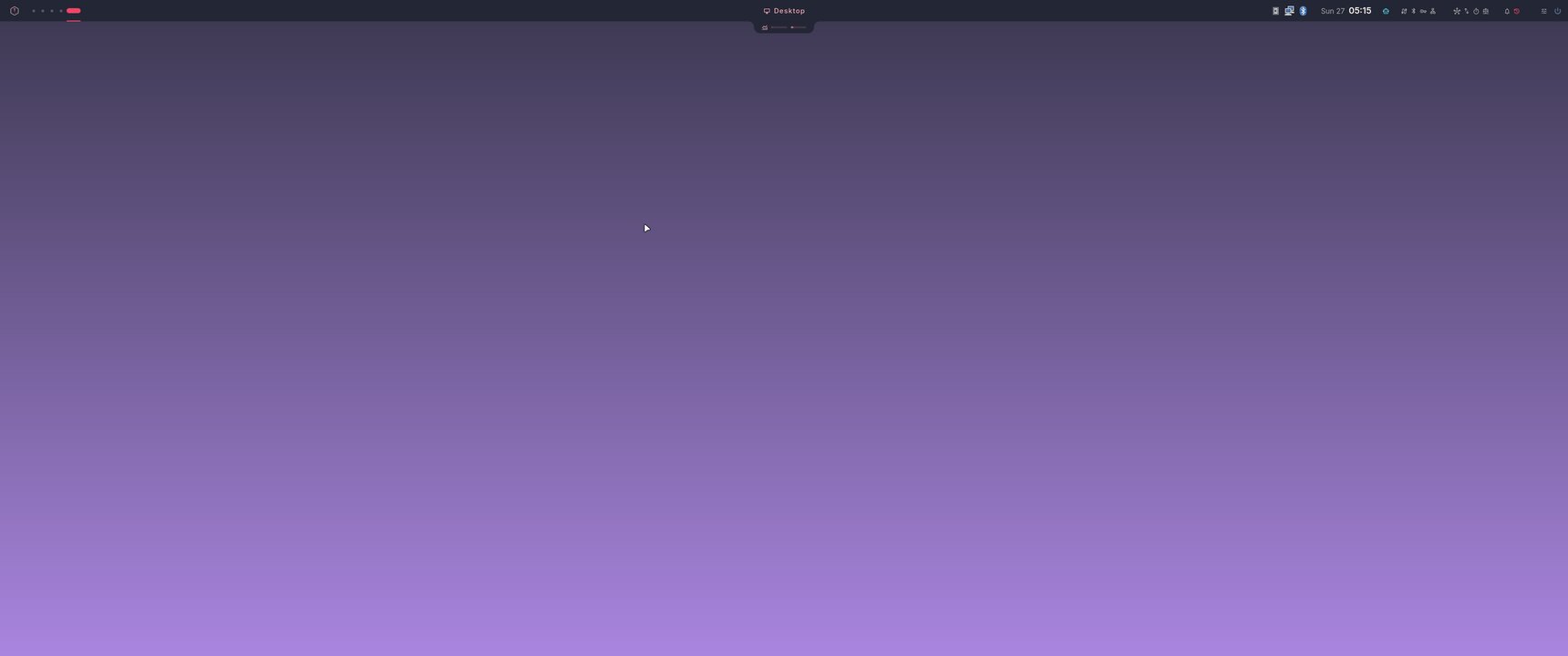
Eight themes ship with Aphotic, and aphotic theme download adds community ones. Switch with Super + , / .,
or build your own from any wallpaper in Settings > Theme Creator.
Every theme, same desktop
|
|
|
|
|
|
|
|
|
Install
Aphotic needs an Arch/AUR base. Plain Arch, Omarchy and EndeavourOS (Desktop Environment: None) are tested.
git clone https://github.com/T-Crypt/Aphotic-Hypr.git
cd Aphotic-Hypr
./install.sh
The installer makes the Aphotic greeter your login screen and keeps sddm
installed as the way back. Pass --keep-sddm to stay on sddm. Omarchy keeps
its own login.
Add --dry-run to see every change first; it runs before any sudo prompt
or write. Update with aphotic update, remove with ./uninstall.sh.
Every flag, profile and backup detail is in the Installation guide.
Keybindings
| Keys | Action |
|---|---|
| Super + A / Space | Launcher (apps, clipboard, emoji, windows, wallpaper) |
| Super + D | Command Center |
| Super + I | Settings |
| Super + Shift + W | Workspace plane, while a plugin provides one |
| Super + W | Wallpaper picker |
| Super + L | Lock screen |
| Super + Backspace | Session menu |
| Super + , / . | Cycle theme |
| Alt + Tab | Window switcher |
| Super + Shift + S | Screenshot picker |
The rest live in Configs/hypr/keybinds.lua and on the
Keybindings page.
Documentation
t-crypt.github.io/aphotic-hypr covers the rest: Getting Started · Profiles · Plugins · CLI · FAQ · Troubleshooting
Aphotic is in beta. Bug reports and hardware notes are welcome in Issues.
Star History
License
See LICENSE.
Similar repos


Four identities. One desktop. Modular Plugins · Live Hot-Swapping · Seamless Customization · Resource-Aware
QML
97
1,015 commits
updated Oct 6, 2026
See what people are saying
README
A modular Hyprland desktop built on one Quickshell shell.
Eight themes, a plugin platform, and a live map of what your GPU is doing.
Themes · Install · Keybindings · Documentation · Plugins
What you get
- One shell for the whole desktop. Bar, notch, launcher, notifications, lock screen, settings and Command Center, all in Quickshell. The screenshots use the Signal line skin: Settings > Bar > Signal line.
- Eight themes, switched live. Or generate one from any wallpaper. No rebuild, no relogin.
- Plugins for everything extra. AI chat, agent tracking, dev tools and desktop pets install and remove on a running desktop.
- A resource map that negotiates. Flow shows which workloads fight over GPU memory and offers a fix. It never kills anything on its own.
- Profiles you opt into. Developer, Gaming, AI and Security layers sit on a minimal or full base.
Gallery
|
|
|
|
|
|
|
|
Workspace plane: a full-screen surface a plugin can claim, here replaying an agent run step by step
Themes
Eight themes ship with Aphotic, and aphotic theme download adds community ones. Switch with Super + , / .,
or build your own from any wallpaper in Settings > Theme Creator.
Every theme, same desktop
|
|
|
|
|
|
|
|
|
Install
Aphotic needs an Arch/AUR base. Plain Arch, Omarchy and EndeavourOS (Desktop Environment: None) are tested.
git clone https://github.com/T-Crypt/Aphotic-Hypr.git
cd Aphotic-Hypr
./install.sh
The installer makes the Aphotic greeter your login screen and keeps sddm
installed as the way back. Pass --keep-sddm to stay on sddm. Omarchy keeps
its own login.
Add --dry-run to see every change first; it runs before any sudo prompt
or write. Update with aphotic update, remove with ./uninstall.sh.
Every flag, profile and backup detail is in the Installation guide.
Keybindings
| Keys | Action |
|---|---|
| Super + A / Space | Launcher (apps, clipboard, emoji, windows, wallpaper) |
| Super + D | Command Center |
| Super + I | Settings |
| Super + Shift + W | Workspace plane, while a plugin provides one |
| Super + W | Wallpaper picker |
| Super + L | Lock screen |
| Super + Backspace | Session menu |
| Super + , / . | Cycle theme |
| Alt + Tab | Window switcher |
| Super + Shift + S | Screenshot picker |
The rest live in Configs/hypr/keybinds.lua and on the
Keybindings page.
Documentation
t-crypt.github.io/aphotic-hypr covers the rest: Getting Started · Profiles · Plugins · CLI · FAQ · Troubleshooting
Aphotic is in beta. Bug reports and hardware notes are welcome in Issues.
Star History
License
See LICENSE.