
// Aesthetic, dynamic and minimal dots for Arch hyprland
Shell
5
1,479 commits
updated Dec 12, 2024
See what people are saying
README
// design by t2

https://github.com/prasanthrangan/hyprdots/assets/106020512/7f8fadc8-e293-4482-a851-e9c6464f5265


The installation script is designed for a minimal Arch Linux install, but may work on some Arch-based distros. While installing HyDE alongside another DE/WM should work, due to it being a heavily customized setup, it will conflict with your GTK/Qt theming, Shell, SDDM, GRUB, etc. and is at your own risk.
For Nixos support there is a separate project being maintained @ Hydenix
[!IMPORTANT] The install script will auto-detect an NVIDIA card and install nvidia-dkms drivers for your kernel. Please ensure that your NVIDIA card supports dkms drivers in the list provided here.
[!CAUTION] The script modifies your
gruborsystemd-bootconfig to enable NVIDIA DRM.
To install, execute the following commands:
pacman -S --needed git base-devel
git clone --depth 1 https://github.com/prasanthrangan/hyprdots ~/HyDE
cd ~/HyDE/Scripts
./install.sh
[!TIP] You can also add any other apps you wish to install alongside HyDE to
Scripts/custom_apps.lstand pass the file as a parameter to install it like so:./install.sh custom_apps.lst
As a second install option, you can also use Hyde-install, which might be easier for some.
View installation instructions for HyDE in Hyde-cli - Usage.
Please reboot after the install script completes and takes you to the SDDM login screen (or black screen) for the first time. For more details, please refer to the installation wiki.

To update HyDE, you will need to pull the latest changes from GitHub and restore the configs by running the following commands:
cd ~/HyDE/Scripts
git pull
./install.sh -r
[!IMPORTANT] Please note that any configurations you made will be overwritten if listed to be done so as listed by
Scripts/restore_cfg.lst. However, all replaced configs are backed up and may be recovered from in~/.config/cfg_backups.
As a second update option, you can use Hyde restore ..., which does have a better way of managing restore and backup options.
For more details, you can refer to Hyde-cli - dots management wiki.

All our official themes are stored in a separate repository, allowing users to install them using themepatcher. For more information, visit HyDE-Project/hyde-themes.
|
|
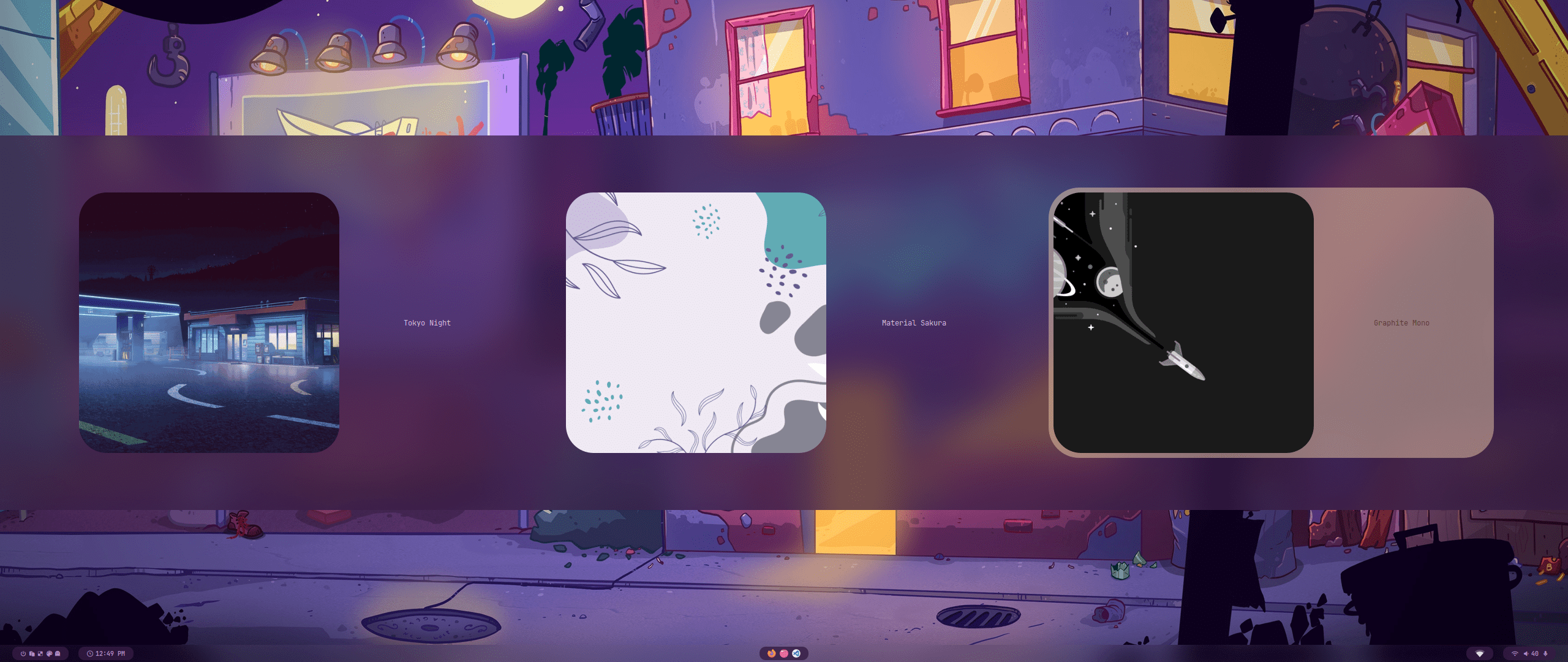
[!TIP] Everyone, including you can create, maintain, and share additional themes, all of which can be installed using themepatcher! To create your own custom theme, please refer to the theming wiki. If you wish to have your hyde theme showcased, or you want to find some non-official themes, visit kRHYME7/hyde-gallery!

 |
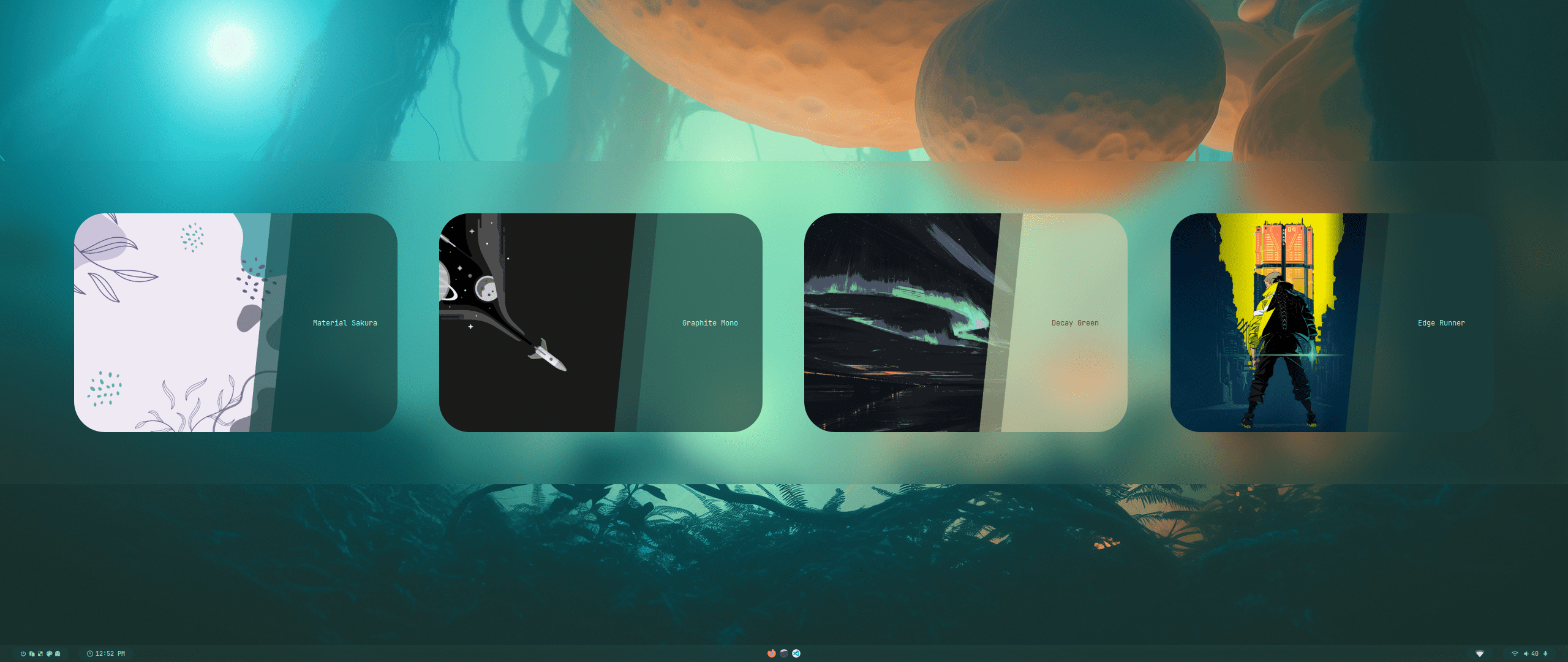 |
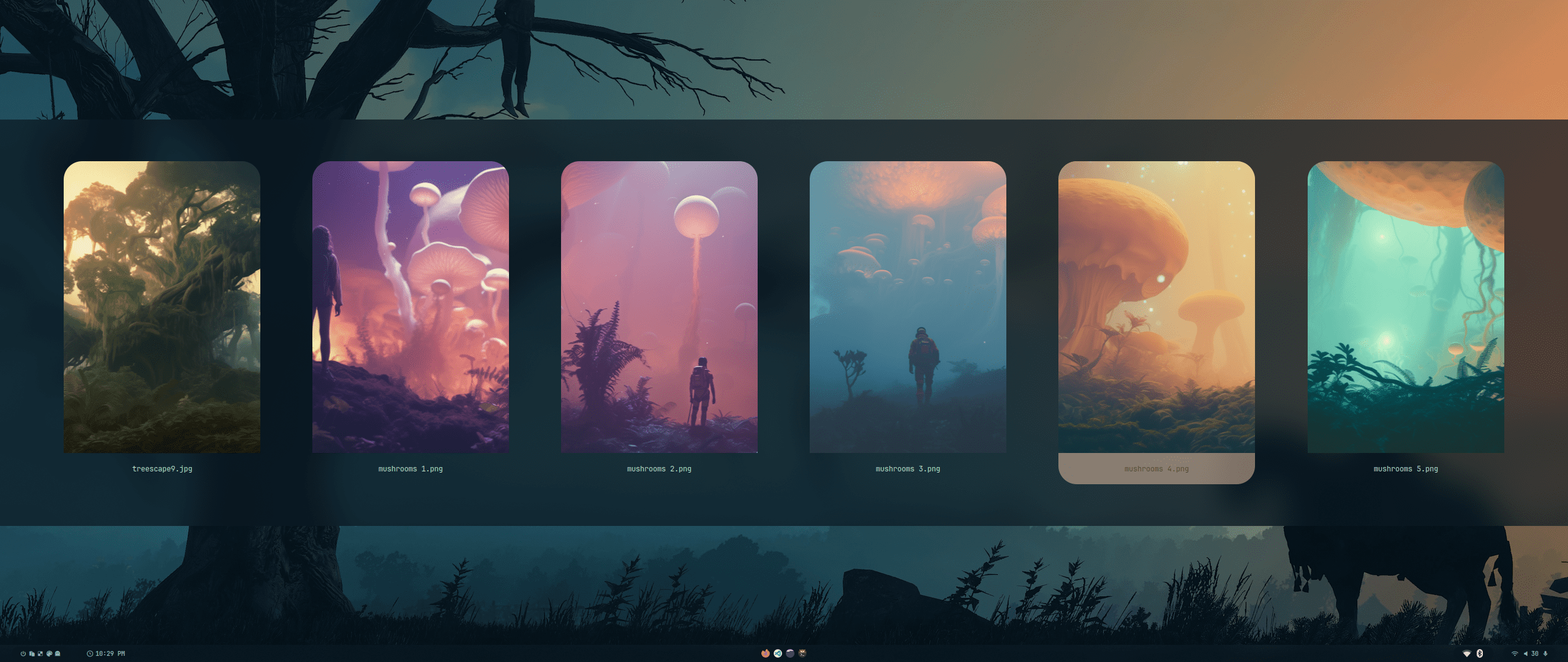
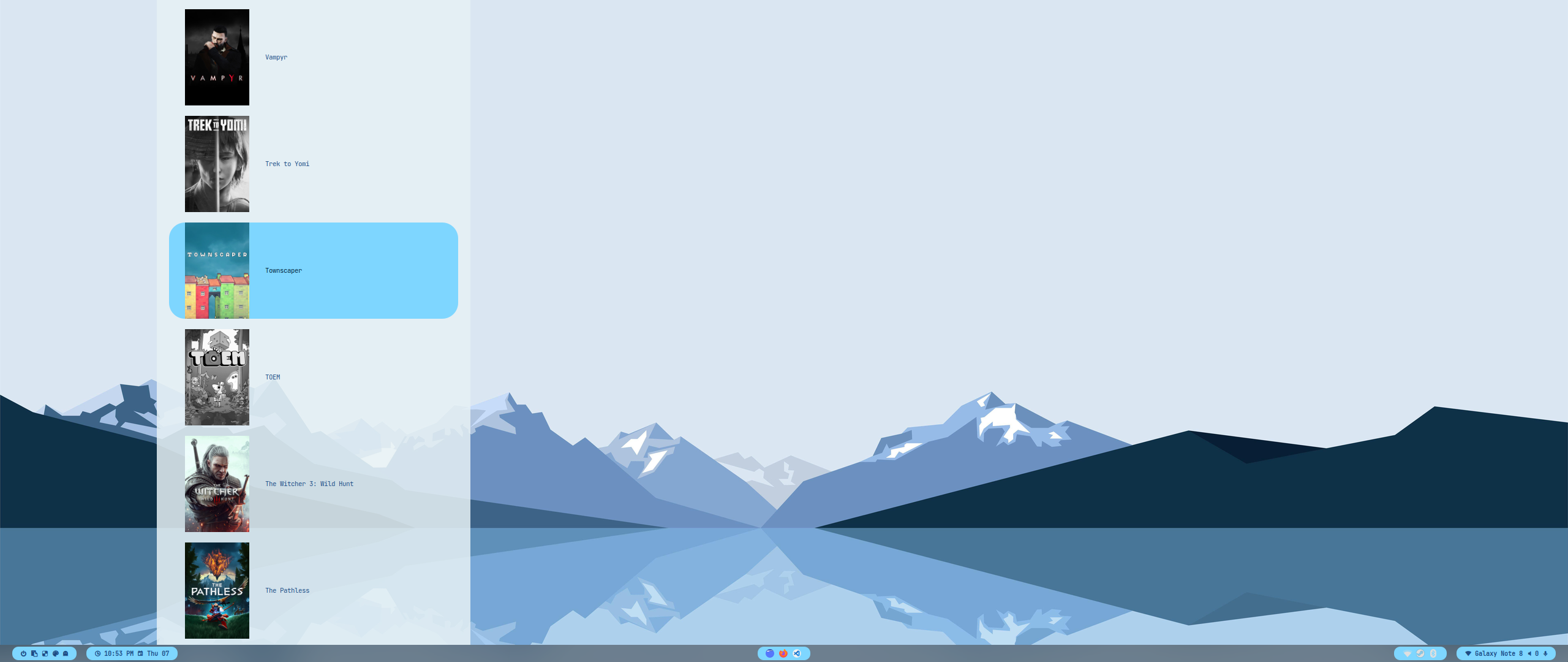
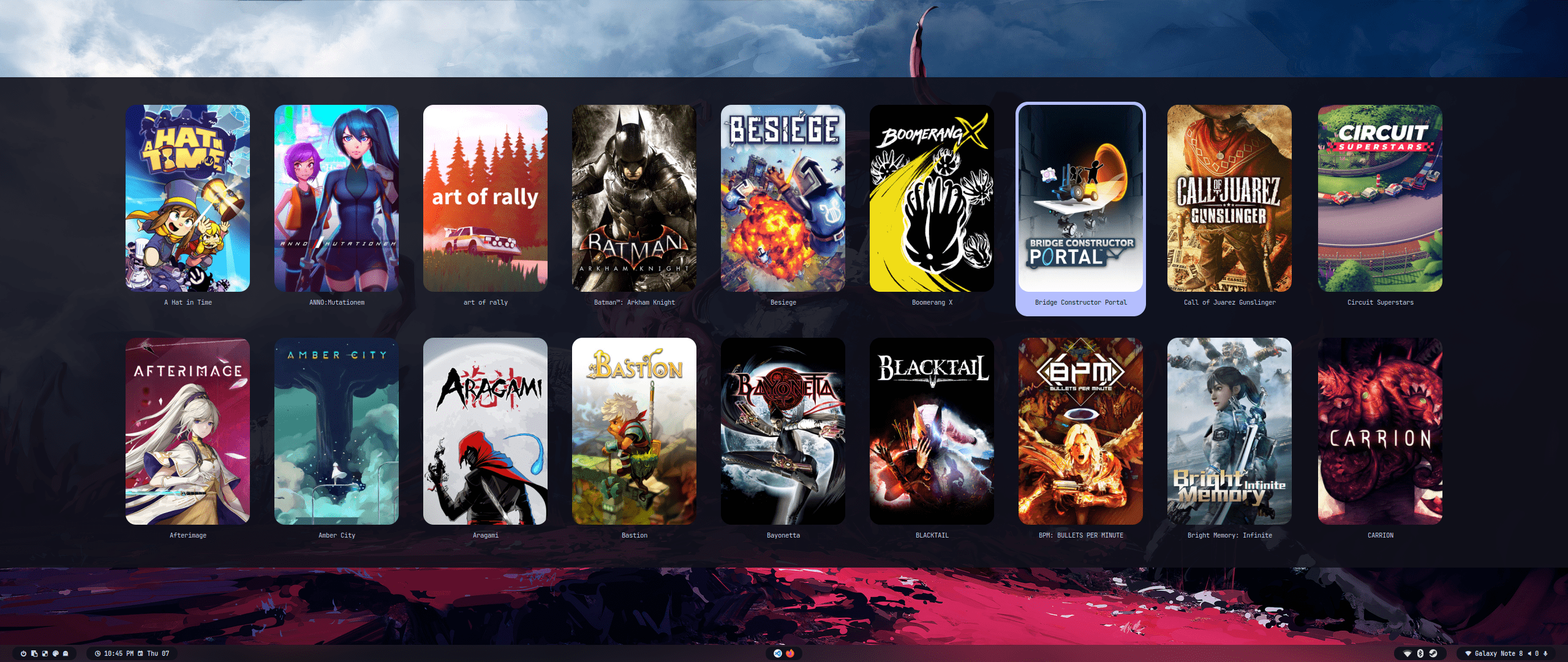
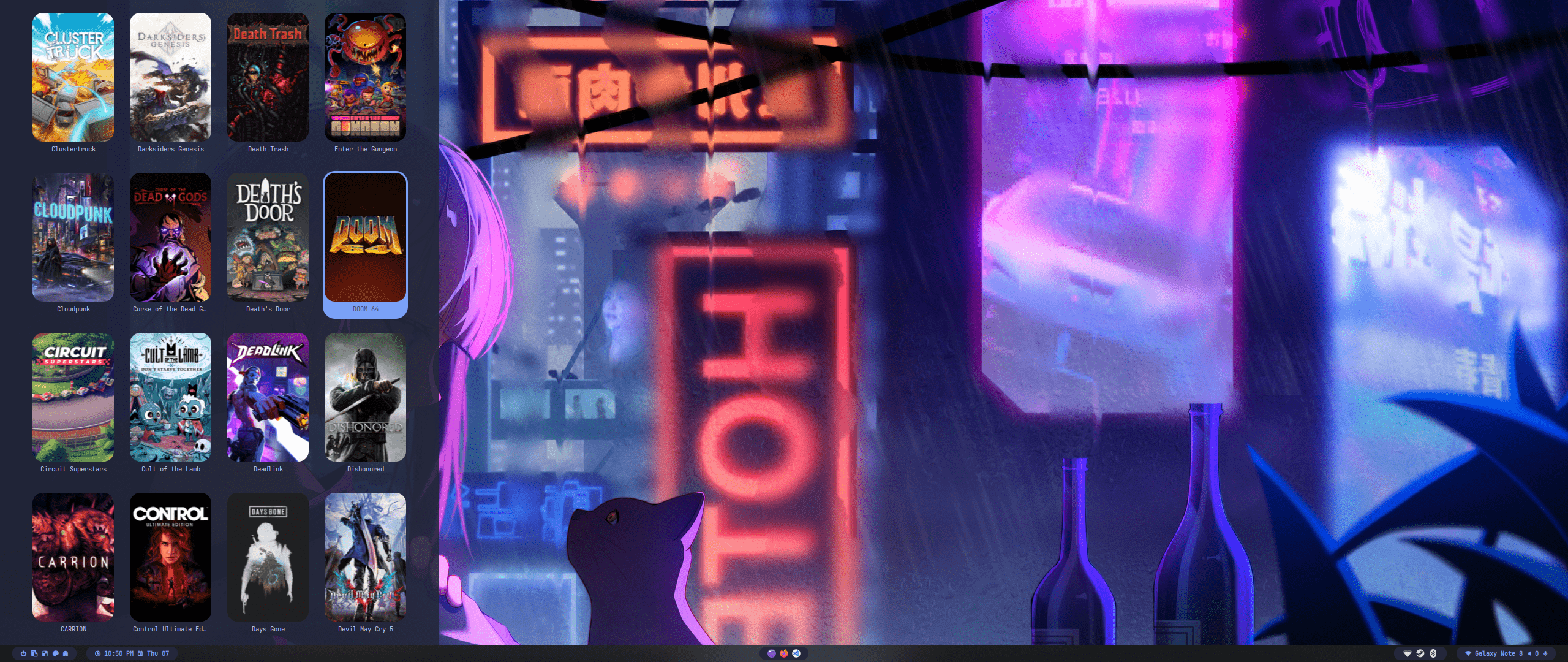
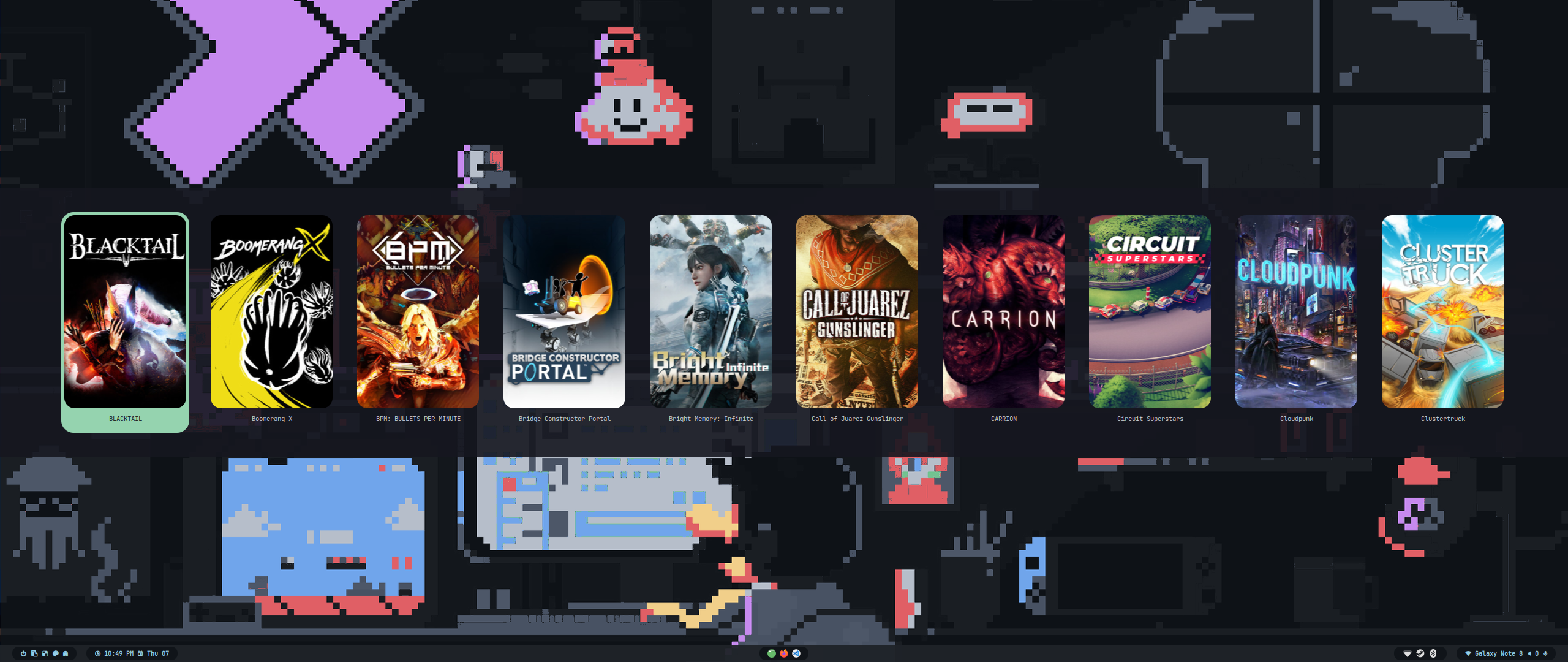
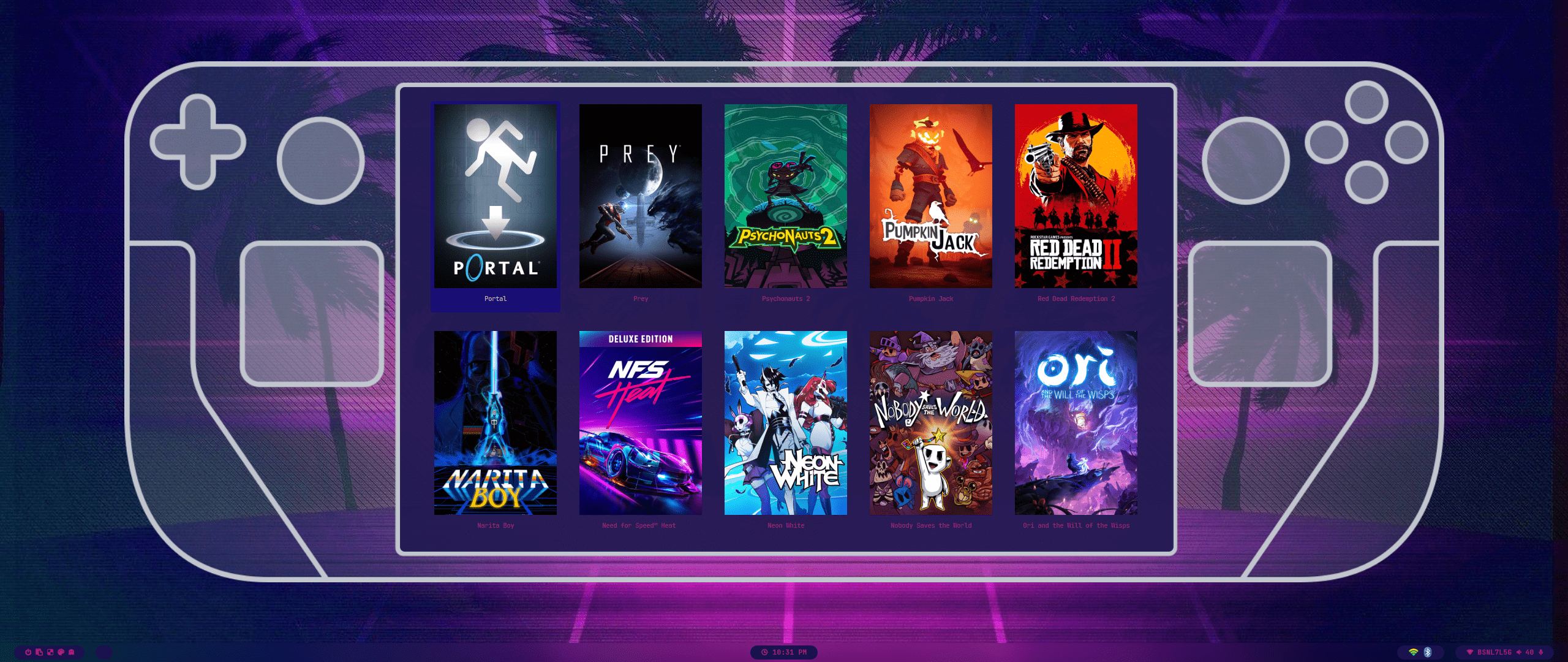
| Wallpaper Select | Launcher Select |
 |
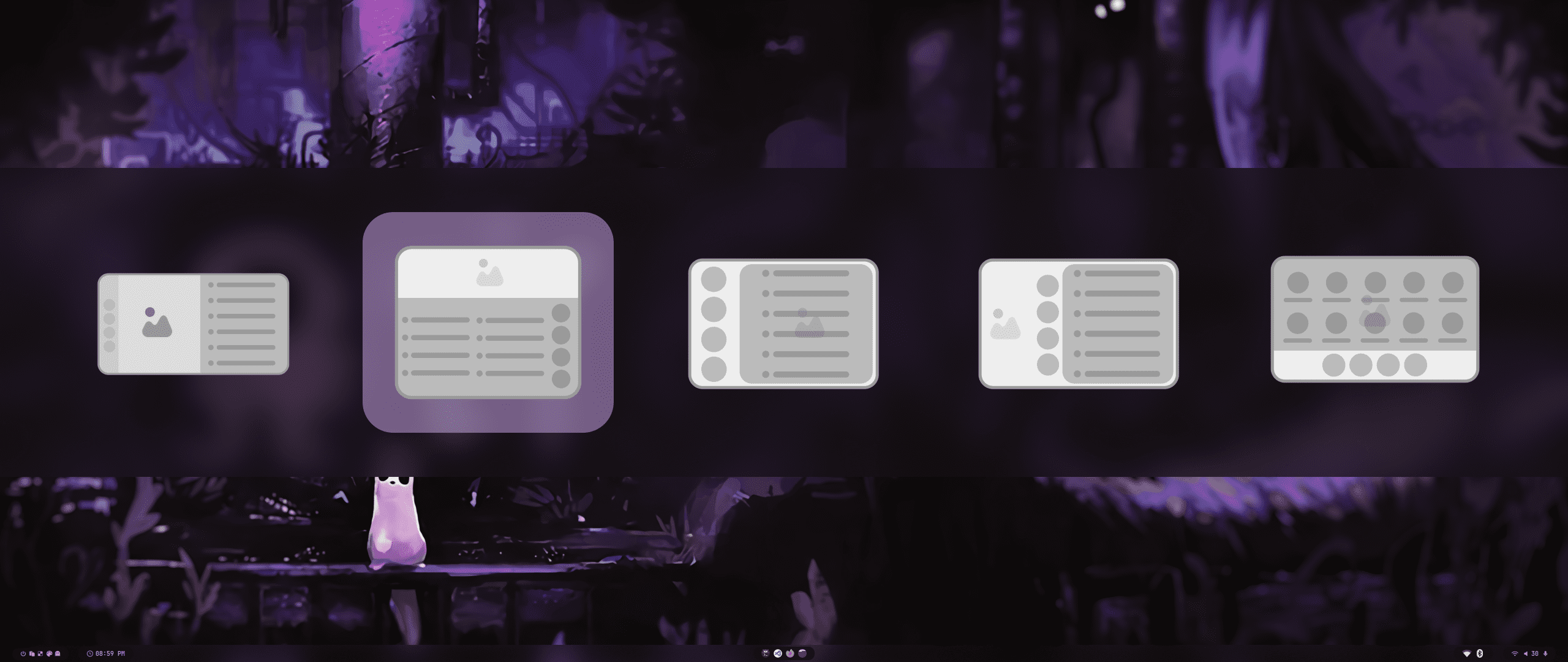 |
| Wallbash Modes | Notification Action |
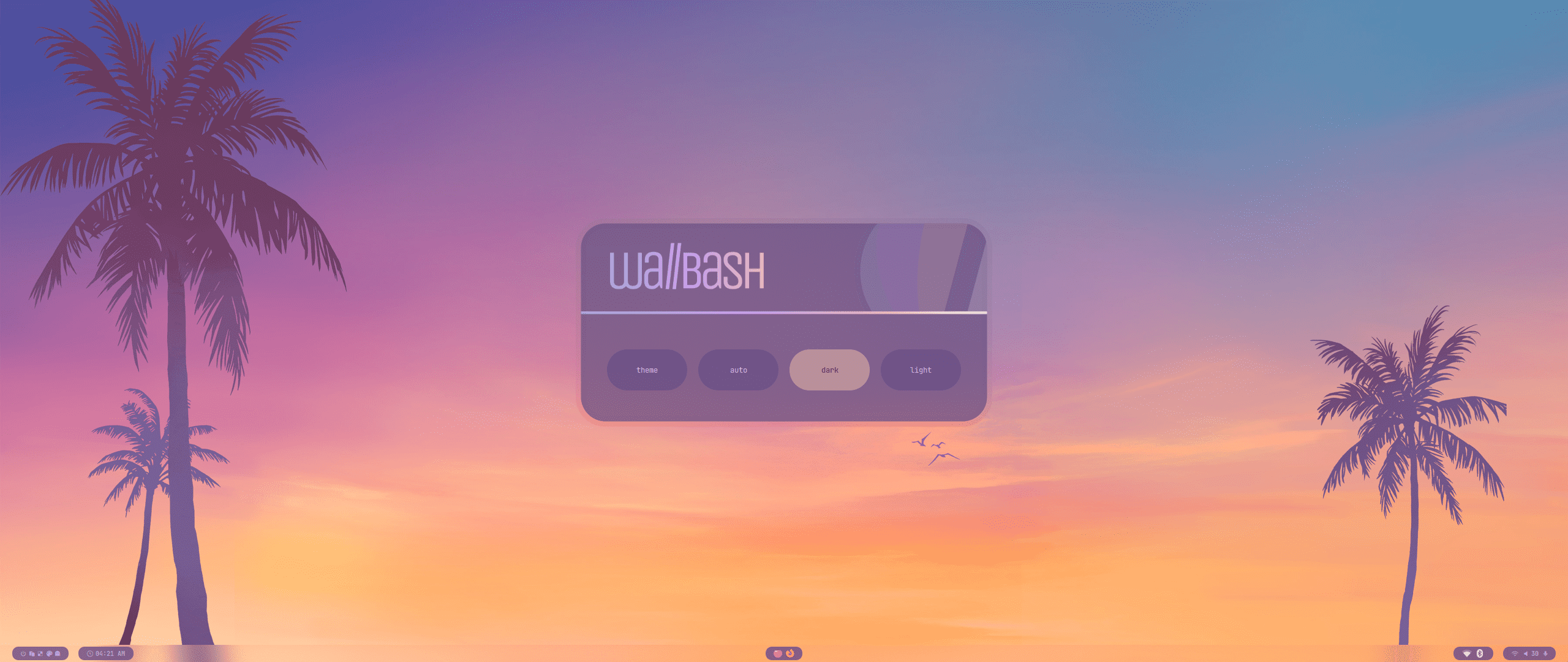 |
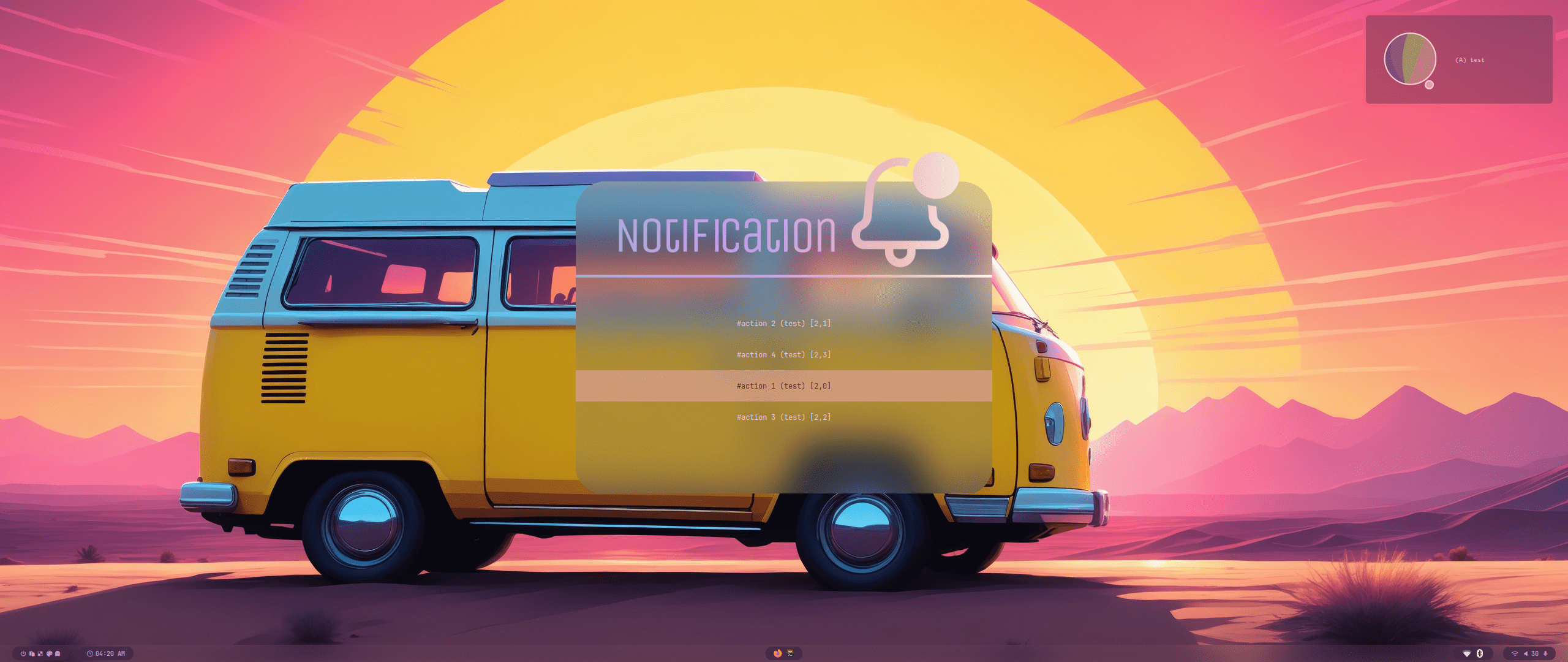 |
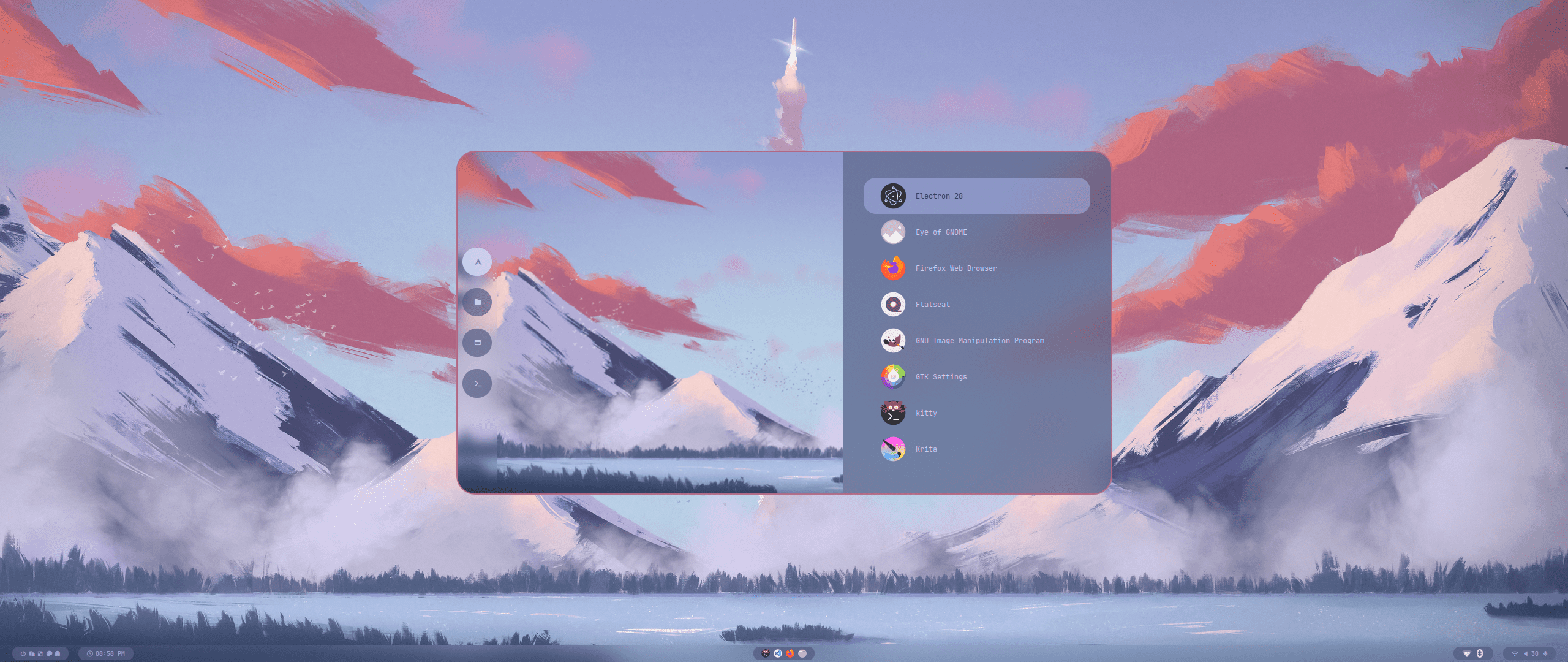 |
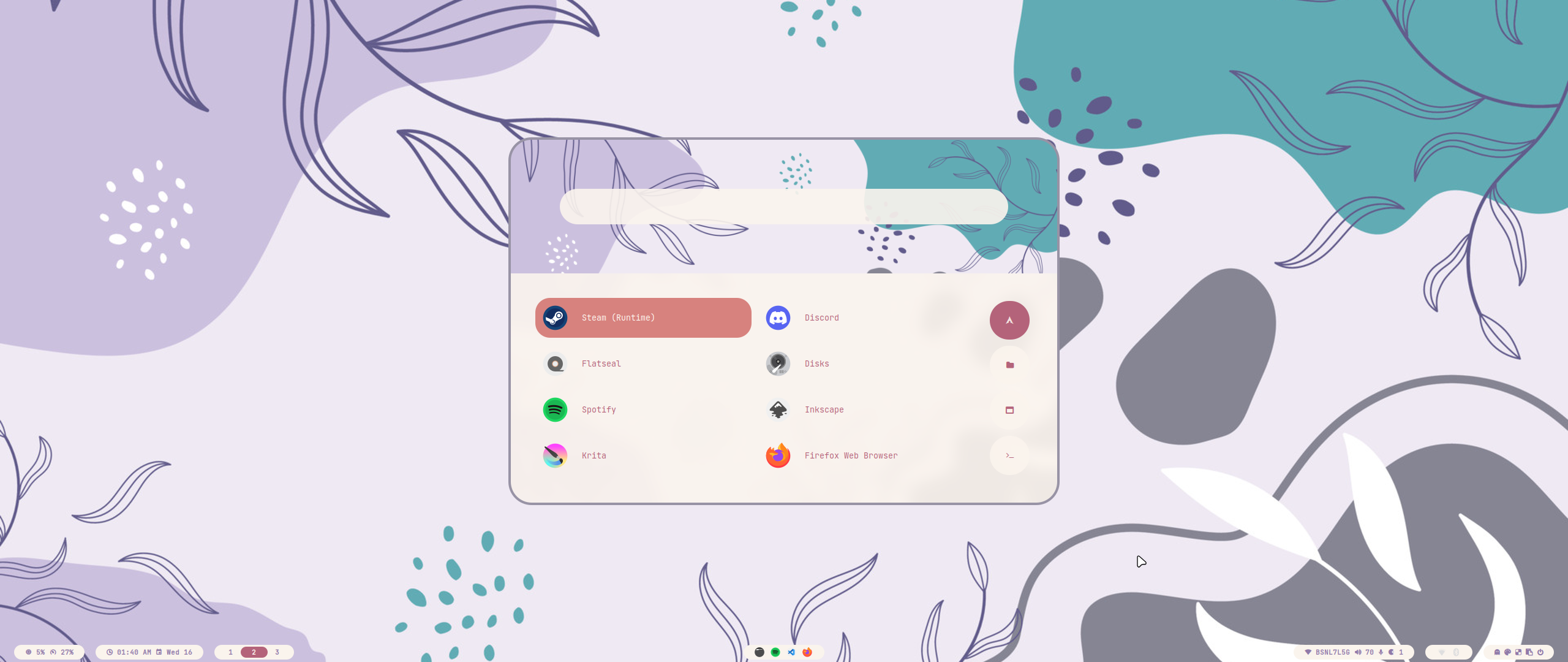 |
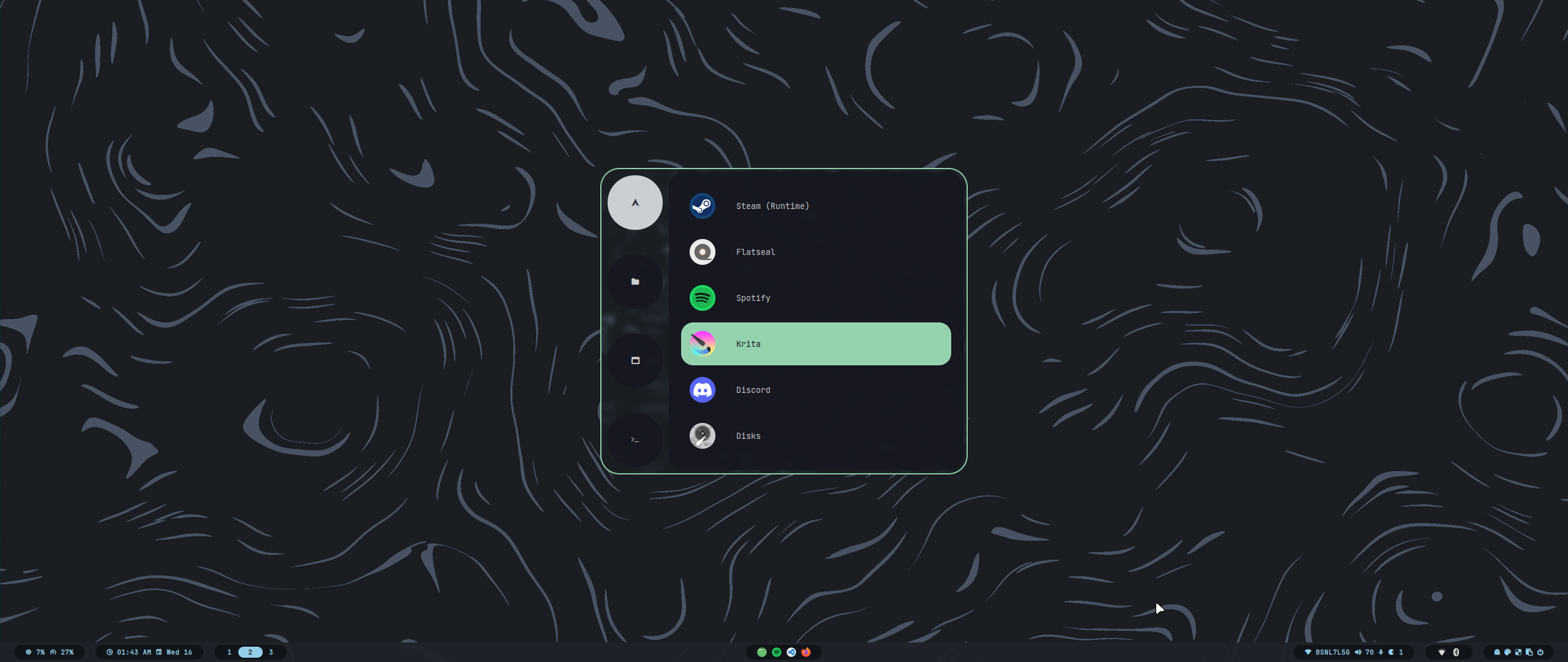 |
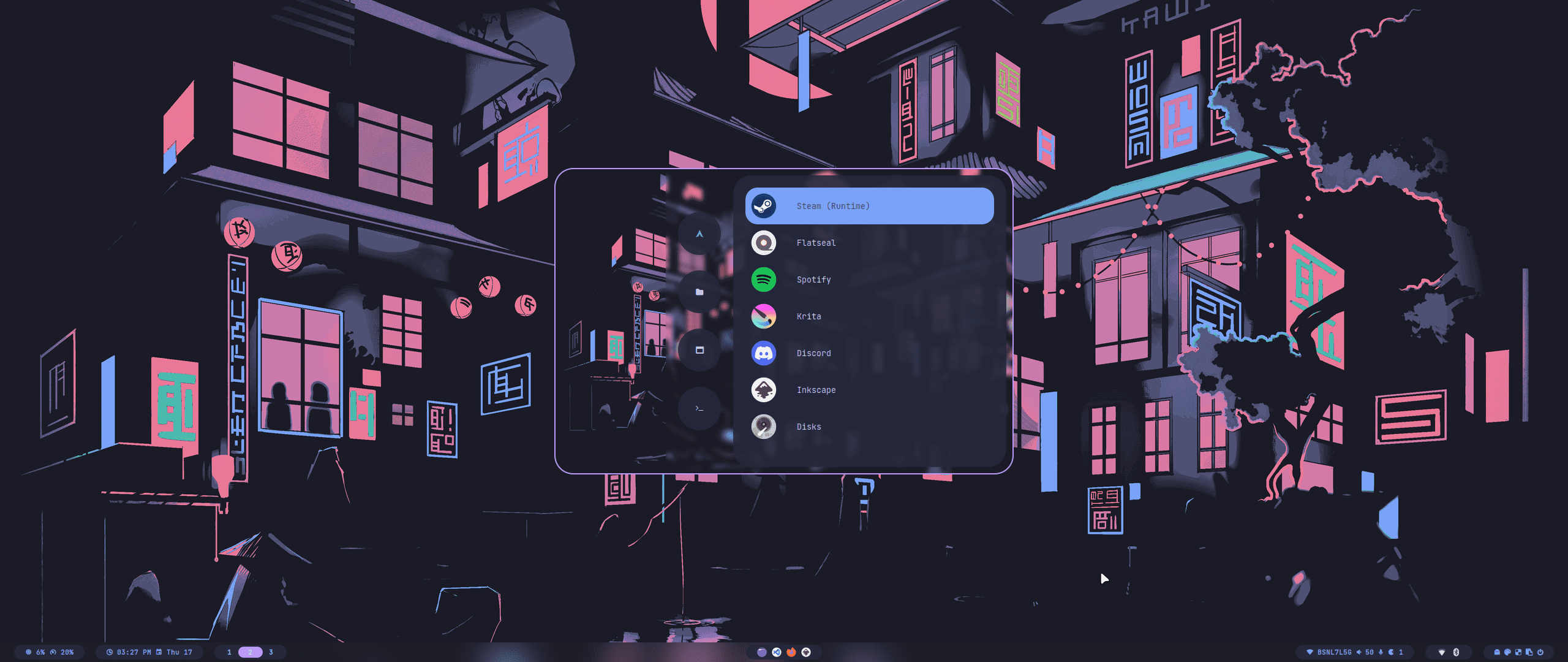 |
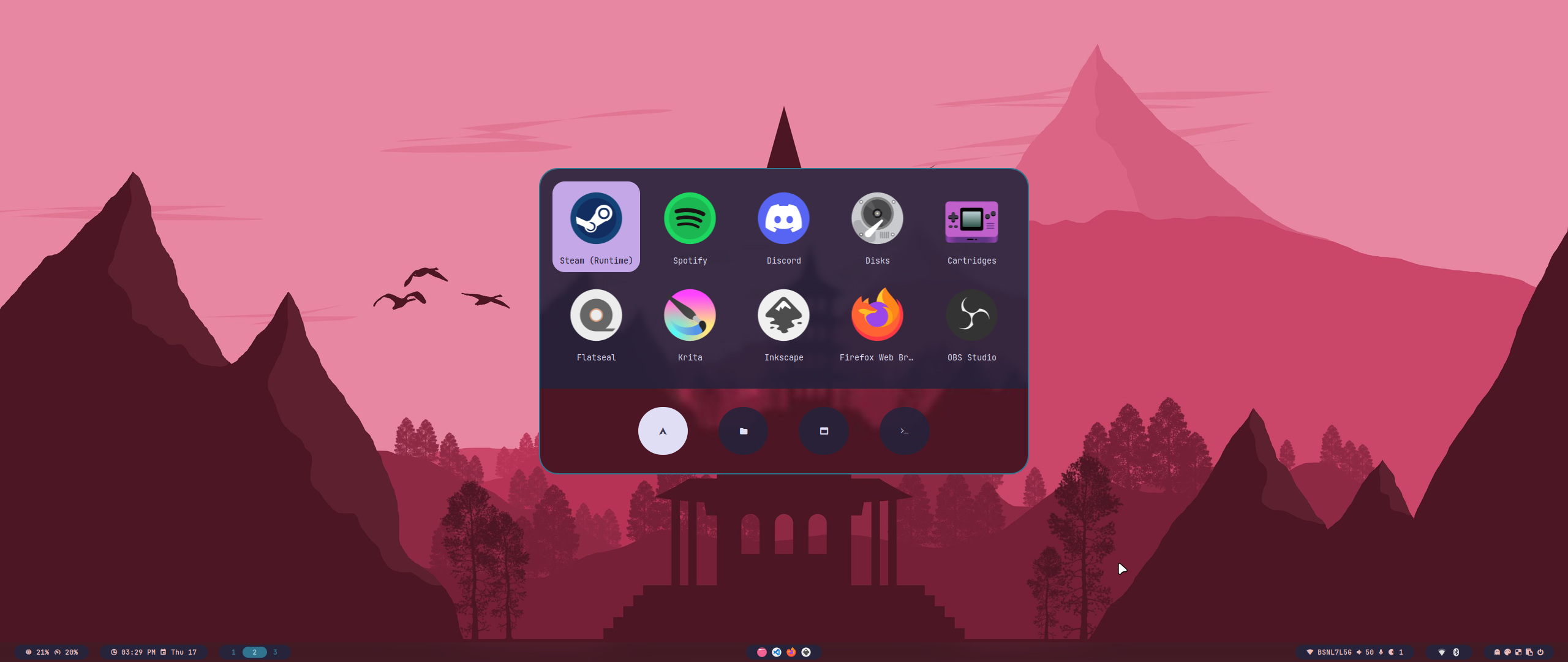 |
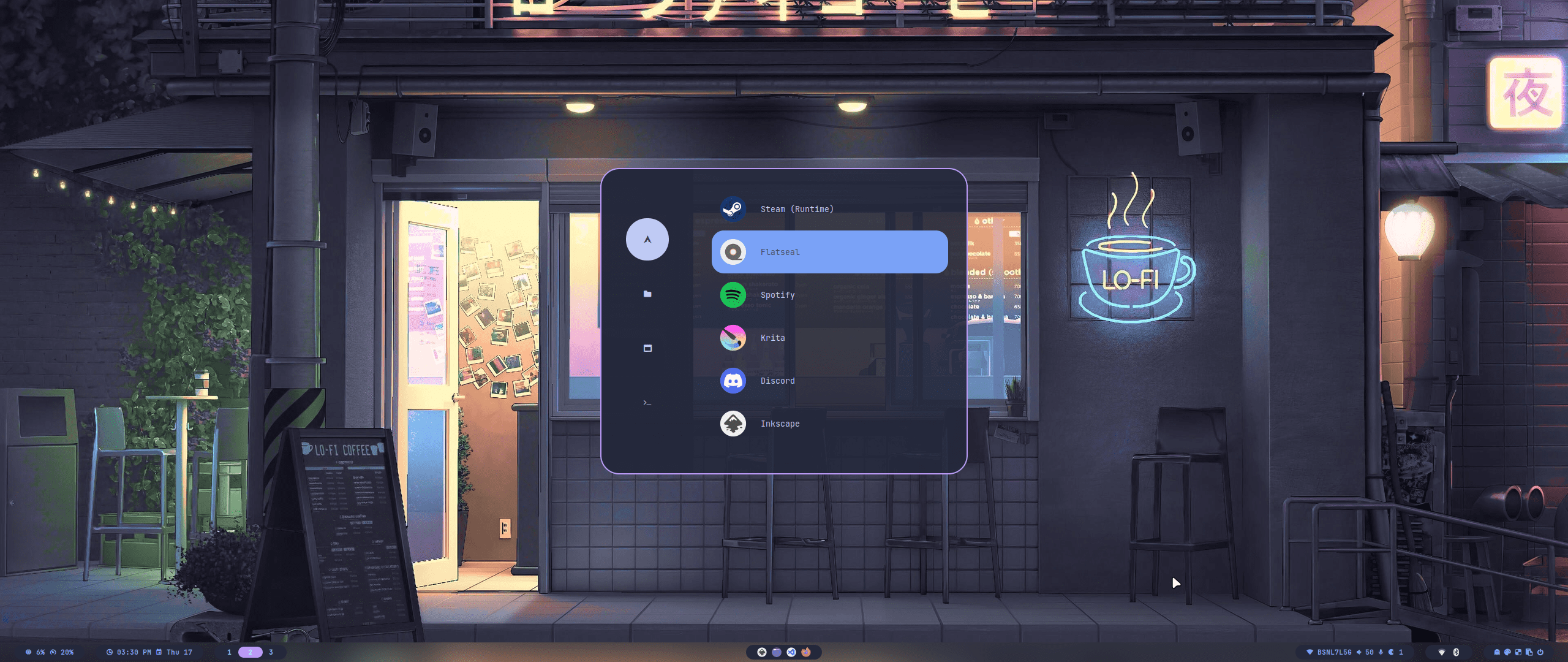 |
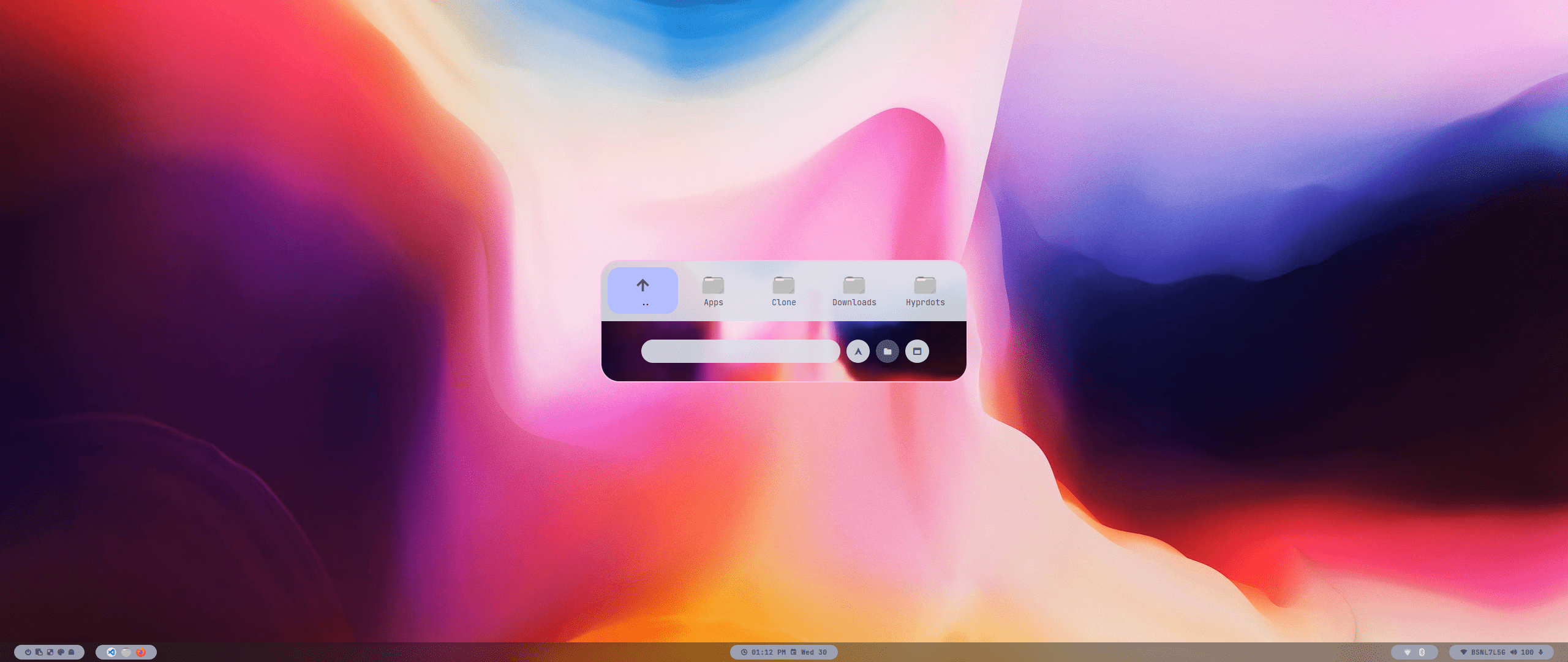 |
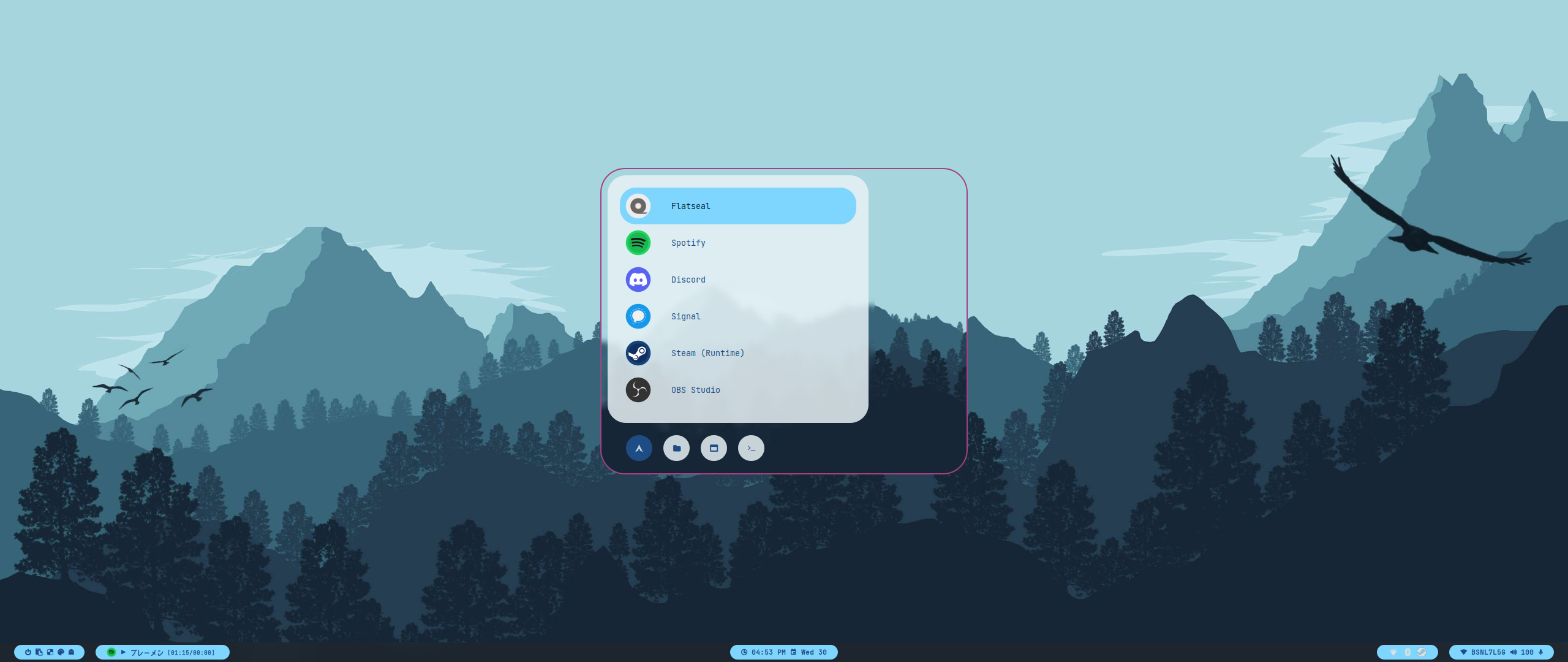 |
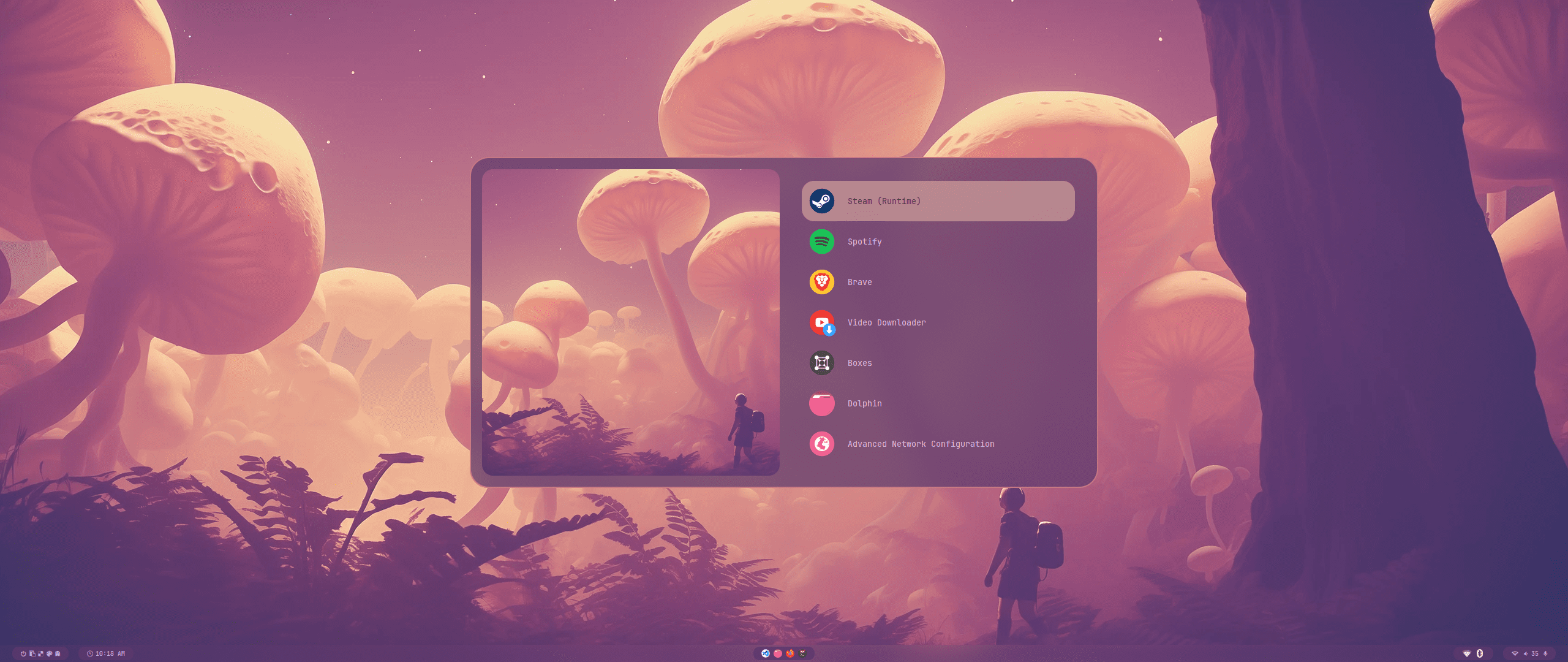 |
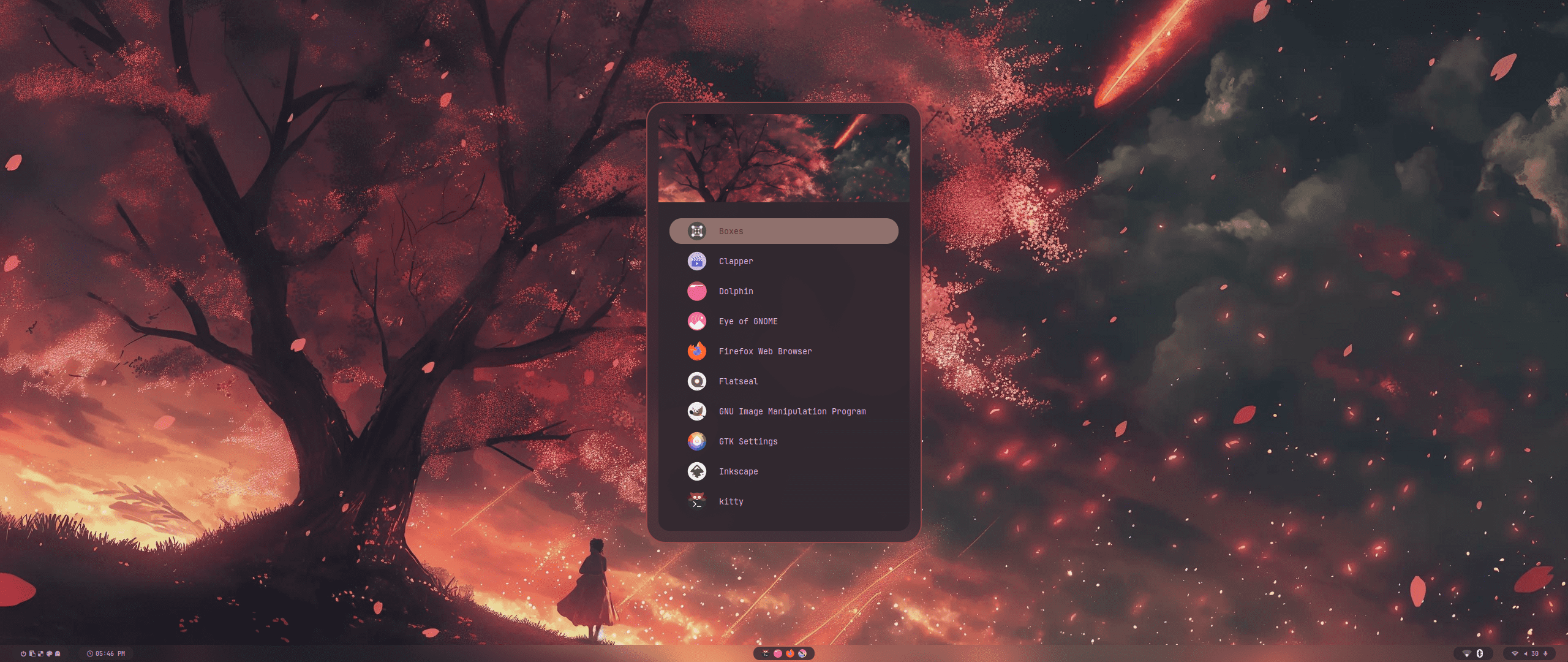 |
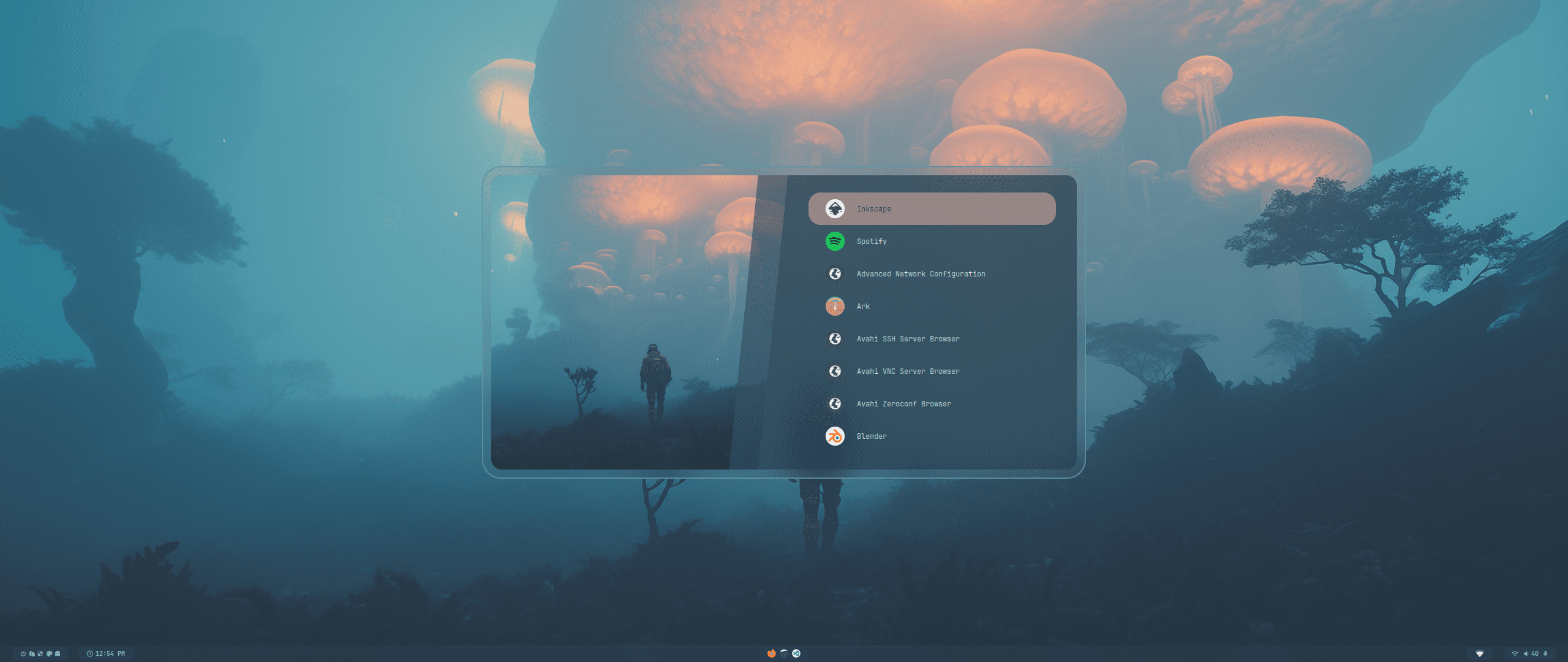 |
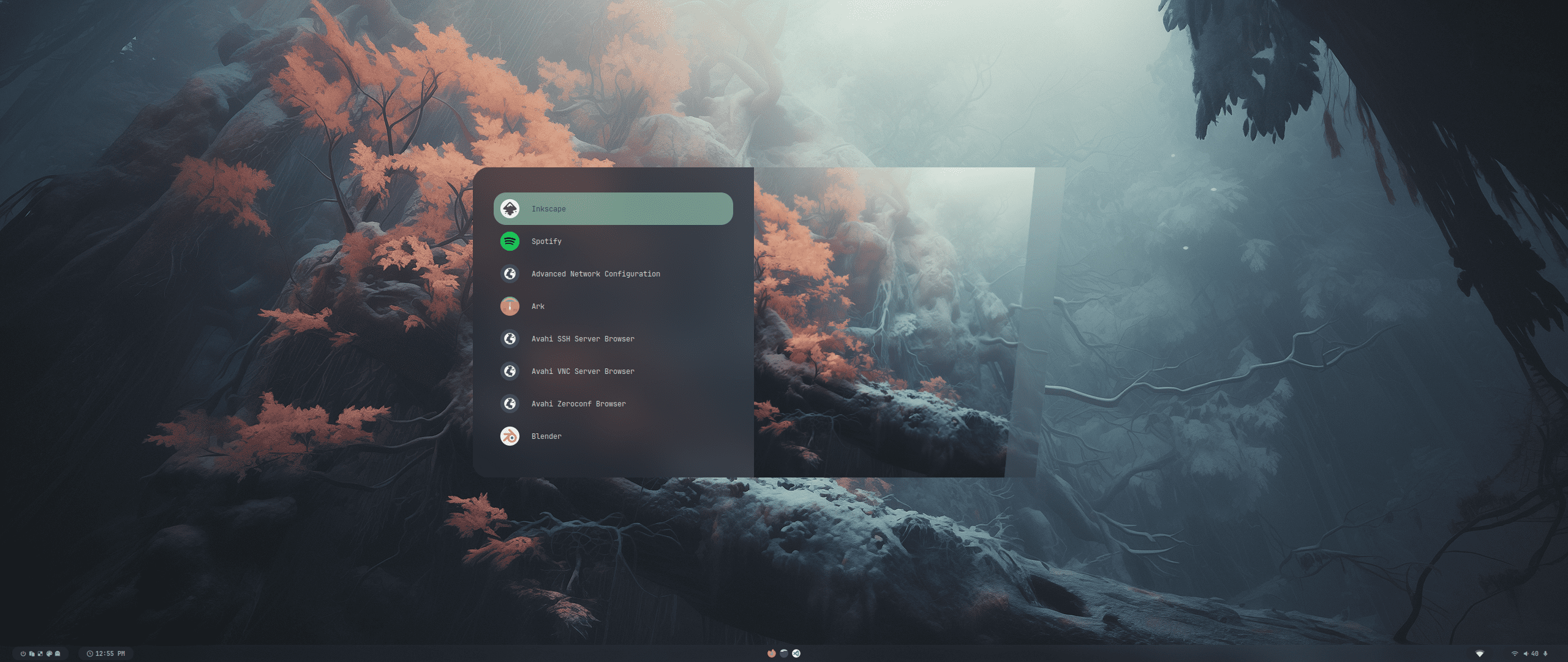 |
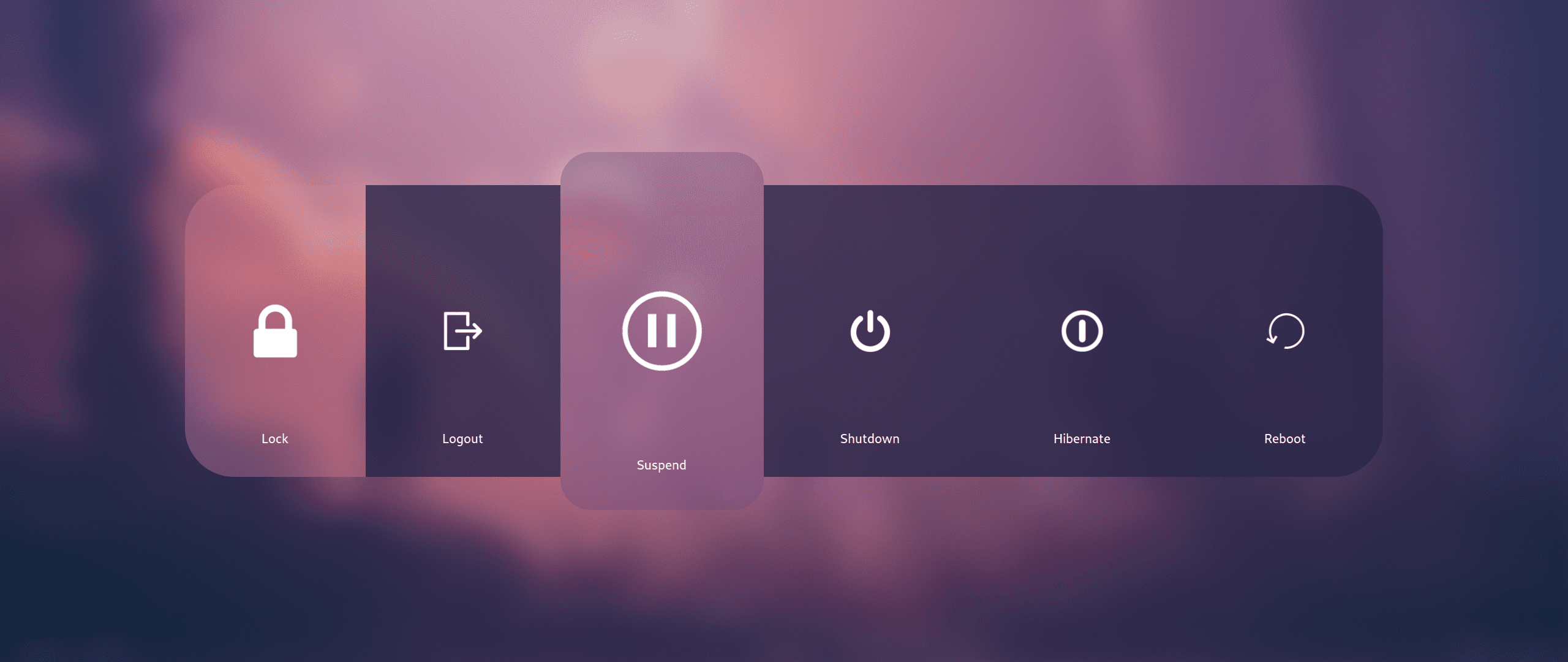 |
 |
 |
 |
 |
 |
 |

| Keys | Action |
|---|---|
| Super + Q Alt + F4 | Close focused window |
| Super + Del | Kill Hyprland session |
| Super + W | Toggle the window between focus and float |
| Super + G | Toggle the window between focus and group |
| Super + slash | Launch keybinds hint |
| Alt + Enter | Toggle the window between focus and fullscreen |
| Super + L | Launch lock screen |
| Super + Shift + F | Toggle pin on focused window |
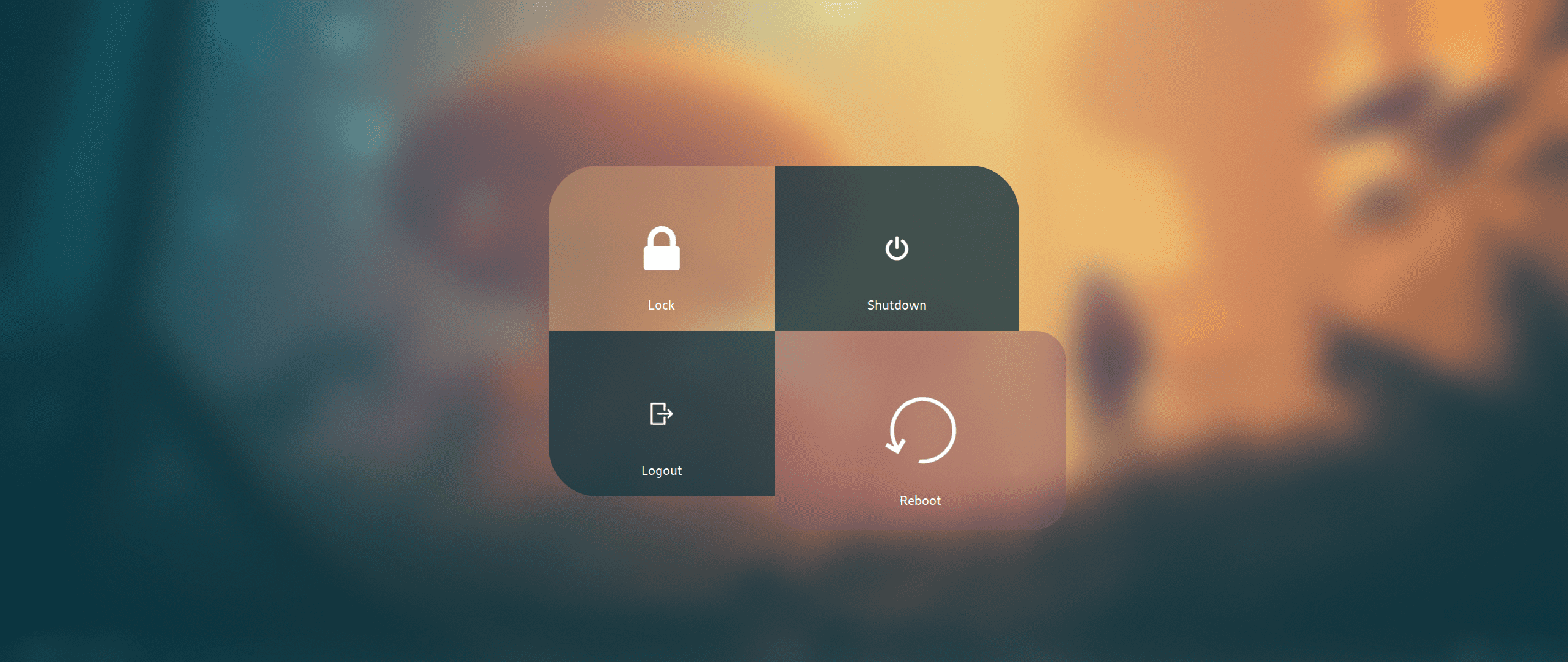
| Super + Backspace | Launch logout menu |
| Ctrl + Alt + W | Toggle waybar |
| Super + T | Launch terminal emulator (kitty) |
| Super + E | Launch file manager (dolphin) |
| Super + C | Launch text editor (vscode) |
| Super + F | Launch web browser (firefox) |
| Ctrl + Shift + Esc | Launch system monitor (htop/btop or fallback to top) |
| Super + A | Launch application launcher (rofi) |
| Super + Tab | Launch window switcher (rofi) |
| Super + Shift + E | Launch file explorer (rofi) |
| F10 | Toggle audio mute |
| F11 | Decrease volume |
| F12 | Increase volume |
| Super + P | Partial screenshot capture |
| Super + Ctrl + P | Partial screenshot capture (frozen screen) |
| Super + Alt + P | Monitor screenshot capture |
| PrtScn | All monitors screenshot capture |
| Super + Alt + G | Disable hypr effects for gamemode |
| Super + Alt + →← | Cycle wallpaper |
| Super + Alt + ↑↓ | Cycle waybar mode |
| Super + Shift + R | Launch wallbash mode select menu (rofi) |
| Super + Shift + T | Launch theme select menu (rofi) |
| Super + Shift + A | Launch style select menu (rofi) |
| Super + Shift + X | Launch theme style select menu (rofi) |
| Super + Shift + W | Launch wallpaper select menu (rofi) |
| Super + V | Launch clipboard (rofi) |
| Super + K | Switch keyboard layout |
| Super + ←→↑↓ | Move window focus |
| Alt + Tab | Change window focus |
| Super + [0-9] | Switch workspaces |
| Super + Ctrl + ←→ | Switch workspaces to a relative workspace |
| Super + Ctrl + ↓ | Move to the first empty workspace |
| Super + Shift + ←→↑↓ | Resize windows |
| Super + Shift + [0-9] | Move focused window to a relative workspace |
| Super + Shift + Ctrl + ←→↑↓ | Move focused window (tiled/floating) around the current workspace |
| Super + MouseScroll | Scroll through existing workspaces |
| Super + LeftClick Super + Z | Move focused window |
| Super + RightClick Super + X | Resize focused window |
| Super + Alt + S | Move/Switch to special workspace (scratchpad) |
| Super + S | Toggle to special workspace |
| Super + J | Toggle focused window split |
| Super + Alt + [0-9] | Move focused window to a workspace silently |
| Super + Ctrl + H | Move between grouped windows backward |
| Super + Ctrl + L | Move between grouped windows forward |
Similar repos


// Aesthetic, dynamic and minimal dots for Arch hyprland
Shell
5
1,479 commits
updated Dec 12, 2024
See what people are saying
README
// design by t2
https://github.com/prasanthrangan/hyprdots/assets/106020512/7f8fadc8-e293-4482-a851-e9c6464f5265
The installation script is designed for a minimal Arch Linux install, but may work on some Arch-based distros. While installing HyDE alongside another DE/WM should work, due to it being a heavily customized setup, it will conflict with your GTK/Qt theming, Shell, SDDM, GRUB, etc. and is at your own risk.
For Nixos support there is a separate project being maintained @ Hydenix
[!IMPORTANT] The install script will auto-detect an NVIDIA card and install nvidia-dkms drivers for your kernel. Please ensure that your NVIDIA card supports dkms drivers in the list provided here.
[!CAUTION] The script modifies your
gruborsystemd-bootconfig to enable NVIDIA DRM.
To install, execute the following commands:
pacman -S --needed git base-devel
git clone --depth 1 https://github.com/prasanthrangan/hyprdots ~/HyDE
cd ~/HyDE/Scripts
./install.sh
[!TIP] You can also add any other apps you wish to install alongside HyDE to
Scripts/custom_apps.lstand pass the file as a parameter to install it like so:./install.sh custom_apps.lst
As a second install option, you can also use Hyde-install, which might be easier for some.
View installation instructions for HyDE in Hyde-cli - Usage.
Please reboot after the install script completes and takes you to the SDDM login screen (or black screen) for the first time. For more details, please refer to the installation wiki.
To update HyDE, you will need to pull the latest changes from GitHub and restore the configs by running the following commands:
cd ~/HyDE/Scripts
git pull
./install.sh -r
[!IMPORTANT] Please note that any configurations you made will be overwritten if listed to be done so as listed by
Scripts/restore_cfg.lst. However, all replaced configs are backed up and may be recovered from in~/.config/cfg_backups.
As a second update option, you can use Hyde restore ..., which does have a better way of managing restore and backup options.
For more details, you can refer to Hyde-cli - dots management wiki.
All our official themes are stored in a separate repository, allowing users to install them using themepatcher. For more information, visit HyDE-Project/hyde-themes.
|
|
[!TIP] Everyone, including you can create, maintain, and share additional themes, all of which can be installed using themepatcher! To create your own custom theme, please refer to the theming wiki. If you wish to have your hyde theme showcased, or you want to find some non-official themes, visit kRHYME7/hyde-gallery!
|
|
|
| Wallpaper Select | Launcher Select |
|
|
|
| Wallbash Modes | Notification Action |
|
|
|
|
|
|
|
|
|
|
|
|
|
|
|
|
|
|
|
|
|
|
|
|
|
|
|
|
|
| Keys | Action |
|---|---|
| Super + Q Alt + F4 | Close focused window |
| Super + Del | Kill Hyprland session |
| Super + W | Toggle the window between focus and float |
| Super + G | Toggle the window between focus and group |
| Super + slash | Launch keybinds hint |
| Alt + Enter | Toggle the window between focus and fullscreen |
| Super + L | Launch lock screen |
| Super + Shift + F | Toggle pin on focused window |
| Super + Backspace | Launch logout menu |
| Ctrl + Alt + W | Toggle waybar |
| Super + T | Launch terminal emulator (kitty) |
| Super + E | Launch file manager (dolphin) |
| Super + C | Launch text editor (vscode) |
| Super + F | Launch web browser (firefox) |
| Ctrl + Shift + Esc | Launch system monitor (htop/btop or fallback to top) |
| Super + A | Launch application launcher (rofi) |
| Super + Tab | Launch window switcher (rofi) |
| Super + Shift + E | Launch file explorer (rofi) |
| F10 | Toggle audio mute |
| F11 | Decrease volume |
| F12 | Increase volume |
| Super + P | Partial screenshot capture |
| Super + Ctrl + P | Partial screenshot capture (frozen screen) |
| Super + Alt + P | Monitor screenshot capture |
| PrtScn | All monitors screenshot capture |
| Super + Alt + G | Disable hypr effects for gamemode |
| Super + Alt + →← | Cycle wallpaper |
| Super + Alt + ↑↓ | Cycle waybar mode |
| Super + Shift + R | Launch wallbash mode select menu (rofi) |
| Super + Shift + T | Launch theme select menu (rofi) |
| Super + Shift + A | Launch style select menu (rofi) |
| Super + Shift + X | Launch theme style select menu (rofi) |
| Super + Shift + W | Launch wallpaper select menu (rofi) |
| Super + V | Launch clipboard (rofi) |
| Super + K | Switch keyboard layout |
| Super + ←→↑↓ | Move window focus |
| Alt + Tab | Change window focus |
| Super + [0-9] | Switch workspaces |
| Super + Ctrl + ←→ | Switch workspaces to a relative workspace |
| Super + Ctrl + ↓ | Move to the first empty workspace |
| Super + Shift + ←→↑↓ | Resize windows |
| Super + Shift + [0-9] | Move focused window to a relative workspace |
| Super + Shift + Ctrl + ←→↑↓ | Move focused window (tiled/floating) around the current workspace |
| Super + MouseScroll | Scroll through existing workspaces |
| Super + LeftClick Super + Z | Move focused window |
| Super + RightClick Super + X | Resize focused window |
| Super + Alt + S | Move/Switch to special workspace (scratchpad) |
| Super + S | Toggle to special workspace |
| Super + J | Toggle focused window split |
| Super + Alt + [0-9] | Move focused window to a workspace silently |
| Super + Ctrl + H | Move between grouped windows backward |
| Super + Ctrl + L | Move between grouped windows forward |