
Eva · Beta Arch Linux system with its own Wayland desktop. Bug reports help improve the project.
3
5 commits
updated Oct 7, 2026
See what people are saying
README
Eva is an Arch Linux system with its own Wayland desktop. Beta · Phase 1.
Eva is a beta project and may contain bugs. Reporting an issue helps us improve Eva and grow the project!
https://github.com/user-attachments/assets/0784ac2a-7fd6-427a-851f-a188beb754e6




Preview
The features pictured here are part of Eva and install together with the ISO. Download ISO opens the folder containing the complete ISO; Previews jumps to this gallery; Follow us opens Instagram; Report a bug opens GitHub Issues.
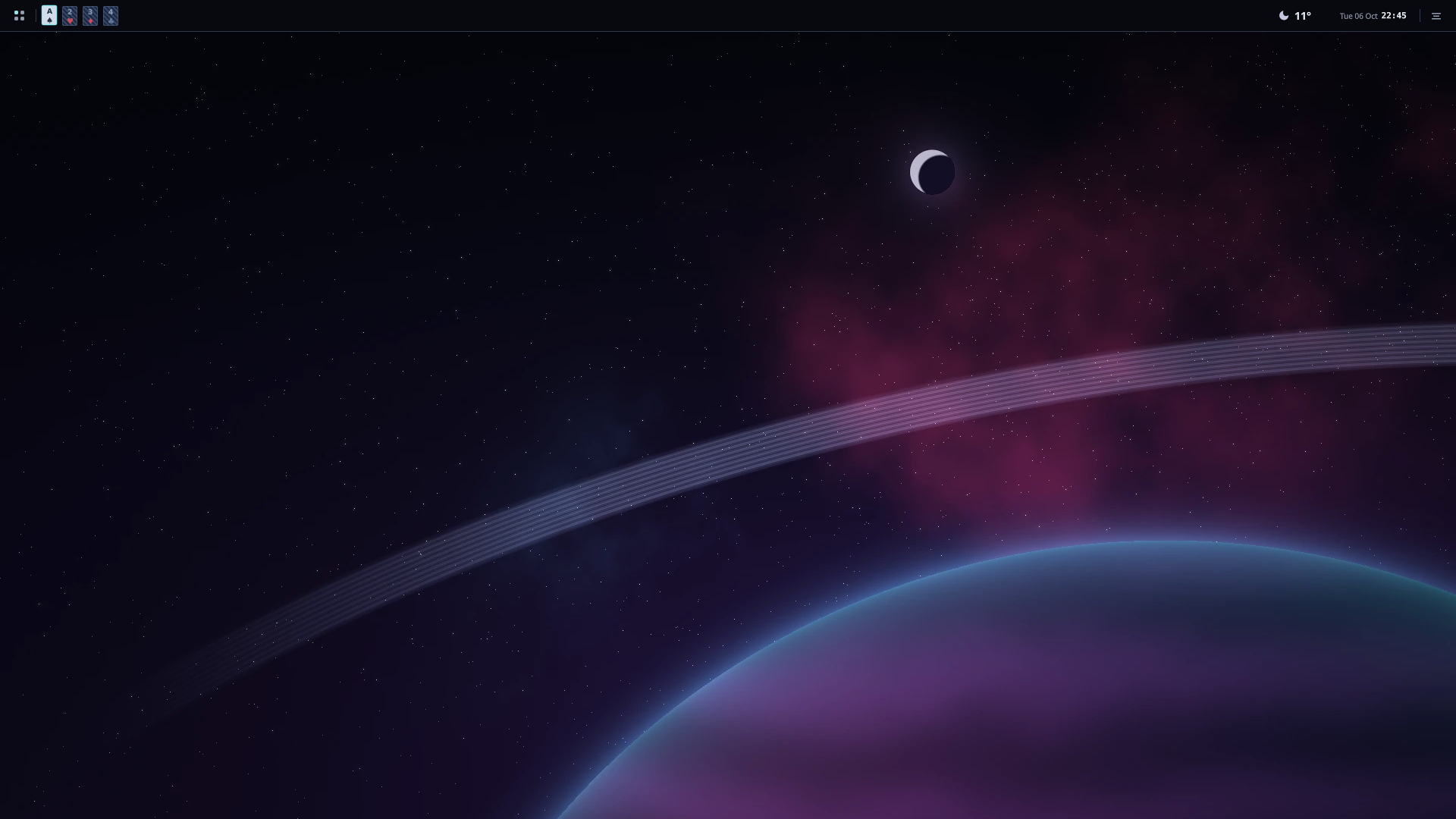
| Dark theme | Weather |
|---|---|
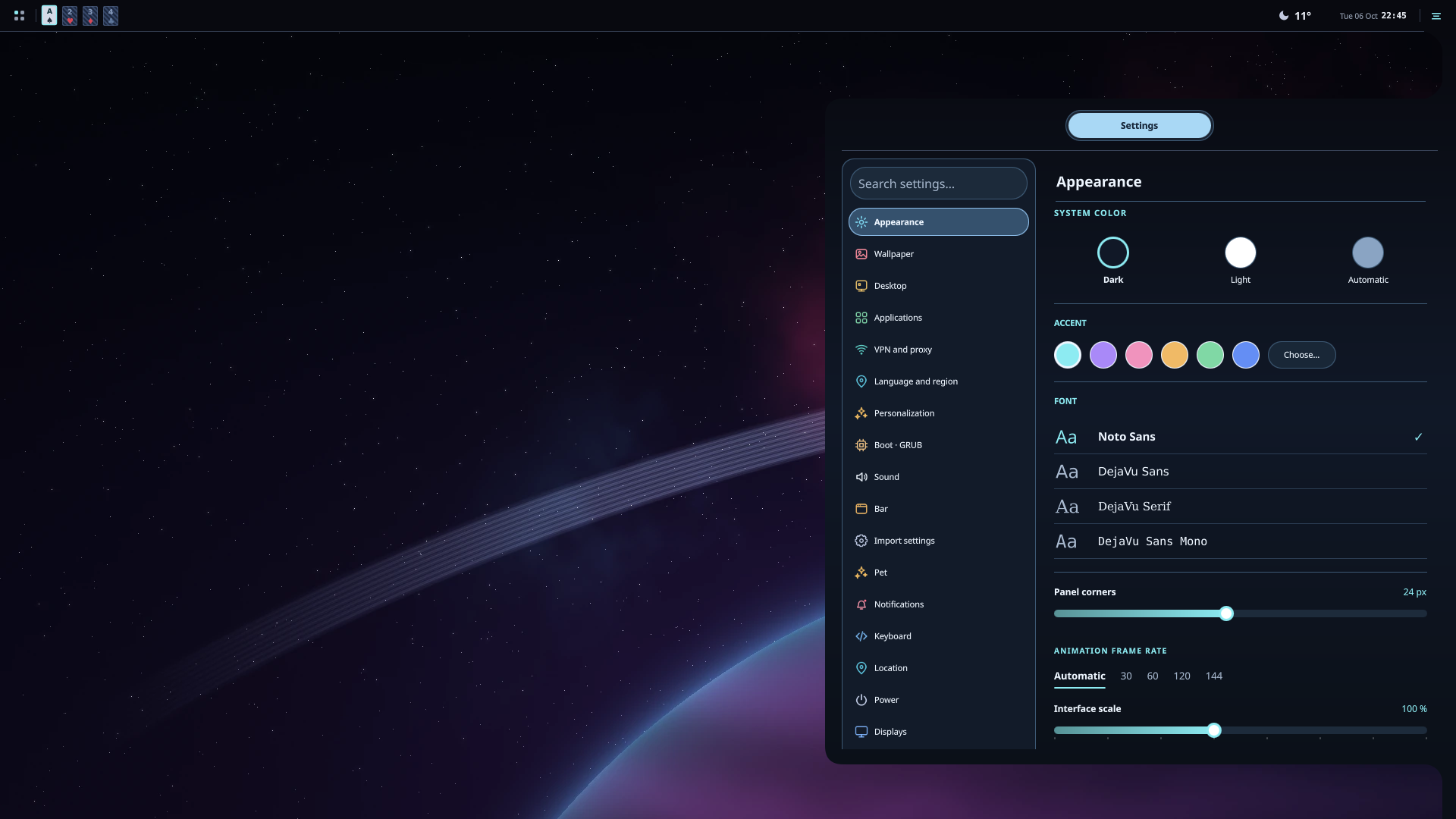 | 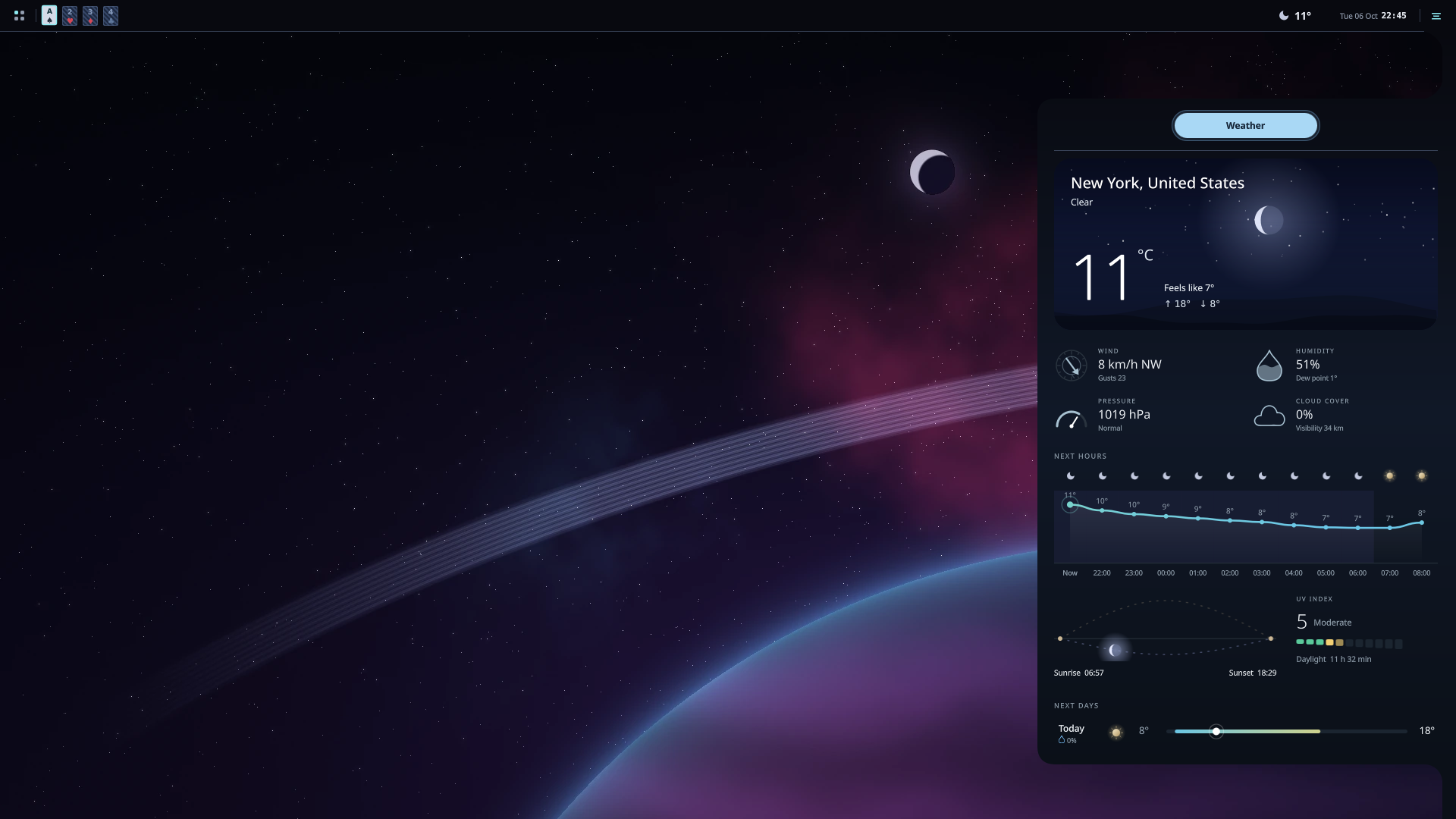 |
| Dock | Launcher · design 2 |
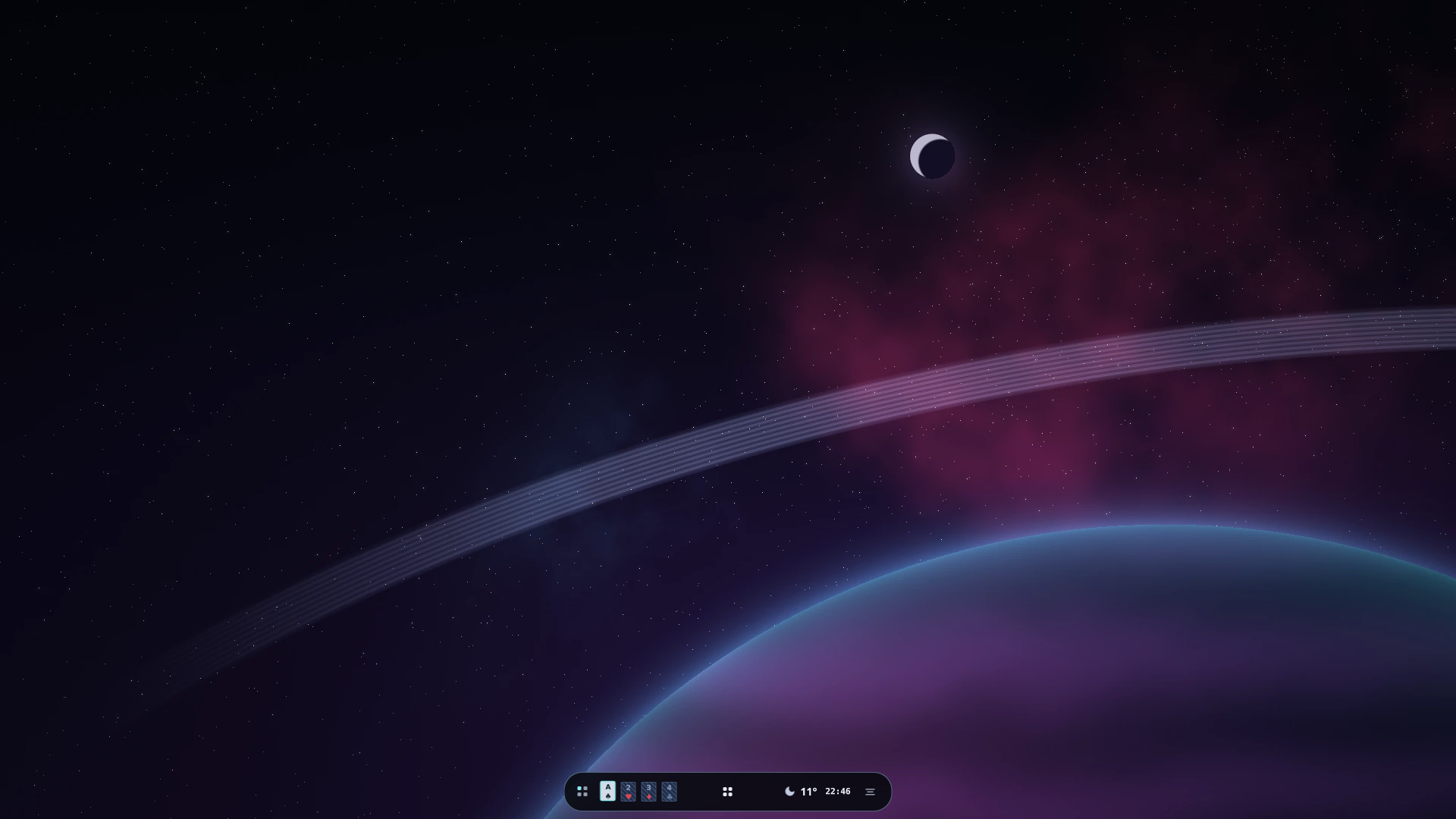 | 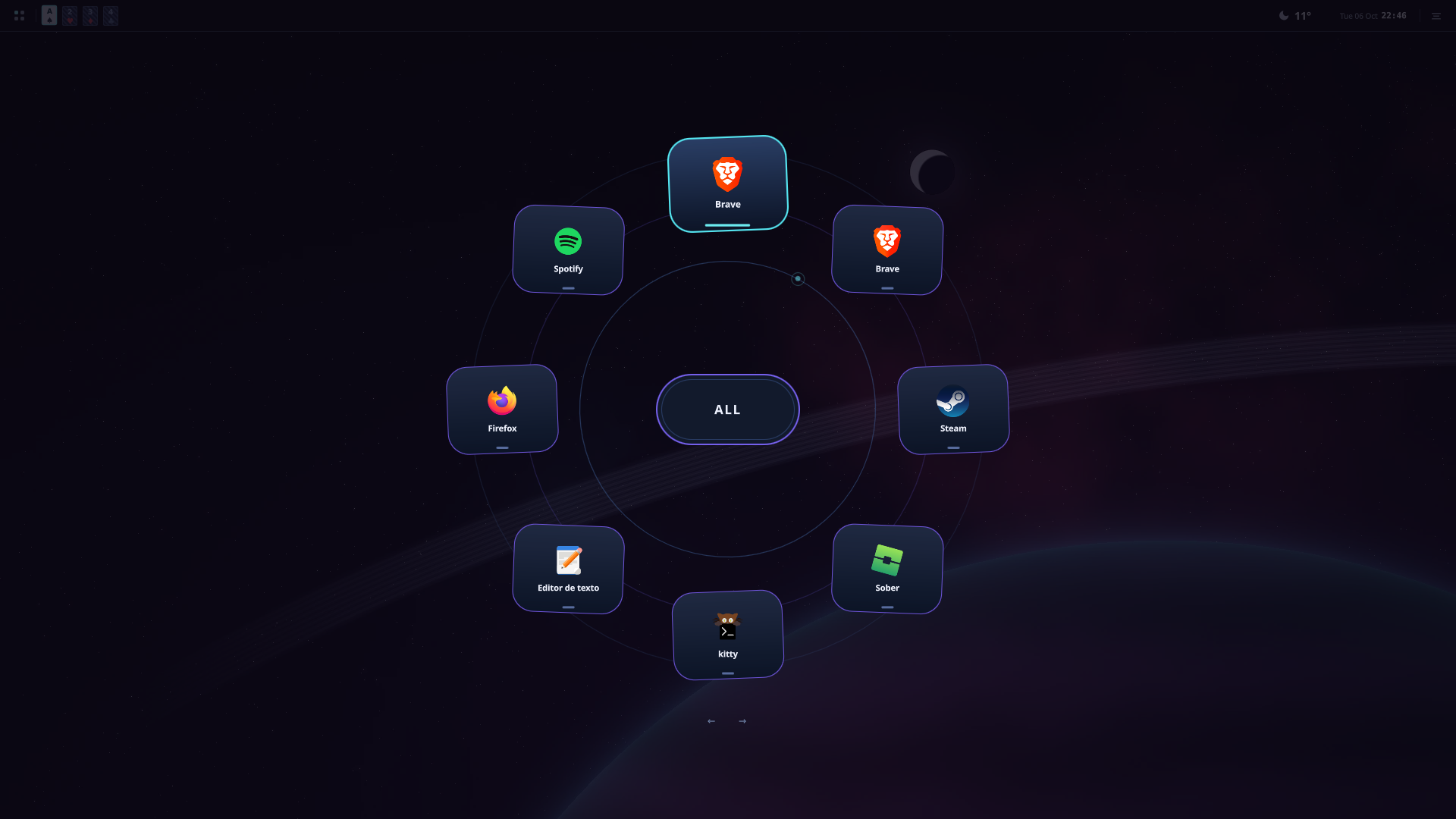 |
| Game Center | System monitor |
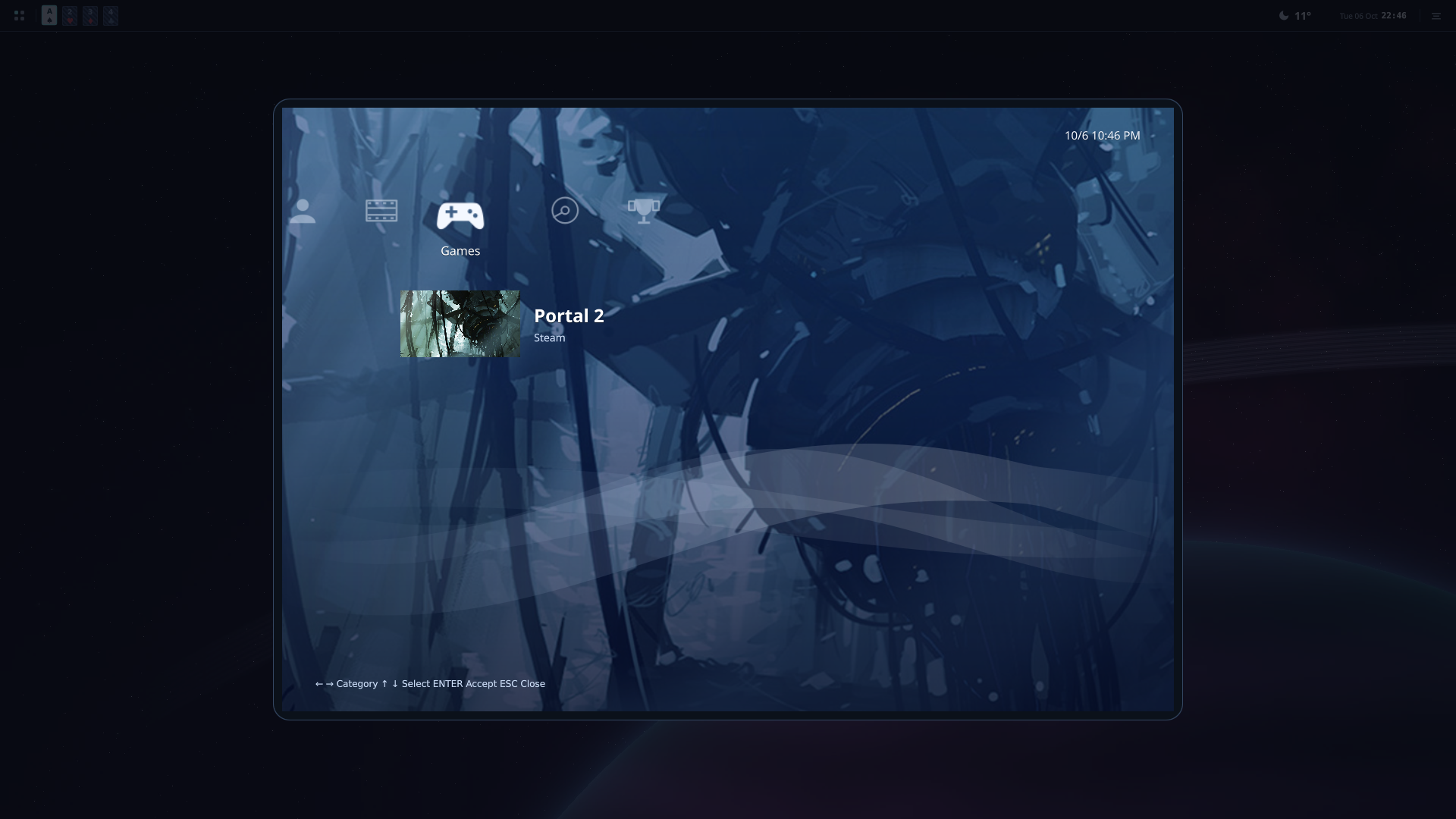 | 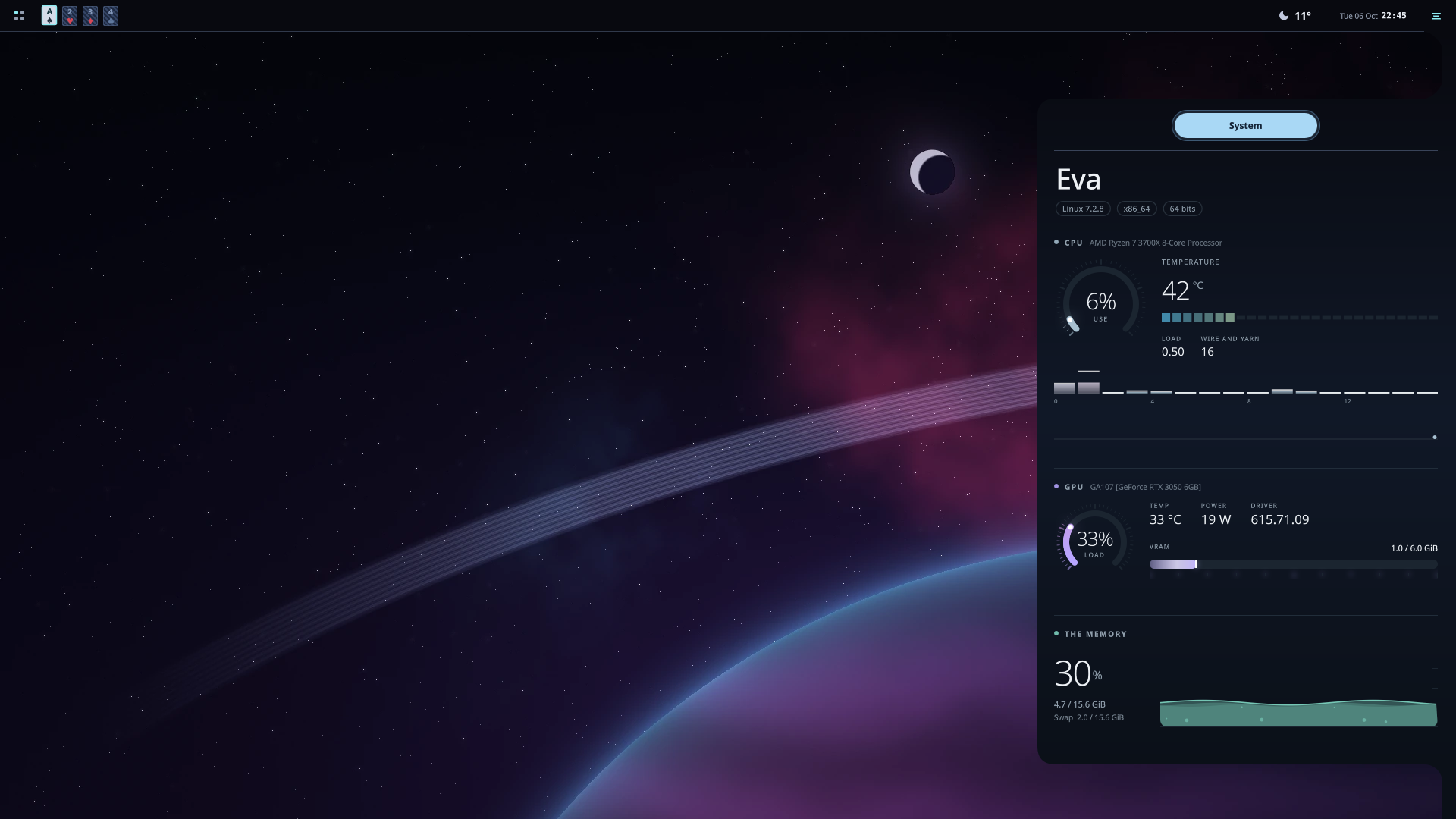 |
| Animated companion | Pet habitat |
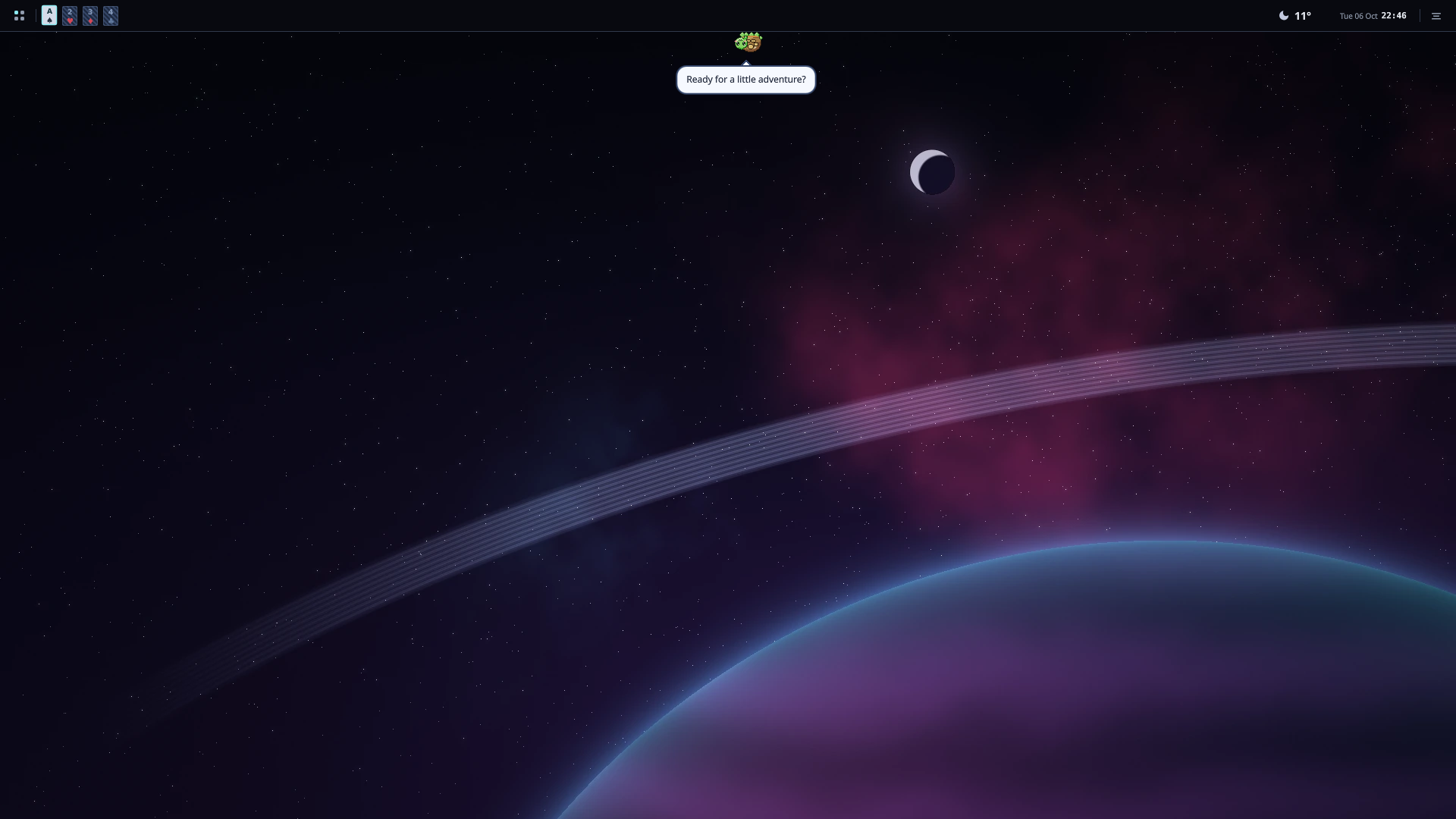 | 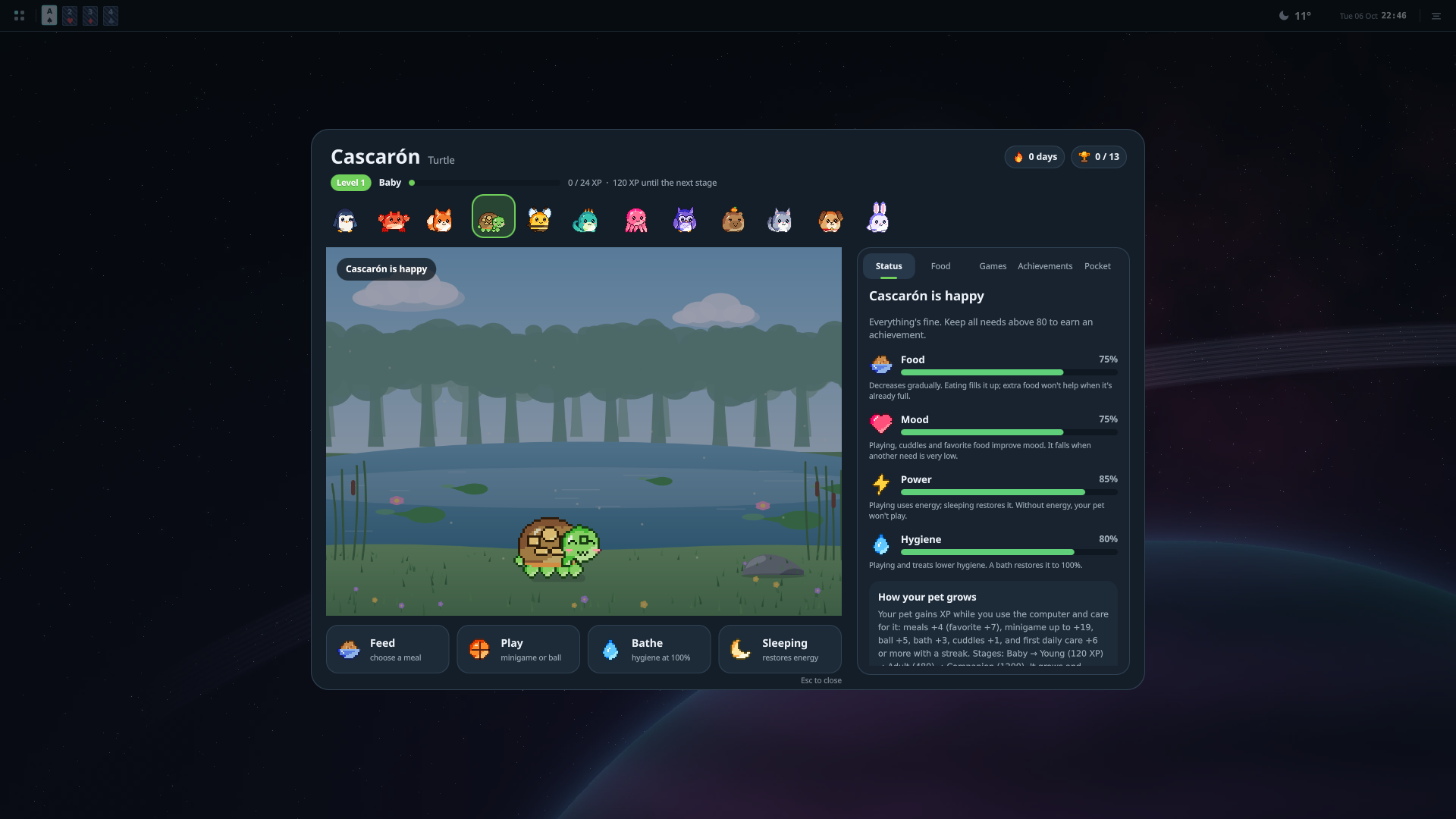 |
| Desktop files and folders | Prisma file manager |
|---|---|
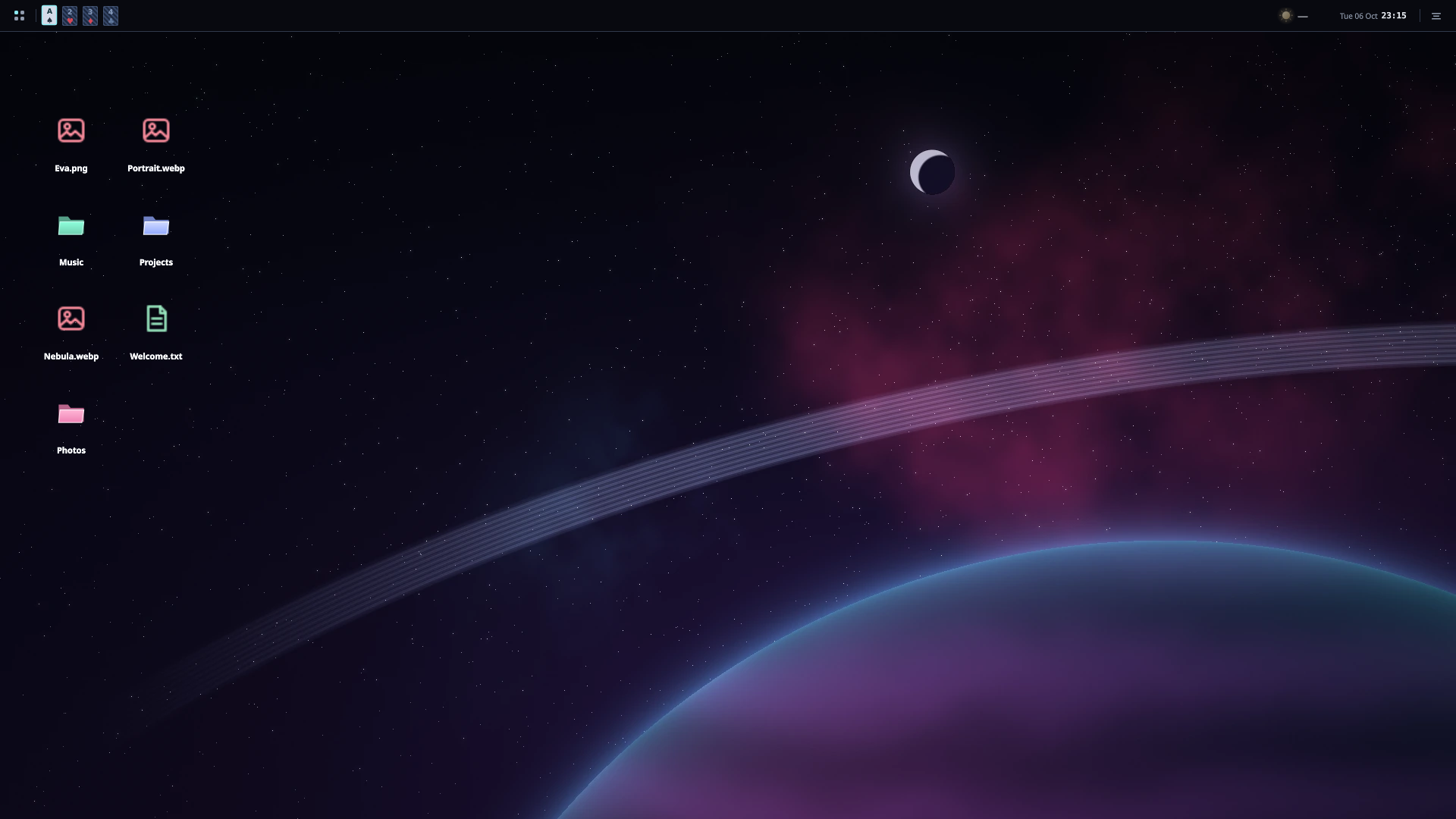 | 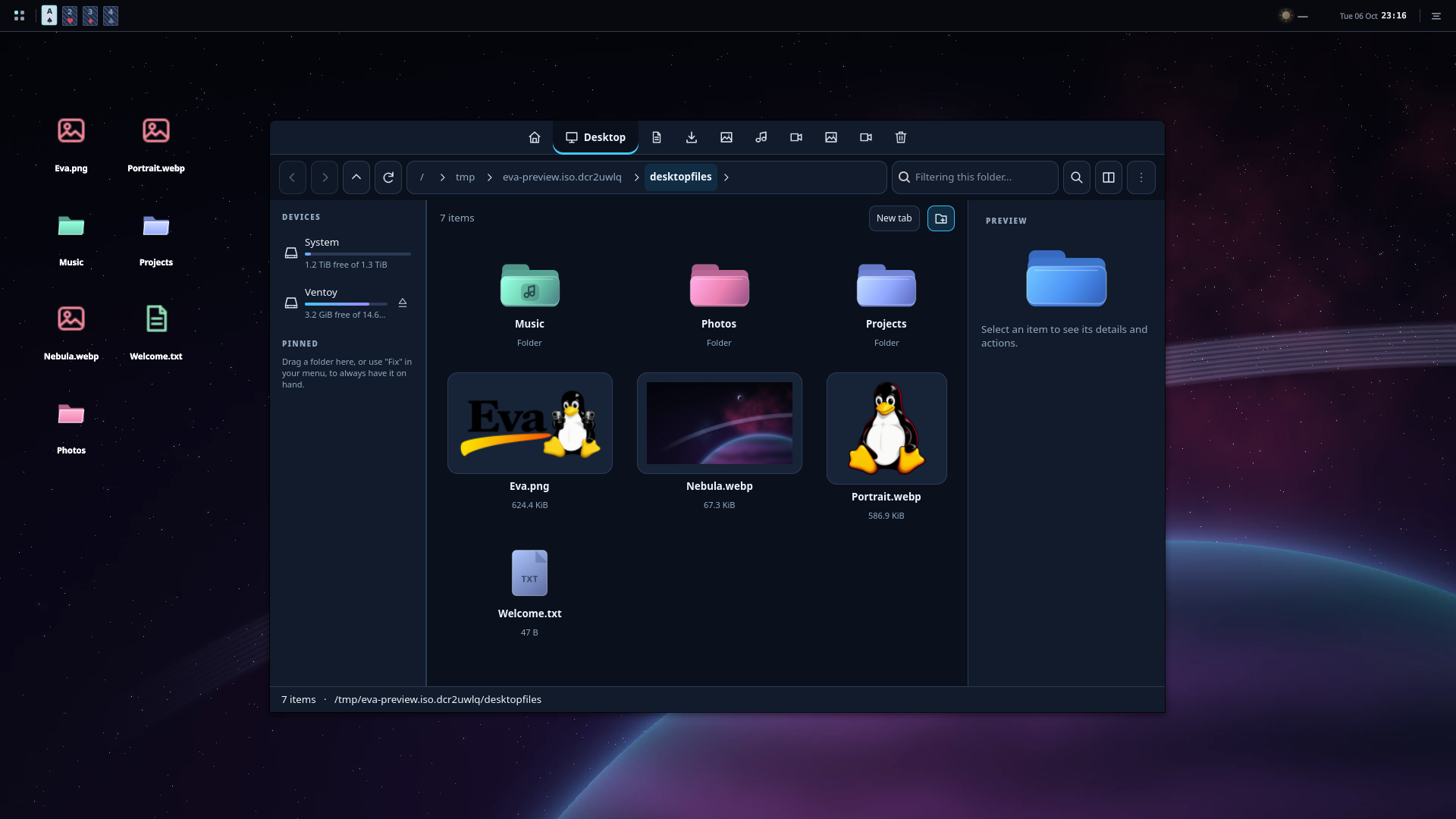 |
| Wallpaper selector | Multimedia controls |
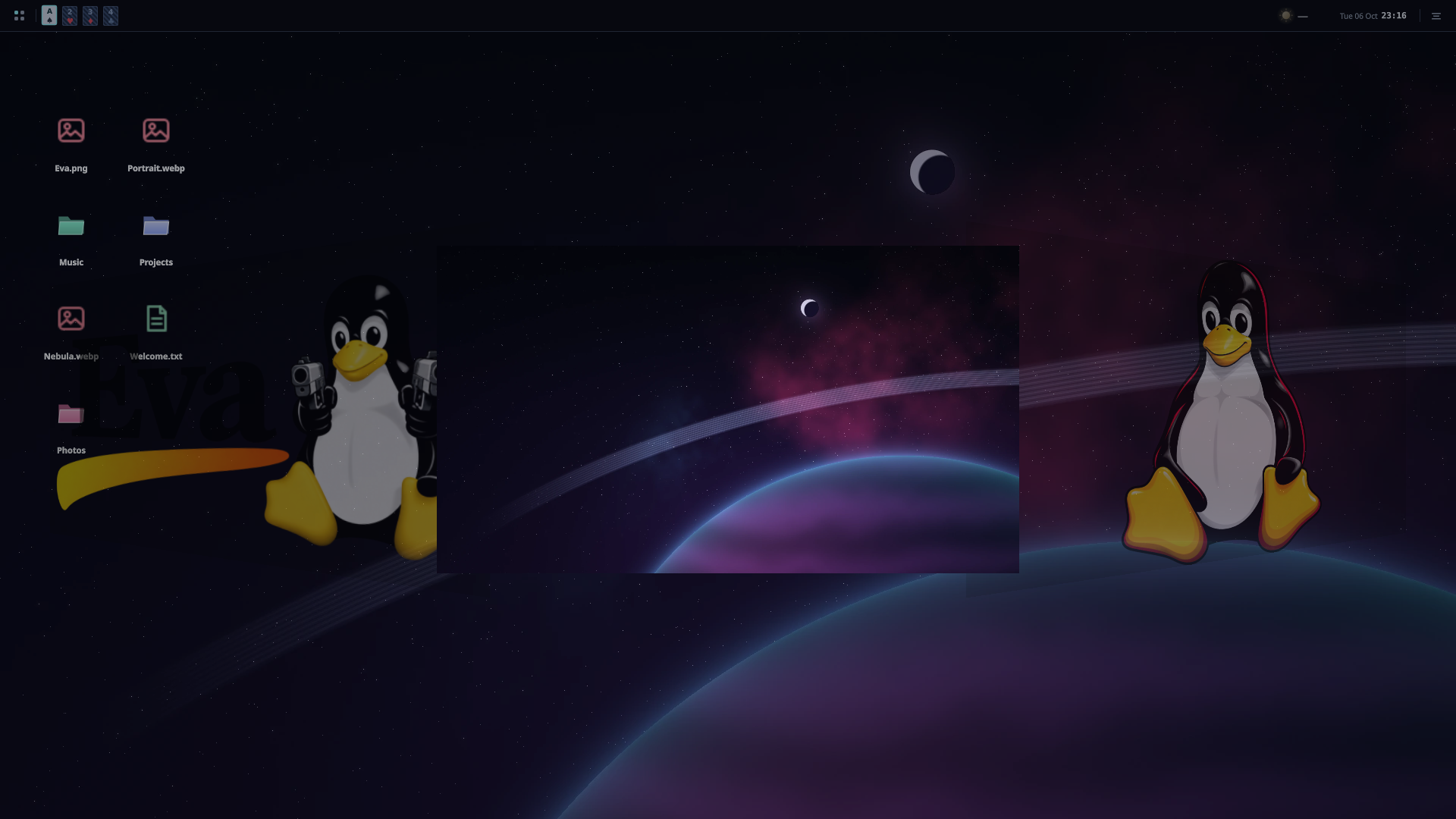 | 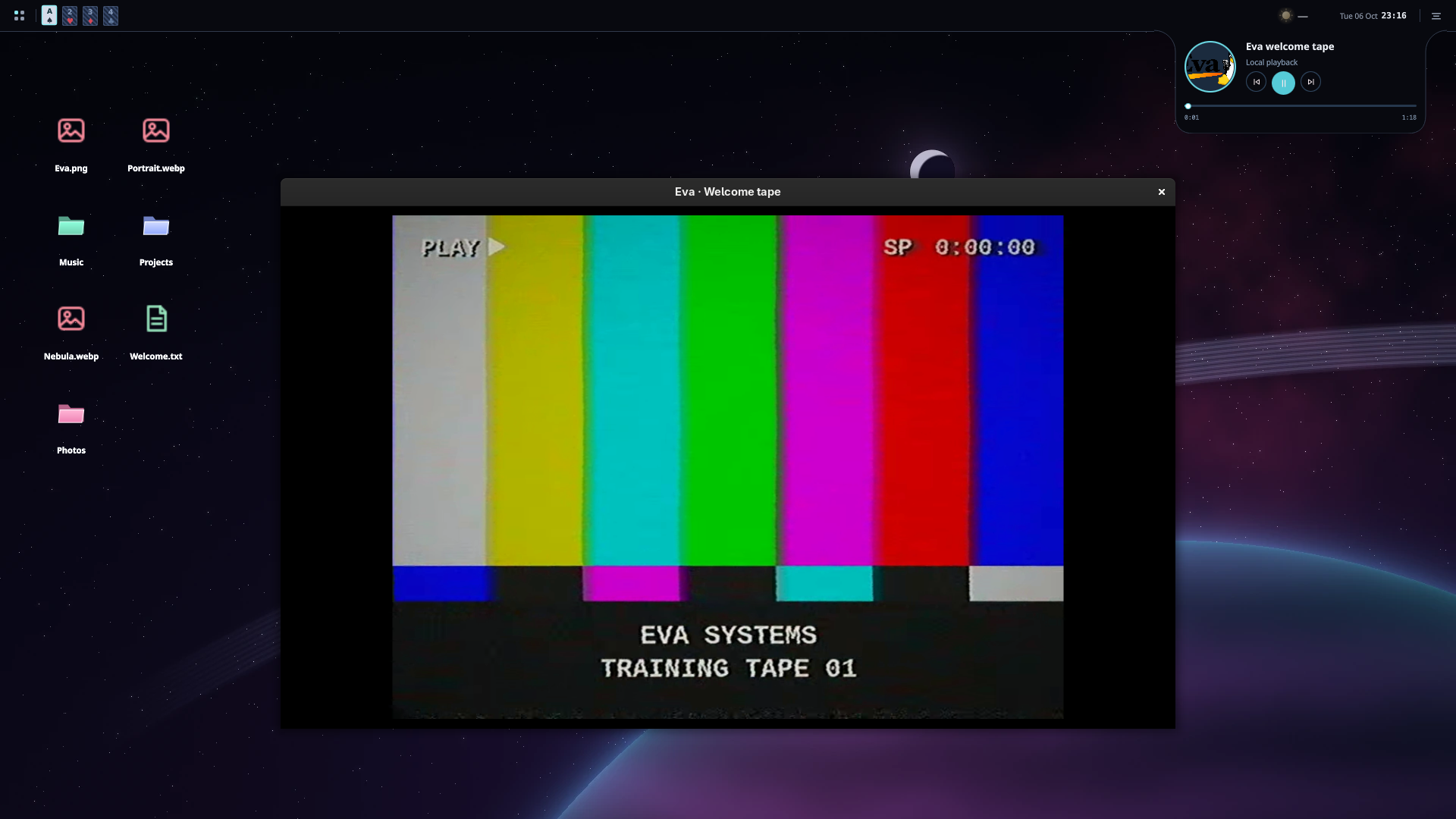 |
| Audio settings | Volume popup |
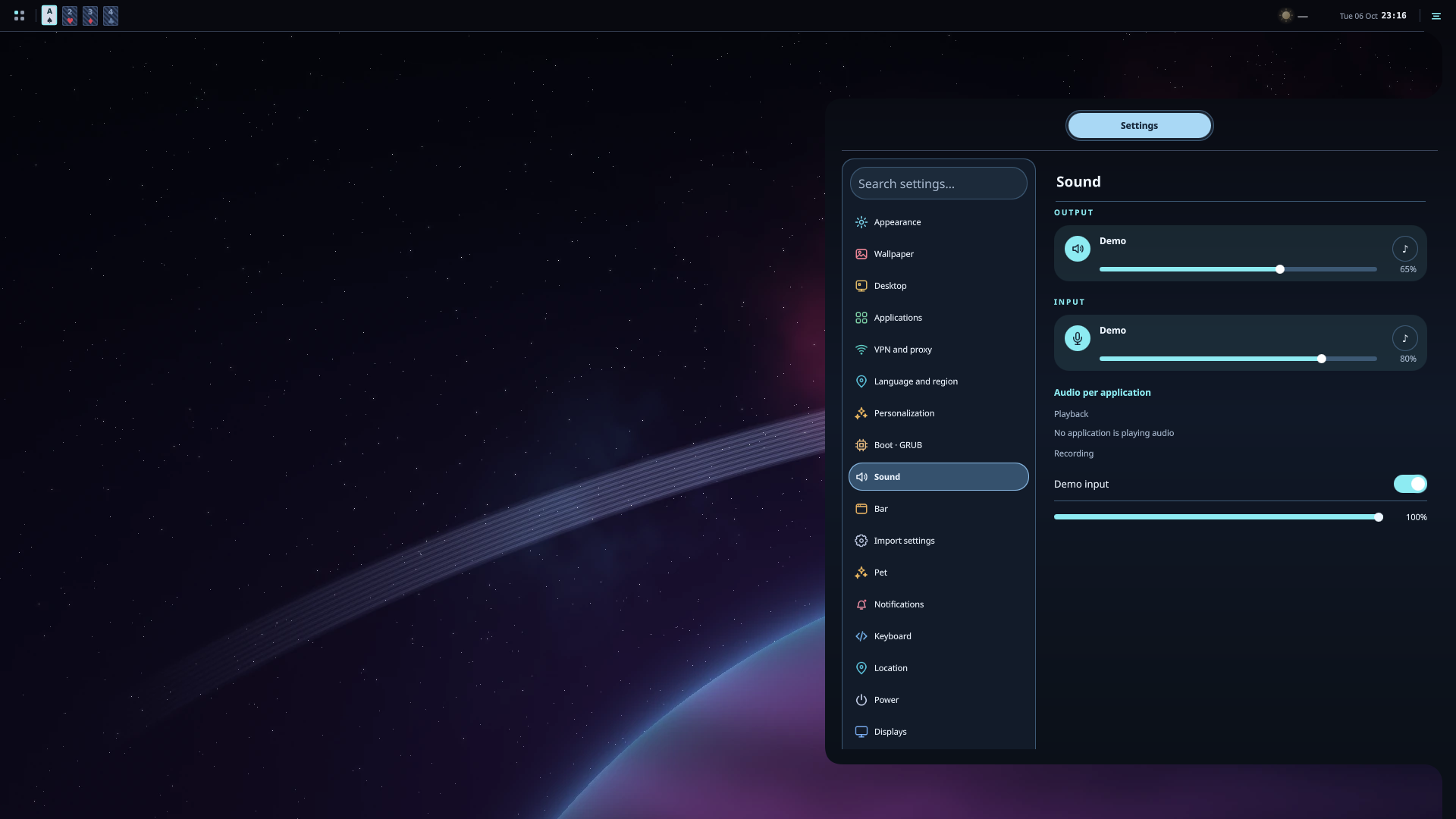 | 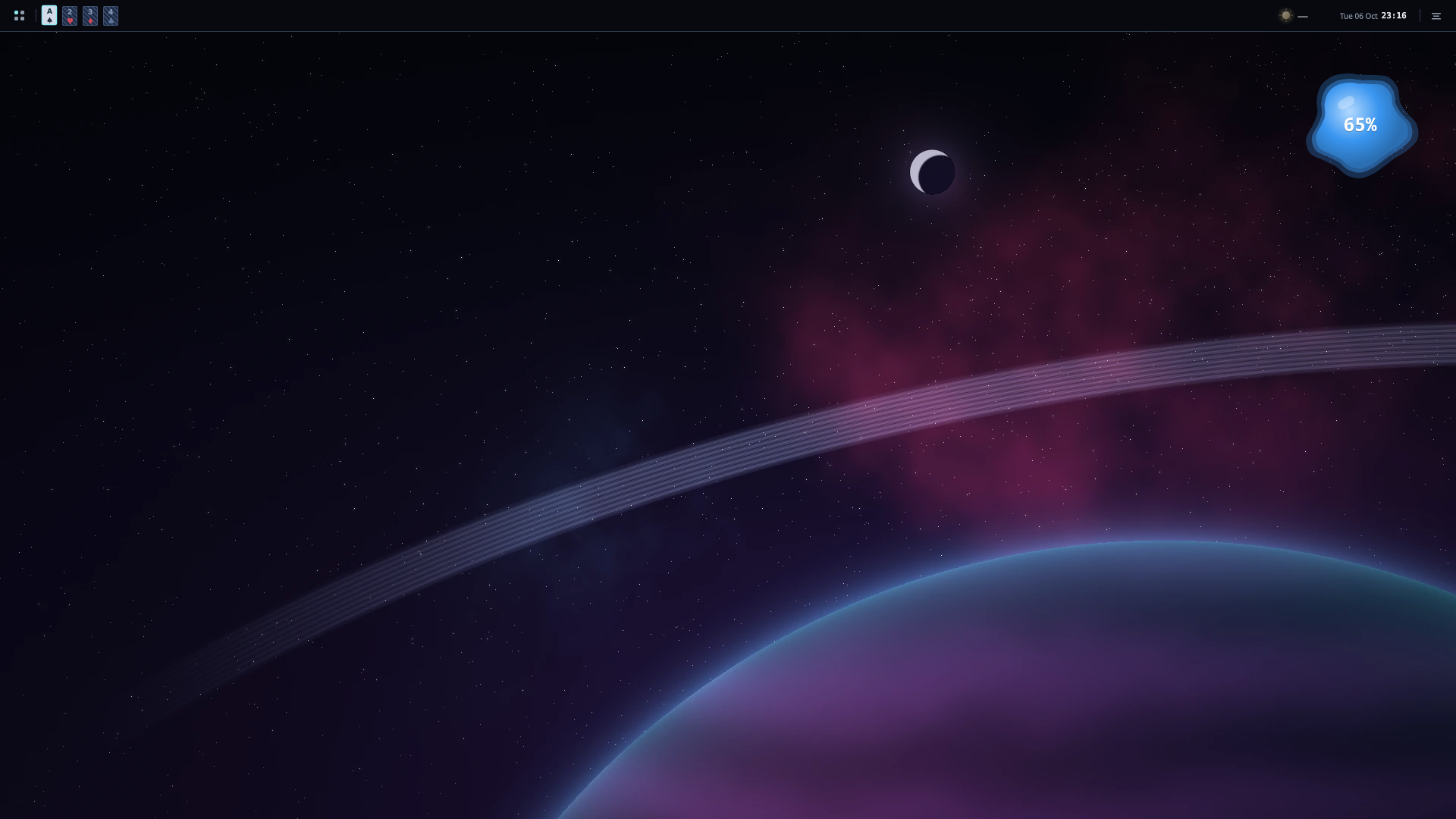 |
Bubbles and workspace overview
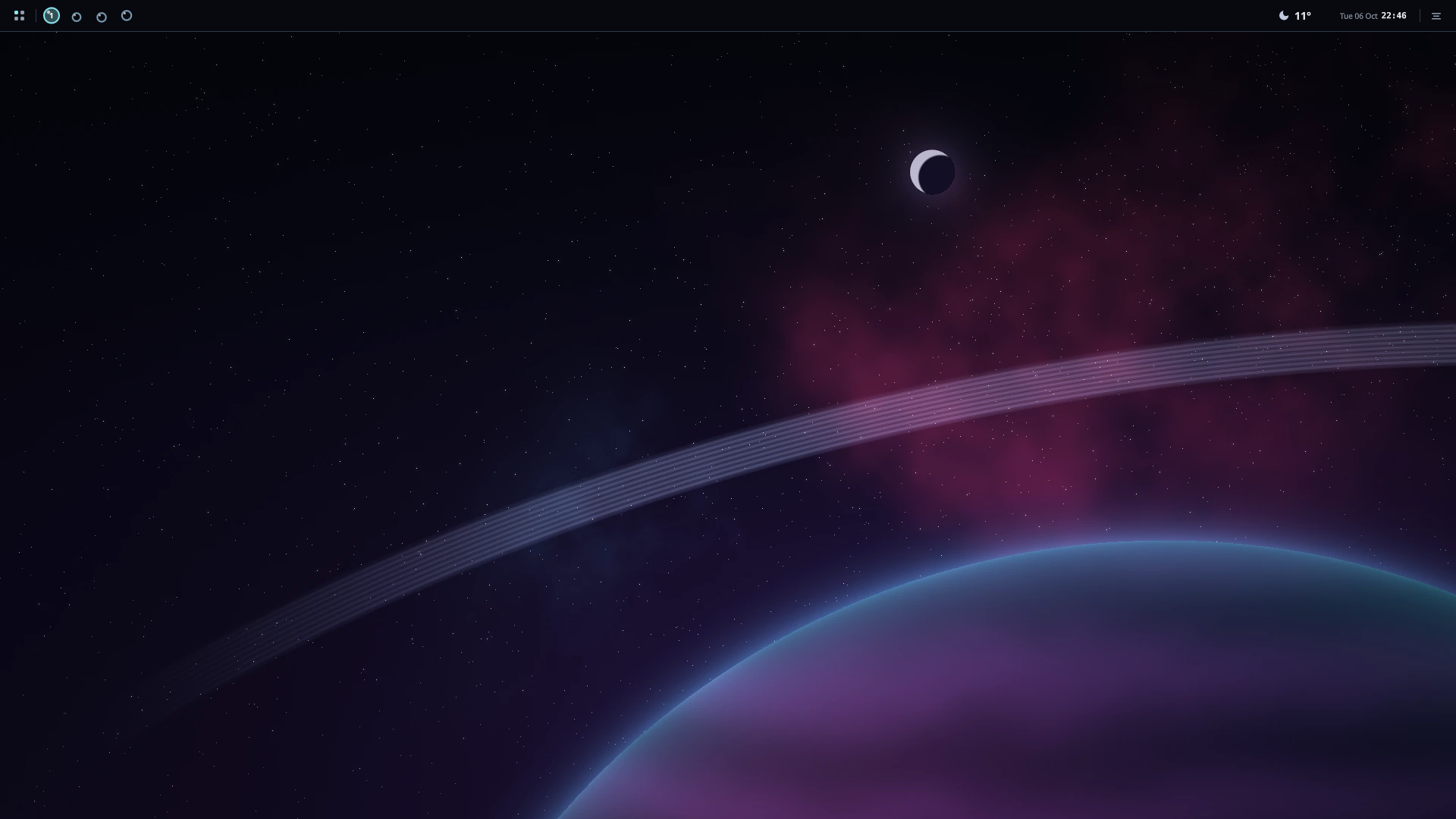
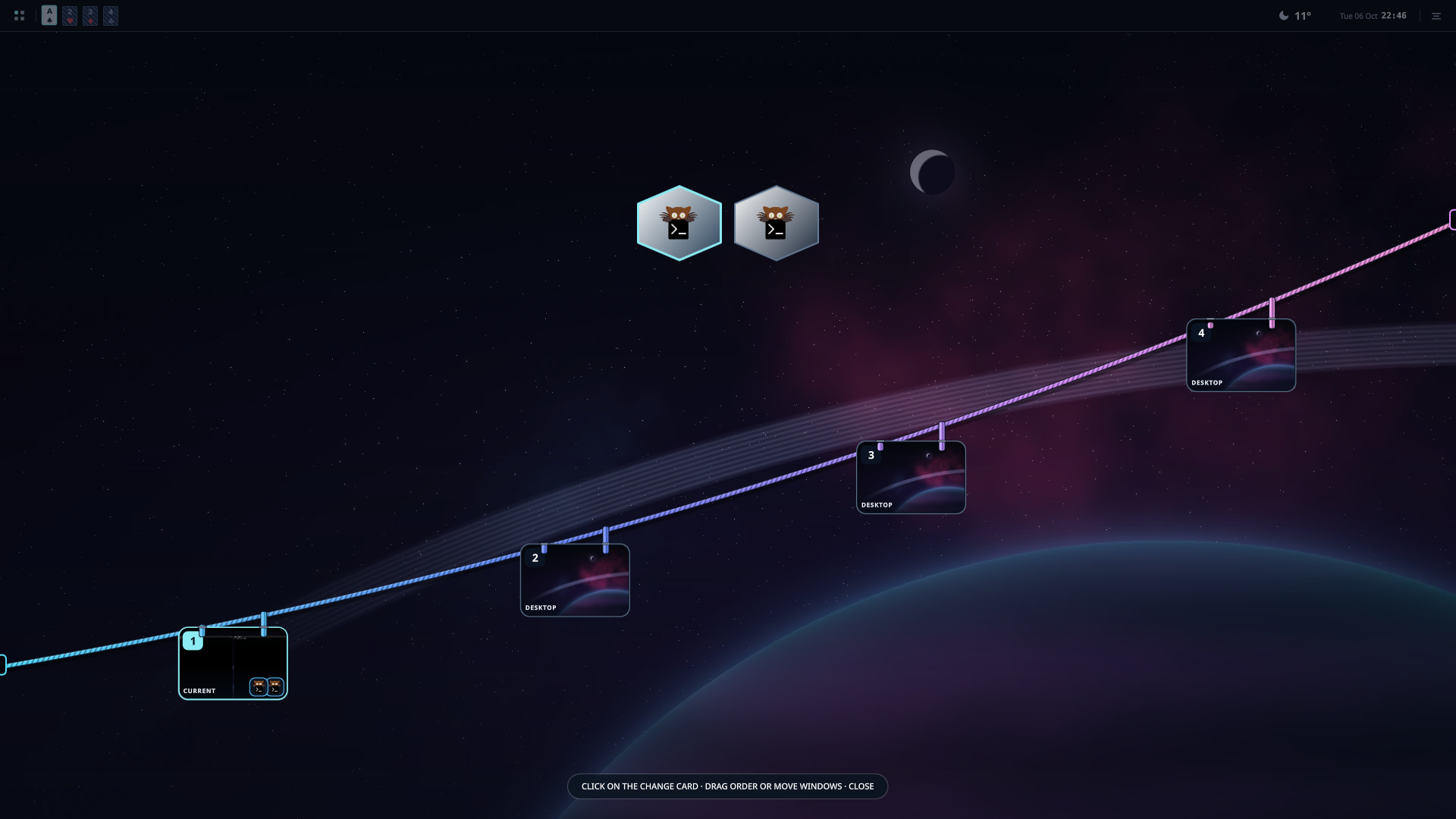
Screenshots show the actual Eva interface in English with Glass disabled, using an isolated demo profile. Weather uses New York; the Game Center shows an example library. Games are not included. The audio preview uses real, isolated virtual devices.
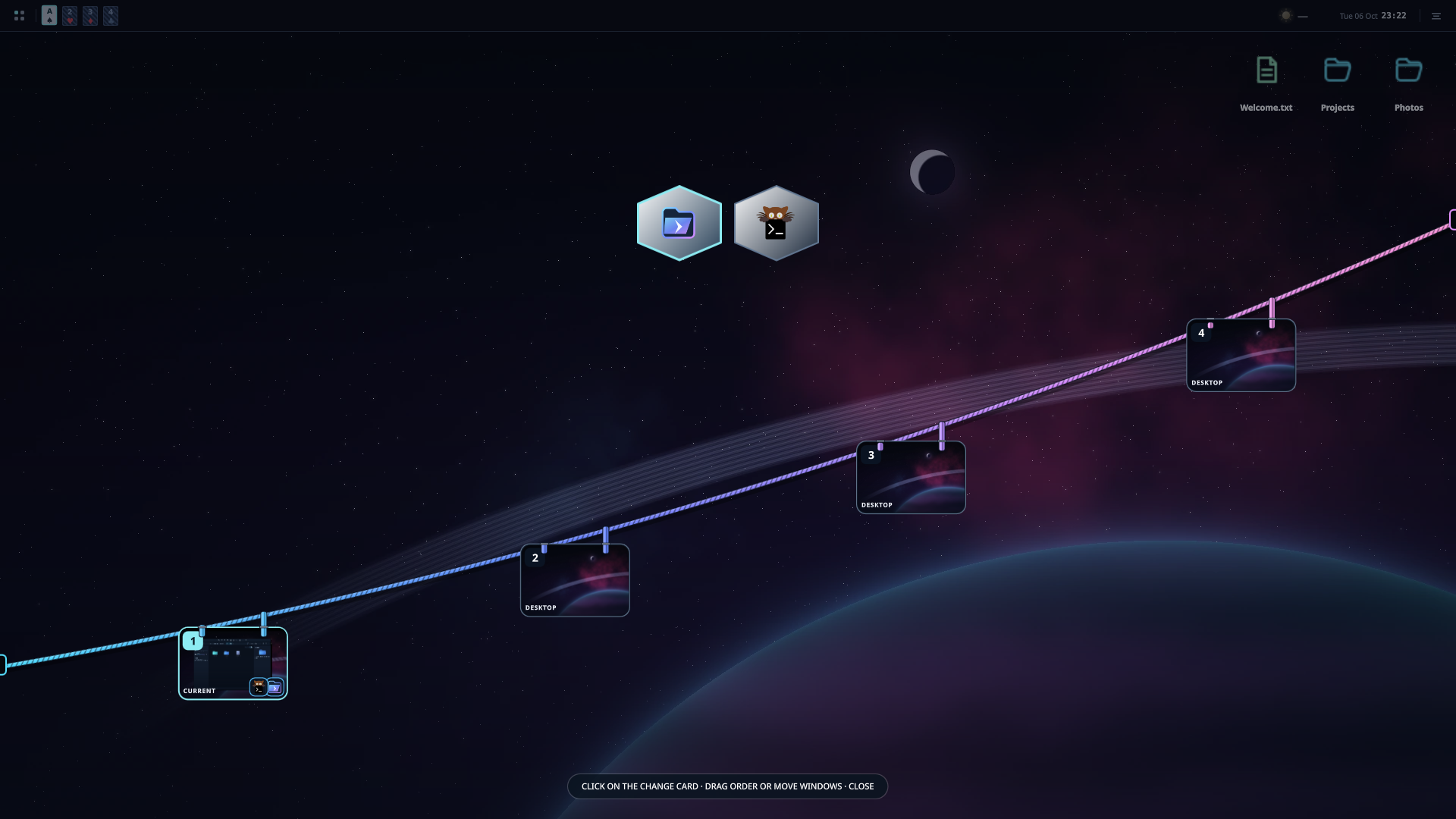
TAB overview
Switch between your applications and workspaces. This capture shows Prisma and a real terminal.
Inside Eva
- Dark, light and Liquid Glass appearance; configurable bars, dock, widgets and workspaces.
- Game Center, Prisma file manager, screenshots and screen recording.
- Animated pets with optional AI conversation. Bring your own API key; availability depends on the provider.
- Calamares installer and themed boot menu.
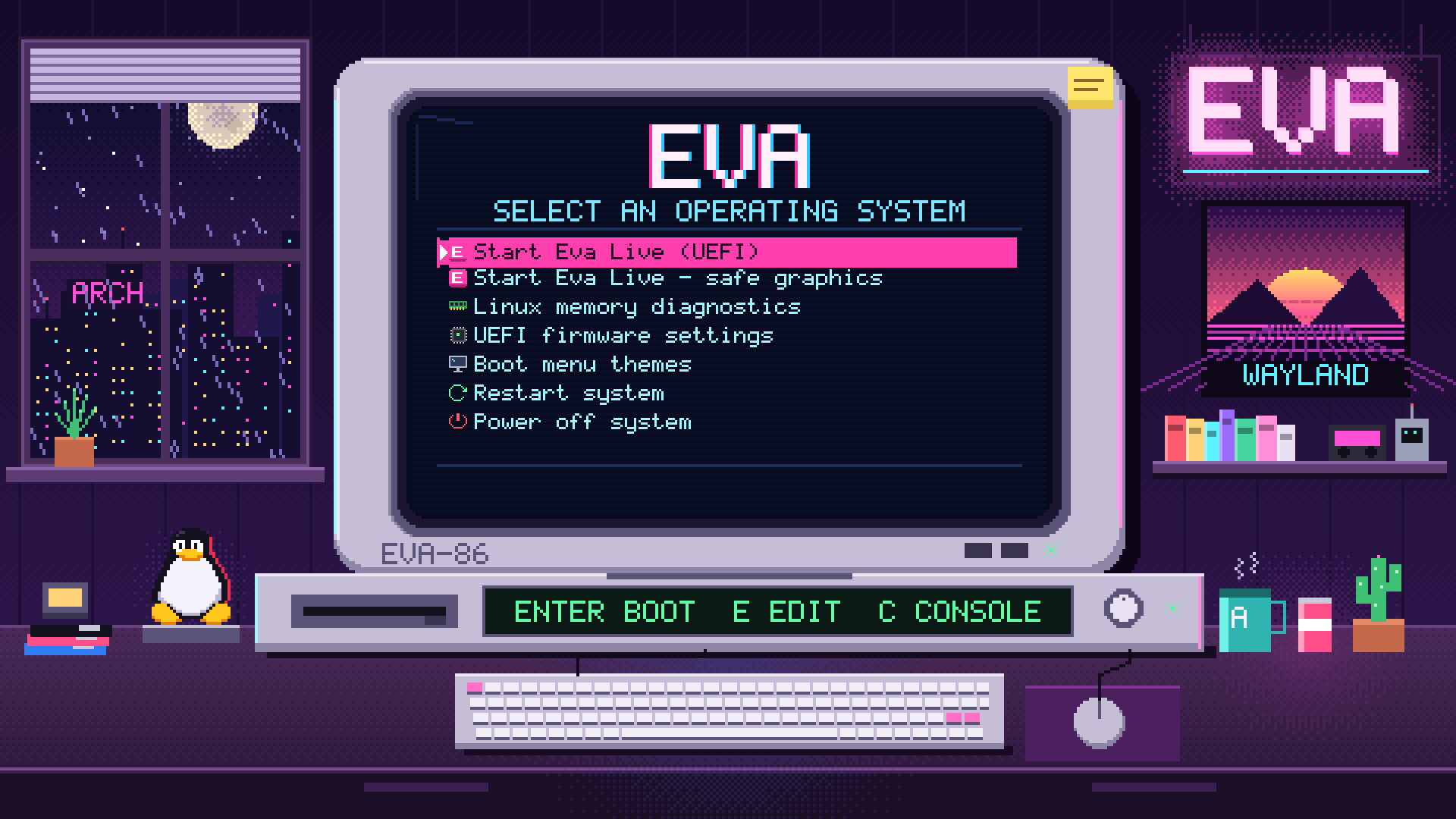
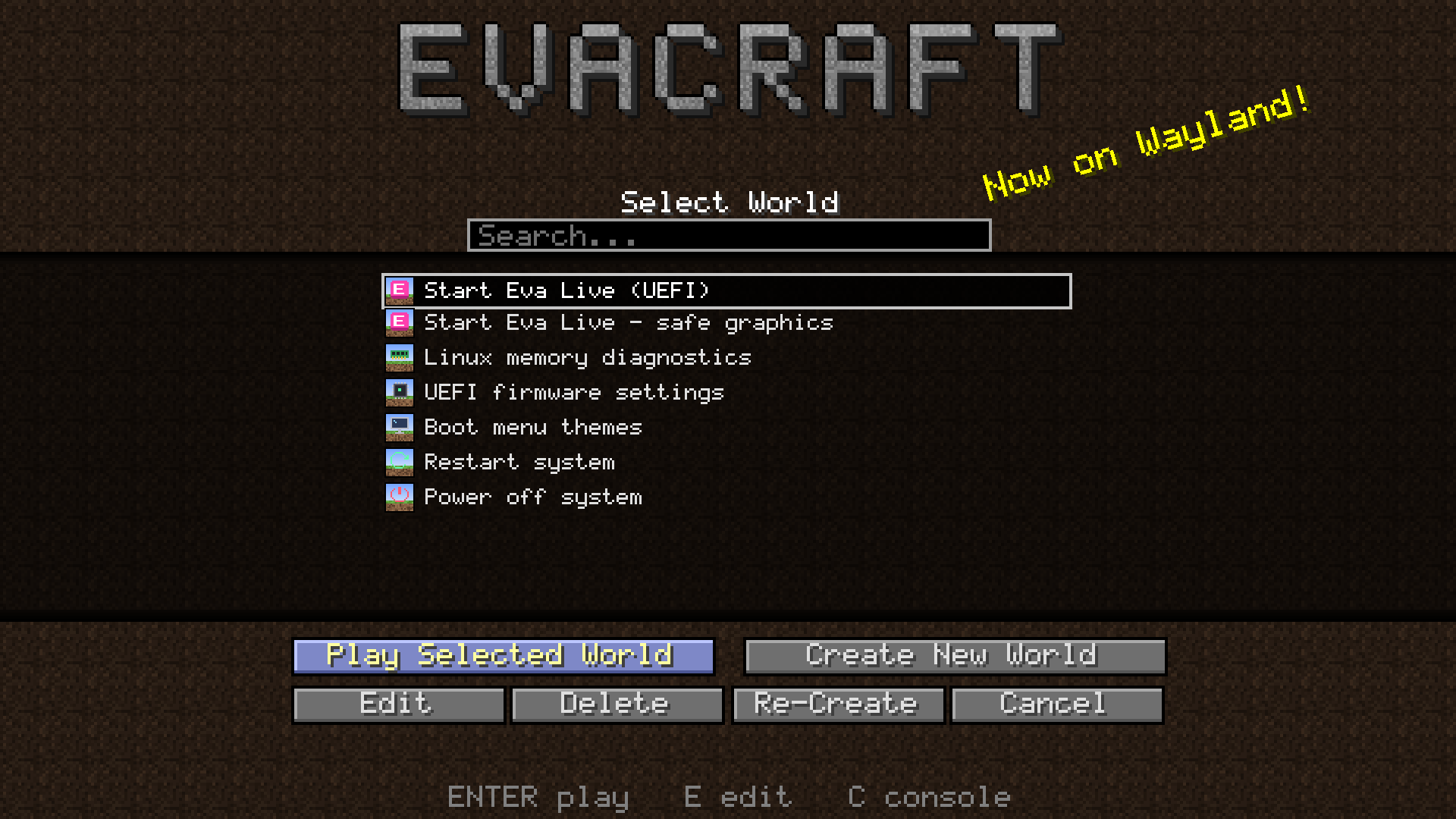
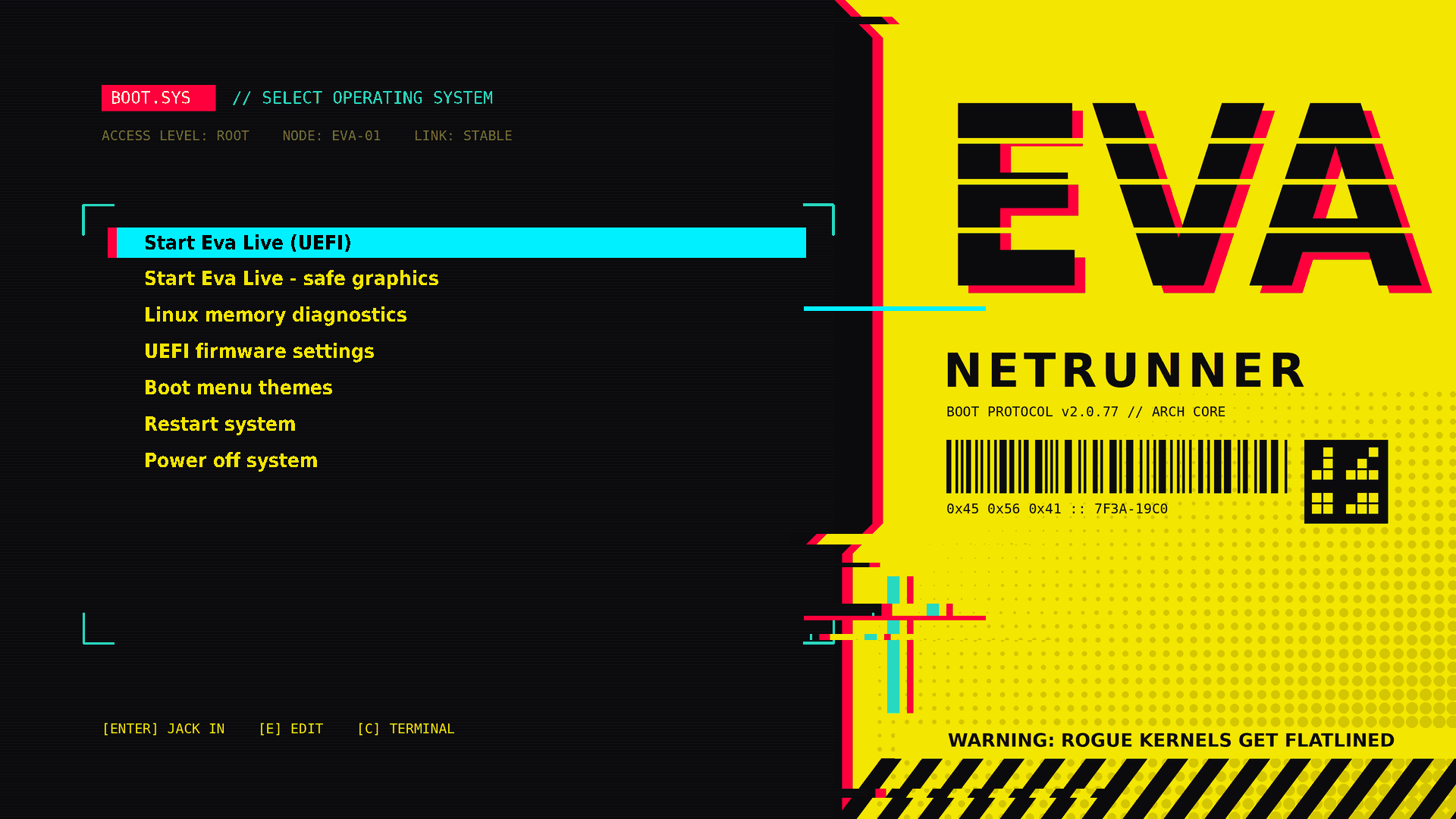
GRUB boot themes
Actual boot menus from the Eva ISO. Choose them in Boot menu themes.
Eva Night Room · Default
| Evacraft · Minecraft style | Netrunner |
|---|---|
 |  |
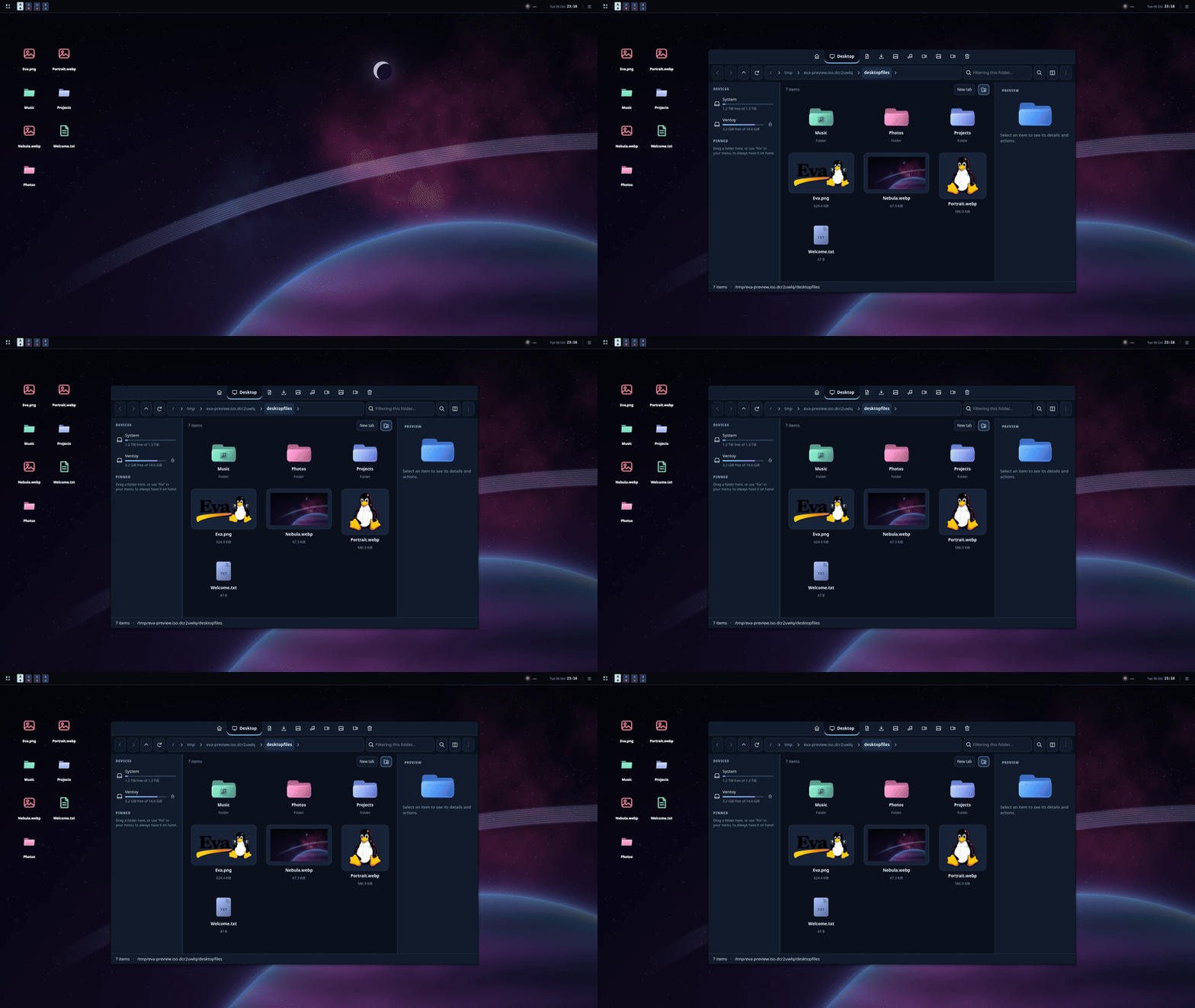
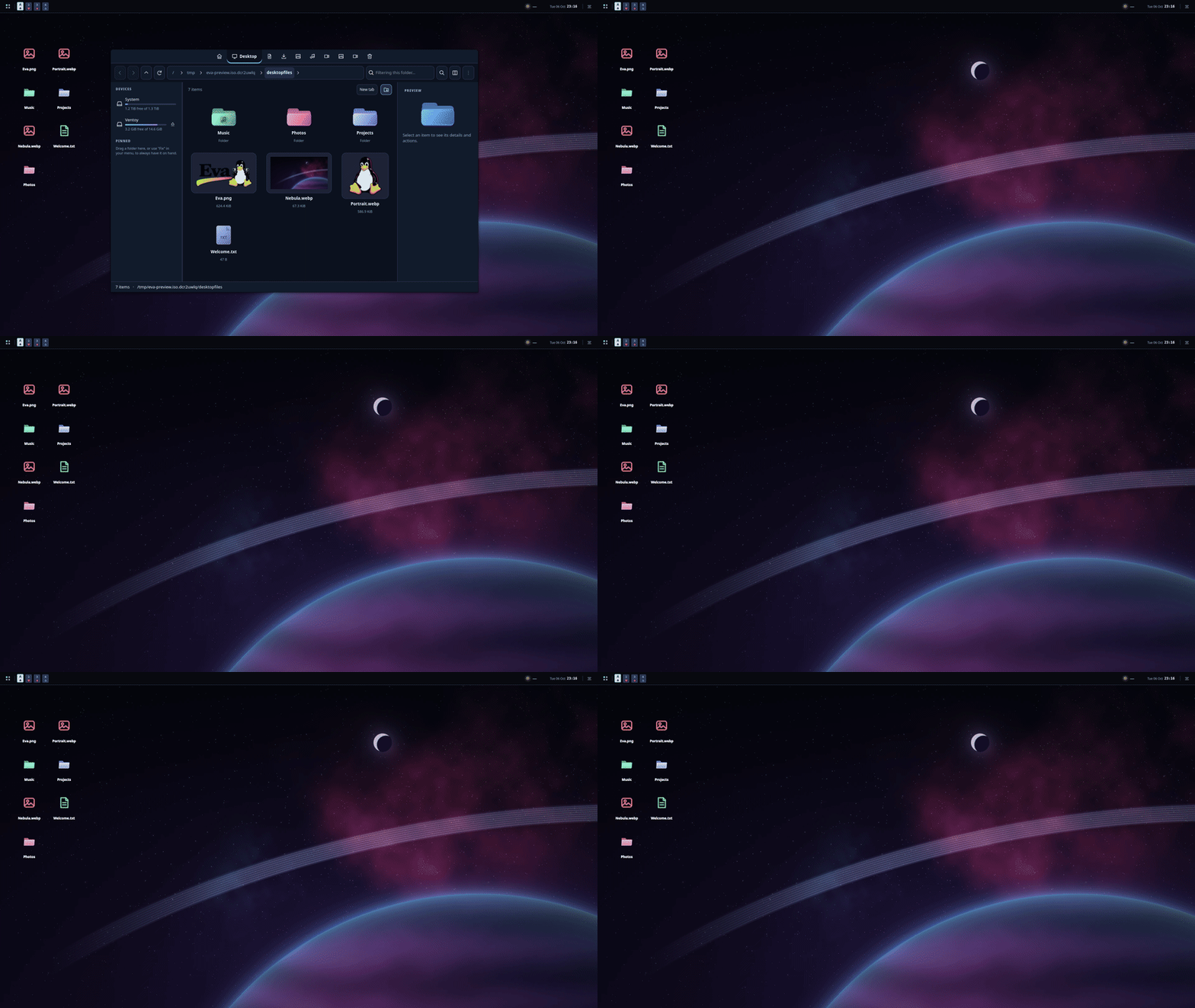
Motion
Native animations while opening and closing Prisma, with actual application windows.
| RGB glitch | Lamp |
|---|---|
 |  |
Play the application animation videos
RGB glitch · Prisma opening
https://github.com/user-attachments/assets/c9a0be91-fbf7-4670-ac9b-d6a901fe1269
Lamp · Prisma closing
https://github.com/user-attachments/assets/3f3e1602-7770-4390-9e48-c558f5cd5bcc
Download and install
Download the complete Eva ISO. Beta · x86_64 · BIOS / UEFI · 3.67 GiB.
- Open the download folder and download
Eva-2026.10.06-x86_64.iso. It is one complete ISO, ready to use. - Prepare a USB drive of 8 GB or more with Ventoy, then copy the
.isoonto it. Preparing the USB erases its contents. Windows users can also write the ISO with Rufus. - Restart your computer, choose the USB in its boot menu, and select Eva. You can try the desktop before installing.
- Open the Eva installer (Calamares). Choose your language, keyboard, installation disk and user account; review the summary before confirming. Back up your files first: erasing a disk deletes its contents.
- When installation finishes, restart and remove the USB.
Game Center, Prisma, the dock, widgets and pets are included in Eva. Games and optional AI API keys are supplied separately. GitHub's Source code (zip/tar.gz) files contain this presentation, not the installation image.
Eva is a beta project and may contain bugs. Please report issues with your hardware, steps to reproduce and a screenshot without personal information.
Updates
Eva keeps personal settings in your user profile. Eva package updates create local recovery snapshots before upgrading. Reinstalling or formatting a partition is a separate operation; keep a backup of your files.
Similar repos


Eva · Beta Arch Linux system with its own Wayland desktop. Bug reports help improve the project.
3
5 commits
updated Oct 7, 2026
See what people are saying
README
Eva is an Arch Linux system with its own Wayland desktop. Beta · Phase 1.
Eva is a beta project and may contain bugs. Reporting an issue helps us improve Eva and grow the project!
https://github.com/user-attachments/assets/0784ac2a-7fd6-427a-851f-a188beb754e6
Preview
The features pictured here are part of Eva and install together with the ISO. Download ISO opens the folder containing the complete ISO; Previews jumps to this gallery; Follow us opens Instagram; Report a bug opens GitHub Issues.
| Dark theme | Weather |
|---|---|
| |
| Dock | Launcher · design 2 |
| |
| Game Center | System monitor |
| |
| Animated companion | Pet habitat |
| |
| Desktop files and folders | Prisma file manager |
|---|---|
| |
| Wallpaper selector | Multimedia controls |
| |
| Audio settings | Volume popup |
| |
Bubbles and workspace overview
Screenshots show the actual Eva interface in English with Glass disabled, using an isolated demo profile. Weather uses New York; the Game Center shows an example library. Games are not included. The audio preview uses real, isolated virtual devices.
TAB overview
Switch between your applications and workspaces. This capture shows Prisma and a real terminal.
Inside Eva
- Dark, light and Liquid Glass appearance; configurable bars, dock, widgets and workspaces.
- Game Center, Prisma file manager, screenshots and screen recording.
- Animated pets with optional AI conversation. Bring your own API key; availability depends on the provider.
- Calamares installer and themed boot menu.
GRUB boot themes
Actual boot menus from the Eva ISO. Choose them in Boot menu themes.
Eva Night Room · Default
| Evacraft · Minecraft style | Netrunner |
|---|---|
| |
Motion
Native animations while opening and closing Prisma, with actual application windows.
| RGB glitch | Lamp |
|---|---|
| |
Play the application animation videos
RGB glitch · Prisma opening
https://github.com/user-attachments/assets/c9a0be91-fbf7-4670-ac9b-d6a901fe1269
Lamp · Prisma closing
https://github.com/user-attachments/assets/3f3e1602-7770-4390-9e48-c558f5cd5bcc
Download and install
Download the complete Eva ISO. Beta · x86_64 · BIOS / UEFI · 3.67 GiB.
- Open the download folder and download
Eva-2026.10.06-x86_64.iso. It is one complete ISO, ready to use. - Prepare a USB drive of 8 GB or more with Ventoy, then copy the
.isoonto it. Preparing the USB erases its contents. Windows users can also write the ISO with Rufus. - Restart your computer, choose the USB in its boot menu, and select Eva. You can try the desktop before installing.
- Open the Eva installer (Calamares). Choose your language, keyboard, installation disk and user account; review the summary before confirming. Back up your files first: erasing a disk deletes its contents.
- When installation finishes, restart and remove the USB.
Game Center, Prisma, the dock, widgets and pets are included in Eva. Games and optional AI API keys are supplied separately. GitHub's Source code (zip/tar.gz) files contain this presentation, not the installation image.
Eva is a beta project and may contain bugs. Please report issues with your hardware, steps to reproduce and a screenshot without personal information.
Updates
Eva keeps personal settings in your user profile. Eva package updates create local recovery snapshots before upgrading. Reinstalling or formatting a partition is a separate operation; keep a backup of your files.