
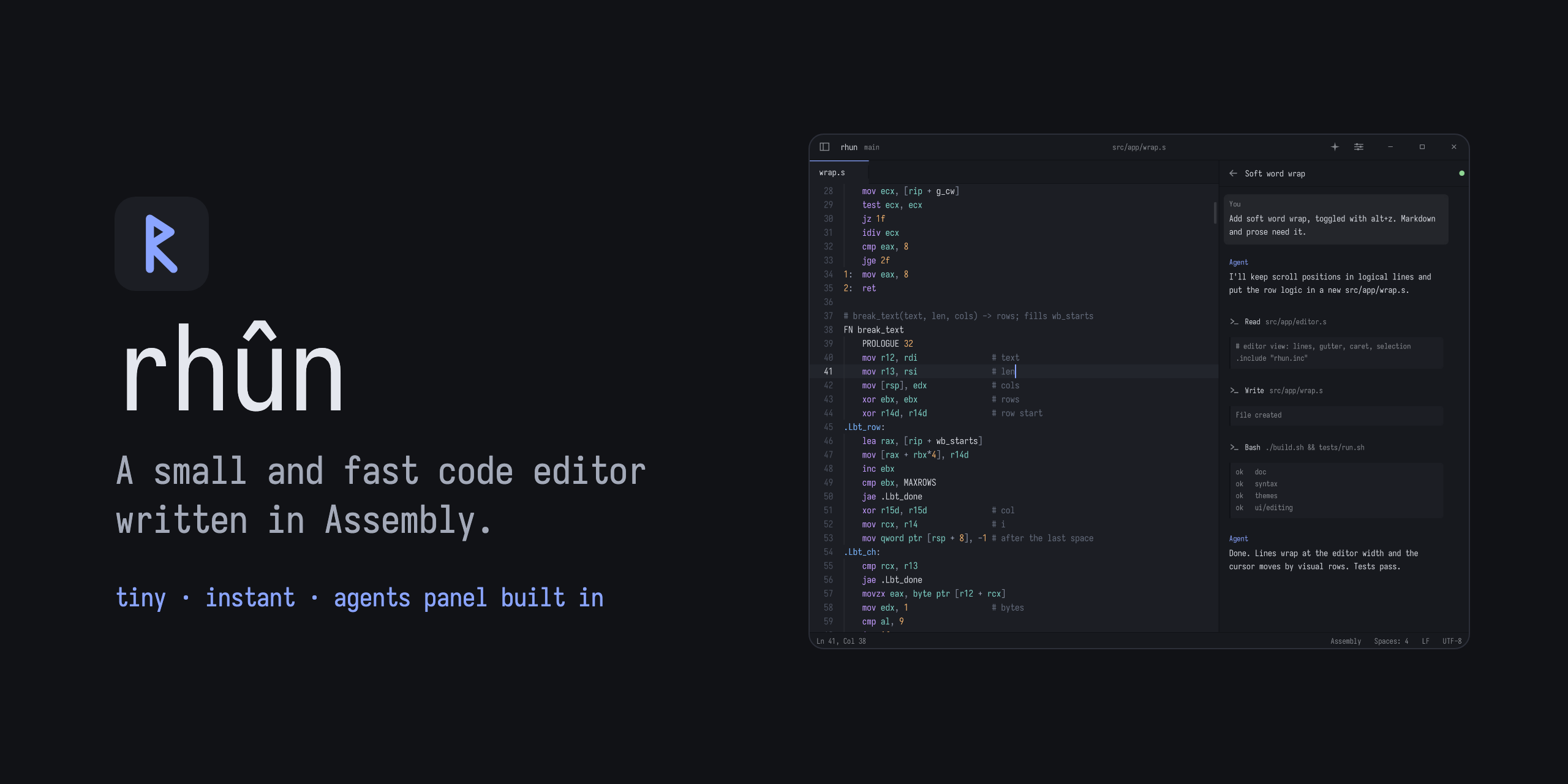
A small and fast code editor written in Assembly
See the codeSee what people are saying
README
rhun
Get rhun
On Linux (x86-64) or macOS (Apple silicon), run:
curl -fsSL https://github.com/vshvedov/rhun/releases/latest/download/install.sh | sh
Or using wget
wget -qO- https://github.com/vshvedov/rhun/releases/latest/download/install.sh | sh
rhun shows up with your other apps, and rhun starts it from a terminal. When a new version is out, the status bar offers it.
On Windows 10 (1809 or later) or Windows 11, download the windows-x86_64.zip from Releases, extract it, and open rhun.exe. For a Start menu shortcut and the rhun command, paste this command into PowerShell:
powershell -NoProfile -ExecutionPolicy Bypass -Command "& ([scriptblock]::Create((Invoke-WebRequest -UseBasicParsing https://github.com/vshvedov/rhun/releases/latest/download/install.ps1).Content))"
Windows also offers updates in the status bar. Click Update to X, then Restart to update to install the verified download and reopen your project. This works for both ZIP and terminal installations in a writable folder. See the Windows guide for paths, build instructions, and first-release limitations.
Why rhun
When coding agents do more of the heavy lifting, you may not need everything that comes with vim, VS Code or Zed. You need to read and edit code, run commands, find files, and check what changed.
rhun is perfect for such tasks: it is blazing fast, has a minimal memory and disk space footprint, and ships with everything you need:
- Code editing: Tabs, syntax highlighting, find and replace, and optional Vim mode.
- Built-in terminal: Run your shell, tools, and coding agents right beside the code.
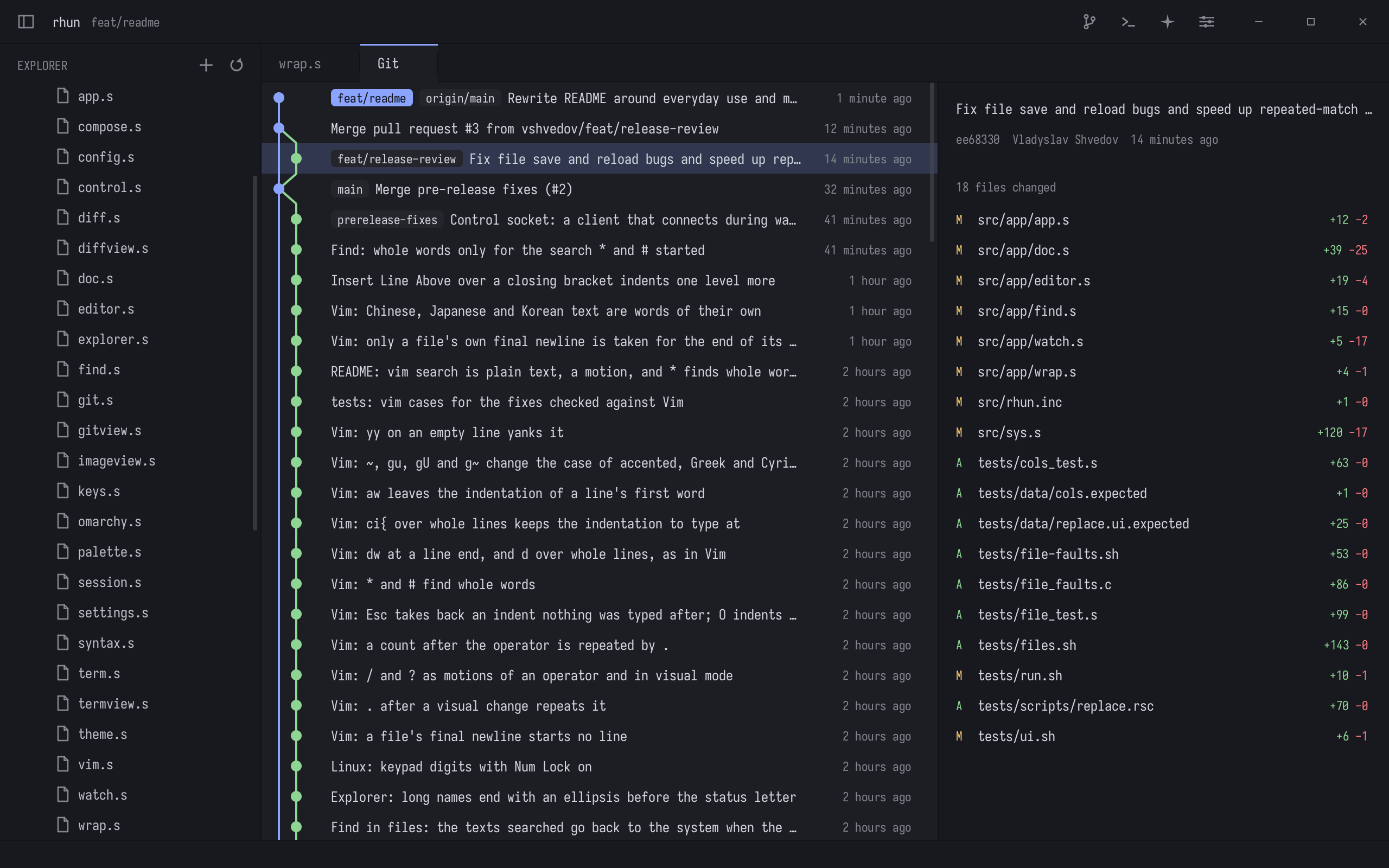
- Git: Stage, commit, pull and push, see changed files, read diffs, and browse commit history. Optionally draft commit messages with your Claude or Codex subscription, or a local Ollama model.
- Fuzzy search: Jump to a file or search across the whole project.
- Agents panel: See Claude Code and Codex sessions as they work.
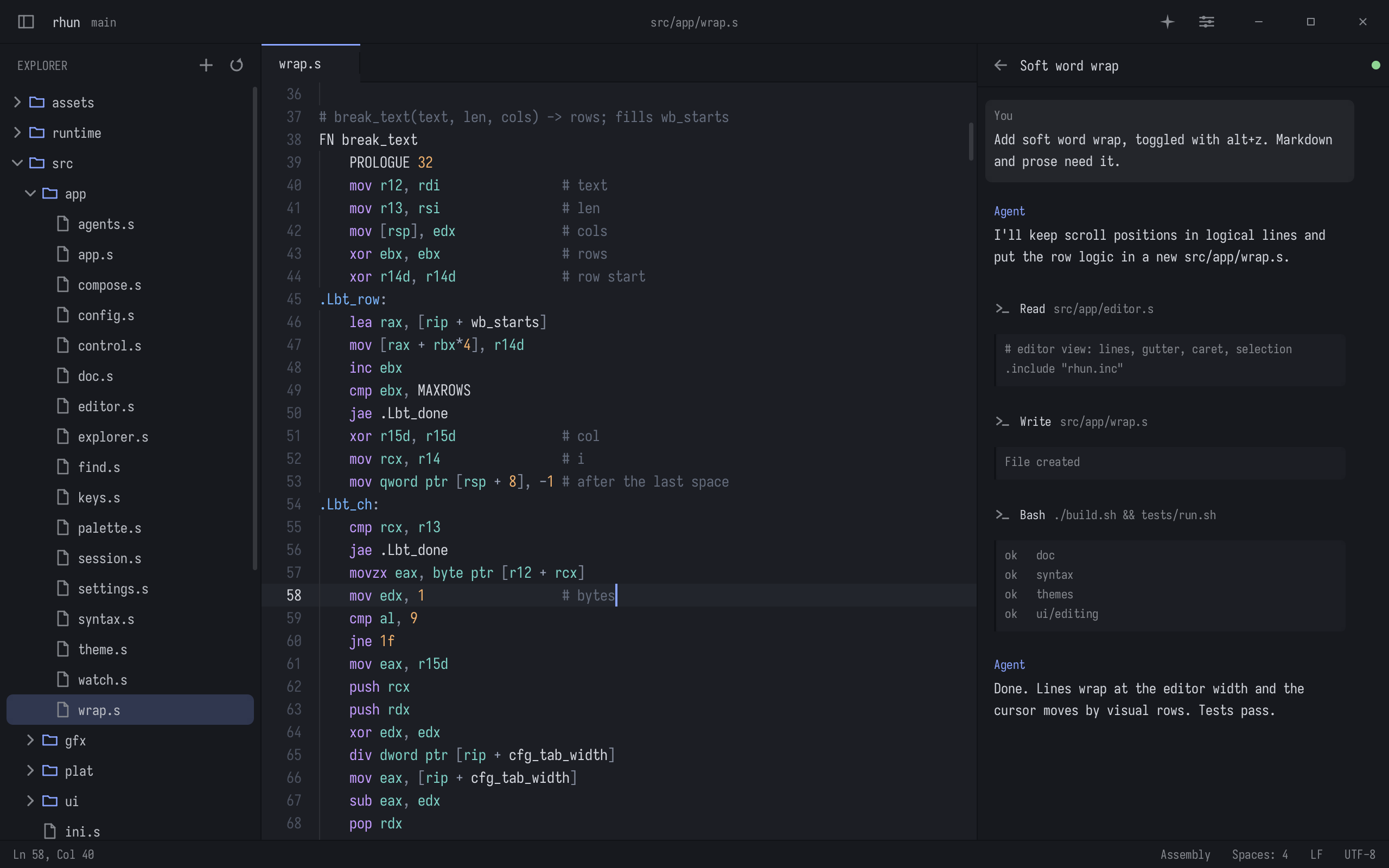
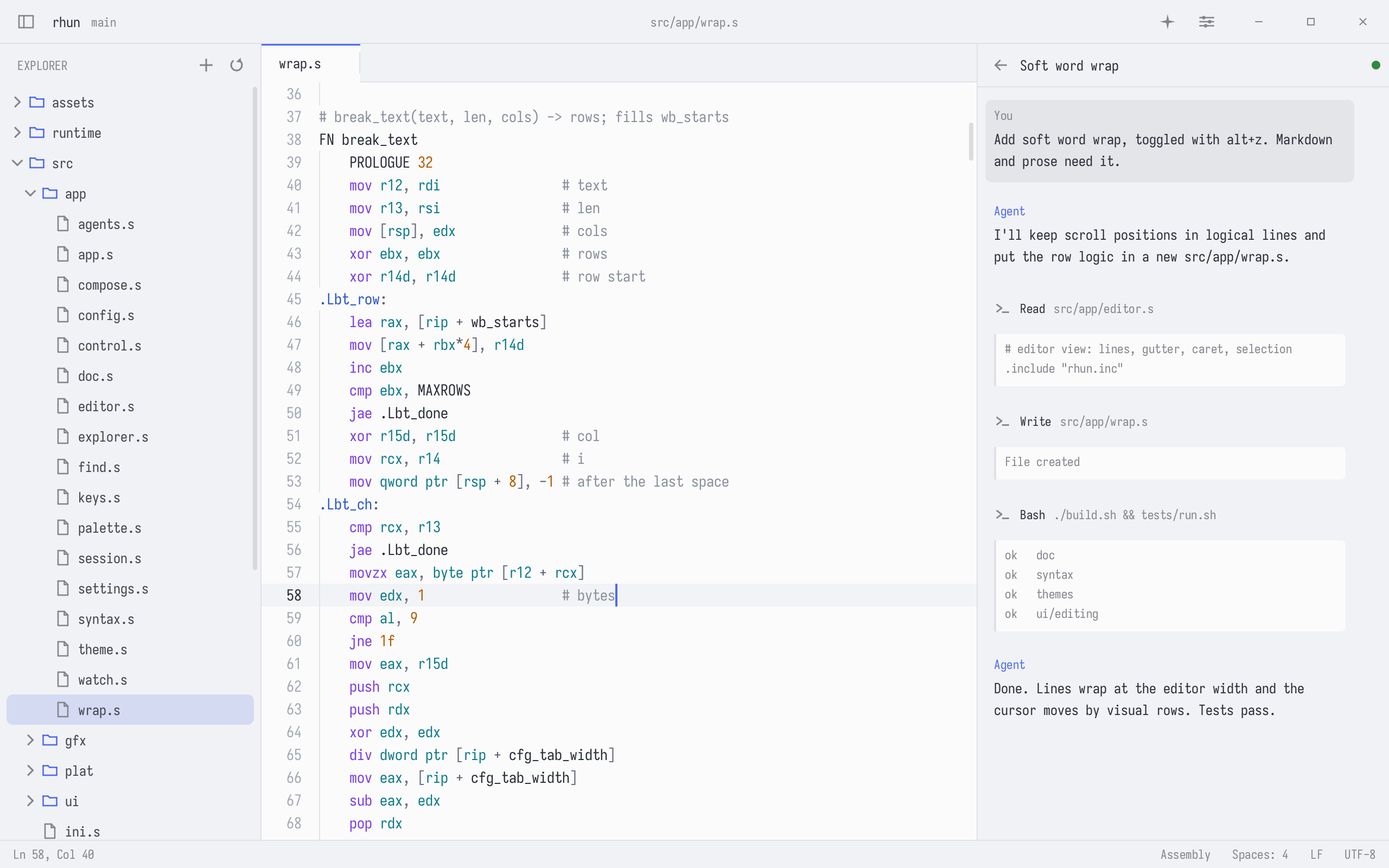
Pick from 39 light and dark themes. On Omarchy, choose Follow Omarchy and rhun switches themes with your desktop.
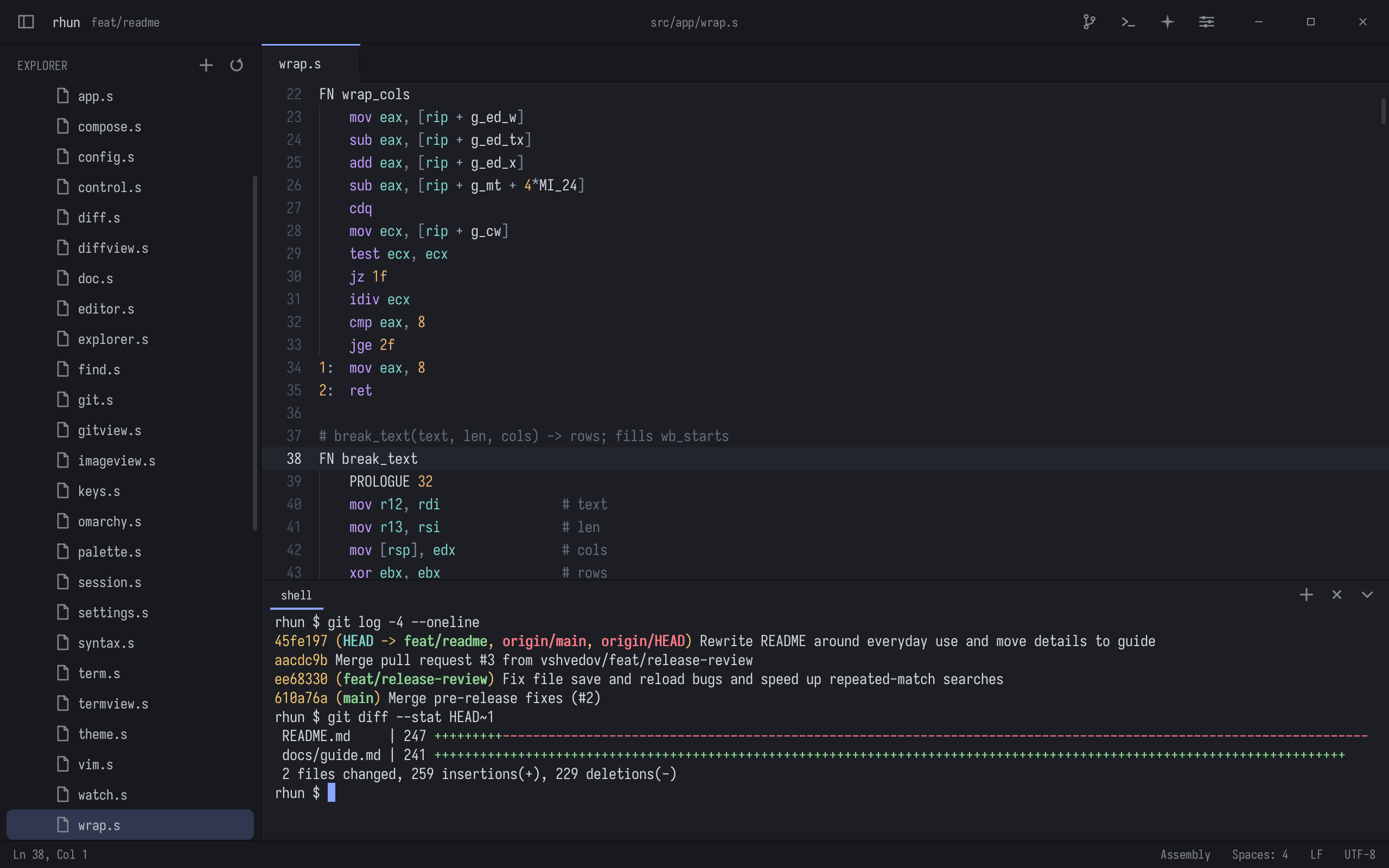
Keep your terminal beside your code, and browse Git history without leaving the editor.
Usage, shortcuts, and configuration
MIT license. Built-in fonts: SIL Open Font License.
Similar repos


Languages
Assembly
81.7%
Python
9.7%
Shell
4.1%
PowerShell
1.5%
A small and fast code editor written in Assembly
See the codeSee what people are saying
README
rhun
Get rhun
On Linux (x86-64) or macOS (Apple silicon), run:
curl -fsSL https://github.com/vshvedov/rhun/releases/latest/download/install.sh | sh
Or using wget
wget -qO- https://github.com/vshvedov/rhun/releases/latest/download/install.sh | sh
rhun shows up with your other apps, and rhun starts it from a terminal. When a new version is out, the status bar offers it.
On Windows 10 (1809 or later) or Windows 11, download the windows-x86_64.zip from Releases, extract it, and open rhun.exe. For a Start menu shortcut and the rhun command, paste this command into PowerShell:
powershell -NoProfile -ExecutionPolicy Bypass -Command "& ([scriptblock]::Create((Invoke-WebRequest -UseBasicParsing https://github.com/vshvedov/rhun/releases/latest/download/install.ps1).Content))"
Windows also offers updates in the status bar. Click Update to X, then Restart to update to install the verified download and reopen your project. This works for both ZIP and terminal installations in a writable folder. See the Windows guide for paths, build instructions, and first-release limitations.
Why rhun
When coding agents do more of the heavy lifting, you may not need everything that comes with vim, VS Code or Zed. You need to read and edit code, run commands, find files, and check what changed.
rhun is perfect for such tasks: it is blazing fast, has a minimal memory and disk space footprint, and ships with everything you need:
- Code editing: Tabs, syntax highlighting, find and replace, and optional Vim mode.
- Built-in terminal: Run your shell, tools, and coding agents right beside the code.
- Git: Stage, commit, pull and push, see changed files, read diffs, and browse commit history. Optionally draft commit messages with your Claude or Codex subscription, or a local Ollama model.
- Fuzzy search: Jump to a file or search across the whole project.
- Agents panel: See Claude Code and Codex sessions as they work.
Pick from 39 light and dark themes. On Omarchy, choose Follow Omarchy and rhun switches themes with your desktop.
Keep your terminal beside your code, and browse Git history without leaving the editor.
Usage, shortcuts, and configuration
MIT license. Built-in fonts: SIL Open Font License.
Similar repos
Languages
Assembly
81.7%
Python
9.7%
Shell
4.1%
PowerShell
1.5%