Ubuntu Yaru Flutter widgets and themes for building desktop and web applications
See the code
This repository and package contains:
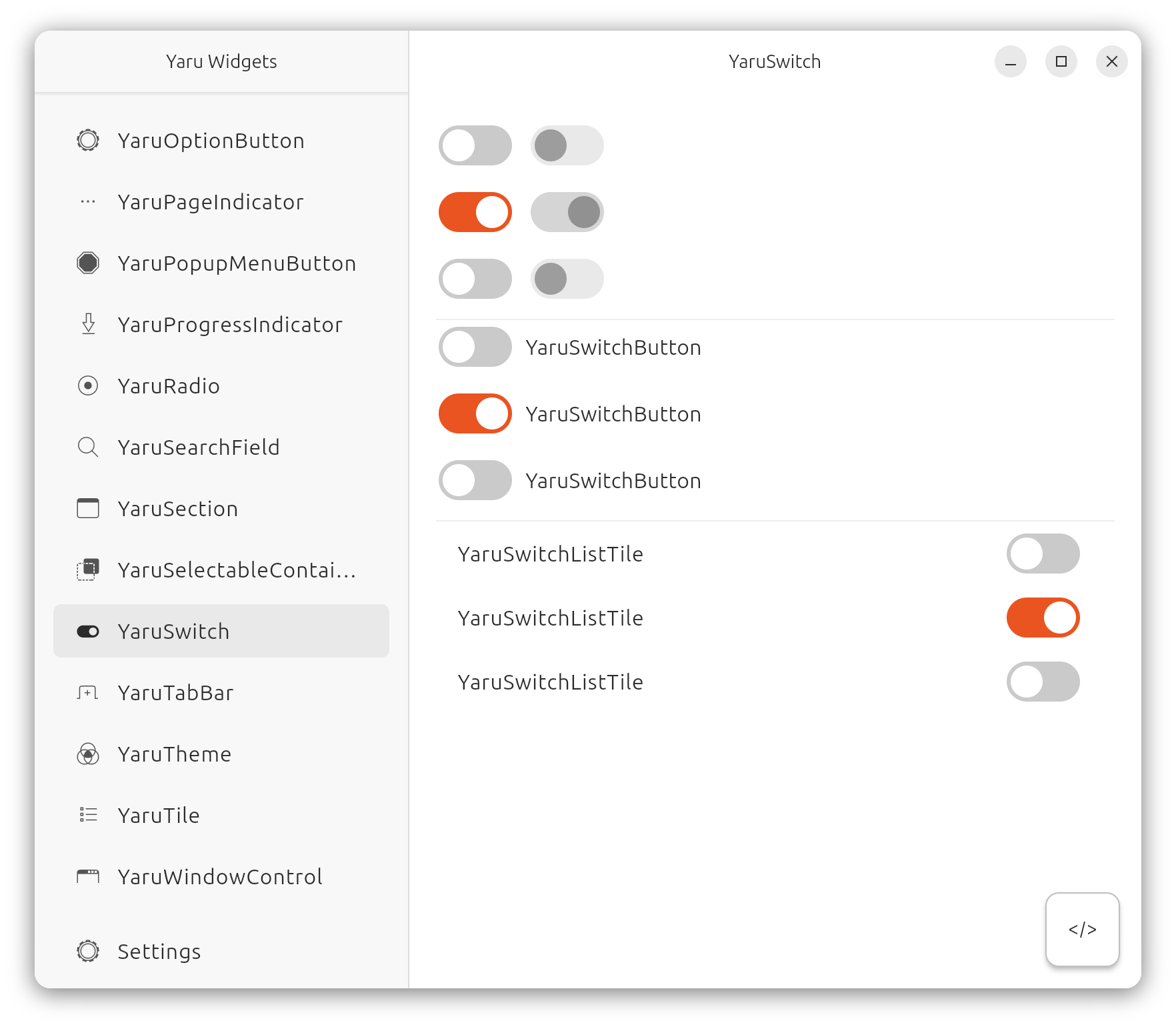
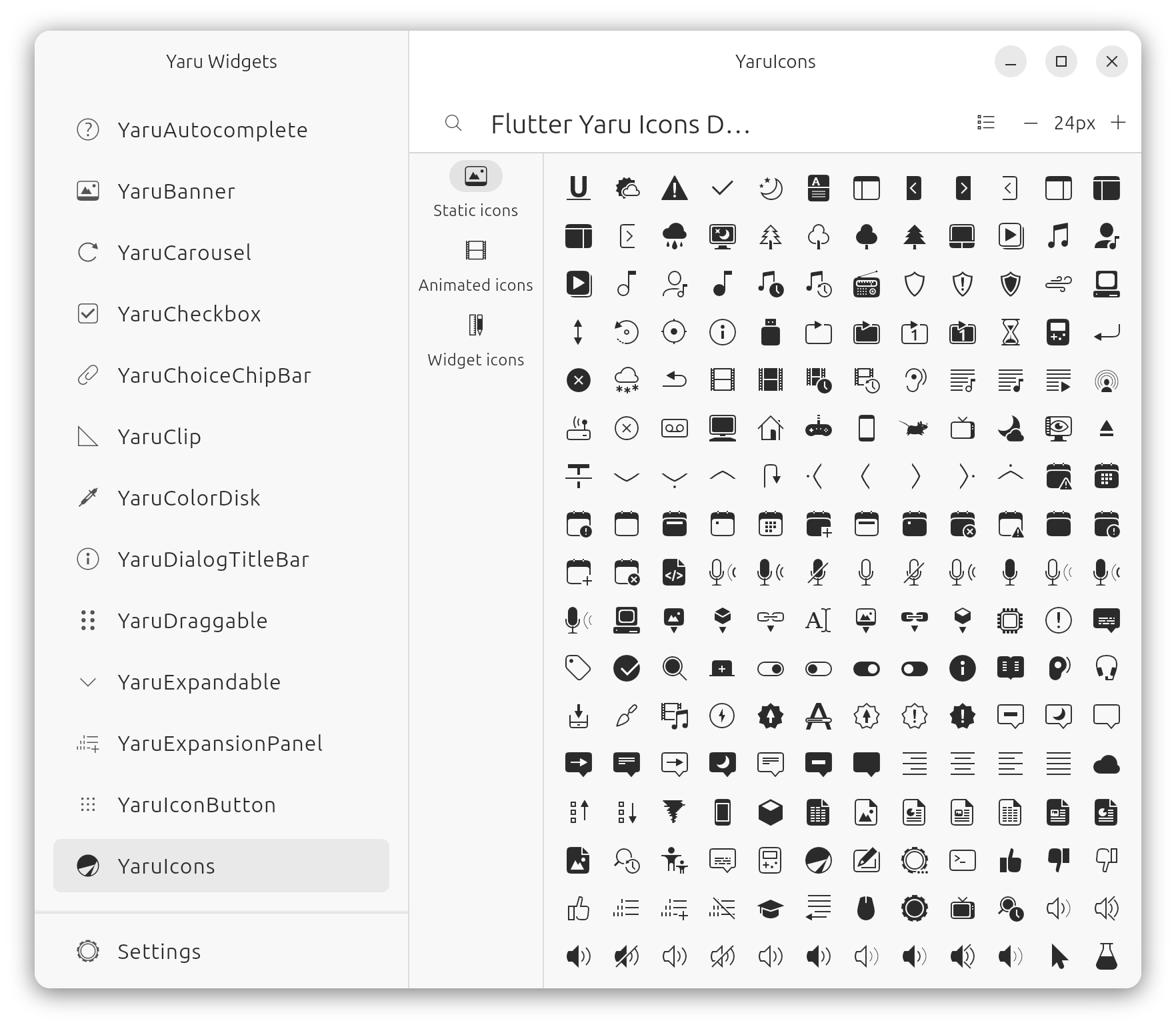
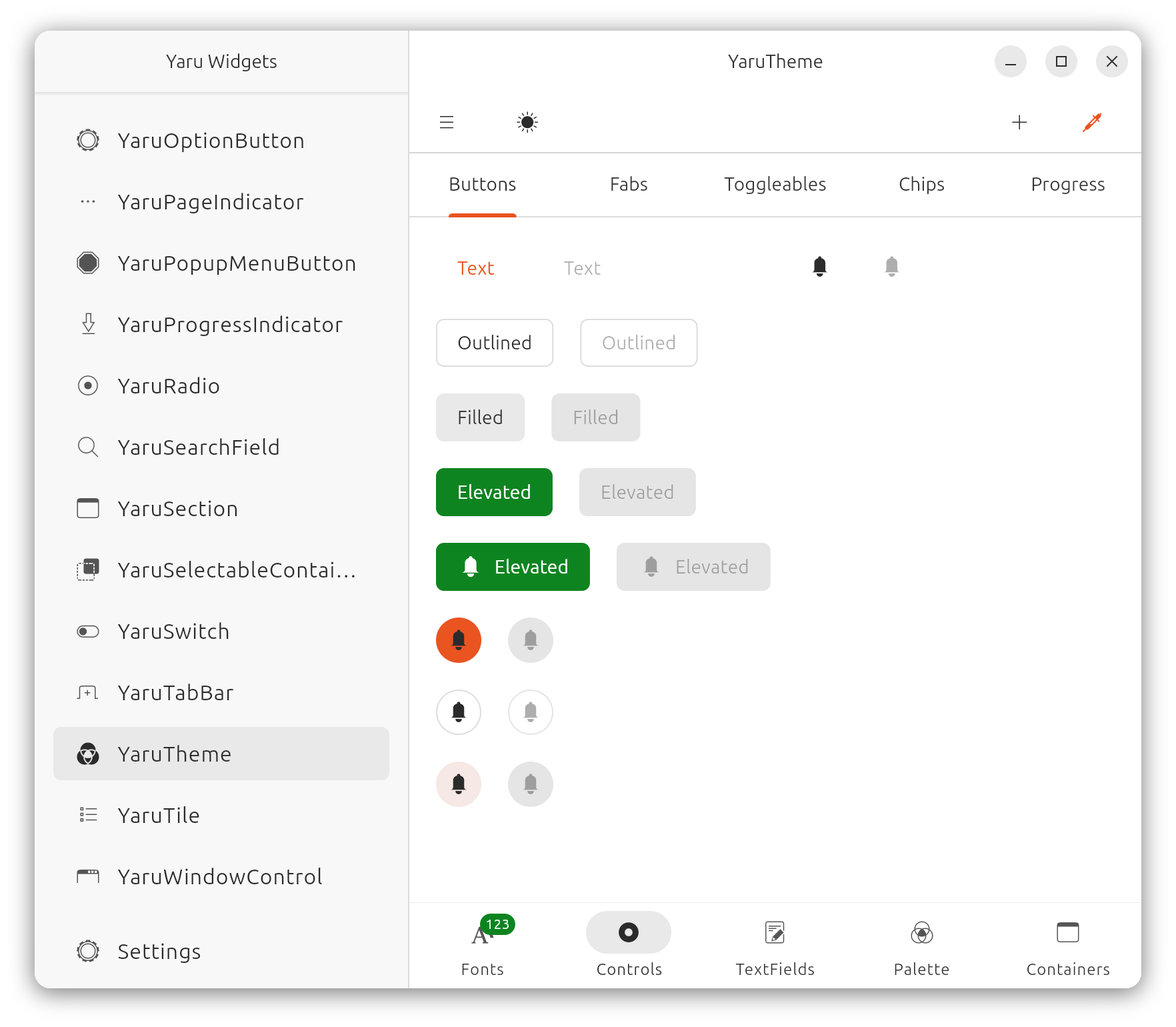
for everything you need
flutter
sudo apt -y install git curl cmake meson make clang libgtk-3-dev pkg-config && mkdir -p ~/development && cd ~/development && git clone https://github.com/flutter/flutter.git -b stable && echo 'export PATH="$PATH:$HOME/development/flutter/bin"' >> ~/.bashrc && source ~/.bashrc
VsCode
sudo snap install code --classic
to work on the icons and then build the font, you need to install the icon_font_generator tool:
dart pub global activate -sgit https://github.com/Jupi007/icon_font_generator.git --git-ref yaru
Source SVGs files are located inside ./icons. The final icon name is determined by subfolder_name + icon_name (Ex: icons/mimetype/text-plain.svg will be named mimetype_text_plain).
After modifying or adding icons, you must run the build script, which will generate the icon font:
./build-icons.sh
or run
yaru_icon_font_generator assets/icons assets/yaru_icons.otf --output-class-file=lib/src/yaru_icons.dart -r
YaruVariant in variant.dartresolveVariant method inside inherited_theme.dartThe theme and widgets are licensed under Mozilla Public License Version 2.0.
The icons have mixed licencing. You are free to copy, redistribute and/or modify aspects of this work under the terms of each licence accordingly (unless otherwise specified).
The icon assets (any and all source .svg files or rendered .ttf font) are licensed under the terms of the Creative Commons Attribution-ShareAlike 4.0 License.
Included scripts are free software licensed under the terms of the GNU General Public License, version 3.
282 followers · starred Sep 2025
45 followers · starred Feb 2026
86 followers · starred Feb 2025
17 followers · starred Jul 2025
Ubuntu Yaru Flutter widgets and themes for building desktop and web applications
See the code
This repository and package contains:
for everything you need
flutter
sudo apt -y install git curl cmake meson make clang libgtk-3-dev pkg-config && mkdir -p ~/development && cd ~/development && git clone https://github.com/flutter/flutter.git -b stable && echo 'export PATH="$PATH:$HOME/development/flutter/bin"' >> ~/.bashrc && source ~/.bashrc
VsCode
sudo snap install code --classic
to work on the icons and then build the font, you need to install the icon_font_generator tool:
dart pub global activate -sgit https://github.com/Jupi007/icon_font_generator.git --git-ref yaru
Source SVGs files are located inside ./icons. The final icon name is determined by subfolder_name + icon_name (Ex: icons/mimetype/text-plain.svg will be named mimetype_text_plain).
After modifying or adding icons, you must run the build script, which will generate the icon font:
./build-icons.sh
or run
yaru_icon_font_generator assets/icons assets/yaru_icons.otf --output-class-file=lib/src/yaru_icons.dart -r
YaruVariant in variant.dartresolveVariant method inside inherited_theme.dartThe theme and widgets are licensed under Mozilla Public License Version 2.0.
The icons have mixed licencing. You are free to copy, redistribute and/or modify aspects of this work under the terms of each licence accordingly (unless otherwise specified).
The icon assets (any and all source .svg files or rendered .ttf font) are licensed under the terms of the Creative Commons Attribution-ShareAlike 4.0 License.
Included scripts are free software licensed under the terms of the GNU General Public License, version 3.
282 followers · starred Sep 2025
45 followers · starred Feb 2026
86 followers · starred Feb 2025
17 followers · starred Jul 2025



