A Flutter UI components lib for TDesign.
See the code





English | 简体中文
TDesign Flutter is a cross-platform UI component library based on Tencent's design system. Built with the Flutter framework, it enables rapid development of beautiful, consistent mobile/web applications with rich pre-built components and theme customization capabilities, supporting iOS, Android, and Web platforms.
TColors)Android: Scan the QR code to download the preview app
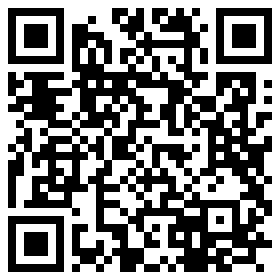
Download link: tdesign-flutter-example.apk
iOS: Run the project to preview
https://github.com/Tencent/tdesign-flutter/tree/main/tdesign-component
Requires Flutter ≥ 3.32.0 and Dart ≥ 3.8.0.
The single-import feature has not been published to pub.dev yet. Before release, add this source dependency pinned to a specific commit to pubspec.yaml:
dependencies:
  flutter:
    sdk: flutter
  tdesign_flutter:
    git:
      url: https://github.com/Tencent/tdesign-flutter.git
      ref: 86c37e563039c57cf6c3f9b52fead418fd3c03bd
      path: tdesign-component
Once a stable 1.0.0 release containing this feature is published, replace the source dependency with tdesign_flutter: ^1.0.0. This allows compatible 1.x updates without editing the version for every release; 1.0.0 without ^ allows only that exact version. Until then, use the source configuration above.
Install the dependency:
flutter pub get
import 'package:tdesign_flutter/tdesign_flutter.dart';
The TDesign entry point re-exports Flutter Material widgets, so the same import provides MaterialApp, Scaffold, Text, and TDesign components.
Add the button to the widget tree of an existing page:
const TButton(child: Text('Button'))
No additional initialization or theme configuration is required. Omitting onPressed leaves the button disabled.
Configure theme styles (colors, font sizes, font styles, corner radius, shadows) through JSON files. Retrieve theme data using context.tTheme or TThemeData.defaultData().
Recommendation: Use
context.tThemefor components that should follow the local theme. Only useTThemeData.defaultData()for components that don't need to follow local themes.
// Colors
context.tTheme.brandColor

// Fonts
TThemeData.defaultData().fontBodyLarge
TDesign icons are in TTF format and do not follow the theme:
Icon(TIcons.activity)
TDesign Flutter provides two flexible theming approaches:
Define theme properties directly in JSON format:
String themeConfig = '''
{
  "myTheme": {
    "color": {
      "brandColor": "#D7B386"
    },
    "font": {
      "fontBodyMedium": {
        "size": 40,
        "lineHeight": 55
      }
    }
  }
}
''';

MaterialApp(
  theme: TThemeBuilder.light(TThemeData.fromJson('myTheme', themeConfig)!),
  // ...
)
For all available theme keys, see t_default_theme.dart
If you don't want to customize too many colors but still want a beautiful custom theme, the "Theme Generator" is a great choice.
The Theme Generator supports light and dark configurations. See Dark Mode.
Generate: Visit TDesign Theme Generator, click the theme generator below, select your desired colors in the generator on the right, and click download.
Convert: You will get a theme.css file. Place it in tdesign-component/example/shell/theme/, modify css2_json_theme.dart with your file name, theme name, and output path to generate a theme.json file.
Apply: Load the theme JSON with TThemeData.fromJson, and your beautiful custom theme is ready.
var jsonString = await rootBundle.loadString('assets/theme.json');
final _themeData = TThemeData.fromJson('green', jsonString, darkName: 'greenDark') ??
    TThemeData.defaultData();
// ...
MaterialApp(
  title: 'TDesign Flutter Example',
  theme: TThemeBuilder.light(_themeData),
  home: MyHomePage(title: 'TDesign Flutter Components'),
);
Theme configurations generated by the Theme Generator support dark mode colors by default.
// ...
// Set three properties in MaterialApp as follows. If you have custom theme properties, you can modify them using the copyWith() method.
// Note: Theme switching needs to be implemented by the business side, e.g., using Provider. See tdesign-flutter/tdesign-component/example/lib/component_test/dark_test.dart for reference.
MaterialApp(
  theme: TThemeBuilder.light(_themeData),
  darkTheme: TThemeBuilder.dark(_themeData),
  themeMode: themeModeProvider.themeMode,
  // ...
)
TDesign Flutter does not have built-in internationalization, but supports integration with Flutter's i18n capabilities. You can extend the TResourceDelegate class, which abstracts all text resources inside the components, override the methods to get text for internationalization, and inject it via setTResourceBuilder.
TResourceDelegate class:/// Internationalization resource delegate
class IntlResourceDelegate extends TResourceDelegate {
IntlResourceDelegate(this.context);
BuildContext context;
/// Internationalization requires updating context each time
updateContext(BuildContext context) {
this.context = context;
}
@override
String get cancel => AppLocalizations.of(context)!.cancel;
@override
String get confirm => AppLocalizations.of(context)!.confirm;
}
TResourceDelegate class:var delegate = IntlResourceDelegate(context);
return MaterialApp(
home: Builder(
builder: (context) {
// Set the text delegate. Internationalization only takes effect after MaterialApp is initialized, and context needs to be updated each time.
setTResourceBuilder((context) => delegate..updateContext(context), needAlwaysBuild: true);
return MyHomePage(
title: AppLocalizations.of(context)?.components ?? '',
);
},
),
// Set internationalization
locale: locale,
supportedLocales: AppLocalizations.supportedLocales,
localizationsDelegates: AppLocalizations.localizationsDelegates,
);
For more usage examples, refer to example/lib/page/
TDesign provides component libraries for other platforms and frameworks:
| Platform | Repository |
|---|---|
| Vue 2.x | tdesign-vue |
| Vue 3.x | tdesign-vue-next |
| React | tdesign-react |
| Vue 3.x Mobile | tdesign-mobile-vue |
| React Mobile | tdesign-mobile-react |
| WeChat Miniprogram | tdesign-miniprogram |
Contributions are welcome! Please read the contributing guidelines before submitting your Pull Request.
Create GitHub Issues or scan the QR code to join our user groups:
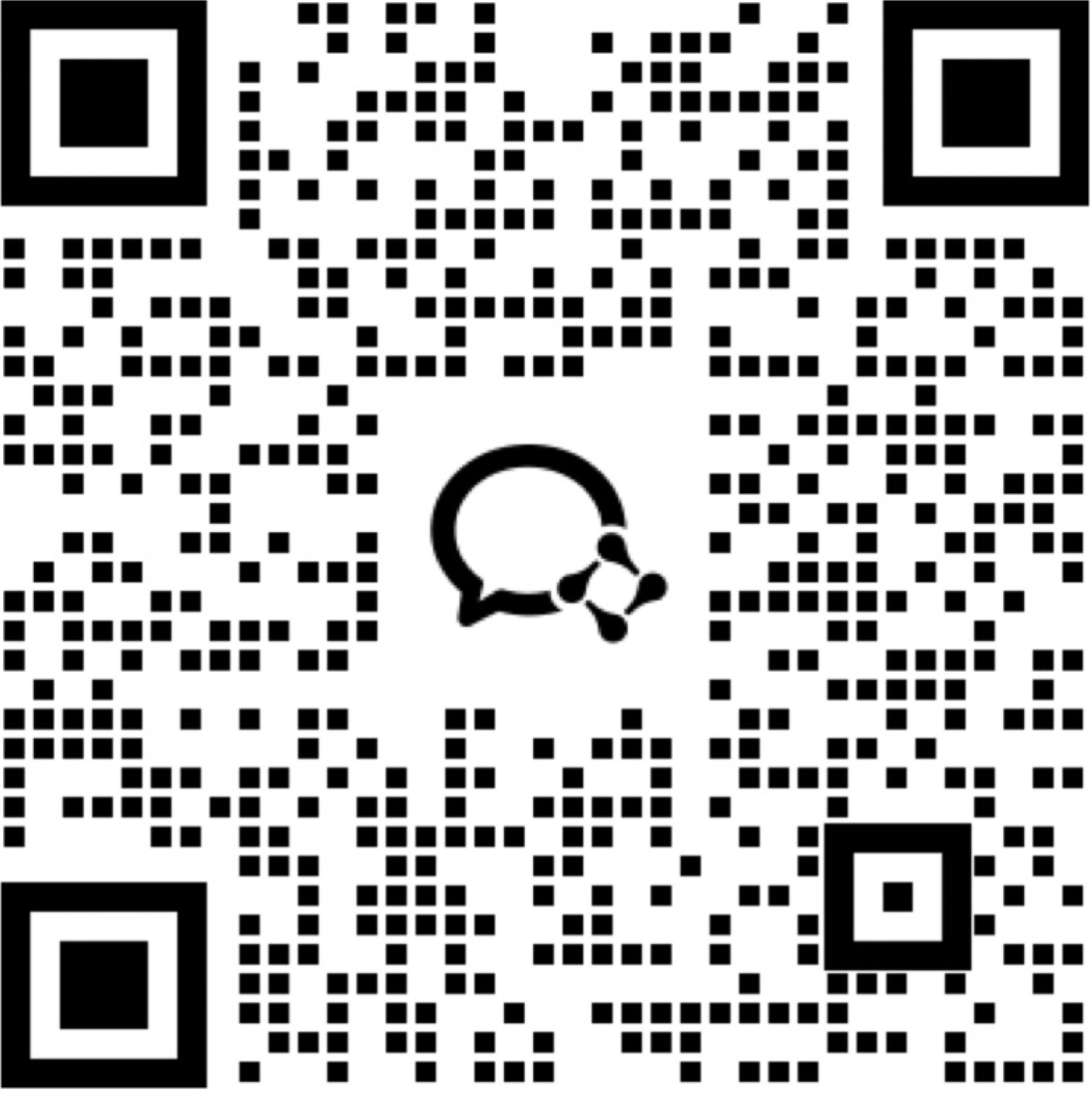
TDesign Flutter depends on the following component libraries. We appreciate the authors for their open-source contributions:
TDesign Flutter is licensed under the MIT License.
A Flutter UI components lib for TDesign.
See the code
English | 简体中文
TDesign Flutter is a cross-platform UI component library based on Tencent's design system. Built with the Flutter framework, it enables rapid development of beautiful, consistent mobile/web applications with rich pre-built components and theme customization capabilities, supporting iOS, Android, and Web platforms.
TColors)Android: Scan the QR code to download the preview app
Download link: tdesign-flutter-example.apk
iOS: Run the project to preview
https://github.com/Tencent/tdesign-flutter/tree/main/tdesign-component
Requires Flutter ≥ 3.32.0 and Dart ≥ 3.8.0.
The single-import feature has not been published to pub.dev yet. Before release, add this source dependency pinned to a specific commit to pubspec.yaml:
dependencies:
  flutter:
    sdk: flutter
  tdesign_flutter:
    git:
      url: https://github.com/Tencent/tdesign-flutter.git
      ref: 86c37e563039c57cf6c3f9b52fead418fd3c03bd
      path: tdesign-component
Once a stable 1.0.0 release containing this feature is published, replace the source dependency with tdesign_flutter: ^1.0.0. This allows compatible 1.x updates without editing the version for every release; 1.0.0 without ^ allows only that exact version. Until then, use the source configuration above.
Install the dependency:
flutter pub get
import 'package:tdesign_flutter/tdesign_flutter.dart';
The TDesign entry point re-exports Flutter Material widgets, so the same import provides MaterialApp, Scaffold, Text, and TDesign components.
Add the button to the widget tree of an existing page:
const TButton(child: Text('Button'))
No additional initialization or theme configuration is required. Omitting onPressed leaves the button disabled.
Configure theme styles (colors, font sizes, font styles, corner radius, shadows) through JSON files. Retrieve theme data using context.tTheme or TThemeData.defaultData().
Recommendation: Use
context.tThemefor components that should follow the local theme. Only useTThemeData.defaultData()for components that don't need to follow local themes.
// Colors
context.tTheme.brandColor

// Fonts
TThemeData.defaultData().fontBodyLarge
TDesign icons are in TTF format and do not follow the theme:
Icon(TIcons.activity)
TDesign Flutter provides two flexible theming approaches:
Define theme properties directly in JSON format:
String themeConfig = '''
{
  "myTheme": {
    "color": {
      "brandColor": "#D7B386"
    },
    "font": {
      "fontBodyMedium": {
        "size": 40,
        "lineHeight": 55
      }
    }
  }
}
''';

MaterialApp(
  theme: TThemeBuilder.light(TThemeData.fromJson('myTheme', themeConfig)!),
  // ...
)
For all available theme keys, see t_default_theme.dart
If you don't want to customize too many colors but still want a beautiful custom theme, the "Theme Generator" is a great choice.
The Theme Generator supports light and dark configurations. See Dark Mode.
Generate: Visit TDesign Theme Generator, click the theme generator below, select your desired colors in the generator on the right, and click download.
Convert: You will get a theme.css file. Place it in tdesign-component/example/shell/theme/, modify css2_json_theme.dart with your file name, theme name, and output path to generate a theme.json file.
Apply: Load the theme JSON with TThemeData.fromJson, and your beautiful custom theme is ready.
var jsonString = await rootBundle.loadString('assets/theme.json');
final _themeData = TThemeData.fromJson('green', jsonString, darkName: 'greenDark') ??
    TThemeData.defaultData();
// ...
MaterialApp(
  title: 'TDesign Flutter Example',
  theme: TThemeBuilder.light(_themeData),
  home: MyHomePage(title: 'TDesign Flutter Components'),
);
Theme configurations generated by the Theme Generator support dark mode colors by default.
// ...
// Set three properties in MaterialApp as follows. If you have custom theme properties, you can modify them using the copyWith() method.
// Note: Theme switching needs to be implemented by the business side, e.g., using Provider. See tdesign-flutter/tdesign-component/example/lib/component_test/dark_test.dart for reference.
MaterialApp(
  theme: TThemeBuilder.light(_themeData),
  darkTheme: TThemeBuilder.dark(_themeData),
  themeMode: themeModeProvider.themeMode,
  // ...
)
TDesign Flutter does not have built-in internationalization, but supports integration with Flutter's i18n capabilities. You can extend the TResourceDelegate class, which abstracts all text resources inside the components, override the methods to get text for internationalization, and inject it via setTResourceBuilder.
TResourceDelegate class:/// Internationalization resource delegate
class IntlResourceDelegate extends TResourceDelegate {
IntlResourceDelegate(this.context);
BuildContext context;
/// Internationalization requires updating context each time
updateContext(BuildContext context) {
this.context = context;
}
@override
String get cancel => AppLocalizations.of(context)!.cancel;
@override
String get confirm => AppLocalizations.of(context)!.confirm;
}
TResourceDelegate class:var delegate = IntlResourceDelegate(context);
return MaterialApp(
home: Builder(
builder: (context) {
// Set the text delegate. Internationalization only takes effect after MaterialApp is initialized, and context needs to be updated each time.
setTResourceBuilder((context) => delegate..updateContext(context), needAlwaysBuild: true);
return MyHomePage(
title: AppLocalizations.of(context)?.components ?? '',
);
},
),
// Set internationalization
locale: locale,
supportedLocales: AppLocalizations.supportedLocales,
localizationsDelegates: AppLocalizations.localizationsDelegates,
);
For more usage examples, refer to example/lib/page/
TDesign provides component libraries for other platforms and frameworks:
| Platform | Repository |
|---|---|
| Vue 2.x | tdesign-vue |
| Vue 3.x | tdesign-vue-next |
| React | tdesign-react |
| Vue 3.x Mobile | tdesign-mobile-vue |
| React Mobile | tdesign-mobile-react |
| WeChat Miniprogram | tdesign-miniprogram |
Contributions are welcome! Please read the contributing guidelines before submitting your Pull Request.
Create GitHub Issues or scan the QR code to join our user groups:
TDesign Flutter depends on the following component libraries. We appreciate the authors for their open-source contributions:
TDesign Flutter is licensed under the MIT License.



