
Promote your Muse to chief of staff: the hat, and the private Office app it builds for you (Projects, Team, Customers, Reports, Notes).
See the codeSee what people are saying
README
Muse Office
Promote your Muse to Chief of Staff
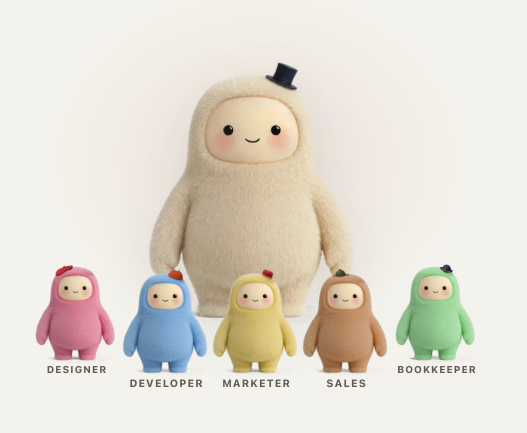
Instead of trying to do every job in one chat, Muse becomes your chief of staff. You still talk to Muse; it manages a team of specialist agents, checks their work, and keeps you informed. What you teach a specialist becomes part of that agent's own skills and memory, so each one gets better at its job. Follow the team's progress and decisions in one private Office. Nothing is sent, bought, published, or deleted without your OK.
Give Muse the hat
- Open the message to send Muse →
- Copy the text between the two horizontal lines and paste it into your Muse chat.
- Review Muse's plan and approve it when you're ready.
Muse may ask you to allow github.com access for the Office build, so it can read the public Office files; one-time access is enough. If it asks whether the Office app itself may read the web, say no; the app needs none. Signing in to Tinyhat is optional. Allow roughly 30 minutes for the first setup; the time can vary. Muse will explain setup notices and send its private link in your chat when it's ready.
The hat is simply a message you send Muse. There is no app to install yourself. You can change the message before sending it. The team starts with examples; ask Muse to add, change, or remove specialists as your work changes.
See the work
Ask Muse to help launch a workshop. It can give the page, announcement, and follow-up to the right specialists. Your Office shows who owns each part, what needs your decision, and the notes and reports worth keeping. You can comment on a task, note or project; Muse follows up with its owner.
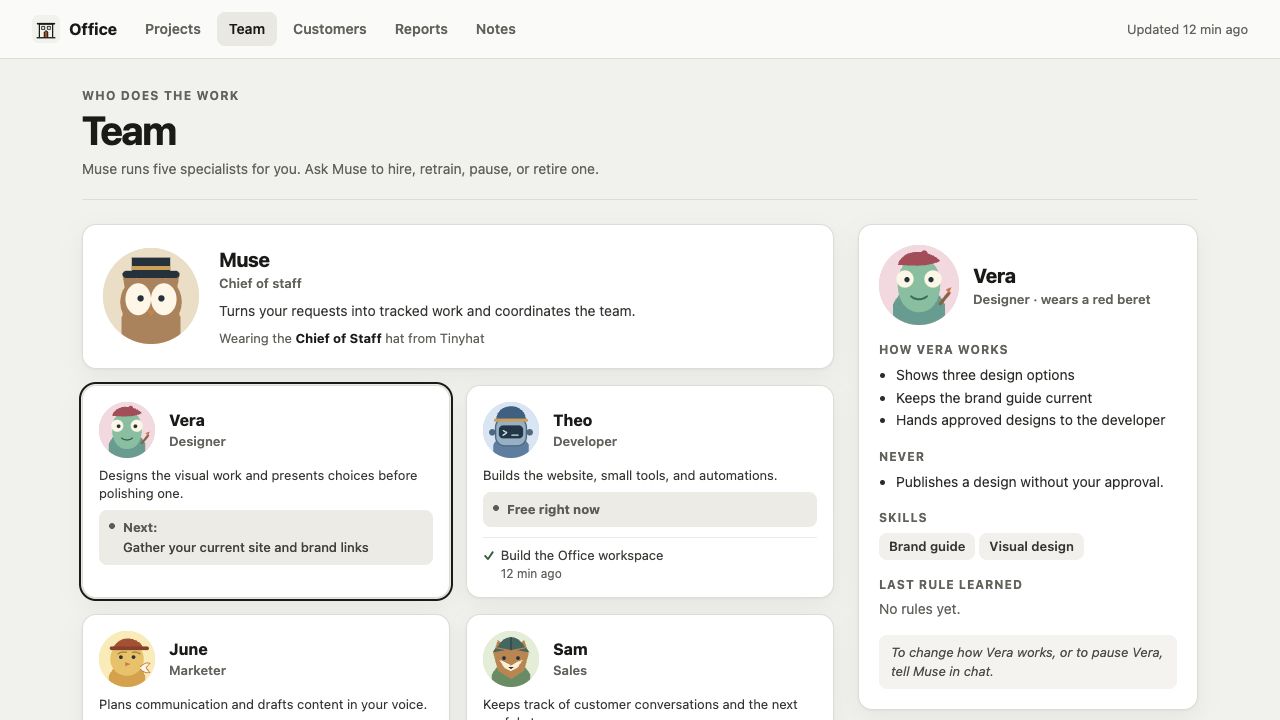
This open source repository has the message and the Office Muse builds. See the developer guide if you want to explore the code. The project is MIT licensed.
Similar repos


Promote your Muse to chief of staff: the hat, and the private Office app it builds for you (Projects, Team, Customers, Reports, Notes).
See the codeSee what people are saying
README
Muse Office
Promote your Muse to Chief of Staff
Instead of trying to do every job in one chat, Muse becomes your chief of staff. You still talk to Muse; it manages a team of specialist agents, checks their work, and keeps you informed. What you teach a specialist becomes part of that agent's own skills and memory, so each one gets better at its job. Follow the team's progress and decisions in one private Office. Nothing is sent, bought, published, or deleted without your OK.
Give Muse the hat
- Open the message to send Muse →
- Copy the text between the two horizontal lines and paste it into your Muse chat.
- Review Muse's plan and approve it when you're ready.
Muse may ask you to allow github.com access for the Office build, so it can read the public Office files; one-time access is enough. If it asks whether the Office app itself may read the web, say no; the app needs none. Signing in to Tinyhat is optional. Allow roughly 30 minutes for the first setup; the time can vary. Muse will explain setup notices and send its private link in your chat when it's ready.
The hat is simply a message you send Muse. There is no app to install yourself. You can change the message before sending it. The team starts with examples; ask Muse to add, change, or remove specialists as your work changes.
See the work
Ask Muse to help launch a workshop. It can give the page, announcement, and follow-up to the right specialists. Your Office shows who owns each part, what needs your decision, and the notes and reports worth keeping. You can comment on a task, note or project; Muse follows up with its owner.
This open source repository has the message and the Office Muse builds. See the developer guide if you want to explore the code. The project is MIT licensed.