Programs to process GoPro MP4 & Generic GPX/FIT files and create video dashboards & maps
Python
589
979 commits
updated Aug 4, 2026


Discuss on GitHub Discussions
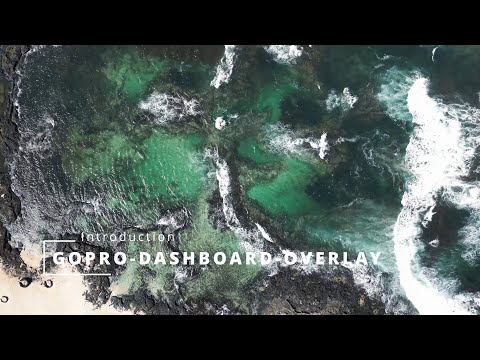
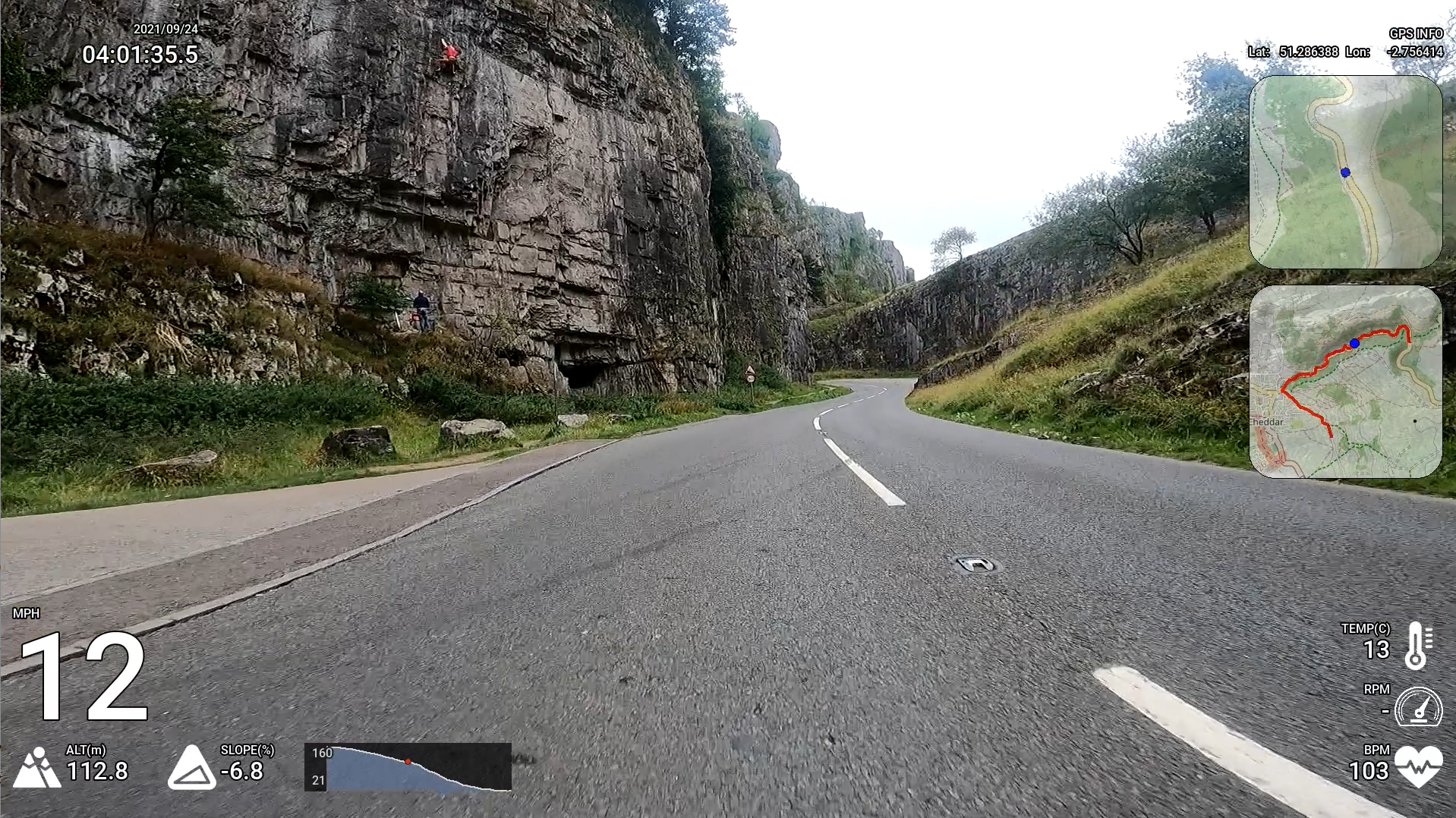
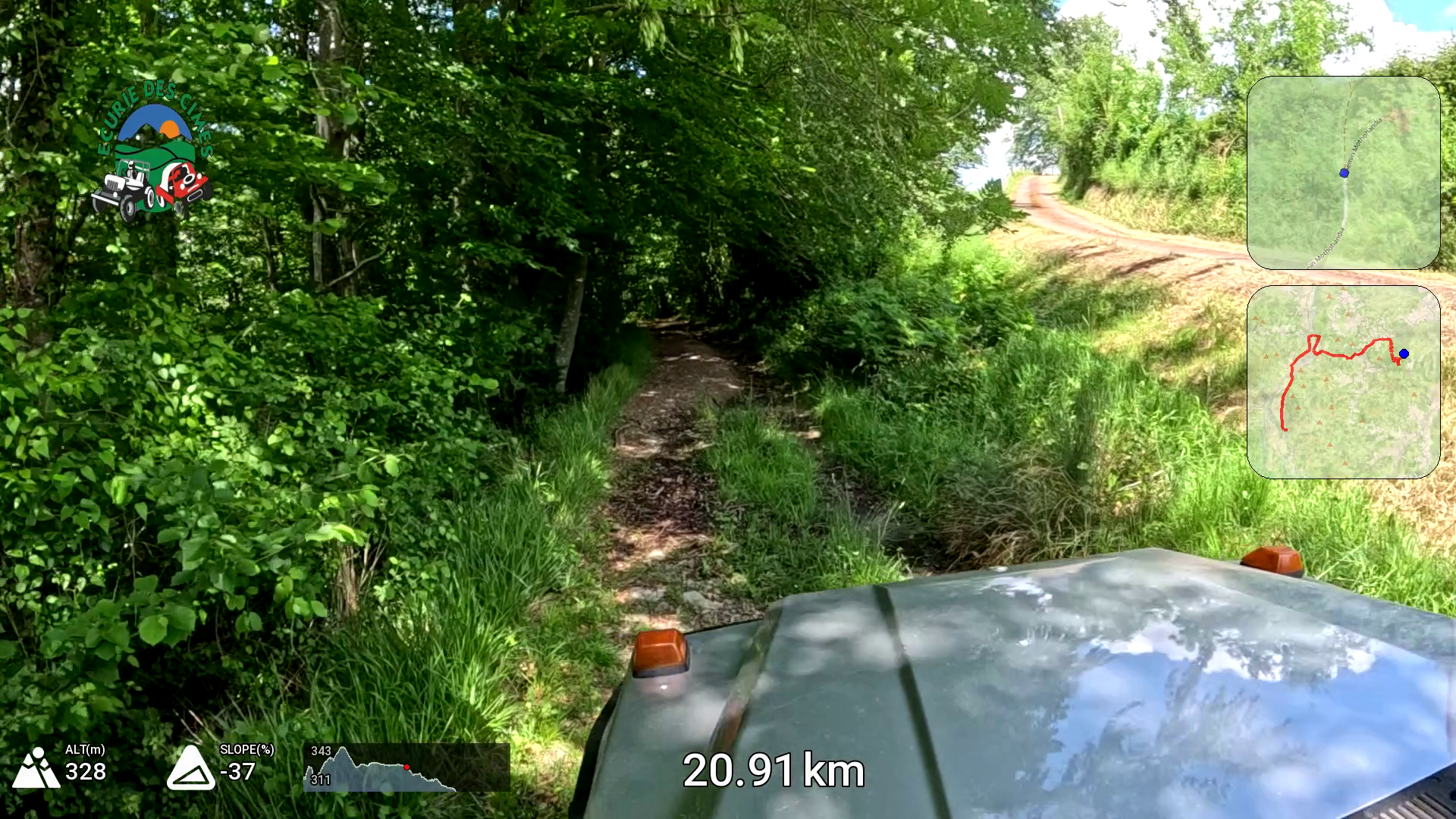
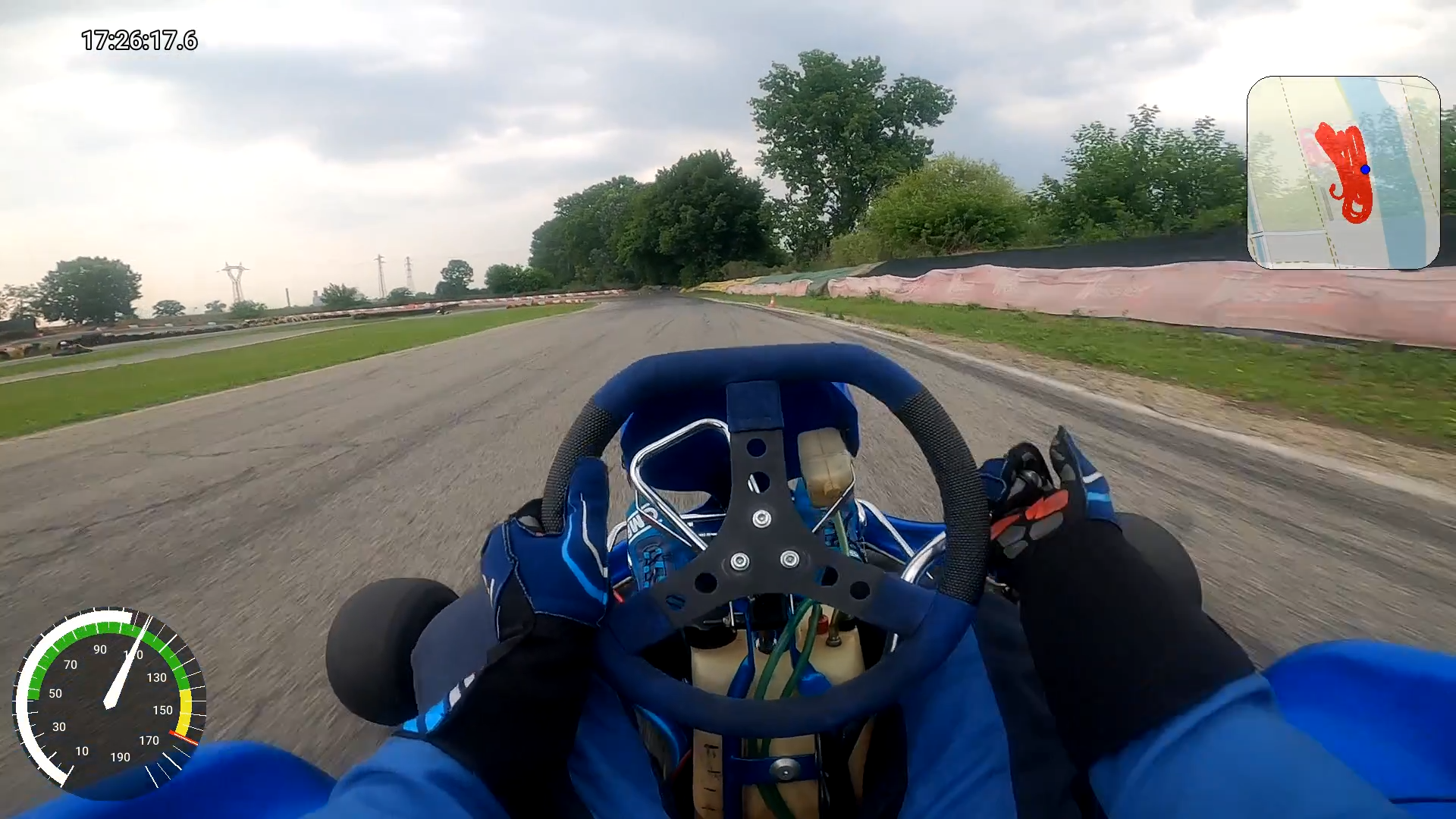
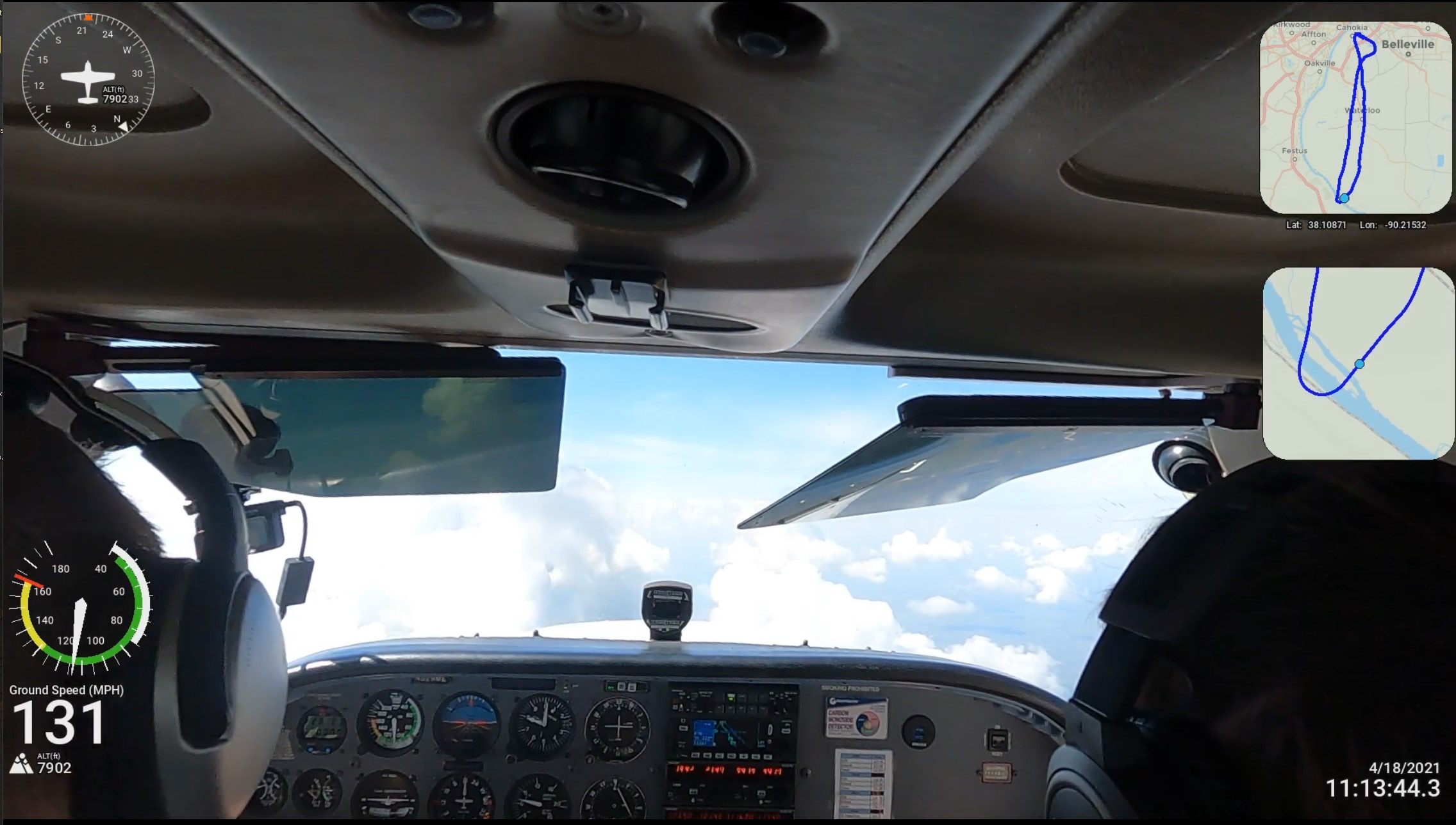
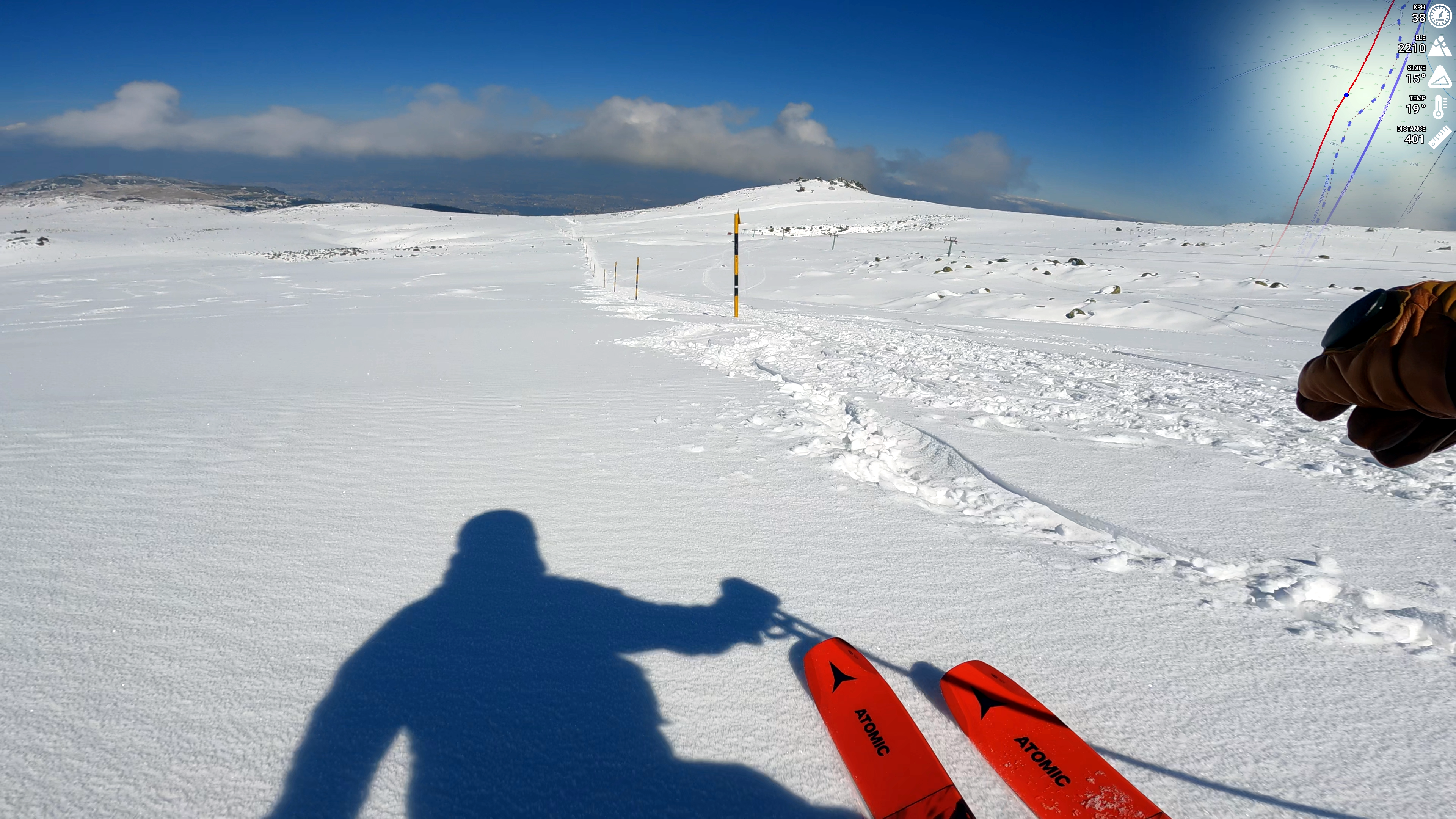
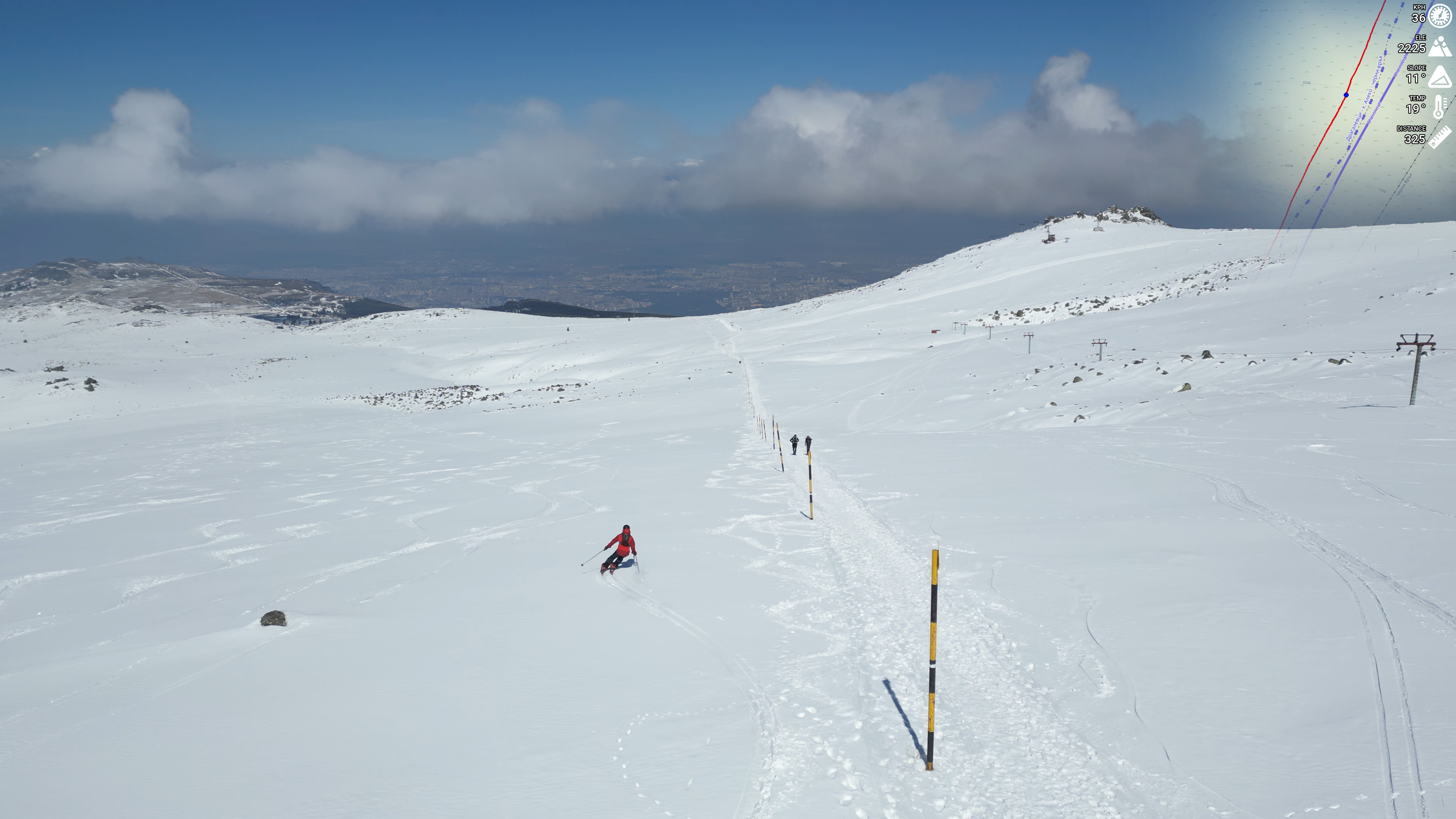
An Example of 'overlay only' mode, which generates movies from GPX files
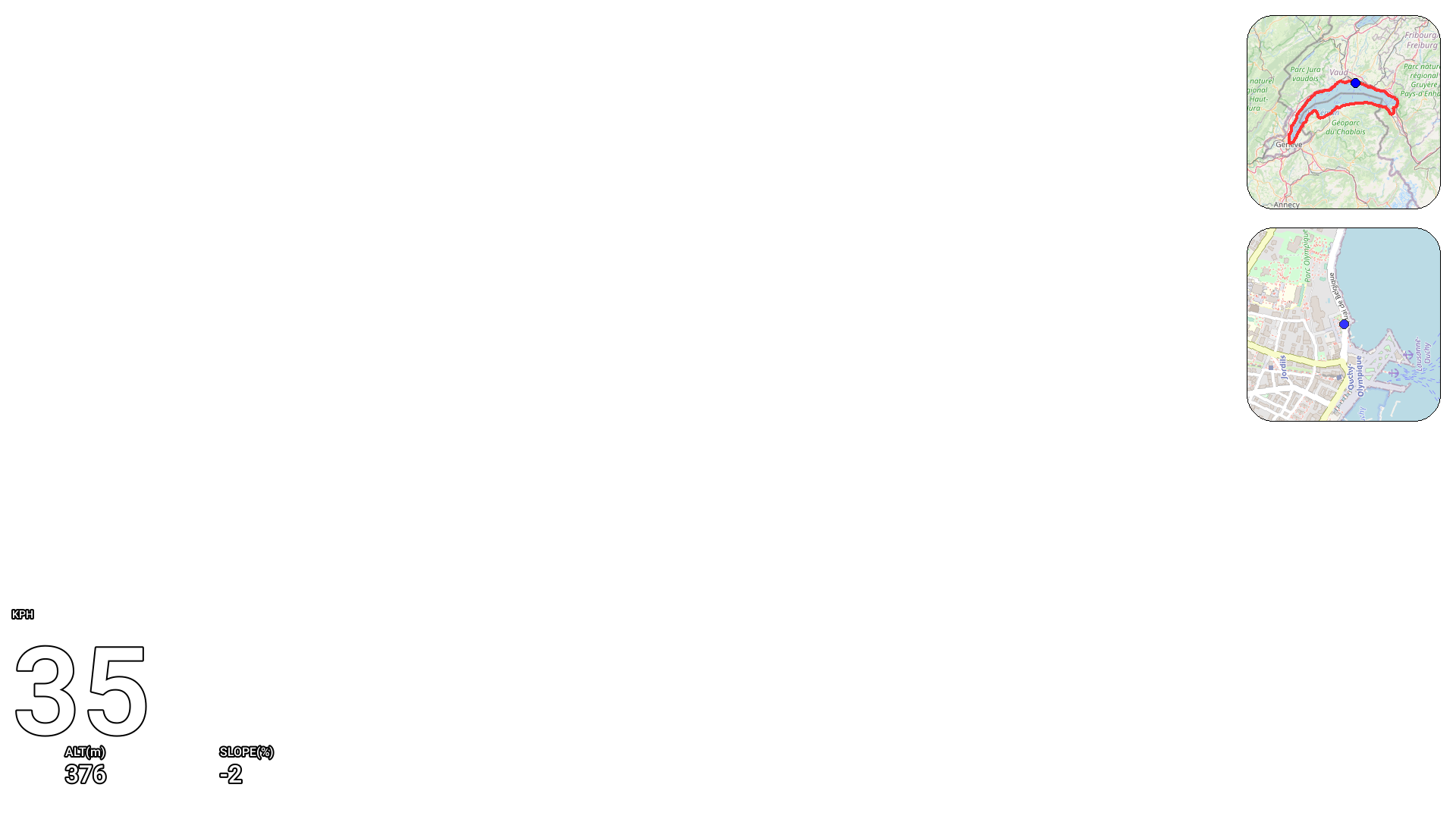
Example from examples/layout
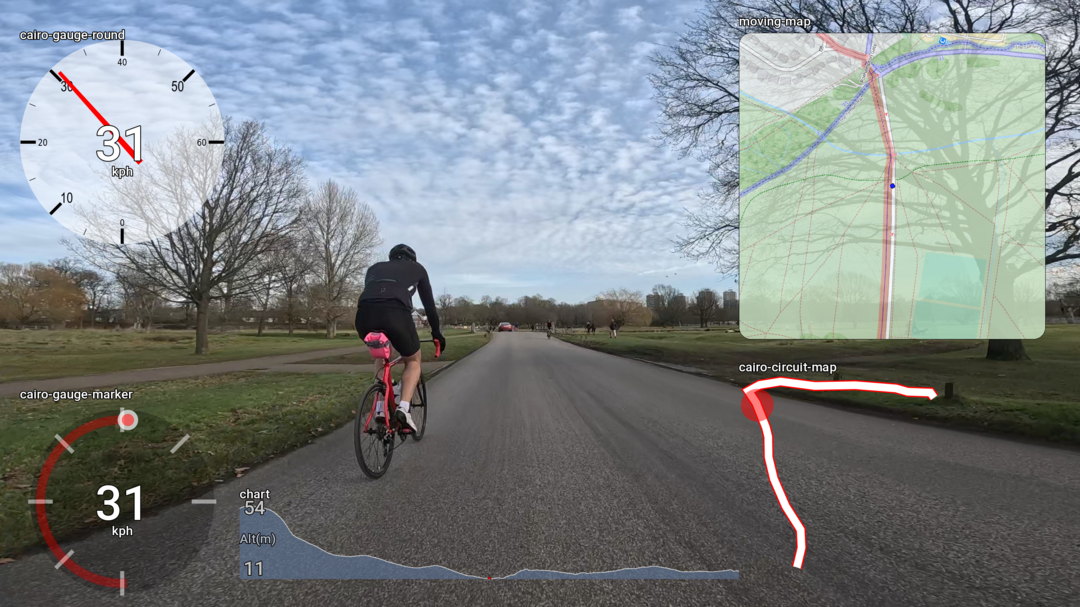
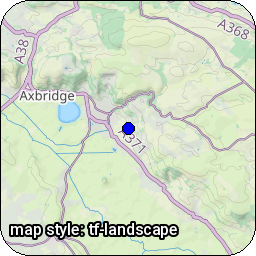
Almost 30 different map styles are supported! - See map styles for more
Example
| . | . | . | . |
|---|---|---|---|
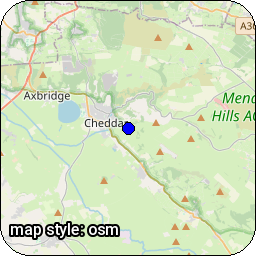 | 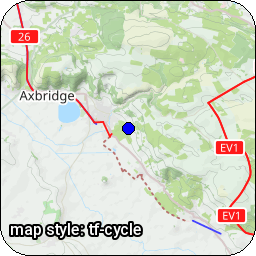 | 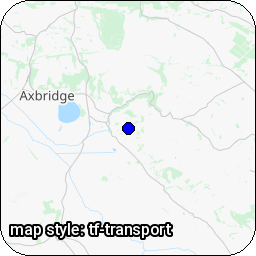 |  |
For Windows, please see docs docs/windows.md
For Docker, please see docs at docs/docker.md
Install locally using pip, or use the provided Docker image
Optional: Some widgets require the cairo library - which must be installed separately.
python -m venv venv
venv/bin/pip install gopro-overlay
The Roboto font needs to be installed on your system. You could install it with one of the following commands maybe.
pacman -S ttf-roboto
apt install truetype-roboto
apt install fonts-roboto
Optionally, install pycairo
venv/bin/pip install pycairo==1.23.0
You might need to install some system libraries - This is what the pycairo docs suggest:
Ubuntu/Debian: sudo apt install libcairo2-dev pkg-config python3-dev
macOS/Homebrew: brew install cairo pkg-config
For full instructions on all command lines see docs/bin
venv/bin/gopro-dashboard.py --gpx ~/Downloads/Morning_Ride.gpx --privacy 52.000,-0.40000,0.50 ~/gopro/GH020073.MP4 GH020073-dashboard.MP4
The GPS track in Hero 9 seems to be very poor. If you supply a GPX file from a Garmin or whatever, the program will use this instead for the GPS. Hero 11 GPS is much improved.
Privacy allows you to set a privacy zone. Various widgets will not draw points within that zone.
The data recorded in the GoPro video will uses GPS time, which (broadly) is UTC. The renderer will use your local timezone to interpret this, and use the local timezone. This may produce strange results if you go on holiday somewhere, but then render the files when you get back home! On linux you can use the TZ variable to change the timezone that's used.
There's a great writeup of how to use the software to make an overlay from a GPX file at https://blog.cubieserver.de/2022/creating-gpx-overlay-videos-on-linux/ (Nov 2022)
Several dashboards are built-in to the software, but the dashboard layout is highly configurable, controlled by an XML file.
For more information on the (extensive) configurability of the layout please see docs/xml and lots of examples
FFMPEG has a lot of options! This program comes with some mostly sensible defaults, but to use GPUs and control the output much more carefully, including framerates and bitrates, you can use a JSON file containing a number of 'profiles' and select the profile you want when running the program.
For more details on how to select these, and an example of Nvidia GPU, please see the guide in docs/bin#ffmpeg-profiles
Please also see other docs PERFORMANCE.md and docs/bin/PERFORMANCE_GUIDE.md
venv/bin/gopro-to-gpx.py <input-file> [output-file]
Use the gopro-join.py command. Given a single file from the sequence, it will find and join together all the files. If you have any problems with this, please do raise an issue - I don't have that much test data.
The joined file almost certainly won't work in the GoPro tools! - But it should work with gopro-dashboard.py - I will
look into the additional technical stuff required to make it work in the GoPro tools.
This will require a lot of disk space!
venv/bin/gopro-join.py /media/sdcard/DCIM/100GOPRO/GH030170.MP4 /data/gopro/nice-ride.MP4
You can cut a section of the gopro file, with metadata.
https://github.com/Romancha/GPStitch - A VERY nice web user interface for this program.
https://github.com/julesgraus/interactiveGoProDashboardTool - An interactive helper to build the command line for the dashboard program
Icon files in icons are not covered by the MIT licence
Data © OpenStreetMap contributors
Some Maps © Thunderforest
https://github.com/juanmcasillas/gopro2gpx
https://github.com/JuanIrache/gopro-telemetry
https://github.com/gopro/gpmf-parser
https://coderunner.io/how-to-compress-gopro-movies-and-keep-metadata/
If you find any issues with new releases, please discuss in GitHub Discussions
width and marker-size, better interpolation of datapoints at end of file, and use date from video file, with --video-time-start video-start - thanks to @derFunk for contributingaccel which is computed from speed deltas, rather than gopro accelerometer. Thanks also to @JimmyS83accel fieldcairo-gauge-donut see docs/xml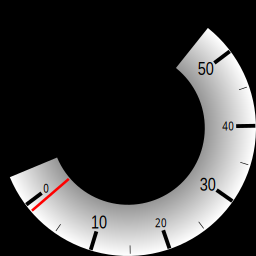
nvgpu, nnvgpu, mov, vp8, and vp9 - see docs/bin#ffmpeg-profiles--map-style local only)--double-bufferOlder changes are in CHANGELOG.md
1,584 followers · starred Jun 2023
208 followers · starred Jul 2026
126 followers · starred Apr 2023
181 followers · starred Jun 2022
Programs to process GoPro MP4 & Generic GPX/FIT files and create video dashboards & maps
Python
589
979 commits
updated Aug 4, 2026
Discuss on GitHub Discussions
An Example of 'overlay only' mode, which generates movies from GPX files
Example from examples/layout
Almost 30 different map styles are supported! - See map styles for more
Example
| . | . | . | . |
|---|---|---|---|
| | | |
For Windows, please see docs docs/windows.md
For Docker, please see docs at docs/docker.md
Install locally using pip, or use the provided Docker image
Optional: Some widgets require the cairo library - which must be installed separately.
python -m venv venv
venv/bin/pip install gopro-overlay
The Roboto font needs to be installed on your system. You could install it with one of the following commands maybe.
pacman -S ttf-roboto
apt install truetype-roboto
apt install fonts-roboto
Optionally, install pycairo
venv/bin/pip install pycairo==1.23.0
You might need to install some system libraries - This is what the pycairo docs suggest:
Ubuntu/Debian: sudo apt install libcairo2-dev pkg-config python3-dev
macOS/Homebrew: brew install cairo pkg-config
For full instructions on all command lines see docs/bin
venv/bin/gopro-dashboard.py --gpx ~/Downloads/Morning_Ride.gpx --privacy 52.000,-0.40000,0.50 ~/gopro/GH020073.MP4 GH020073-dashboard.MP4
The GPS track in Hero 9 seems to be very poor. If you supply a GPX file from a Garmin or whatever, the program will use this instead for the GPS. Hero 11 GPS is much improved.
Privacy allows you to set a privacy zone. Various widgets will not draw points within that zone.
The data recorded in the GoPro video will uses GPS time, which (broadly) is UTC. The renderer will use your local timezone to interpret this, and use the local timezone. This may produce strange results if you go on holiday somewhere, but then render the files when you get back home! On linux you can use the TZ variable to change the timezone that's used.
There's a great writeup of how to use the software to make an overlay from a GPX file at https://blog.cubieserver.de/2022/creating-gpx-overlay-videos-on-linux/ (Nov 2022)
Several dashboards are built-in to the software, but the dashboard layout is highly configurable, controlled by an XML file.
For more information on the (extensive) configurability of the layout please see docs/xml and lots of examples
FFMPEG has a lot of options! This program comes with some mostly sensible defaults, but to use GPUs and control the output much more carefully, including framerates and bitrates, you can use a JSON file containing a number of 'profiles' and select the profile you want when running the program.
For more details on how to select these, and an example of Nvidia GPU, please see the guide in docs/bin#ffmpeg-profiles
Please also see other docs PERFORMANCE.md and docs/bin/PERFORMANCE_GUIDE.md
venv/bin/gopro-to-gpx.py <input-file> [output-file]
Use the gopro-join.py command. Given a single file from the sequence, it will find and join together all the files. If you have any problems with this, please do raise an issue - I don't have that much test data.
The joined file almost certainly won't work in the GoPro tools! - But it should work with gopro-dashboard.py - I will
look into the additional technical stuff required to make it work in the GoPro tools.
This will require a lot of disk space!
venv/bin/gopro-join.py /media/sdcard/DCIM/100GOPRO/GH030170.MP4 /data/gopro/nice-ride.MP4
You can cut a section of the gopro file, with metadata.
https://github.com/Romancha/GPStitch - A VERY nice web user interface for this program.
https://github.com/julesgraus/interactiveGoProDashboardTool - An interactive helper to build the command line for the dashboard program
Icon files in icons are not covered by the MIT licence
Data © OpenStreetMap contributors
Some Maps © Thunderforest
https://github.com/juanmcasillas/gopro2gpx
https://github.com/JuanIrache/gopro-telemetry
https://github.com/gopro/gpmf-parser
https://coderunner.io/how-to-compress-gopro-movies-and-keep-metadata/
If you find any issues with new releases, please discuss in GitHub Discussions
width and marker-size, better interpolation of datapoints at end of file, and use date from video file, with --video-time-start video-start - thanks to @derFunk for contributingaccel which is computed from speed deltas, rather than gopro accelerometer. Thanks also to @JimmyS83accel fieldcairo-gauge-donut see docs/xmlnvgpu, nnvgpu, mov, vp8, and vp9 - see docs/bin#ffmpeg-profiles--map-style local only)--double-bufferOlder changes are in CHANGELOG.md
1,584 followers · starred Jun 2023
208 followers · starred Jul 2026
126 followers · starred Apr 2023
181 followers · starred Jun 2022





