Play chess in any terminal. Rust TUI, Stockfish, Lichess.
See the codeChess in the terminal. Free, cross-platform terminal chess game in Rust. Local play, Stockfish, Lichess. 🦀
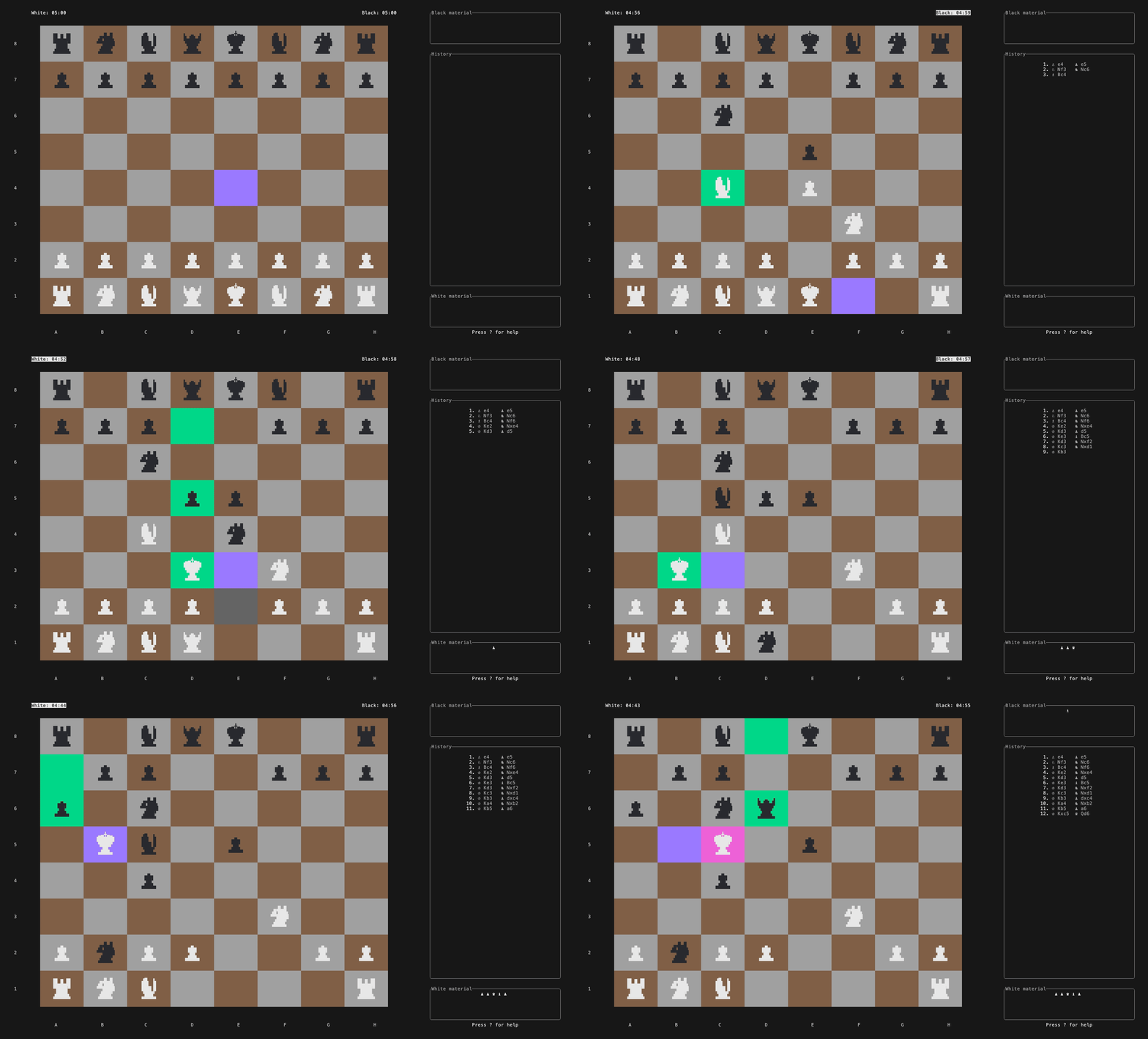





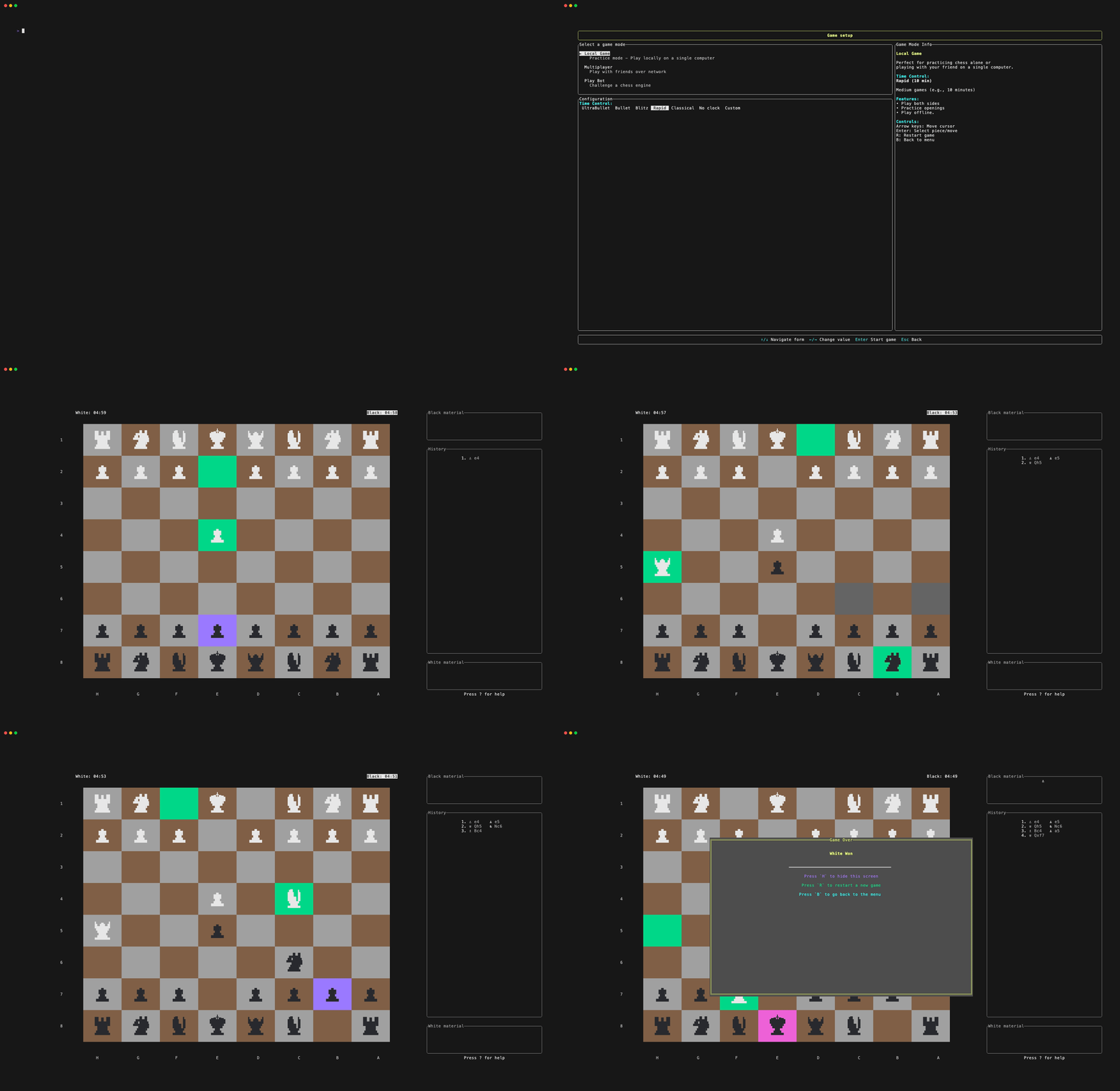
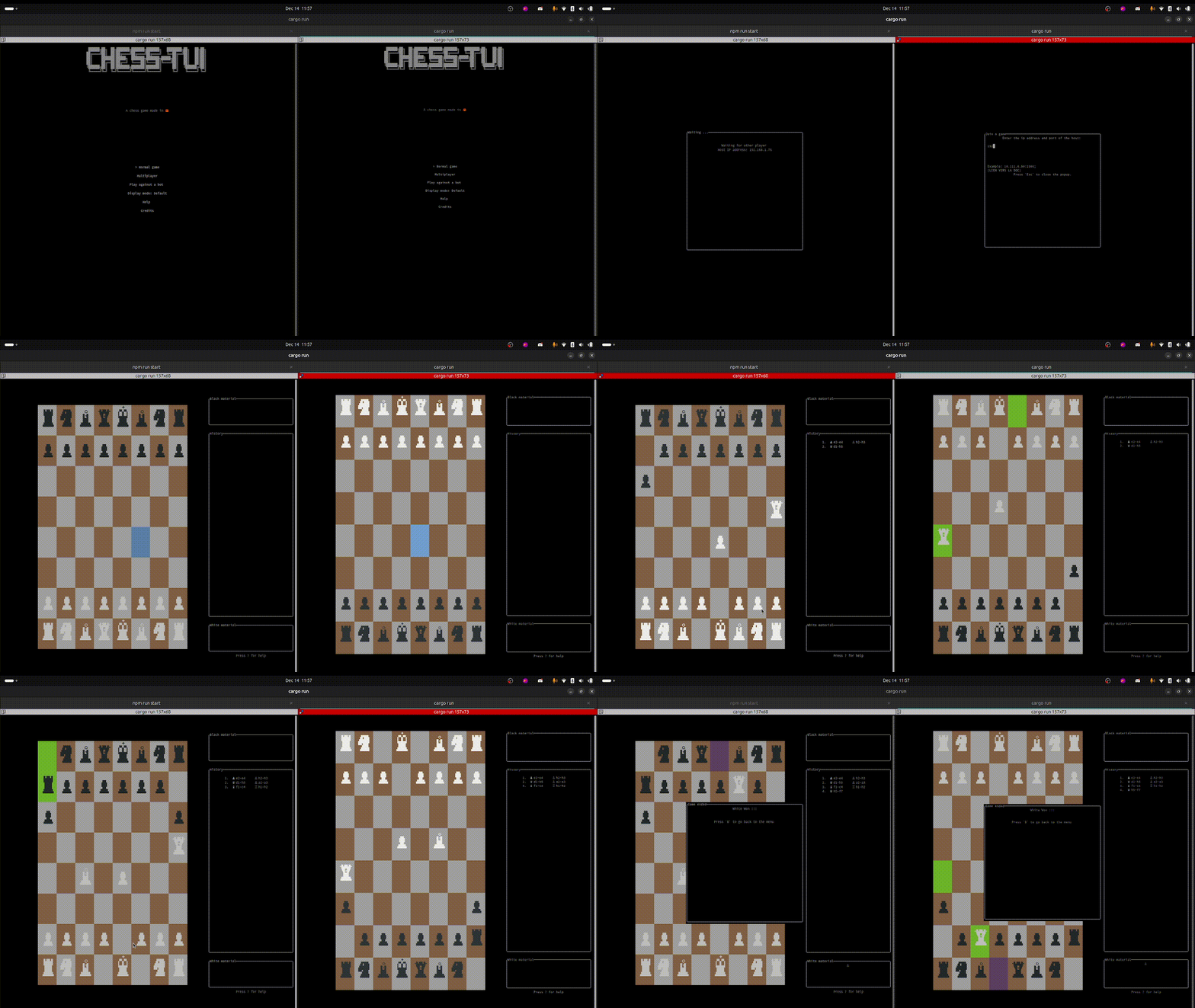
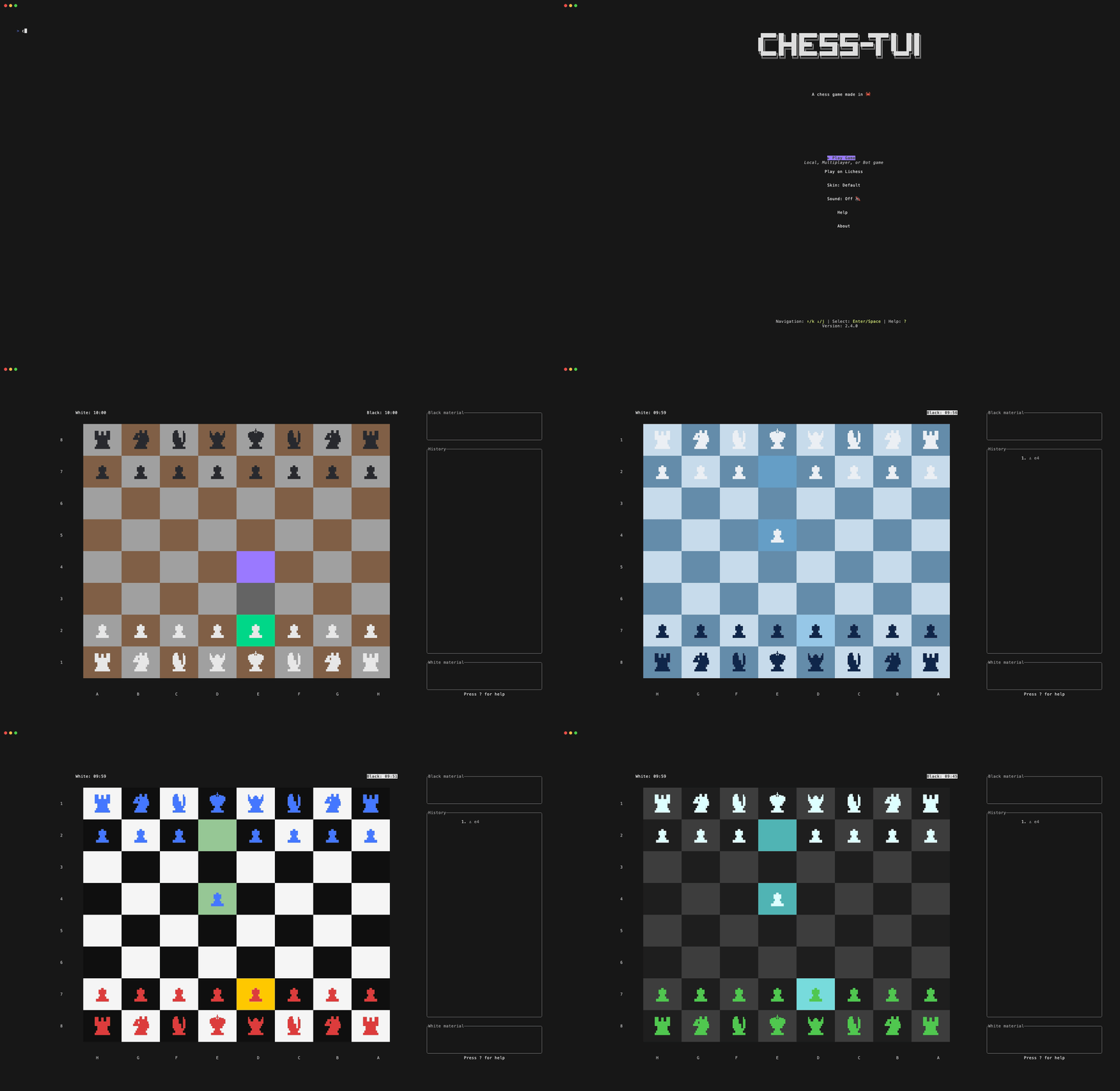
chess-tui is a free, open-source terminal chess game. Play with a friend locally, against any UCI chess engine (e.g. Stockfish), or online via Lichess. Runs on macOS, Linux, and Windows.
Homebrew:
brew install thomas-mauran/tap/chess-tui
chess-tui
Cargo:
cargo install chess-tui
chess-tui
Debian/Ubuntu:
DEB_URL=$(curl -s "https://api.github.com/repos/thomas-mauran/chess-tui/releases/latest" | jq -r '.assets[] | select(.name | endswith(".deb")) | .browser_download_url') && curl -LO "$DEB_URL" && sudo dpkg -i "$(basename "$DEB_URL")" && sudo apt-get install -f
chess-tui
Available on:

For installation via package managers or other methods, see the Installation Guide.
Play online on Lichess directly from your terminal!
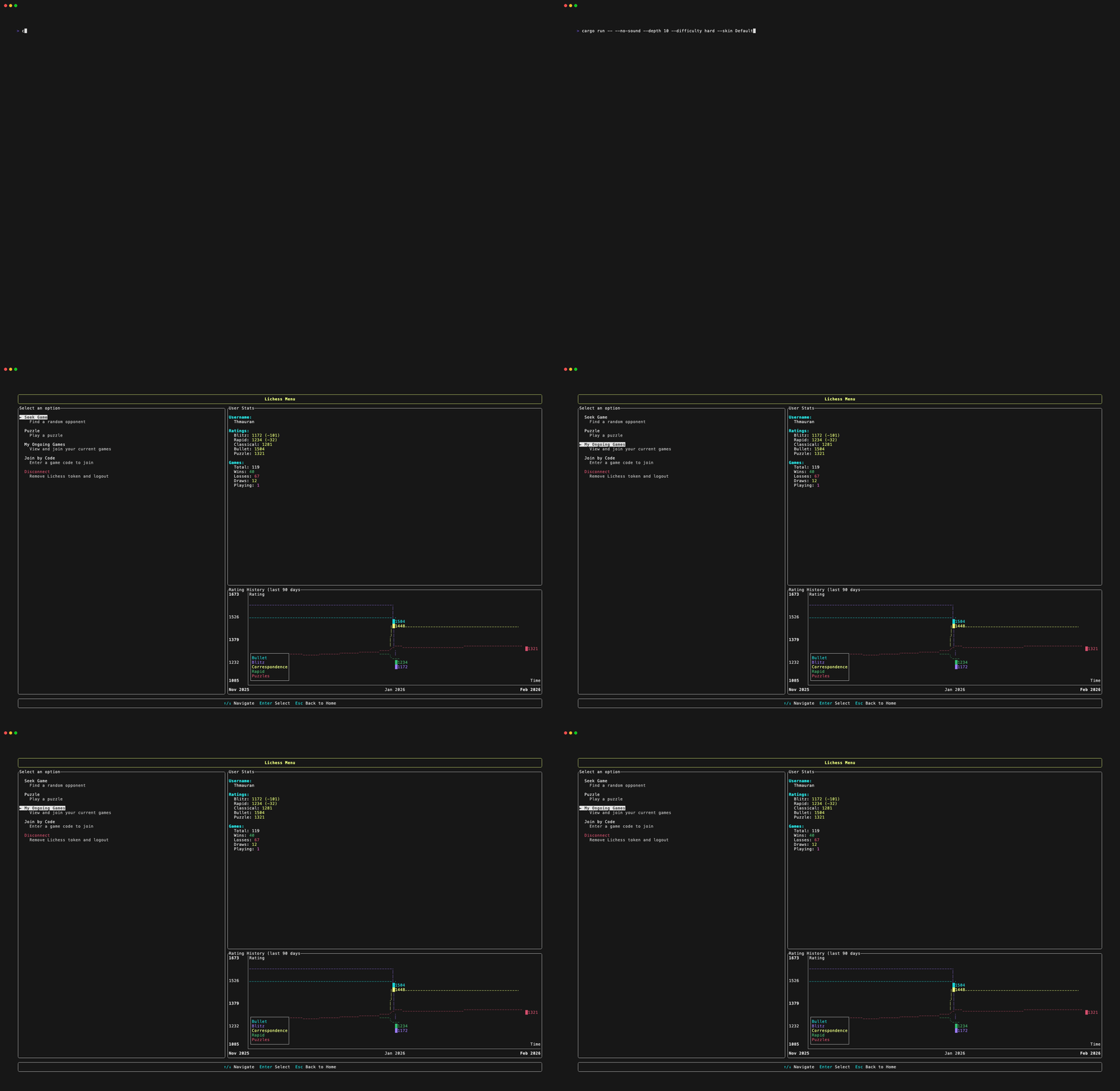
See Lichess Features for details.

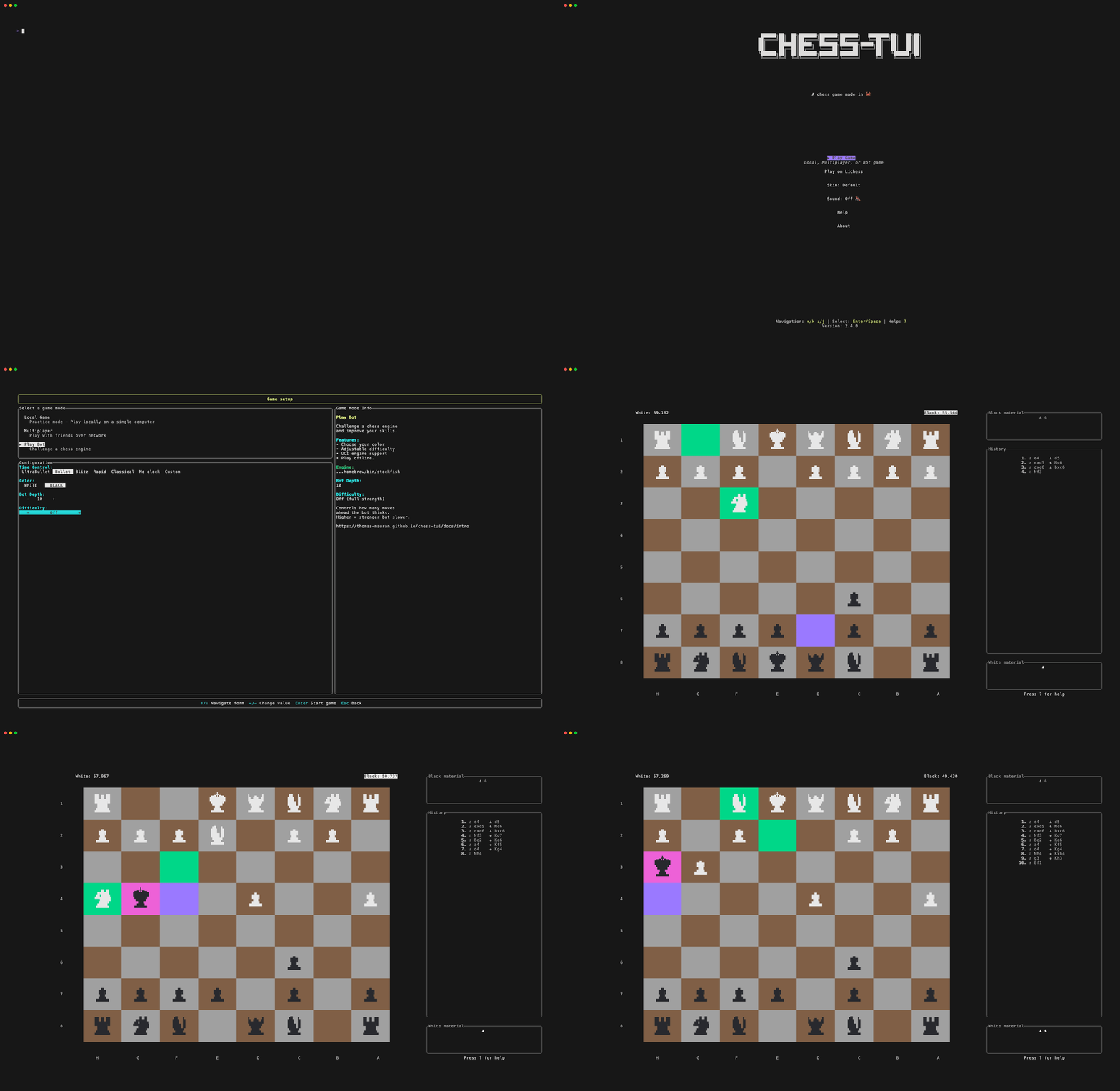
Connect a chess engine:
# Simple engine path
chess-tui -e /path/to/engine

# Engine with command-line arguments (e.g., GNU Chess with UCI mode)
chess-tui -e "/opt/homebrew/bin/gnuchess --uci"

# Stockfish example
chess-tui -e /opt/homebrew/bin/stockfish
See Bot Configuration for details.
Configure Lichess:
chess-tui -l YOUR_LICHESS_TOKEN_HERE
See Lichess Setup for details.
Other options: --depth 15 (engine depth), --difficulty easy|medium|hard|magnus, --no-sound. See Configuration for all flags and config file.
| Key | Action |
|---|---|
| Arrow keys or h/j/k/l | Move cursor |
| Space | Select piece / move |
| Esc | Deselect or close popup |
| ? | Help menu |
| s | Cycle skins |
| b | Back to menu |
| q | Quit |
Press ? in-game for the full list.
📚 Full Documentation (installation, configuration, Lichess, multiplayer).
| Platform | Install |
|---|---|
| macOS | brew install thomas-mauran/tap/chess-tui or cargo install chess-tui |
| Linux | cargo install chess-tui, .deb, or binary |
| Arch | pacman -S chess-tui |
| NixOS | nix-shell -p chess-tui or install from nixpkgs |
| Windows | cargo install chess-tui |
chess-tui -e /path/to/stockfish (see Bot Configuration).chess-tui -l YOUR_TOKEN.config.toml and skins.json in your config dir (e.g. ~/.config/chess-tui/ on Linux). See Configuration.Run into issues? Check the docs: Lichess setup & troubleshooting, Bot configuration & troubleshooting. Otherwise open an issue.
Contributions are welcome. See CONTRIBUTING.md for guidelines.
Terminal chess · Chess in the terminal · Chess CLI · Command line chess · Rust TUI · UCI engine · Lichess · Stockfish · ratatui
469 followers · starred Aug 2026
6,499 followers · starred Jan 2026
111 followers · starred Dec 2023
288 followers · starred Dec 2025
Play chess in any terminal. Rust TUI, Stockfish, Lichess.
See the codeChess in the terminal. Free, cross-platform terminal chess game in Rust. Local play, Stockfish, Lichess. 🦀
chess-tui is a free, open-source terminal chess game. Play with a friend locally, against any UCI chess engine (e.g. Stockfish), or online via Lichess. Runs on macOS, Linux, and Windows.
Homebrew:
brew install thomas-mauran/tap/chess-tui
chess-tui
Cargo:
cargo install chess-tui
chess-tui
Debian/Ubuntu:
DEB_URL=$(curl -s "https://api.github.com/repos/thomas-mauran/chess-tui/releases/latest" | jq -r '.assets[] | select(.name | endswith(".deb")) | .browser_download_url') && curl -LO "$DEB_URL" && sudo dpkg -i "$(basename "$DEB_URL")" && sudo apt-get install -f
chess-tui
Available on:
For installation via package managers or other methods, see the Installation Guide.
Play online on Lichess directly from your terminal!
See Lichess Features for details.
Connect a chess engine:
# Simple engine path
chess-tui -e /path/to/engine

# Engine with command-line arguments (e.g., GNU Chess with UCI mode)
chess-tui -e "/opt/homebrew/bin/gnuchess --uci"

# Stockfish example
chess-tui -e /opt/homebrew/bin/stockfish
See Bot Configuration for details.
Configure Lichess:
chess-tui -l YOUR_LICHESS_TOKEN_HERE
See Lichess Setup for details.
Other options: --depth 15 (engine depth), --difficulty easy|medium|hard|magnus, --no-sound. See Configuration for all flags and config file.
| Key | Action |
|---|---|
| Arrow keys or h/j/k/l | Move cursor |
| Space | Select piece / move |
| Esc | Deselect or close popup |
| ? | Help menu |
| s | Cycle skins |
| b | Back to menu |
| q | Quit |
Press ? in-game for the full list.
📚 Full Documentation (installation, configuration, Lichess, multiplayer).
| Platform | Install |
|---|---|
| macOS | brew install thomas-mauran/tap/chess-tui or cargo install chess-tui |
| Linux | cargo install chess-tui, .deb, or binary |
| Arch | pacman -S chess-tui |
| NixOS | nix-shell -p chess-tui or install from nixpkgs |
| Windows | cargo install chess-tui |
chess-tui -e /path/to/stockfish (see Bot Configuration).chess-tui -l YOUR_TOKEN.config.toml and skins.json in your config dir (e.g. ~/.config/chess-tui/ on Linux). See Configuration.Run into issues? Check the docs: Lichess setup & troubleshooting, Bot configuration & troubleshooting. Otherwise open an issue.
Contributions are welcome. See CONTRIBUTING.md for guidelines.
Terminal chess · Chess in the terminal · Chess CLI · Command line chess · Rust TUI · UCI engine · Lichess · Stockfish · ratatui
469 followers · starred Aug 2026
6,499 followers · starred Jan 2026
111 followers · starred Dec 2023
288 followers · starred Dec 2025