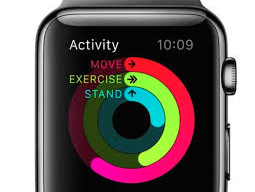
Kit for building custom gauges + easy reproducible Apple's style ring gauges.
See the code






##Kit for building custom gauges + easy reproducible Apple's style ring gauges.
 ->
->
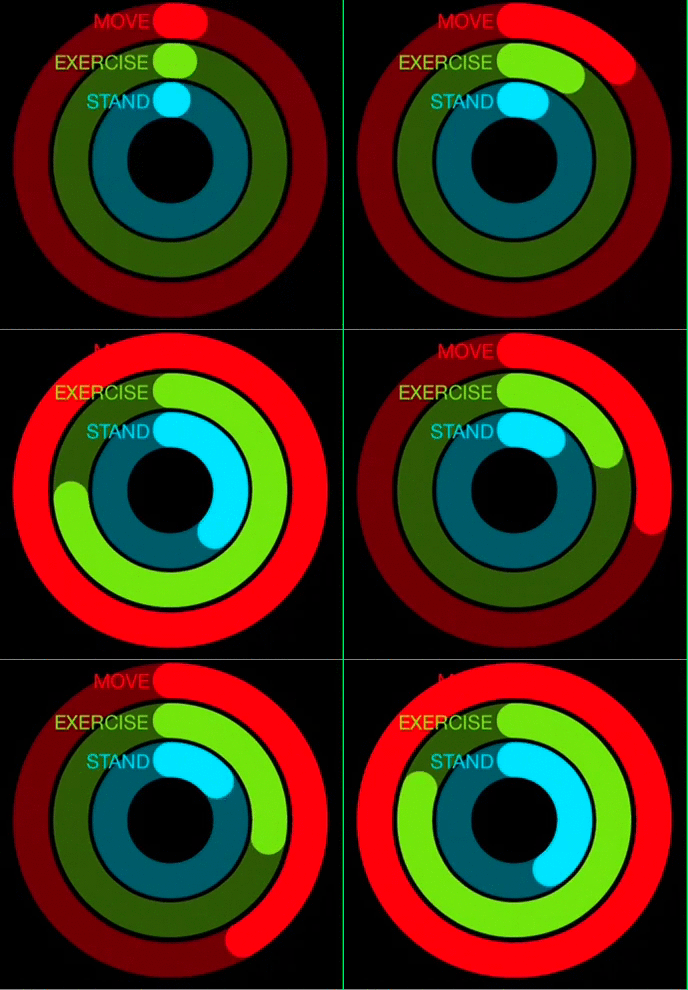
Open GaugeKit.xcworkspace and change the scheme to 'Example' and run Example project.
CocoaPods is a dependency manager for Cocoa projects.
GaugeKit is available through CocoaPods. To install it, simply add the following line to your Podfile:
source 'https://github.com/CocoaPods/Specs.git'
platform :ios, '8.0'
use_frameworks!

pod "GaugeKit"
To integrate GaugeKit into your Xcode project using Carthage, specify it in your Cartfile:
github "skywinder/GaugeKit" >= 0.2
Add GaugeKit as a submodule by opening the Terminal, cd-ing into your top-level project directory, and entering the following command:
$ git submodule add https://github.com/skywinder/GaugeKit.git
If you prefer not to use either of the aforementioned dependency managers, you can simply add swift files into your project manually.
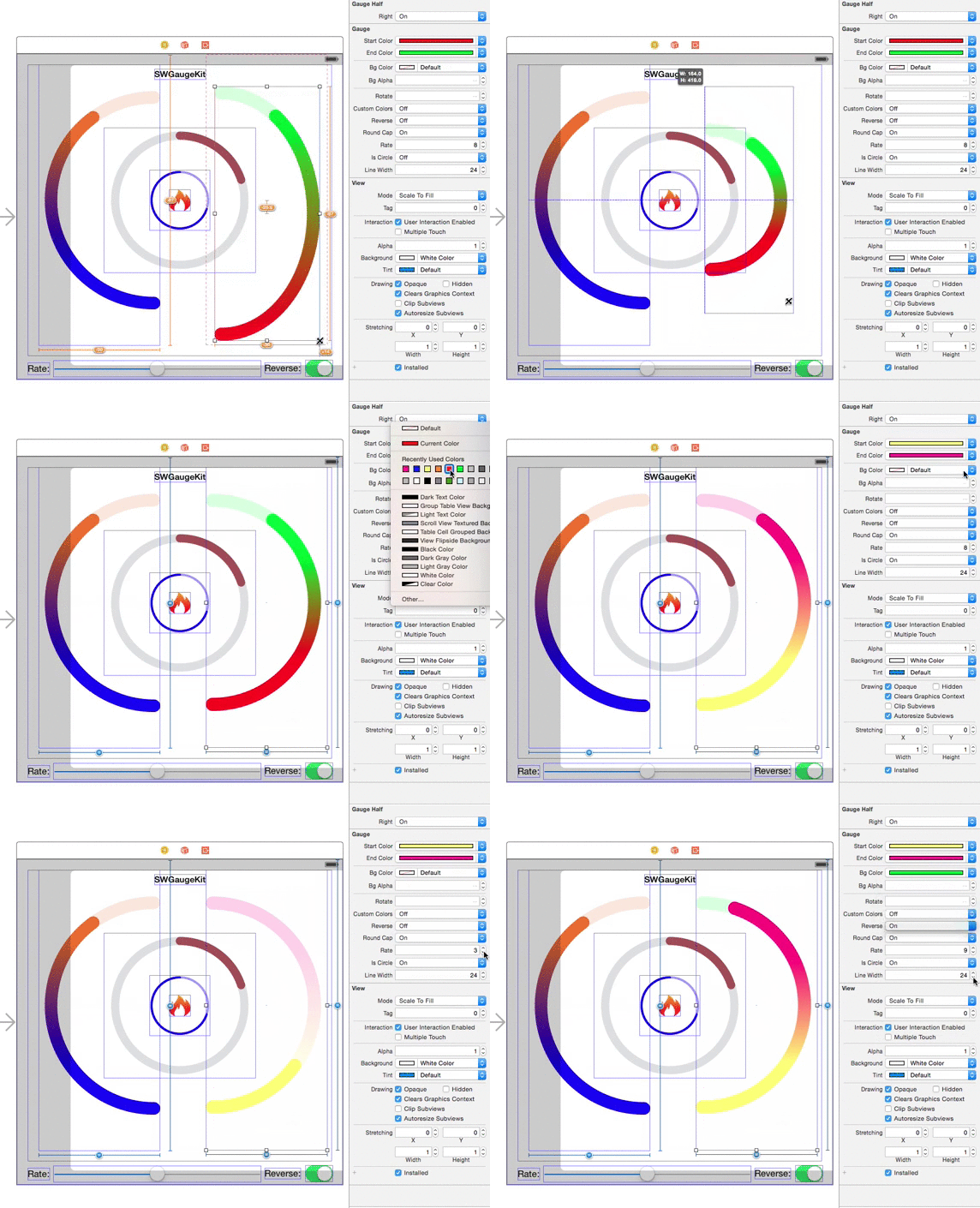
@IBInspectable & @IBDesignableSwift flavor 🐤UIView, and set them class Gauge and module GaugeKit: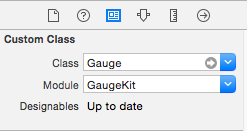
Select type of gauge (property type in class or gaugeTypeInt for changes directly in Interface builder)
 - case `Circle`
 - case `Left`
 - case `Right`
 - case `Line`
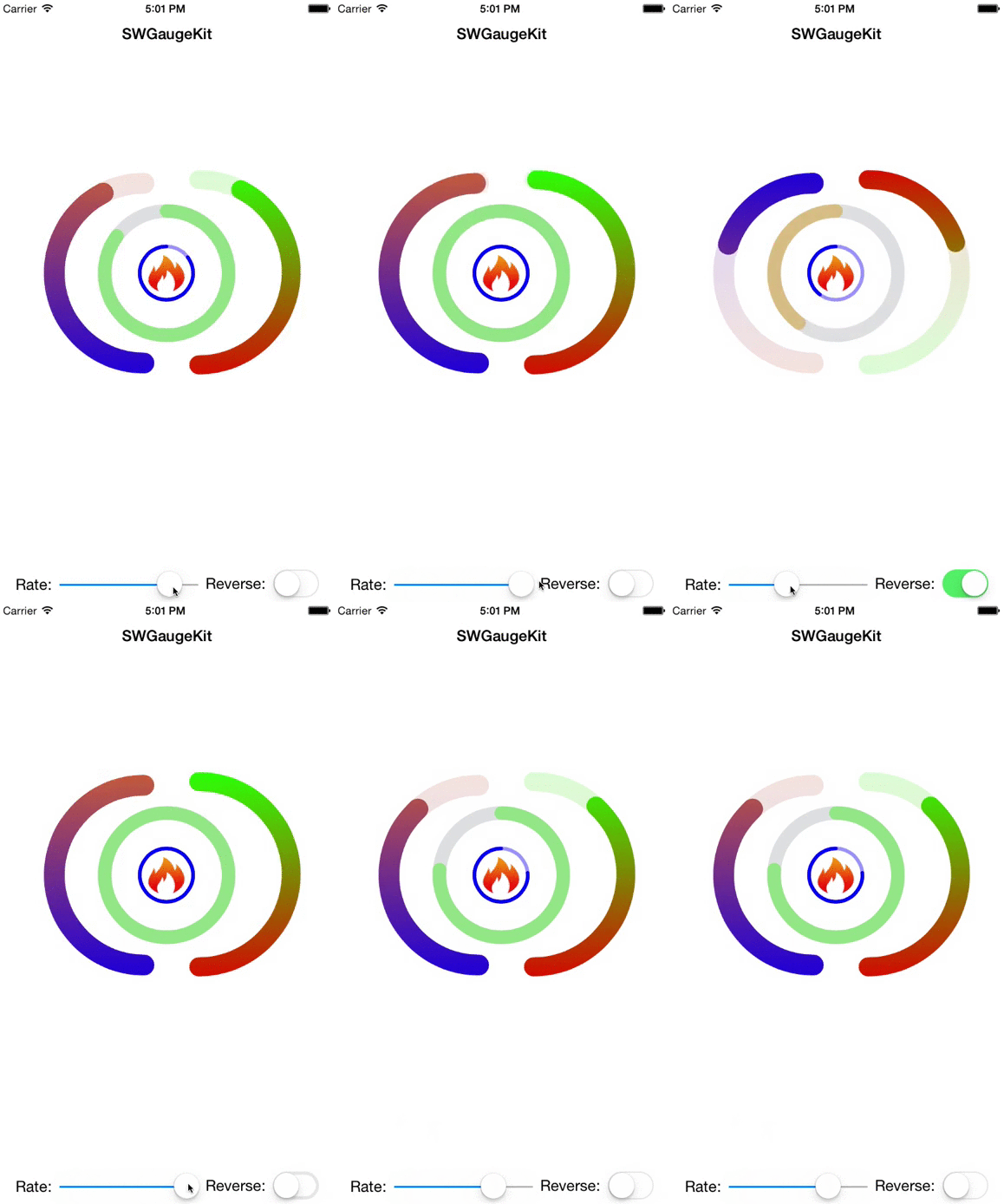
##Example:
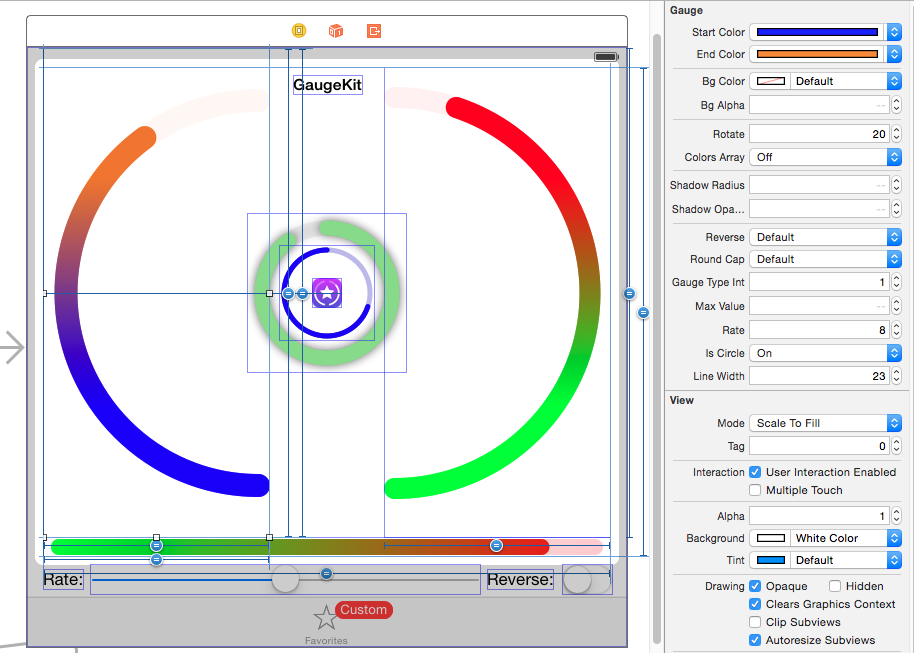
###IB Example:
Bug reports, feature requests, patches, well-wishes are always welcome!
I'd love to see your ideas for improving this library.
The best way to contribute is by submitting a pull request.
This project exists thanks to all the people who contribute. [Contribute].



GaugeKit is available under the MIT license. See the LICENSE file for more info.
2,072 followers · starred Jul 2015
567 followers · starred Nov 2015
171 followers · starred Jul 2015
25 followers · starred Dec 2018
Kit for building custom gauges + easy reproducible Apple's style ring gauges.
See the code
##Kit for building custom gauges + easy reproducible Apple's style ring gauges.
->
Open GaugeKit.xcworkspace and change the scheme to 'Example' and run Example project.
CocoaPods is a dependency manager for Cocoa projects.
GaugeKit is available through CocoaPods. To install it, simply add the following line to your Podfile:
source 'https://github.com/CocoaPods/Specs.git'
platform :ios, '8.0'
use_frameworks!

pod "GaugeKit"
To integrate GaugeKit into your Xcode project using Carthage, specify it in your Cartfile:
github "skywinder/GaugeKit" >= 0.2
Add GaugeKit as a submodule by opening the Terminal, cd-ing into your top-level project directory, and entering the following command:
$ git submodule add https://github.com/skywinder/GaugeKit.git
If you prefer not to use either of the aforementioned dependency managers, you can simply add swift files into your project manually.
@IBInspectable & @IBDesignableSwift flavor 🐤UIView, and set them class Gauge and module GaugeKit:
Select type of gauge (property type in class or gaugeTypeInt for changes directly in Interface builder)
 - case `Circle`
 - case `Left`
 - case `Right`
 - case `Line`
##Example:
###IB Example:
Bug reports, feature requests, patches, well-wishes are always welcome!
I'd love to see your ideas for improving this library.
The best way to contribute is by submitting a pull request.
This project exists thanks to all the people who contribute. [Contribute].
GaugeKit is available under the MIT license. See the LICENSE file for more info.
2,072 followers · starred Jul 2015
567 followers · starred Nov 2015
171 followers · starred Jul 2015
25 followers · starred Dec 2018