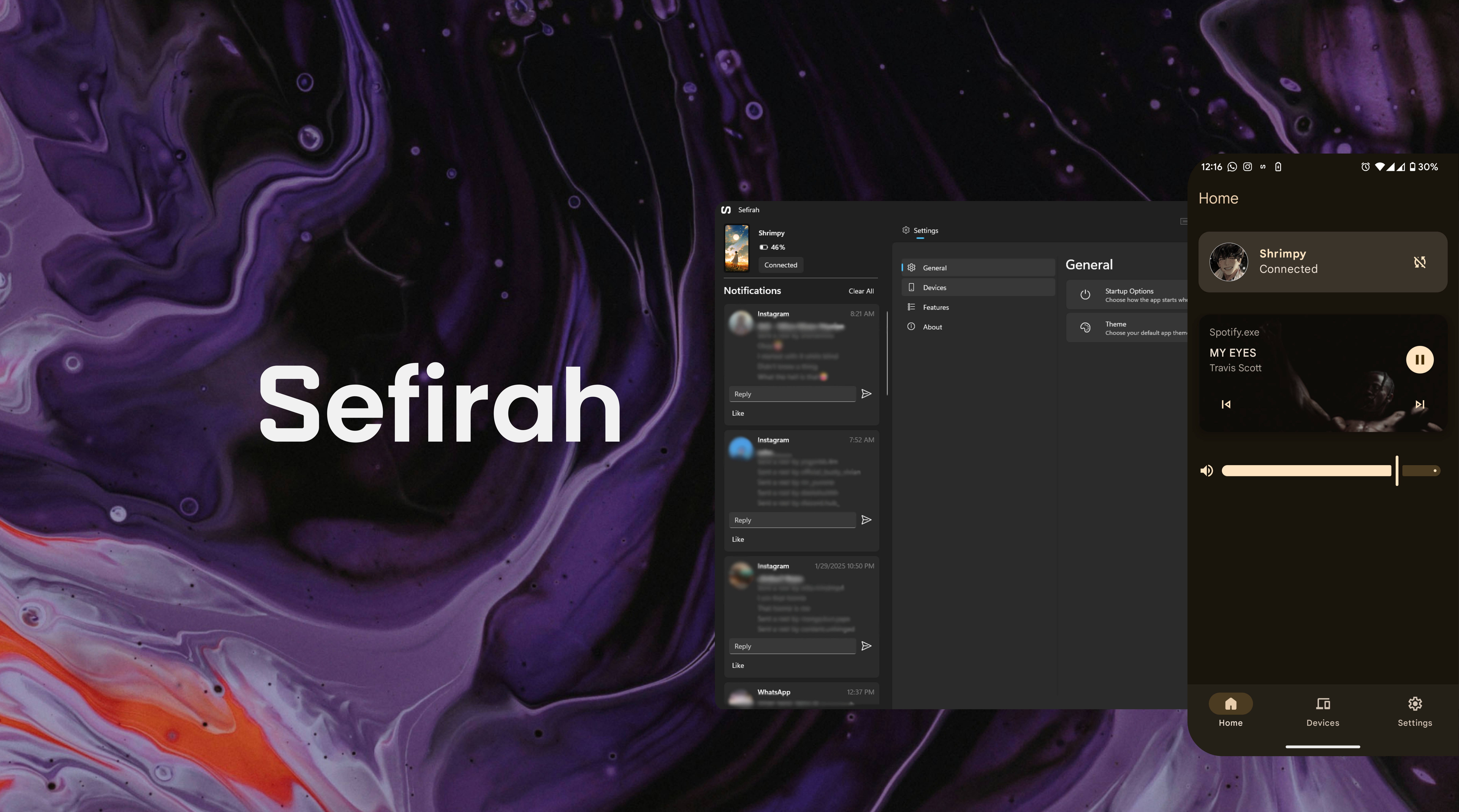



Sefirah is designed to enhance your workflow by enabling seamless clipboard and notification sharing between your Windows PC and Android device. It's an alternative to existing solutions, tailored for users who want a straightforward and efficient way to keep their devices in sync.
Support for linux is limited. Some features may not available on Linux that are on Windows.
Due to Android's restrictions, sensitive notifications are no longer visible from Android 15 onwards.
To work around this limitation, grant the necessary permission using ADB:
adb shell appops set com.castle.sefirah RECEIVE_SENSITIVE_NOTIFICATIONS allow
On some devices (e.g. OnePlus), this may fail until you disable system optimization or Disable permission monitoring for apps in Developer options → Apps. After that, run the command again.
If ADB is connected, the desktop app will attempt to grant this permission automatically when the device comes online.



Setting Up:
Note: If the devices can't connect even though both discover each other, make sure to check your firewall settings and these ports are open; 5149 to 5169.
Clipboard Sharing:
File Transfer:
Android Storage:
SMS Texting:
Bluetooth calling:
Screen Mirroring using Scrcpy:
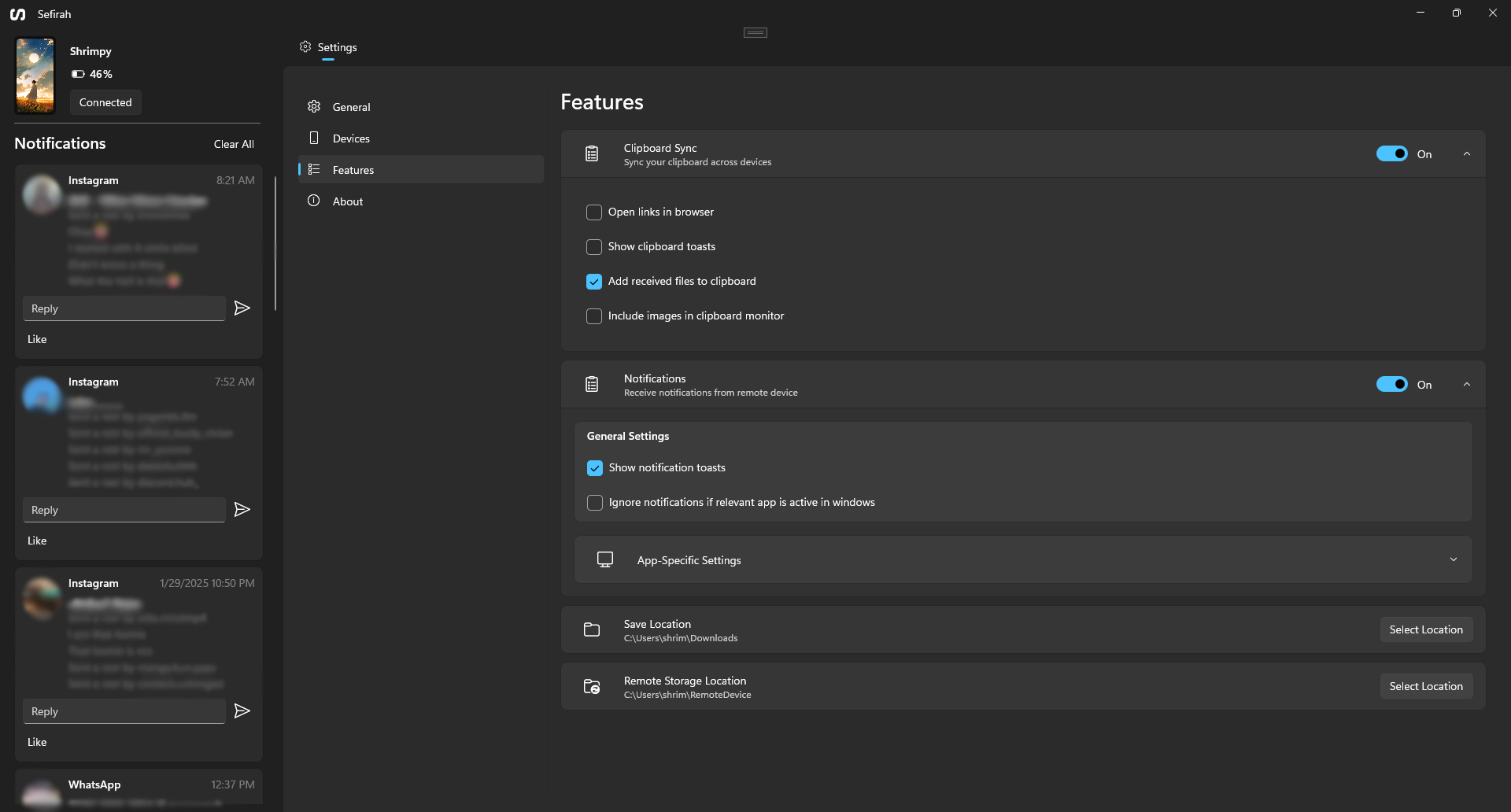
Feel free to open an issue if you want to report a bug, provide feedback, or ask a question.
If you have any specific questions or need further details, please reach out to me on the Discord server or by email—I would be happy to help.
I would like to express my thanks to @PrimalZed for his work on CloudSync and to @rom1v for developing Scrcpy. Without them Android storage and Screen mirroring features wouldn't be possible.
3,475 followers · starred Jun 2026
46 followers · starred Mar 2025
5,223 followers · starred Aug 2026
233 followers · starred Feb 2025
Sefirah is designed to enhance your workflow by enabling seamless clipboard and notification sharing between your Windows PC and Android device. It's an alternative to existing solutions, tailored for users who want a straightforward and efficient way to keep their devices in sync.
Support for linux is limited. Some features may not available on Linux that are on Windows.
Due to Android's restrictions, sensitive notifications are no longer visible from Android 15 onwards.
To work around this limitation, grant the necessary permission using ADB:
adb shell appops set com.castle.sefirah RECEIVE_SENSITIVE_NOTIFICATIONS allow
On some devices (e.g. OnePlus), this may fail until you disable system optimization or Disable permission monitoring for apps in Developer options → Apps. After that, run the command again.
If ADB is connected, the desktop app will attempt to grant this permission automatically when the device comes online.
Setting Up:
Note: If the devices can't connect even though both discover each other, make sure to check your firewall settings and these ports are open; 5149 to 5169.
Clipboard Sharing:
File Transfer:
Android Storage:
SMS Texting:
Bluetooth calling:
Screen Mirroring using Scrcpy:
Feel free to open an issue if you want to report a bug, provide feedback, or ask a question.
If you have any specific questions or need further details, please reach out to me on the Discord server or by email—I would be happy to help.
I would like to express my thanks to @PrimalZed for his work on CloudSync and to @rom1v for developing Scrcpy. Without them Android storage and Screen mirroring features wouldn't be possible.
3,475 followers · starred Jun 2026
46 followers · starred Mar 2025
5,223 followers · starred Aug 2026
233 followers · starred Feb 2025