Whatomate is an open-source WhatsApp integration
See the code
Modern, open-source WhatsApp Business Platform. Single binary app.
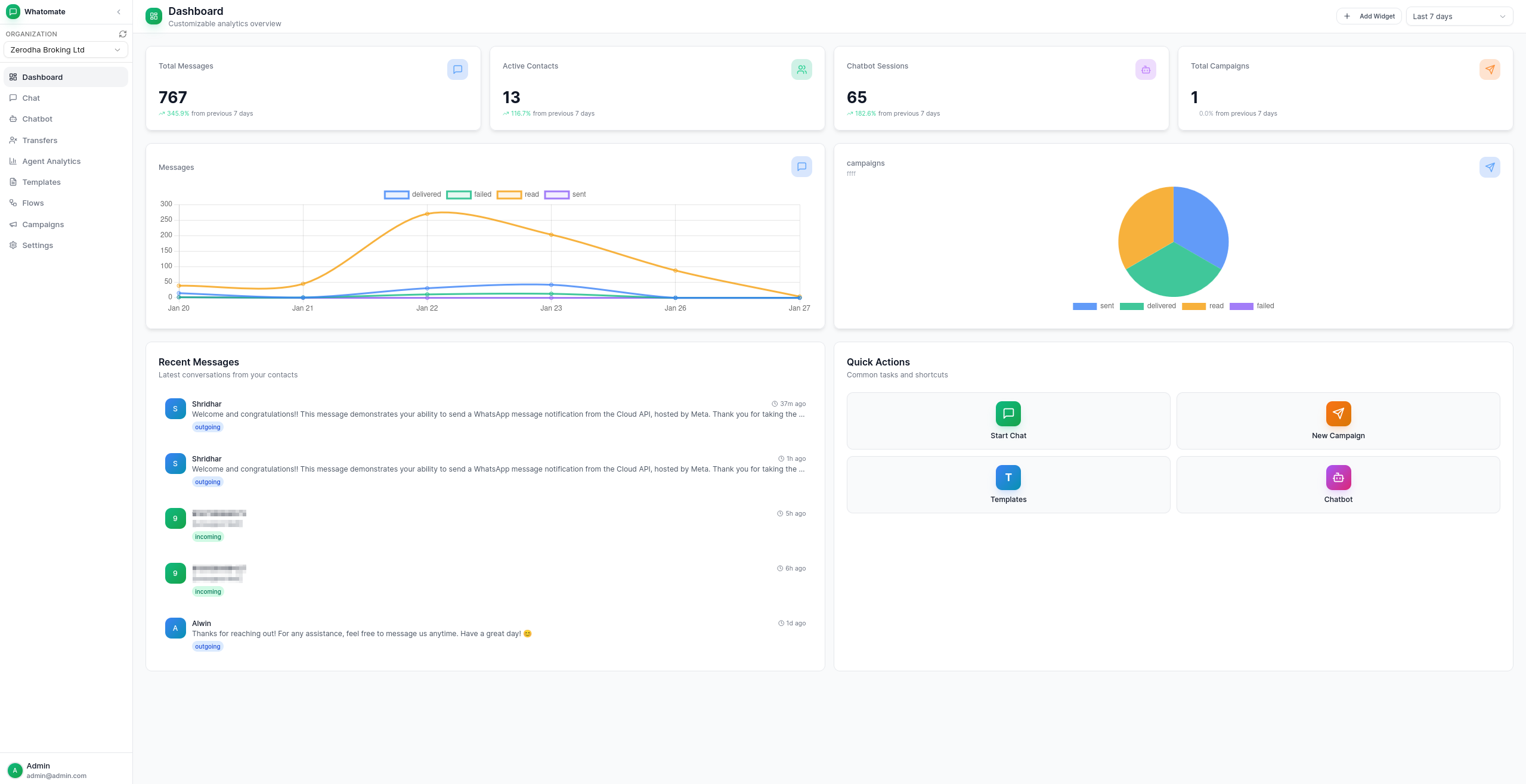
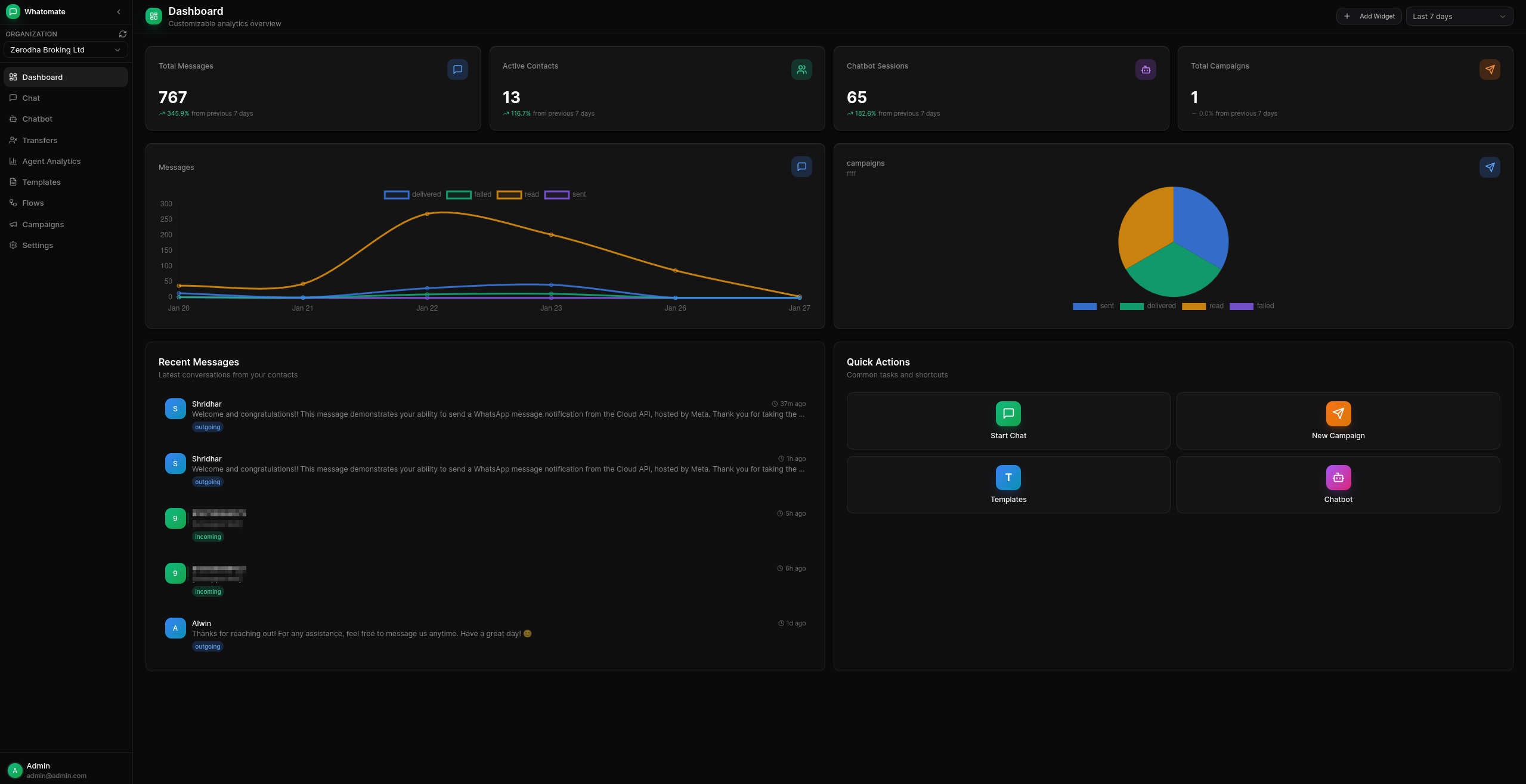
Multi-tenant Architecture Support multiple organizations with isolated data and configurations.
Granular Roles & Permissions Customizable roles with fine-grained permissions. Create custom roles, assign specific permissions per resource (users, contacts, templates, etc.), and control access at the action level (read, create, update, delete). Super admins can manage multiple organizations.
WhatsApp Cloud API Integration Connect with Meta's WhatsApp Business API for messaging.
Real-time Chat Live messaging with WebSocket support for instant communication.
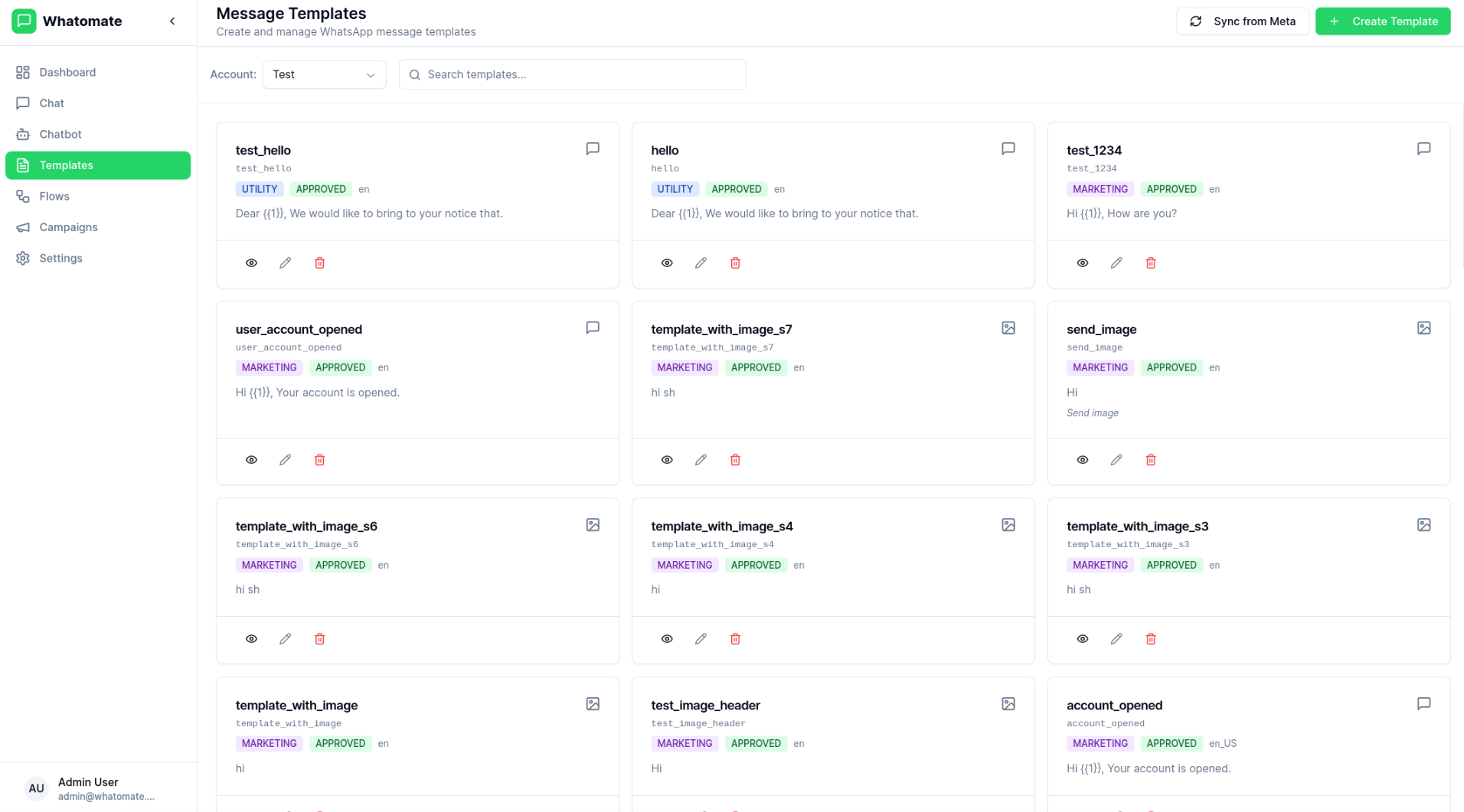
Template Management Create and manage message templates approved by Meta.
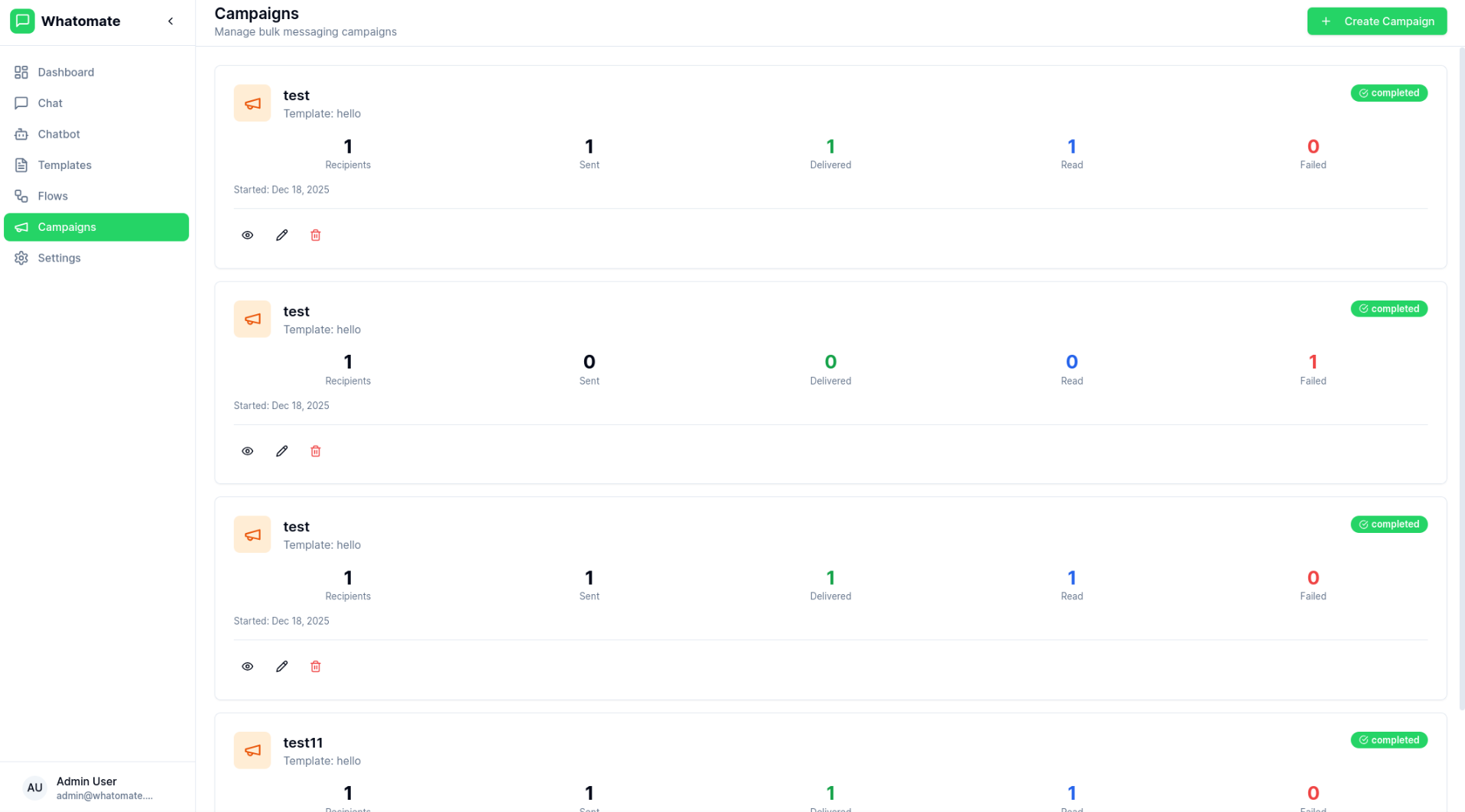
Bulk Campaigns Send campaigns to multiple contacts with retry support for failed messages.
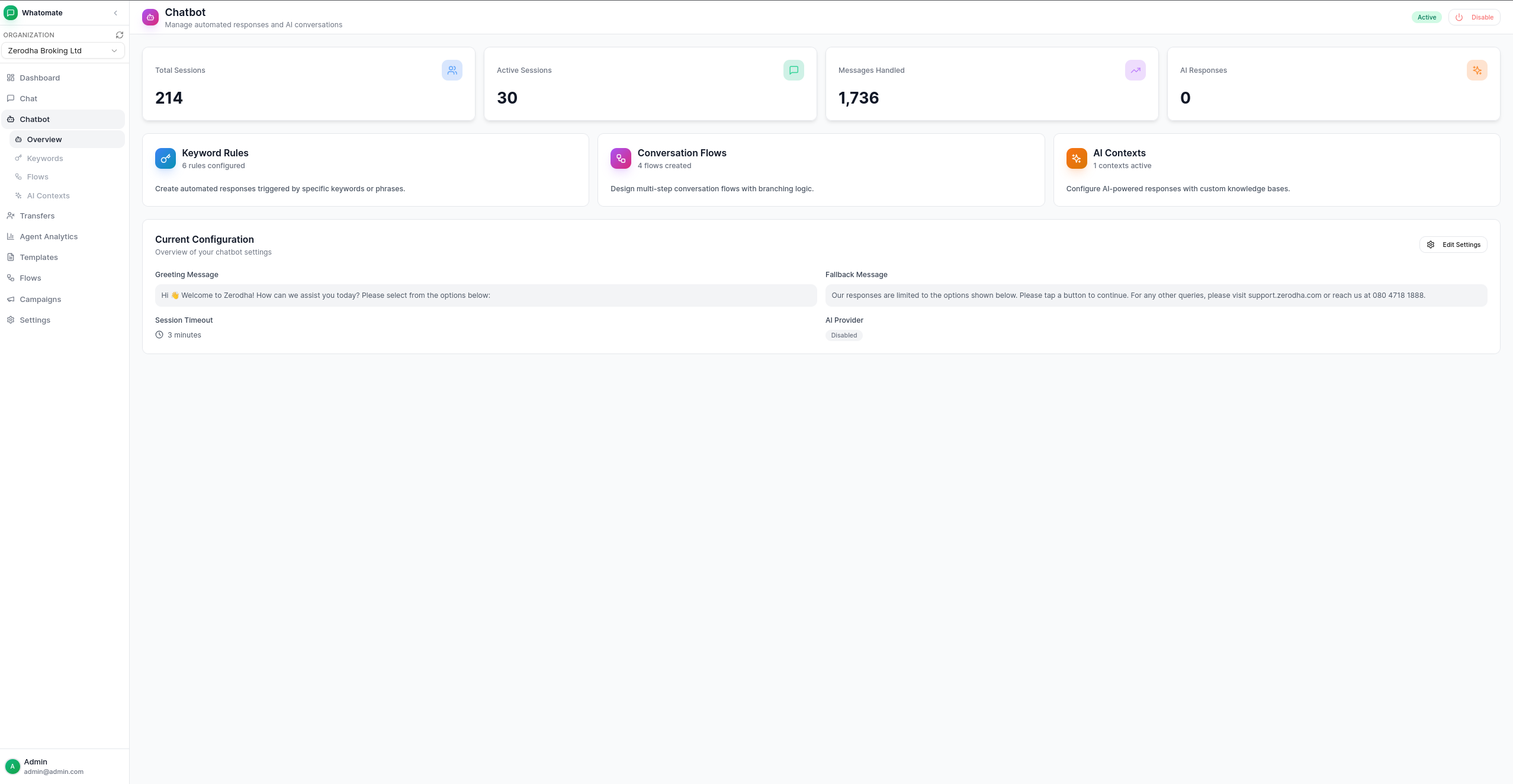
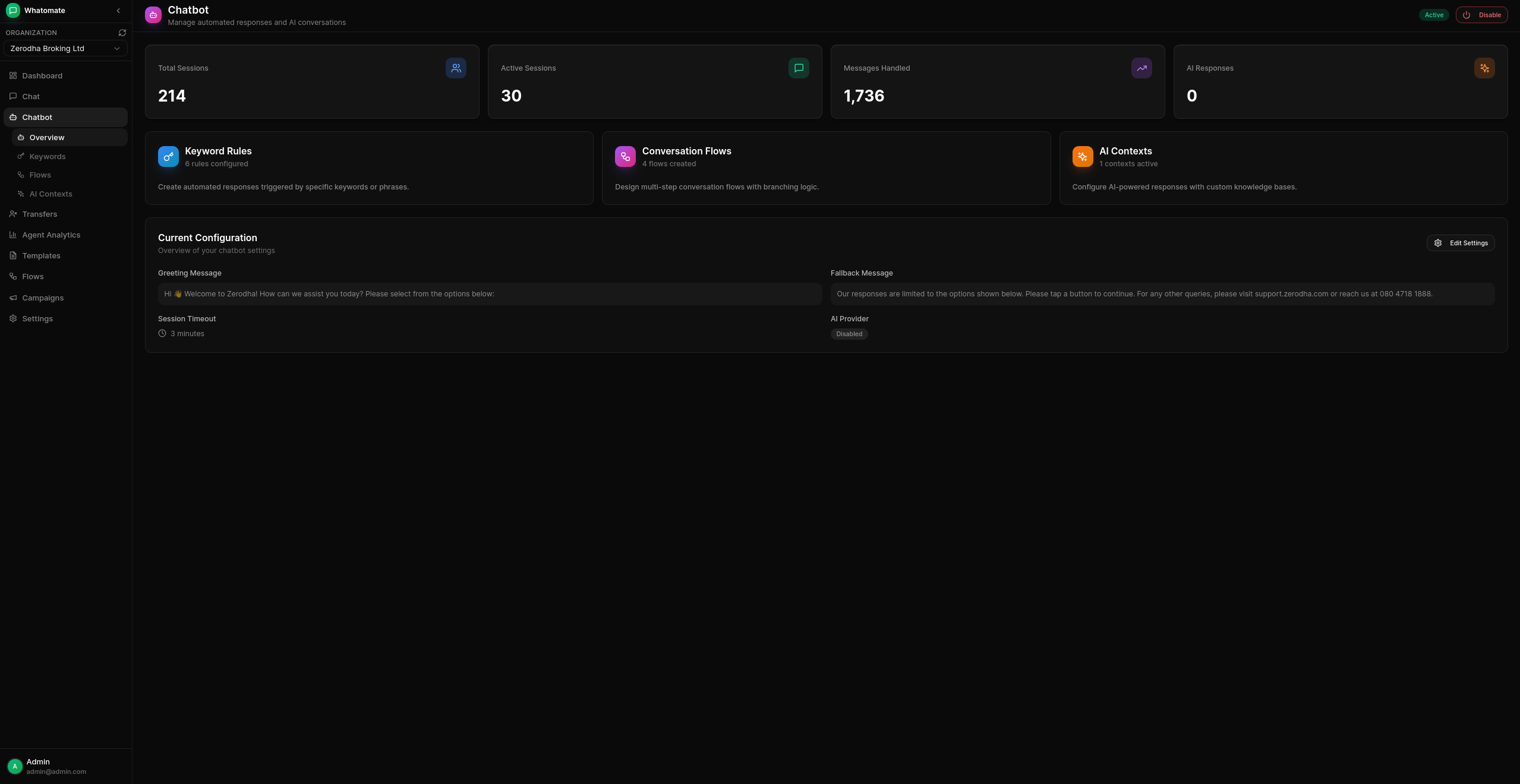
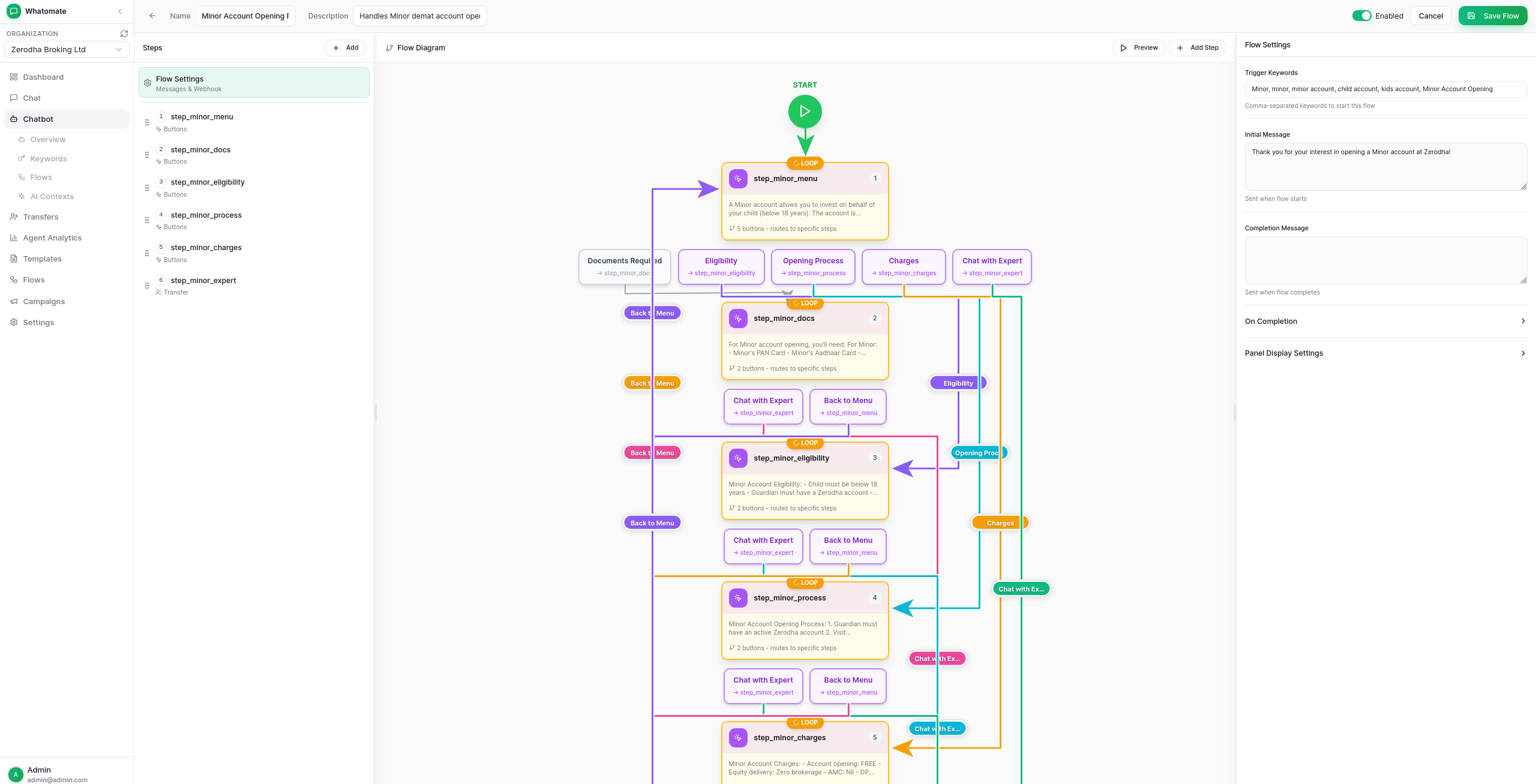
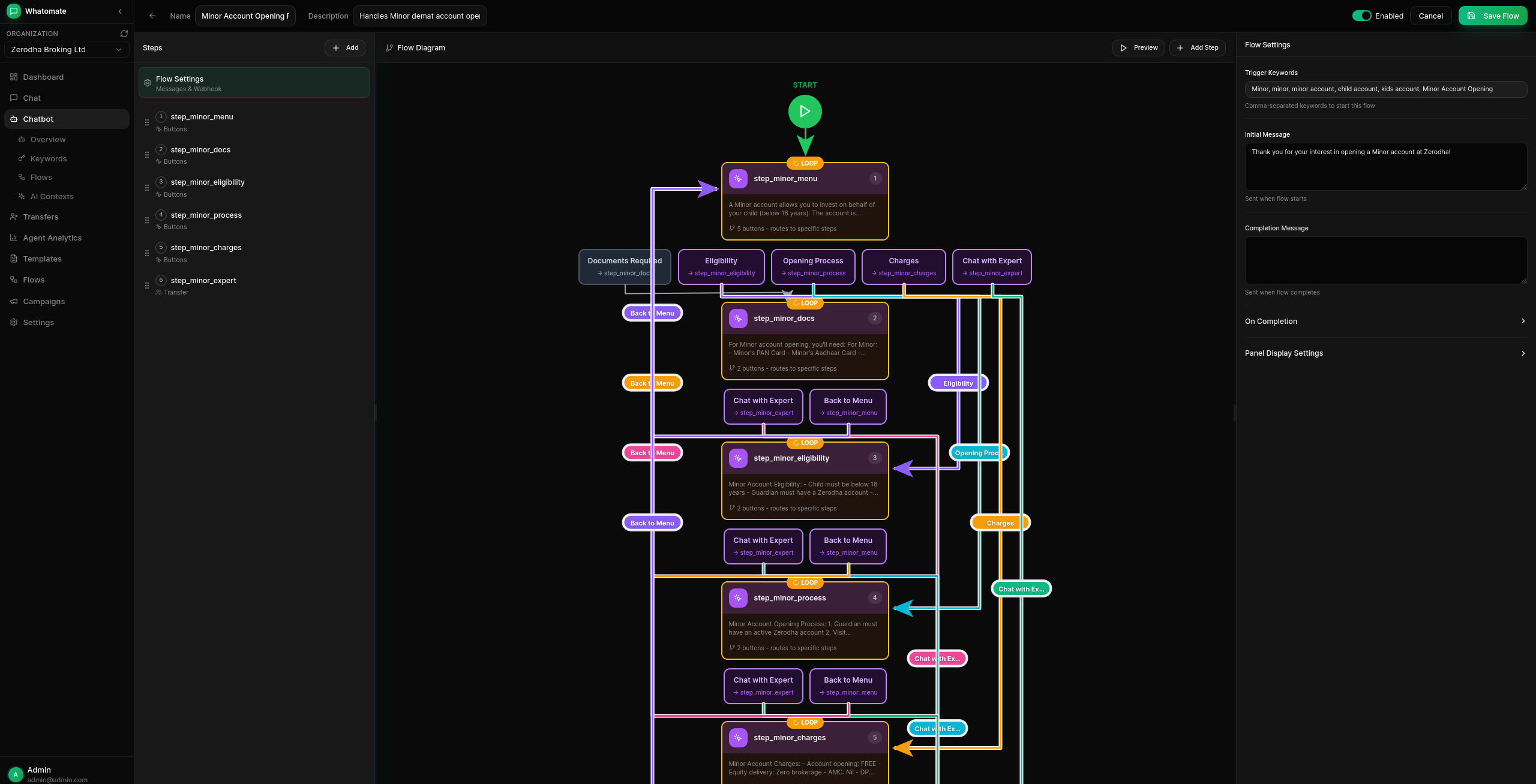
Chatbot Automation Keyword-based auto-replies, conversation flows with branching logic, and AI-powered responses (OpenAI, Anthropic, Google).
Canned Responses
Pre-defined quick replies with slash commands (/shortcut) and dynamic placeholders.
Voice Calling & IVR Incoming and outgoing WhatsApp calls with IVR menus, DTMF routing, call transfers to agent teams, hold music, and call recording. See calling docs.
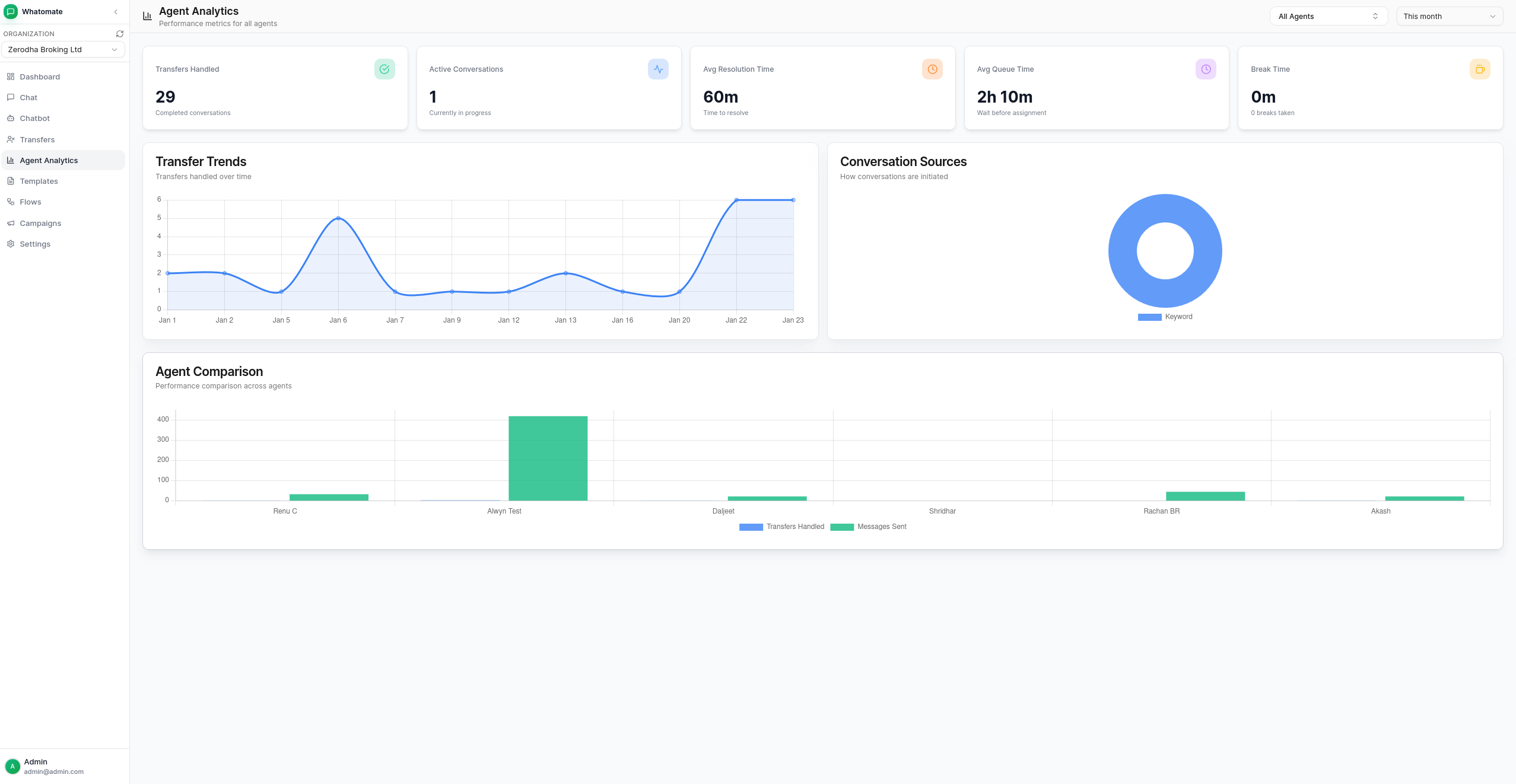
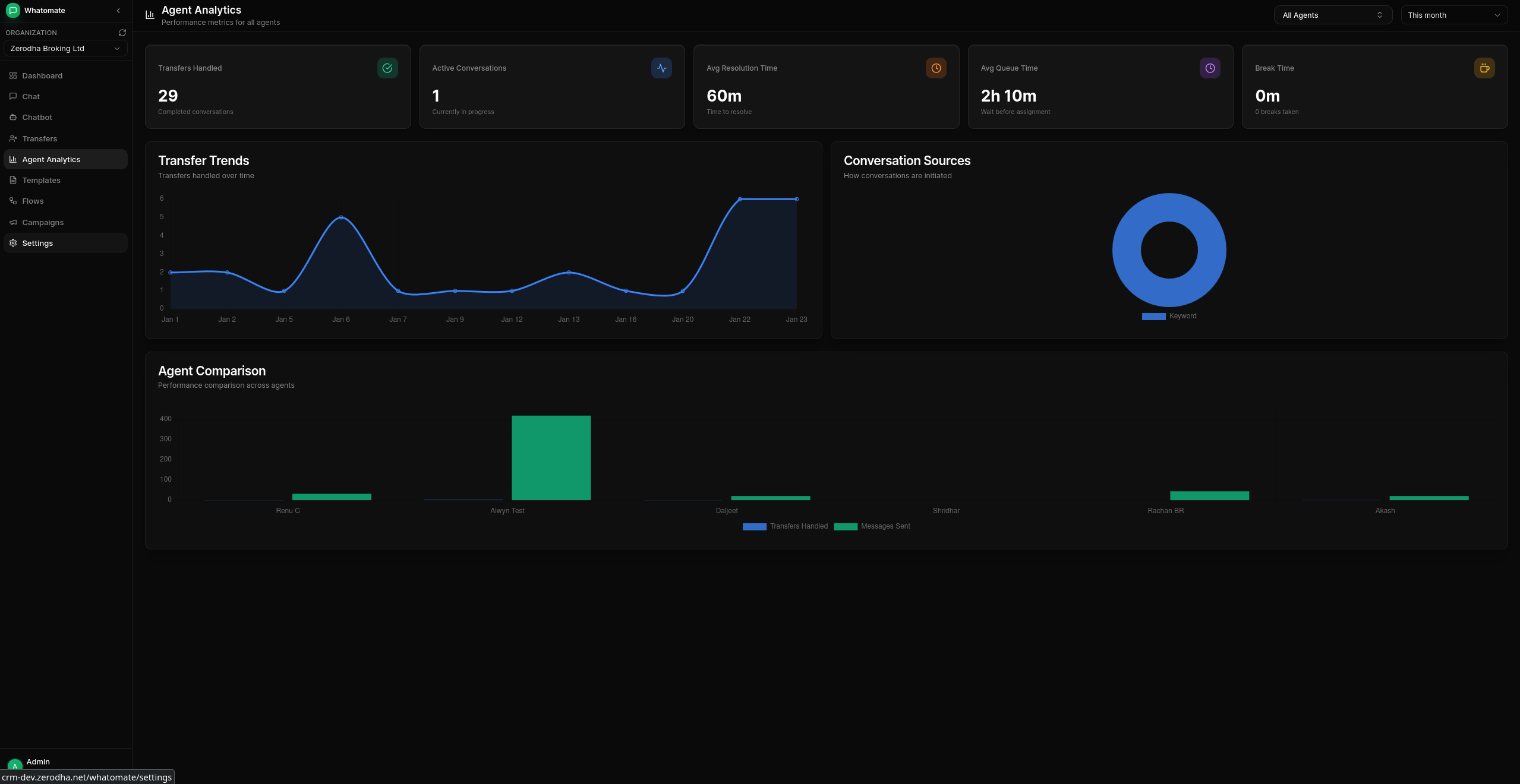
Analytics Dashboard Track messages, engagement, and campaign performance.
The latest image is available on Docker Hub at shridh0r/whatomate:latest
# Download compose file, sample config, and env file
curl -LO https://raw.githubusercontent.com/shridarpatil/whatomate/main/docker/docker-compose.yml
curl -LO https://raw.githubusercontent.com/shridarpatil/whatomate/main/config.example.toml
curl -L https://raw.githubusercontent.com/shridarpatil/whatomate/main/docker/.env.example -o .env

# Copy and edit config
cp config.example.toml config.toml
# Edit .env to set PostgreSQL credentials and timezone

# Run services
docker compose up -d
Go to http://localhost:8080 and login with [email protected] / admin
Download the latest release and extract the binary.
# Copy and edit config
cp config.example.toml config.toml

# Run with migrations
./whatomate server -migrate
Go to http://localhost:8080 and login with [email protected] / admin
git clone https://github.com/shridarpatil/whatomate.git
cd whatomate

# Production build (single binary with embedded frontend)
make build-prod
./whatomate server -migrate
See configuration docs for detailed setup options.
./whatomate server              # API + 1 worker (default)
./whatomate server -workers=0   # API only
./whatomate worker -workers=4   # Workers only (for scaling)
./whatomate version             # Show version
The backend is written in Go (Fastglue) and the frontend is Vue.js 3 with shadcn-vue.
# Development setup
make run-migrate    # Backend (port 8080)
cd frontend && npm run dev   # Frontend (port 3000)
See LICENSE for details.
14,064 followers · starred Jan 2026
209 followers · starred Jan 2026
663 followers · starred Mar 2026
462 followers · starred Sep 2026
Whatomate is an open-source WhatsApp integration
See the code
Modern, open-source WhatsApp Business Platform. Single binary app.
Multi-tenant Architecture Support multiple organizations with isolated data and configurations.
Granular Roles & Permissions Customizable roles with fine-grained permissions. Create custom roles, assign specific permissions per resource (users, contacts, templates, etc.), and control access at the action level (read, create, update, delete). Super admins can manage multiple organizations.
WhatsApp Cloud API Integration Connect with Meta's WhatsApp Business API for messaging.
Real-time Chat Live messaging with WebSocket support for instant communication.
Template Management Create and manage message templates approved by Meta.
Bulk Campaigns Send campaigns to multiple contacts with retry support for failed messages.
Chatbot Automation Keyword-based auto-replies, conversation flows with branching logic, and AI-powered responses (OpenAI, Anthropic, Google).
Canned Responses
Pre-defined quick replies with slash commands (/shortcut) and dynamic placeholders.
Voice Calling & IVR Incoming and outgoing WhatsApp calls with IVR menus, DTMF routing, call transfers to agent teams, hold music, and call recording. See calling docs.
Analytics Dashboard Track messages, engagement, and campaign performance.
The latest image is available on Docker Hub at shridh0r/whatomate:latest
# Download compose file, sample config, and env file
curl -LO https://raw.githubusercontent.com/shridarpatil/whatomate/main/docker/docker-compose.yml
curl -LO https://raw.githubusercontent.com/shridarpatil/whatomate/main/config.example.toml
curl -L https://raw.githubusercontent.com/shridarpatil/whatomate/main/docker/.env.example -o .env

# Copy and edit config
cp config.example.toml config.toml
# Edit .env to set PostgreSQL credentials and timezone

# Run services
docker compose up -d
Go to http://localhost:8080 and login with [email protected] / admin
Download the latest release and extract the binary.
# Copy and edit config
cp config.example.toml config.toml

# Run with migrations
./whatomate server -migrate
Go to http://localhost:8080 and login with [email protected] / admin
git clone https://github.com/shridarpatil/whatomate.git
cd whatomate

# Production build (single binary with embedded frontend)
make build-prod
./whatomate server -migrate
See configuration docs for detailed setup options.
./whatomate server              # API + 1 worker (default)
./whatomate server -workers=0   # API only
./whatomate worker -workers=4   # Workers only (for scaling)
./whatomate version             # Show version
The backend is written in Go (Fastglue) and the frontend is Vue.js 3 with shadcn-vue.
# Development setup
make run-migrate    # Backend (port 8080)
cd frontend && npm run dev   # Frontend (port 3000)
See LICENSE for details.
14,064 followers · starred Jan 2026
209 followers · starred Jan 2026
663 followers · starred Mar 2026
462 followers · starred Sep 2026



