The Notepad equivalent for Markdown
See the code
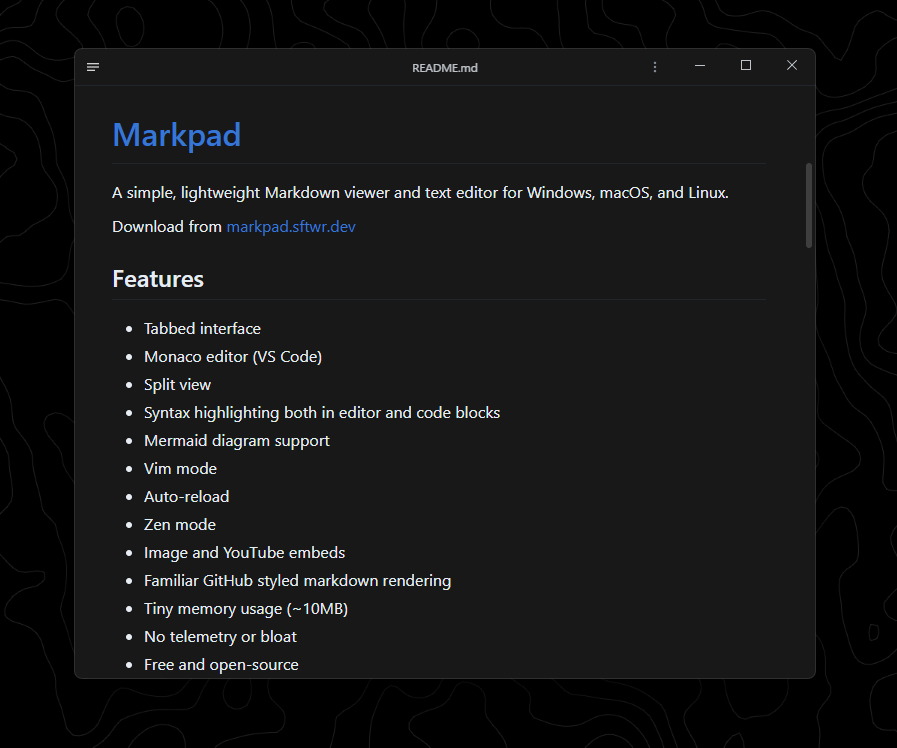
Light as Notepad, elegant as Markdown.
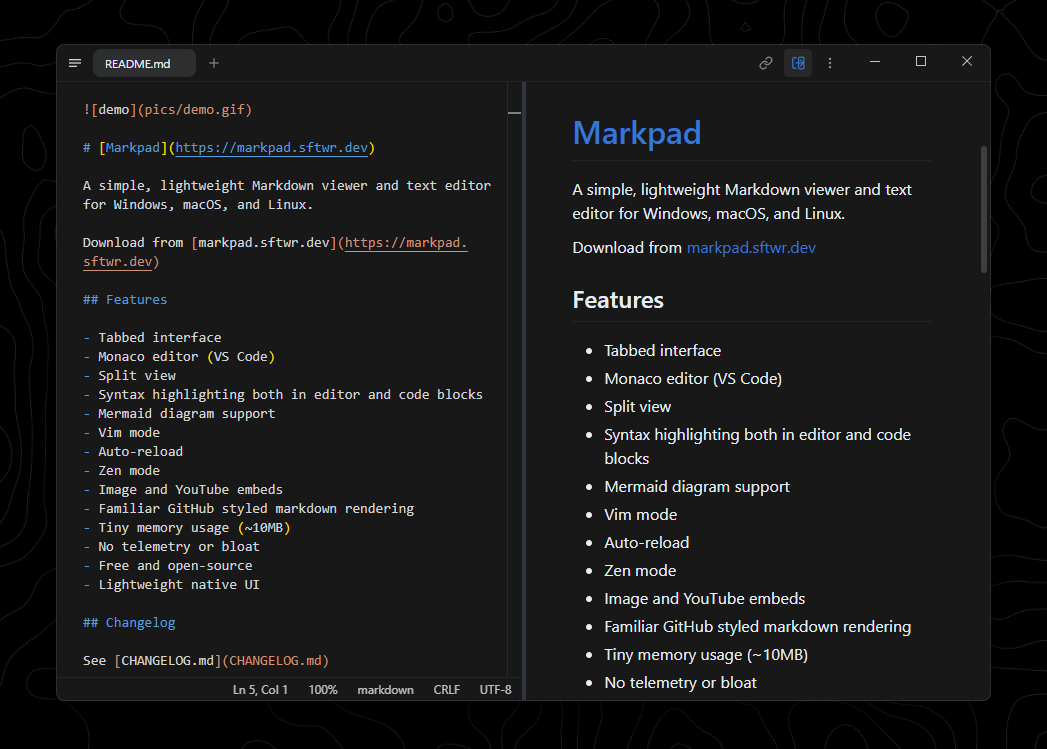
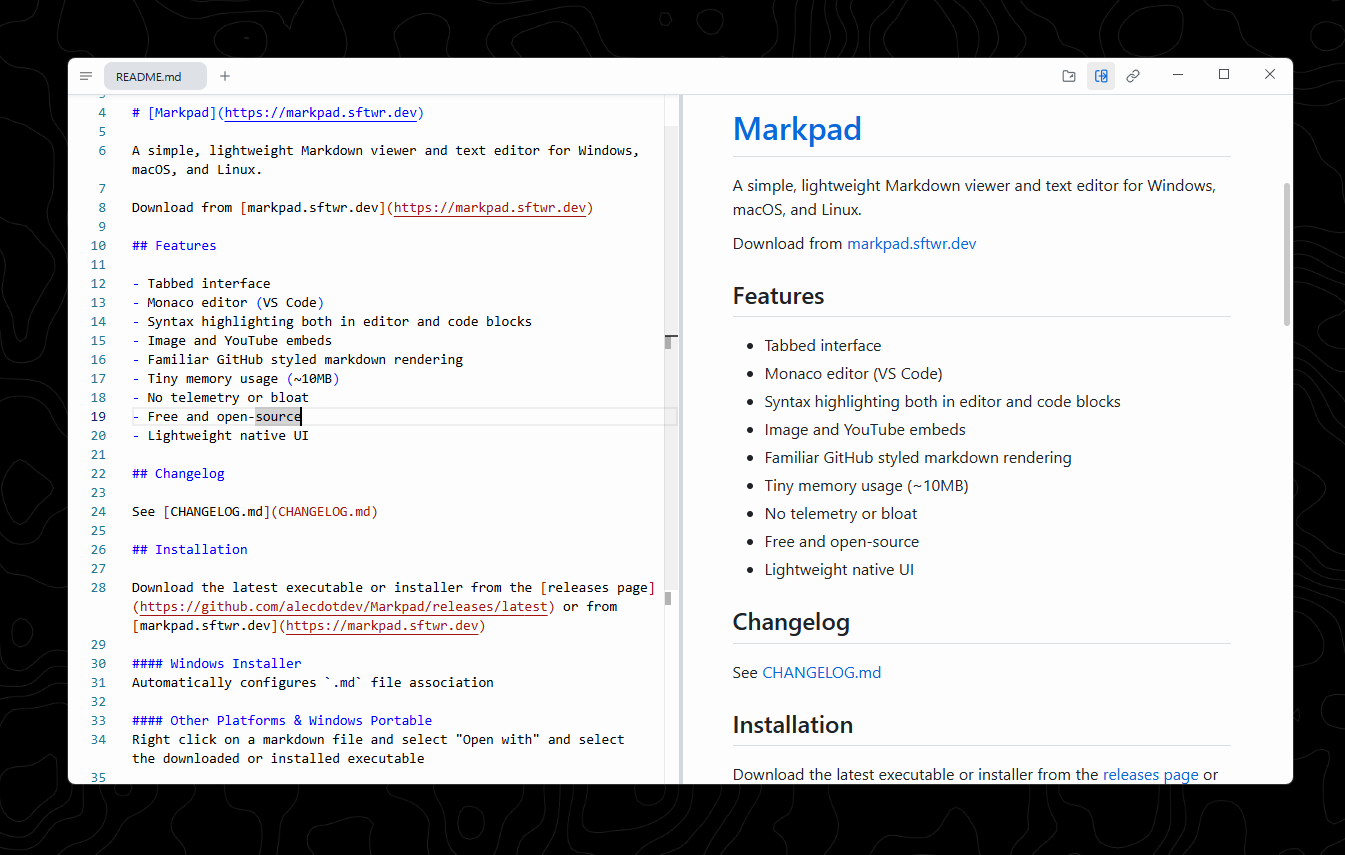
A lightweight, minimalist Markdown viewer and text editor built for productivity across Windows, macOS, and Linux.
Website // Download // What Markpad renders // Report a Bug // 简体中文
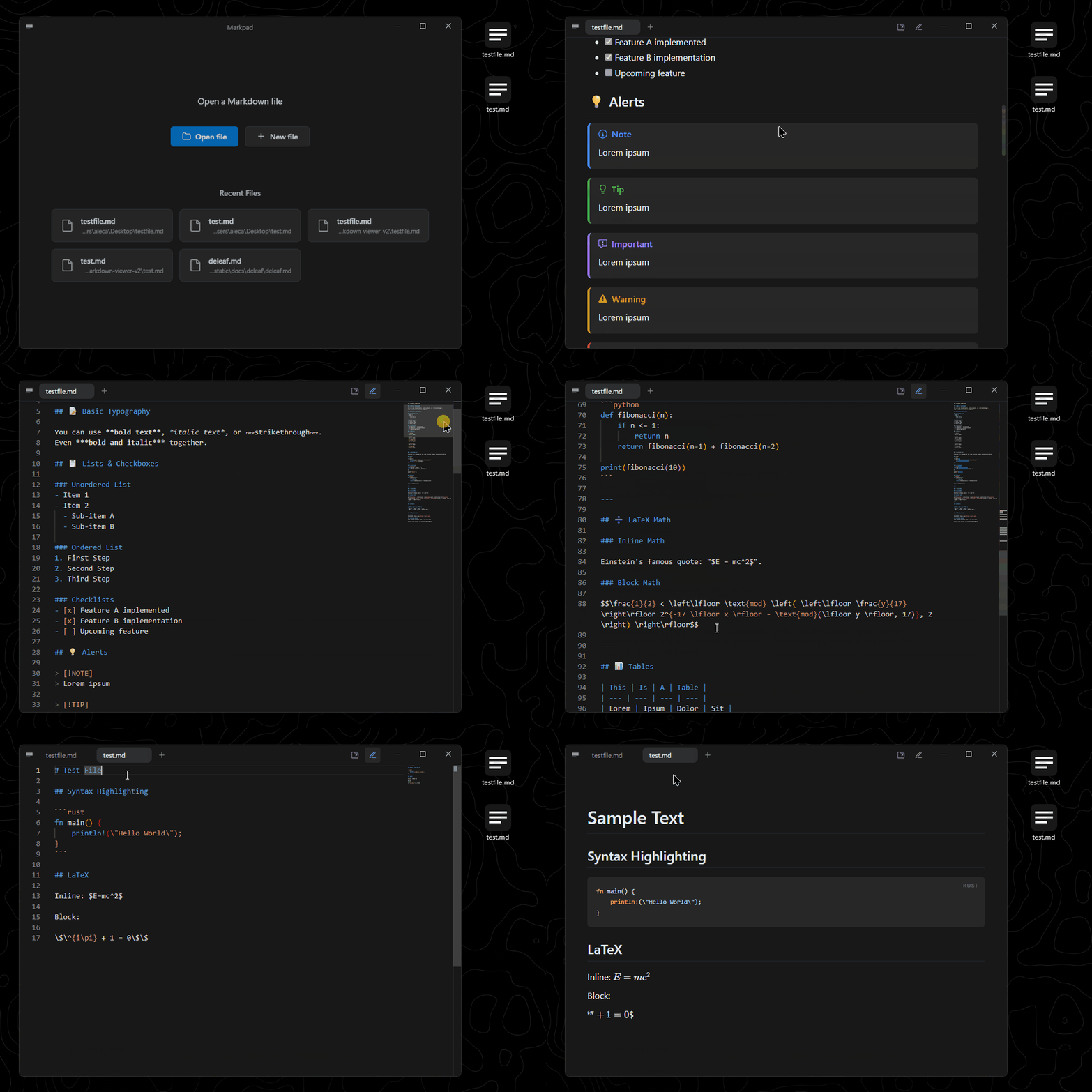
Reading
Editing
Documents
More
choco install markpad-app
brew install --cask markpad
sudo snap install markpad
Every file below is on the latest release page, and on markpad.dev.
| System | Chip | File | |
|---|---|---|---|
| Windows | Intel / AMD | Markpad_x.y.z_x64-setup.exe | installer |
| Intel / AMD | Markpad_x.y.z_x64.exe | portable, no installation | |
| ARM64 | Markpad_x.y.z_arm64-setup.exe | installer | |
| ARM64 | Markpad_x.y.z_arm64.exe | portable | |
| macOS | Intel and Apple Silicon | Markpad_x.y.z_universal.dmg | one file for both |
| Linux | x86-64 | Markpad_x.y.z_amd64.AppImage | portable, no installation |
| x86-64 | Markpad_x.y.z_amd64.deb | Debian, Ubuntu | |
| x86-64 | Markpad-x.y.z-1.x86_64.rpm | Fedora, RHEL, openSUSE |
The two Windows files differ only in that one installs and one does not — -setup.exe puts Markpad in Program Files and the Start menu; the plain .exe runs from wherever you put it.
After a direct
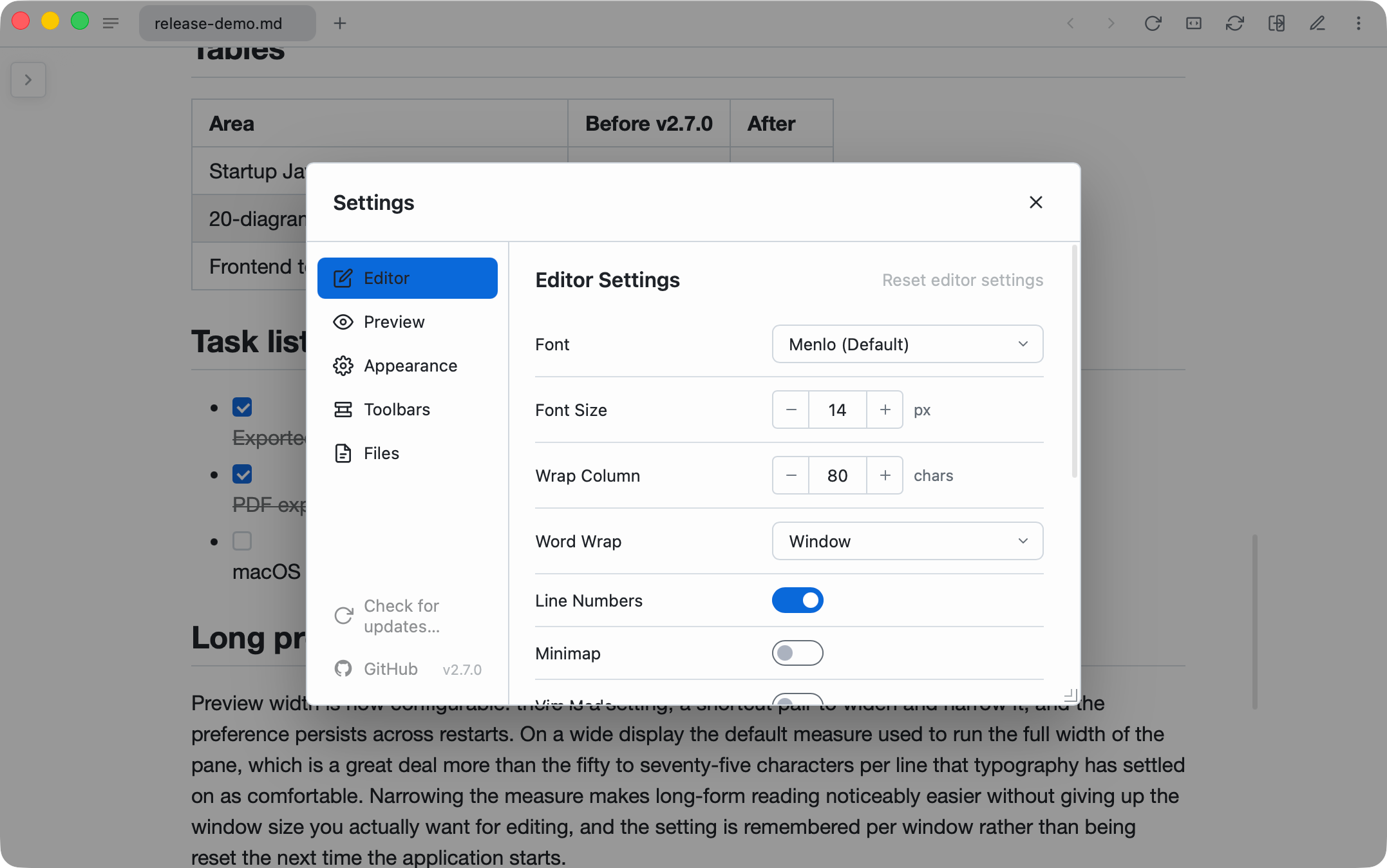
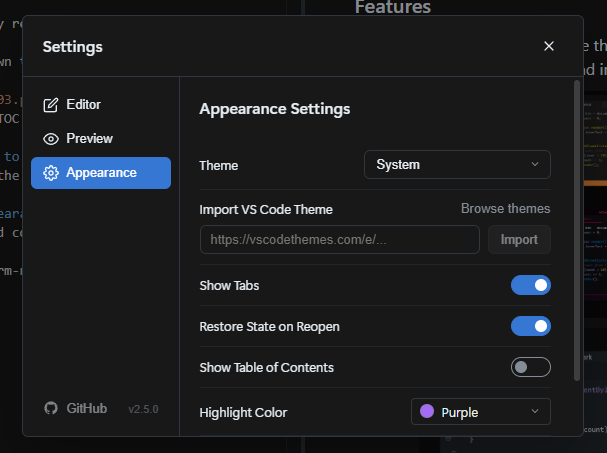
.dmgor Homebrew (macOS),*-setup.exe(Windows NSIS) or.AppImage(Linux) install, Markpad self-updates from GitHub releases via the in-app Check for Updates… entry (macOS app menu, or Settings elsewhere). Chocolatey and Snap keep Markpad current through those package managers instead.
.deband.rpmare one-time installs.tauri-plugin-updatercannot replace a package-managed install, and there is no apt or dnf repository to update from — upgrading means downloading a newer package from the releases page. Check for Updates… recognises a package-managed install and tells you so.
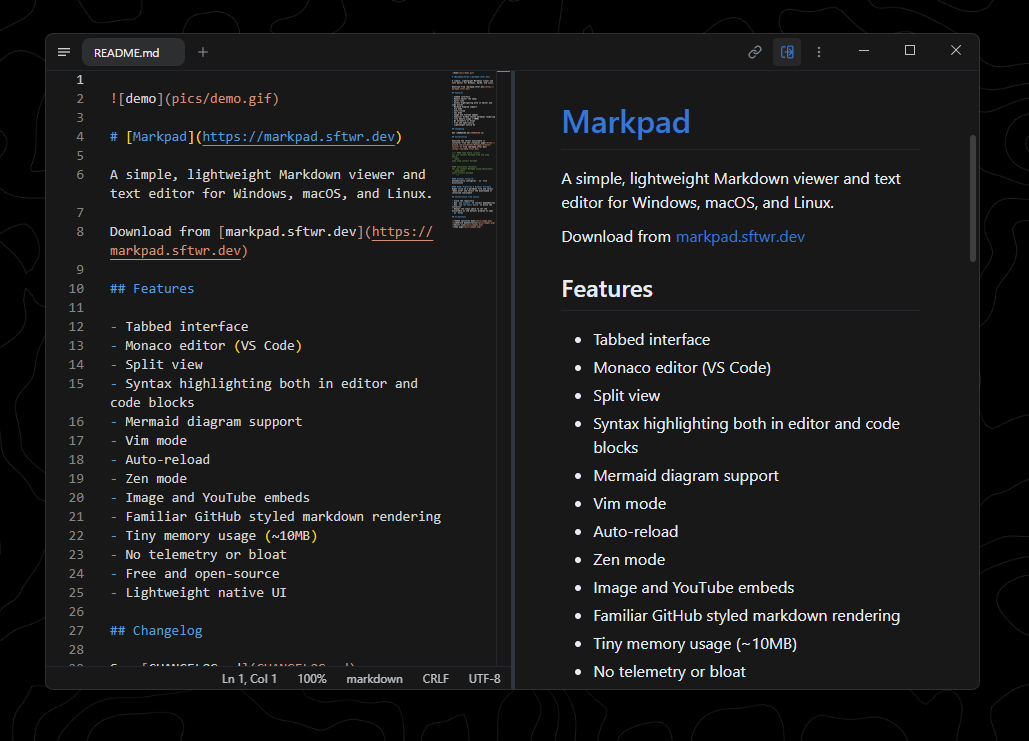
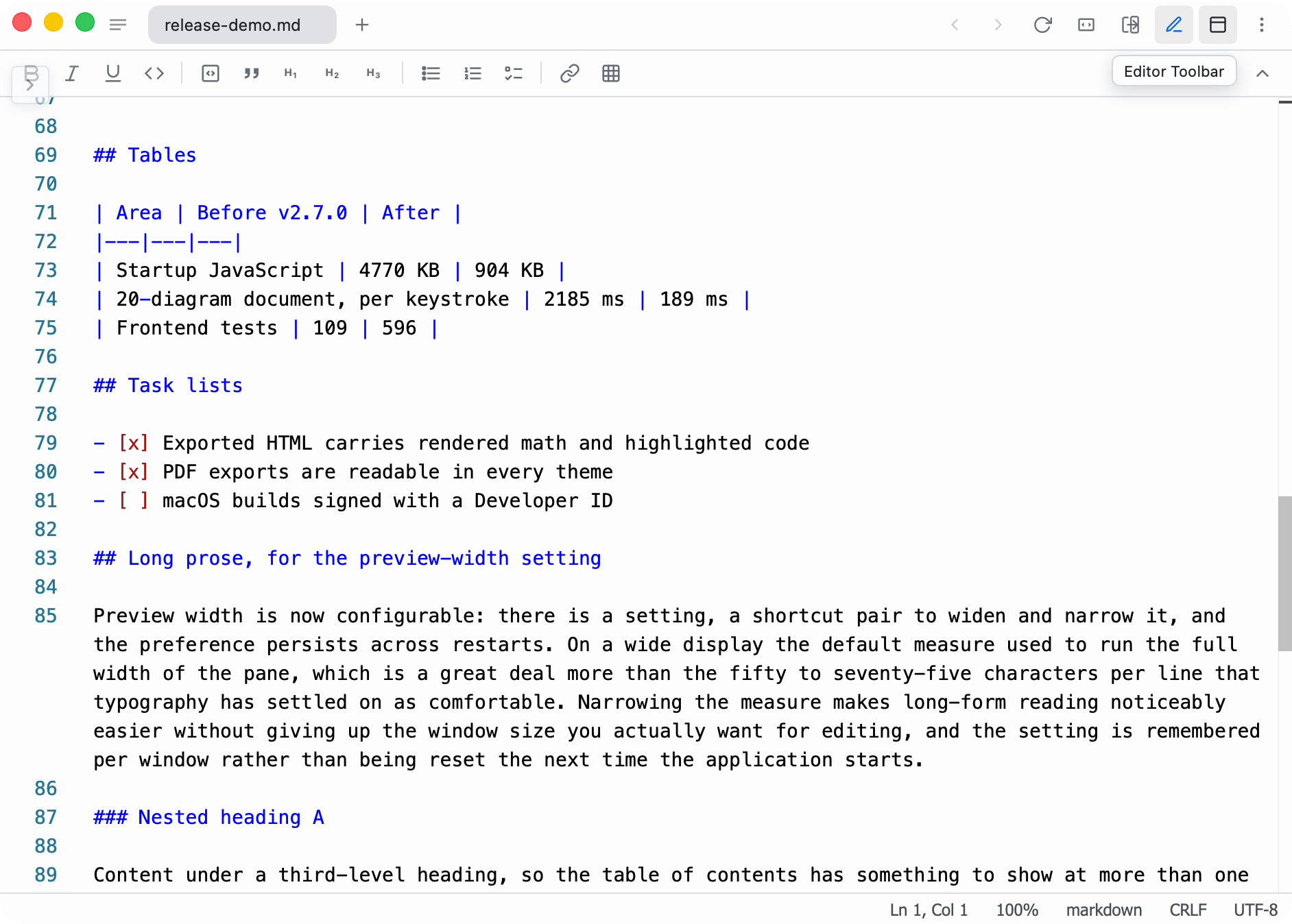
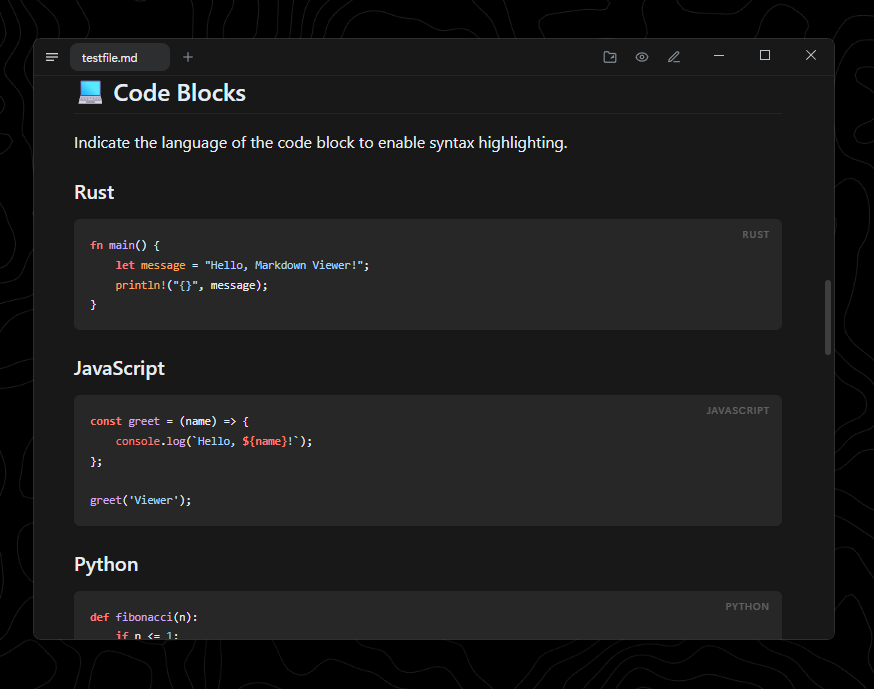
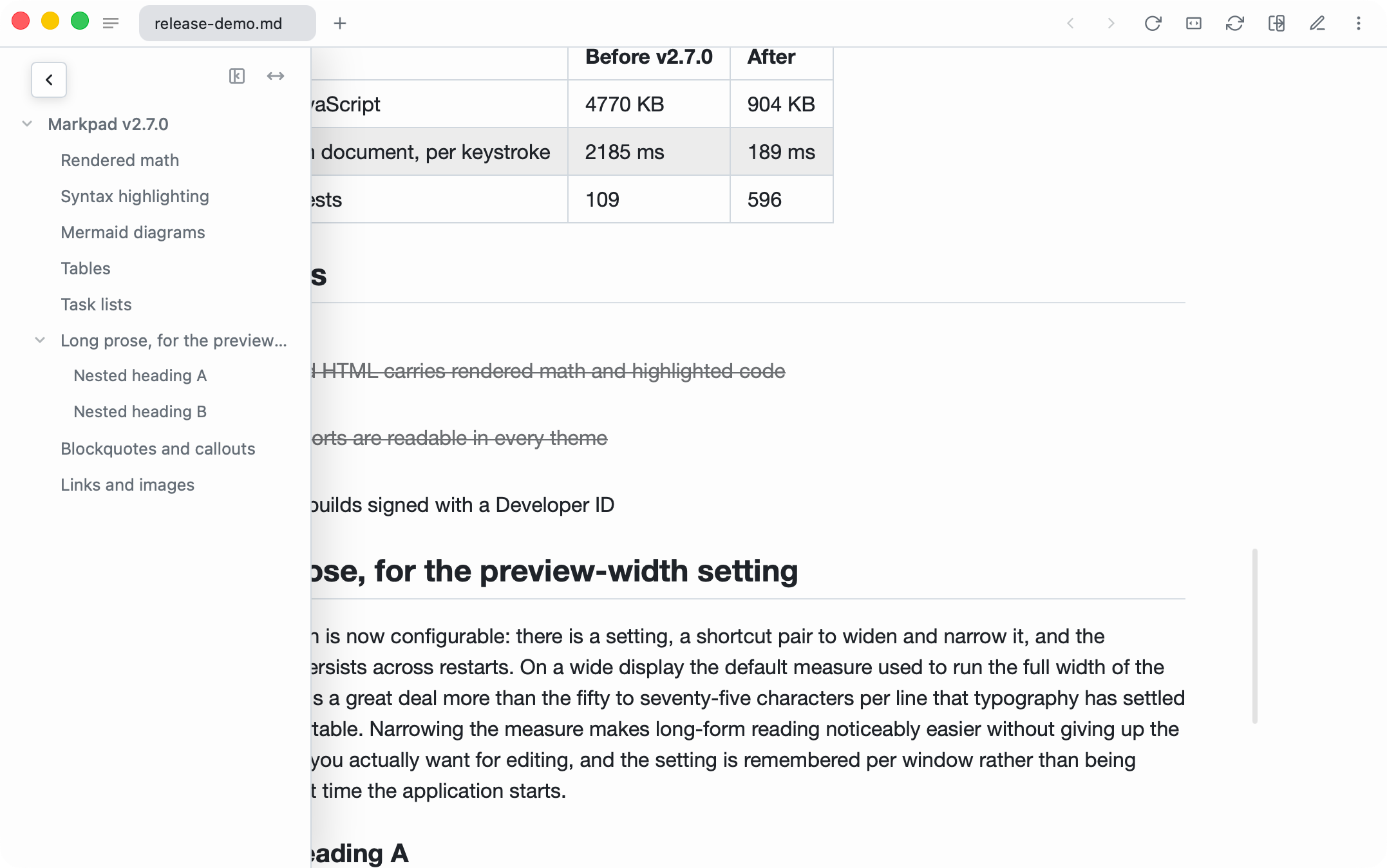
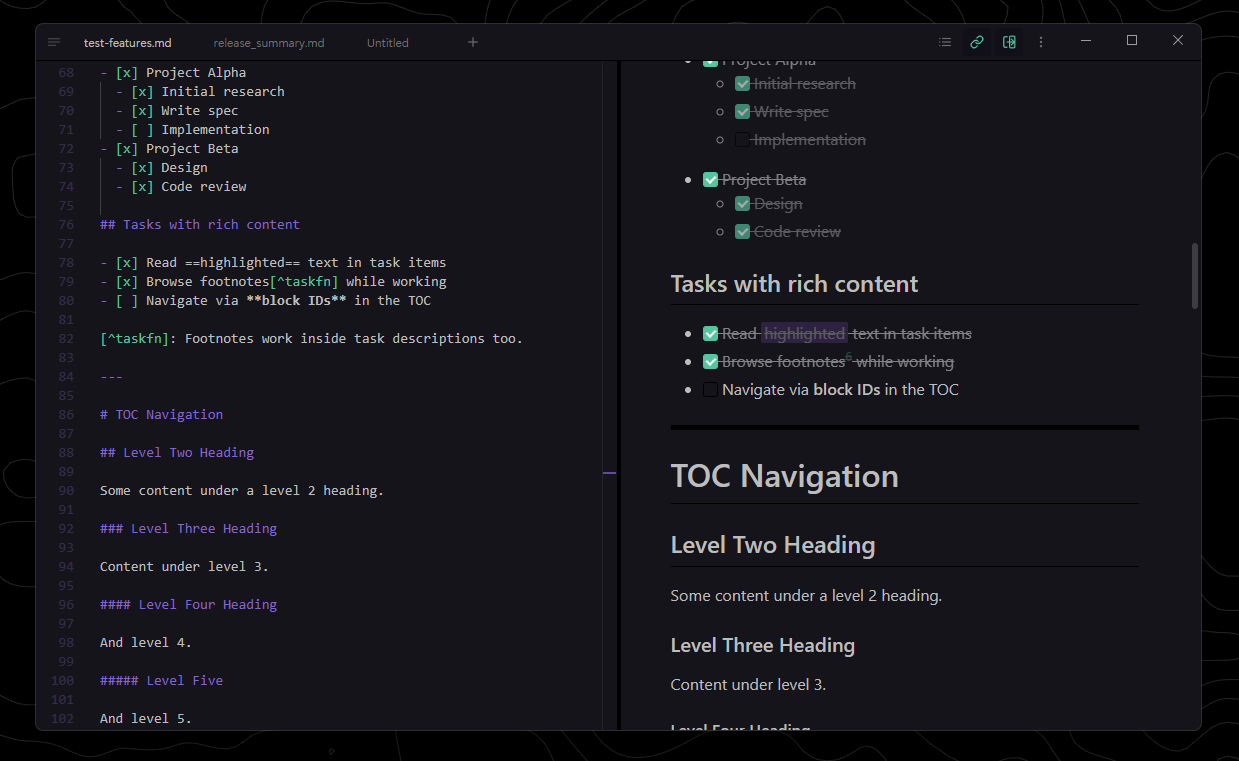
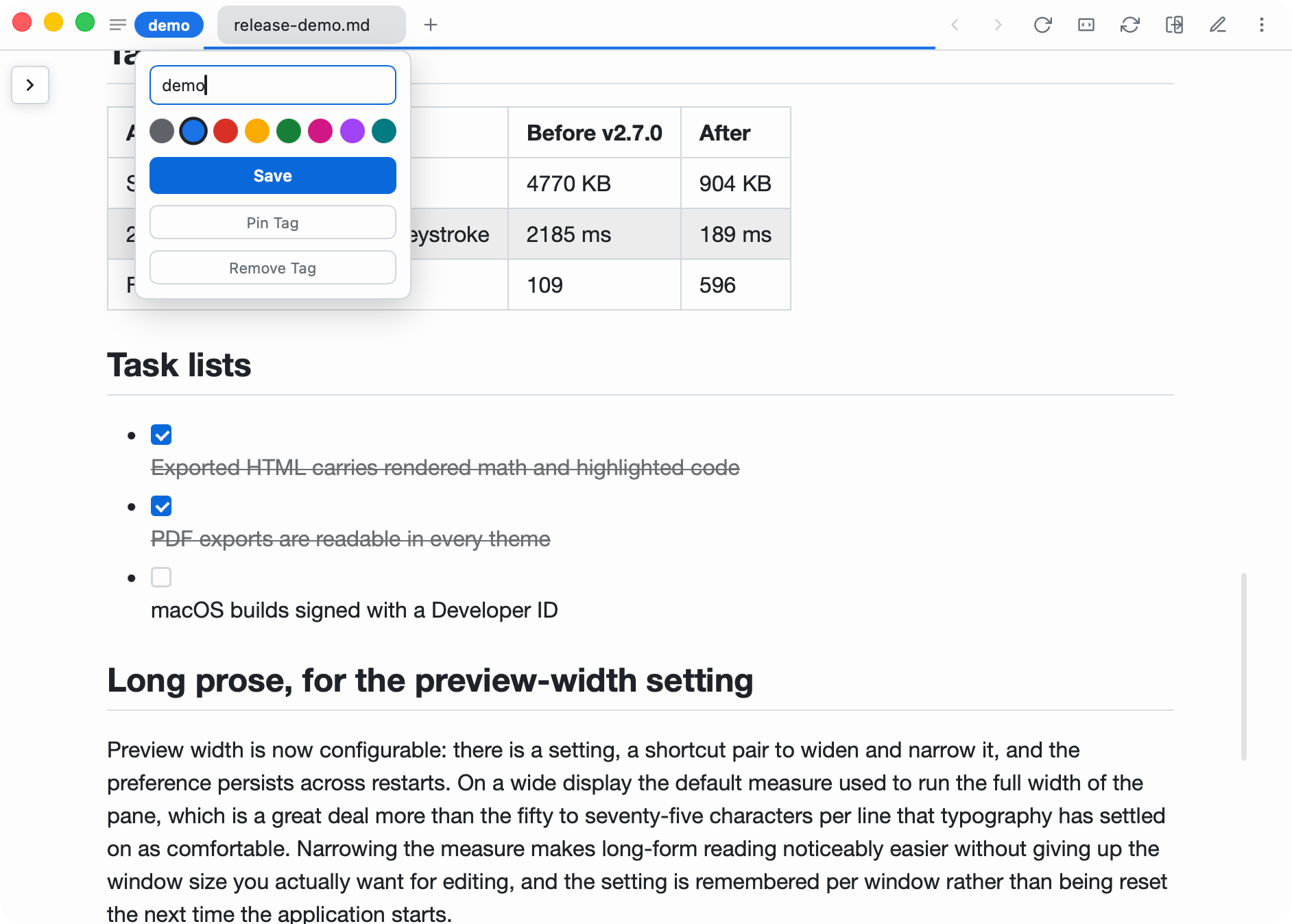
Every syntax Markpad renders is in one document — download markdown-syntax.md and open it in Markpad: the preview shows each feature working, the editor beside it shows how each one is written (read it on GitHub first if you like). Give the same file to an AI and it knows exactly what Markpad can render: ask it to reformat a document you already have, or to write a new one that uses the whole range — callouts, tables, footnotes, maths, diagrams — and open the result here.
npm install to install dependenciesnpm run tauri build to build the executableFor local verification without opening or replacing /Applications/Markpad.app, build an unsigned test-only app with an independent identifier:
MARKPAD_TEST_BUNDLE_ID=dev.example.markpad.test npm run build:test-bundle
The result is placed in dist/test-bundle/. It is not a distributable release: it has no Developer ID notarization or Windows Authenticode signature.
If you find a bug, have a feature request, or just want to leave some feedback, please open an issue. I'm actively developing Markpad and love hearing from users!
Contributions are always welcome! Markpad is built with SvelteKit and Tauri.
npm installnpm run tauri dev (to run the Tauri app locally)npm run checkPlease ensure your code follows the existing style and that you add descriptions for any new features.
188 followers · starred Aug 2026
1,240 followers · starred Aug 2026
895 followers · starred Jan 2026
127 followers · starred Feb 2026
The Notepad equivalent for Markdown
See the code
Light as Notepad, elegant as Markdown.
A lightweight, minimalist Markdown viewer and text editor built for productivity across Windows, macOS, and Linux.
Website // Download // What Markpad renders // Report a Bug // 简体中文
Reading
Editing
Documents
More
choco install markpad-app
brew install --cask markpad
sudo snap install markpad
Every file below is on the latest release page, and on markpad.dev.
| System | Chip | File | |
|---|---|---|---|
| Windows | Intel / AMD | Markpad_x.y.z_x64-setup.exe | installer |
| Intel / AMD | Markpad_x.y.z_x64.exe | portable, no installation | |
| ARM64 | Markpad_x.y.z_arm64-setup.exe | installer | |
| ARM64 | Markpad_x.y.z_arm64.exe | portable | |
| macOS | Intel and Apple Silicon | Markpad_x.y.z_universal.dmg | one file for both |
| Linux | x86-64 | Markpad_x.y.z_amd64.AppImage | portable, no installation |
| x86-64 | Markpad_x.y.z_amd64.deb | Debian, Ubuntu | |
| x86-64 | Markpad-x.y.z-1.x86_64.rpm | Fedora, RHEL, openSUSE |
The two Windows files differ only in that one installs and one does not — -setup.exe puts Markpad in Program Files and the Start menu; the plain .exe runs from wherever you put it.
After a direct
.dmgor Homebrew (macOS),*-setup.exe(Windows NSIS) or.AppImage(Linux) install, Markpad self-updates from GitHub releases via the in-app Check for Updates… entry (macOS app menu, or Settings elsewhere). Chocolatey and Snap keep Markpad current through those package managers instead.
.deband.rpmare one-time installs.tauri-plugin-updatercannot replace a package-managed install, and there is no apt or dnf repository to update from — upgrading means downloading a newer package from the releases page. Check for Updates… recognises a package-managed install and tells you so.
Every syntax Markpad renders is in one document — download markdown-syntax.md and open it in Markpad: the preview shows each feature working, the editor beside it shows how each one is written (read it on GitHub first if you like). Give the same file to an AI and it knows exactly what Markpad can render: ask it to reformat a document you already have, or to write a new one that uses the whole range — callouts, tables, footnotes, maths, diagrams — and open the result here.
npm install to install dependenciesnpm run tauri build to build the executableFor local verification without opening or replacing /Applications/Markpad.app, build an unsigned test-only app with an independent identifier:
MARKPAD_TEST_BUNDLE_ID=dev.example.markpad.test npm run build:test-bundle
The result is placed in dist/test-bundle/. It is not a distributable release: it has no Developer ID notarization or Windows Authenticode signature.
If you find a bug, have a feature request, or just want to leave some feedback, please open an issue. I'm actively developing Markpad and love hearing from users!
Contributions are always welcome! Markpad is built with SvelteKit and Tauri.
npm installnpm run tauri dev (to run the Tauri app locally)npm run checkPlease ensure your code follows the existing style and that you add descriptions for any new features.
188 followers · starred Aug 2026
1,240 followers · starred Aug 2026
895 followers · starred Jan 2026
127 followers · starred Feb 2026



