320+ color themes for Visual Studio Code.
See the code



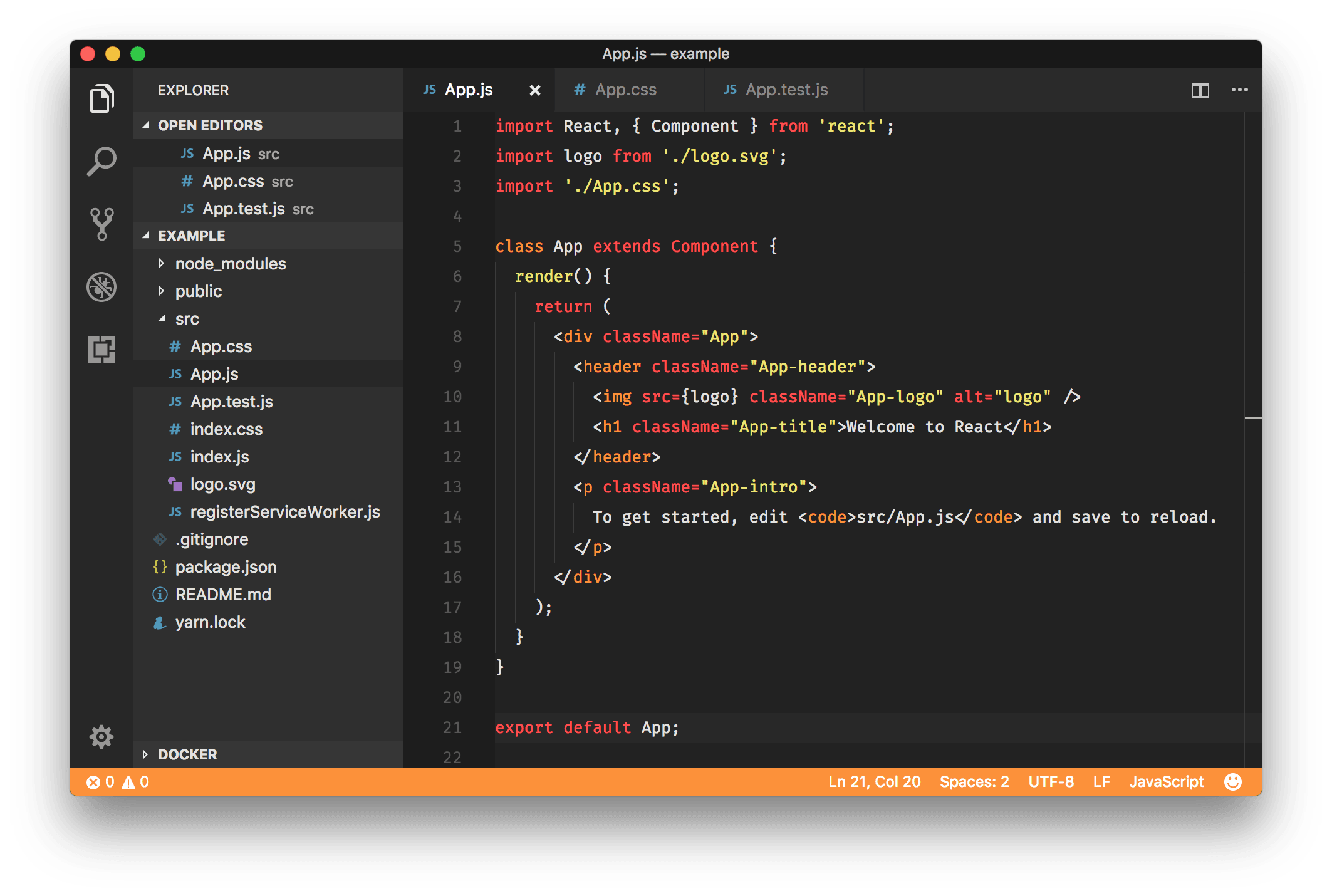
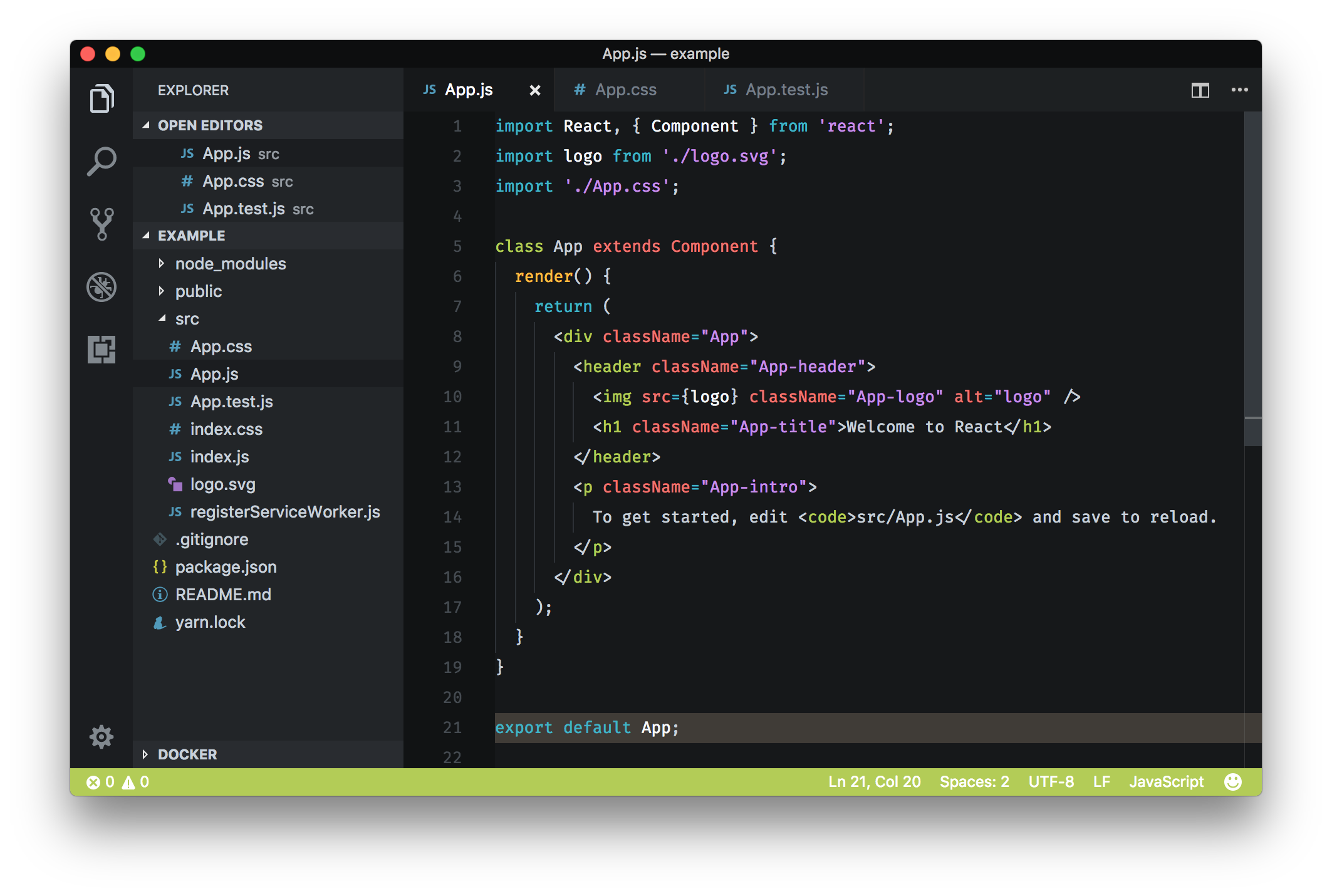
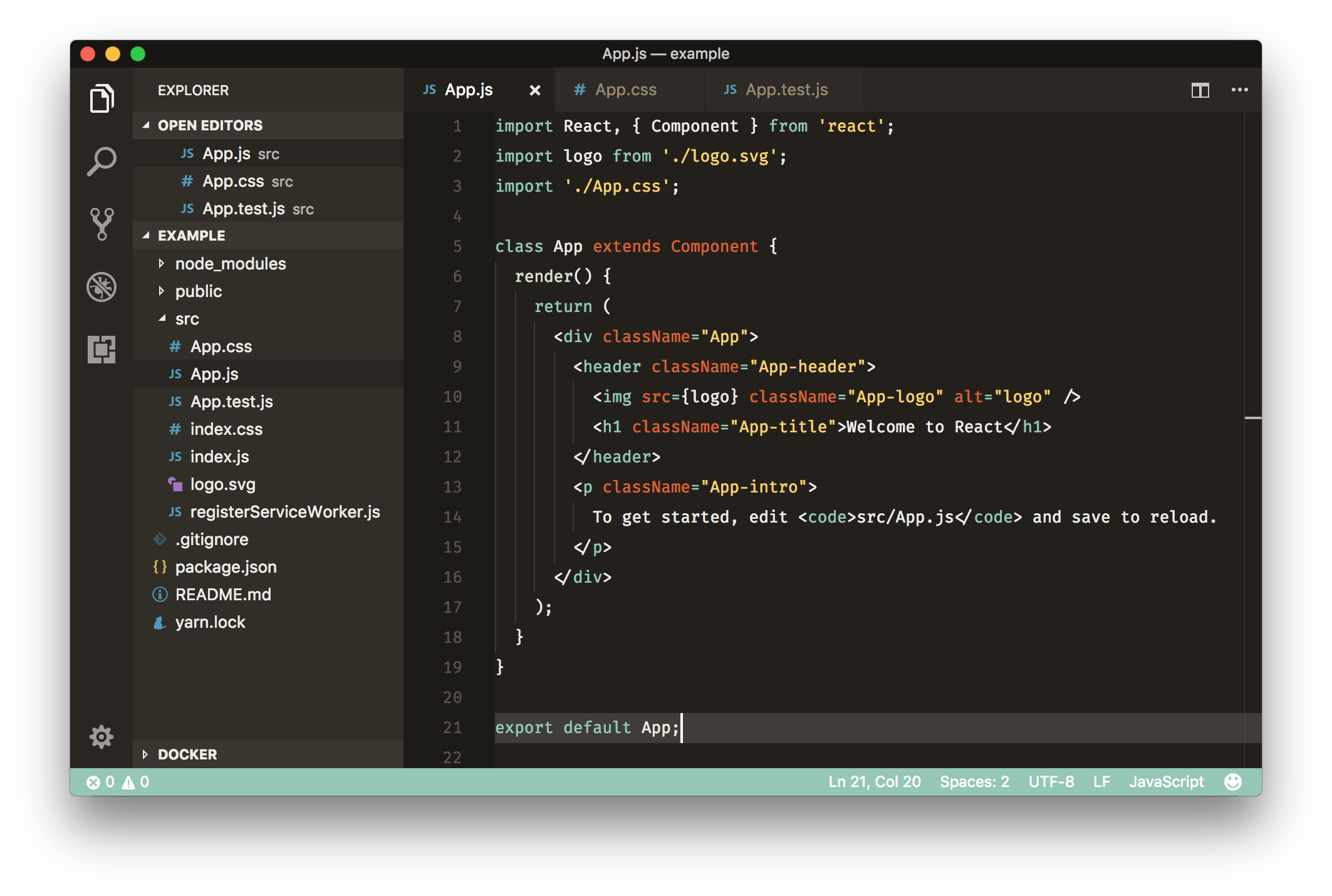
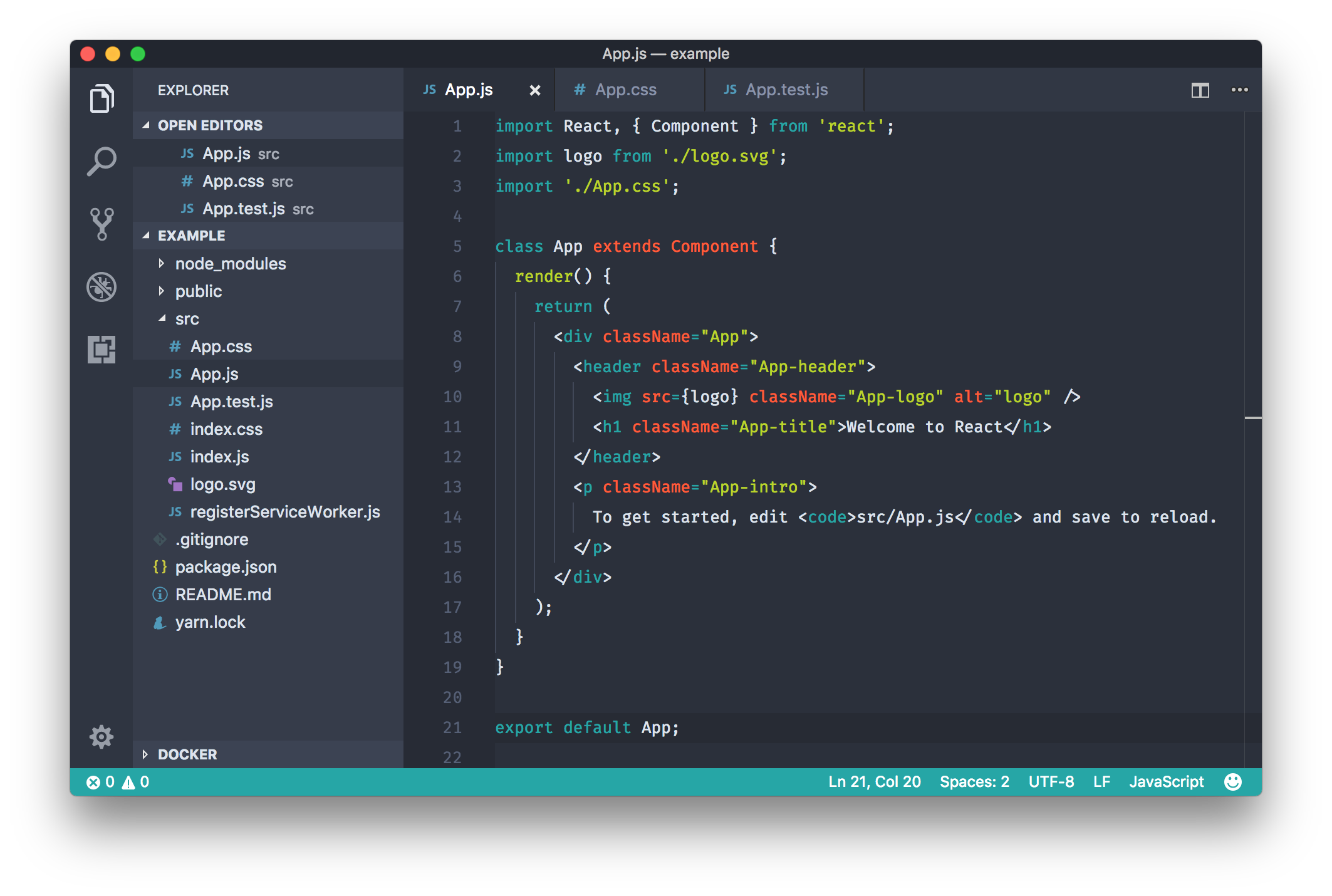
Rainglow is a collection of color themes for a number of different editors and platforms. This repository consists of 320+ syntax and UI themes for Visual Studio Code.

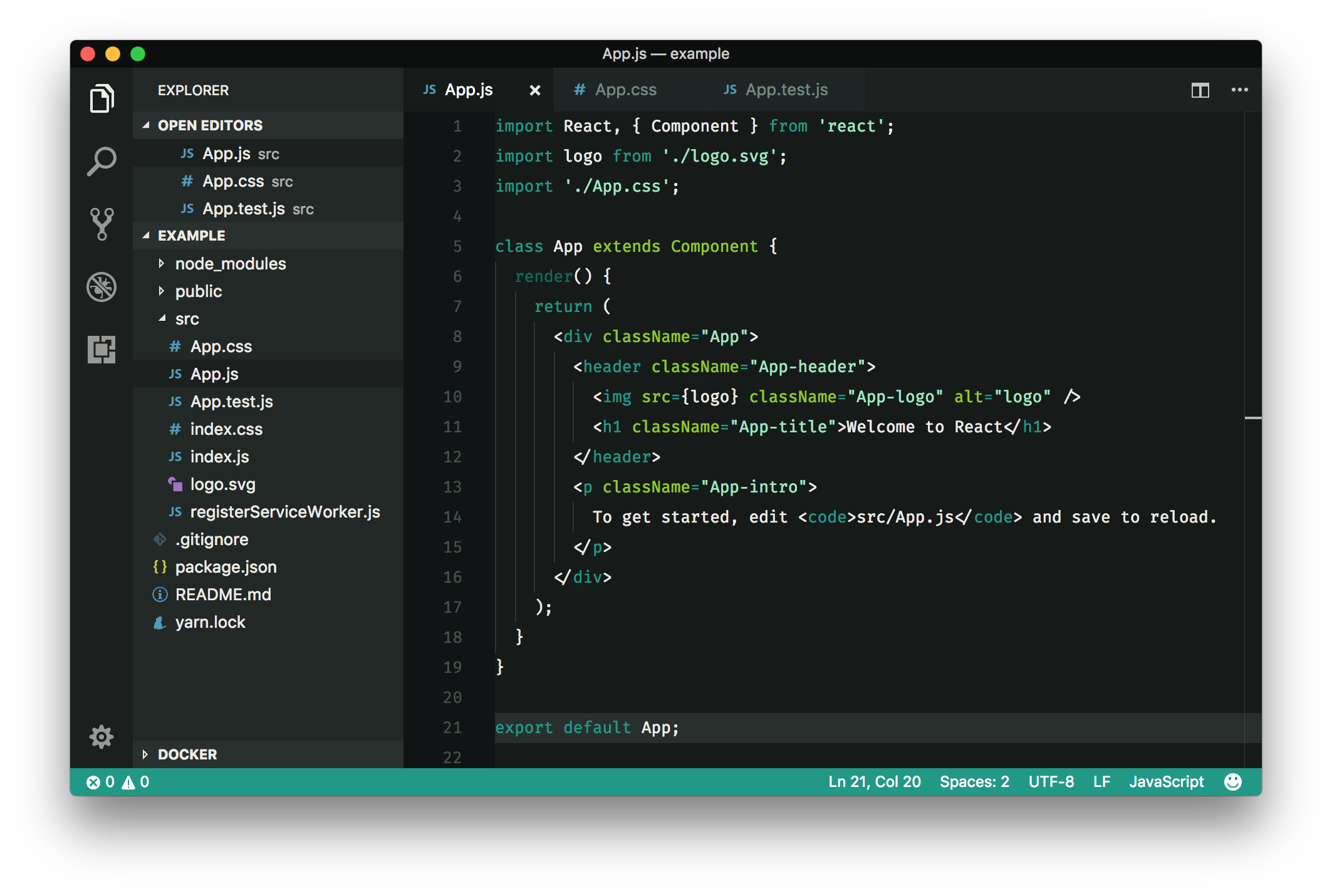
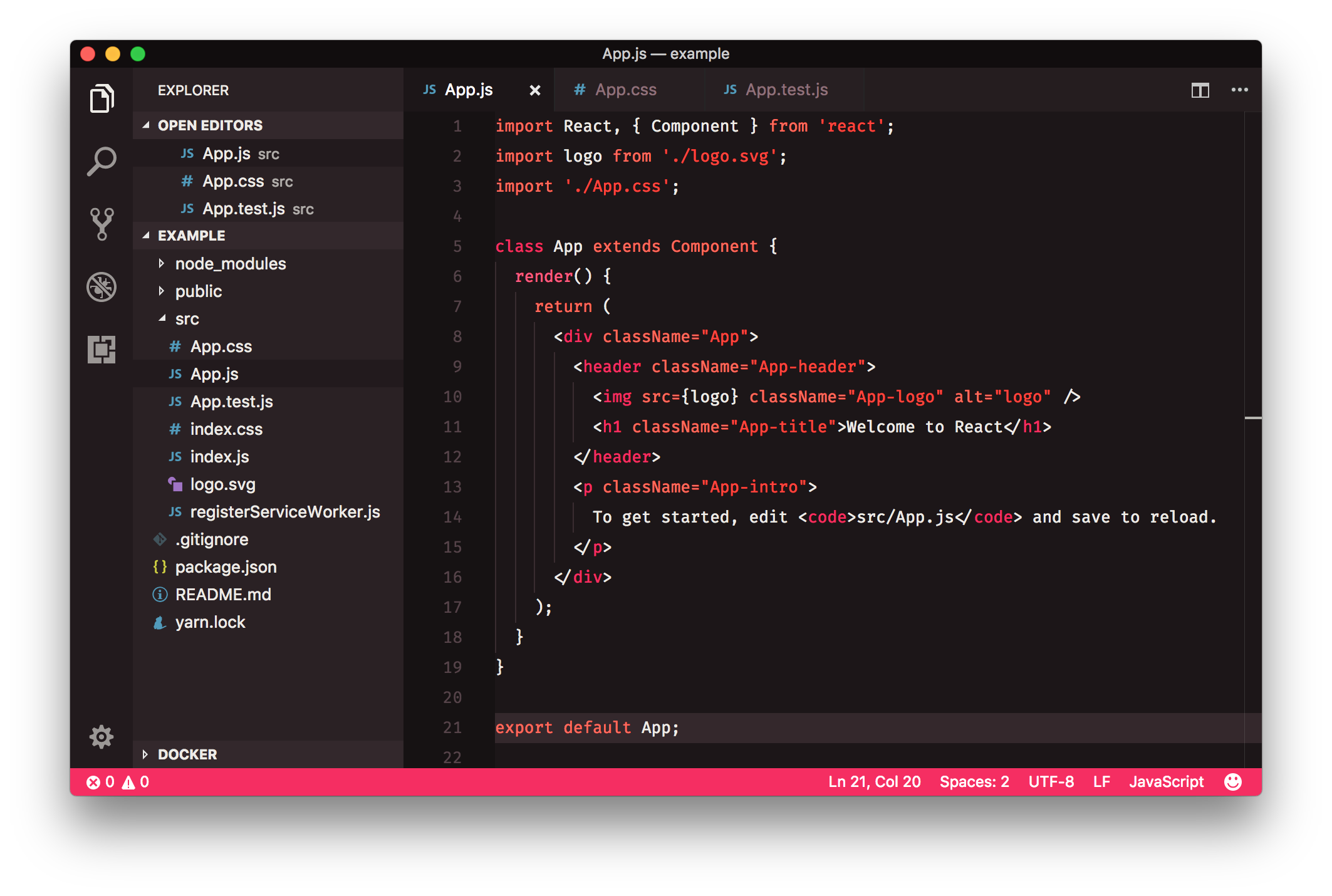
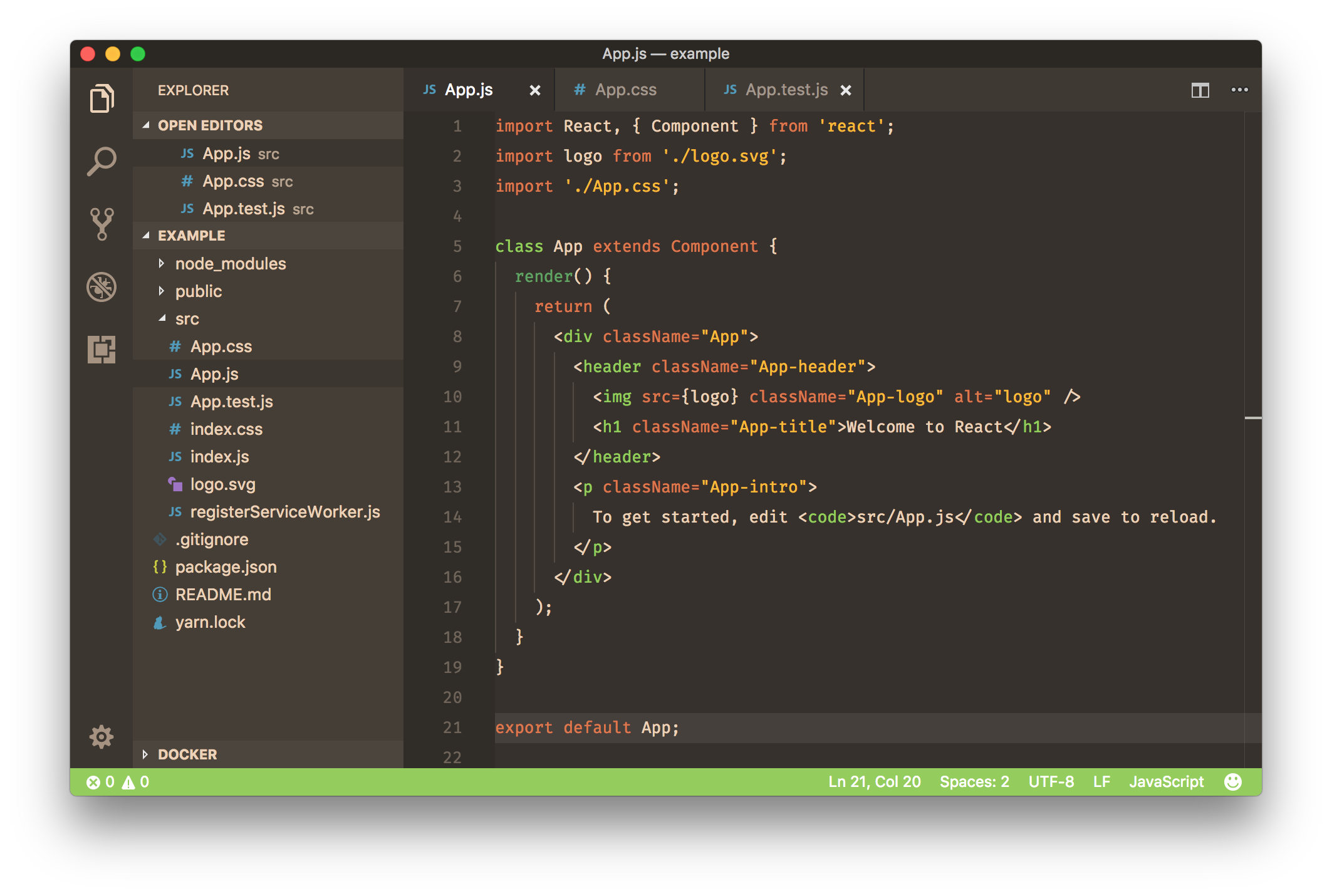
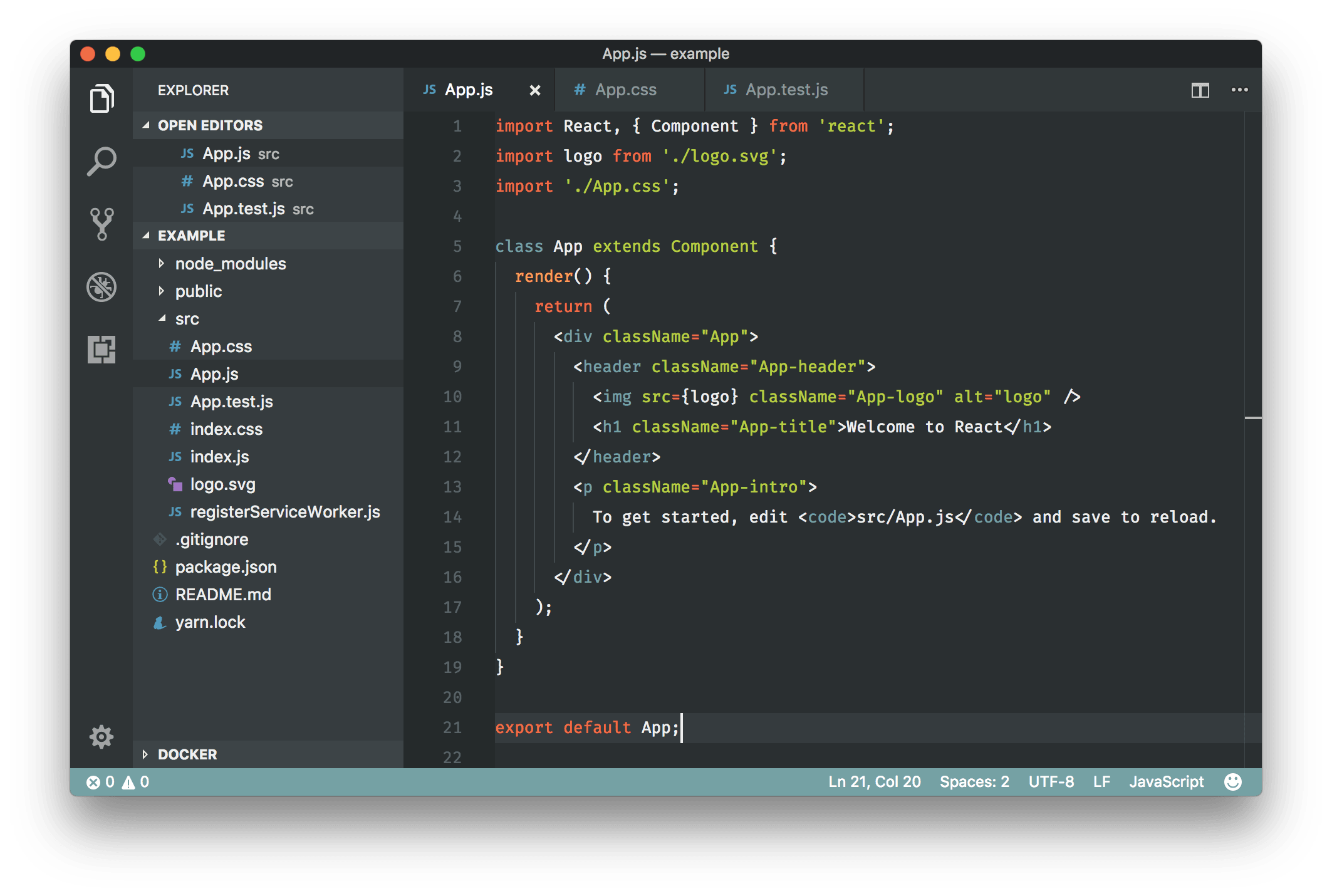
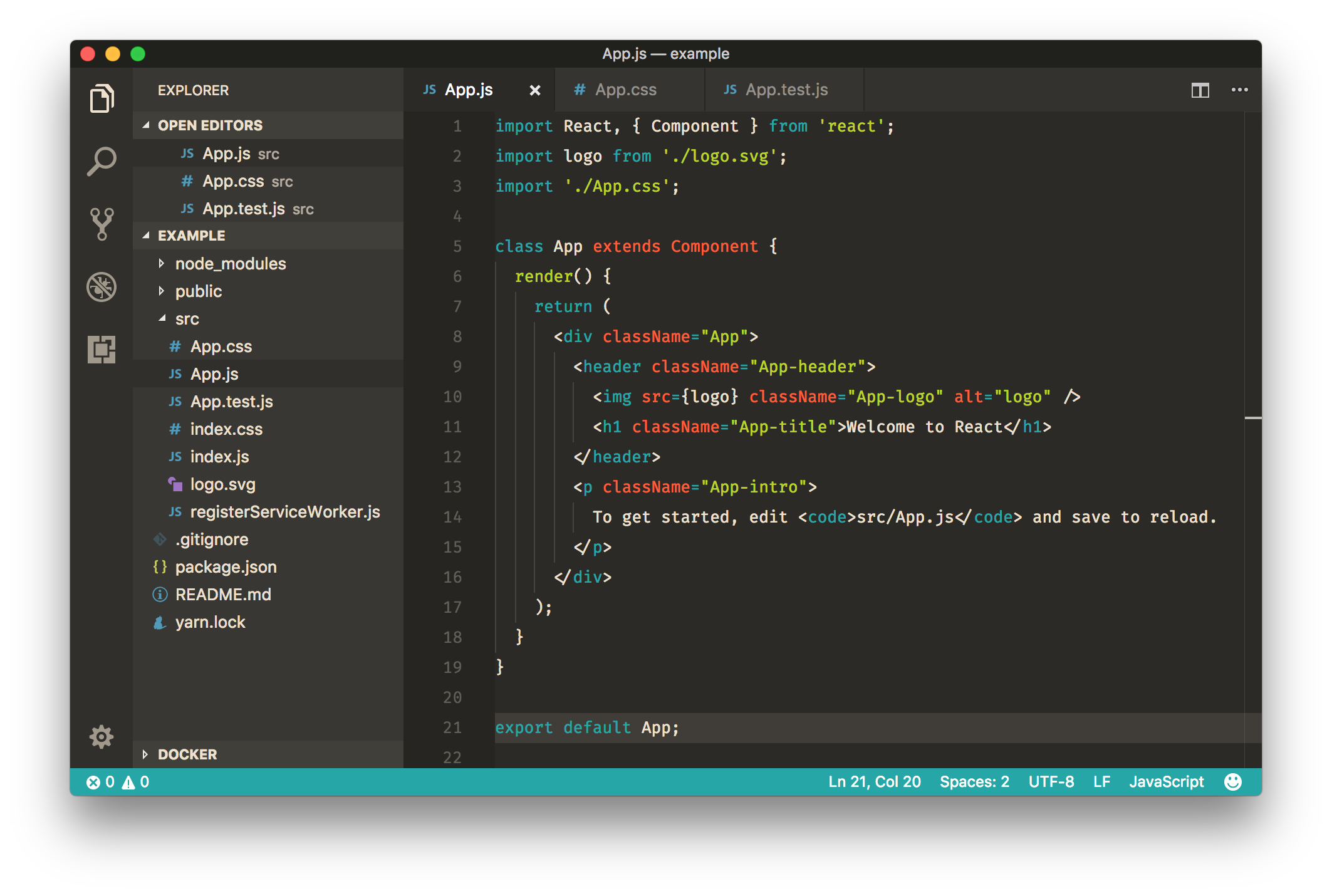
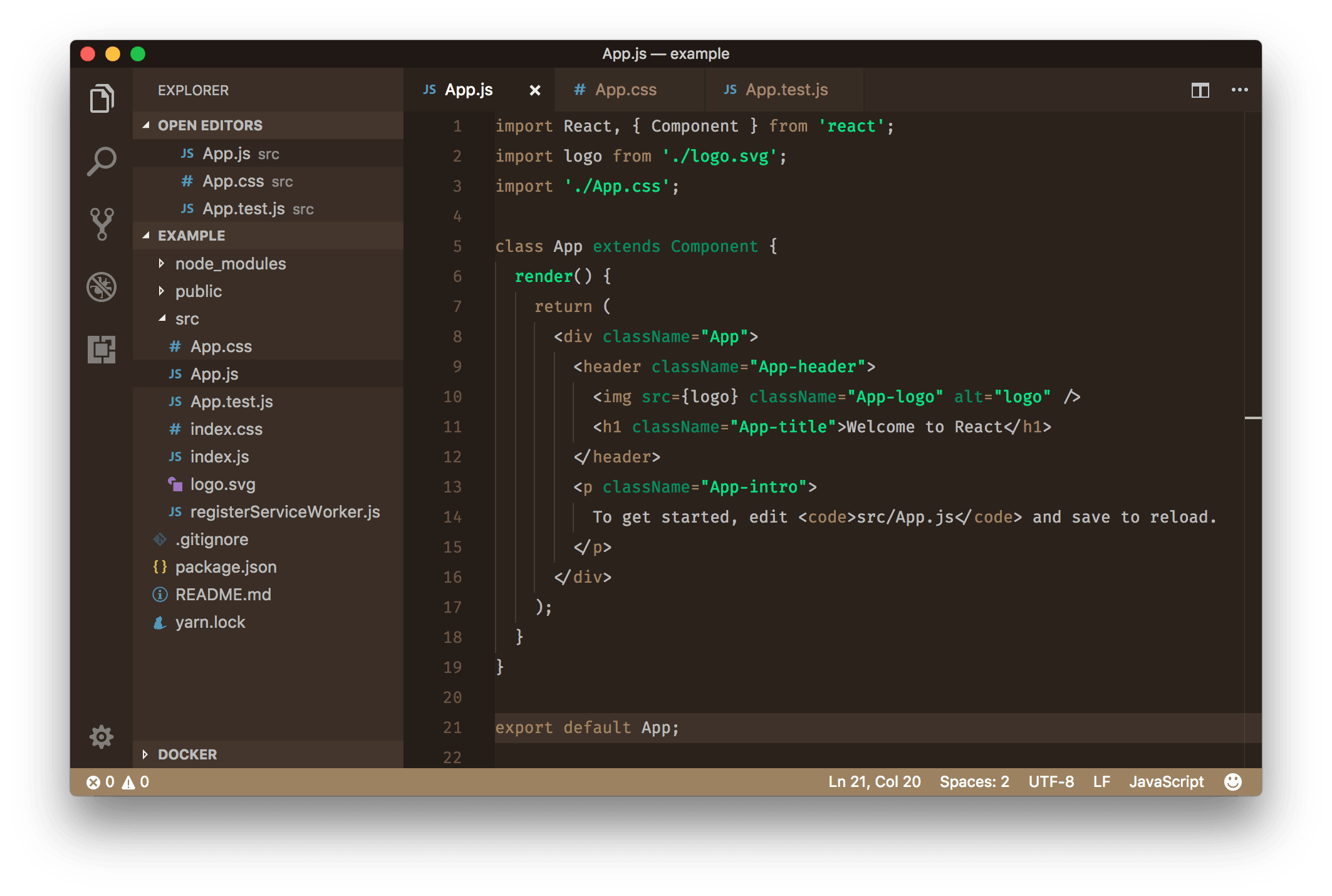
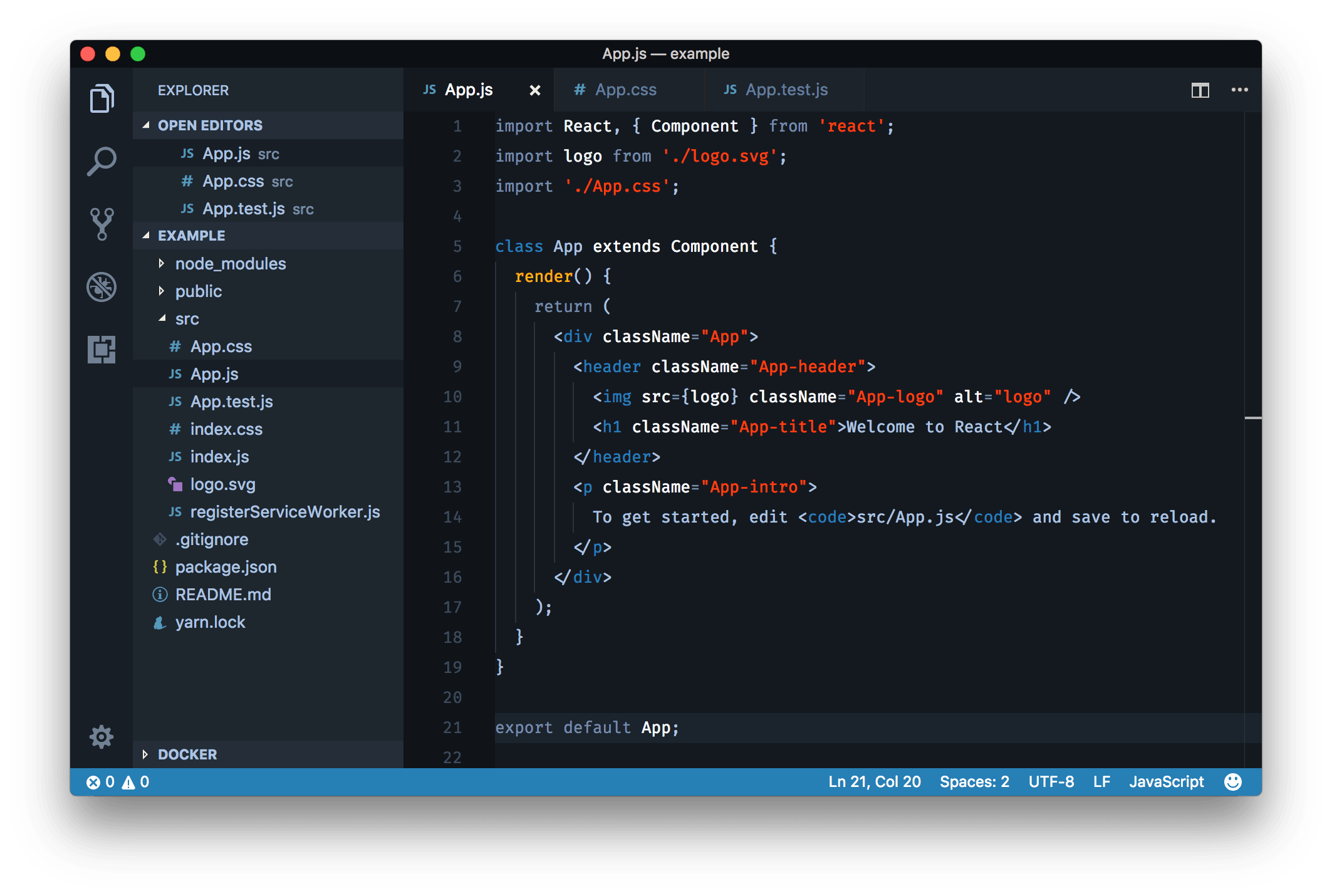
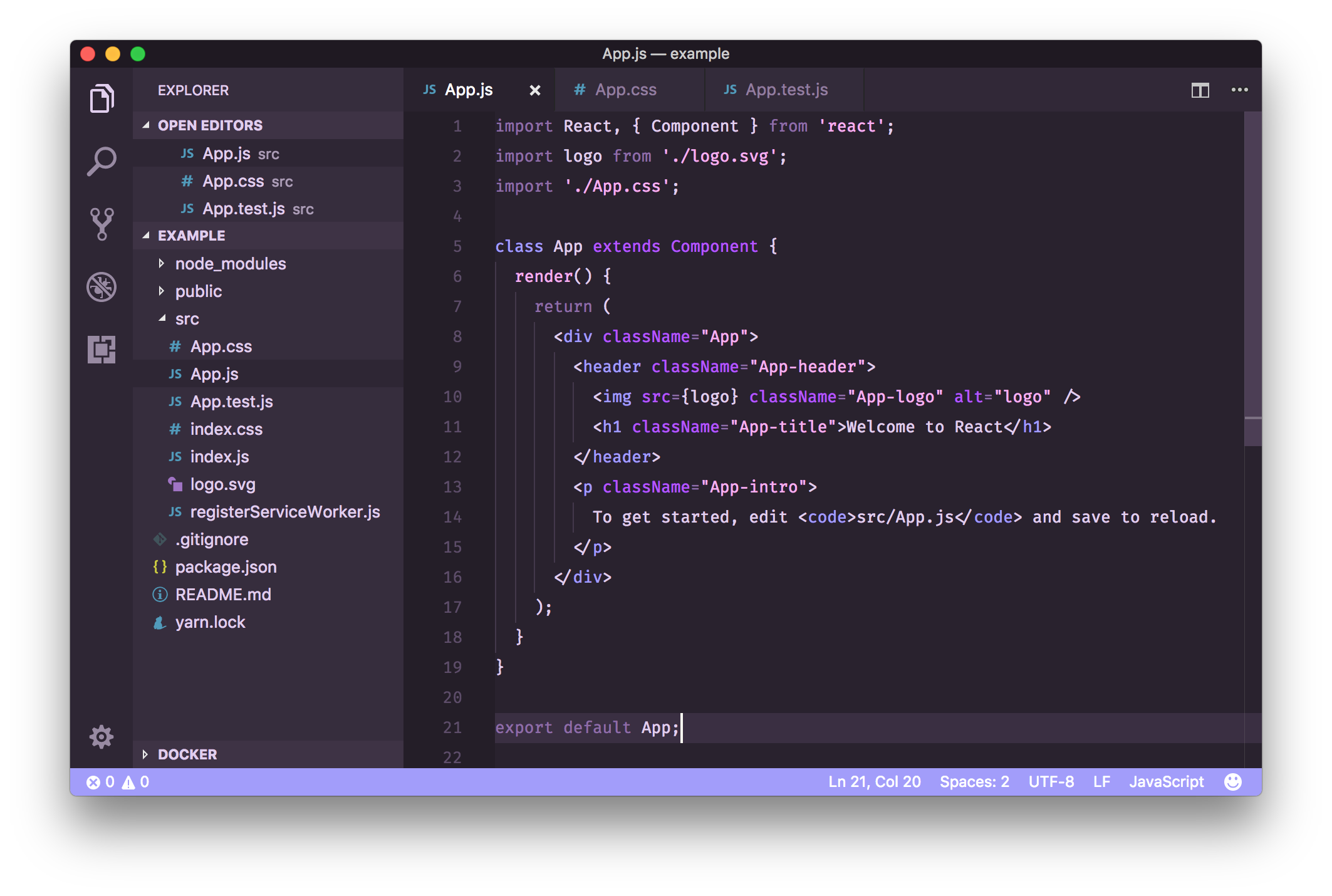
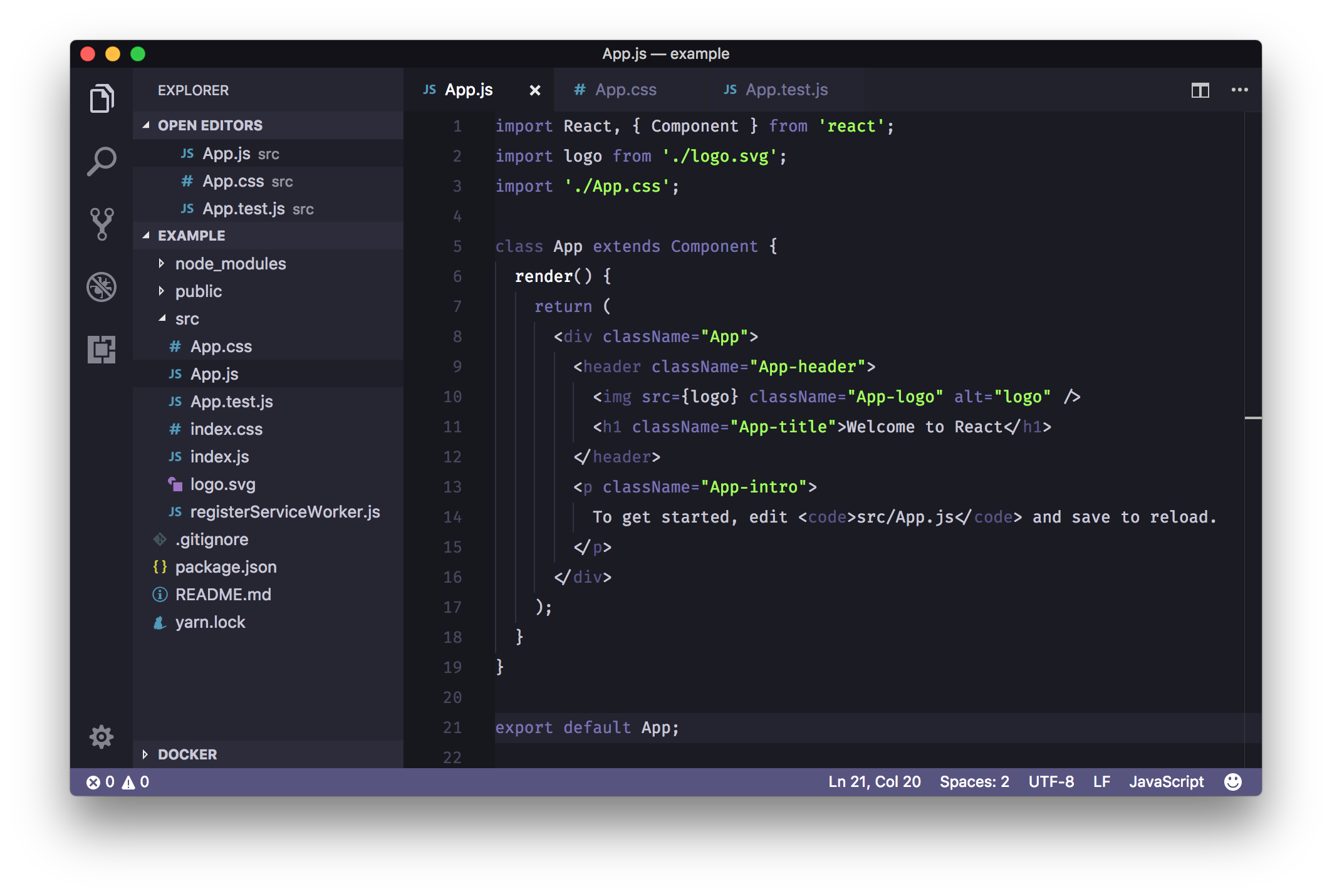
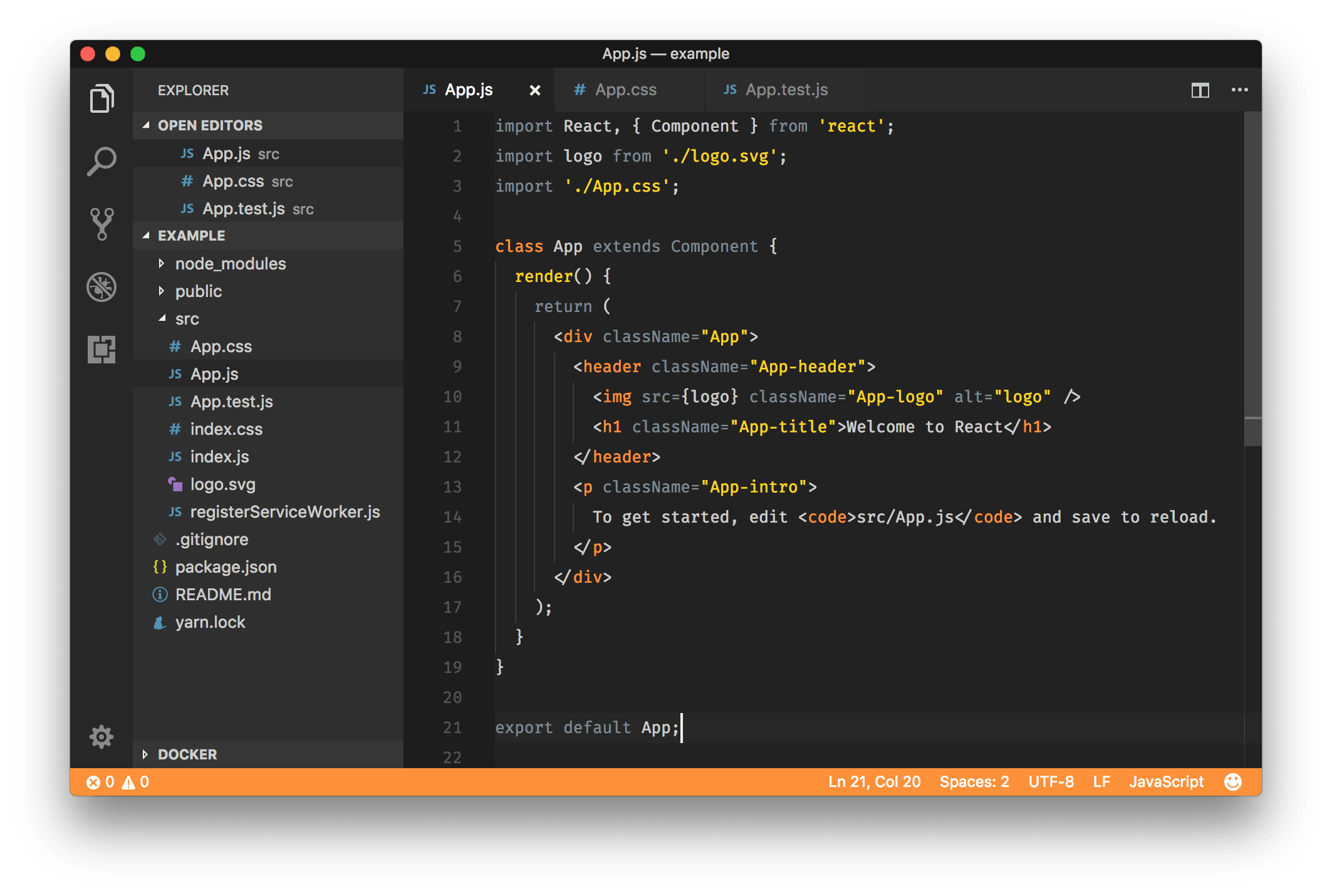
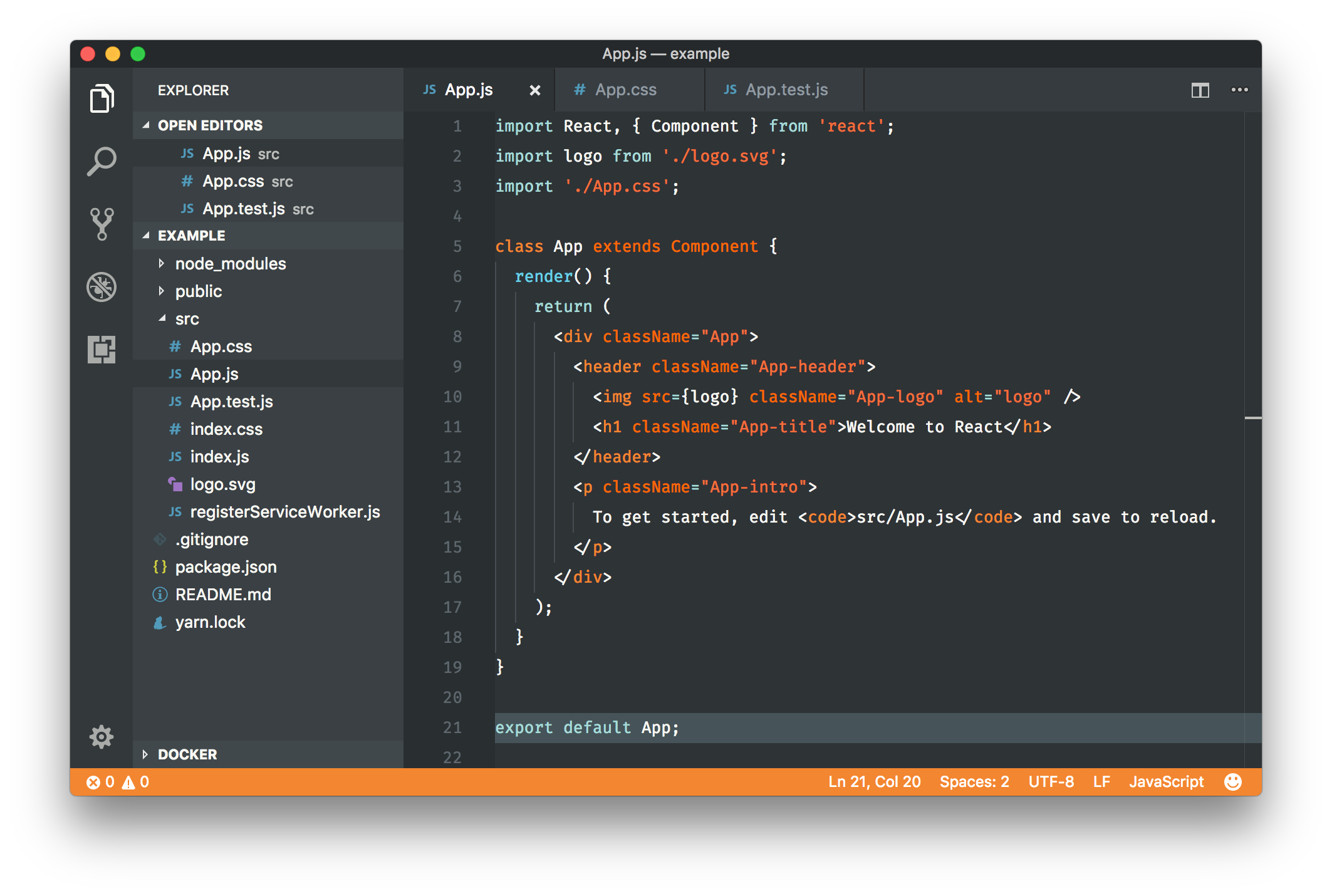
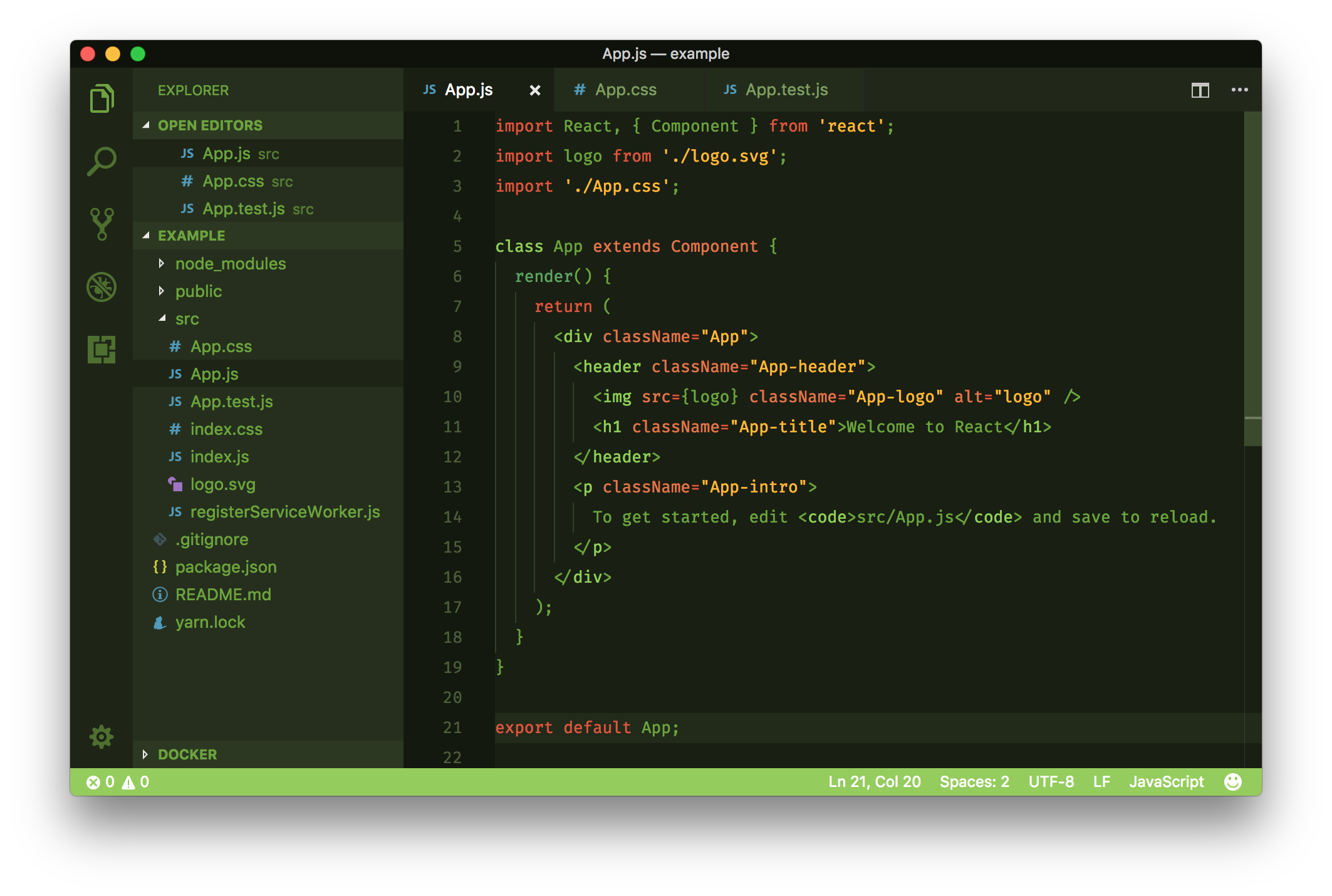
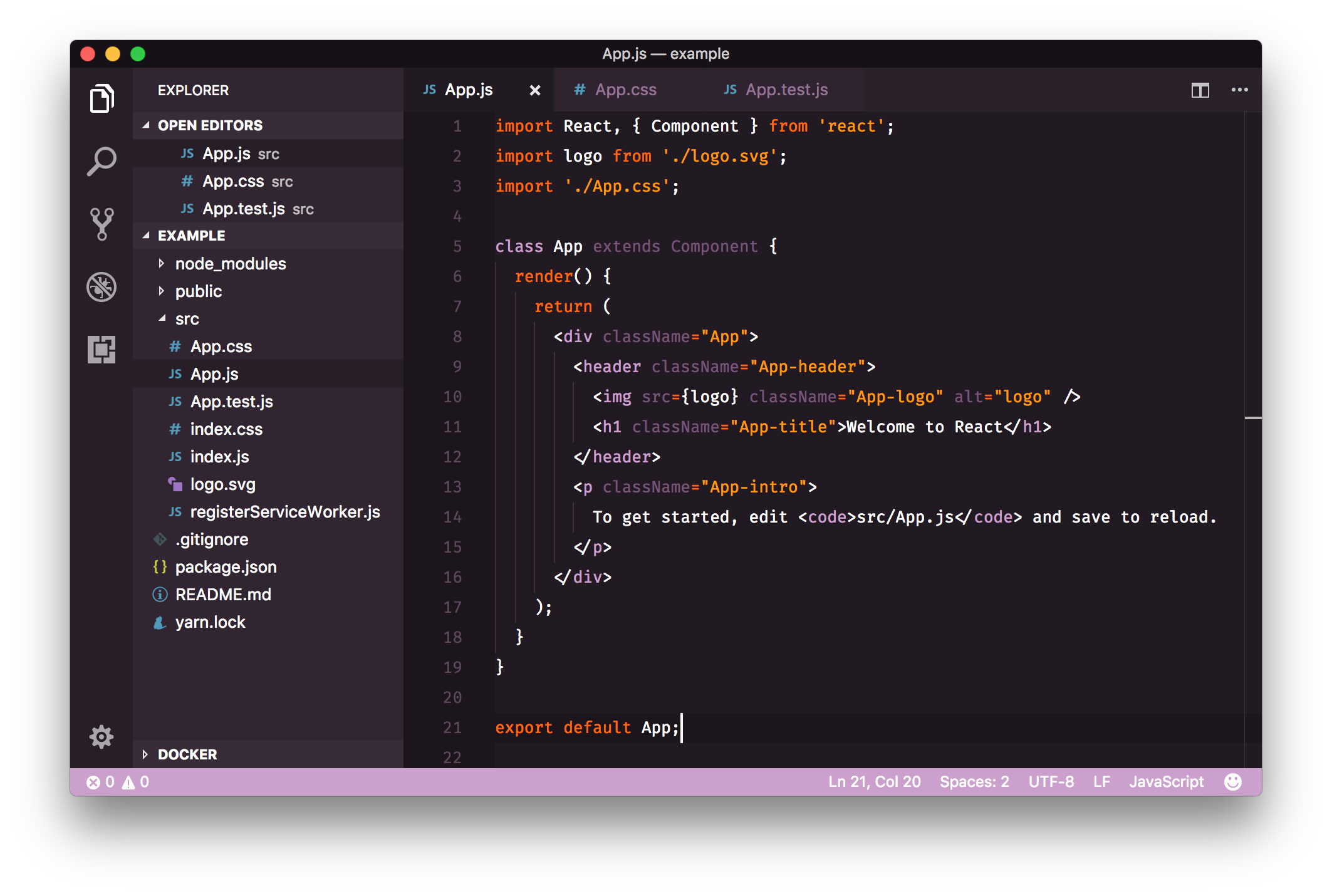
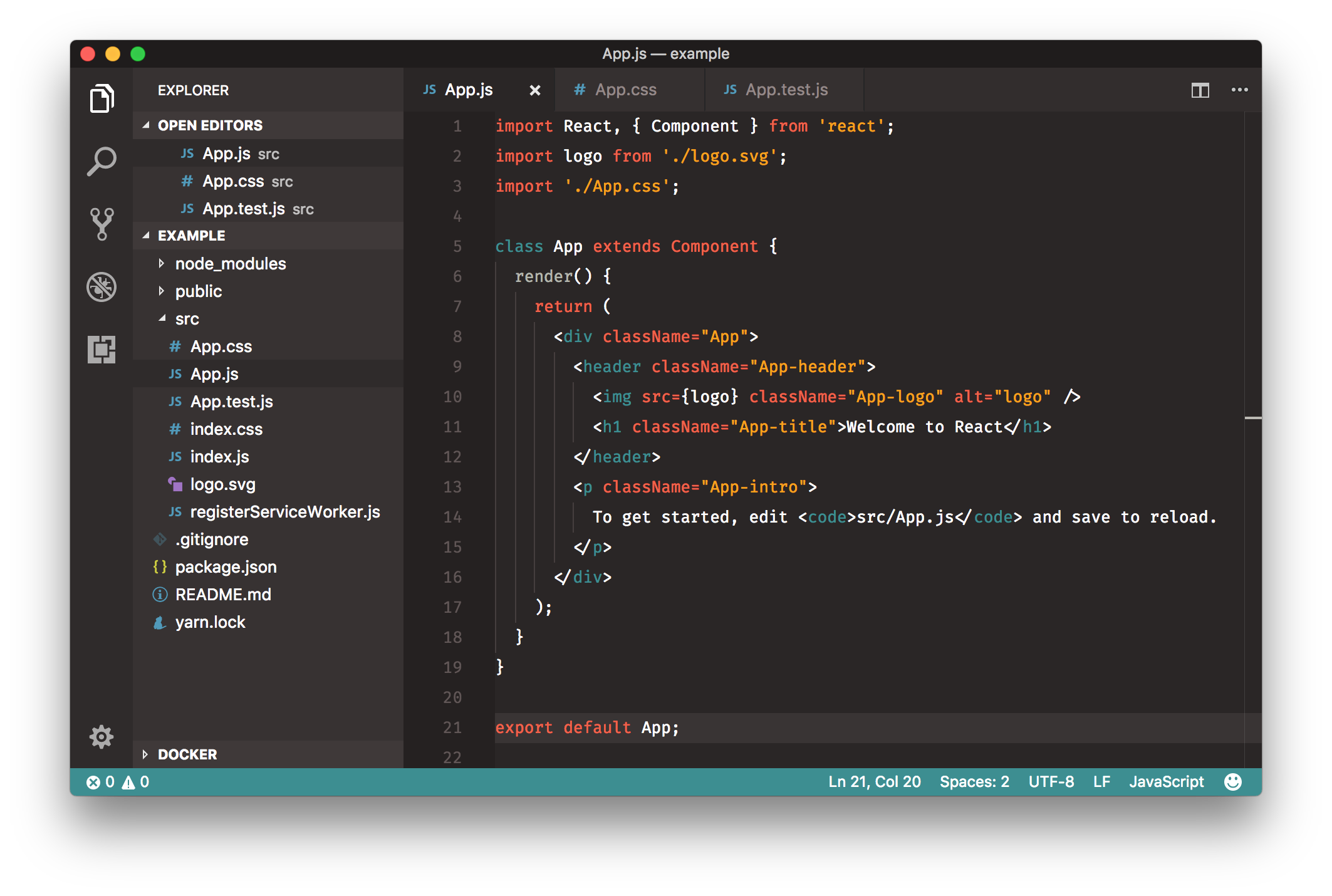
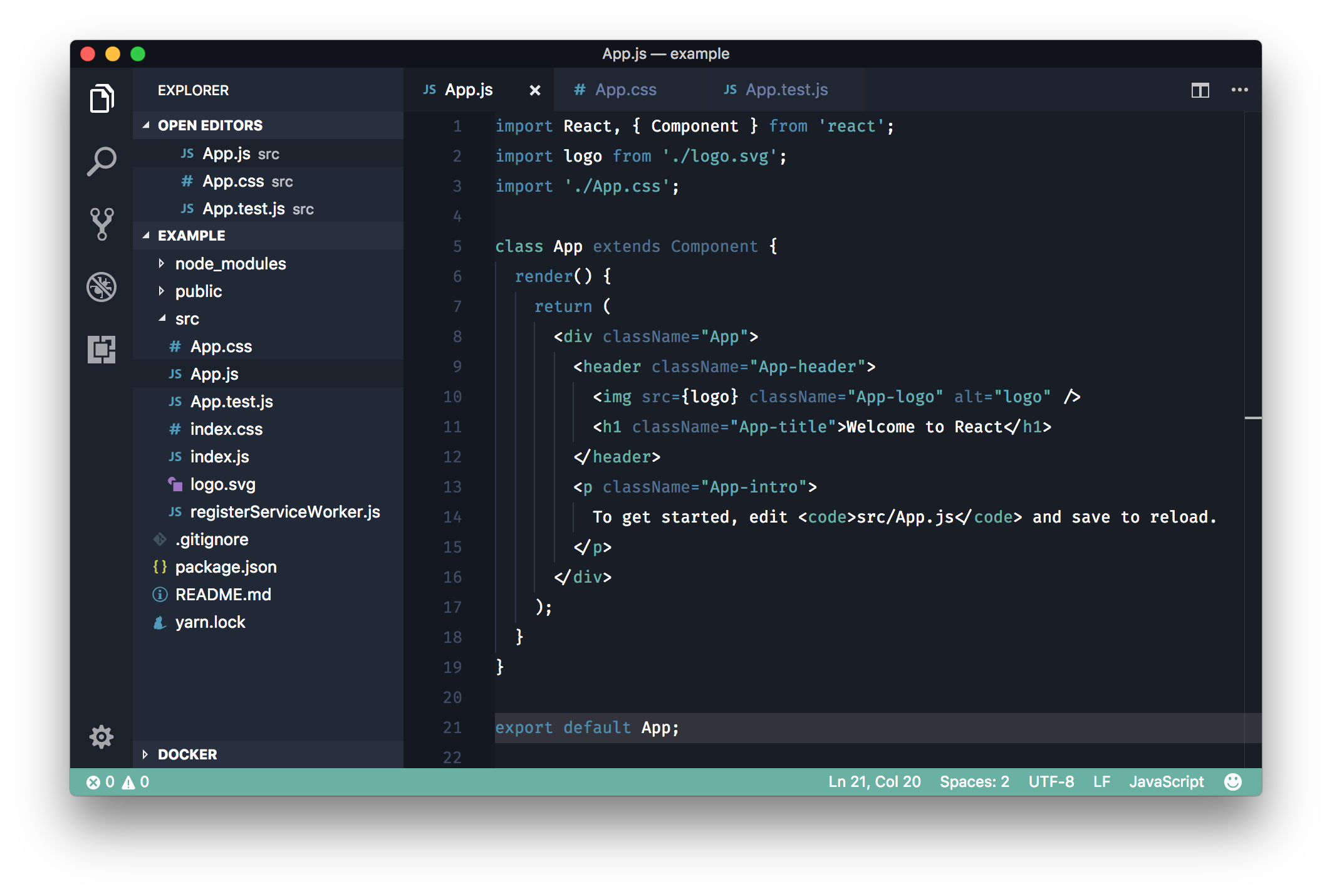
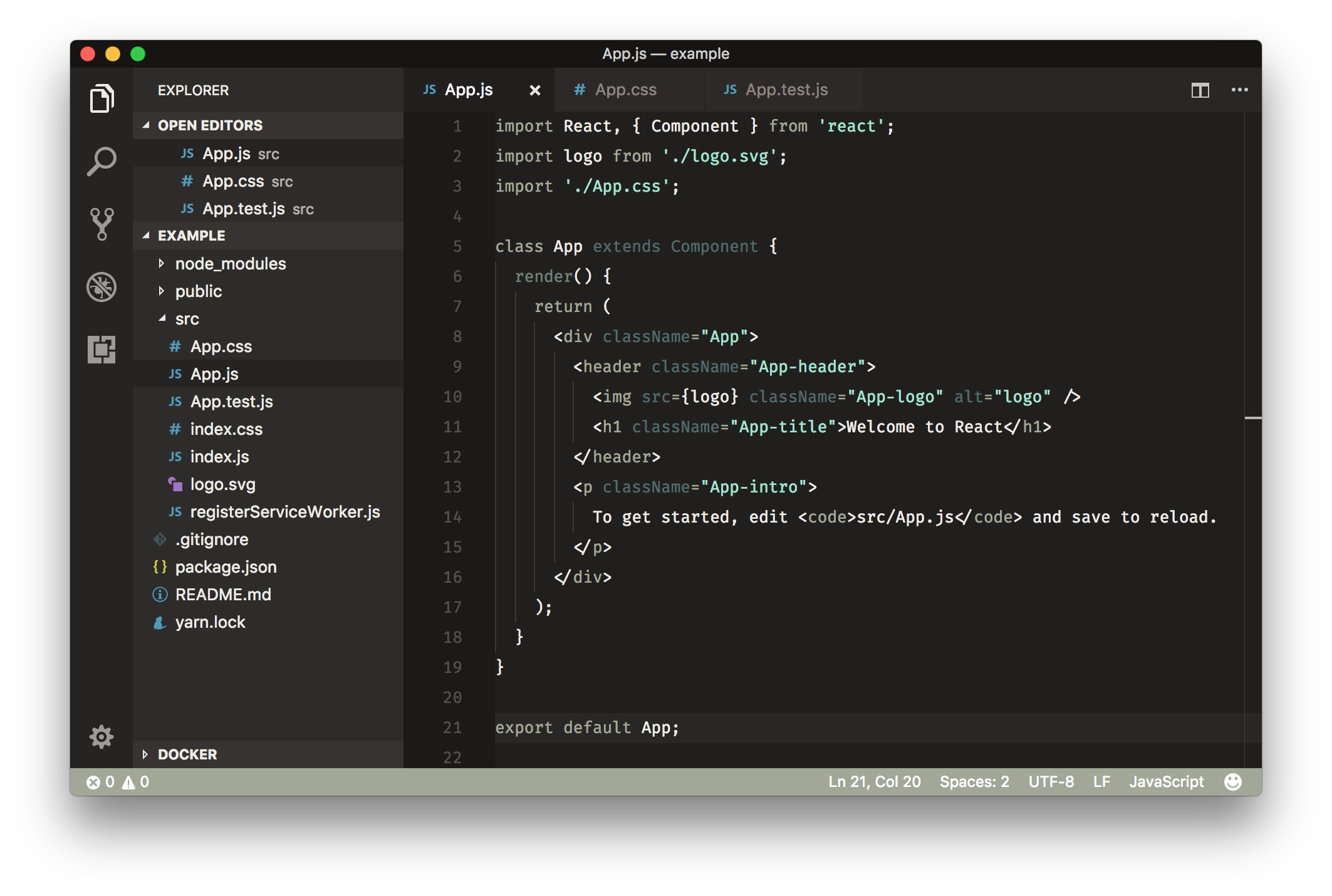
To show support for the project, you can do any (or many!) of the following:
To install the color themes, just use the extensions tab within VS Code and search for 'Rainglow'.
Once installed, themes can be switched using the menu item Code -> Preferences -> Color Theme.
Clone the repository into ~/.vscode/extensions and restart the editor.
To override the status bar colors, add the following to your settings JSON. (Change the colors as you see fit.)
"workbench.colorCustomizations": {
    "statusBar.background": "#333",
    "statusBar.foreground": "#fff",
    "statusBar.noFolderBackground": "#333",
    "statusBar.noFolderForeground": "#fff"
}
This project is an evolution of my colour schemes project found at https://github.com/daylerees/colour-schemes. Peacock was the first ever theme. I created it to try and find something to use other than Monokai. It's now a favourite for many users!
If you'd like to report a bug with one of the color schemes, please raise an issue on the repository rather than submitting a pull request. This is because the themes run through a generation process, and editing the themes directly is not advised!
Have a wonderful day!
Dayle.
36,031 followers · starred Dec 2017
750 followers · starred Dec 2017
477 followers · starred Mar 2018
161 followers · starred Feb 2019
320+ color themes for Visual Studio Code.
See the code
Rainglow is a collection of color themes for a number of different editors and platforms. This repository consists of 320+ syntax and UI themes for Visual Studio Code.
To show support for the project, you can do any (or many!) of the following:
To install the color themes, just use the extensions tab within VS Code and search for 'Rainglow'.
Once installed, themes can be switched using the menu item Code -> Preferences -> Color Theme.
Clone the repository into ~/.vscode/extensions and restart the editor.
To override the status bar colors, add the following to your settings JSON. (Change the colors as you see fit.)
"workbench.colorCustomizations": {
    "statusBar.background": "#333",
    "statusBar.foreground": "#fff",
    "statusBar.noFolderBackground": "#333",
    "statusBar.noFolderForeground": "#fff"
}
This project is an evolution of my colour schemes project found at https://github.com/daylerees/colour-schemes. Peacock was the first ever theme. I created it to try and find something to use other than Monokai. It's now a favourite for many users!
If you'd like to report a bug with one of the color schemes, please raise an issue on the repository rather than submitting a pull request. This is because the themes run through a generation process, and editing the themes directly is not advised!
Have a wonderful day!
Dayle.
36,031 followers · starred Dec 2017
750 followers · starred Dec 2017
477 followers · starred Mar 2018
161 followers · starred Feb 2019