
🎨🖌 Modern, bright color theme for VS Code
668
stars
132
commits
Jupyter Notebook
primary language
Apr 9, 2026
updated
README
Website • Install • Screenshots • Ports


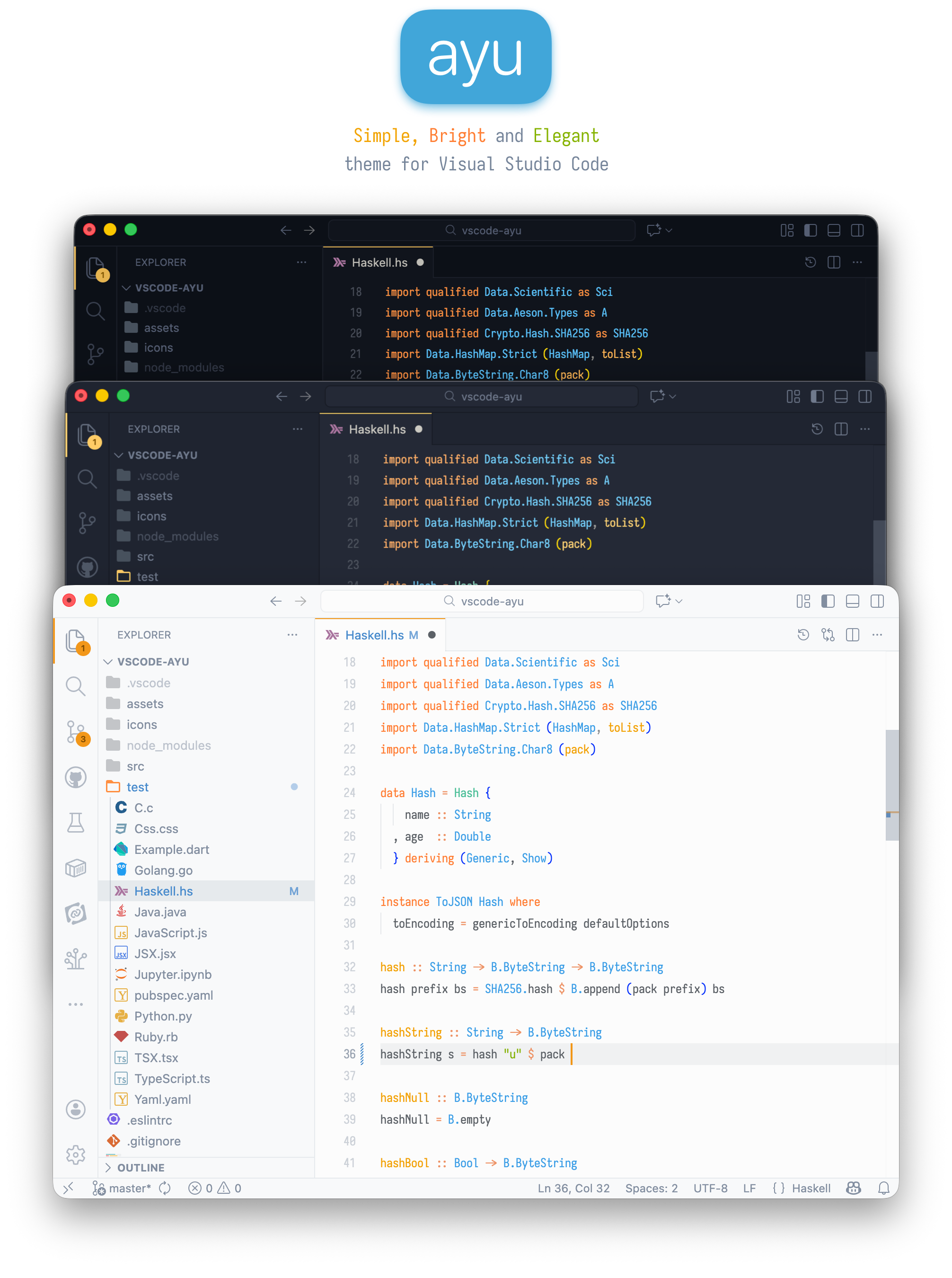
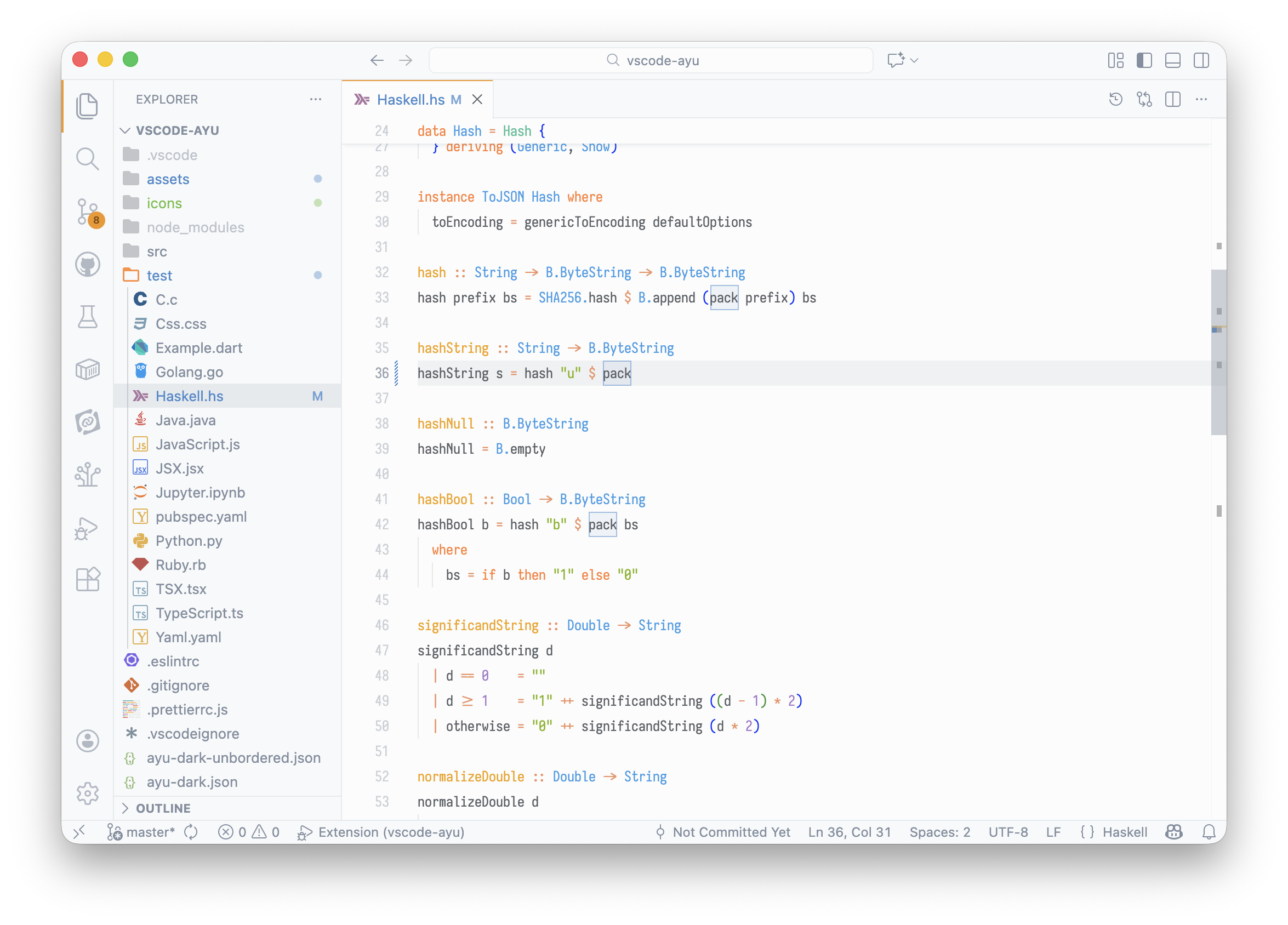
ayu is a bright color theme and comes in three versions — dark, mirage, and light — for all-day comfortable work. Handcrafted for Visual Studio Code.
Install
Install from the Marketplace, or run:
ext install teabyii.ayu
Then go to Preferences > Color Theme and select one of the Ayu variants.
To enable file icons: Preferences > File Icon Theme > Ayu.
Screenshots
Light
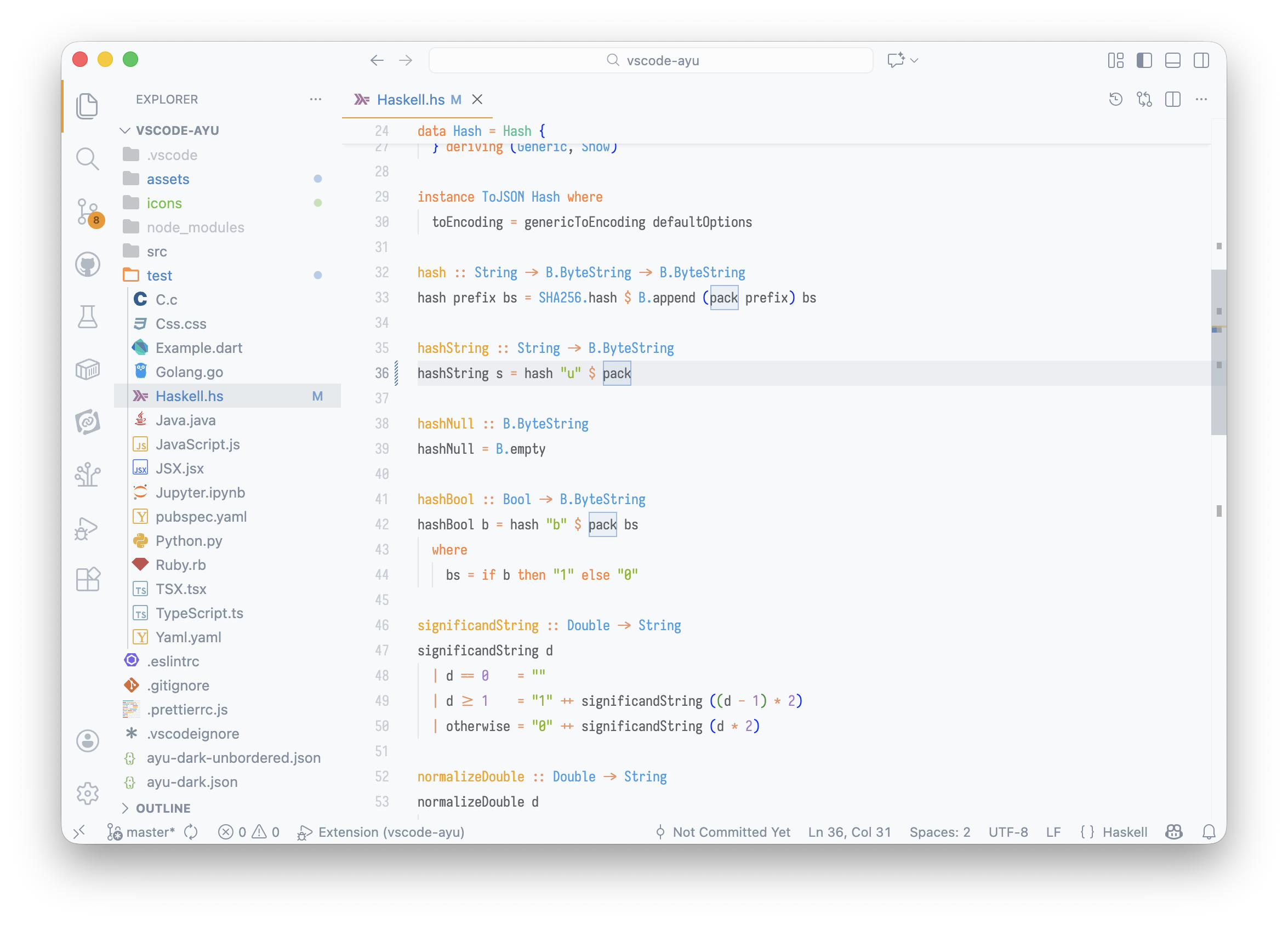
Mirage
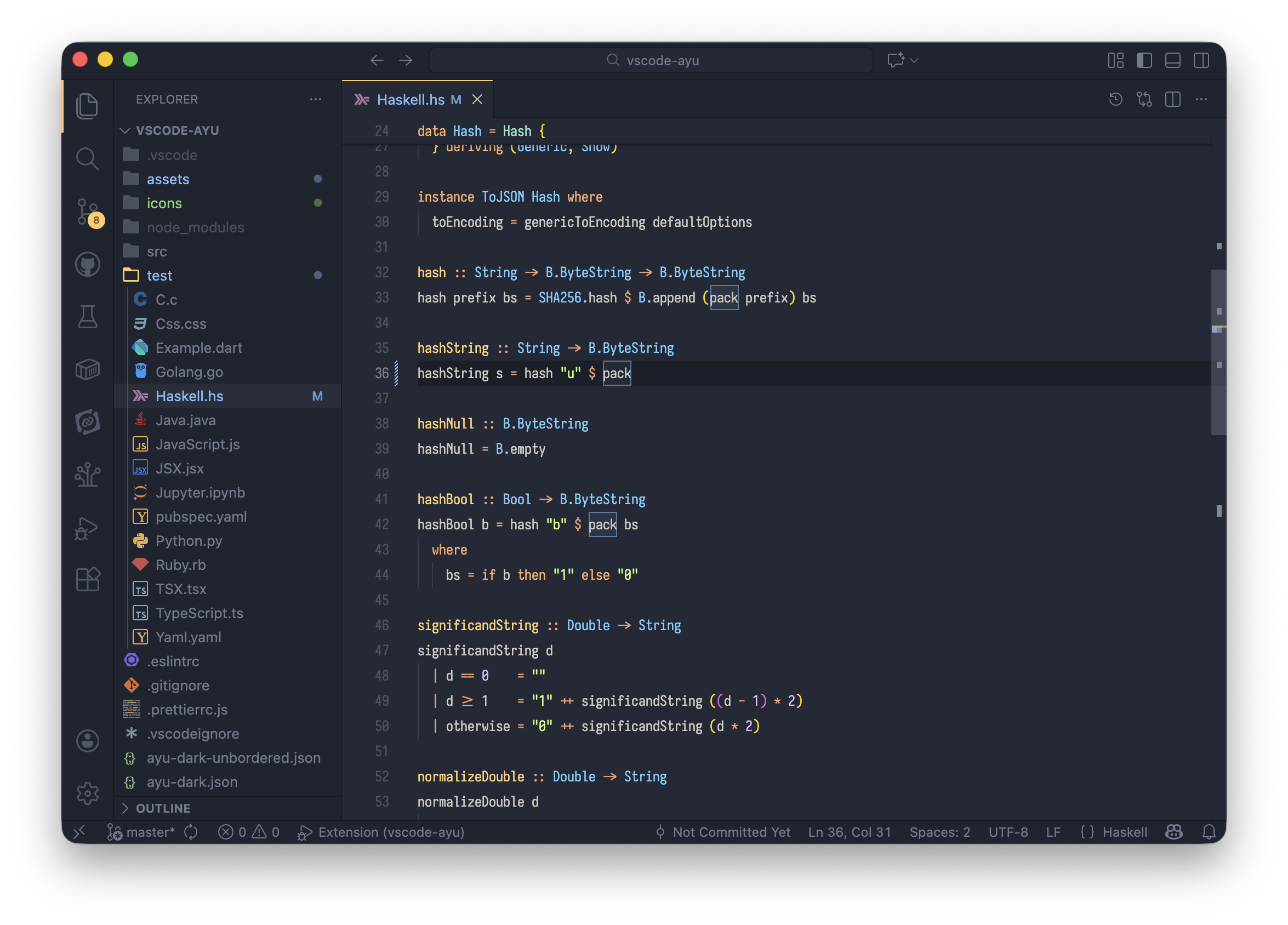
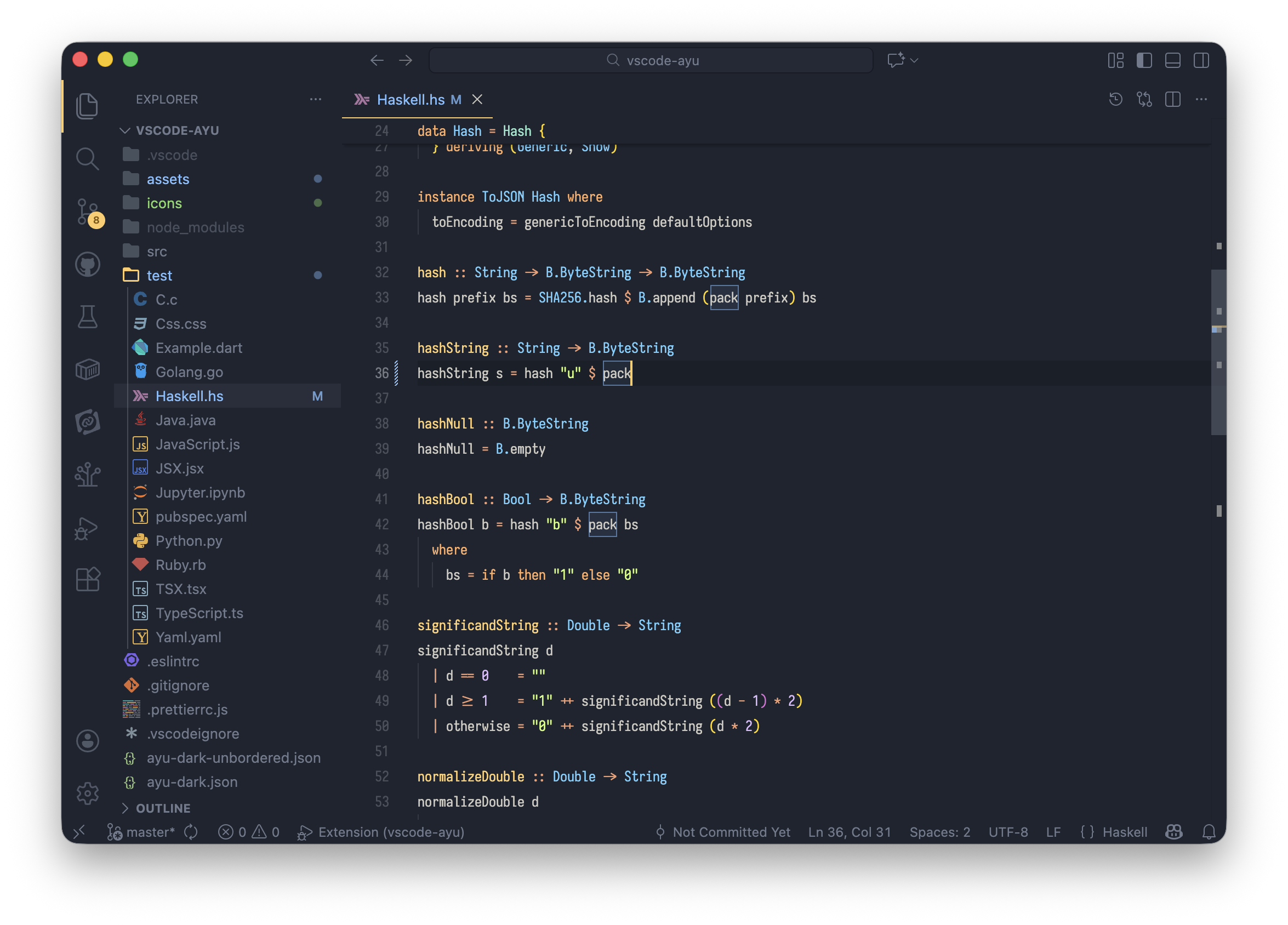
Dark
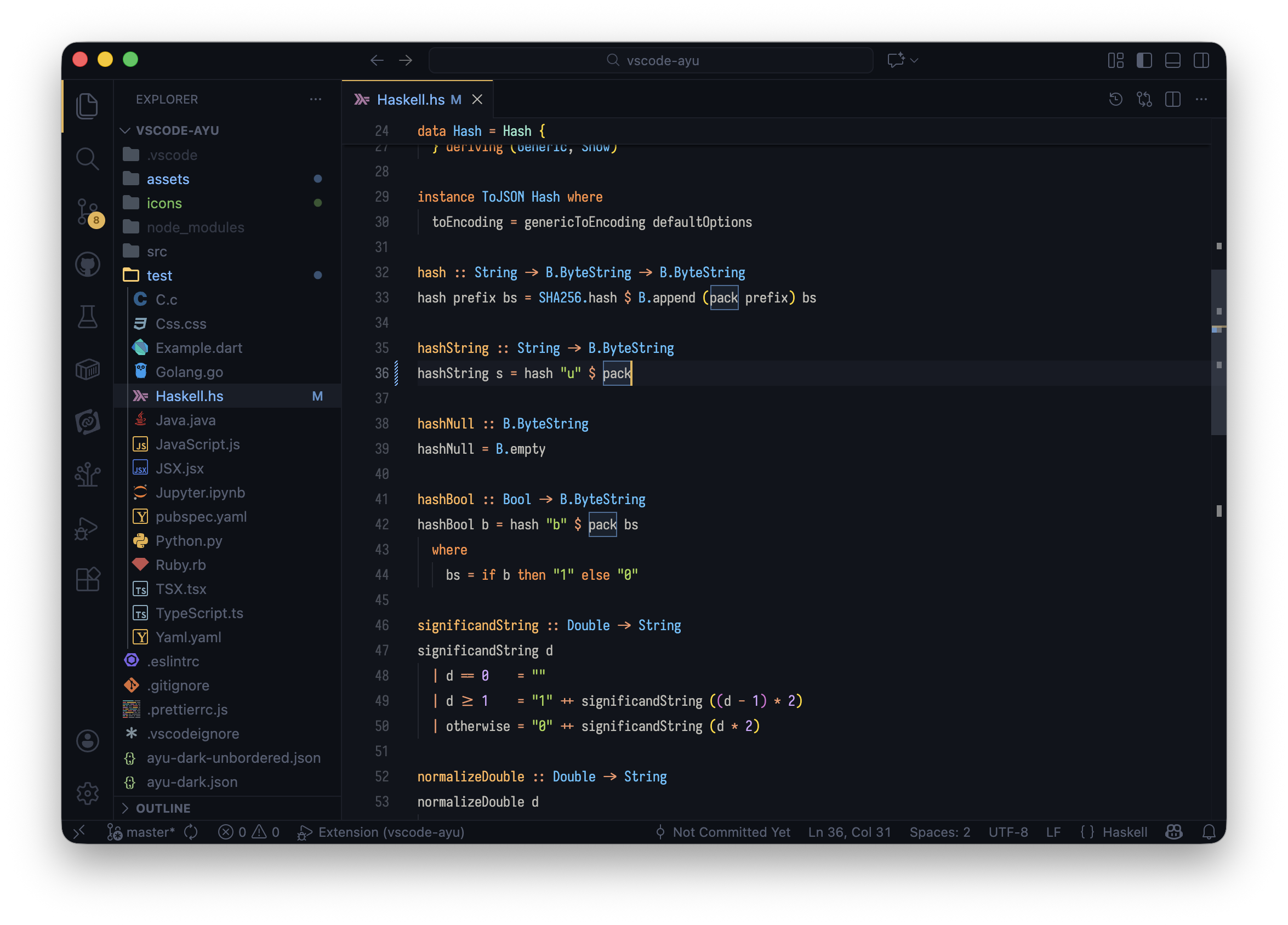
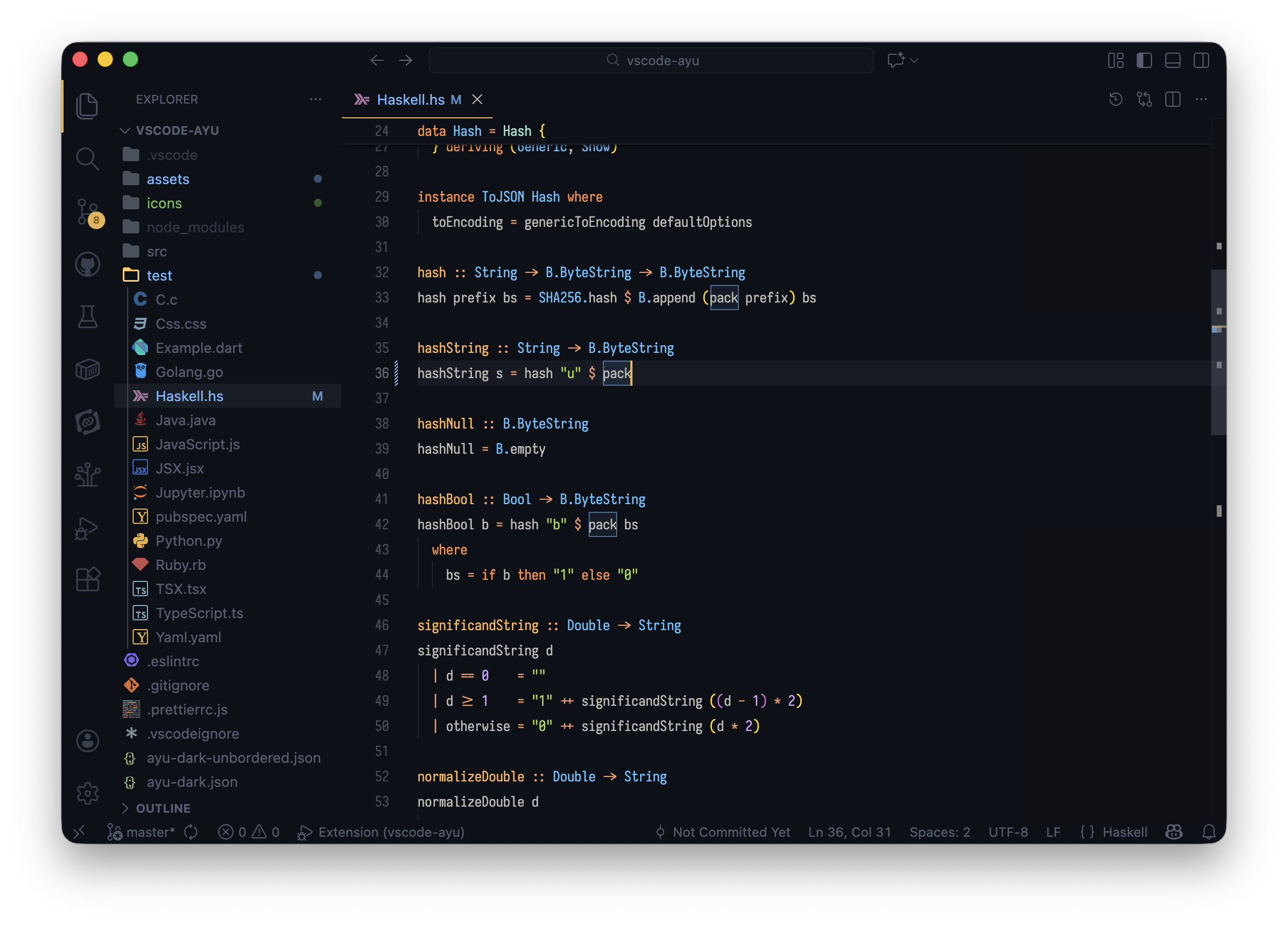
Customization
Bordered vs Unbordered: Bordered themes have visible dividers between UI panels. Unbordered themes have a seamless, unified look.
The extension also includes:
- 6 color themes: Light, Mirage, and Dark — each with bordered and unbordered variants
- File icons: Custom icon theme included
- Iosevka font: Bundled for a consistent look
Ports
ayu is available for:



Similar repos


Languages
Jupyter Notebook
74.4%
TypeScript
14.3%
Java
2.8%
C
2.1%
Go
1.8%
Python
1.7%
Ruby
1.1%
🎨🖌 Modern, bright color theme for VS Code
668
stars
132
commits
Jupyter Notebook
primary language
Apr 9, 2026
updated
README
Website • Install • Screenshots • Ports
ayu is a bright color theme and comes in three versions — dark, mirage, and light — for all-day comfortable work. Handcrafted for Visual Studio Code.
Install
Install from the Marketplace, or run:
ext install teabyii.ayu
Then go to Preferences > Color Theme and select one of the Ayu variants.
To enable file icons: Preferences > File Icon Theme > Ayu.
Screenshots
Light
Mirage
Dark
Customization
Bordered vs Unbordered: Bordered themes have visible dividers between UI panels. Unbordered themes have a seamless, unified look.
The extension also includes:
- 6 color themes: Light, Mirage, and Dark — each with bordered and unbordered variants
- File icons: Custom icon theme included
- Iosevka font: Bundled for a consistent look
Ports
ayu is available for:
Similar repos
Languages
Jupyter Notebook
74.4%
TypeScript
14.3%
Java
2.8%
C
2.1%
Go
1.8%
Python
1.7%
Ruby
1.1%