
Local AI image generation for Mac. Run Qwen-Image 2.1 on Apple Silicon, offline and private, with a built-in MCP server for Claude Code and AI agents.
Swift
5
1 commits
updated Oct 1, 2026
See what people are saying
README
ImageGen
Local AI image generation for Mac.
Run Qwen-Image 2.1 on Apple Silicon. Offline, private, no API keys, no per-image cost.
Built-in MCP server, so Claude Code and other AI agents can generate images on your Mac.





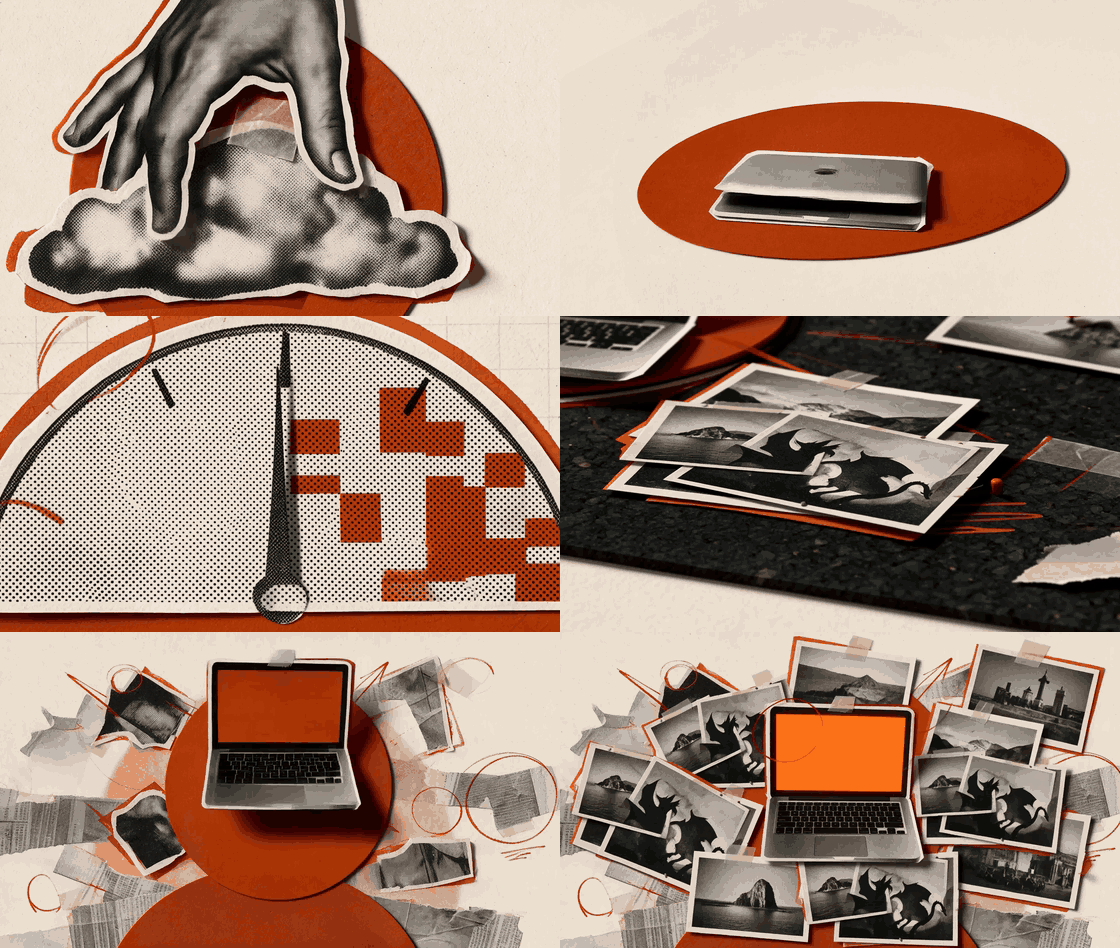
Watch the full explainer video
Image generation used to mean a cloud service, a monthly bill and your prompts on someone else's server. Not anymore. A state-of-the-art image model now fits in about 33 GB of memory. That's a MacBook Pro or Mac Studio with 64 GB of unified memory.
ImageGen is a native macOS app that downloads the model, runs it on your Mac's GPU (Metal) and gives you a clean studio to work in. It also runs an MCP server, so your coding agent can make images while you work.
Features
- Fully on-device. Prompts and images never leave your Mac. Works offline once the model is downloaded.
- Text to image with strong typography. Text inside images actually comes out readable.
- Image editing. Change an image with an instruction, or combine up to 10 reference images.
- Transparent PNGs. Native RGBA output for stickers, icons and assets.
- MCP server for AI agents. Claude Code, Cursor and any MCP client can generate and edit images. Results show up in the app.
- One-click model download from Hugging Face, resumable, right inside the app.
- Memory guards so a big job fails cleanly instead of freezing your Mac.
- Native SwiftUI app with a menu bar icon. The engine keeps serving agents with the window closed.
Gallery
Every image here was generated locally on an M5 Pro MacBook Pro with 64 GB, with a VM and other apps running.
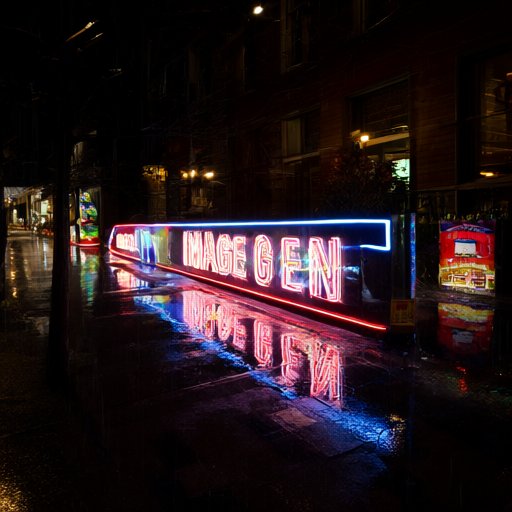 |  | 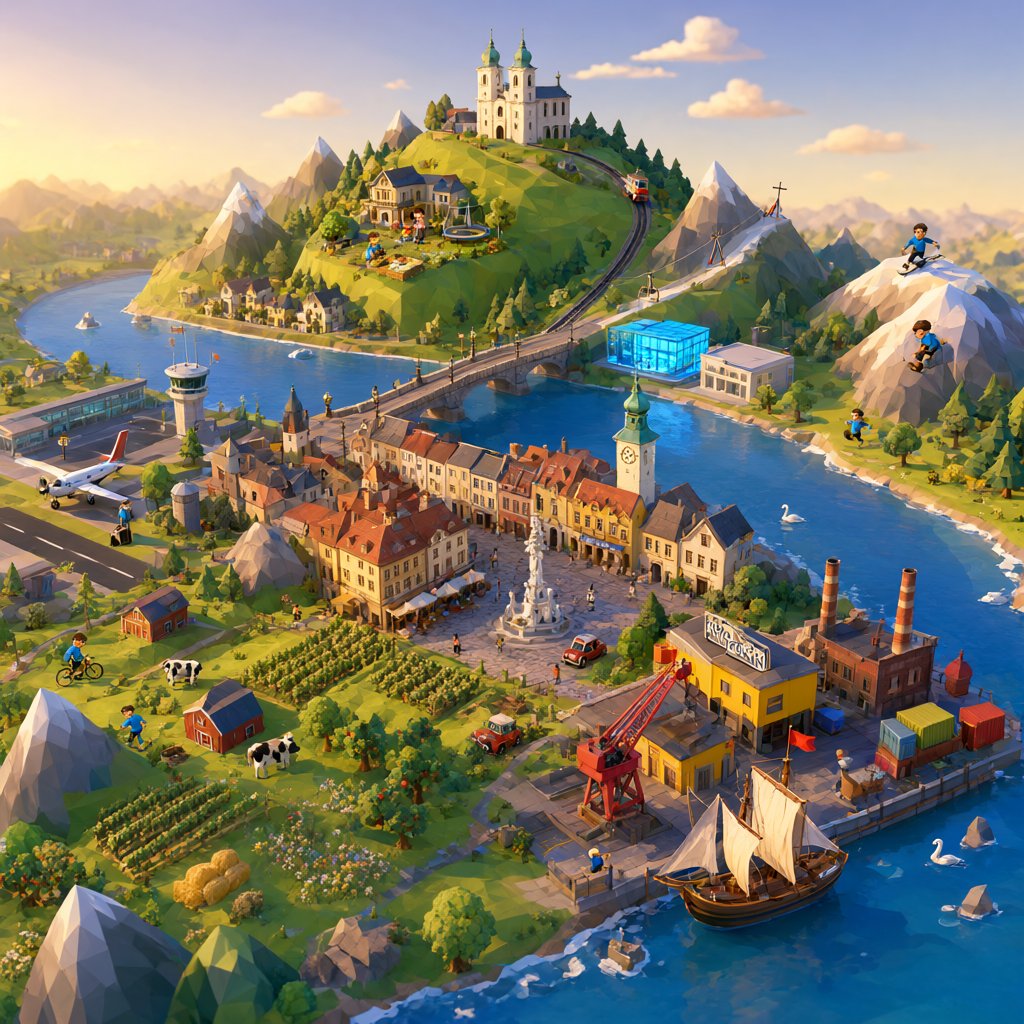 |
| Text in images. 512 px draft, 20 s | Transparent sticker. 1024 px, 2 min | Low-poly diorama. 1024 px, 2 min |
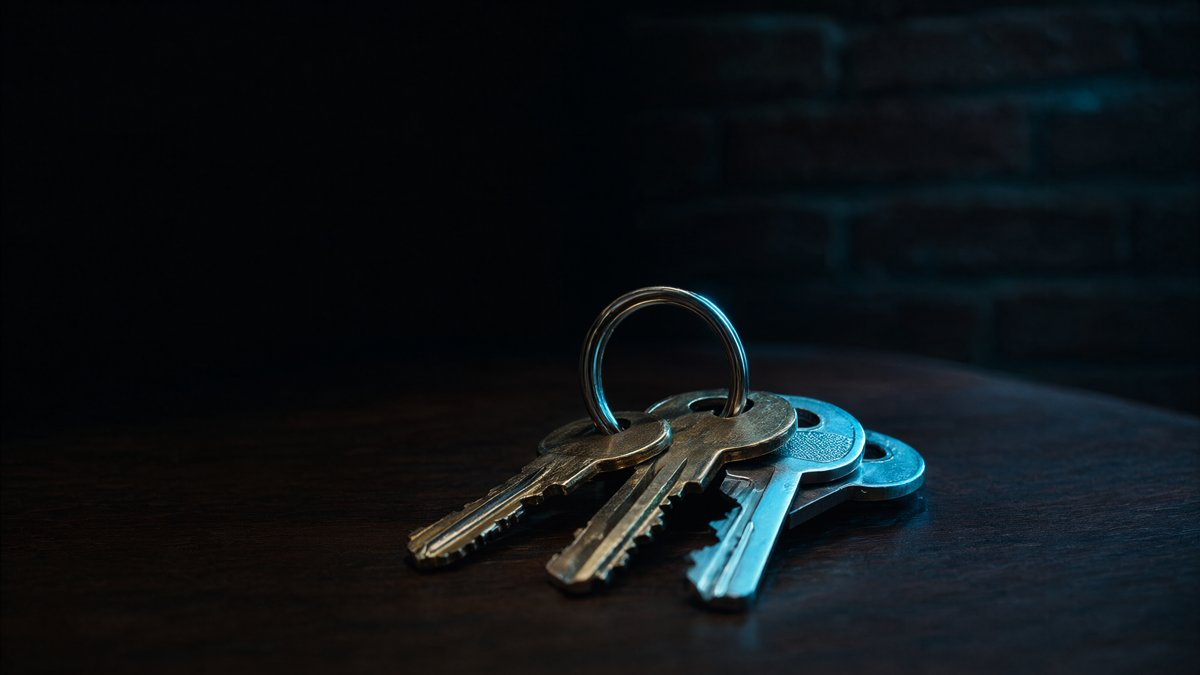 | 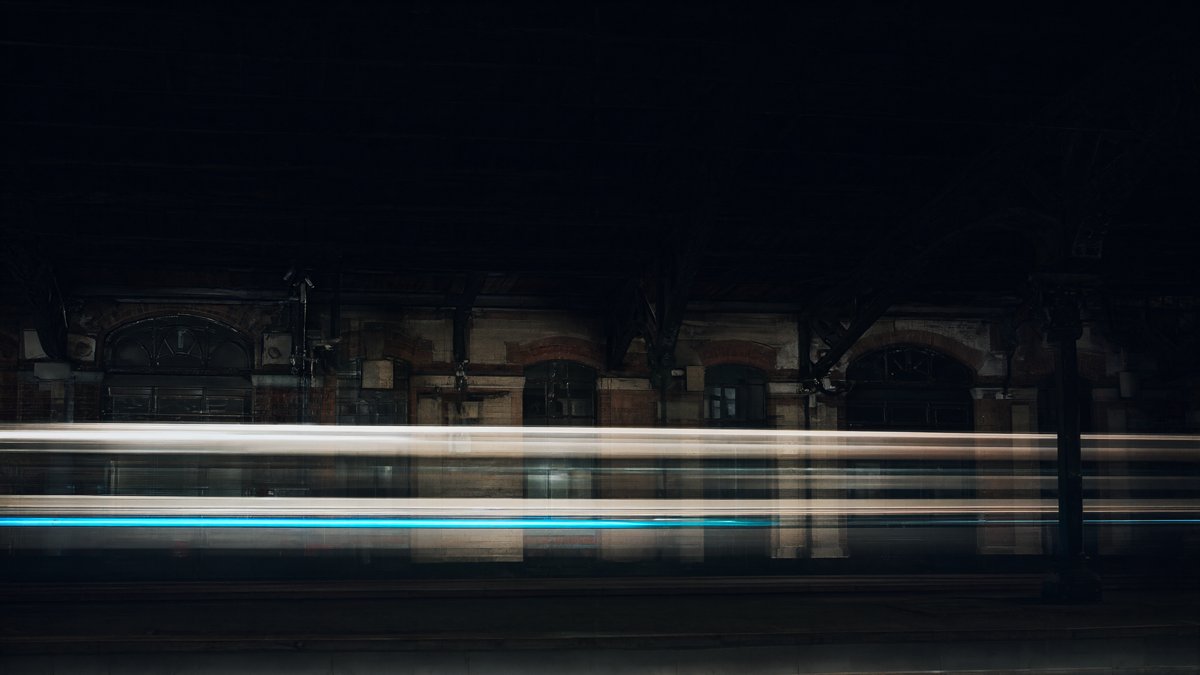 | 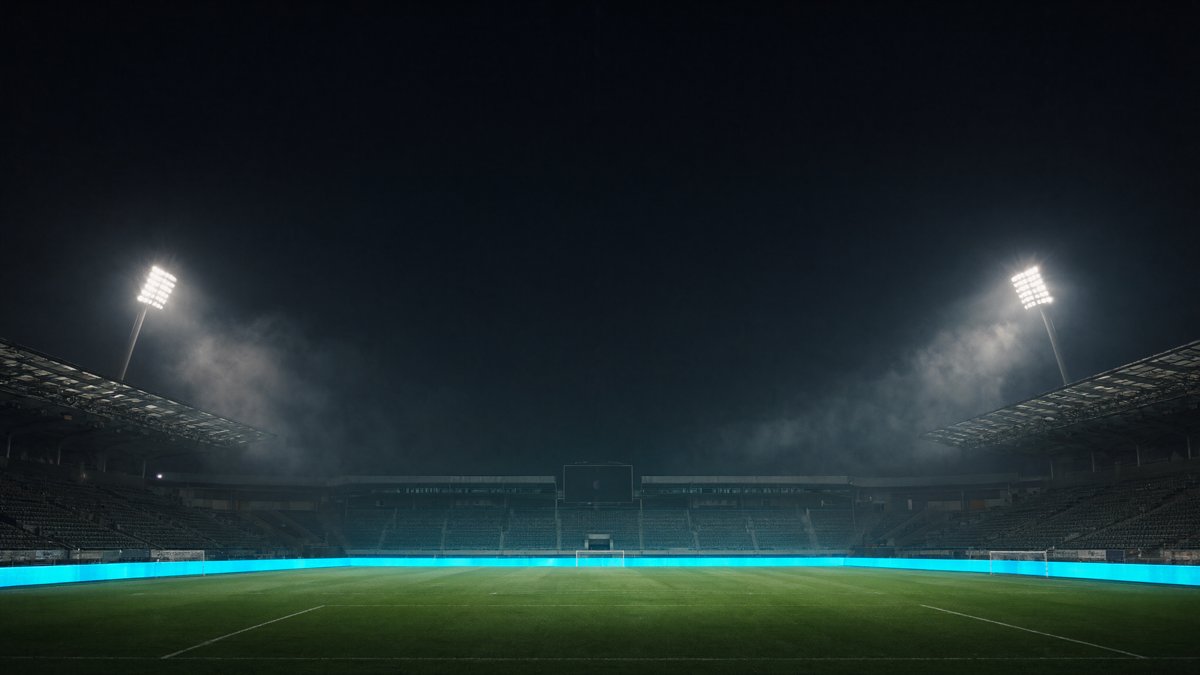 |
| Product shot. 2048x1152, 5.5 min | Long exposure. 2048x1152, 5.5 min | Stadium at night. 2048x1152, 6 min |
The app icon was made with ImageGen too.
How fast is it?
Measured on an M5 Pro MacBook Pro with 64 GB unified memory, Qwen-Image 2.1 in bf16:
| Output | Steps | Time |
|---|---|---|
| 512 x 512 (draft) | 20 | ~20 s |
| 1024 x 1024 | 30 to 40 | ~1.5 to 2 min |
| 1728 x 960 | 25 | ~2.5 min |
| 2048 x 1152 | 40 | ~5.5 min |
Loading the model takes about 20 seconds. Draft quality is the fastest way to iterate on a prompt.
Requirements
- Apple Silicon Mac (M1 or newer), macOS 14+
- 64 GB unified memory recommended. The model needs about 33 GB. 48 GB can load it, but only small images will fit
- About 35 GB free disk for the model, plus about 1 GB for the Python environment
- Xcode command line tools and uv to build
Install
git clone https://github.com/ph1lb4/imagegen-mac.git
cd imagegen-mac
./scripts/build-app.sh
open build/ImageGen.app
Copy build/ImageGen.app to /Applications if you like. On first start the app sets up its Python
environment with the bundled uv (a few minutes, about 1 GB). Later starts take seconds.
Then pick Qwen-Image 2.1 and hit download. It's about 33 GB, and the download resumes if it gets interrupted.
Use it from Claude Code (MCP)
With the app running:
claude mcp add --transport http imagegen http://127.0.0.1:7860/mcp --scope user
Now ask Claude Code for an image: "make a transparent app icon of a paper plane and save it to assets/".
The MCP button in the app toolbar has copy-ready snippets for Claude Code and JSON-configured clients
(Cursor, VS Code and others).
| Tool | What it does |
|---|---|
generate_image | Prompt to image. Aspect ratio, quality (draft/standard/high), transparent, seed, steps, output_path to save into a project |
edit_image | Edit or combine up to 10 input images with an instruction |
list_models | Supported models, download and load state |
load_model | Load an already downloaded model |
get_status | Engine state and queue |
list_recent_images | Recent results with prompts and paths |
Results return the PNG path plus a small preview, so the agent can see what it made.
Memory safety
The model needs about 33 GB, and generation needs more on top. If a Mac runs out of memory, macOS swaps until the machine freezes. The engine has three guards against that:
- GPU memory cap. PyTorch may use total memory minus 30% (at least 12 GB stays free), so 48 GB on a
64 GB Mac. A job that needs more fails with an error instead of swapping. Override with
IMAGEGEN_GPU_MEMORY_LIMIT_GB. - Size cap. "High" is 2048 px on Macs with 96 GB+ and 1536 px below that. Larger sizes are rejected before they start. Large images are decoded in tiles.
- Pressure check. If macOS reports critical memory pressure during a job, the job stops.
Quit big apps (VMs, Xcode, lots of browser tabs) before generating on a 64 GB Mac.
Where things live
| What | Where |
|---|---|
| Generated images (+ JSON metadata) | ~/Pictures/ImageGen |
| Models | ~/Library/Application Support/ImageGen/models |
| Python environment | ~/Library/Application Support/ImageGen/venv |
| Engine log | ~/Library/Application Support/ImageGen/engine.log |
Settings (port, Hugging Face token stored in Keychain) are in ImageGen > Settings.
Architecture
ImageGen.app (SwiftUI)
 ├─ starts ──> Python engine (FastAPI + diffusers on Metal/MPS), 127.0.0.1:7860
 │               ├─ /api/*   REST API used by the app
 │               └─ /mcp     MCP server (Streamable HTTP)
 └─ polls /api/status for progress, queue and new images
app/SwiftUI app (Swift Package).EngineProcess.swiftrunsuv syncand launches the engine.backend/imagegen/the engine:catalog.py(models),downloader.py(Hugging Face),engine.py(pipeline + job queue),mcp_server.py(MCP tools),app.py(HTTP routes).- One job runs at a time. UI and MCP requests share the same queue.
- The engine listens on
127.0.0.1by default. Nothing is exposed to your network.
Adding a model
Add a ModelSpec to backend/imagegen/catalog.py with the Hugging Face repo and the diffusers pipeline
class name. If the pipeline takes different arguments, adjust Engine._run. Pull requests for new
models are welcome.
Engine development
cd backend
uv run python -m imagegen --port 7860   # the app connects to an engine that is already running
FAQ
Does it work without internet? Yes. You need internet once to download the model and the Python packages. After that, everything runs offline.
Is it a Stable Diffusion or Midjourney alternative? For many uses, yes. Qwen-Image 2.1 is a newer model with very good prompt following and text rendering, and it runs on your own hardware. Check the model license below before using it for client work.
Will it run on 32 GB? Not this model. It needs about 33 GB for the weights alone. Smaller models may be added later.
Intel Macs? No. It needs Apple Silicon and Metal.
License
The ImageGen code is MIT licensed. Use it, fork it, ship it.
The model has its own license. Qwen-Image 2.1 is released by the Qwen team under the Qwen Research License Agreement, which allows non-commercial (research and evaluation) use only. Commercial use needs a separate license from Qwen. ImageGen does not ship the weights. You download them from Hugging Face and accept that license yourself.
Third-party components and their licenses are listed in THIRD_PARTY_NOTICES.md. ImageGen is not affiliated with or endorsed by Alibaba, the Qwen team or Hugging Face.
Credits
Built by Philipp Baldauf. Powered by Qwen-Image, diffusers, PyTorch, FastAPI, the MCP Python SDK and uv.
If ImageGen is useful to you, a star helps other Mac users find it.
Similar repos


Languages
Swift
62.1%
Python
35.7%
Shell
2.2%
Local AI image generation for Mac. Run Qwen-Image 2.1 on Apple Silicon, offline and private, with a built-in MCP server for Claude Code and AI agents.
Swift
5
1 commits
updated Oct 1, 2026
See what people are saying
README
ImageGen
Local AI image generation for Mac.
Run Qwen-Image 2.1 on Apple Silicon. Offline, private, no API keys, no per-image cost.
Built-in MCP server, so Claude Code and other AI agents can generate images on your Mac.
Watch the full explainer video
Image generation used to mean a cloud service, a monthly bill and your prompts on someone else's server. Not anymore. A state-of-the-art image model now fits in about 33 GB of memory. That's a MacBook Pro or Mac Studio with 64 GB of unified memory.
ImageGen is a native macOS app that downloads the model, runs it on your Mac's GPU (Metal) and gives you a clean studio to work in. It also runs an MCP server, so your coding agent can make images while you work.
Features
- Fully on-device. Prompts and images never leave your Mac. Works offline once the model is downloaded.
- Text to image with strong typography. Text inside images actually comes out readable.
- Image editing. Change an image with an instruction, or combine up to 10 reference images.
- Transparent PNGs. Native RGBA output for stickers, icons and assets.
- MCP server for AI agents. Claude Code, Cursor and any MCP client can generate and edit images. Results show up in the app.
- One-click model download from Hugging Face, resumable, right inside the app.
- Memory guards so a big job fails cleanly instead of freezing your Mac.
- Native SwiftUI app with a menu bar icon. The engine keeps serving agents with the window closed.
Gallery
Every image here was generated locally on an M5 Pro MacBook Pro with 64 GB, with a VM and other apps running.
| | |
| Text in images. 512 px draft, 20 s | Transparent sticker. 1024 px, 2 min | Low-poly diorama. 1024 px, 2 min |
| | |
| Product shot. 2048x1152, 5.5 min | Long exposure. 2048x1152, 5.5 min | Stadium at night. 2048x1152, 6 min |
The app icon was made with ImageGen too.
How fast is it?
Measured on an M5 Pro MacBook Pro with 64 GB unified memory, Qwen-Image 2.1 in bf16:
| Output | Steps | Time |
|---|---|---|
| 512 x 512 (draft) | 20 | ~20 s |
| 1024 x 1024 | 30 to 40 | ~1.5 to 2 min |
| 1728 x 960 | 25 | ~2.5 min |
| 2048 x 1152 | 40 | ~5.5 min |
Loading the model takes about 20 seconds. Draft quality is the fastest way to iterate on a prompt.
Requirements
- Apple Silicon Mac (M1 or newer), macOS 14+
- 64 GB unified memory recommended. The model needs about 33 GB. 48 GB can load it, but only small images will fit
- About 35 GB free disk for the model, plus about 1 GB for the Python environment
- Xcode command line tools and uv to build
Install
git clone https://github.com/ph1lb4/imagegen-mac.git
cd imagegen-mac
./scripts/build-app.sh
open build/ImageGen.app
Copy build/ImageGen.app to /Applications if you like. On first start the app sets up its Python
environment with the bundled uv (a few minutes, about 1 GB). Later starts take seconds.
Then pick Qwen-Image 2.1 and hit download. It's about 33 GB, and the download resumes if it gets interrupted.
Use it from Claude Code (MCP)
With the app running:
claude mcp add --transport http imagegen http://127.0.0.1:7860/mcp --scope user
Now ask Claude Code for an image: "make a transparent app icon of a paper plane and save it to assets/".
The MCP button in the app toolbar has copy-ready snippets for Claude Code and JSON-configured clients
(Cursor, VS Code and others).
| Tool | What it does |
|---|---|
generate_image | Prompt to image. Aspect ratio, quality (draft/standard/high), transparent, seed, steps, output_path to save into a project |
edit_image | Edit or combine up to 10 input images with an instruction |
list_models | Supported models, download and load state |
load_model | Load an already downloaded model |
get_status | Engine state and queue |
list_recent_images | Recent results with prompts and paths |
Results return the PNG path plus a small preview, so the agent can see what it made.
Memory safety
The model needs about 33 GB, and generation needs more on top. If a Mac runs out of memory, macOS swaps until the machine freezes. The engine has three guards against that:
- GPU memory cap. PyTorch may use total memory minus 30% (at least 12 GB stays free), so 48 GB on a
64 GB Mac. A job that needs more fails with an error instead of swapping. Override with
IMAGEGEN_GPU_MEMORY_LIMIT_GB. - Size cap. "High" is 2048 px on Macs with 96 GB+ and 1536 px below that. Larger sizes are rejected before they start. Large images are decoded in tiles.
- Pressure check. If macOS reports critical memory pressure during a job, the job stops.
Quit big apps (VMs, Xcode, lots of browser tabs) before generating on a 64 GB Mac.
Where things live
| What | Where |
|---|---|
| Generated images (+ JSON metadata) | ~/Pictures/ImageGen |
| Models | ~/Library/Application Support/ImageGen/models |
| Python environment | ~/Library/Application Support/ImageGen/venv |
| Engine log | ~/Library/Application Support/ImageGen/engine.log |
Settings (port, Hugging Face token stored in Keychain) are in ImageGen > Settings.
Architecture
ImageGen.app (SwiftUI)
 ├─ starts ──> Python engine (FastAPI + diffusers on Metal/MPS), 127.0.0.1:7860
 │               ├─ /api/*   REST API used by the app
 │               └─ /mcp     MCP server (Streamable HTTP)
 └─ polls /api/status for progress, queue and new images
app/SwiftUI app (Swift Package).EngineProcess.swiftrunsuv syncand launches the engine.backend/imagegen/the engine:catalog.py(models),downloader.py(Hugging Face),engine.py(pipeline + job queue),mcp_server.py(MCP tools),app.py(HTTP routes).- One job runs at a time. UI and MCP requests share the same queue.
- The engine listens on
127.0.0.1by default. Nothing is exposed to your network.
Adding a model
Add a ModelSpec to backend/imagegen/catalog.py with the Hugging Face repo and the diffusers pipeline
class name. If the pipeline takes different arguments, adjust Engine._run. Pull requests for new
models are welcome.
Engine development
cd backend
uv run python -m imagegen --port 7860   # the app connects to an engine that is already running
FAQ
Does it work without internet? Yes. You need internet once to download the model and the Python packages. After that, everything runs offline.
Is it a Stable Diffusion or Midjourney alternative? For many uses, yes. Qwen-Image 2.1 is a newer model with very good prompt following and text rendering, and it runs on your own hardware. Check the model license below before using it for client work.
Will it run on 32 GB? Not this model. It needs about 33 GB for the weights alone. Smaller models may be added later.
Intel Macs? No. It needs Apple Silicon and Metal.
License
The ImageGen code is MIT licensed. Use it, fork it, ship it.
The model has its own license. Qwen-Image 2.1 is released by the Qwen team under the Qwen Research License Agreement, which allows non-commercial (research and evaluation) use only. Commercial use needs a separate license from Qwen. ImageGen does not ship the weights. You download them from Hugging Face and accept that license yourself.
Third-party components and their licenses are listed in THIRD_PARTY_NOTICES.md. ImageGen is not affiliated with or endorsed by Alibaba, the Qwen team or Hugging Face.
Credits
Built by Philipp Baldauf. Powered by Qwen-Image, diffusers, PyTorch, FastAPI, the MCP Python SDK and uv.
If ImageGen is useful to you, a star helps other Mac users find it.
Similar repos
Languages
Swift
62.1%
Python
35.7%
Shell
2.2%