A 2D pixel-art JRPG built with Phaser 3, featuring AI + procedural art generation, turn-based combat, and 12-region adventure. 一款以 Phaser 3 打造的 2D 像素風 JRPG,全程式生成美術、回合制戰鬥、12 大區域冒險。
Jupyter Notebook
2
27 commits
updated Mar 16, 2026
A 2D pixel-art JRPG built with Phaser 3, featuring AI + procedural art generation, turn-based combat, and 12-region adventure.
English | 繁體中文


| Key | Action |
|---|---|
WASD / Arrow Keys | Move |
Enter / Space / Z | Confirm / Advance dialogue |
ESC | Menu / Cancel |
A | Auto-attack mode (battle) |
F11 | Toggle fullscreen |
| Mouse click | Confirm / Select target |
| Right-click | Cancel |
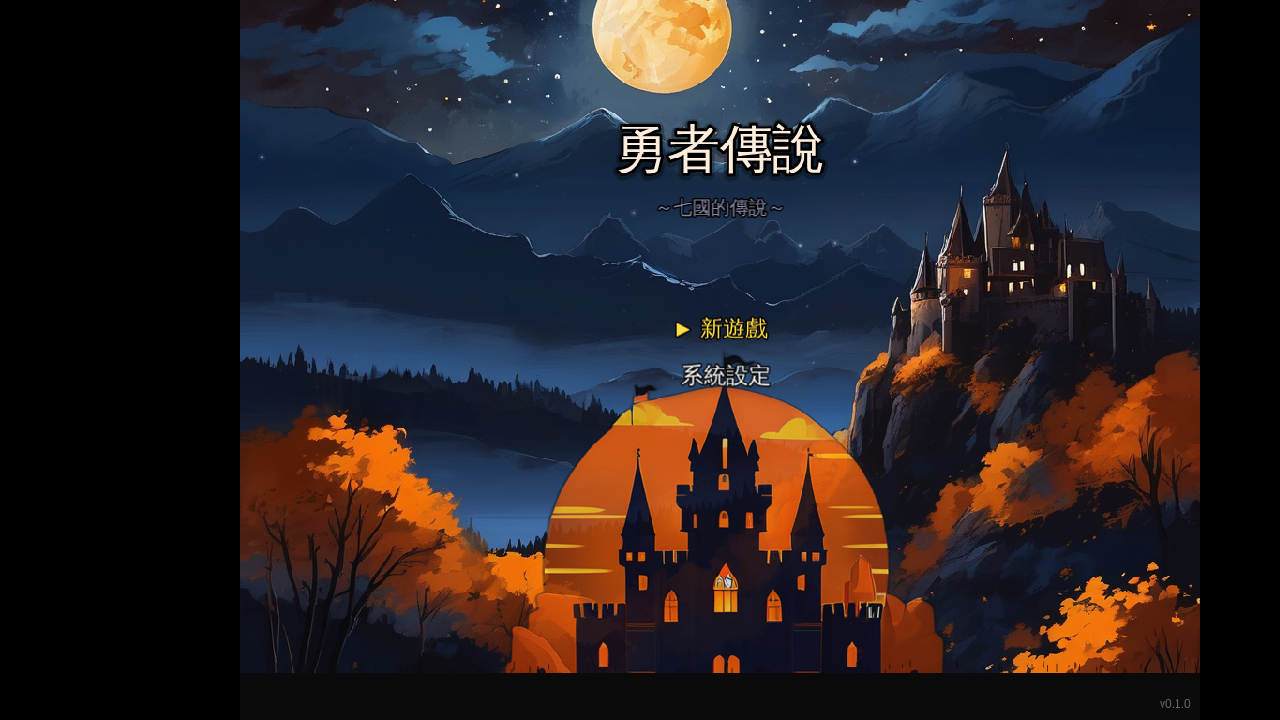
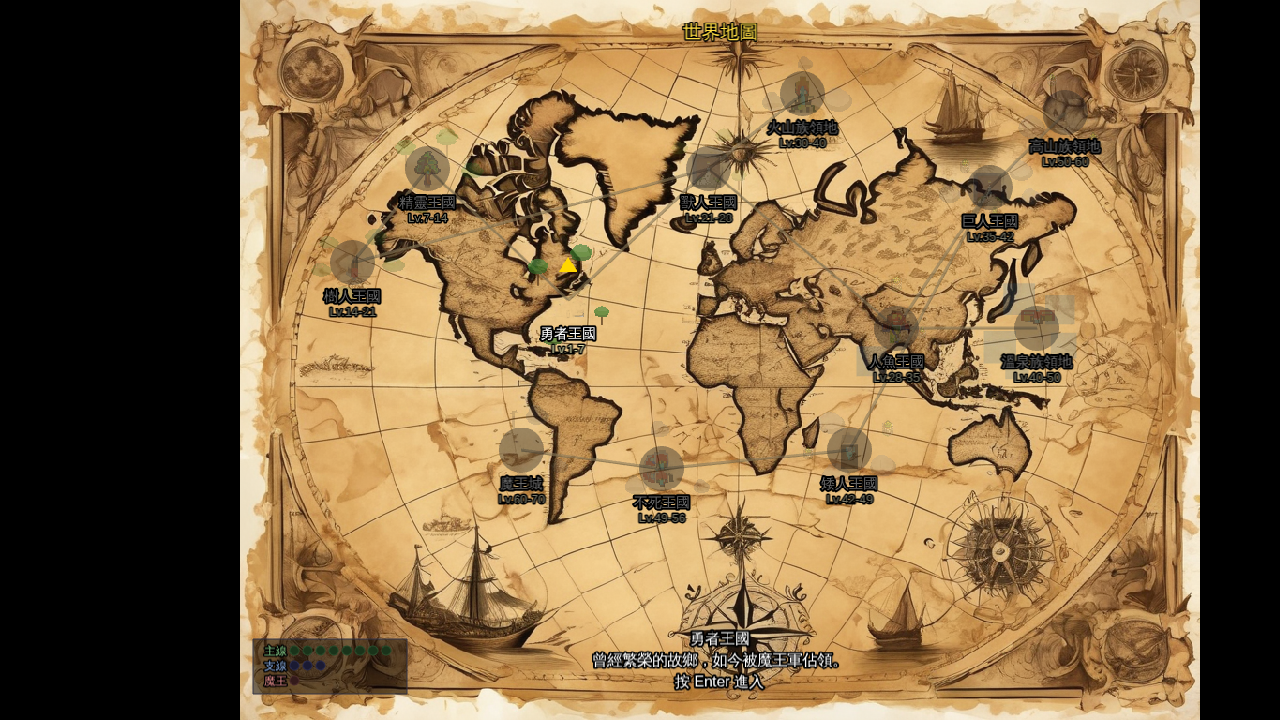
| Title Screen | World Map |
|---|---|
|  |
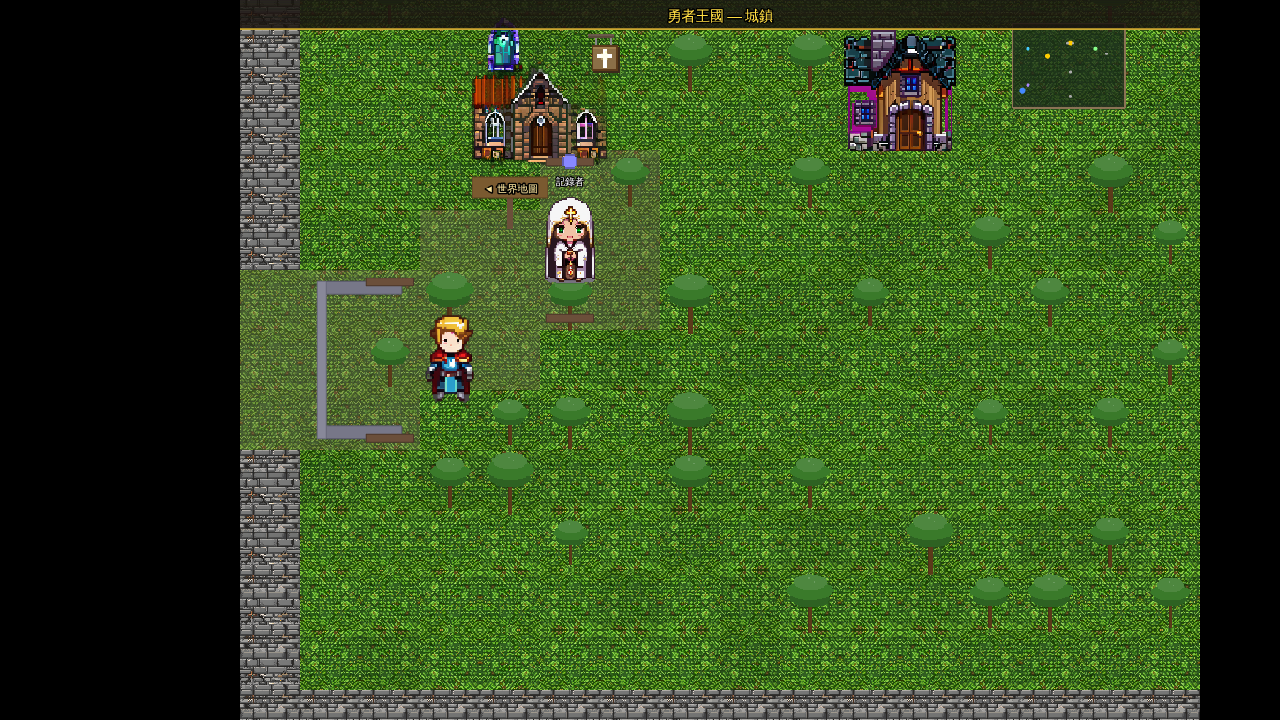
| Town Exploration | Field Adventure |
|---|---|
 | 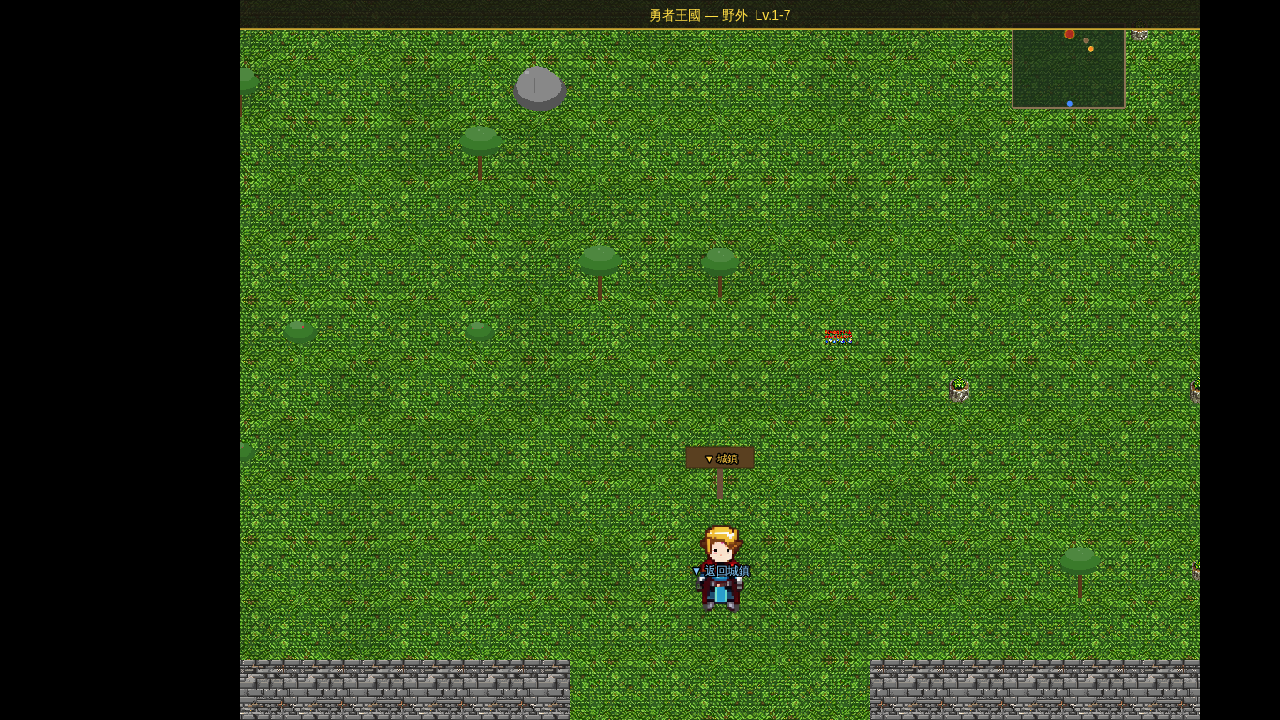 |
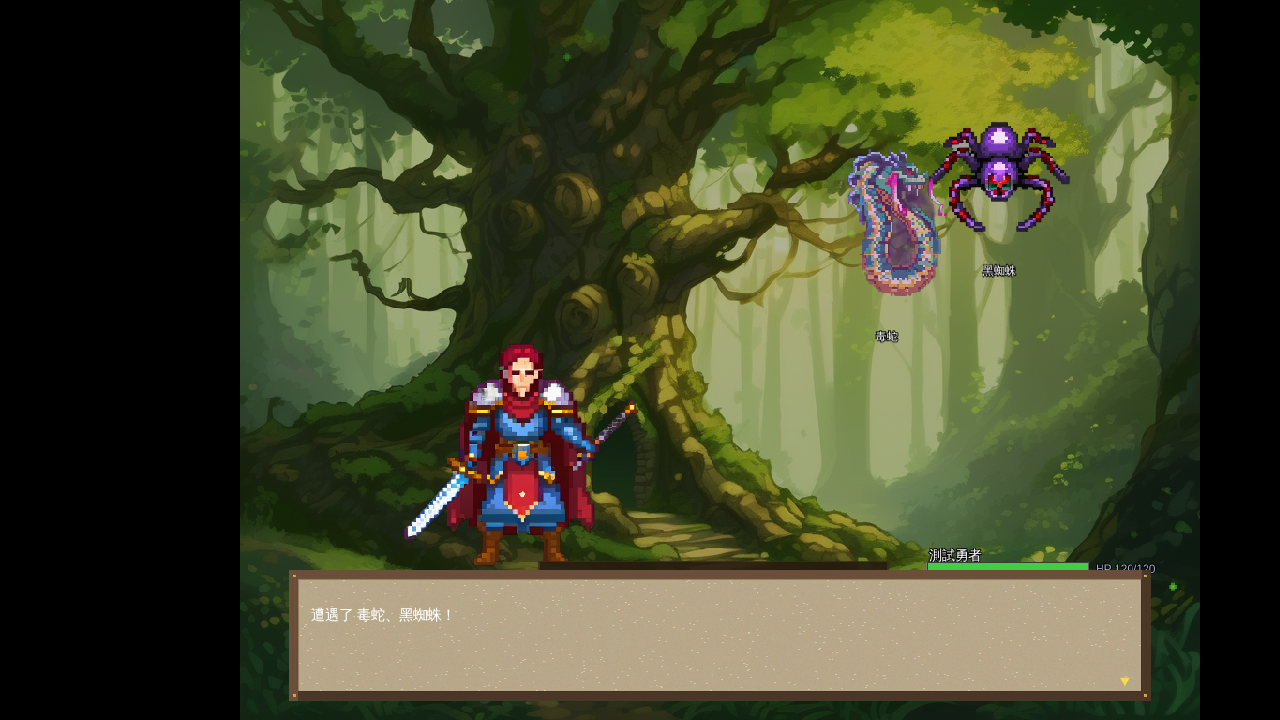
| Battle Scene | Boss Fight |
|---|---|
| 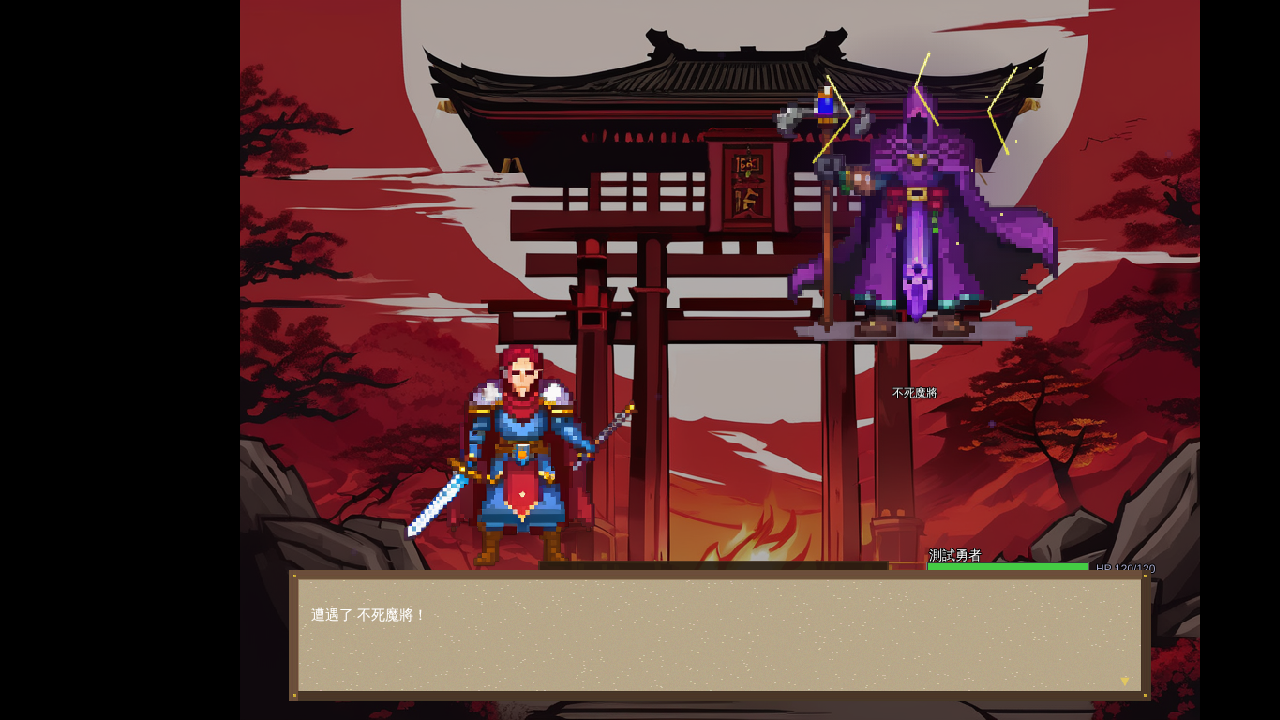 |
| Technology | Purpose |
|---|---|
| Phaser 3 | 2D game framework (WebGL / Canvas) |
| TypeScript | Type-safe game logic |
| Vite | Dev server & bundler |
| Playwright | E2E browser testing |
| Stable Diffusion | AI pixel-art sprite generation (All-In-One-Pixel-Model) |
| MusicGen | AI background music & SFX generation |
git clone https://github.com/osisdie/phaser-rpg-game.git
cd phaser-rpg-game
pnpm install
pnpm start          # Start dev server (port 5473)
pnpm run status     # Check if server is running
pnpm run stop       # Stop the server
Or run directly:
pnpm run dev        # Vite dev server
pnpm run build      # TypeScript check + production build
pnpm run preview    # Preview production build
docker build -t phaser-rpg-game .
docker run -p 8080:8080 phaser-rpg-game
Open http://localhost:8080 to play.
phaser-rpg-game/
├── src/
│   ├── scenes/        # Phaser scenes (Boot → Title → NameInput → WorldMap → Town/Field → Battle → …)
│   ├── systems/       # Game logic (state, combat, audio, i18n)
│   ├── entities/      # Player sprite & movement
│   ├── data/          # Static data (monsters, items, skills, regions, tables)
│   ├── ui/            # Reusable UI components (TextBox, BattleHUD, menus)
│   ├── maps/          # Procedural map generation (town 40×32, field 48×36)
│   ├── art/           # Procedural pixel art generation (Canvas 2D)
│   └── types/         # TypeScript interfaces
├── e2e/               # Playwright E2E tests
├── scripts/           # Dev workflow & AI asset generation scripts
├── public/assets/ai/  # AI-generated sprites, audio & manifests
├── docs/screenshots/  # Game screenshots
├── playwright.config.ts
├── index.html
├── vite.config.ts
└── tsconfig.json
| Command | Description |
|---|---|
pnpm start | Start dev server with port-check |
pnpm run stop | Stop dev server on port 5473 |
pnpm run status | Check server status + health check |
pnpm run dev | Vite dev server (raw) |
pnpm run build | TypeScript check + Vite build |
pnpm run preview | Preview production build |
pnpm test | Run Playwright E2E tests |
pnpm run test:ui | Open Playwright test UI |
pnpm run capture:screenshots | Capture README screenshots (title, worldmap, town, field, battle, boss) |
bash scripts/build.sh | TypeScript check + build with output |
Contributions are welcome! See CONTRIBUTING.md for the full guide.
Quick steps:
git checkout -b feat/my-featuregit commit -m "feat: add new monster sprites"
MIT — the codebase is licensed under MIT; feel free to use, modify, and distribute. Note: AI-generated assets in public/assets/ai/ may be subject to additional license terms (see AI-Generated Assets Notice below).
Assets in public/assets/ai/ (sprites, audio, etc.) are generated using third-party AI models and may be subject to additional license terms beyond MIT:
| Asset Type | Model / Source | License |
|---|---|---|
| Pixel-art sprites | All-In-One-Pixel-Model (Stable Diffusion) | Check model card on Hugging Face |
| Background music & SFX | MusicGen | Meta's license |
Users are responsible for complying with all applicable licenses when using, modifying, or distributing these AI-generated assets. The MIT License applies to the codebase; AI assets may have different terms.
A 2D pixel-art JRPG built with Phaser 3, featuring AI + procedural art generation, turn-based combat, and 12-region adventure. 一款以 Phaser 3 打造的 2D 像素風 JRPG,全程式生成美術、回合制戰鬥、12 大區域冒險。
Jupyter Notebook
2
27 commits
updated Mar 16, 2026
A 2D pixel-art JRPG built with Phaser 3, featuring AI + procedural art generation, turn-based combat, and 12-region adventure.
English | 繁體中文
| Key | Action |
|---|---|
WASD / Arrow Keys | Move |
Enter / Space / Z | Confirm / Advance dialogue |
ESC | Menu / Cancel |
A | Auto-attack mode (battle) |
F11 | Toggle fullscreen |
| Mouse click | Confirm / Select target |
| Right-click | Cancel |
| Title Screen | World Map |
|---|---|
| |
| Town Exploration | Field Adventure |
|---|---|
| |
| Battle Scene | Boss Fight |
|---|---|
| |
| Technology | Purpose |
|---|---|
| Phaser 3 | 2D game framework (WebGL / Canvas) |
| TypeScript | Type-safe game logic |
| Vite | Dev server & bundler |
| Playwright | E2E browser testing |
| Stable Diffusion | AI pixel-art sprite generation (All-In-One-Pixel-Model) |
| MusicGen | AI background music & SFX generation |
git clone https://github.com/osisdie/phaser-rpg-game.git
cd phaser-rpg-game
pnpm install
pnpm start          # Start dev server (port 5473)
pnpm run status     # Check if server is running
pnpm run stop       # Stop the server
Or run directly:
pnpm run dev        # Vite dev server
pnpm run build      # TypeScript check + production build
pnpm run preview    # Preview production build
docker build -t phaser-rpg-game .
docker run -p 8080:8080 phaser-rpg-game
Open http://localhost:8080 to play.
phaser-rpg-game/
├── src/
│   ├── scenes/        # Phaser scenes (Boot → Title → NameInput → WorldMap → Town/Field → Battle → …)
│   ├── systems/       # Game logic (state, combat, audio, i18n)
│   ├── entities/      # Player sprite & movement
│   ├── data/          # Static data (monsters, items, skills, regions, tables)
│   ├── ui/            # Reusable UI components (TextBox, BattleHUD, menus)
│   ├── maps/          # Procedural map generation (town 40×32, field 48×36)
│   ├── art/           # Procedural pixel art generation (Canvas 2D)
│   └── types/         # TypeScript interfaces
├── e2e/               # Playwright E2E tests
├── scripts/           # Dev workflow & AI asset generation scripts
├── public/assets/ai/  # AI-generated sprites, audio & manifests
├── docs/screenshots/  # Game screenshots
├── playwright.config.ts
├── index.html
├── vite.config.ts
└── tsconfig.json
| Command | Description |
|---|---|
pnpm start | Start dev server with port-check |
pnpm run stop | Stop dev server on port 5473 |
pnpm run status | Check server status + health check |
pnpm run dev | Vite dev server (raw) |
pnpm run build | TypeScript check + Vite build |
pnpm run preview | Preview production build |
pnpm test | Run Playwright E2E tests |
pnpm run test:ui | Open Playwright test UI |
pnpm run capture:screenshots | Capture README screenshots (title, worldmap, town, field, battle, boss) |
bash scripts/build.sh | TypeScript check + build with output |
Contributions are welcome! See CONTRIBUTING.md for the full guide.
Quick steps:
git checkout -b feat/my-featuregit commit -m "feat: add new monster sprites"
MIT — the codebase is licensed under MIT; feel free to use, modify, and distribute. Note: AI-generated assets in public/assets/ai/ may be subject to additional license terms (see AI-Generated Assets Notice below).
Assets in public/assets/ai/ (sprites, audio, etc.) are generated using third-party AI models and may be subject to additional license terms beyond MIT:
| Asset Type | Model / Source | License |
|---|---|---|
| Pixel-art sprites | All-In-One-Pixel-Model (Stable Diffusion) | Check model card on Hugging Face |
| Background music & SFX | MusicGen | Meta's license |
Users are responsible for complying with all applicable licenses when using, modifying, or distributing these AI-generated assets. The MIT License applies to the codebase; AI assets may have different terms.





