
A Zsh script for removing Microsoft AutoUpdate components from macOS, providing a list of components, user confirmation, and deletion functionality.
Shell
82
4 commits
updated Dec 3, 2024
README
Microsoft Update Remover
This project provides a Zsh script to remove Microsoft AutoUpdate components from macOS. It lists the components, asks for user confirmation, and deletes them if confirmed.
Features
- Lists Microsoft AutoUpdate components
- Asks for user confirmation before deletion
- Deletes specified components
Usage
Clone the repository and Run the script with root privileges:
sudo ./remove_ms_update.sh
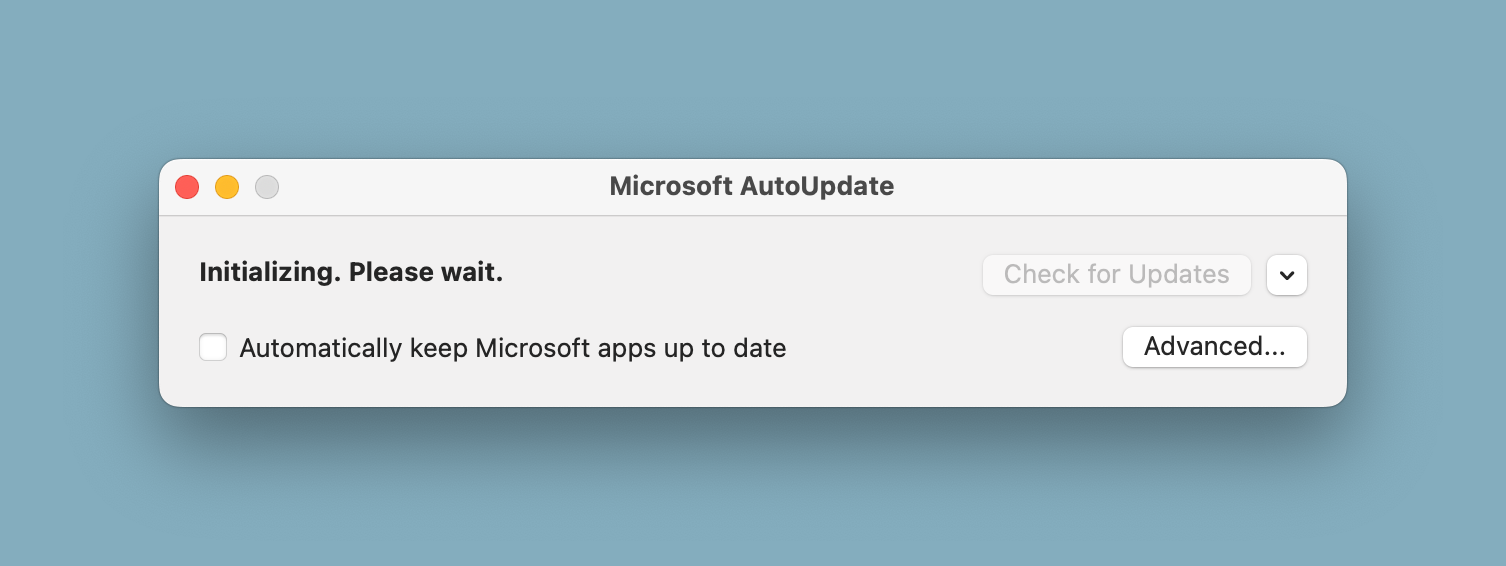
Microsoft AutoUpdate Window
Components Removed
/Library/Application Support/Microsoft/MAU2.0/Microsoft AutoUpdate.app/Library/LaunchAgents/com.microsoft.update.agent.plist/Library/LaunchDaemons/com.microsoft.autoupdate.helper.plist/Library/PrivilegedHelperTools/com.microsoft.autoupdate.helper
License
This project is licensed under a free-to-use license. You are free to use, modify, and distribute this script. However, the authors are not responsible for any misuse or damage caused by this script. Use it at your own risk.
Please note that by removing Microsoft AutoUpdate, you may not receive future updates for Microsoft Office products. The authors are not liable for any issues arising from the lack of updates.
References
This script was created with reference to the guide on OS X Daily.
Note
If you want to update Microsoft Office in the future, you can manually download updates from Microsoft's website: Microsoft Office Updates
Contributors

4 commits
Similar repos


Languages
Shell
100.0%
A Zsh script for removing Microsoft AutoUpdate components from macOS, providing a list of components, user confirmation, and deletion functionality.
Shell
82
4 commits
updated Dec 3, 2024
README
Microsoft Update Remover
This project provides a Zsh script to remove Microsoft AutoUpdate components from macOS. It lists the components, asks for user confirmation, and deletes them if confirmed.
Features
- Lists Microsoft AutoUpdate components
- Asks for user confirmation before deletion
- Deletes specified components
Usage
Clone the repository and Run the script with root privileges:
sudo ./remove_ms_update.sh
Microsoft AutoUpdate Window
Components Removed
/Library/Application Support/Microsoft/MAU2.0/Microsoft AutoUpdate.app/Library/LaunchAgents/com.microsoft.update.agent.plist/Library/LaunchDaemons/com.microsoft.autoupdate.helper.plist/Library/PrivilegedHelperTools/com.microsoft.autoupdate.helper
License
This project is licensed under a free-to-use license. You are free to use, modify, and distribute this script. However, the authors are not responsible for any misuse or damage caused by this script. Use it at your own risk.
Please note that by removing Microsoft AutoUpdate, you may not receive future updates for Microsoft Office products. The authors are not liable for any issues arising from the lack of updates.
References
This script was created with reference to the guide on OS X Daily.
Note
If you want to update Microsoft Office in the future, you can manually download updates from Microsoft's website: Microsoft Office Updates
Similar repos
Contributors
4 commits
Languages
Shell
100.0%