An advanced AI-powered web application that detects fake news across multiple formats — including text articles, AI-generated images, and deepfake videos. Built with modern ML/NLP/CV techniques, it helps reduce misinformation by analyzing and classifying the authenticity of various content types in real time.
Frontend:
Backend:
git clone https://github.com/your-username/fake-news-detector.git
cd fake-news-detector
cd backend
pip install -r requirements.txt
uvicorn main:app --reload
📍 The FastAPI backend will start at: http://localhost:8000
cd frontend
npm install
npm start
📍 The React app will start at: http://localhost:3000
📝 News articles (text)
🖼️ Image files (e.g., .jpg, .png)
🎞️ Video files (e.g., .mp4, .avi)
Each content type is analyzed separately by a dedicated ML model.
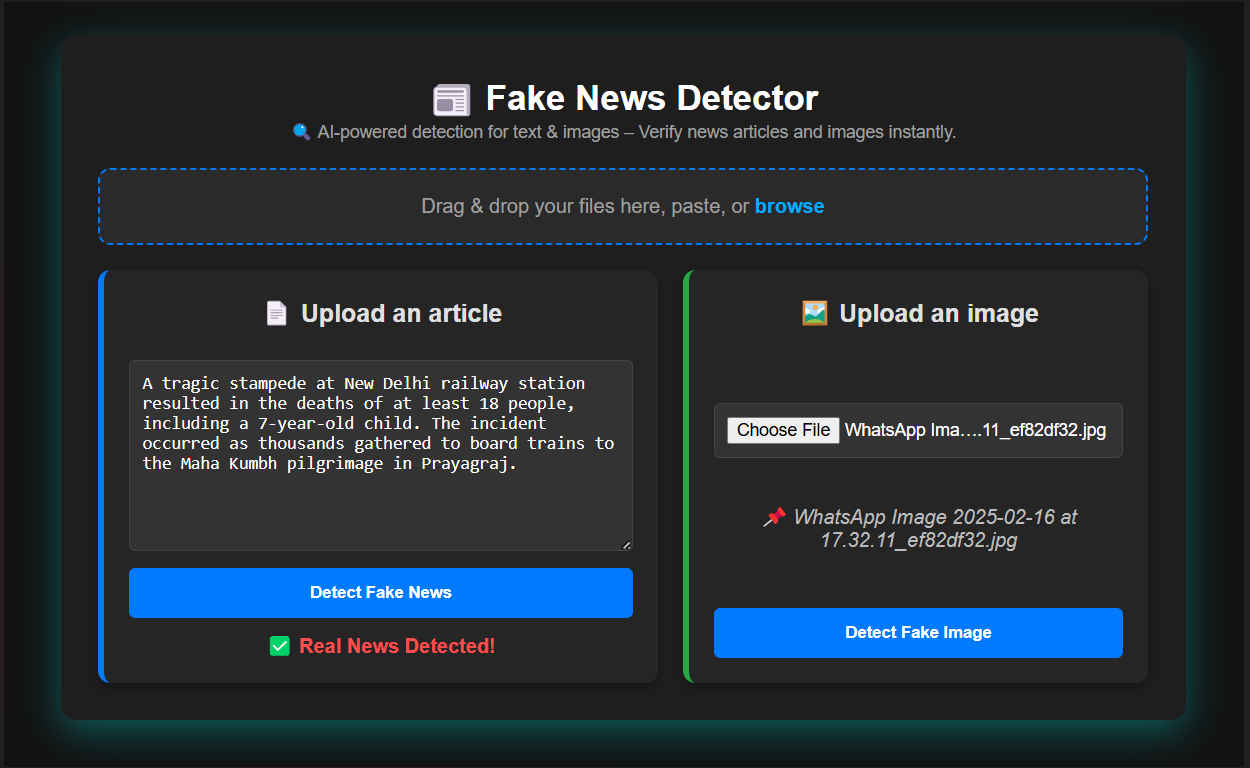
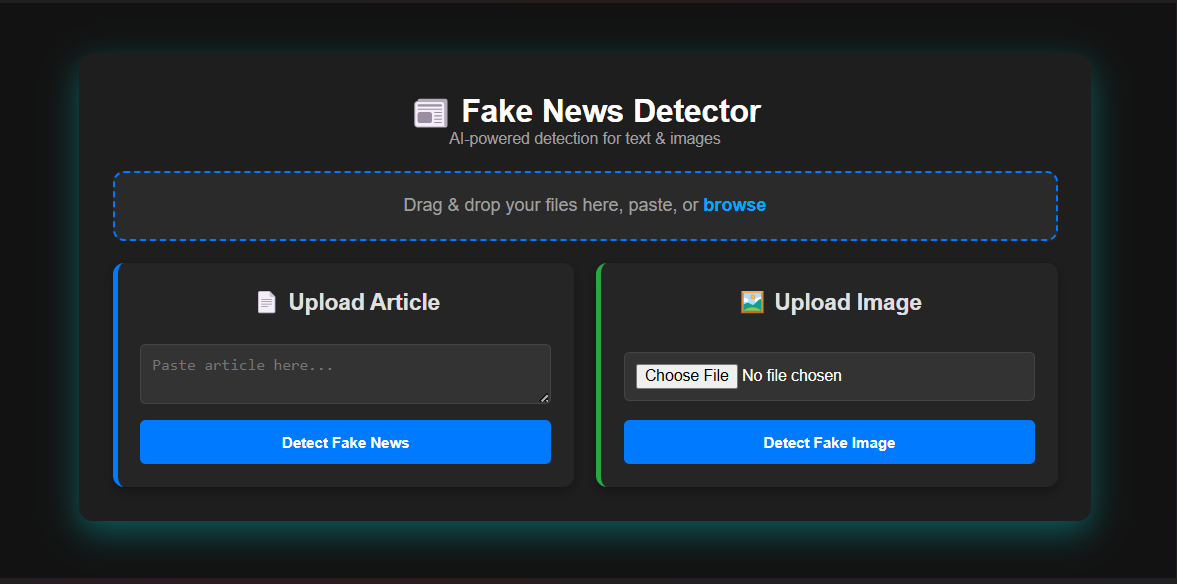
📝 Text: User enters news content → Sent to backend → NLP model analyzes → Returns ✅ Real or ❌ Fake.
🖼️ Image: User uploads image → CNN/Transformer model checks for AI generation → Returns result.
🎞️ Video: User uploads video → Frames analyzed for deepfakes → Returns authenticity status.
Each result is shown instantly on the frontend with a confidence score.
✅ Real / ❌ Fake classification
⚠️ Confidence scores
📊 Optionally show visual explanation (Grad-CAM, attention maps)
Screenshots of the user interface for testing news, images, and videos.



An advanced AI-powered web application that detects fake news across multiple formats — including text articles, AI-generated images, and deepfake videos. Built with modern ML/NLP/CV techniques, it helps reduce misinformation by analyzing and classifying the authenticity of various content types in real time.
Frontend:
Backend:
git clone https://github.com/your-username/fake-news-detector.git
cd fake-news-detector
cd backend
pip install -r requirements.txt
uvicorn main:app --reload
📍 The FastAPI backend will start at: http://localhost:8000
cd frontend
npm install
npm start
📍 The React app will start at: http://localhost:3000
📝 News articles (text)
🖼️ Image files (e.g., .jpg, .png)
🎞️ Video files (e.g., .mp4, .avi)
Each content type is analyzed separately by a dedicated ML model.
📝 Text: User enters news content → Sent to backend → NLP model analyzes → Returns ✅ Real or ❌ Fake.
🖼️ Image: User uploads image → CNN/Transformer model checks for AI generation → Returns result.
🎞️ Video: User uploads video → Frames analyzed for deepfakes → Returns authenticity status.
Each result is shown instantly on the frontend with a confidence score.
✅ Real / ❌ Fake classification
⚠️ Confidence scores
📊 Optionally show visual explanation (Grad-CAM, attention maps)
Screenshots of the user interface for testing news, images, and videos.



